
Choosing between two powerful POS systems can feel overwhelming, especially when both promise to improve how you run your business. If you are comparing Shopify and Clover, you are likely trying to figure out which one will actually make your day-to-day operations easier. The Shopify vs Clover comparison is not just about features; it is about finding the right fit for how you sell.
Shopify POS is built for businesses that want strong eCommerce integration, while Clover focuses on reliable in-store performance with dedicated hardware. Both have their strengths, but they serve different types of businesses in different ways.
In this Shopify vs. Clover guide, we will break down the key differences in pricing structure, features, and usability so you can confidently choose the POS system that supports your growth. No forced winner. Just an honest breakdown of where each system excels, where it falls short, and which one fits your specific situation.
Factors We Considered to Evaluate This Comparison
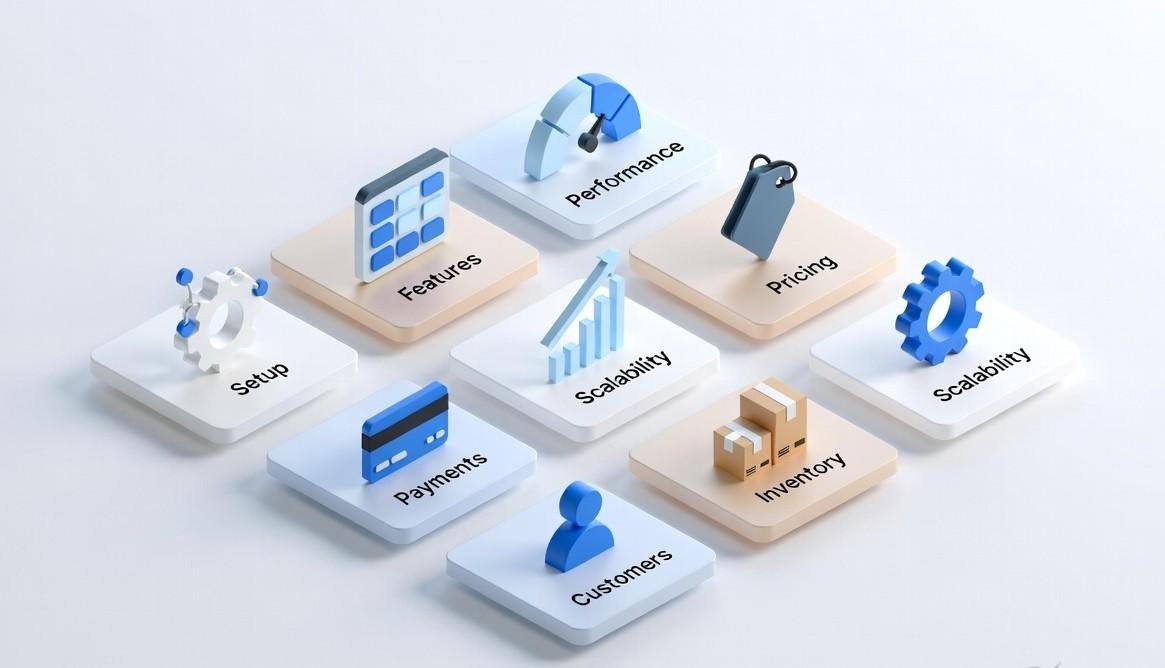
Every factor in this comparison was evaluated using the same criteria applied consistently to both platforms. Here is what we looked at and why each one matters.
- Features and functionality: What each platform can actually do across product management, payments, inventory, customer data, and reporting.
- Performance and speed: How each platform holds up under real transaction volume, peak trading periods, and everyday use at the register and online.
- Pricing and plans: The real cost of each platform, including monthly software fees, hardware costs, payment processing rates, and any hidden charges that only appear after you sign up.
- Ease of setup: How long it takes to go from zero to processing your first sale, and how much technical knowledge that requires.
- Scalability and growth flexibility: Whether each platform can grow with your business as you add locations, channels, products, and team members.
- Inventory management: How each platform handles stock tracking, multi-location inventory, product variants, and low stock alerts.
- Payment processing: The fees, supported payment methods, hardware requirements, and flexibility to use third-party processors.
- Customer management: How each platform captures, stores, and uses customer data to support loyalty, marketing, and repeat sales.
- Integration capabilities: How well each platform connects with the other tools a modern retail business depends on, from accounting to marketing to fulfillment.
What Is Shopify POS?
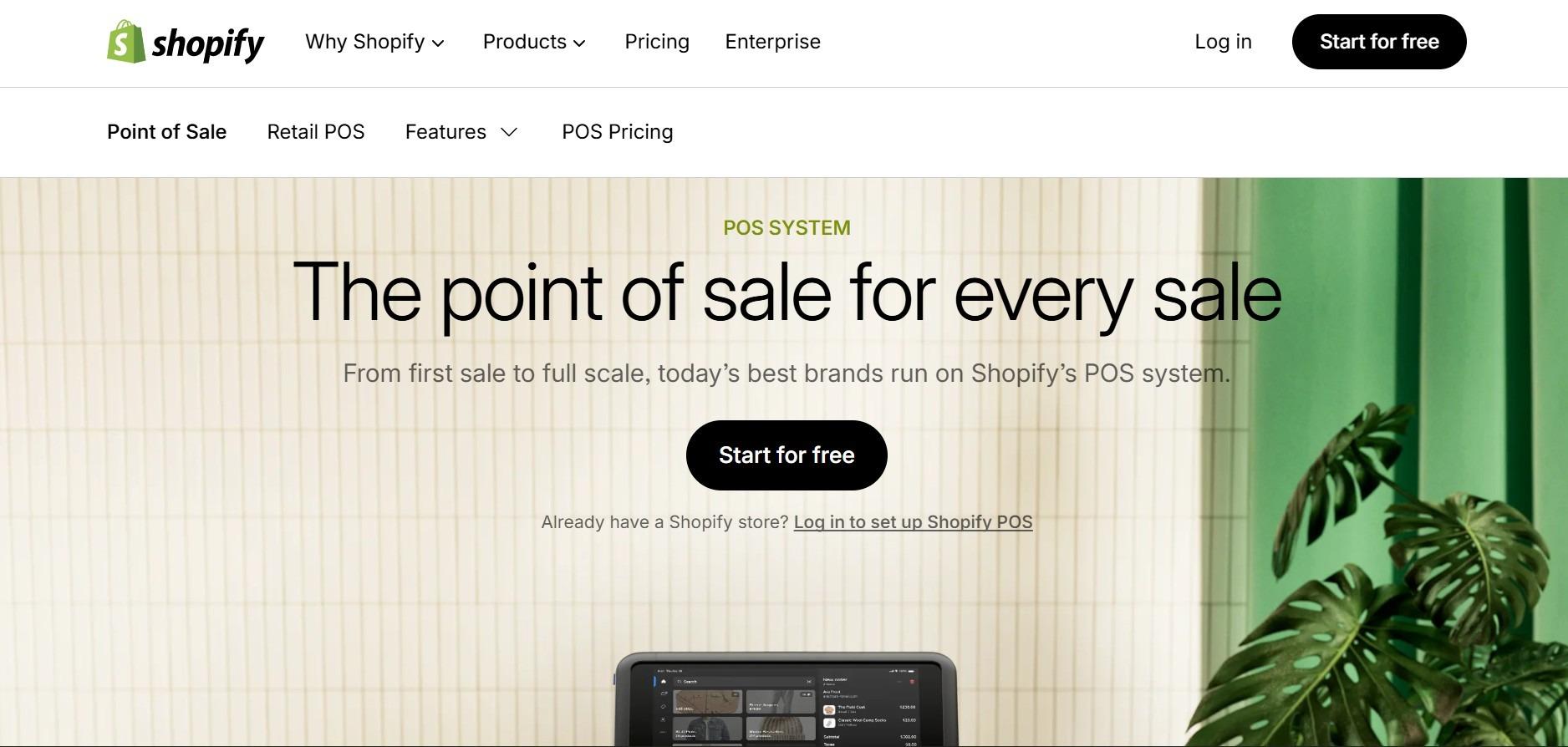
Shopify POS is a point of sale system by Shopify that helps businesses sell both online and in physical stores using one platform. It is ideal for brands that started online or want to manage everything in one place.
All your sales, inventory, customer data, and reports are connected. For example, if a product sells in-store, your online inventory updates automatically.
Shopify POS has two plans. POS Lite is included with all Shopify plans and covers basic selling. POS Pro offers advanced features like better inventory management, staff access, and detailed reports for an extra fee.
What Is Clover POS?
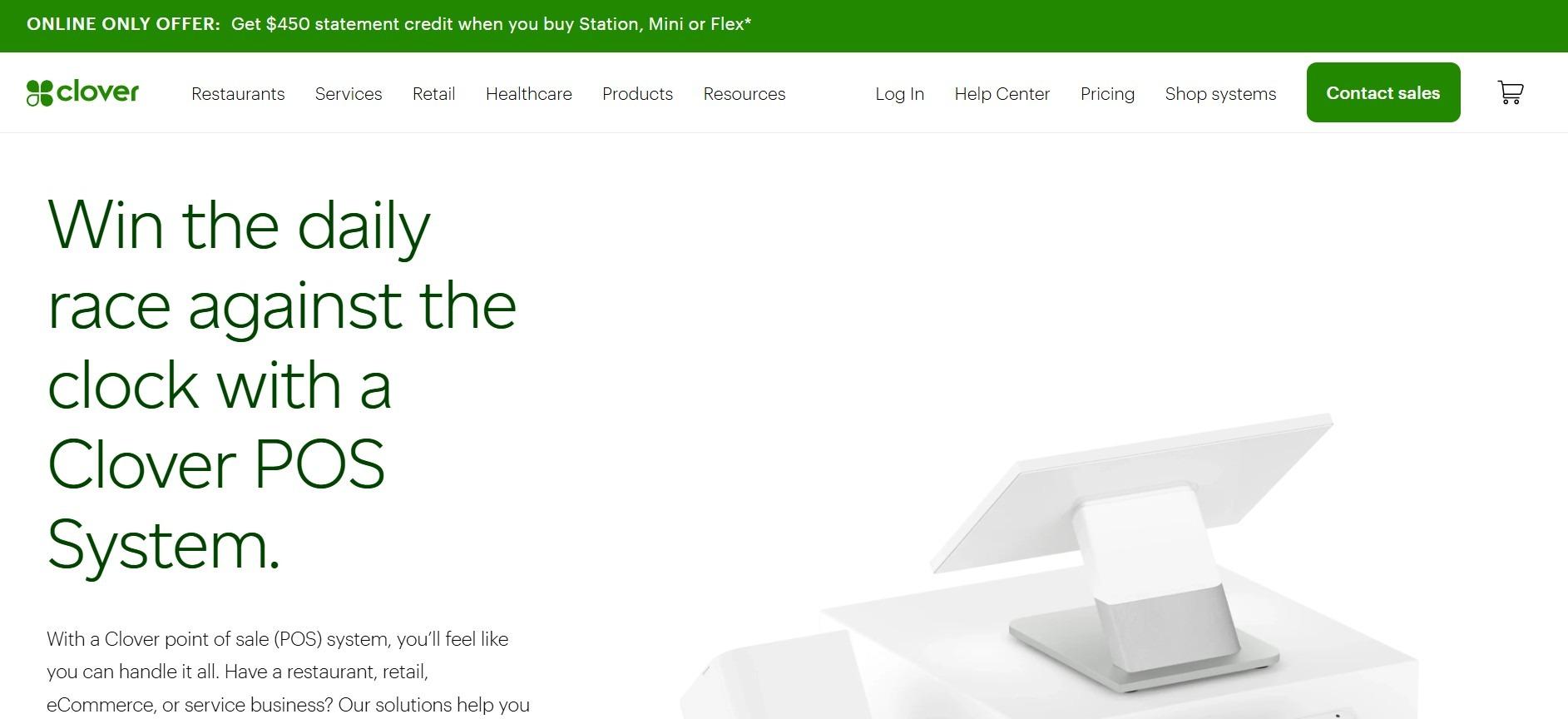
Clover POS is a point of sale system owned by Fiserv. It is built mainly for physical stores where in-person sales are the focus.
Clover offers different hardware options, from mobile devices to full countertop systems. It runs on Android and includes an app marketplace to add extra features. It can also work with different platforms like Shopify or WooCommerce, or even without an online store.
Clover is sold through resellers, so pricing, contracts, and support can vary.
Should You Rely on This Comparison of Shopify Clover POS?
There are thousands of comparison articles on the internet. Many are written by people who have never used either platform beyond a free trial. Some are written to drive affiliate commissions. This comparison is different, and here is why.
- Both platforms were tested hands-on, including actual product setup, payment flow, inventory management, and order processing on each system.
- Real merchant feedback was gathered from business owners actively using Shopify POS, Clover POS, or both, across retail, food service, and multichannel commerce.
- No affiliate relationships with either Shopify or Clover influenced this comparison. Neither platform paid for placement or favorable coverage here.
- Every section reflects how each platform actually performs in day-to-day retail operations, not how it performs in a controlled demo environment.
- Where one platform clearly wins a category, that is stated plainly. Where it is genuinely close, that is stated too. There is no artificial balance to make the comparison seem fair when it is not.
The goal here is simple. Help you make a confident, well-informed decision about which platform belongs in your business, so you stop second-guessing and start building.
Also Read: How to Integrate Shopify and Clover: Best Tools, Methods & Tips
Clover vs Shopify: A Detailed Comparison
Picking between Clover and Shopify POS is about more than price or a list of features. Each platform is designed with a different kind of business in mind. Here is a closer look at what each one does well.
Shopify POS: Key Strengths and Features
eCommerce integration: Shopify connects your online store and physical store better than almost any other platform. When something sells in-store, your online stock updates right away, and the other way around, too.
User interface: The system is clean and easy to navigate. New staff can learn how to use it quickly, and managers do not need to spend a lot of time on training.
Scalability: Shopify grows with your business. You can add more products, more store locations, and more staff without needing to switch platforms.
App ecosystem: Shopify has one of the biggest app stores available. You can connect it to accounting tools, shipping software, email marketing platforms, and much more.
Hardware flexibility: Shopify works with a range of card readers and payment terminals. The options are not as specialized as Clover’s, but they cover most retail situations.
Multi-location support: If you run more than one store, Shopify lets you manage inventory, staff, and sales reports across all locations from a single dashboard.
Clover POS: Our Assessment
Hardware design: Clover makes hardware specifically for retail and restaurant environments. A full Clover setup usually includes a screen, card reader, cash drawer, and receipt printer that all work well together.
Industry specialization: Clover is made with restaurants and retail stores in mind. Features like tipping, table layouts, and staff permissions are included without needing extra apps.
Offline capabilities: If your internet goes out, Clover keeps working. It can handle sales without a connection and syncs all the data once the internet comes back.
Employee management: Clover has solid tools for managing staff, including time tracking and controls over what each employee can access on the system.
Local business focus: If you run a single store location and want something reliable that does not require a lot of setup or ongoing management, Clover is a strong option.
Payment processing: Clover handles payments through its own merchant services, with competitive rates and quick access to your money.
Clover vs Shopify: Features Comparison
Here is a side-by-side look at how the two platforms compare across the features that matter most for running a business day-to-day.
| Feature | Clover POS | Shopify POS |
| Inventory Management | Basic tracking and low-stock alerts. Works for one location. Extra apps needed for advanced reports. | Tracks stock across online and in-store in real time. Supports stock transfers, purchase orders, product variants, and barcodes. |
| Hardware | Own devices: Clover Station, Mini, Flex, Go. Made specifically for retail and restaurants. | Standard options: card readers and tablets. Works with many devices but less specialized than Clover. |
| Payment Processing | Merchants must use First Data or a processor chosen by the reseller. | Shopify Payments is included. Using other processors costs extra. |
| eCommerce Integration | Limited. Not designed for online selling. | Fully connected to Shopify online store. Strong sync between online and physical sales. |
| Customer Management | Loyalty and CRM tools available through third-party apps at additional cost. | Customer profiles built in. Full purchase history tracked across all channels. |
| Ease of Use | Easy to use at the register. Great for basic in-store needs. | Simple to set up, especially for businesses already using Shopify online. |
| Offline Mode | Works fully offline. Syncs everything once the internet comes back. | Has an offline mode but only basic features work without internet. |
| Key Features | Invoicing, scheduling, table management, and restaurant tools. | Multichannel sales, multi-location inventory, shipping tools, and analytics. |
Clover vs Shopify: Pricing Plans and Information
Pricing is one of the most important things to understand before choosing a POS system. Here is a full breakdown of what each platform actually costs, so you can plan your budget clearly.
| Pricing Area | Clover POS | Shopify POS |
| Monthly Software Fees | Full-service restaurant: $89.95 to $129.85/mo Quick-service restaurant: $89.95 to $109.90/mo Retail: $14.95 to $84.95/mo Professional services: $29.95 to $84.95/mo Personal services: $29.95 to $84.95/mo Home and field services: $29.95 to $84.95/mo | Starter: $5/mo Basic: $39/mo Shopify: $105/mo Advanced: $399/mo Plus: $2,300/mo POS Pro: +$89/location/mo |
| Transaction Fees | Card tapped, swiped, or inserted: 2.3% + $0.10 Card details typed in: 3.5% + $0.10 Tied to Clover’s network unless renegotiated through reseller | Basic: 2.9% + $0.30 online | 2.6% + $0.10 in-person | 2% extra for third-partyShopify: 2.7% + $0.30 online | 2.5% + $0.10 in-person | 1% extra for third-partyAdvanced: 2.5% + $0.30 online | 2.4% + $0.10 in-person | 0.6% extra for third-partyPlus: Custom rates |
| Hardware Costs | Clover Flex: $749 or $40/mo Clover Mini: $849 or $45/mo Clover Station Duo: $1,899 or $180/mo Clover Flex Pocket: $699 or $35/mo Leasing is available, but raises your total cost over time | Tap & Chip Countertop Kit: $219 Shopify POS Go: $299Shopify Countertop Kit: $459Wireless Countertop Bundle: $999Extra accessories like printers and scanners sold separately |
| Contracts | Clover Flex: $749 or $40/mo Clover Mini: $849 or $45/mo Clover Station Duo: $1,899 or $180/mo Clover Flex Pocket: $699 or $35/mo Leasing is available, but it raises your total cost over time | Contracts depend on your reseller. Monthly or long-term options are available. Cancellation fees may apply. Pay-as-you-go depends on reseller terms |
Key Takeaways
- Monthly Fees: Shopify pricing is more predictable and easy to understand, though the POS Pro add-on increases costs for physical stores. Clover fees vary depending on your reseller.
- Transaction Fees: Shopify Payments charges no extra transaction fees on top of the processing rate. Clover rates depend on your reseller and can include markups.
- Hardware Costs: Shopify hardware pricing is straightforward. Clover offers more hardware options but often ties purchases to leasing agreements.
- Contracts: Shopify has no long-term contracts, and you can cancel at any time. Clover may require a longer commitment, especially if you lease hardware.
Hidden Fees and Pricing Differences You Should Know
Clover POS can have costs that are not always obvious when you first sign up. These can include extra payment processing fees set by the reseller, hardware leasing costs that add up over time, and fees for canceling before your contract ends.
Shopify POS is more open about what things cost, but transaction fees can add up if you are not using Shopify Payments. Some extra features and apps also carry a cost on top of your monthly plan.
If you are running both Shopify and Clover at the same time, using a tool like QuickSync.pro to connect them removes the hidden cost of managing two separate systems. Time spent on manual updates, fixing data mistakes, and reconciling two sets of records adds up fast. A proper sync takes care of all of that automatically.
Clover vs Shopify: What Are the Strengths and Weaknesses
Every platform has areas where it performs well and areas where it falls short. Here is an honest look at both sides.
Pros of Shopify POS
Sell everywhere from one place: Shopify connects your online store and physical store so they always stay in sync without extra effort.
Easy for anyone to use: The interface is clean and simple. Staff can pick it up quickly without much training.
All the key tools are included: Inventory tracking, payment processing, and customer profiles come built in. You do not need extra apps for the basics.
No extra payment fees: When you use Shopify Payments, you pay one processing rate and nothing extra on top.
Grows with your business: Whether you add more products, more locations, or more sales channels, Shopify handles it without needing a platform change.
Cons of Shopify POS
Monthly cost adds up: Plans can get expensive, especially once you add POS Pro for a physical store location.
Needs a reliable internet connection: Offline mode is limited, which can create problems in areas where the connection drops frequently.
Less suited for specialist industries: Some industry-specific needs, like full restaurant floor management, require third-party apps rather than being built in.
Pros of Clover POS
Purpose-built hardware: Clover makes devices specifically for retail and restaurant environments, so everything works together out of the box.
Staff can learn it quickly: The register is straightforward, and most employees can start using it after a short training session.
Customizable with apps: The app marketplace lets you add tools that fit your specific industry without paying for things you do not need.
Payments built in: Processing is handled through Clover’s merchant services, making transactions smooth and fast.
Cons of Clover POS
Pricing is not always clear upfront: Costs depend heavily on your reseller, and some fees only become visible after you have already signed up.
Contract risk: Some setups come with long-term agreements that are hard to exit without paying a penalty.
Connecting to online tools takes extra work: Linking Clover to eCommerce platforms or other online systems usually requires a third-party solution like QuickSync.
Clover vs Shopify: Evaluating Customer Support Quality
Good support matters when something goes wrong. Here is how both platforms compare when it comes to helping their customers.
| Clover POS | Shopify POS | |
| Availability | 24/7 phone, email, live chat | 24/7 phone, email, and live chat for all users |
| Knowledge Base | Tutorials, FAQs, and troubleshooting guides | Help center, guides, webinars, and community forums |
| Specialized Help | Third-party resellers for local hardware support | Shopify Experts for custom development and setup |
| Support Consistency | Varies by reseller, quality not always the same | Generally consistent; higher plans get faster help |
| Known Limitations | Billing and contract issues can be slow to fix | Busy periods slow response; some issues need multiple follow-ups |
Clover POS Customer Support
Pros: Clover offers around-the-clock support through phone, email, and live chat. There is a solid knowledge base with tutorials and troubleshooting guides. Resellers can also provide hands-on local support for hardware setup.
Cons: Support quality can vary a lot depending on which reseller you are working with. Some users have reported slow responses to billing and contract questions. Follow-through on complicated issues is not always consistent.
Shopify POS Customer Support
Pros: Shopify offers 24/7 support through phone, email, and live chat for all customers. The help center includes guides, video tutorials, webinars, and an active community forum. Shopify Experts are also available if you need help with custom features or setup.
Cons: Response times can slow down when a lot of people need help at the same time. Some complicated technical problems take multiple interactions before they get fully resolved. Customers on lower-priced plans may wait longer for a response.
Final Outcome of the Comparison: Choosing Your Champion
After evaluating both platforms across multiple factors, one thing is clear. Shopify and Clover comparison is not straightforward, where one platform wins, and the other loses. They were built for different purposes, and the right answer depends entirely on what your business actually needs.
Choose Shopify POS if:
- You sell primarily online and want to add in-person selling without managing a separate system
- You need multi-channel selling across online, social media, and marketplaces, alongside your physical store
- You want unified inventory, customer data, and reporting across every channel in one dashboard
- You are a new business starting from scratch, and want one platform that handles everything
- You want transparent, predictable monthly pricing with no hardware lock-in
Choose Clover POS if:
- Your business is primarily in-person, and online selling is a small or non-existent part of your revenue
- You run a restaurant, cafe, or hospitality business that needs tipping, table management, and kitchen integrations
- You need a robust offline mode because your location has unreliable internet
- You need dedicated POS hardware with a purpose-built register experience for high-volume in-store transactions
- Employee management, time tracking, and shift permissions are core operational requirements
Read More: How to Integrate Shopify and Clover
Can You Use Shopify and Clover Together?
Most comparison blogs miss this, but you do not always have to choose between Shopify and Clover. If you already use Clover and want to grow online, or use Shopify and want better in-store hardware, you can run both together.
With a sync solution like QuickSync, Shopify handles your online store while Clover manages in-store sales, with supported inventory, product and order syncing. Clover sale-stock checks run 30 minutes after order import; processing and platform responses can add time. QuickSync’s Shopify Clover integration lets you combine Shopify’s eCommerce strength with Clover’s in-store reliability into one unified system.
In simple terms, QuickSync connects Clover to Shopify to work together as one seamless commerce system, where every sale, whether online or in-store, is always in sync and ready for accurate reporting.
The Bottom Line: What Next?
The Shopify vs. Clover decision is not really about which one is better. It is about what your business actually needs to run smoothly and grow. Shopify is the clear choice for online and multi-channel selling. Clover is built for fast, reliable in-store operations. But the smartest move for many businesses is not choosing one over the other.
With QuickSync.pro, you can run both at the same time. Shopify powers your online store while Clover handles your in-store sales, with supported changes synced automatically. Clover sale-stock checks run 30 minutes after order import, so choose stock buffers around your sales pace and observed delay.