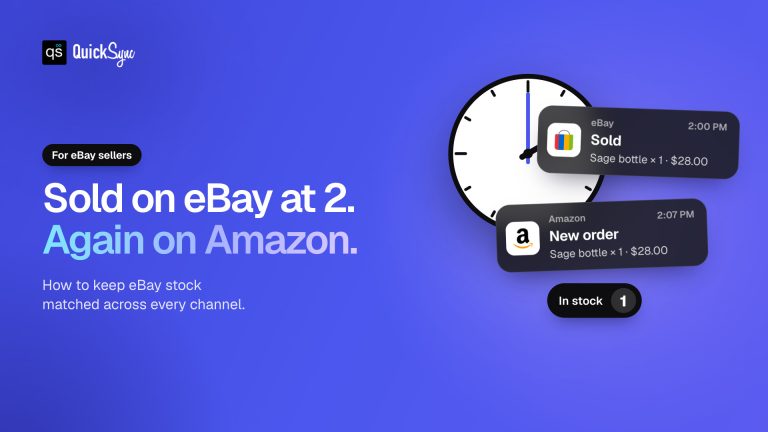
Multichannel inventory management is keeping one stock figure true in several shops at once. It sounds like a solved problem until you watch it fail: the same unit sells twice within a minute, and the second buyer finds out before you do.
For the tools that do this for you, compared on price model and sync behaviour, see the multichannel inventory management software guide.
The money involved is not small. Retailers lose over $1 trillion each year to inventory distortion — stock recorded in the wrong place, in the wrong amount, or too late to act on.
What follows is what the term covers, how quickly each channel really moves, and the questions worth asking a vendor before you pay one.
What it means
You hold one pool of stock. You sell it in several places. Each place keeps its own tally and none of them knows about the others, so a sale in one leaves the rest overstating what you have. Multichannel inventory management is the job of correcting the others fast enough that nobody buys something you can’t send.
“Fast enough” is doing the work in that sentence, and it’s the part most product pages skip. You had 42, now you have 41. That is the number every other shop will be corrected to, and the only question that matters is how long the correction takes.
How fast each channel moves
Two different speeds get sold as one. Pushing a new number to a channel is quick on all of them. Finding out a channel changed something itself is either pushed to us the instant it happens or discovered on a scheduled check. Vendors quote the first number and stay quiet about the second.
| Channel | When we write to it | When it tells us something changed |
|---|---|---|
| Shopify | Immediately | Immediately |
| WooCommerce | Immediately | Immediately |
| Square | Immediately | Immediately |
| Clover | Immediately | Immediately |
| Lightspeed | Immediately | Immediately |
| TikTok Shop | Immediately | Immediately |
| Amazon | Immediately | Immediately, merchant-fulfilled only |
| Squarespace | Immediately | We check every 2 minutes |
| eBay | Immediately | We check every 2 minutes |
| Etsy | Immediately | We check every 2 minutes |
| QuickBooks | Immediately | A bookkeeping figure, not a shopfront |
Nine of the twelve tell us instantly. Three are on a schedule, and Etsy is the sharpest case: it publishes no webhook at all, so every tool in this market discovers an Etsy sale by asking. Anyone claiming real-time Etsy stock is describing something Etsy doesn’t offer.
Amazon has its own asterisk. Its quantity updates reach us as merchant-fulfilled events; anything Amazon fulfils from its own warehouses doesn’t arrive this way. Worth knowing before you assume one number covers both.
What goes wrong
Selling the last one twice
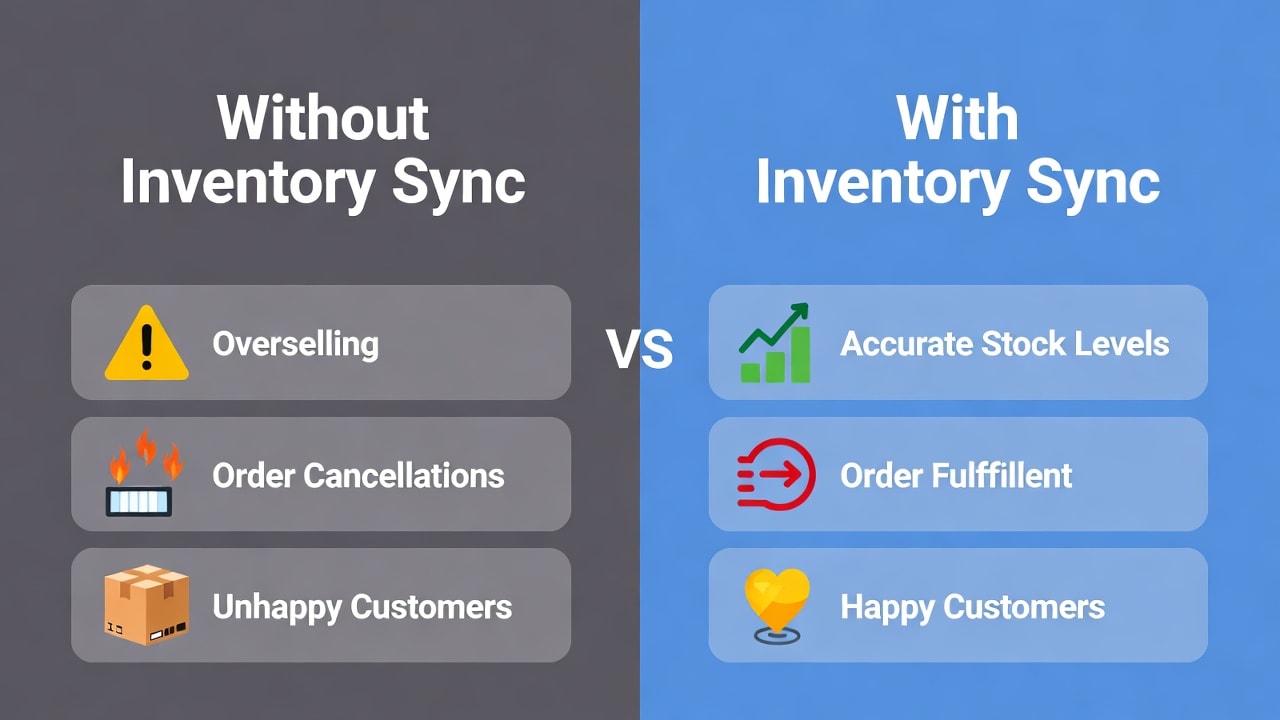
Cancellations bring refunds and reviews that marketplaces read as a signal about you. Nearly 70% of online shoppers switch to a competitor when an item is out of stock, so the cost isn’t only the order you refunded.
Nobody knows the real total
When counts live in spreadsheets and disconnected admin panels, decisions get made on partial data. Globally, distortion from overstocks and stockouts runs to $1.77 trillion annually.
Forecasting on guesswork
Too much stock is money sitting still; too little is a sale you never see. In US grocery alone, stockouts cost roughly $15–20 billion annually, about 3% of total sales.
Two listings, one SKU
Etsy sellers often reuse a SKU across several listings, which leaves any syncing tool guessing which listing a sale belongs to. We don’t guess. Those items are flagged and left alone until each listing carries its own SKU, because your stock is not a place to experiment.
Counts or shoppers
Multichannel and omnichannel get used as synonyms and aren’t. Multichannel is about the numbers behind the shops agreeing with each other. Omnichannel is about what a customer experiences when they buy online, collect in a shop, and expect one business, not several.
Most sellers reading about the second need the first. QuickSync does the first: it keeps counts together across the shops you sell in. It isn’t a POS and it won’t run collect-in-store. Omnichannel inventory management covers the other case, and multichannel order management covers what happens to the order after the sale.
What to ask a vendor
Every product page in this market uses the same adjectives, so compare on questions whose answers can be checked and can be wrong. Make each vendor answer per channel, not in general:
| Ask | Why it decides things | QuickSync’s answer |
|---|---|---|
| Which channels are pushed, and which are on a schedule? | A scheduled check is a window you can oversell inside | 8 pushed, 3 scheduled |
| How long is the longest gap? | Sets how much safety stock you need | 5 minutes, on Etsy orders |
| What happens when two listings share a SKU? | Silent merging corrupts counts in both | Flagged, left unsynced |
| How many shops on one plan? | Caps growth before price does | 8 |
| Does Amazon stock come back in full? | FBA and merchant-fulfilled behave differently | Merchant-fulfilled only |
We put the same questions to named alternatives on our comparison pages — Trunk, Stock Sync and Linnworks among them. Choosing inventory sync software goes through the selection in more depth.
If you sell on two specific shops
Generic advice stops being useful quickly, because the answer depends on which two shops you run. A Shopify-and-Clover pair reports at both ends and settles almost instantly. A Shopify-and-Etsy pair has a 5-minute discovery gap on one side and none on the other, so a buffer belongs on the Etsy listings rather than across the board.
We publish the timings per combination so you don’t have to infer them:
- Shopify and Etsy — the most common pairing, and the one where the gap matters most
- Shopify and eBay — 2 minutes in one direction, immediate in the other
- Shopify and Square — a till sale and a web sale land at the same speed
- Shopify and Clover — the other instant till pairing
- WooCommerce and Amazon — watch the merchant-fulfilled caveat above
Where we fall short
- Etsy, eBay and Squarespace stock is discovered on a 2-minute check, and Etsy orders on a 5-minute one. Safety stock is the cover for those windows.
- Amazon quantity updates cover merchant-fulfilled items only.
- Eight shops per plan. Beyond that we’re the wrong shape for you.
- We’re not a warehouse system. No purchase orders, no bin locations, no demand forecasting.
Getting the counts right
Four things do most of the work, whichever tool you pick:
- Give every product the same SKU everywhere. It’s what matching runs on, and it’s the only preparation that decides how well this goes.
- Hold a buffer on whichever channels are on a schedule rather than reporting live.
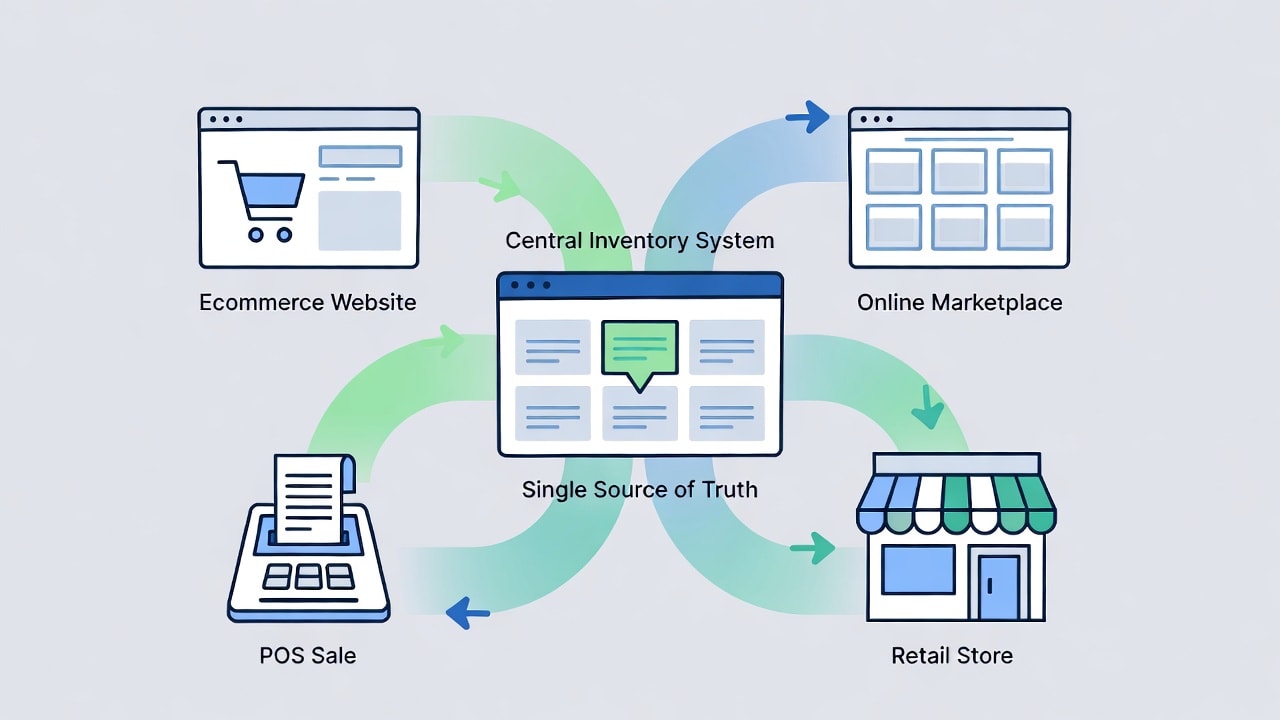
- Pick one shop as the figure you trust, and read it there instead of reconciling four admin panels — a single source of truth.
- Fix duplicate SKUs before peak season, not during it.
We move about 67,000 stock corrections a day across our sellers, measured over the 30 days to 10 August 2026. Almost none of them are interesting, which is the whole idea.
Connect two shops, sell one thing, and watch the other shop change. That takes about five minutes and tells you more than this page can.