Choosing the right Shopify inventory sync software can save you from a lot of inventory headaches. But with so many tools available, knowing which one actually fits your store is not always easy.
Some tools simply sync Shopify stock with another store. Others connect Shopify with Amazon, eBay, Etsy, TikTok Shop, WooCommerce, Clover, or Square. Then you have broader platforms that add forecasting, purchasing, warehouse management, and replenishment.
So, which Shopify inventory sync tool is actually worth using in 2026?
I looked at the top options and compared them around the features that matter most for Shopify merchants. That includes real-time inventory sync, SKU mapping, variant-level stock, multi-location support, marketplace and POS inventory, pricing, setup, and customer support.
I have also looked beyond the feature list. The right tool should fit the way you already sell and manage inventory.
In this guide, I’ll walk you through the 10 best Shopify inventory sync tools and explain where each one fits. I’ll also cover pricing, key features, limitations, and Our Verdict for each platform.
Let’s compare the options and find the right fit for your store.
Key Takeaways: Shopify Inventory Sync Software at a Glance 📌
- Shopify inventory sync software keeps stock quantities aligned across your stores, marketplaces, and sales channels.
- Real-time inventory sync keeps stock updated across channels as soon as a sale changes your inventory.
- The right inventory management app depends on your business. Some focus on multichannel syncing, while others support fulfillment, replenishment, forecasting, or manufacturing.
- Choosing by price alone can be misleading. Product limits, order volume, locations, integrations, and advanced features can all change the overall cost.
- The best inventory app should fit your current setup and future growth. Your sales channels, SKU count, locations, and order volume should guide your decision.
- QuickSync is the top choice in this comparison for Shopify merchants who need real-time inventory syncing across ecommerce, marketplace, POS, and accounting platforms.
How We Compared the Best Shopify Inventory Sync Tools
There are now hundreds of inventory-sync apps available through Shopify. The Shopify App Store currently shows more than 600 apps in its inventory-sync category, including tools for real-time syncing, multi-store workflows, supplier feeds, and marketplace connections.
So a simple feature-count comparison does not tell you much. I looked at the things that actually affect daily inventory operations, including ratings and total reviews.
| Comparison Area | What I Looked For | Why It Matters |
|---|---|---|
| Inventory sync | Real-time updates and sync direction | Faster updates can reduce stale stock across channels |
| SKU mapping | Product and variant matching | Prevents incorrect inventory records from being connected |
| Multi-location support | Stores, warehouses, and stock locations | Helps merchants understand available stock by location |
| Channel coverage | Marketplaces, ecommerce, and POS | Determines whether one tool fits your selling setup |
| Inventory visibility | Stock quantities and sync status | Makes inventory differences easier to identify |
| Pricing | Plans, limits, and pricing model | Shows the real cost as your business grows |
| Setup | Connections, mapping, and configuration | Reduces the effort needed to start syncing |
| Support | Help, onboarding, and excellent customer support | Matters when inventory affects live orders |
| Additional inventory tools | Forecasting, purchasing, bundles, and warehouse tools | Shows whether the platform fits broader needs |
Pricing should match your catalog and order volume. Some apps are free to install, while others use a free plan or trial to reduce upfront cost.
Setup should also match your team’s technical comfort level. Free options vary widely, and some tools offer the most capable free tier for small teams.
Top 10 Shopify Inventory Sync Tools
Here are the 10 tools I’d consider if you’re looking to keep Shopify inventory in sync. Each one takes a slightly different approach, so I’ve highlighted what it does best and where it may fall short.
1. QuickSync – Best Inventory App for Multichannel Business
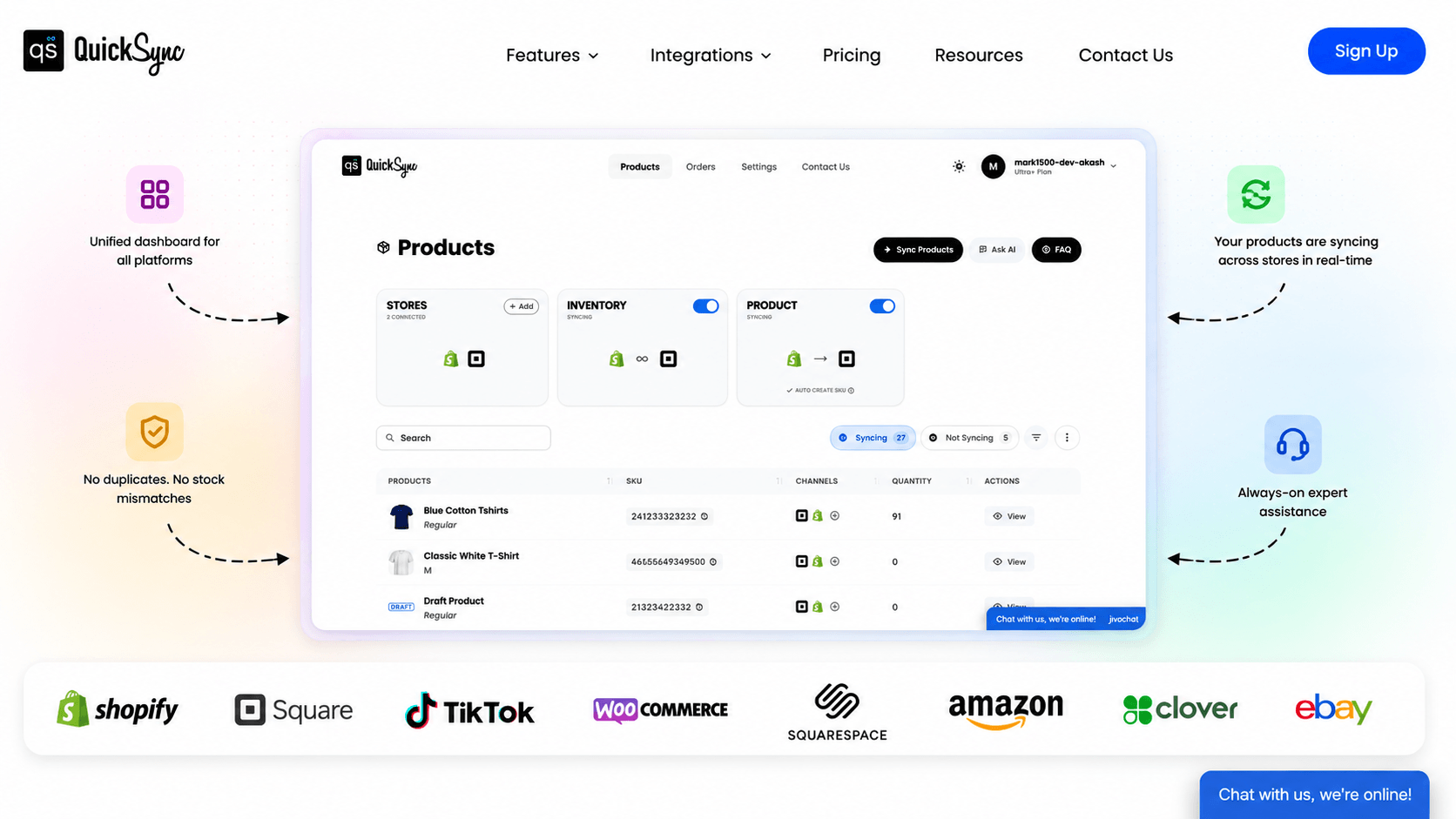
If you are looking for a real-time Shopify inventory sync tool, QuickSync is one of the best choices for you. QuickSync is an inventory sync app built for Shopify merchants selling across multiple platforms, connecting Shopify with supported ecommerce stores, marketplaces, POS systems, and accounting platforms.
Its inventory-sync feature supports automatic stock updates across connected channels. Direction and timing depend on the platform; Amazon quantity writes target merchant-fulfilled listings. You can also manage SKU mapping, variant-level inventory, selective syncing, and multi-store inventory from QuickSync. QuickSync currently has a 4.8 rating from 479 Shopify App Store reviews.
Inventory sync can reduce manual stock updates, but it cannot guarantee that two buyers will never buy the last item. Choose stock buffers around your sales pace and observed update times.
What I like here is the focus. Shopify also handles Shopify’s 50,000-variant limit, automatically retrying variant creation the next day when the daily limit is reached.
Features
- Real-time inventory sync: Stock updates across connected channels when a sale changes inventory.
- Multi-location inventory sync: Keep stock quantities synced across Shopify stores, warehouses, and other locations.
- SKU creation: Automatically create SKUs for products that do not have one during product export.
- SKU mapping: Match products across stores using their existing SKUs and link the same inventory correctly.
- Variant-level inventory sync: Keep inventory sync for each size, color, or other variant separate and accurate.
- Selective syncing: Choose which products you want to sync instead of sending your entire catalog.
- Warehouse inventory sync: Keep warehouse stock connected with inventory available across your sales channels.
- POS and online inventory sync: Keep Shopify inventory in sync with sales made through connected POS systems.
- Shopify fulfillment:Order syncs from other channels into Shopify so you can fulfill them directly from Shopify.
- Shopify variant limit handling: Automatically retry product variant creation when Shopify reaches its daily variant creation limit.
- Product syncing** from master store:** Sync product titles, descriptions, images, and prices from one master store to connected stores, ensuring consistent product information without double updates.
Supported Platforms by QuickSync: Shopify, Amazon, eBay, Etsy, TikTok Shop, WooCommerce, Clover, Square, Squarespace, QuickBooks, and other supported integrations.
Pricing Plans
- Free Plan: 14-day free plan
- Lite: $19/month.
- Pro: $29/month.
- Ultra: $69/month.
- Ultra+: $99/month.
QuickSync also offers a 14-day free trial. Pricing and plan limits should be checked before publishing because they can change.
Limitations
- Some advanced features are available only on higher plans.
- Setup may take some time when syncing a large catalog.
- Not designed for advanced manufacturing needs.
Our verdict: QuickSync is my top choice for Shopify merchants that mainly need reliable real-time inventory syncing across multiple channels. It offers multichannel inventory management for ecommerce, marketplace, POS, and accounting software.
2. Trunk
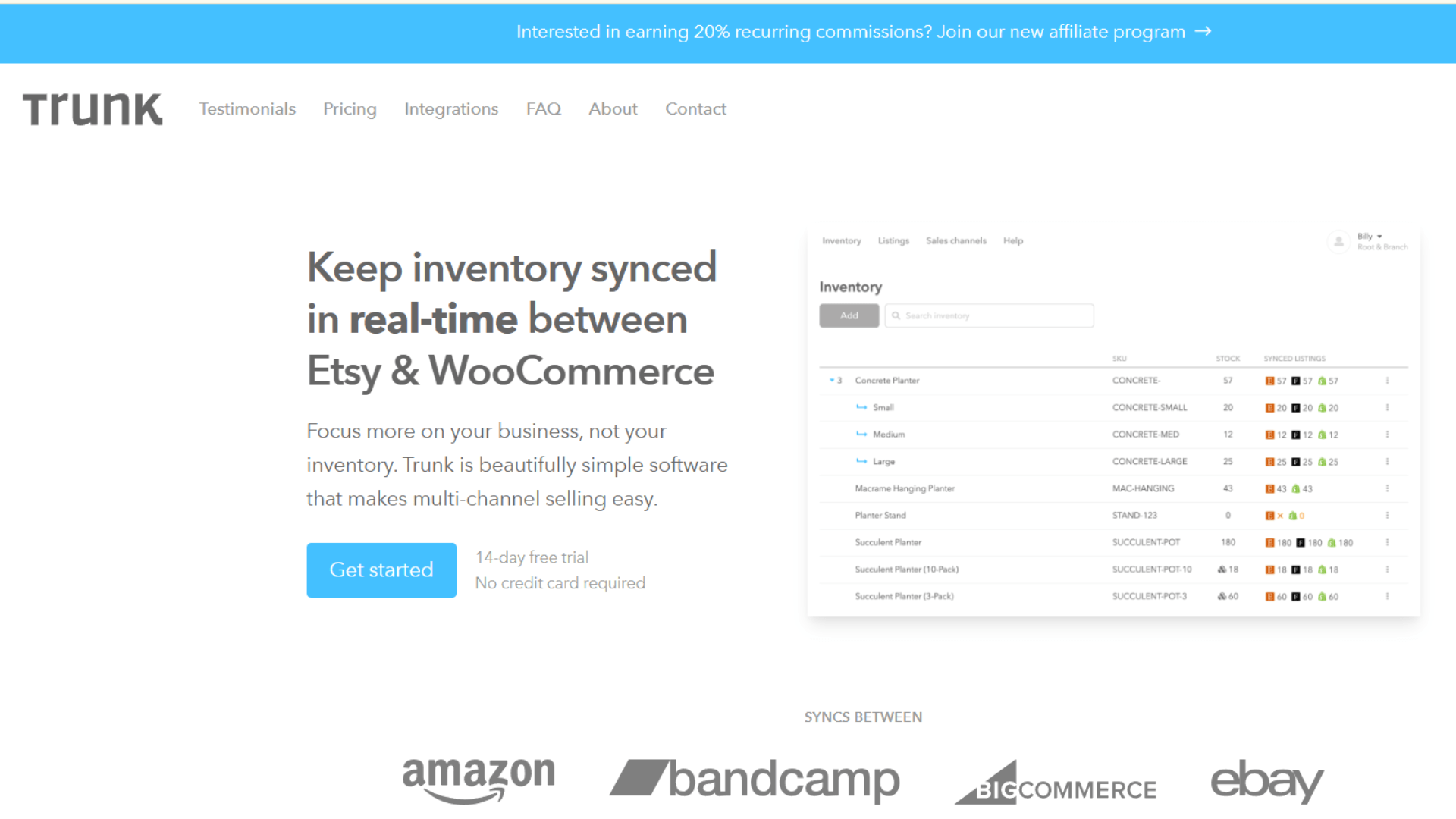
Trunk is a good option for merchants who want to sync Shopify inventory across several sales channels without moving to a full inventory management platform.
It supports real-time stock syncing, duplicate SKU management, bundles, and low-stock alerts across channels such as Shopify, Amazon, eBay, and Etsy. It currently holds a 4.9 rating from 392 Shopify App Store reviews. Its positioning centers on real-time inventory syncing and bundling.
Key Features of Trunk
- Real-time inventory syncing across Shopify and connected sales channels.
- Low-stock alerts to help you keep track of products running low.
- Duplicate SKU syncing to connect the same inventory across different channels.
- Bundling and kitting for products sold together as packs or sets.
- Central inventory visibility to see stock across your connected channels.
Supported Platforms by Trunk: Shopify, Amazon, eBay, Etsy, Walmart, WooCommerce, and other supported sales channels.
Pricing Plans
- Essential: From $35/month.
- Pro: From $39/month.
- Pricing can increase with order volume.
- Free trial available.
Limitations
- Pricing can increase with order volume.
- It focuses more heavily on inventory than broader operations.
- POS workflows are not its main strength.
- Merchants needing accounting or manufacturing tools may need additional software.
Our verdict: Trunk is a strong choice when inventory syncing is your main problem. I would compare it directly with QuickSync if you sell through several ecommerce channels. QuickSync has a broader marketplace and POS focus.
3. Syncio
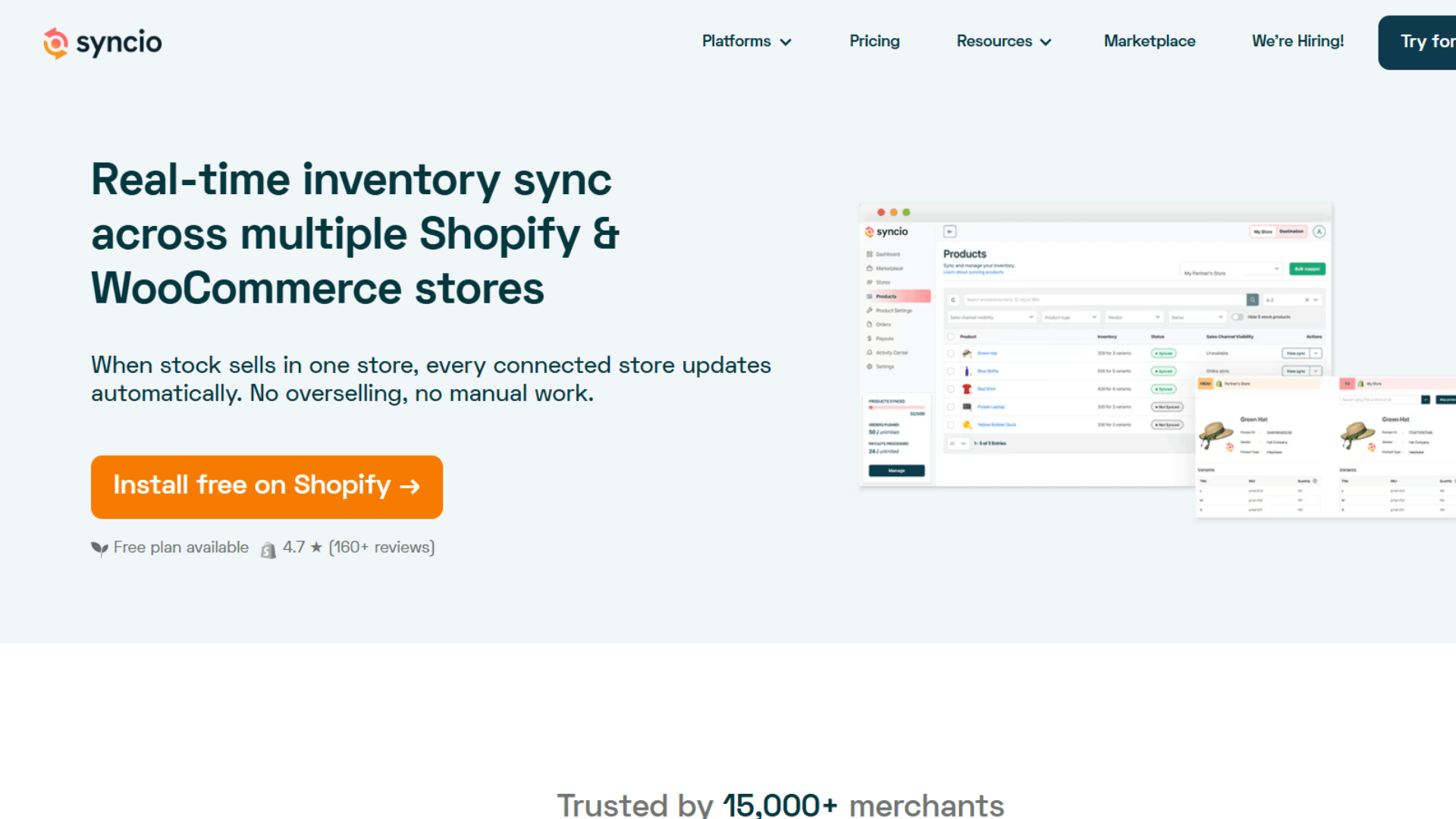
Syncio is another Shopify inventory sync tool that offers real-time product and inventory syncing between connected stores. It is mainly useful for merchants managing multiple Shopify stores or sharing inventory between Shopify and WooCommerce.
The tool lets you connect source and destination stores, sync products and variants, and keep inventory updated when stock changes.
That makes it useful for multiple Shopify stores, supplier relationships, expansion stores, and store-to-store workflows.
Key Features of Syncio
- Real-time inventory syncing: Updates inventory between connected stores when stock changes.
- Product syncing: Transfers product information from a source store to connected stores.
- Multi-store syncing: Connects multiple stores that need to share the same inventory.
- Order syncing: Sends orders between connected stores.
- SKU-based matching: Links products across stores using matching SKUs.
- Variant syncing: Keeps product variants connected between source and destination stores.
Pricing Plans
- Free options available for smaller connections.
- Paid plans start around $19/month.
- Higher plans support larger product catalogs.
- Free trial available.
Limitations
- It is mainly designed for store-to-store syncing.
- Marketplace support is more limited.
- POS inventory syncing is not its main focus.
- Pricing depends on the store setup.
Our Verdict: Syncio is a good option for merchants sharing inventory between multiple Shopify or WooCommerce stores. For broader marketplace and POS syncing, QuickSync is a better fit.
4. Veeqo
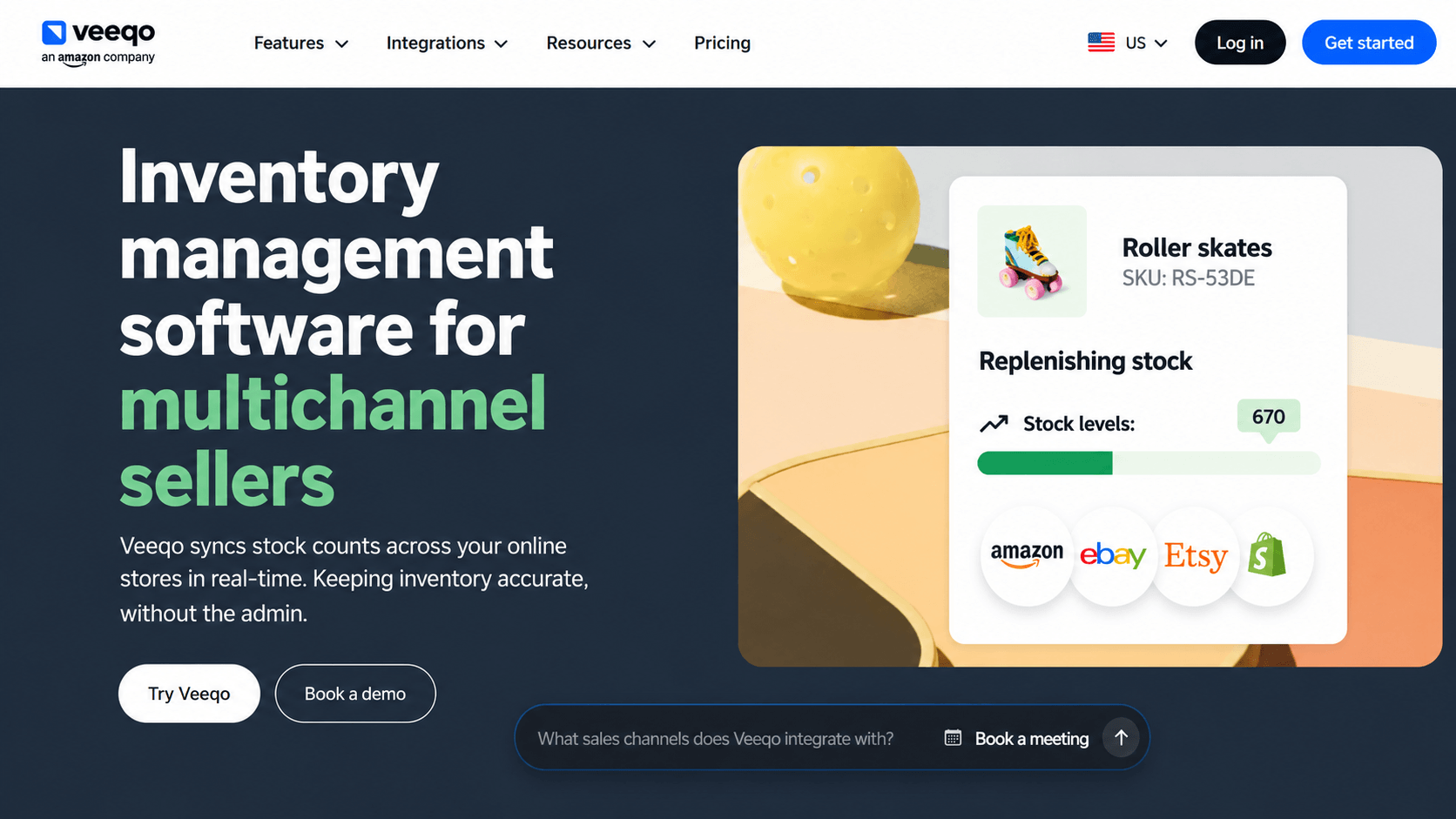
Veeqo is another Shopify inventory sync tool worth considering if you also need order and fulfillment features. It connects Shopify with Amazon, eBay, Etsy, Walmart, and other sales channels. This gives merchants one place to manage inventory and orders across their online stores. It offers automated inventory management for multiple channels.
Key Features of Veeqo
- Automated inventory syncing: Updates stock across connected online stores.
- Multi-location inventory: Track inventory across different stores and locations.
- Inventory transfers: Move stock between different inventory locations.
- Inventory history: Keep a record of inventory changes and adjustments.
- Bundle and kit management: Manage stock for products sold as bundles.
- Demand forecasting: Use sales and inventory data to plan future stock needs.
- Multichannel order management: Manage orders from connected sales channels.
Pricing Plans
- Shipping: Free.
- Inventory: From $19/month.
- Higher-volume plans are available.
- Pricing depends on usage and selected features.
Limitations
- Its pricing can increase with order volume.
- Fulfillment features may be unnecessary for basic inventory syncing.
- Some advanced features require paid plans.
- POS support is not its main focus.
Our Verdict: Veeqo makes sense if you need inventory syncing along with shipping and fulfillment tools. For simple Shopify-to-marketplace inventory syncing, QuickSync is a more focused option.
5. Sumtracker
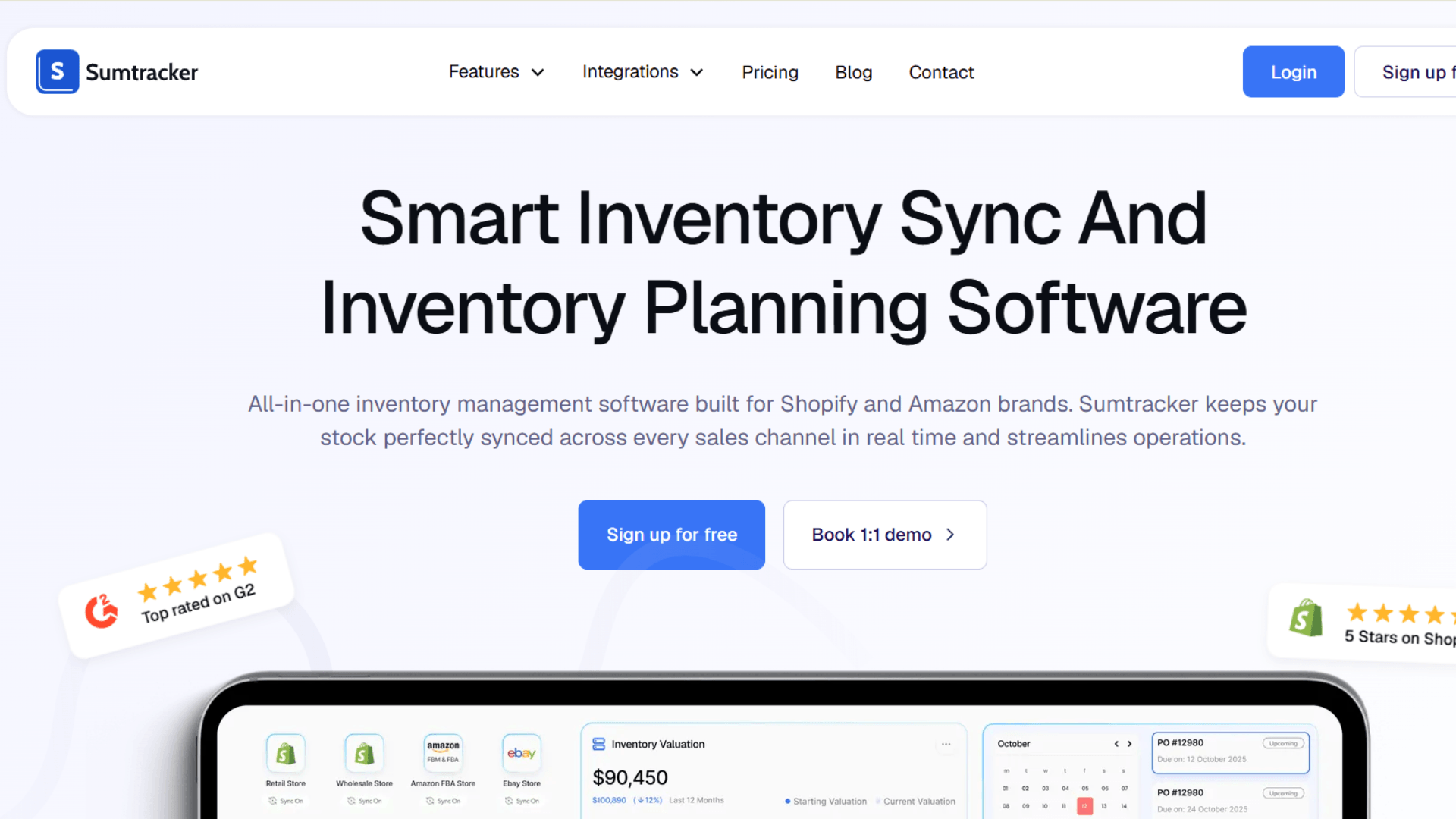
Sumtracker is Another Shopify multichannel inventory sync tool in that combines inventory syncing with tools for purchasing and stock planning. Along with keeping inventory updated across channels, it helps merchants track stock, manage purchase orders, and plan when to reorder products.
Key Features of Sumtracker
- Real-time inventory syncing: Keeps stock updated across connected sales channels.
- Multi-channel inventory management: Manage inventory across multiple ecommerce channels.
- Bundle and kit management: Track inventory for products sold together.
- Stocktakes and adjustments: Record physical stock counts and inventory changes.
- Barcode scanning: Scan products during inventory and stocktake tasks.
- Purchase orders: Create and manage orders for incoming inventory.
- Stock transfers: Move inventory between different locations.
Pricing Plans
- Paid plans start from around $59/month.
- Higher plans add replenishment and forecasting features.
- Pricing scales with usage.
- 14-day free trial available.
Limitations
- Higher starting price than basic sync tools.
- Some purchasing features require higher plans.
- It may offer more features than needed for simple syncing.
- Check channel support before choosing a plan.
Our Verdict: Sumtracker is a good choice if you want inventory syncing with purchasing and replenishment tools. For basic multichannel syncing, a simpler tool may be enough.
6. Stock Sync
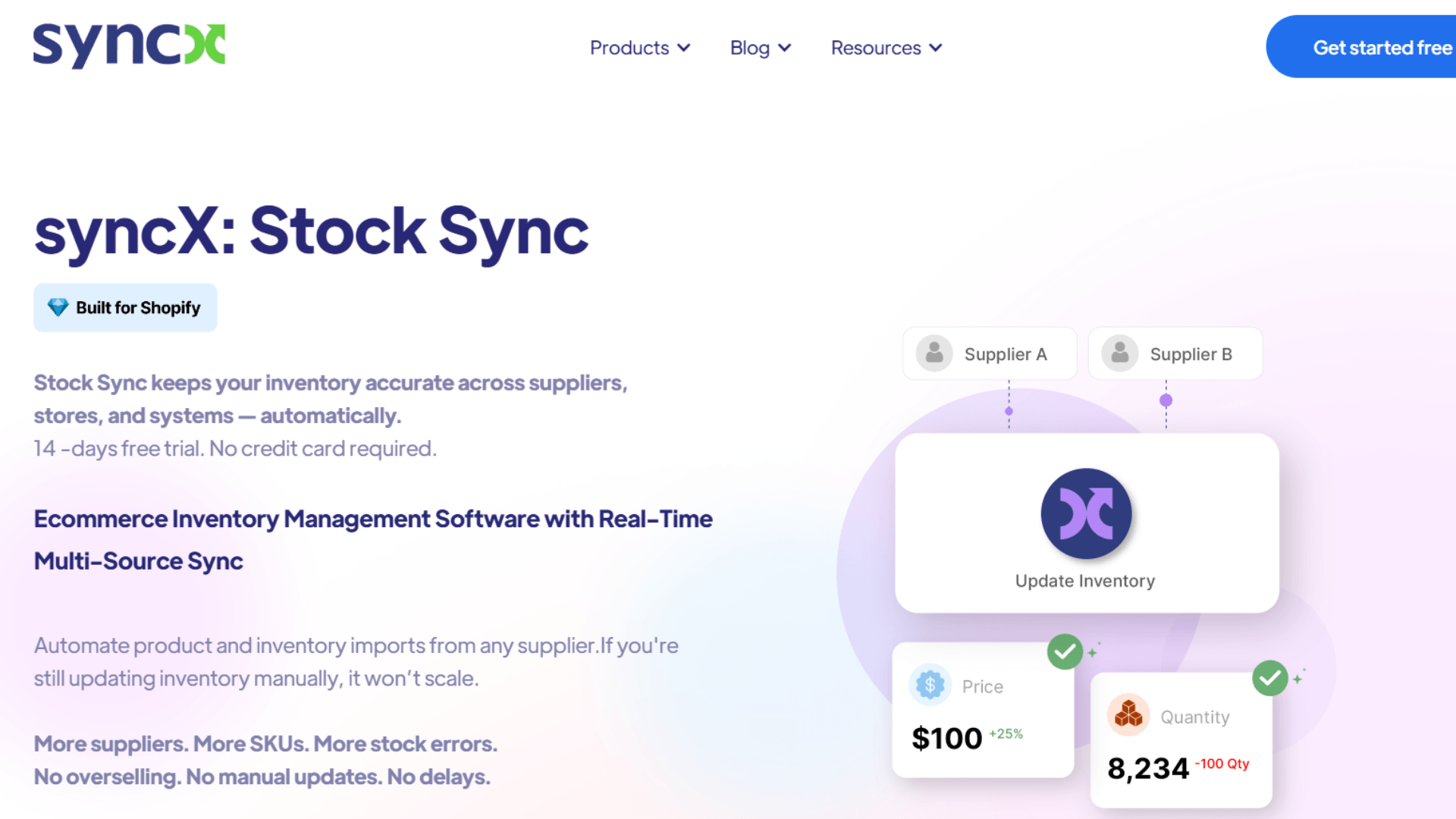
Stock Sync helps Shopify merchants bring inventory data from their suppliers into Shopify. It uses supplier feeds to update stock levels. This makes it useful for dropshippers, wholesalers, distributors, and retailers working with multiple suppliers.
This can save time for stores that work with several suppliers.
Key Features of Stock Sync
- Supplier inventory feeds: Import stock information directly from suppliers.
- CSV, XML, and Google Sheets feeds: Connect inventory data using common supplier file formats.
- Scheduled inventory updates: Update Shopify inventory at set intervals.
- Duplicate SKU syncing: Match supplier products with existing Shopify products.
- Low-stock alerts: Get alerts when inventory reaches a set level.
- Pricing rules: Apply pricing changes when importing supplier data.
Pricing Plans
- Plans start from around $7/month.
- Higher plans support more feeds and usage.
- Product and feed limits vary by plan.
- Free trial options are available.
Limitations
- Mainly focused on supplier inventory feeds.
- Scheduled updates may not suit fast-moving stock.
- Not designed as a full POS inventory system.
- Marketplace syncing is more limited.
Our Verdict: Stock Sync is a practical choice when supplier inventory feeds are your main requirement. For real-time syncing across Shopify, marketplaces, and POS systems, QuickSync is a better fit.
7. Zoho Inventory
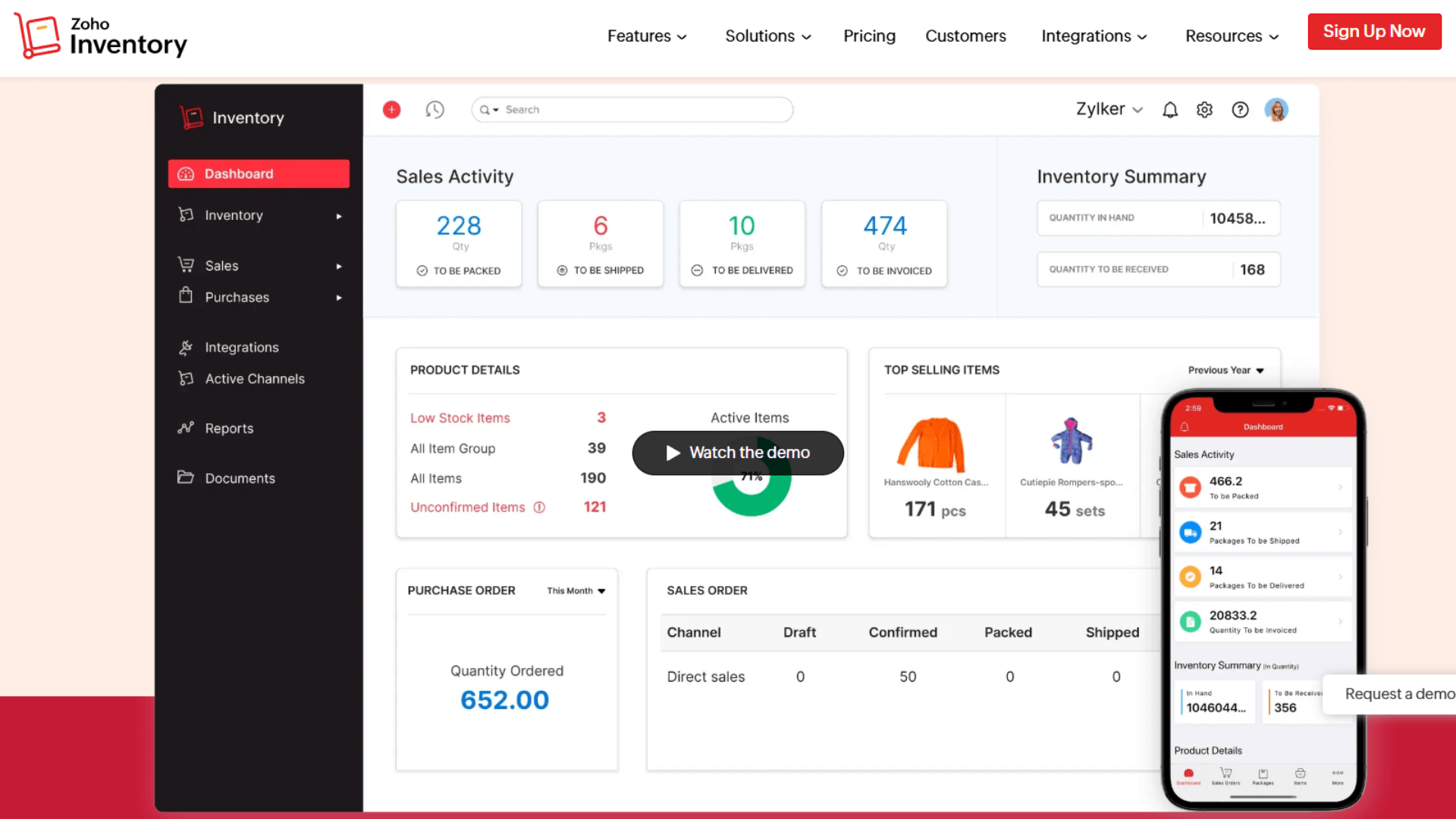
Zoho Inventory is another option in the list of the best Shopify inventory sync software. While Shopify offers built in inventory management, its native tools mainly handle basic inventory tracking and basic stock tracking, whereas Zoho Inventory goes beyond that. It brings inventory, orders, purchasing, and warehouse management into one platform. This makes it a better fit for businesses with more inventory tasks to manage.
For businesses using Zoho Books, the accounting integration adds another useful connection. It also connects with Shopify, Amazon, eBay, and other channels.
Key Features of Zoho Inventory
- Inventory tracking: Track stock levels across products and locations.
- Multi-location management: Manage inventory across multiple stores and warehouses.
- Order management: Manage orders from connected sales channels.
- Purchase orders: Create and track orders for incoming stock.
- Warehouse workflows: Manage inventory across warehouse operations.
- Batch and serial tracking: Track products using batch and serial numbers.
- Reorder levels: Set stock levels for products that need replenishment.
Pricing Plans
- Free plan available for smaller businesses.
- Paid plans increase order, user, and location limits.
- Higher plans add more inventory features.
- Pricing depends on the plan and billing cycle.
Limitations
- More features than needed for basic inventory syncing.
- Setup can take more time.
- Pricing increases as your inventory needs grow.
- Check the exact sync features for each sales channel.
Our Verdict: Zoho Inventory is a good choice if you need inventory management beyond syncing. If your main goal is keeping Shopify and other sales channels in sync, QuickSync is a simpler option.
8. Katana
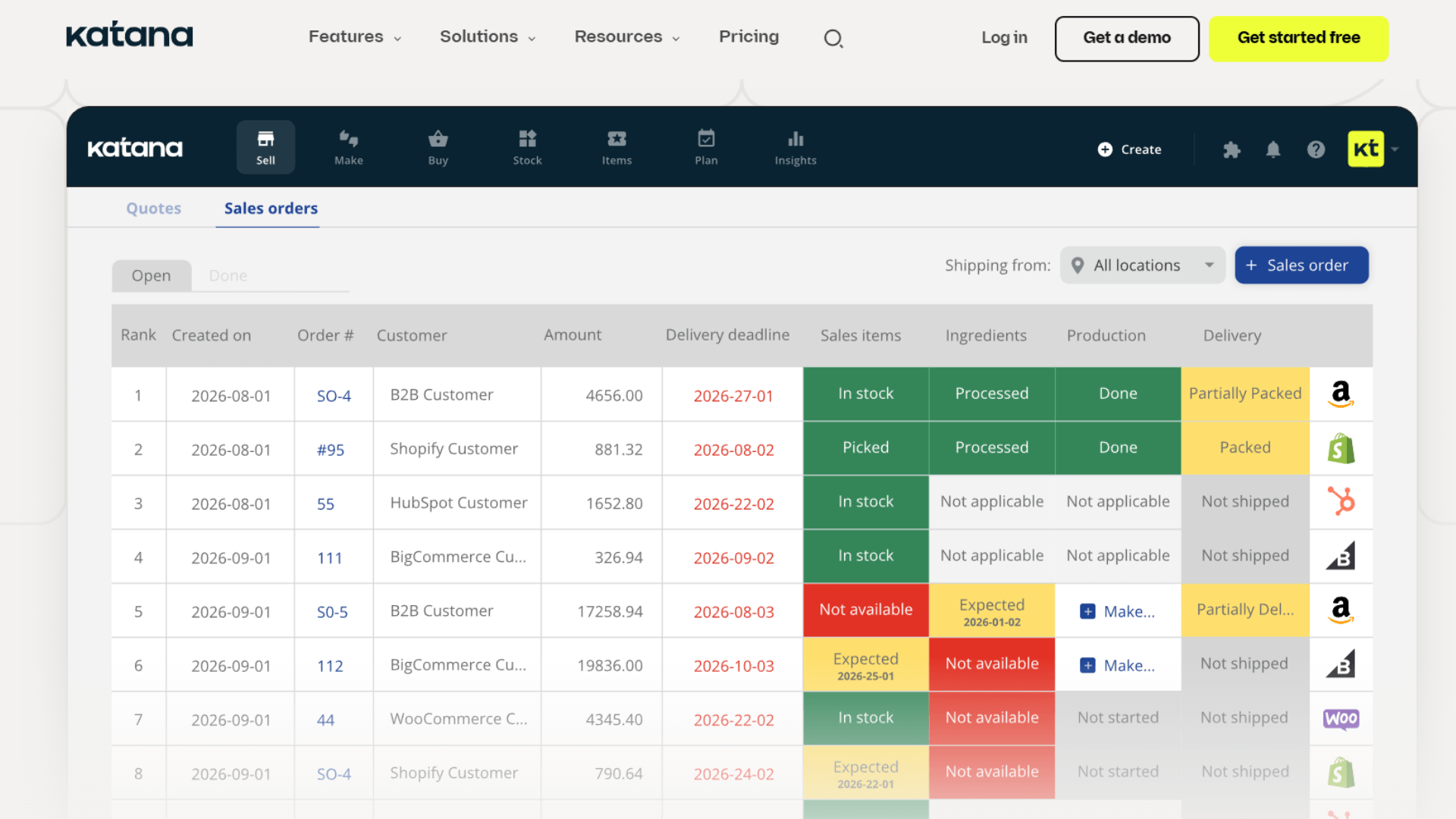
Katana is a Shopify inventory tool built for businesses that make their own products. It helps manage both finished products and the materials used to make them. Along with inventory, it covers production, purchasing, and warehouse management.
This makes it more useful for manufacturers than regular retailers. You can track raw materials, manage bills of materials, and follow products through production. It also helps you keep stock and purchasing information in one place.
Key Features of Katana
- Real-time inventory planning: Keep track of available and expected stock.
- Raw material tracking: Monitor materials used in production.
- Manufacturing management: Manage production orders and manufacturing tasks.
- Bill of materials: Keep track of the materials needed to make each product.
- Purchase orders: Create and manage orders for materials and stock.
- Order management: Manage customer orders alongside inventory.
- Inventory planning: Plan stock around production and sales needs.
Pricing Plans
- Free plan available with limited usage.
- Paid plans start at higher monthly tiers.
- Features vary by plan.
- Additional usage can affect the total cost.
Limitations
- Costs more than basic inventory sync tools.
- Manufacturing features may not be useful for regular retailers.
- Setup can take more time.
- Additional usage can increase the cost.
Our Verdict: Katana is a better choice for Shopify brands that manufacture their own products. For retailers that mainly need multichannel inventory syncing, QuickSync is a more suitable option.
9. Cin7
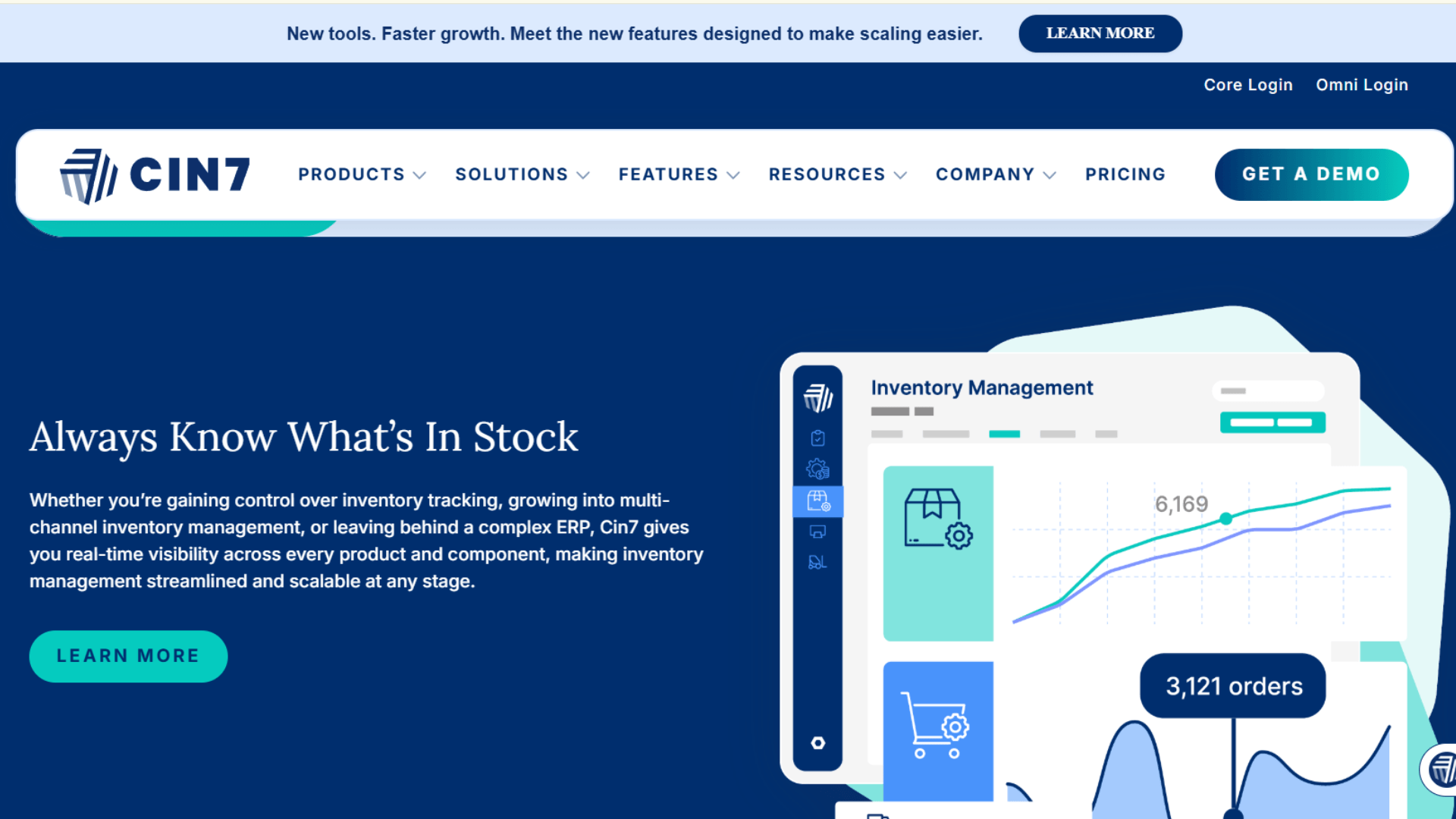
Cin7 is built for businesses with large and complex inventory setups and higher operational complexity. It brings inventory, purchasing, warehouses, wholesale, and production together in one platform.
It also supports multichannel selling, so you can manage stock and orders across different sales channels. This makes it a better fit for established brands with more inventory to manage.
Key Features of Cin7
- Real-time inventory sync: Keep inventory updated across online and offline channels.
- Multi-location inventory: Support multi location tracking across multiple warehouses, stores, and sales operations.
- Warehouse workflows: Manage stock across warehouse operations.
- Production management: Track inventory used in manufacturing.
- Accounting integrations: Connect inventory with accounting platforms.
- Order management: Manage orders across connected channels.
Pricing Plans
- Standard: $349/month.
- Pro: $599/month.
- Advanced: $1,199/month.
- Omni: Custom pricing.
- Higher plans include more users, integrations, and order capacity.
Limitations
- High starting price.
- More complex than basic inventory sync tools.
- Some integrations may cost extra.
- Setup can take more time.
Our Verdict: Cin7 is a strong option for established businesses with complex inventory needs. For merchants mainly looking for Shopify, marketplace, and POS syncing, it may be more than they need.
10. Prediko
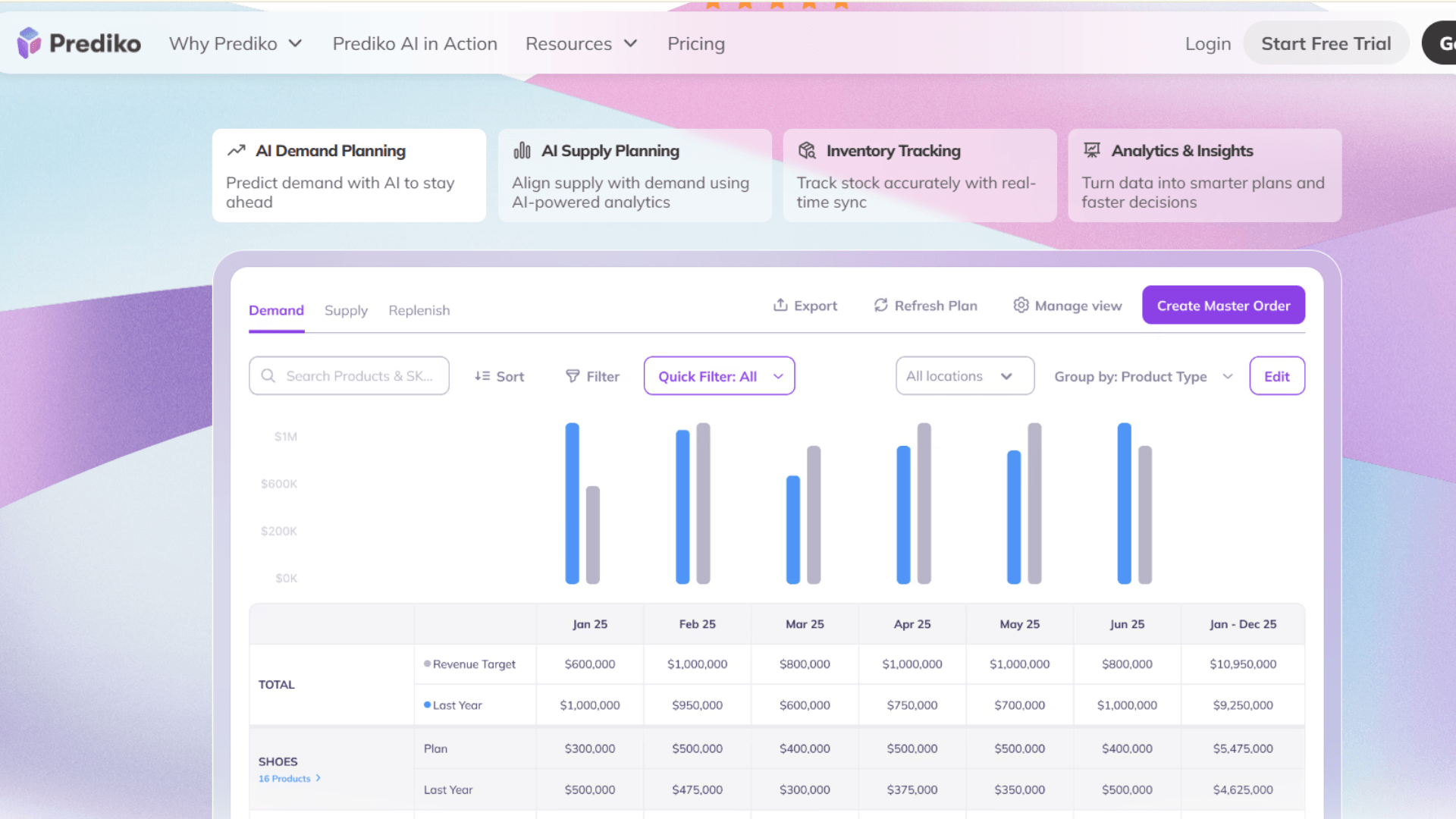
Prediko focuses on inventory planning, forecasting, and purchasing for Shopify brands. It helps you plan stock based on expected sales and future demand.
You can use it to forecast sales, plan purchases, and manage stock levels. It also includes tools for purchase orders, suppliers, and inventory planning.
Key Features of Prediko
- Inventory forecasting: Estimate future stock requirements using inventory data.
- Demand forecasting: Plan inventory around expected customer demand.
- Purchase order management: Create and manage purchase orders.
- Inventory planning: Plan stock levels based on sales and demand.
- Sales forecasting: Estimate future sales to support inventory planning.
- Warehouse and 3PL connections: Connect inventory with supported warehouse and fulfillment systems.
Pricing Plans
- Plans vary based on business size.
- Pricing can depend on annual GMV.
- 14-day free trial available.
- Advanced planning features vary by plan.
Limitations
- More focused on forecasting than basic inventory syncing.
- Pricing can depend on business volume.
- Marketplace support may be more limited.
- It may be more than needed for simple stock syncing.
Our Verdict: Prediko is a good choice when forecasting and purchasing are bigger concerns than basic inventory syncing. If your priority is keeping Shopify, marketplaces, and POS inventory aligned, a dedicated sync tool is a better fit.
Shopify Inventory Sync Software Comparison
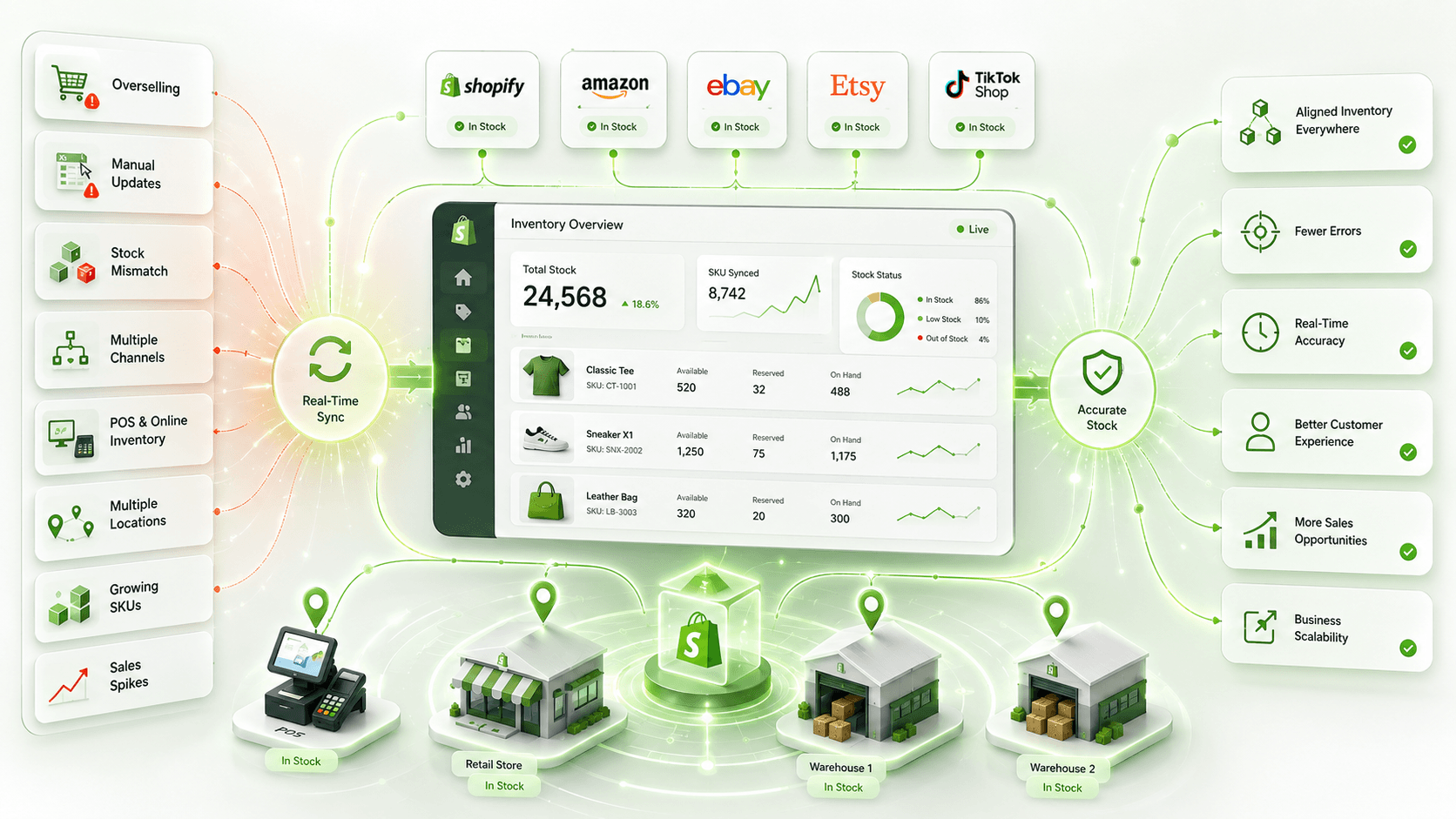
Now you have seen what each Shopify inventory sync tool does best. The differences become clearer when you put them side by side. I would pay particular attention to the problem each platform solves, since many inventory management apps are built for Shopify merchants specifically.
| Tool | Best For | Inventory Sync Focus | Starting Price |
|---|---|---|---|
| QuickSync | Real-time multichannel Shopify inventory | Real-time multichannel syncing | $19/month |
| Trunk | Multichannel stock syncing | Real-time stock sync | $35/month |
| Syncio | Multiple Shopify stores | Store-to-store syncing | Free / paid plans |
| Veeqo | Inventory and fulfillment | Multichannel inventory | Free / paid plans |
| Sumtracker | Inventory and replenishment | Real-time sync and planning | $59/month |
| Stock Sync | Supplier inventory feeds | Supplier-feed syncing | $7/month |
| Zoho Inventory | Broader inventory management | Inventory and order management | Free plan |
| Katana | Manufacturing and raw materials | Production inventory | Free / paid plans |
| Cin7 | Advanced inventory operations | Multichannel inventory management | $349/month |
| Prediko | Forecasting and purchasing | Inventory planning | Paid plans |
Prices can change, so always verify the current plan before purchasing. The bigger point is the difference in focus.
A supplier-feed tool and an advanced inventory platform are solving very different problems. That is why choosing based only on price can backfire.
For most Shopify merchants focused on real-time multichannel inventory, QuickSync is my first choice.
Choosing the right ecommerce inventory sync tool depends on how you sell. Compared with other inventory management apps, the differences here mostly come down to fit and workflow. You do not need the most expensive platform. You need one that fits your inventory setup and keeps your stock updated across the channels you use.
How to Choose the Best Shopify Inventory Management Software?
Before choosing the best inventory management software, look at your current inventory setup and how you sell. The right choice will depend on your catalog, sales channels, locations, the type of inventory updates you need, and how well it supports managing stock across channels and locations.
- How many SKUs do you manage?
- How many product variants do you have?
- How many sales channels do you use?
- Which platforms do you need to connect with Shopify?
- How many stores or warehouses hold your inventory?
- Do you need to sync inventory with a POS system?
- How many orders do you process each month?
- What is your budget for inventory sync software?
There is no single Shopify inventory sync tool that works for every store. Compare your inventory needs with the features, pricing, and channel support of each option. Choose a tool that keeps your stock accurate today and can handle your store as it grows. Accurate inventory also builds customer trust and can increase order completion rates by 8–12%.
The Final Word
Selling across multiple channels makes inventory harder to manage. Stock can change on Shopify, Amazon, eBay, Etsy, or your physical store throughout the day.
That is why the right Shopify inventory sync software matters. Your online store is only one part of the picture when stock also changes on marketplaces and POS channels, so it keeps your stock updated and cuts down on manual work.
After comparing these tools, QuickSync is my top choice for real-time multichannel inventory syncing. It connects Shopify with ecommerce stores, marketplaces, and POS systems while helping stock levels stay accurate across the online store and other channels, and supporting features such as SKU mapping, variant syncing, and multi-location inventory.
Other tools may be a better fit if you need forecasting, manufacturing, supplier feeds, or advanced warehouse management. But if your main goal is keeping Shopify inventory synced across multiple channels, QuickSync is the tool I would choose.