Most retail stores don’t only sell in the store anymore. The counter, the website, and a marketplace or two all draw from the same shelf.
Online is a big part of that. The U.S. Census Bureau reports that e-commerce made up 17.1% of all US retail sales in the second quarter of 2026.
That’s where retail inventory gets hard. A sweater sells at the register, but your Etsy listing still shows it in stock. This guide compares seven retail inventory tools on one question: can they keep in-store and online stock in step?
We checked every price on each tool’s own website in November 2026.
What is retail inventory management software?
Retail inventory management software tracks the stock in your store: what you have, where it is, what sold, and what to reorder. For stores that also sell online, it should also keep one stock count across the register and every online channel, so an item sold in person can’t be sold again online.
Most retail stores get inventory tools from one of two places:
– Their POS system. Square, Shopify POS, Lightspeed, and Clover all track stock for sales made through them. Square, Shopify, and Lightspeed also come with their own online store.
– A separate tool. Sync tools connect your POS to marketplaces and other online stores. Back-office systems add purchasing, warehousing, and reporting.
Many stores use both: a POS for the counter and a sync tool for everything the POS can’t reach.
What to look for in retail inventory software
One stock count for in-store and online. This matters most. Check which online channels the tool actually updates when something sells at the register.
The channels you sell on. A POS updates its own online store. Etsy, eBay, Amazon, and TikTok Shop usually need a separate connection.
Locations. If you have more than one shop or a stockroom, check how each tool handles stock by location and transfers.
Purchasing and counts. Purchase orders, stock counts, and low-stock alerts are often on higher plans.
Total cost. Add the software plan, the price per location, processing fees, and any add-ons. The cheapest plan isn’t always the cheapest setup.
Best retail inventory management software at a glance
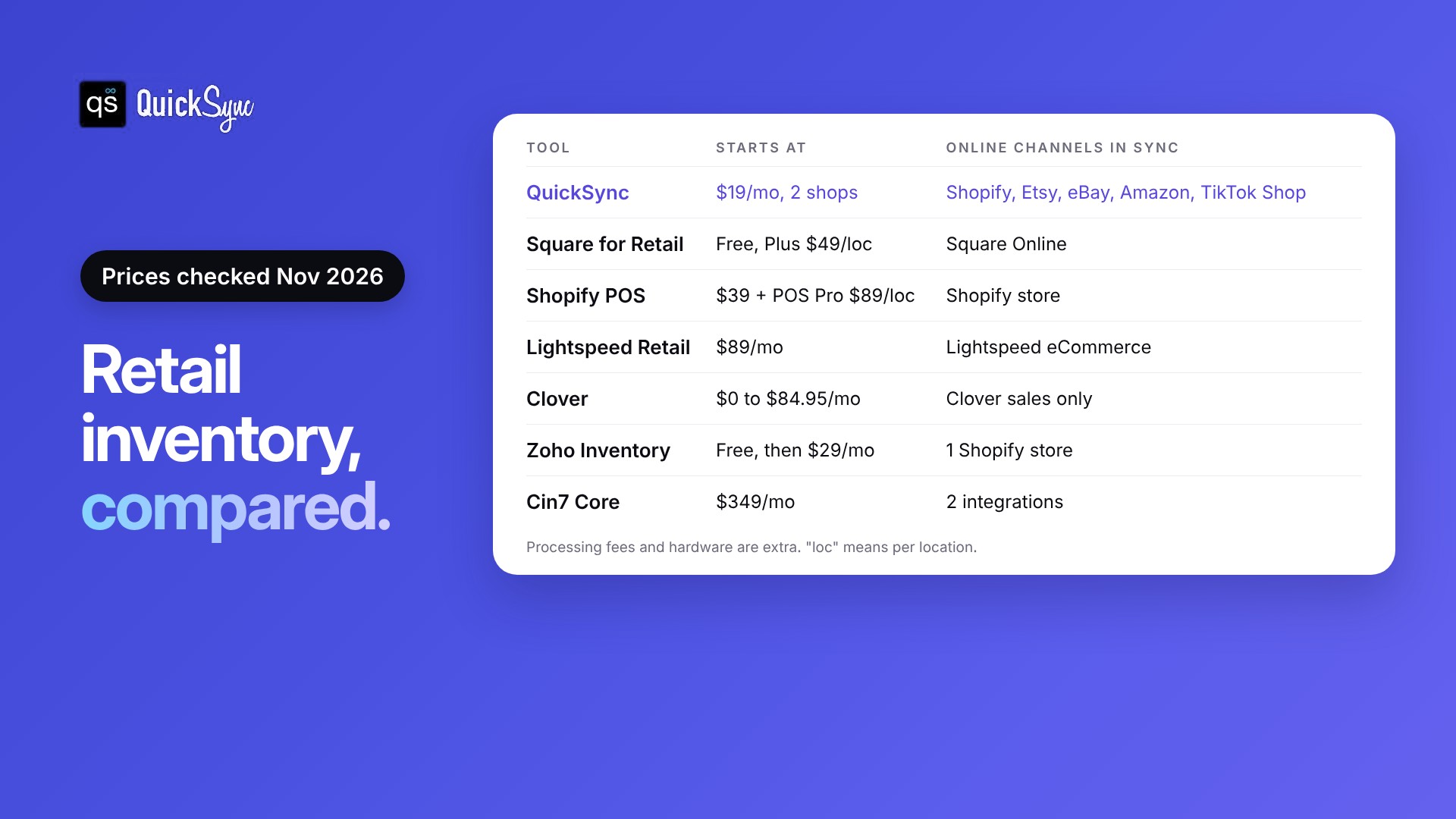
| Tool | Best for | Starts at | Online channels it keeps in sync |
|---|---|---|---|
| QuickSync | Connecting a POS to marketplaces and other stores | $19/mo for 2 shops | Shopify, Etsy, eBay, Amazon, TikTok Shop, WooCommerce and more |
| Square for Retail | Small shops starting out | Free, then $49/mo per location | Square Online |
| Shopify POS | Shops whose online store is Shopify | $39/mo Shopify plan, POS Pro $89/mo per location | Shopify store |
| Lightspeed Retail | Stores with large or complex catalogs | $89/mo | Lightspeed eCommerce |
| Clover | Stores that want Clover hardware | $0 to $84.95/mo | Clover sales only |
| Zoho Inventory | Small stores that want a back office | Free, then $29/mo (yearly) | 1 Shopify store on lower plans |
| Cin7 Core | Growing brands with several locations and teams | $349/mo | 2 integrations on Standard |
Prices checked on each tool’s website in November 2026. Processing fees and hardware are extra.
Comparing setups for your own channels? Jump to the setup steps.
7 best retail inventory management tools
Each tool below is listed with what it’s best at, what it costs, and where it falls short. The first one is ours, so we’ve been specific about what it doesn’t do.
1. QuickSync: best for connecting your POS to marketplaces and other stores
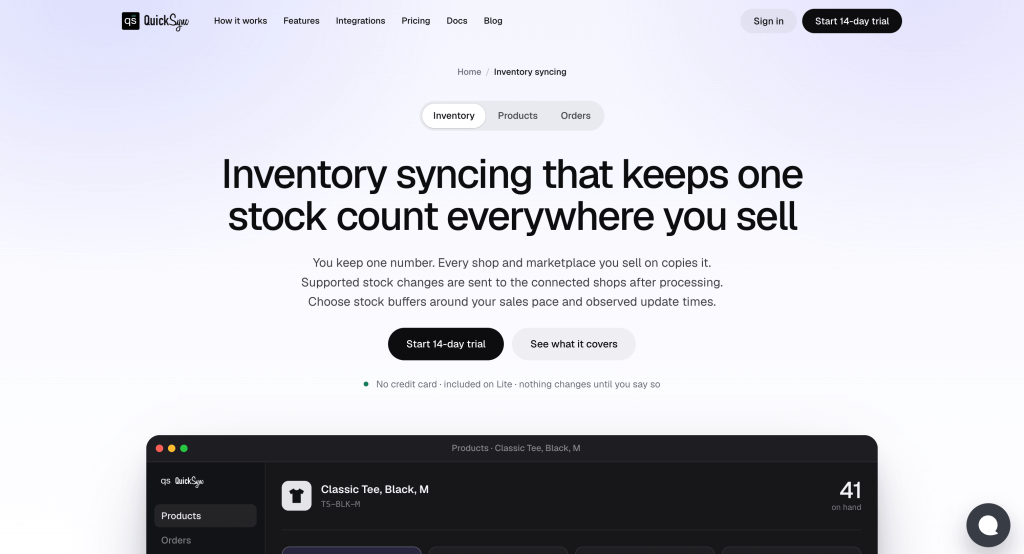
QuickSync is a multichannel selling inventory sync tool. It doesn’t replace your POS. It connects your POS to the online channels and keeps one stock count across all of them. It also offers product syncing and order syncing features.
Why it stands out: When an item sells at the register, QuickSync lowers the quantity on Etsy, eBay, Amazon, TikTok Shop and your online store too. It connects Square, Clover and Lightspeed with Shopify, Etsy, eBay, Amazon, TikTok Shop, WooCommerce, Squarespace and Wix. On Square, stock syncs both ways, and online orders can flow into Square, according to our Square integration page.
Pricing: Lite costs $19 a month for two shops and 1,000 items, with stock sync. Pro costs $29 for 2,500 items and adds product sync and order sync. Orders are unlimited on every plan. Every plan starts with a 14-day free trial with no card. See the QuickSync pricing page.
Watch out for: QuickSync isn’t a POS, so you still need one at the counter. It’s built for syncing, not purchasing, so you won’t find purchase orders or warehouse tools in its plans. Tracking numbers don’t go back to Square or Clover, because neither has a field for them.
2. Square for Retail: best for small shops starting out
Square for Retail is a free POS with built-in inventory. It’s the easiest place to start for a single shop.
Pricing: According to Square’s retail pricing page, Square Free costs $0, Plus costs $49 a month per location and Premium costs $149. In-person card payments on the free plan cost 2.6% + 15¢.
Why it stands out: The free plan includes low-stock alerts, automatic SKUs and bulk catalog imports. Plus adds purchase orders, stock counts, barcode label printing and cost of goods reports. Our Square inventory management guide covers what each plan does.
Watch out for: Transfers between locations need Premium. Square doesn’t connect to Etsy, eBay, or Amazon, and its pricing page points to a separate partner app for Shopify.
3. Shopify POS: best for shops whose online store is Shopify

If your website runs on Shopify, Shopify POS uses the same product list and stock count for your counter.
Pricing: Shopify plans start at $39 a month for Basic and $105 for Grow, according to Shopify’s POS pricing page. POS Pro costs $89 a month per location, billed yearly.
Why it stands out: In-store and online sales come out of the same Shopify inventory. POS Pro adds inventory counts, purchase orders, low-stock alerts and faster stock transfers.
Watch out for: Etsy, eBay, Amazon, and TikTok Shop sales don’t lower Shopify stock on their own. You’ll need a sync tool for those.
4. Lightspeed Retail: best for stores with large or complex catalogs
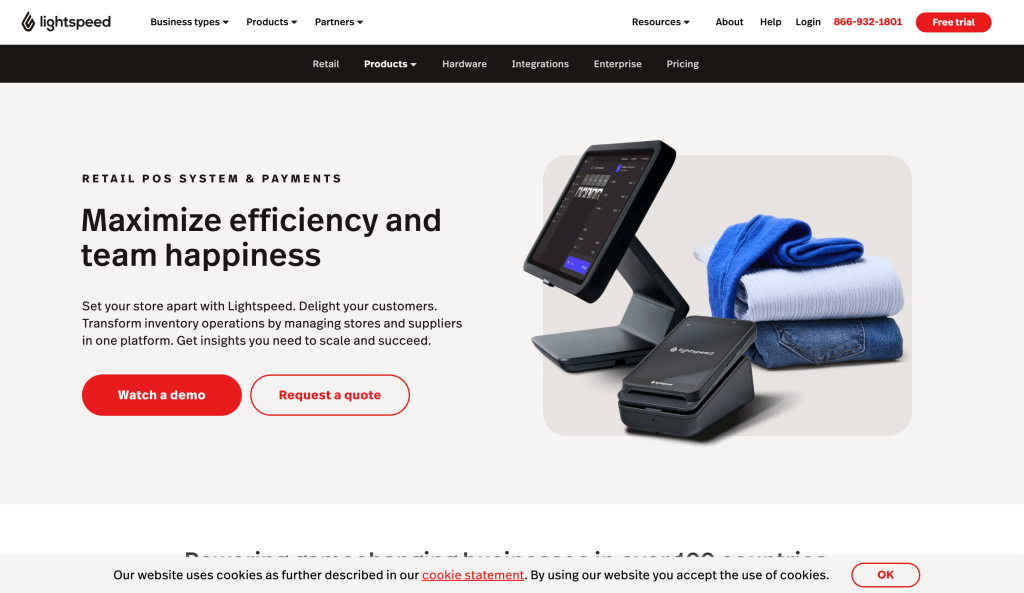
Lightspeed Retail is a POS built for stores with lots of products, sizes and suppliers.
Pricing: Lightspeed’s retail pricing page lists Basic at $89 a month, Core at $149 and Plus at $289, each with one register. Extra locations and registers cost more.
Why it stands out: Inventory management, purchase orders, and a built-in Lightspeed eCommerce store are included on every plan.
Watch out for: The pricing page doesn’t list marketplace connections. To sell on Etsy, eBay or Amazon from the same stock, you’ll need a sync tool. Our Shopify Lightspeed integration page shows how that works.
5. Clover: best for stores that want Clover hardware
Clover is a POS known for its hardware, from handheld readers to full counter stations.
Pricing: Clover’s retail plans run from Starter at $0 to Essentials at $29.95 a month and Retail Growth at $84.95, as covered in our Clover fees and pricing guide. In-person card rates range from 2.6% + 10¢ to 2.3% + 10¢ depending on the plan. Hardware is extra.
Why it stands out: Retail Growth includes inventory management, itemized returns and detailed reports.
Watch out for: Inventory management is on Retail Growth, not the cheaper plans. Like Square, Clover doesn’t keep Etsy, eBay or Amazon stock in step by itself.
6. Zoho Inventory: best for small stores that want a back office
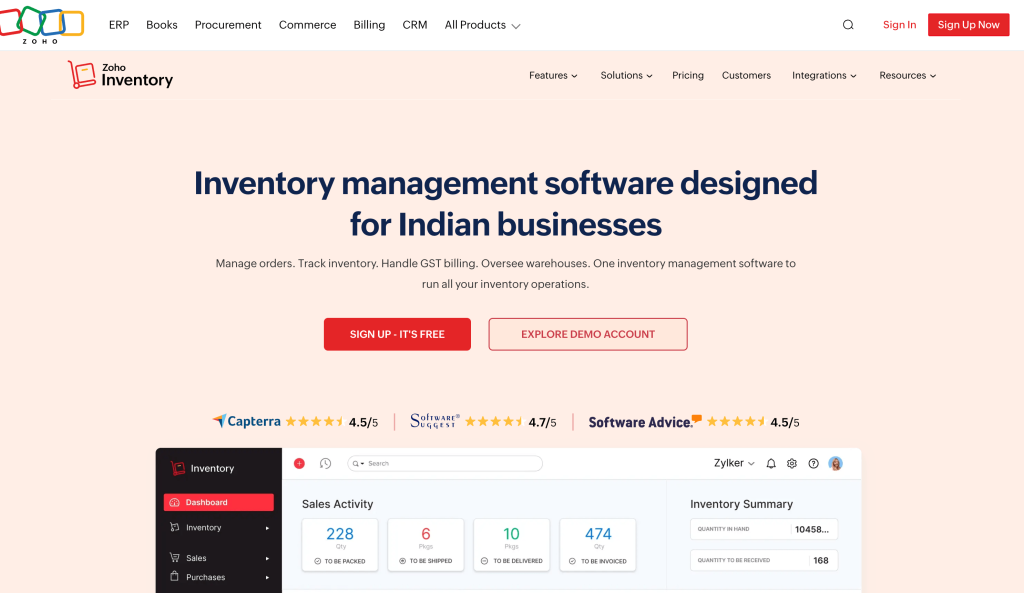
Zoho Inventory adds purchasing, invoicing and multi-location stock to a small business. It isn’t a POS.
Pricing: Zoho’s pricing comparison shows a free plan with 50 orders a month and one location. Standard costs $29 a month billed yearly, or $39 monthly, for 500 orders, three users and two locations.
Why it stands out: Purchase orders, invoices and stock across two or more locations, at a low price.
Watch out for: You still need a POS for the counter. Lower plans include one Shopify store connection.
7. Cin7 Core: best for growing brands with several locations and teams
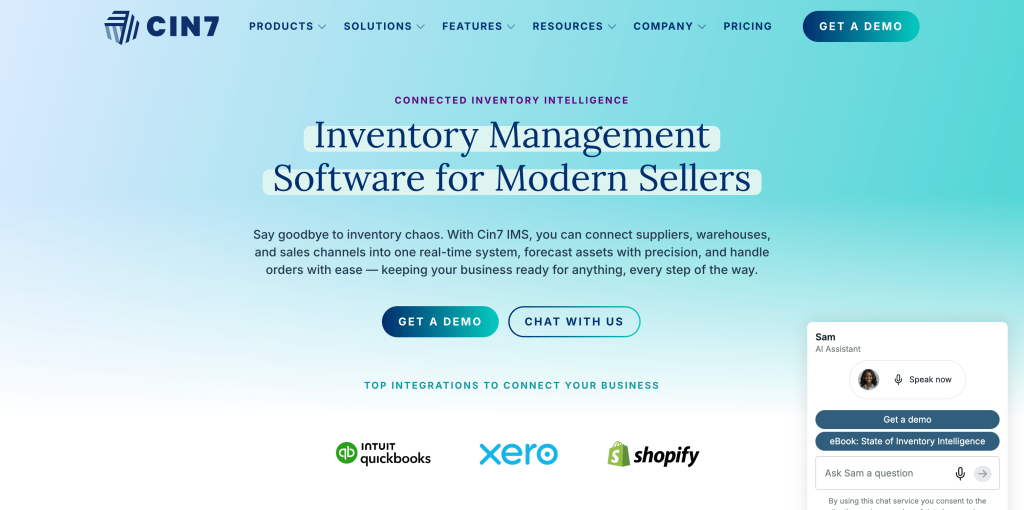
Cin7 Core is a full inventory and operations system for growing brands with more users, locations and sales channels.
Pricing: Cin7’s pricing page lists Standard at $349 a month for five users and two integrations, Pro at $599 and Advanced at $1,199. POS is an add-on.
Why it stands out: Every Core plan includes unlimited inventory locations and a Xero or QuickBooks Online integration.
Watch out for: It’s priced and built for larger teams. For a single shop with an online store, it’s usually more than you need.
Which retail inventory software fits your store?
Pick your POS for the counter first. Then decide if you need a inventory sync tool. If you only sell in-store and on your POS’s own online store, the POS is enough. If you also sell on Etsy, eBay, Amazon, TikTok Shop, or a different online store, add a sync tool so every channel shares one stock count.
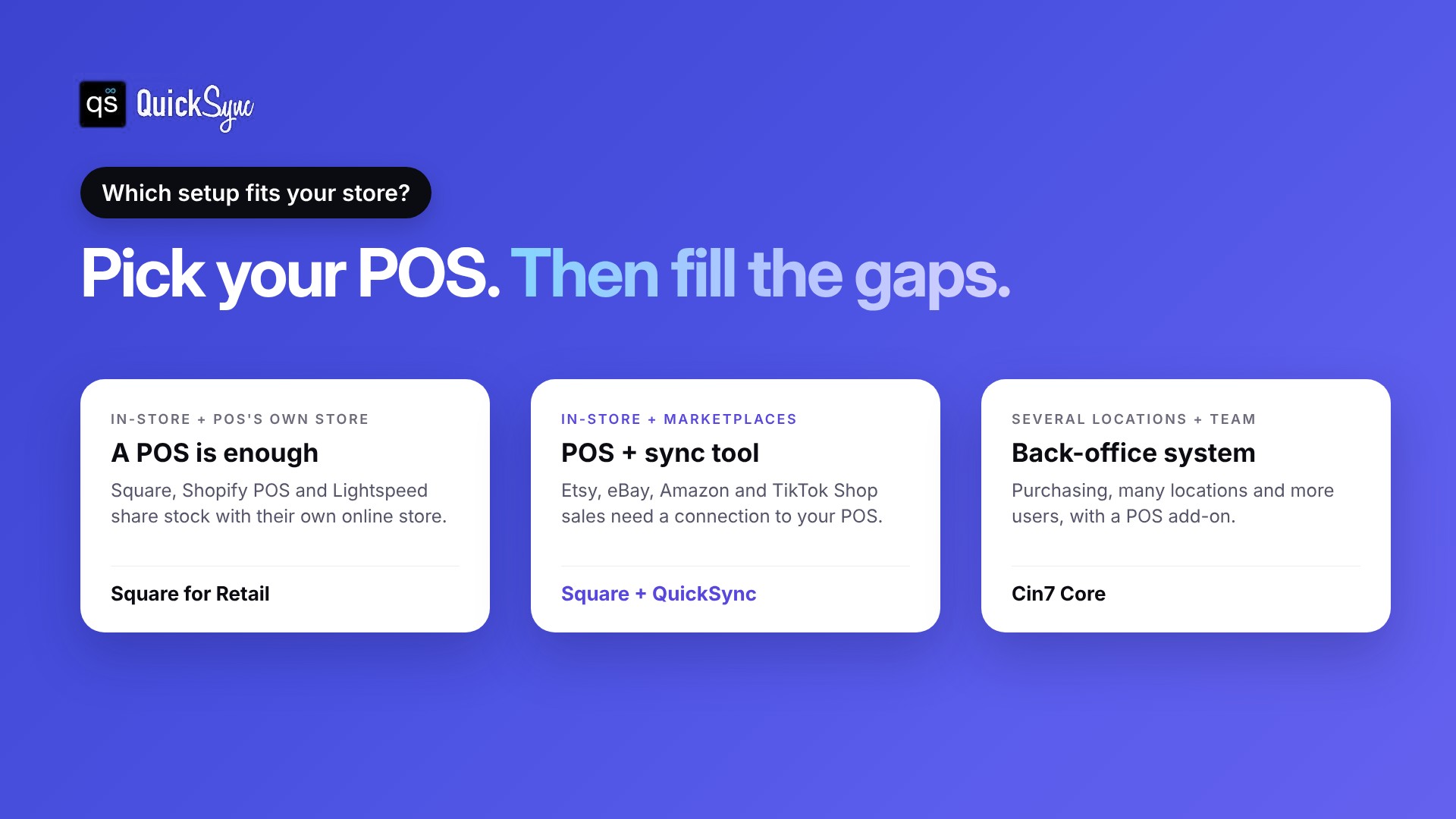
| How you sell | What you need | Example setup |
|---|---|---|
| In-store only | A POS | Square for Retail |
| In-store plus the POS’s own online store | A POS with ecommerce | Shopify POS, or Lightspeed with Lightspeed eCommerce |
| In-store plus Etsy, eBay, Amazon or TikTok Shop | A POS plus a sync tool | Square or Clover plus QuickSync |
| A POS from one company, a website from another | A POS plus a sync tool | Clover plus Shopify, connected with QuickSync |
| Several locations, a warehouse and a bigger team | A back-office system | Cin7 Core |
Here’s what the sync gap looks like in practice:
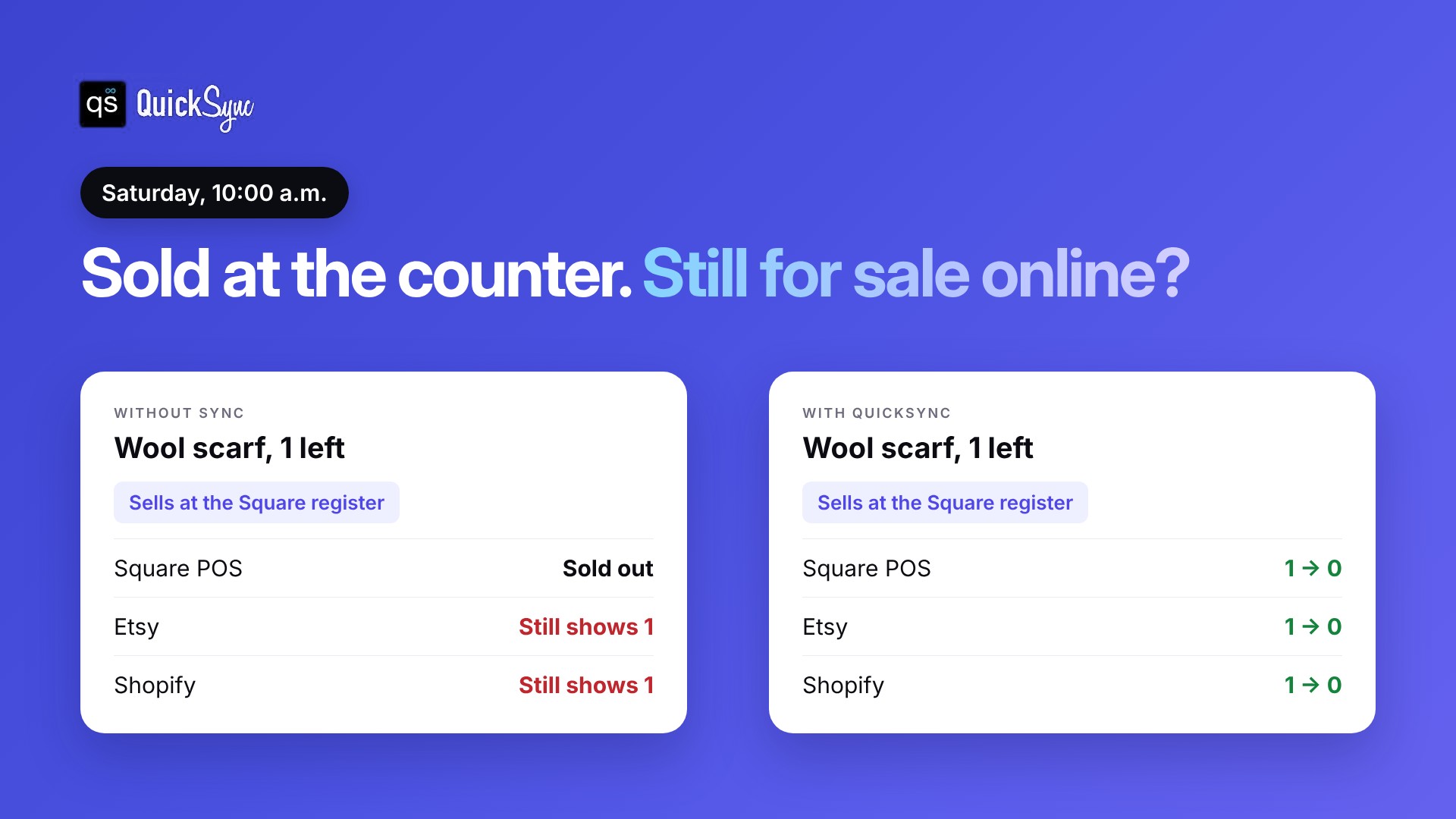
You have one scarf left. It sells at the register on Saturday morning. Your Square stock drops to zero, but your Etsy listing still shows one. If someone buys it online before you update Etsy, you have to cancel the order. Our guide on how to prevent overselling covers the other ways this goes wrong.
How to set up in-store and online inventory in one count
These steps work with any POS and sync tool. Follow them in order.
1. Count your stock
Do a full count in the store and fix the numbers in your POS. A wrong starting number gets copied to every channel.
2. Match your SKUs
Give each product the same SKU at the register and on every online channel. Sync tools use SKUs to match products. Our guide on what a SKU is explains how to set them up.
3. Pick one place to change stock
Decide where you’ll receive deliveries and adjust counts, usually your POS. Changing stock in two places is how counts drift.
4. Connect your channels
Connect your POS and your online channels to your sync tool. Start with two, such as Square and Etsy.
5. Test with a real sale
Sell one item at the register and check that the quantity drops online. Then sell one online and check the register. Once both work, connect the rest.
Final thoughts
The best retail inventory management software depends on where you sell. A POS handles the counter and its own online store well. Square for Retail is the easiest start, Shopify POS fits Shopify stores, Lightspeed suits large catalogs and Clover suits stores that want its hardware.
The gap is everything your POS can’t see: Etsy, eBay, Amazon, TikTok Shop or a website from another company. That’s where in-store and online stock drift apart, and where a sync tool pays for itself. Keep your POS, add the connection, and let one stock count cover every channel.