Selling on multiple channels is exciting. More channels can mean more customers, more orders, and more revenue. But they can also make inventory management much more complex. As your business grows, keeping inventory accurate across every sales channel becomes harder. Manual updates take time, mistakes become more common, and even small errors can lead to overselling, stockouts, or excess inventory sitting on shelves.
According to one recent study, businesses worldwide lose around $163 billion every year because 8% of inventory ends up discarded or spoiled. That’s why more businesses are turning to automated inventory management. Inventory automation writes your stock figure to every connected shop the moment it learns of a sale, which is what keeps you from selling the same unit twice. How soon it learns depends on the shop: 8 of our 11 channels report instantly, and eBay, Etsy and Squarespace are checked every few minutes.
This guide explains what inventory automation actually is, how it works, and what it can do for your business. Whether you are just starting to think about automation or actively looking for a tool, this is the most complete guide you need, so read on.
What Is Automated Inventory Management?
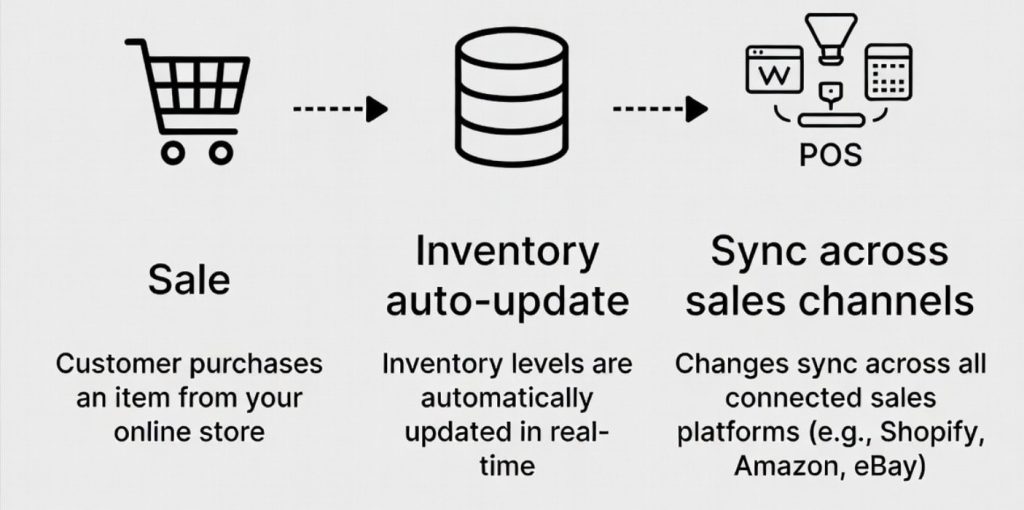
Simply put, automated inventory management is a system that uses software to track, update, and manage inventory levels automatically. Instead of manually adjusting stock counts whenever a product is sold, returned, or restocked, the software handles these updates for you in real time.
For example, if a customer purchases a product on Amazon, the inventory count is automatically updated across all your connected sales channels, including Shopify, eBay, and your physical store. This helps ensure that your inventory data stays accurate everywhere. By automating routine inventory tasks, businesses can reduce errors, prevent overselling, save time, and gain better visibility into their stock levels.
The Key Difference Between Manual and Automated Inventory Management
Manual inventory management works in a very simple way. Every time something changes in your stock, a person updates it manually. For example, if you sell a product on Amazon, you reduce the stock there. Then you open Shopify and reduce it again. If you also sell on other platforms, you repeat the same steps everywhere.
This might work when you have a small number of orders. But as sales increase, the process becomes slow and hard to manage. It is also easy to miss updates, which leads to incorrect stock numbers.
Inventory automation removes that person from the loop for routine updates. The software handles the counting, the syncing, and the alerting. You handle the decisions. That shift, from reactive manual updating to proactive automated management, is what changes the operational experience of running a multichannel ecommerce business.
Why Are Multichannel Sellers Moving to Inventory Automation?
The main reason businesses are adopting inventory automation is simple. Ecommerce is no longer a single-channel game. Most growing brands now sell across multiple platforms to reach more customers. And businesses using three or more channels typically generate substantially more revenue than single-channel sellers.
But this growth comes with some challenges, and these challenges are tackled by automating multichannel inventory management. The following are the key reasons why sellers are rapidly moving toward automation:
- To reduce manual inventory work: Instead of updating stock levels on each sales channel one by one after every order, automation handles these updates automatically. This reduces repetitive work and lowers the chance of human error.
- To prevent inventory errors: Manual updates often lead to inventory mistakes like overselling or stock not being updated in time. Automation ensures inventory is adjusted instantly across all platforms, keeping numbers accurate everywhere.
- To manage multichannel selling easily: When selling on platforms like Shopify, Amazon, and eBay, keeping inventory in sync manually becomes difficult. Automated systems keep all channels connected so stock levels remain consistent in real time.
- To save time and reduce operational load: Teams no longer need to spend hours checking and updating inventory records. This frees up time to focus on more important tasks like sales, marketing, and business growth.
- To improve accuracy and visibility: Businesses get a clear and up-to-date view of their inventory at all times. This helps them make better decisions about restocking, pricing, and order fulfillment.
While it may seem complex at first, the process is quite straightforward.
At a high level, automated inventory management connects all your sales channels and keeps inventory data synchronized in real time.
How Automated Inventory Management Works
Now that we’ve seen why businesses are adopting automation, the next step is understanding how it actually works in practice. The process in the backend is too technical, but we will make it simpler than it might sound so that you can easily understand every point.
One Central Inventory Count:
Imagine you sell the same product on multiple platforms like Amazon, Shopify, and eBay. Instead of each platform keeping its own separate stock number, you choose one main store to hold the correct inventory count. All other platforms simply use this one shared number.
So whenever your stock changes, it automatically updates everywhere, keeping your inventory accurate and consistent across all channels.
Real-Time Inventory Updates:
When a product is sold on any platform like Amazon, Shopify, or eBay, the system updates your stock as soon as it learns of the sale: instantly on most channels, and within a couple of minutes on eBay and Etsy, which don’t announce a sale and have to be checked. Once the sale is detected, the inventory number is reduced and the new updated count is shared with all other platforms within seconds.
So if something sells on Amazon at 2 PM, your Shopify store shows the new count in seconds, and eBay and Etsy within a couple of minutes, because neither publishes a webhook and has to be polled. The window is small rather than absent, which is the honest way to describe it.
Product Information Stays Consistent:
Good inventory automation tools also sync product information across channels, not just stock counts. When you update a product name, description, price, or image on one platform, that change pushes to every other connected channel automatically. This keeps your catalog consistent without requiring you to log in to six different platforms to make the same update six times.
Automated Alerts and Replenishment:
When stock drops below a level you set, the system sends a low stock alert so you know it is time to reorder before you actually run out. More advanced tools go further and can automatically create a purchase order to your supplier when inventory hits the reorder point, removing even the manual step of initiating the restock.
Order Management in One Place:
Orders from every connected channel, Shopify, Amazon, eBay, Etsy, and your physical store, all route to one central dashboard. Your fulfillment team sees everything in one place and never has to check multiple platforms to know what needs to ship today.
This is order fulfillment automation working alongside inventory automation to create a fully connected operation.
Accounting Sync:
The best inventory automation software also connects to your accounting system. Every sale automatically creates the correct financial record in QuickBooks or Xero without manual entry. This means your books are always up to date, and tax season becomes a matter of reviewing accurate records rather than reconstructing months of transactions from memory.
Benefits of Automated Inventory Management for Multichannel Sellers
The practical benefits of inventory automation show up immediately after setup and compound over time as your business grows. Here is what changes when you move from manual to automated inventory control.
Prevents Overselling Across Every Channel:
This is the most immediate benefit. When a unit sells anywhere, every other channel updates within seconds. There is no gap where the same item can be sold twice. For sellers managing multiple channels, inventory accuracy across all of them simultaneously is what automation delivers and what manual management simply cannot guarantee.
Eliminates Stockouts Through Proactive Alerts:
Running out of stock is just as costly as overselling. A customer who finds your product listed as out of stock goes to a competitor and often does not come back. Automated low stock alerts and reorder triggers mean you know when stock is running low before it runs out, giving you time to reorder and preventing the lost sale entirely.
Gives You Real-Time Inventory Visibility:
With automated inventory management, you always know exactly how much stock you have, across every channel and every location, right now. Not what you had yesterday when someone last updated the spreadsheet. Not an estimate based on what you think sold last week. The actual, current, accurate number. That real-time inventory visibility changes how you make purchasing decisions, pricing decisions, and promotion decisions.
Saves Significant Time Every Week:
We have worked with sellers who were spending 10 to 15 hours a week on manual inventory updates across multiple platforms. After switching to automated inventory management, that same task takes under 30 minutes of review time. The automation handles the counting, the updating, and the syncing. You handle the decisions that actually require your judgment.
Reduces Human Error:
Manual data entry is inherently error-prone. A mistyped number, a forgotten update, or an accidentally skipped channel can cause stock discrepancies that take hours to trace and correct. Inventory automation removes the human from the routine update process and, with it, removes the most common source of inventory errors.
What Tasks Can Be Automated in Inventory Management?
Now that we’ve seen how automated inventory management works and the benefits it brings, the next question is simple: what exactly does it handle for you in day-to-day operations?
In reality, inventory automation takes care of many small but important tasks that usually take up a lot of time when done manually. Here are the most common ones:
- Inventory updates after every sale: Whenever a product is sold on any channel, the system automatically updates the inventory everywhere else within seconds. You don’t need to do that manually.
- Stock updates after returns or cancellations: If an order is returned or canceled, the inventory is automatically adjusted and the stock is added back across all connected platforms.
- Product details updates: If you change a product name, price, description, or image on one platform, the same update is reflected across all other channels automatically.
- Low stock alerts: The system notifies you when stock is running low, so you know it is time to reorder before you run out of products.
- Central order management: All orders from different channels like Shopify, Amazon, eBay, Etsy, or physical stores appear in one dashboard, making it easier to track and fulfill them.
- Multi-location tracking: If you store inventory in multiple warehouses or locations, the system tracks stock separately and keeps all channels updated accordingly.
- Accounting updates: Every sale is automatically recorded in your accounting software, reducing the need for manual data entry.
- Barcode-based stock tracking: In warehouses, scanning barcodes directly updates inventory records in the system in real time.
- Channel-based pricing control: Some tools allow different pricing for different sales channels and automatically apply the correct price everywhere.
Top Automated Inventory Management Tools For Sellers in 2026
So we have seen benefits and key reasons why multichannel selling move to automated inventory management. But the most important thing is to choose the right inventory syncing software. If chosen wrong than benefits will turn into losses very within a moment.
Choosing the right automated inventory management software depends on the channels you sell on, the size of your catalog, and what you need the tool to handle beyond basic inventory sync. Here are seven of the strongest options available in 2026, starting with the most complete solution for multichannel ecommerce sellers. If you want the wider field, we compare ten of them in our roundup of the best inventory management software, limitations included.
1. QuickSync
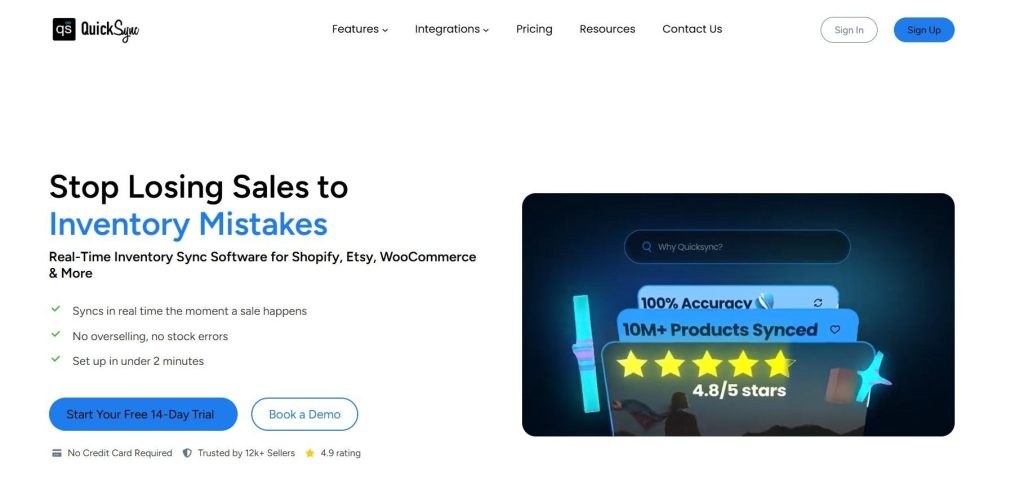
QuickSync is an inventory automation tool for sellers keeping ecommerce shops, marketplaces, tills and accounting in agreement. Updates go out instantly to all 11 channels; 8 of them report their own changes instantly, and 3 are checked every few minutes. It connects Shopify, WooCommerce, Amazon, eBay, Etsy, TikTok Shop, Clover, Square, and QuickBooks from one central dashboard.
It also syncs full product information, centralizes orders from every channel, connects to POS systems, and creates financial records in QuickBooks automatically. For multichannel sellers who want one tool handling the full automation stack, QuickSync is the most complete option available.
Key Features of QuickSync
- Inventory sync: Stock written to every connected channel within seconds of us learning about a sale — instantly on 8 channels, and within a couple of minutes on eBay, Etsy and Squarespace.
- Full product sync: Name, description, images, variants, SKU, pricing, categories, and tags pushed automatically to every channel.
- Centralized order management: All orders from every channel in one fulfillment dashboard.
- POS Integration Support: In-store sales update online stock instantly, and online orders reach the register immediately.
- Master Store architecture: One platform as the single source of truth for all inventory and product data.
- Multi-location inventory: Stock tracked accurately across multiple warehouses and store locations.
2. Cin7
Cin7 is an inventory management tool built for businesses that sell online, in physical stores, and through wholesale channels. It keeps inventory updated in real time across all sales channels. It also includes features like POS for retail stores and tools for wholesale orders, making it a complete solution for larger businesses.
We placed it at number 2 because it is very powerful and covers almost every type of sales channel. However, its higher pricing makes it more suitable for established businesses rather than small sellers.
Key Features of CIN7
- Real-time inventory sync across online and offline channels.
- Built-in POS system for in-store sales management.
- B2B ordering portal for wholesale customers.
- Multi-warehouse management with location-specific stock tracking.
- Advanced reporting on channel profitability and inventory turnover.
3. Zoho Inventory
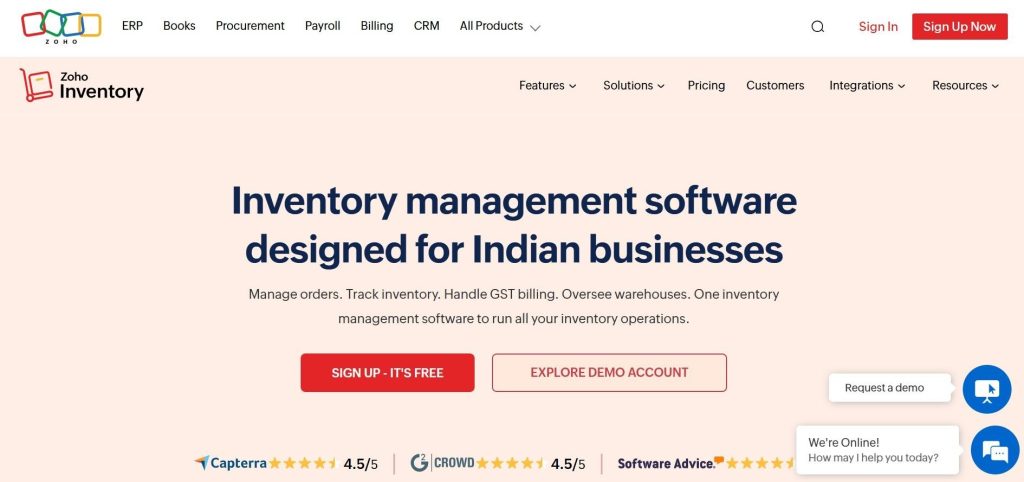
Zoho Inventory is a budget-friendly option on this list. It handles inventory tracking and order management across major ecommerce channels and integrates with Zoho Books for accounting. The main limitation to be aware of is that Zoho Inventory uses scheduled sync rather than real-time sync. Inventory updates happen at set intervals of up to 30 minutes, which creates overselling risk during busy selling periods or promotions.
Key Features of Zoho Inventory
- Inventory tracking with low stock alerts and automatic reorder points.
- Multichannel order management across Amazon, eBay, Etsy, and Shopify.
- Warehouse management for sellers with multiple storage locations.
- Serial number and batch tracking for products requiring traceability.
- Integration with Zoho Books for accounting and Zoho CRM for customer management.
- Basic demand forecasting on higher-tier plans.
4. Linnworks
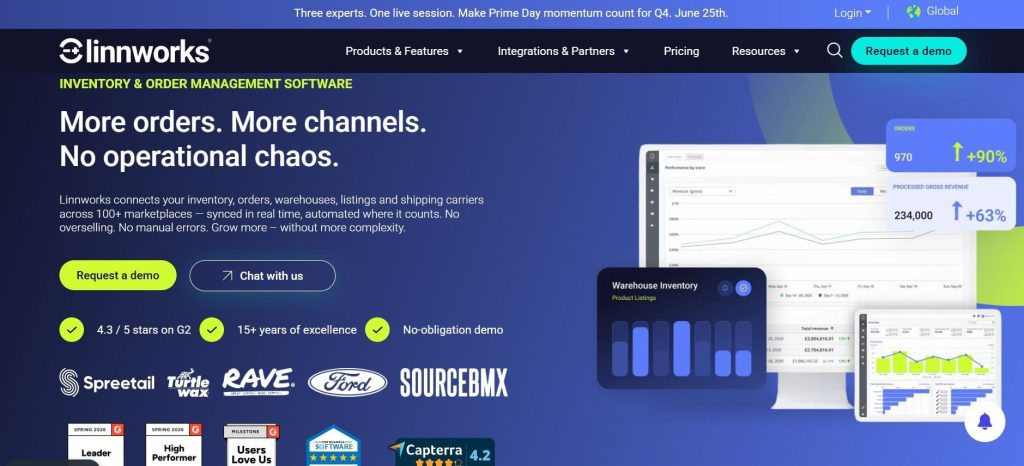
Linnworks is the enterprise-grade option on this list. With over 100 integrations covering Amazon, eBay, Walmart, Shopify, WooCommerce, TikTok Shop, and many others, it is designed for high-volume sellers who process thousands of orders daily and need every part of their operation automated and connected. Beyond inventory automation, it covers listing management, shipping automation, warehouse operations, and detailed analytics.
Key Features of Linnworks
- Real-time inventory sync across 100+ connected channels and marketplaces.
- Advanced automation rules engine for order routing and stock management.
- Multi-warehouse management with location-specific stock tracking.
- Listing management across all connected channels from one place.
- Shipping automation with carrier integrations and fulfillment routing.
- Detailed analytics covering sales performance and inventory health.
5. Katana
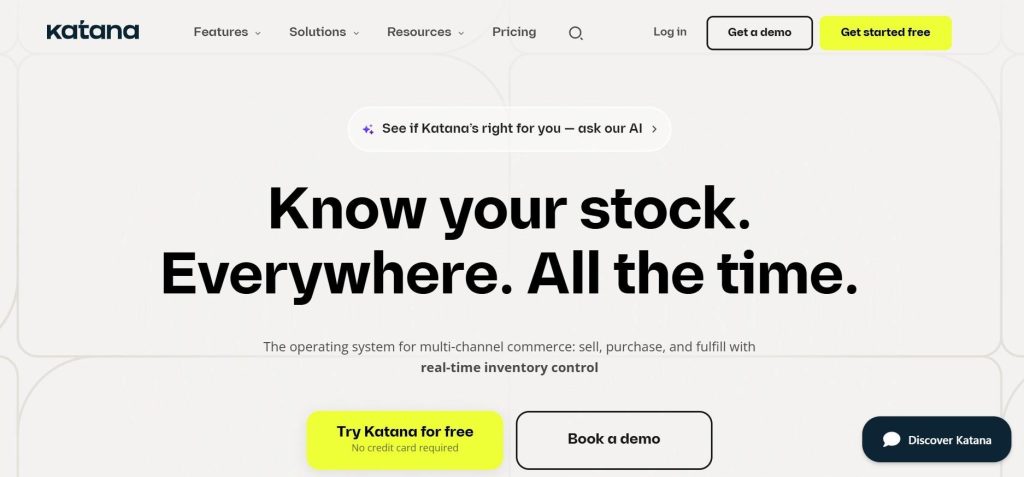
Katana is a cloud-based inventory automation software platform built specifically for ecommerce brands that manufacture or assemble their own products. When a finished product sells on Shopify or WooCommerce, Katana automatically deducts the components that went into making it from raw material stock.
For brands that make their own products, this level of inventory automation is genuinely worth the setup. For sellers of finished goods, it carries more complexity than the situation requires.
Key Features of Katana
- Automatically updates raw material usage after every sale.
- Tracks products from production to completion.
- Monitors raw materials and finished products in real time.
- Allows staff to update production progress easily.
- Connects with QuickBooks and Xero for accounting.
- Helps predict inventory needs based on past sales.
6. Finale Inventory
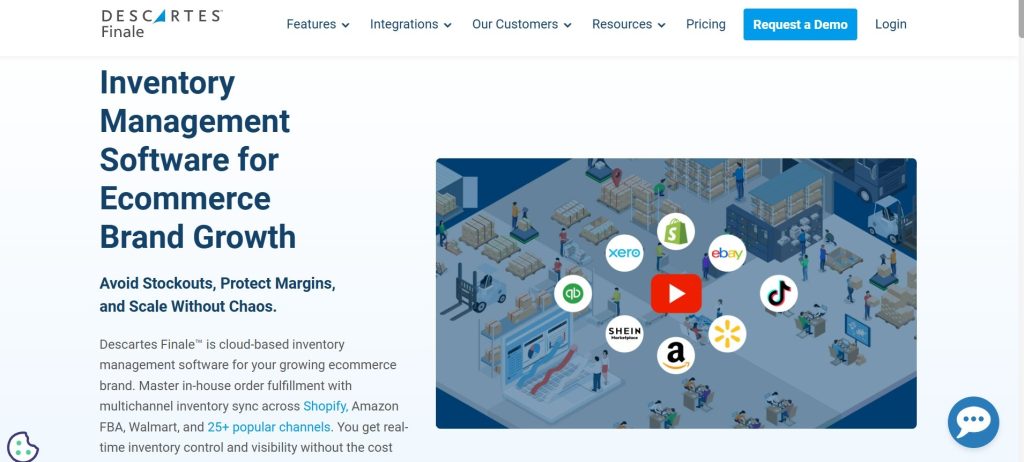
Finale Inventory helps businesses manage inventory, orders, and purchasing from a single system. It keeps inventory updated across multiple sales channels and connects directly with QuickBooks for accounting.
It also includes features like barcode scanning and purchase order management, making day-to-day inventory operations easier to handle.
Key Features of Finale Inventory
- Real-time inventory sync across connected ecommerce channels.
- Direct QuickBooks integration for automatic financial record creation.
- Purchase order management to automate supplier restocking.
- Barcode scanning for warehouse receiving and stock counting.
- Kitting and bundling with automatic component deduction on bundle sales.
- Reporting and analytics on inventory turnover and channel performance.
7. Sumtracker
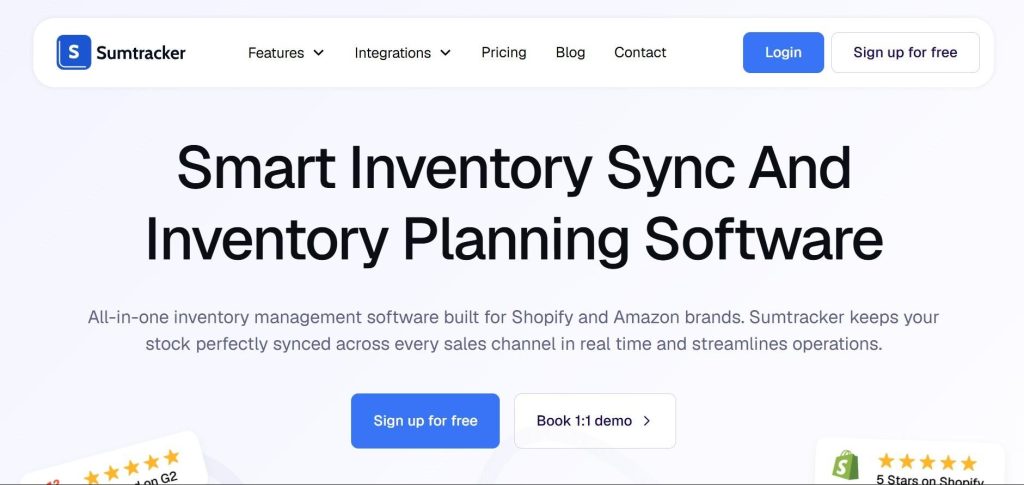
SumTracker is a focused real-time inventory automation tool to keep stock levels accurate across their channels without the complexity or cost of larger platforms. It does one thing well: keeping your inventory counts correct across Shopify, WooCommerce, Amazon, eBay and Etsy, writing every change out in about a second and checking eBay and Etsy for their own sales because neither reports them.
It is a clean, simple tool at an accessible price point. The main limitation is that it does not offer order sync, meaning orders still need to be managed separately on each platform. For sellers who need basic inventory sync without order management, Sumtracker is a strong and affordable option.
Key Features of Sumtracker
- Real-time inventory sync across all connected channels.
- Bundle and kit tracking with automatic component deduction.
- Low stock alerts and reorder point management.
- Product sync including titles, descriptions, images, and variants.
- Simple dashboard showing inventory levels across all channels at a glance.
- Historical inventory reports to track stock movements over time.
A Quick Comparison of Automated Inventory Management Software
With the 7 key inventory management tools available, choosing the right one can feel overwhelming. To simplify the process, here is a quick comparison of all seven tools covered that we just discussed above, highlighting the features that matter most when managing inventory across multiple sales channels.
| Tool | Platforms Supported | Inventory Sync | Product Sync | Order Sync | Starting Price |
| QuickSync | Shopify, WooCommerce, Amazon, eBay, Etsy, TikTok Shop, Clover, Square, Lightspeed, Squarespace, QuickBooks | Instant on 8, checked every 2–5 min on 3 | Yes (full) | Yes | $19/mo |
| Cin7 | Amazon, eBay, Shopify, WooCommerce, built-in POS, B2B portal | Real-time | Yes | Yes | $349/mo |
| Zoho Inventory | Amazon, eBay, Etsy, Shopify, WooCommerce | Scheduled (30 min) | Yes | Yes | $29/mo |
| Linnworks | Amazon, eBay, Walmart, Shopify, WooCommerce, TikTok Shop, 100+ | Real-time | Yes | Yes | Contact for pricing |
| Katana | Shopify, WooCommerce, Amazon, QuickBooks, Xero | Real-time | Yes | Yes | $299/mo |
| Finale Inventory | Shopify, Amazon, eBay, Etsy, WooCommerce, QuickBooks | Real-time | Yes | Yes | $499/mo |
| Sumtracker | Shopify, WooCommerce, Amazon, eBay, Etsy | Real-time | Yes | No | 59/mo |
How QuickSync Automates Inventory Management Across Sales Channels
Most inventory automation software tools focus on keeping inventory counts accurate between ecommerce platforms. QuickSync goes further than that. It covers inventory, products, orders, POS and accounting from one dashboard. It does not do purchase orders, bin locations, forecasting or manufacturing.
In practical terms, this is what inventory automation looks like when QuickSync is running. And setting up QuickSync does not require a developer or a week of configuration.
Here is what the process looks like from sign-up to live sync.
- Sign up at QuickSync.pro. Start your free 14-day trial. No credit card required.
- Connect your Primary Store. Choose your primary platform, typically Shopify or WooCommerce, and connect it. QuickSync imports your existing catalog automatically.
- Connect your other channels. Add your marketplaces, additional stores, POS systems, or QuickBooks account. QuickSync maps products between platforms using SKUs.
- Set your sync preferences. Choose what to automate: inventory, products, orders, or all three. Set it once, and QuickSync handles everything from that point forward.
- Go live. Activate the sync. Every sale on every channel updates inventory everywhere instantly. Every order routes to your fulfillment dashboard automatically.
Important Things to Keep in Mind When Automating Inventory
Automated inventory management solves a lot of problems, but it is worth being honest about the challenges of multichannel selling that can come up when setting it up and running it. Being aware of these upfront helps you avoid the most common pitfalls.
Getting Your Data Clean Before You Start:
Before setting up inventory automation, make sure your product information is accurate and organized. If your products have duplicate entries, missing details, or inconsistent names, those issues can carry over to every connected sales channel.
Taking some time to clean up your product data before you start will help the automation work correctly from day one.
Choosing the Right Starting Platform:
Most inventory management systems use one platform as the main source for inventory data. This is where your inventory count is managed, and all other sales channels receive updates from it.
Choosing the wrong starting platform can cause confusion. If you manage most of your products on Shopify, designating Amazon as your master store creates unnecessary complexity. Take time before setup to identify which platform your team already uses most naturally and designate that as your master store.
Managing the Transition Period:
When you move from manual inventory management to automation, there is a short transition phase. During this time, it is important not to update inventory manually in some places while automation is running, as this can create confusion and incorrect stock numbers.
The best approach is to start with a full stock check, set the correct starting numbers in your system, and then let the automation handle everything from that point without manual updates.
Platform Integration Depth:
Not all integrations are equal. Some inventory automation tools support a platform in a basic way, perhaps only syncing stock counts, while claiming full integration on their marketing page. Before committing to any tool, verify that the integration covers everything you need: not just inventory counts but also product sync, order sync, returns handling, and any other capabilities your operation depends on.
Best Practices to Keep Inventory Automation Running Smoothly
Setting up inventory automation is only the first step. To get consistent and reliable results, you need to manage it properly over time. The following best practices will help you keep your inventory accurate, organized, and stress-free.
Start With a Full Inventory Count: Before starting automation, do a full stock check to make sure your inventory numbers are correct. Automation spreads your starting data across all channels, so any error will also get copied everywhere.
Designate One Clear Master Store: Choose one platform as the single source of truth for your inventory and product data. Make this decision deliberately based on where your team naturally manages products and try to keep it consistent. Because changing your Master Store mid-operation causes confusion and data conflicts that take time to sort out.
Keep Your SKUs Consistent: SKUs are the linking thread between your products across different platforms. If a product has one SKU on Shopify and a different SKU on Amazon, the automation cannot match them correctly. Before setting up your inventory management automation, standardize your SKUs across every platform and maintain that consistency going forward.
Test Before You Go Fully Live: Before trusting your automated inventory management system with your full operation, run a test. Make a small purchase on one channel and verify that stock updates correctly across all others. Update a product on your Master Store and confirm the change appears on every connected platform.
Plan for Peak Periods: Busy periods like holiday seasons, product launches, and flash sales put more pressure on your inventory system than normal trading. Make sure your inventory levels are accurate before a peak period.
Where automation stops
Four limits worth meeting now rather than in week three, ours included:
- Etsy publishes no webhook, so an Etsy sale is discovered on the next check, up to 5 minutes later. That applies to every tool here, not only ours. Hold a buffer on Etsy listings.
- We return no tracking number to Amazon, Square, Clover or QuickBooks. Amazon is the one that costs you, because despatch confirmation feeds account health.
- Amazon quantity updates reach us for merchant-fulfilled items only.
- Eight shops per plan, and no purchase orders, bin locations or demand forecasting. If you need those, Cin7 or Katana above are the better fit.
The Bottom Line
Automated inventory management simply helps you keep stock accurate across all your sales channels, update product details automatically, and manage orders from one place. In 2026, most ecommerce businesses will sell on multiple channels, and doing this manually will no longer be practical as you grow. Automation makes it easier to manage everything without extra workload.
If you are planning to get started, focus on your sales channels, your business needs, and the scale you want to reach. Then choose a tool that fits all three. For most sellers, QuickSync is a strong starting point because it covers inventory sync, product sync, order management, POS integration, and accounting sync in one platform, starting at $19 per month.
Start your free 14-day trial at QuickSync.pro today. No credit card required.