It’s Saturday afternoon. The last black tee in medium sells at your Clover register. Twenty minutes later, someone buys the same tee on your Shopify store. Now you’re writing an apology email and processing a refund for a shirt you never had.
Clover and Shopify each keep their own stock count, and neither tells the other when something sells. Something has to sit between them. Search for a Clover Shopify integration, though, and you’ll find two very different kinds of tool: one that handles payments and several that handle stock.
This guide compares the best Shopify Clover integration apps for 2026. That’s four stock sync apps and Clover’s own payments plugin, compared on what each one syncs, what it really costs per month, and who it suits. Ratings and prices come from the Clover App Market and each vendor’s pricing page, checked in November 2026. QuickSync is one of the apps, and each section says where another option is the better fit.
Does Clover integrate with Shopify?
Yes, but not on its own. For payments, Clover’s free Clover Payments plugin lets a Shopify store in the US or Canada take online payments through your Clover merchant account. For stock, you need a third-party app such as QuickSync, SKU IQ or Kosmos eSync, or a full inventory system like Thrive by Shopventory. The app keeps one shared stock count between your Clover register and your Shopify store.
Many shops use both: the plugin for the money, and a sync app for the stock.
Payments or Stock: Which Clover Shopify Integration Do You Need?
These are two separate jobs, and mixing them up is the most common mistake people make with this pairing.
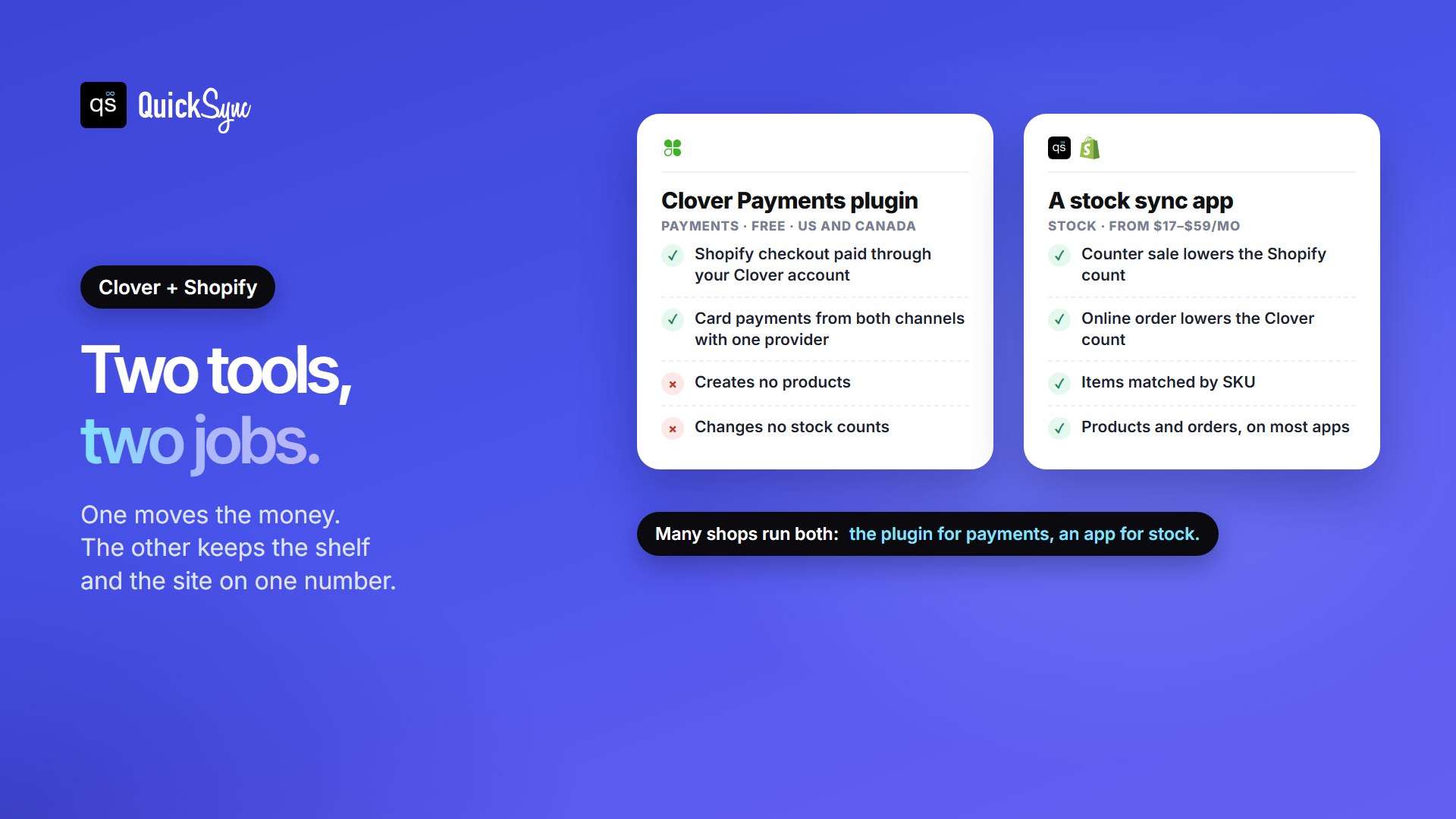
- Payments: you want Shopify’s online checkout to run through your Clover merchant account, so card payments from both channels go through one provider. That’s the Clover Payments plugin. It doesn’t create products or change stock counts.
- Stock and products: you want a sale at the counter to lower the count on your website, and an online order to lower the count at the register. That’s a sync app. Most also copy products from one side to the other and bring orders into one place.
If you only sell online, or you only sell in person, you probably don’t need a sync app at all. Our Shopify vs Clover comparison helps if you’re still choosing between the two platforms.
The Best Shopify Clover Integration Apps at a Glance
| App | Best for | What it syncs | Clover App Market rating | Price from (trial) |
|---|---|---|---|---|
| QuickSync | Clover plus Shopify, and other channels later | Stock both ways; products and orders on Pro | 4.94 (584 reviews) | $19/mo for two shops; $29 with products and orders (14 days, no card) |
| SKU IQ | A low entry price for quantity sync | Quantities and attributes; images, auto push and orders on higher plans | 4.59 (159) | $17/mo; order syncing on Pro at $89 (14 days) |
| Thrive by Shopventory | Purchasing, forecasting and reports | Full inventory system with Clover and Shopify connections | 4.81 (292) | $59/mo, or $55/mo billed yearly (14 days) |
| Kosmos eSync | Listing Clover items on Shopify, WooCommerce or BigCommerce | Clover items, stock and order details; variants from the $49 plan | 4.51 (40) | $29/mo for up to 250 orders (14 days) |
| Clover Payments plugin | Taking Shopify payments through Clover | Payments only, no products or stock | Not rated (Clover’s own plugin) | Free; card fees per your Clover agreement; US and Canada |
We judged each app on what a shop with a register and a website actually runs into. Does stock move both ways? Can products and orders follow? What does the plan you’ll actually need cost? And how much setup work does Clover’s catalogue need first? Here’s the detail, starting with the app we know best.
1. QuickSync
Best for: shops that want stock, products and orders in step between Clover and Shopify, at a flat price, with room to add Etsy, eBay, Amazon or TikTok Shop later.
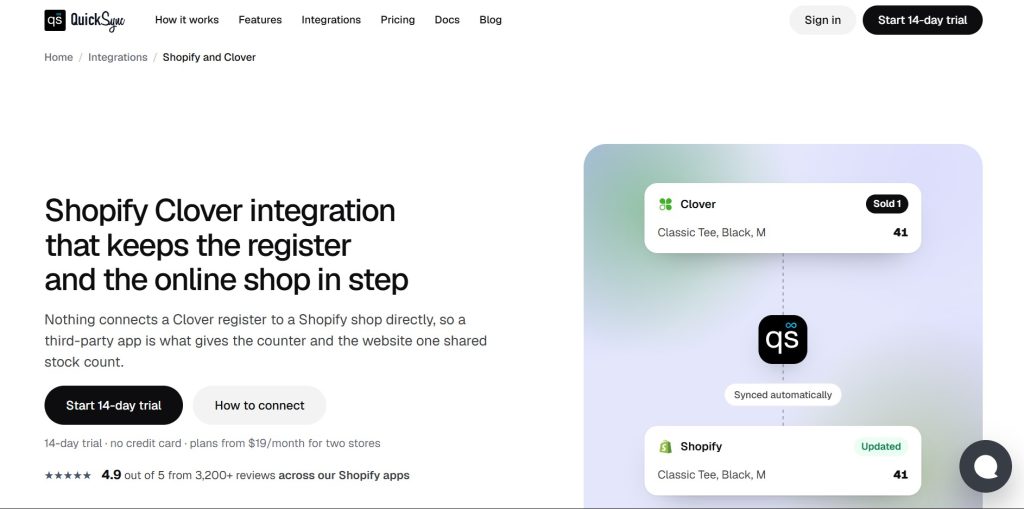
QuickSync matches your Clover items and Shopify products by SKU and keeps one stock count across both. When something sells on one side, QuickSync lowers the count on the other. You connect both shops, pick which one holds the correct count on day one, and turn the sync on.
On the Pro plan, it also creates and updates products on either side and brings orders from both into one list. It sends a product’s name, SKU, barcode, price, cost, category and tax setting to Clover. A Clover item group comes across as one product with variants. Since both sides can hold the whole product, the setup guide suggests choosing one side to edit and treating the other as the copy. For most shops, that’s Shopify.
Pricing: Lite costs $19 a month for two connected shops and up to 1,000 items, with stock sync only. Pro costs $29 a month for up to 2,500 items and adds product and order sync. Ultra ($69, 10,000 items) and Ultra+ ($99, 20,000 items) cover bigger catalogues. Prices depend on your item count and number of shops, not your order volume. A busy December costs the same as a quiet February. There’s a 14-day trial with no card.
Where it falls short: each Clover merchant account counts as one shop with one stock location. Clover has no field for a tracking number, so tracking stays in Shopify and QuickSync, not on the Clover order.
2. SKU IQ
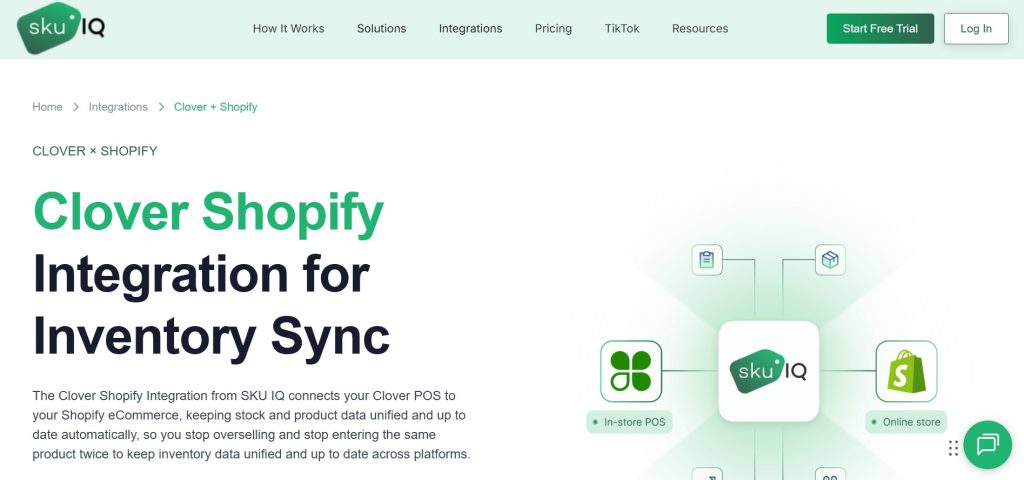
Best for: shops that only need quantities in sync and want the lowest starting price.
SKU IQ is listed on the Clover App Market as Real-Time Inventory Sync. It connects Clover to Shopify, WooCommerce, Wix, BigCommerce and Squarespace. Every plan includes quantity sync, unlimited linked items and a combined order view. It also offers a free consultation to help you set up, and a bulk push to copy your catalogue from one side to the other.
Pricing: on the Clover App Market, Basic costs $17 a month for quantity and attribute syncing. Plus, at $45, adds image syncing and automatic pushing of new products. Pro, at $89, adds order syncing and priority syncing. Every plan includes unlimited orders and linked products, with a 14-day free trial. SKU IQ’s own pricing page lists the plans differently: attribute sync and auto push as $15 add-ons on Basic, image sync as a $15 add-on on Basic and Plus, and order sync as optional on every plan, with no price shown. Extra locations cost $10 each.
Where it falls short: its two price lists don’t match, so check in the app what your plan includes. If you need orders as well as stock, the Clover listing puts order syncing on Pro, at $89 a month.
3. Thrive by Shopventory
Best for: shops that want a full inventory system, with purchase orders, forecasting and reports, and are happy to pay for it.
Thrive Inventory Management by Shopventory isn’t just a sync app. It’s a whole inventory system that runs alongside Clover, with purchasing, demand forecasting, reporting and catalogue management. It connects to Shopify, so the same counts reach your website.
Pricing: the pricing page lists Starter at $59 a month, or $55 a month billed yearly. That covers 1 user, 1 location, 1 integration and 1,500 transactions a month. Standard costs $129 a month ($119 yearly) and includes 2 users, 2 locations, 2 integrations and 3,000 transactions. Professional costs $279 and Elite $559, and Thrive quotes for more than 10 locations. There’s a 14-day free trial. Thrive’s older Clover Shopify page still shows different prices, so go by the pricing page.
Where it falls short: it’s the most expensive choice here, and the transaction cap means a busy month can push you up a plan. Check with Thrive whether Starter’s single integration covers both Clover and Shopify, or whether you’ll need Standard. If you only need stock in step, you’ll pay for a lot of features you won’t use.
4. Kosmos eSync
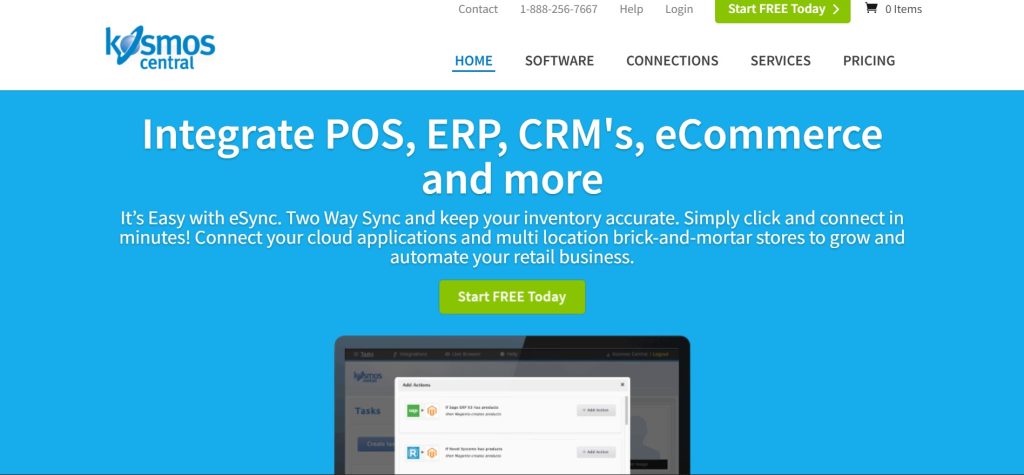
Best for: shops that run the catalogue from Clover and want their items listed online, especially on BigCommerce or WooCommerce as well as Shopify.
Kosmos eSync lists items from Clover on Shopify, WooCommerce and BigCommerce. Its listing says stock levels online update as items are sold and received in Clover. Price and stock changes made in Clover also flow to your online stores. It can show nearby store stock to online shoppers, and it has tools for listing on eBay and Amazon.
Pricing: the Clover App Market lists four plans, priced by orders: $29 a month for up to 250 orders, $49 for 450, $75 for 1,250 and $135 for 2,550. Each plan connects one Clover location and one online store. The $29 plan syncs standard items only; variants, such as sizes and colours, start on the $49 plan. There’s a 14-day free trial.
Where it falls short: plans are capped by orders, so a busy month can push you up a plan, and the cheapest plan doesn’t handle variants. Its listing mostly describes changes flowing from Clover to your online stores, so ask during the trial how Shopify orders update Clover stock. It’s also the least-reviewed app here, with 40 reviews.
5. Clover Payments plugin (payments only)
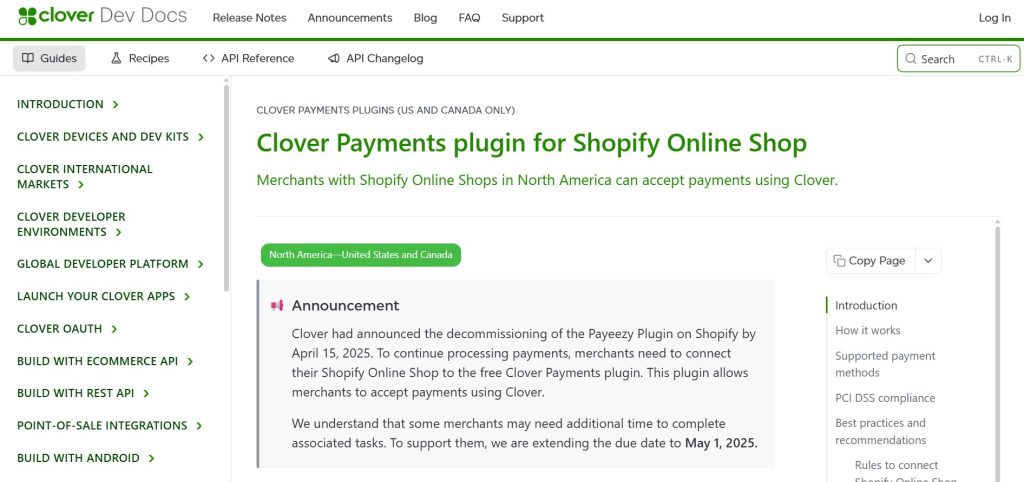
Best for: Clover merchants who want Shopify’s online checkout to run through their Clover account.
The Clover Payments plugin is Clover’s own way to take Shopify payments. It takes cards, Apple Pay and Google Pay, for existing Clover merchants in the US and Canada, in US or Canadian dollars. The plugin is free, and transactions are charged under your Clover account agreement. It replaced the older Payeezy gateway, which Shopify merchants had to move off by 1 May 2025. Several Shopify stores can share one Clover merchant account, but one Shopify store can’t connect to two.
Check three things before you switch:
- Shopify’s own fee. Shopify charges a third-party transaction fee on payments through any provider other than Shopify Payments. The rate depends on your Shopify plan, so add it to Clover’s card rate when you compare.
- US sales tax setting. If Shopify manages your US sales tax, you can’t use a third-party provider until you set sales tax to Self-directed.
- Surcharging. A Clover account with surcharging turned on can’t connect, because Shopify doesn’t support surcharges.
Where it falls short: it only moves payments, and Clover says it isn’t two-way, so void orders in Shopify rather than in Clover. It won’t create a product or change a stock count. You’ll still need one of the apps above to keep the register and the website in step.
How Much Does a Clover Shopify Integration Cost?
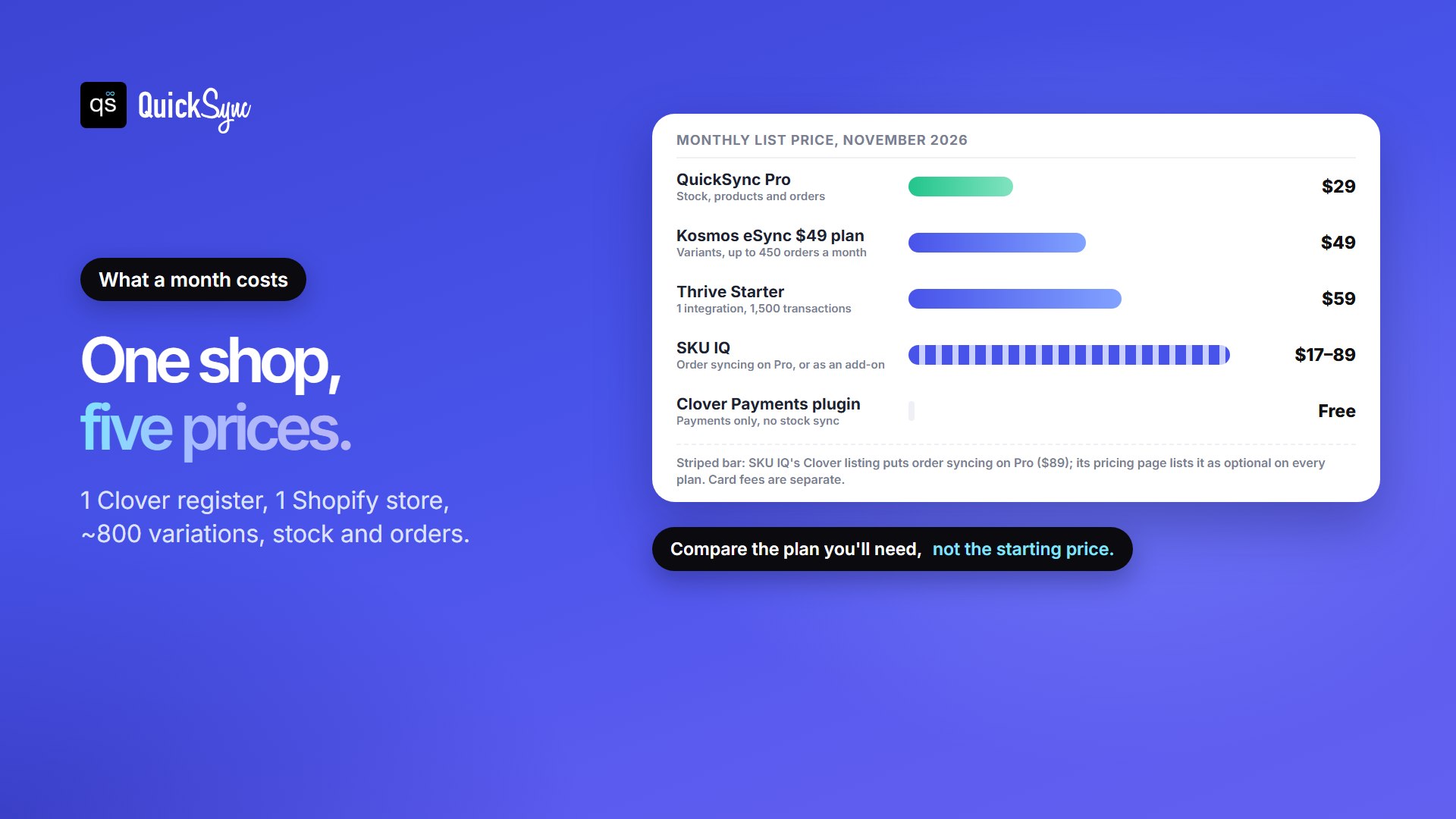
List prices don’t compare cleanly, because each app charges for different things. So here’s one typical shop: one Clover register, one Shopify store and about 800 variations, with both stock and orders in step.
| Option | Plan this shop needs | Monthly cost | What to check |
|---|---|---|---|
| QuickSync | Pro (two shops, up to 2,500 items, products and orders) | $29 | Nothing extra; the price doesn’t change with orders |
| SKU IQ | Pro, or a lower plan plus order sync | $17 to $89 | How order sync is billed: the Clover listing and SKU IQ’s pricing page differ |
| Kosmos eSync | $49 plan (variants, up to 450 orders a month) | $49 | Order caps; the $29 plan has no variants |
| Thrive by Shopventory | Starter or Standard | $59 or $129 | Whether Clover and Shopify fit in one integration; 1,500 transactions a month on Starter |
| Clover Payments plugin | Optional, for payments | Free to install | Shopify’s third-party transaction fee; it doesn’t sync stock |
For a closer look at Clover’s own costs, see our guide to Clover fees and pricing.
Check These Clover Details Before You Connect Any App
Most problems with a Clover Shopify sync come from the Clover catalogue, not the app. These apply whichever tool you pick.
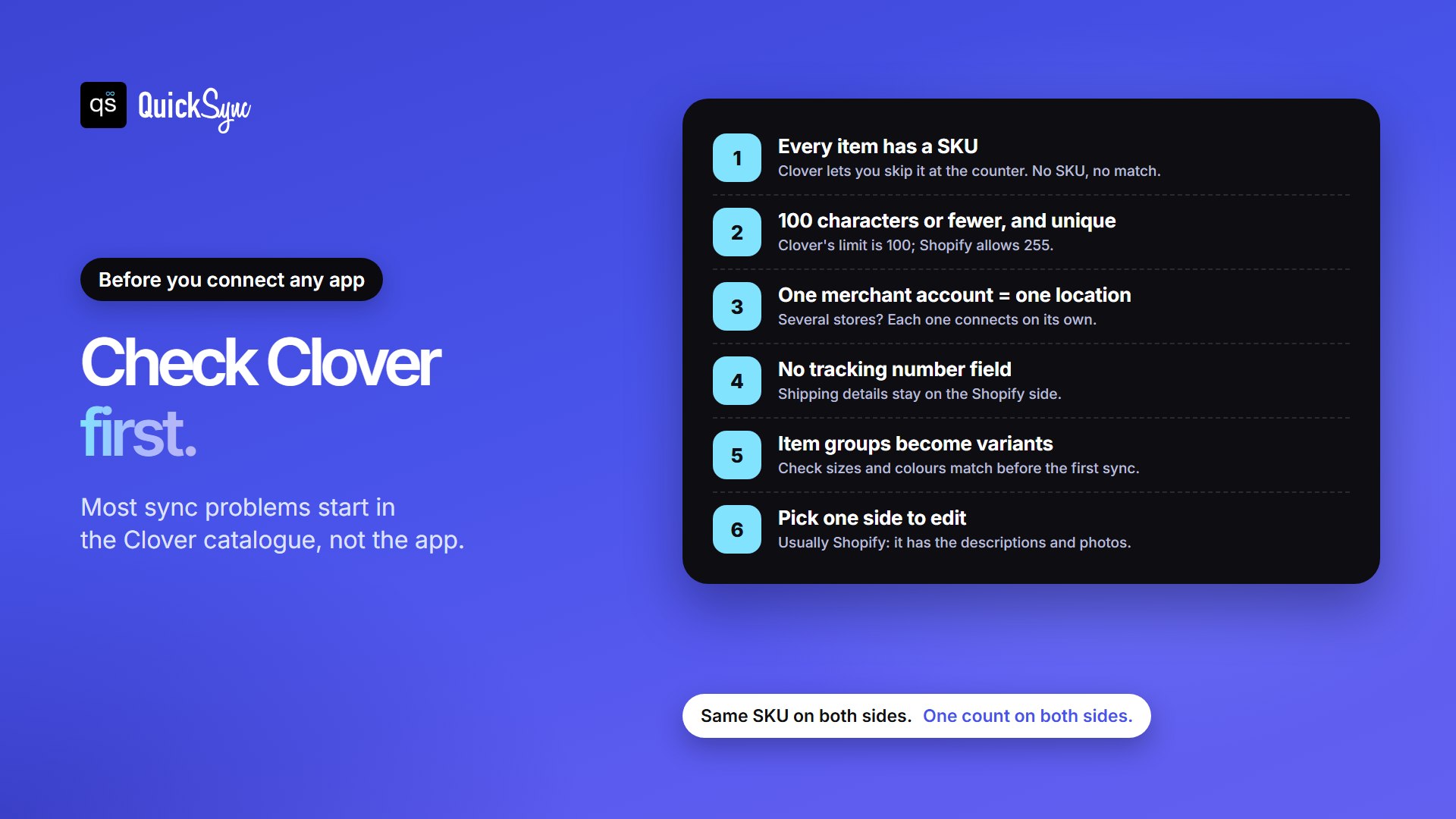
- Blank SKUs. Clover doesn’t ask for a SKU when you add an item at the counter, so many catalogues have hundreds of blanks. Sync apps match on SKU, so items without one won’t sync. QuickSync lists unmatched items and can create SKUs during setup if you switch that on. Our guide to SKUs explains how to set up a scheme.
- The 100-character limit. Clover allows SKUs of up to 100 characters, and Shopify allows 255. Keep every SKU within Clover’s limit and unique across your catalogue.
- One location per merchant account. Each Clover merchant account holds one stock count. If you run several stores, each one connects separately. Our guide to syncing multiple Clover accounts covers that setup.
- No tracking number field. Clover orders have nowhere to store tracking, so shipping details stay on the Shopify side.
- Item groups. A Clover item group, such as a tee in four sizes, becomes one Shopify product with variants. Check the sizes match before the first sync.
- One side for editing. If both sides can edit products, choose which one your team types into. Shopify usually suits this, because the website needs descriptions and photos that a register doesn’t.
Which Shopify Clover Integration Should You Choose?
- You want stock, products and orders in step at a flat price: QuickSync.
- You only need quantities in step and want the lowest starting price: SKU IQ, on Basic with no add-ons.
- You want purchase orders, forecasting and inventory reports: Thrive by Shopventory.
- Your catalogue lives in Clover and you also sell on BigCommerce or WooCommerce: Kosmos eSync.
- You just want Shopify payments to go through Clover: the Clover Payments plugin, with one of the apps above if you also need stock in step.
- Your workflow is unusual: a developer can build a custom connection through Clover’s and Shopify’s APIs. You’ll pay for the build and the upkeep.
Every app here has a 14-day trial. Use it on your busiest day of the week, because that’s when the register and the website are most likely to sell the same item.
FAQs
Running Clover with other tools? See our guides to the best inventory apps for Clover, our Clover POS review and the best Clover QuickBooks integration apps. If you sell on WooCommerce, our WooCommerce Clover integration works the same way.