When you sell on more than one e-commerce platform, keeping your stock levels accurate everywhere becomes one of the hardest parts of running your business. A product sells on Shopify, but your eBay listing still shows it as available. When someone buys it there too, then you get two orders, one product, and one very unhappy customer.
This is what happens without inventory sync software, and it happens to multichannel sellers every day. As your multichannel business grows, this kind of problem gets worse. Research shows that sellers operating on three or more channels generate over 140% more revenue than those on one or two.
But more channels mean more complexity. And complexity without the right tools leads to overselling, stock mismatches, manual errors, and marketplace penalties that can suspend your account. These are not rare edge cases. They are the direct consequence of selling on multiple channels without proper real-time inventory sync software.
This guide compares the top 10 inventory syncing software available for ecommerce businesses in 2026. For each tool, we cover what it does, what it costs, what its real limitations are, and who it is the right fit for. By the end, you will know exactly which tool belongs in your business.
Why Is Inventory Sync Software Critical for Multichannel Selling?
Most sellers start with just one platform, which means one store, one stock count, and one dashboard to check. For now, managing inventory is simple because everything lives in one place. Then a second channel gets added, or maybe a third. And suddenly the simple system breaks down.
The core problem is that every sales channel maintains its own inventory count. When a sale happens on one channel, the other channels do not automatically know about it. Without keeping all those counts in sync, you end up selling the same item multiple times across different platforms before realizing you only had one left.
Therefore, having the right inventory sync software is essential for multichannel sellers. Otherwise, the following problems are certain to come your way.
- You oversell products and have to cancel orders, which damages your seller metrics on every marketplace.
- You manually update stock on each platform after every sale, which is time-consuming and error-prone.
- Listings on one platform show products as available when they are actually out of stock.
- You spend hours every week on repetitive inventory updates instead of growing your business.
- You risk account suspension on Amazon, eBay, and Etsy if your cancellation rates get too high.
What Inventory Sync Solution Actually Does!
Good ecommerce inventory sync solutions connect all your sales channels to one central system. When a sale happens anywhere, whether on your Shopify store, on Amazon, on eBay, or through your physical store register, the stock count updates everywhere else instantly. You always have one accurate number across every channel you sell on.
Beyond just stock levels, the best tools also sync product information, prices, and orders. So when you update a product description or change a price, that change pushes to every connected platform automatically. And when orders come in from different channels, they all route to one place, so your fulfillment team is not juggling multiple dashboards.
Quick Overview of Multi-Channel Inventory Sync Softwares
Each tool we covered is designed for a different type of seller and business size. Some focus on simple inventory sync, while others offer advanced automation or manufacturing features.
To help you compare them quickly, here is a side-by-side table of all 10 inventory sync tools.
| Tool | Platforms Supported | Sync Type | Order Sync | Product Sync | Starting Price |
| QuickSync | Shopify, WooCommerce, Amazon, eBay, Etsy, TikTok Shop, Clover, Square, QuickBooks | Real-time | Yes | Yes (full) | $19/mo |
| Syncio | Shopify, WooCommerce | Real-time | Yes | Yes | $19/mo |
| Linnworks | Amazon, eBay, Walmart, Shopify, WooCommerce, TikTok Shop, 100+ channels | Real-time | Yes | Yes | Contact for pricing |
| Cin7 | Amazon, eBay, Shopify, WooCommerce, built-in POS, B2B portal | Real-time | Yes | Yes | $349/mo |
| Zoho Inventory | Amazon, eBay, Etsy, Shopify, WooCommerce | Scheduled (30 min) | Yes | Yes | $29/mo |
| Sumtracker | Shopify, WooCommerce, Amazon, eBay, Etsy | Real-time | No | Yes | $59/mo |
| Katana | Shopify, WooCommerce, Amazon, QuickBooks, Xero | Real-time | Yes | Yes | $299/mo |
| Stock Sync | Shopify (supplier feeds, FTP, Google Sheets, APIs) | Scheduled/Real-time | No | Yes | $5/mo |
| Sellbrite | Amazon, eBay, Etsy, Walmart, Shopify, WooCommerce | Real-time | Yes | Yes | $29/mo |
| Extensiv | Amazon, Walmart, Target, Shopify, BigCommerce, WooCommerce | Real-time | Yes | Yes | Contact for pricing |
From the comparison table, one thing is clear. Not all inventory sync tools update stock in the same way, which directly affects how accurate and safe your selling process is.
The Must-Have Features of Reliable Inventory Sync Software
Many inventory sync tools look similar on the surface, but their capabilities can vary greatly. Choosing the right one comes down to identifying the features that save time, reduce errors, and support your growth. Let’s look at those key things that you should check before choosing one.
Real-Time Sync Speed:
Some tools sync your inventory in real time, meaning updates happen within seconds of a sale. Some sync on a schedule, checking for updates every 15 to 30 minutes. For busy sellers or anyone running promotions, real-time sync is essential. Scheduled sync can create a window where you sell the same item twice before the update catches up.
Platform Coverage:
The tool you choose needs to support every platform you currently sell on, plus the ones you plan to add in the future. So do not just check whether a platform is listed as supported, but how deep that support goes.
Does it handle returns? Does it sync product variants? Does it work with your POS system?
Order Sync, Not Just Inventory Sync:
Inventory sync keeps your stock counts accurate. Order sync brings all your orders into one place, so your team can process everything from one dashboard. The best tools do both. If you are evaluating a tool that only syncs inventory counts, you will still be switching between platforms to manage orders.
Accurate Product Sync:
When you update a product on one platform, does it update everywhere else? Product sync covers names, descriptions, images, pricing, variants, categories, and tags. The more of these a tool syncs automatically, the less manual work you do when managing your catalog.
Ease of Setup:
Some inventory sync tools require a developer to set up. Others take minutes to connect and configure. Be honest about your technical comfort level and choose a tool that matches it. A powerful tool with a high learning curve you cannot set up correctly is worse than a simpler tool you can actually use.
Transparent Pricing:
Be careful with tools that do not publish their prices. Tools that require you to contact sales for a quote are almost always more expensive than tools with visible pricing. Factor in not just the starting price but what the cost will be as your order volume and channel count grow.
Customer Support Quality:
When something goes wrong with your inventory sync, every minute matters. Check whether the tool offers live chat or phone support, how quickly they respond, and whether help is available during your busiest selling hours.
How We Evaluated These 10 Inventory Sync Software Tools
There are hundreds of inventory sync tools available for ecommerce sellers. We did not pick these 10 at random. Every tool on this list went through the same evaluation process, so the comparison is fair, honest, and actually useful for making a real buying decision.
What We Tested
Each tool was evaluated across the same set of criteria, so every comparison is apples to apples. Here is exactly what we looked at.
- Sync speed and reliability: Does the tool sync in real time or on a schedule? How quickly do stock updates appear across connected channels after a sale?
- Platform and channel coverage: Which platforms does each tool actually support, and how deep is that support? We checked whether integrations handle orders, returns, and product data, not just stock counts.
- Order sync capability: Does the tool centralize orders from all channels into one dashboard or does it only sync inventory counts? Tools that handle orders too save sellers significant time.
- Product sync depth: Beyond stock counts, what product information syncs between platforms? We looked at whether tools sync names, descriptions, images, variants, pricing, categories, and tags.
- Ease of setup and daily use: How long does it take to connect platforms and go live? We paid attention to whether a non-technical seller could set up each tool without developer help.
- Pricing transparency: Is pricing published clearly? We noted every tool that hides its prices behind a sales call and every tool where you can see exactly what you will pay before signing up.
- Real-world seller feedback: We reviewed feedback from real merchants actively using each tool across ecommerce, marketplace, and retail operations to understand how each one performs in practice, not just in demos.
- Scalability: Can the tool grow with your business? We looked at whether each tool remains useful and affordable as order volumes, product counts, and channel counts increase over time.
Please note: We did not rank tools based on who pays for placement or partnership agreements. No vendor on this list paid to be included, to be ranked higher, or to have their limitations softened. Where a tool has a genuine weakness, we say so clearly. Where another tool does something better, we say that too. The goal is to give you an honest comparison so you can make the right decision for your business, not the most convenient one for us.
The 10 Best Inventory Sync Software for E-commerce Businesses
By now, you know why inventory sync matters, how the right tool keeps inventory, orders, and product data consistent across every sales channel, and which features separate great solutions from average ones. The next step is finding the tool that best fits your business. To help with that, we’ve compared the top 10 inventory sync software solutions across all the factors that matter most.
1. QuickSync
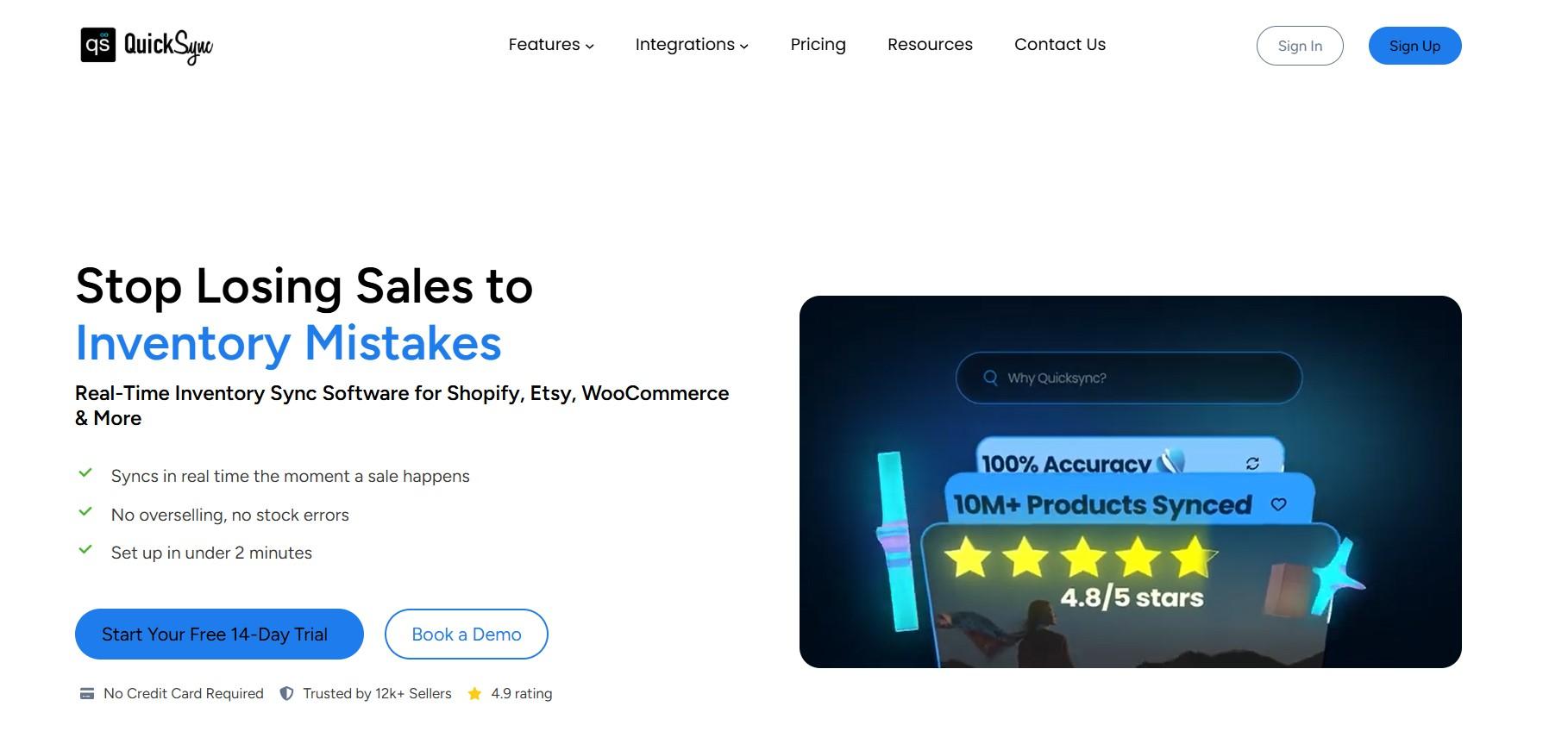
QuickSync is a real-time multichannel sync platform built for sellers who sell across ecommerce stores, marketplaces, POS systems, and social commerce channels at the same time. It connects Shopify, WooCommerce, Amazon, eBay, Etsy, TikTok Shop, Clover, Square, and QuickBooks from one central dashboard.
It does not just keep stock levels accurate across selling channels but also syncs product details, routes orders to a central fulfillment hub, and connects to QuickBooks for automatic accounting.
For sellers who want one tool that handles the entire operational layer of their multichannel business, QuickSync is the most complete option on this list.
Key Features:
- Real-time inventory sync across all connected channels the moment a sale happens.
- Full product sync including name, variants, images, description, pricing, categories, and tags.
- Order sync that routes all orders from every channel into one central fulfillment dashboard.
- QuickBooks integration that automatically creates the correct financial documents for every transaction.
- POS syncs with Clover and Square, so in-store and online stock stays aligned automatically.
- Master Store architecture where one platform acts as the single source of truth for all data.
- Multi-location inventory support for sellers with multiple warehouses or store locations.
- Inventory spoofing so you can show different stock levels on specific channels if needed.
Supported Platforms:
Shopify, WooCommerce, Amazon, eBay, Etsy, TikTok Shop, Clover POS, Square, QuickBooks.
Pricing Plans:
- Lite: $19 per month (up to 1,000 items, 4 integrations, inventory sync).
- Pro: $29 per month (up to 2,500 items, full product and order sync).
- Ultra: $69 per month (up to 10,000 items, full setup service, video sync, Forex pricing).
Moreover, users get a 14-day free trial on all plans. No credit card required.
Limitations:
Squarespace inventory sync does not support multiple locations.
Our Verdict:
QuickSync is the most versatile inventory sync tool on this list for multichannel sellers. Its combination of ecommerce, marketplace, POS, and accounting sync in one product is something no other tool here matches. The pricing is accessible starting at $19 per month, and the free trial removes all risk from trying it.
If you sell across more than two channels or use a POS system alongside an online store, QuickSync is the strongest starting point.
2. Syncio
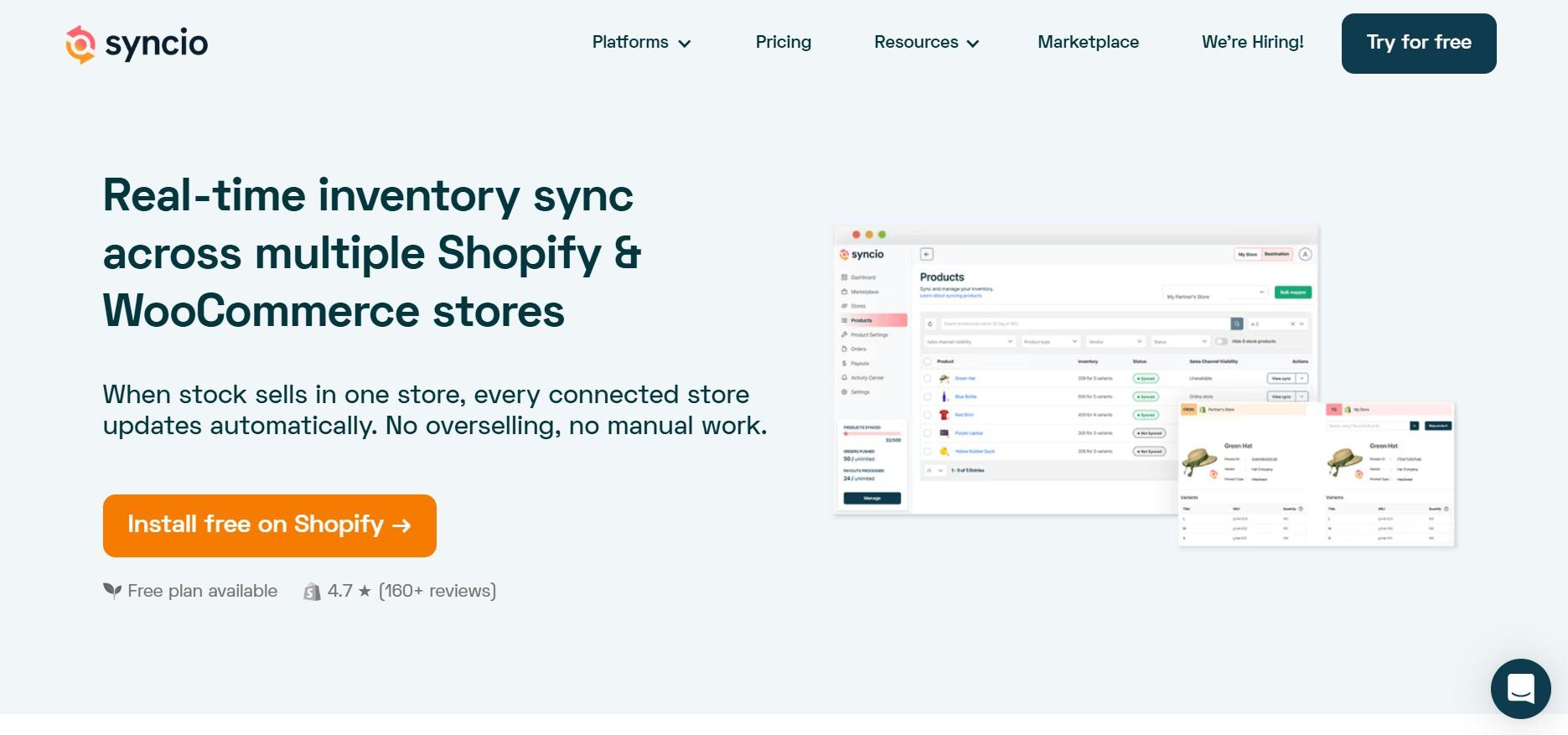
Syncio is an inventory and product sync solution designed specifically for businesses running multiple Shopify or WooCommerce stores. Instead of managing inventory separately across storefronts, merchants can use one store as the source of truth while Syncio automatically updates product data and stock levels across all connected stores in real time.
Unlike broader multichannel platforms, Syncio focuses entirely on multi-store management.
Key Features of Syncio:
- Real-time inventory sync between multiple Shopify and WooCommerce stores.
- Full product sync including images, descriptions, pricing, tags, and variants.
- Order sync so orders from connected stores route to the source store for fulfillment.
- Revenue splits for marketplace-style setups where different suppliers manage different products.
- Selective sync so you choose exactly which products sync between which stores.
- Bulk import and export for managing large product catalogs efficiently.
Supported Platforms:
Shopify, WooCommerce
Pricing Plans:
- Free plan available for Source Stores with up to 10 monthly orders containing synced products.
- Starter: $19/month (11–100 synced-product orders).
- Pro: $49/month (101–1,000 synced-product orders).
- Enterprise: $99/month (1,001–10,000 synced-product orders).
- Free 14-day trial included.
Limitations of Syncio:
- Only supports Shopify and WooCommerce. No support for Amazon, eBay, Etsy, or any marketplace.
- Not suitable for sellers who need marketplace sync or POS integration.
- The revenue split feature adds complexity that not all sellers need.
- Limited reporting and analytics compared to broader inventory management tools.
Our Verdict:
If your goal is to keep several Shopify or WooCommerce stores aligned without manual updates, Syncio is an excellent option. Its focused approach makes multi-store management simple and efficient. However, merchants looking for marketplace integrations, POS connectivity, or wider multichannel support will need a more feature-rich solution.
3. Linnworks
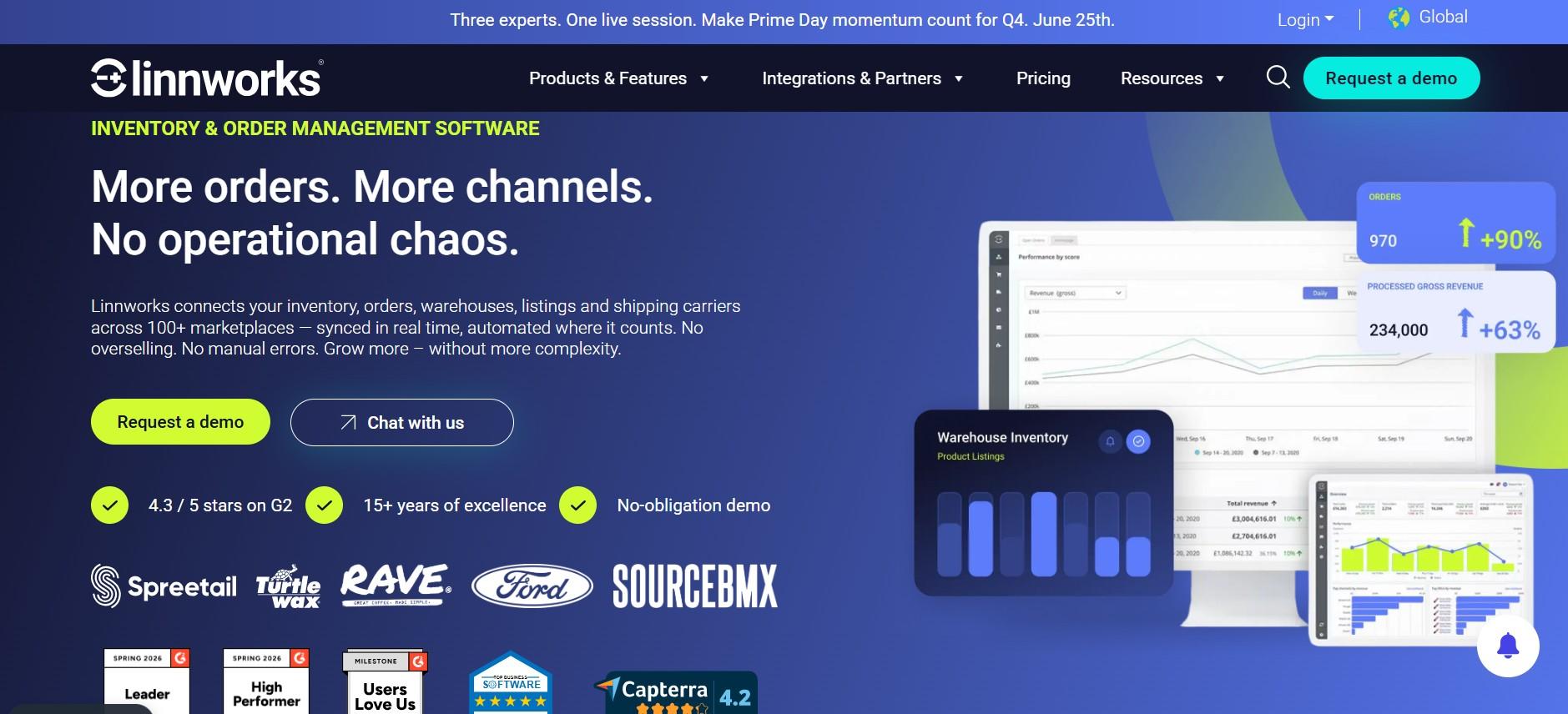
The third tool on our list is Linnworks, an enterprise-grade solution for sellers operating across multiple marketplaces, online stores, and fulfillment channels. This tool is known for its extensive integration network and advanced automation capabilities. Linnworks combines inventory synchronization with order management, shipping automation, warehouse operations, and analytics, making it a popular choice for fast-growing e-commerce businesses.
Key Features of Linnworks:
- Real-time inventory sync across 100+ connected channels and marketplaces.
- Advanced automation rules engine to route orders, manage stock, and trigger workflows automatically.
- Multi-warehouse management with location-specific stock tracking.
- Listing management so you can create, edit, and manage listings across channels from one place.
- Shipping automation with carrier integrations and fulfillment routing rules.
- Detailed analytics covering sales performance, inventory health, and channel profitability.
- Purchase order management to automate restocking based on sales velocity.
Supported Platforms by Linnworks:
Amazon, eBay, Walmart, Shopify, WooCommerce, BigCommerce, Magento, TikTok Shop, Lazada, and 100+ others
Pricing Plans:
- You need to contact Linnworks for a custom quote as there are no public plans mentioned anywhere.
- Pricing is based on order volume. Not suitable for small sellers due to cost.
Limitations of Linnworks:
- No published pricing. Costs are high and scale with order volume, making it inaccessible for smaller sellers.
- Complex to set up. Most businesses need professional onboarding support to get started.
- Steep learning curve. The platform has a lot of features which takes time to learn and configure.
- No built-in accounting integration. Requires third-party connections for QuickBooks or Xero.
- Overkill for sellers processing fewer than several hundred orders per day.
Our Verdict:
If you are a high-volume seller, Linnworks can help manage everything in one place, from orders to warehouse operations. But if you are still growing, it might be more than you need, and a simpler tool would make more sense.
4. Cin7
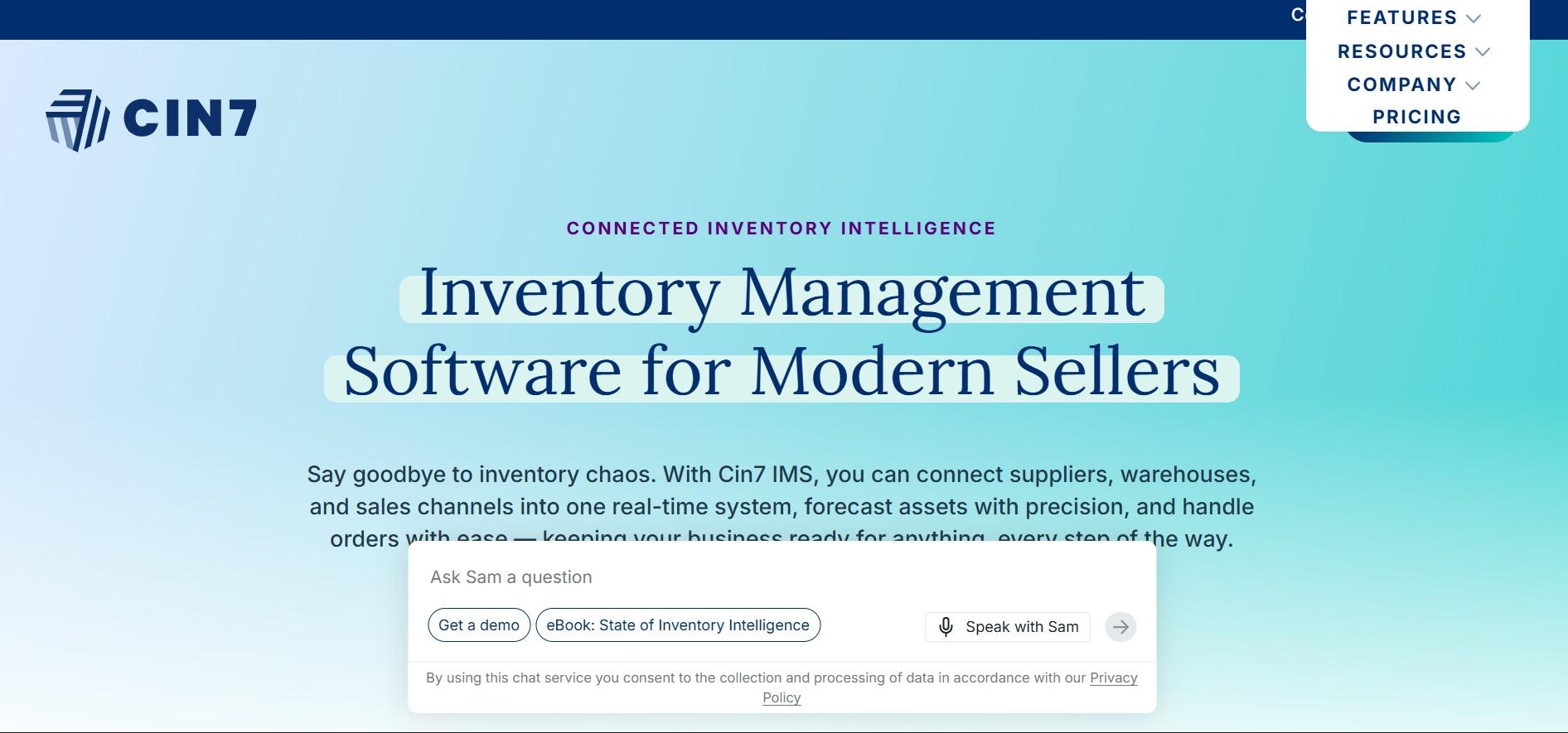
Cin7 is an inventory and order management solution for businesses selling through multiple channels like ecommerce, retail stores, and wholesale. It brings everything together in one platform, offering real-time stock updates, POS support, and B2B features so businesses can manage all their sales channels more efficiently.
Key Features of Cin7:
- Real-time inventory sync across online and offline sales channels.
- Built-in POS system for managing in-store sales without a separate tool.
- B2B ordering portal for wholesale customers to place orders directly.
- EDI connections for selling to large retail buyers and enterprise accounts.
- Multi-warehouse management with stock tracking across locations.
- Manufacturing and production tracking for brands that make their own products.
- Advanced reporting on channel profitability, inventory turnover, and sales trends.
Supported Platforms by Cin7:
Amazon, eBay, Shopify, WooCommerce, BigCommerce, Magento, built-in POS, B2B portal, EDI connections
Pricing Plans:
- Standard: $349/month (5 users, 2 integrations, 6,000 sales orders/year).
- Pro: $599/month (10 users, 4 integrations, 24,000 sales orders/year).
- Advanced: $999/month (15 users, 6 integrations, 120,000 sales orders/year).
- Omni: Custom pricing for enterprise businesses.
- Additional integrations, users, automation features, POS, and advanced capabilities are available as add-ons.
Limitations of Cin7:
- Higher starting price than most tools on this list, making it less accessible for small sellers.
- Complex to set up, particularly for businesses new to inventory management software.
- Some features that are included in competing tools require additional apps or add-ons in Cin7.
- Customer support quality has been noted as inconsistent by some users.
Our Verdict:
Cin7 is ideal for businesses that operate both online and offline, including retail stores and wholesale channels. It’s all-in-one setup makes it easy to manage everything in one place. But if you only sell online or on marketplaces, it may not be worth the cost or complexity compared to lighter tools.
5. Zoho Inventory
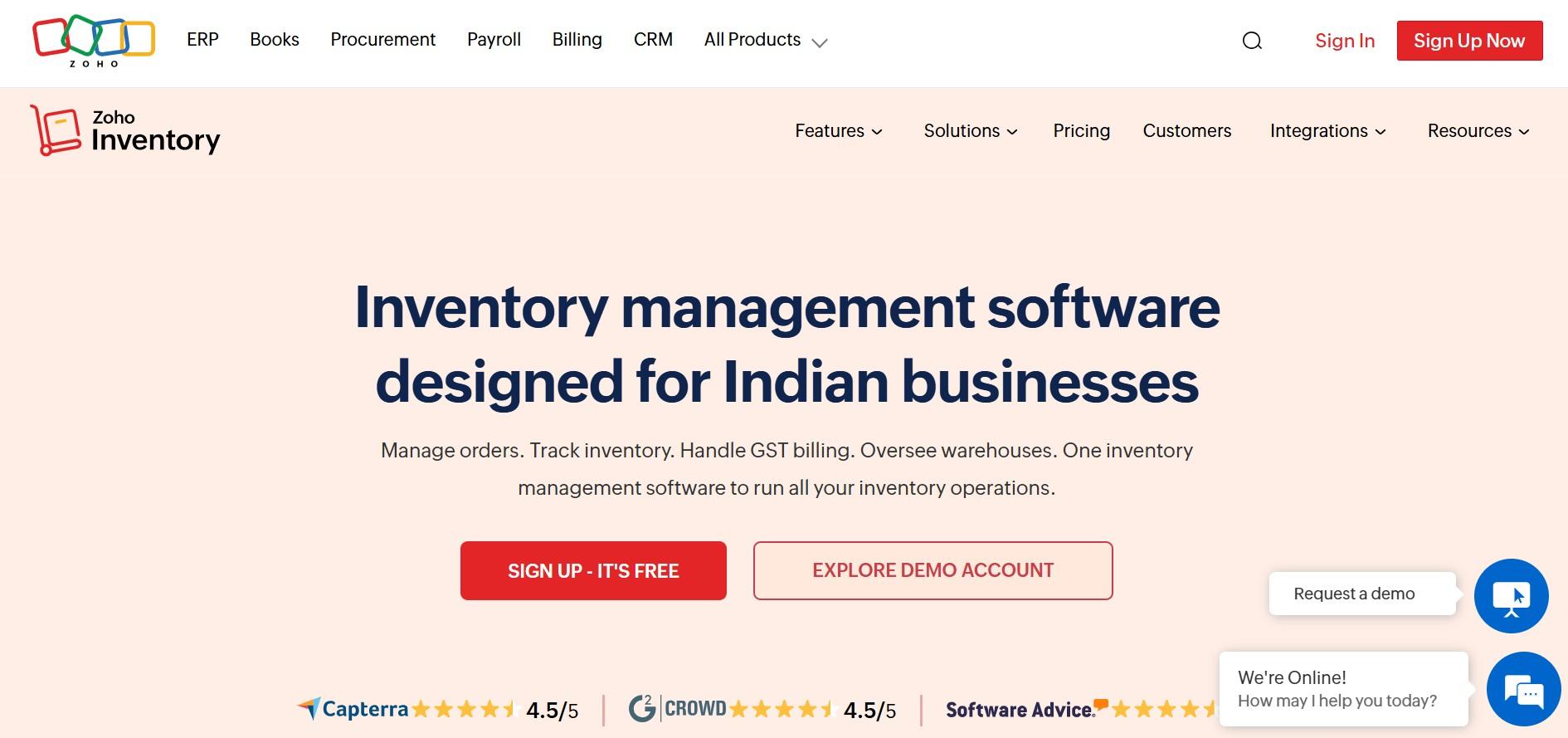
Zoho Inventory is a cloud-based inventory management tool that is part of the larger Zoho ecosystem. It is popular for its free plan and affordable pricing, making it a great starting point for small businesses moving beyond spreadsheets. It covers inventory tracking, order management, and basic multichannel selling, with smooth integration into Zoho Books and Zoho CRM.
Key Features of Zoho Inventory:
- Inventory tracking with low stock alerts and automatic reorder points.
- Multichannel order management across Amazon, eBay, Etsy, and Shopify.
- Warehouse management for sellers with multiple storage locations.
- Serial number and batch tracking for products that require traceability.
- Integration with Zoho Books for accounting and Zoho CRM for customer management.
- Shipping carrier integrations for order fulfillment.
- Basic demand forecasting on higher plans.
Supported Platforms by Zoho Inventory:
Amazon, eBay, Etsy, Shopify, WooCommerce
Pricing Plans:
- Free plan available (50 orders/month).
- Standard: $29/month.
- Professional: $79/month.
- Premium: $129/month.
- Enterprise: $249/month.
Limitations of Zoho Inventory:
- Uses scheduled sync rather than real-time sync. The minimum sync interval is 30 minutes on paid plans, which creates risk during busy selling periods or flash sales.
- Free plan is very limited and quickly outgrown as order volume increases.
- Demand forecasting is only available on higher-tier plans.
- Less suitable for high-growth brands due to its scheduled sync limitation.
- Platform integrations are fewer than tools like Linnworks or QuickSync.
Our Verdict:
Zoho Inventory works best for small businesses looking for a low-cost inventory management solution. It offers a useful free plan and affordable upgrades, making it accessible for early-stage sellers. The main drawback is its 30-minute sync delay, which can lead to stock mismatches during high-demand periods.
6. Sumtracker
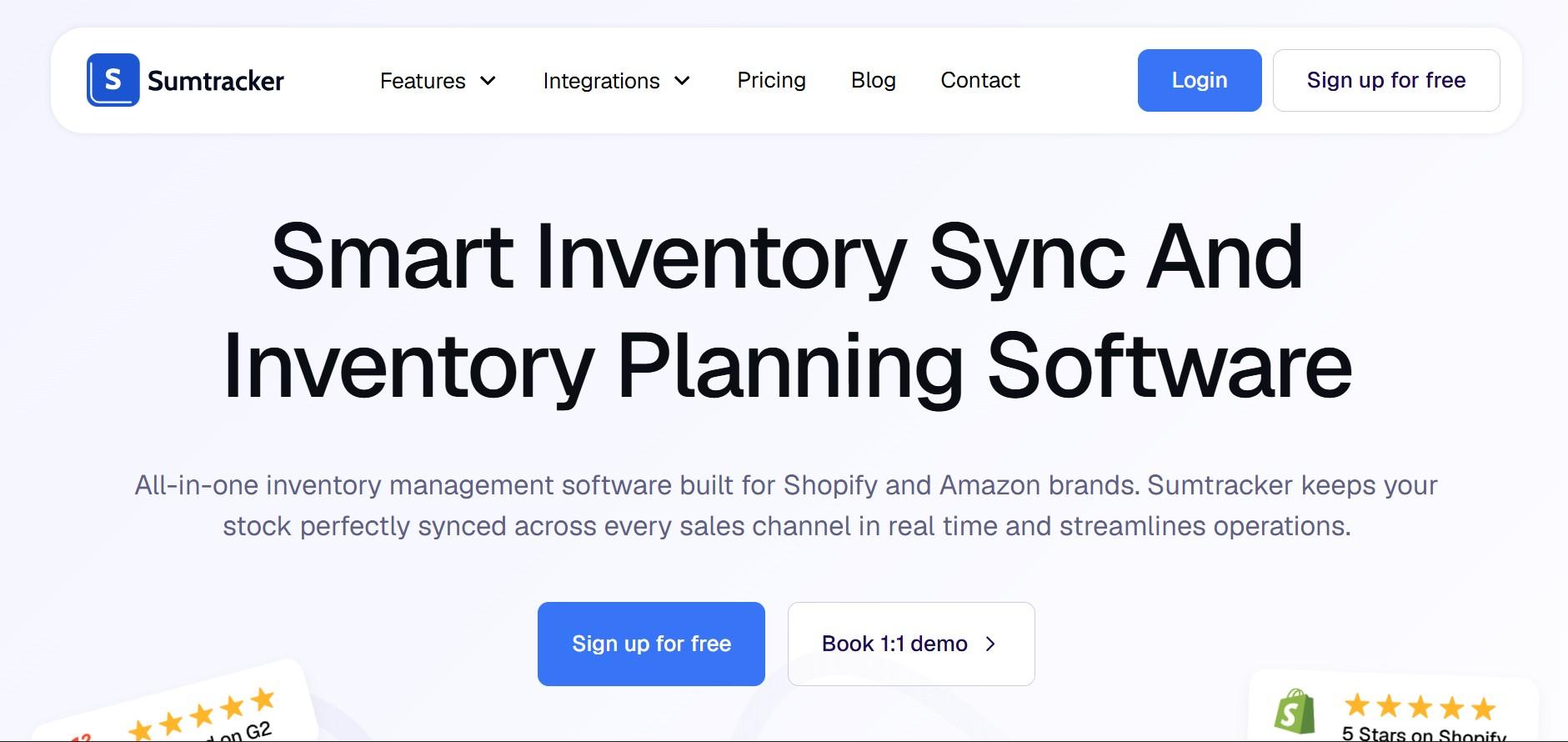
The next sync solution we have ranked in 6th position is Sumtracker. This tool is a simple inventory sync tool built for small- to mid-size e-commerce sellers. It keeps stock levels accurate across platforms like Shopify, WooCommerce, Amazon, eBay, and Etsy in real time. It is a good choice for sellers who want an easy-to-use solution without the complexity or cost of enterprise software.
Key Features of Sumtracker:
- Real-time inventory sync across all connected channels.
- Bundle and kit tracking so composite products deduct the right components when they sell.
- Low stock alerts and reorder point management.
- Product sync including titles, descriptions, images, and variants.
- Simple dashboard showing inventory levels across all channels at a glance.
- Historical inventory reports to track stock movements over time.
Supported Platforms by Sumtracker:
Shopify, WooCommerce, Amazon, eBay, Etsy
Pricing Plans:
- Manage: From $59/month.
- Replenish: From $99/month.
- Enterprise: Custom pricing.
- Free 14-day trial available
Limitations of Sumtracker:
- No order sync. Sumtracker syncs inventory but does not centralize orders from multiple channels.
- No POS integration. Sellers with physical stores need a separate tool for in-store sales.
- No accounting integration. QuickBooks or Xero connections are not available
- Fewer platform integrations than QuickSync or Linnworks.
- Limited reporting compared to more advanced inventory management platforms.
Our Verdict:
Sumtracker is a simple and reliable inventory sync tool for small to mid-size sellers on platforms like Shopify, WooCommerce, Amazon, eBay, and Etsy. It focuses on real-time stock accuracy and is easy to set up at an affordable price. However, for advanced features like order sync or POS integration, a more full-featured tool like QuickSync is a better fit.
7. Katana

Katana is a cloud-based inventory and manufacturing platform built for ecommerce brands that produce or assemble their own products. It helps small to mid-size manufacturers manage raw materials, production planning, costs, and finished goods all in one system, especially for sellers using Shopify or WooCommerce.
Key Features of Katana:
- Bill of materials management, so you know exactly what components go into each finished product.
- Production order management to plan and track manufacturing jobs.
- Real-time raw material and finished goods inventory tracking.
- Shop floor app for production staff to update job progress on the floor.
- Multichannel sales order management connecting to Shopify, WooCommerce, and Amazon.
- Integration with QuickBooks and Xero for accounting.
- Demand forecasting to help plan production runs based on sales history.
Supported Platforms by Katana:
Shopify, WooCommerce, Amazon, QuickBooks, Xero, and various shipping and 3PL integrations
Pricing Plans:
- Free Plan: Free (up to 30 SKUs).
- Core Plan: Starts at $299/month.
- Advantage Plan: Custom pricing.
- Additional add-ons available for Manufacturing Management, Warehouse Management, Traceability, and Shop Floor functionality
Limitations of the Katana:
- Significantly more expensive than most tools on this list, starting at $199 per month.
- Built for manufacturers. Sellers of finished goods without a production process will not benefit from most of its features.
- Limited marketplace integrations compared to tools like Linnworks or QuickSync.
- The platform has a learning curve, particularly for the production and bill of materials features.
Our Verdict:
Katana is best suited for manufacturers who need to track everything from raw materials to finished products while selling online. It fills a specific gap that most inventory tools do not cover. But if you only sell finished products and need basic multichannel sync, other tools like QuickSync or Sumtracker are more practical.
8. Sellbrite

Sellbrite is a multichannel listing and inventory management tool designed for sellers who sell across major online marketplaces. It was built specifically to make creating, managing, and syncing product listings across Amazon, eBay, Etsy, Walmart, and Shopify simpler and faster. Sellbrite gives sellers a single place to create listings that publish to multiple marketplaces at once, and keeps inventory counts synchronized across all of them in real time.
Key Features of Sellbrite:
- Real-time inventory sync across all connected marketplaces and stores.
- Centralized listing creation so you build one listing and publish it everywhere.
- Bulk listing tools to manage and update large catalogs across channels quickly.
- Order management with all marketplace orders routed to one central dashboard.
- FBA and warehouse routing so orders are sent to the right fulfillment location.
- Reporting and analytics covering sales by channel, inventory performance, and revenue trends.
- Barcode scanning support for warehouse inventory management.
Supported Platforms by Sellbrite:
Amazon, eBay, Etsy, Walmart, Shopify, WooCommerce
Pricing plans at Sellbrite:
- Free plan available (up to 30 orders per month).
- Pro 100: $29 per month (up to 100 orders per month).
- Pro 500: $79 per month (up to 500 orders per month).
- Pro 2000: $179 per month (up to 2,000 orders per month).
Limitations of Sellbrite:
- No POS integration. Sellers with physical stores need a separate tool for in-store inventory
- No accounting integration with QuickBooks or Xero and Platform coverage is limited.
- Less suitable for sellers who need deep inventory management features like multi-location tracking or demand forecasting.
- Order volume limits on lower plans can become restrictive during peak selling periods.
Our Verdict:
Sellbrite is a simple tool for managing listings and syncing inventory across major marketplaces like Amazon, eBay, Etsy, Walmart, and Shopify. It works well for sellers growing across channels. But if you need POS integration or deeper inventory and accounting features, QuickSync is a more advanced alternative.
9. Extensiv (formerly Skubana)
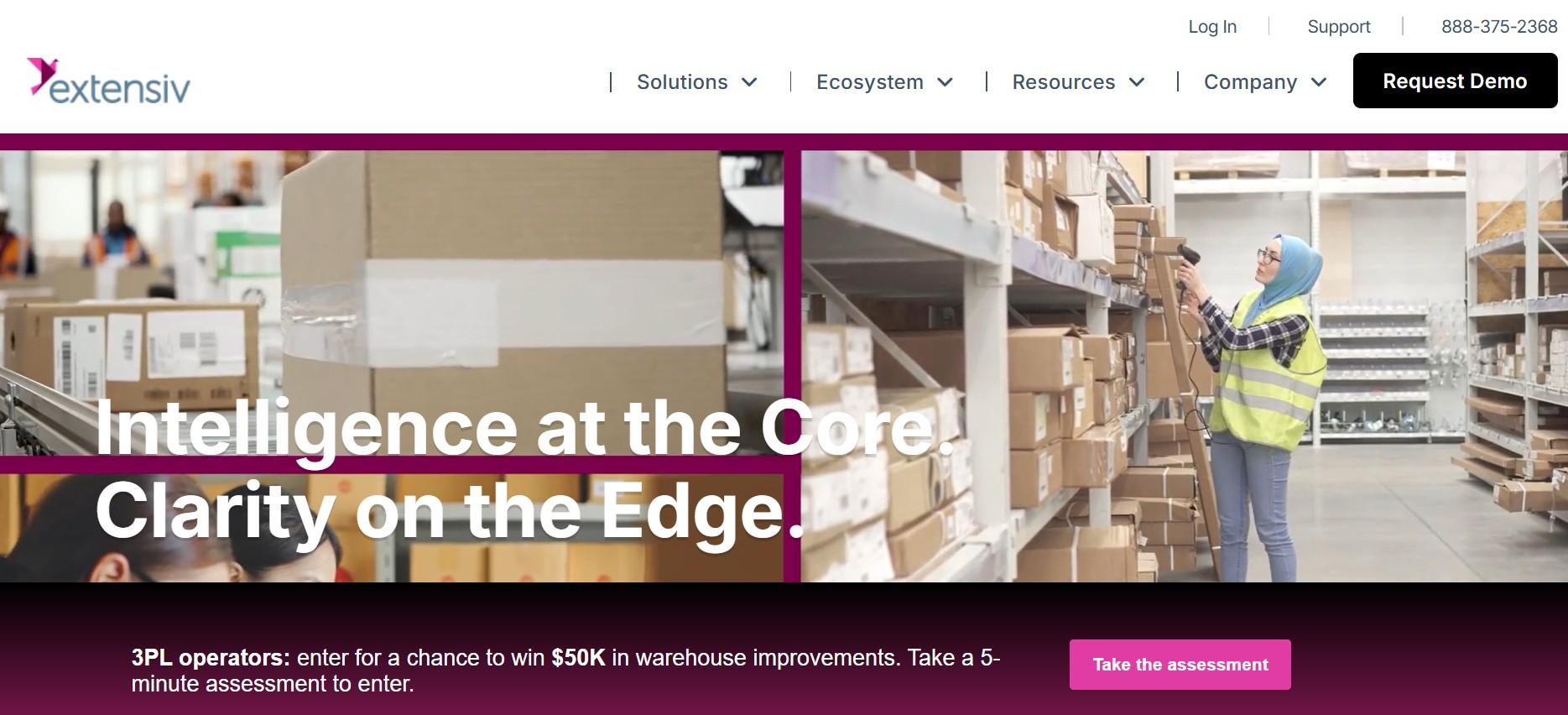
Extensiv, once known as Skubana, is a platform for scaling ecommerce businesses that need more than simple inventory syncing. It helps manage orders, forecast demand, track SKU performance, and handle 3PL workflows. It keeps inventory synced in real time across Amazon, Walmart, Target, Shopify, BigCommerce, and WooCommerce.
Key Features of Extensiv:
- Real-time inventory sync across all connected selling channels.
- Demand forecasting using historical sales data to predict future stock needs.
- Profitability tracking by individual SKU and by sales channel.
- Multi-warehouse and 3PL management for brands using third-party fulfillment.
- Automated purchase orders triggered by reorder point thresholds.
- Order routing rules to direct orders to the most efficient fulfillment location.
- Analytics dashboard covering sales trends, inventory health, and channel performance.
Key Supported Platforms:
Amazon, Walmart, Target, Shopify, BigCommerce, WooCommerce
Pricing plans of Extensiv:
There are no exact pricing plans listed publicly. You need to contact Extensiv for pricing. Generally, the plans are more expensive than entry-level tools.
Limitations of Extensiv:
- No published pricing, which makes budgeting difficult without going through a sales process.
- Not suitable for small sellers due to cost and complexity.
- No native POS integration for sellers with physical retail locations.
- Setup and onboarding require time and technical involvement.
- Fewer marketplace integrations than Linnworks for sellers on niche or regional channels.
Our Verdict:
Extensiv is designed for businesses that are growing quickly and need deeper inventory and fulfillment management. Features like demand forecasting and profitability tracking can be valuable as operations scale. However, for many sellers, QuickSync or Sumtracker offers an easier and more affordable way to manage inventory across channels.
10. SyncX
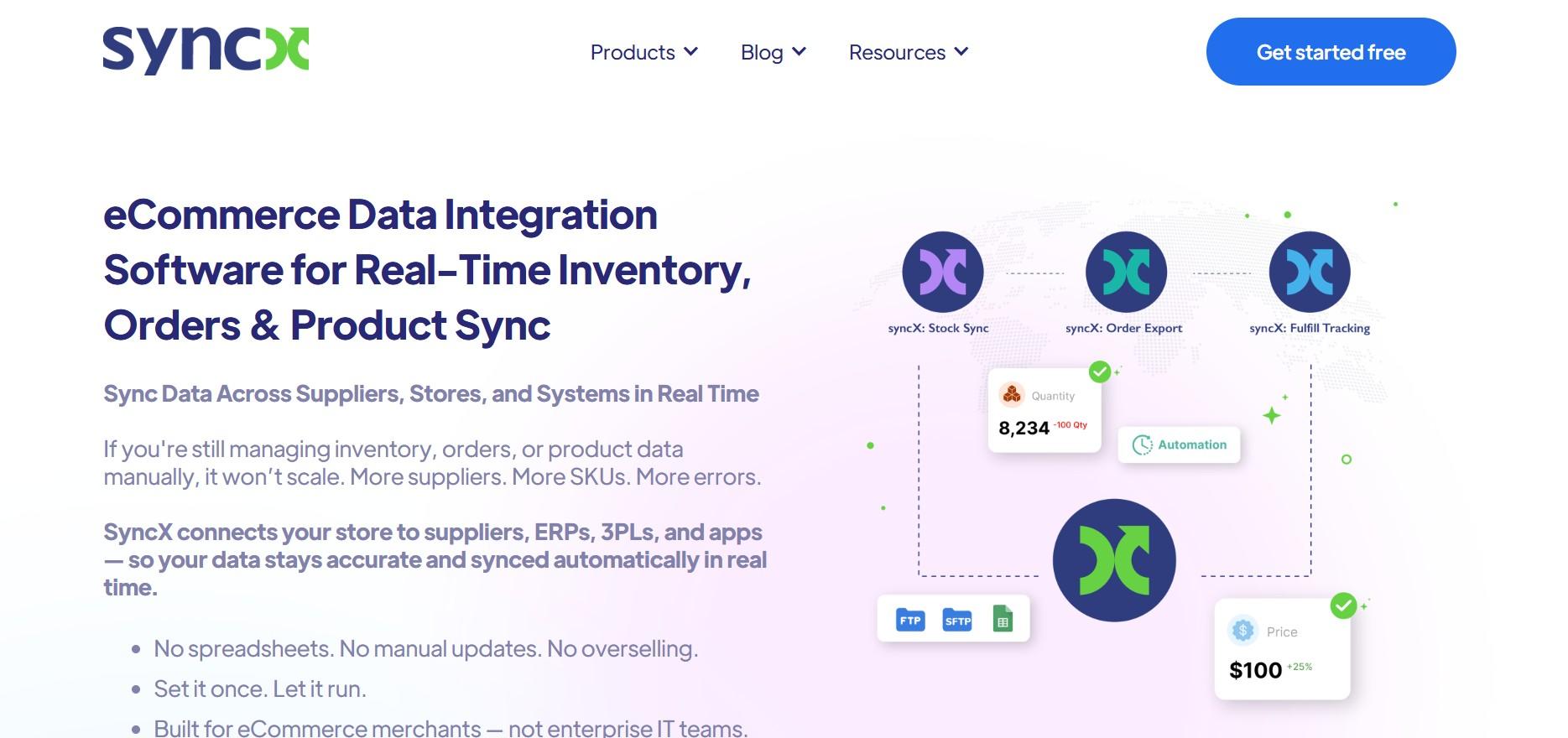
SyncX helps Shopify sellers sync product and inventory data from supplier feeds directly into their store. It supports multiple formats like CSV, XML, Google Sheets, FTP, and API connections. It’s best for dropshippers and retailers who want their Shopify catalog automatically updated with supplier stock.
Key Features of SyncX:
- Supplier feed sync supporting FTP, SFTP, Google Sheets, XML, CSV, JSON, and API formats.
- Automatic product creation and updates from supplier feeds directly into Shopify.
- Price rules and markup automation so supplier prices are adjusted before publishing.
- Inventory quantity sync from suppliers to prevent selling out-of-stock items.
- Scheduled or real-time sync depending on the feed type and plan.
- Multi-supplier support for retailers sourcing from multiple vendors.
- Product filtering to import only the items you want to sell.
Supported Platforms by SyncX:
Shopify (primary). Works with supplier feeds via FTP, Google Sheets, XML, CSV, and APIs from any supplier system
Pricing Plans at SyncX:
- Starter: $7/month.
- Expert: $10/month.
- Custom costs apply for additional feeds and higher product volumes.
Limitations of SyncX:
- Primarily a Shopify-only tool. Does not sync across other selling channels like Amazon, eBay, or Etsy.
- Does not handle order sync or centralized order management.
- Focused on supplier feed syncing rather than multichannel inventory sync between selling channels.
- Less useful for sellers who do not use supplier product feeds or dropshipping.
- More limited in scope compared to full multichannel tools like QuickSync or Linnworks.
Our Verdict:
Stock Sync is a Shopify tool designed for sellers who use supplier feeds to manage products and inventory. It works well for dropshippers and retailers handling multiple supplier sources and offers strong feed import and pricing updates at a low cost. However, it is not built for multichannel syncing between platforms like Amazon, eBay, and Shopify.
The Difference between Real-Time Sync vs Scheduled Sync
One of the most important things to understand when choosing multichannel inventory management software is the difference between real-time sync and scheduled sync. It sounds like a technical detail, but for sellers running promotions or selling fast-moving products, it can be the difference between a successful sale and a marketplace penalty.
What Real-Time Sync Means:
Real-time sync means that the moment a sale happens on any of your connected channels, every other channel is updated instantly. If you have 5 units left and one sells on Amazon, your Shopify store, eBay listing, and Etsy shop all drop to 4 within seconds. There is no window where another channel can sell the same item.
What Scheduled Sync Means:
Scheduled sync means the system checks for updates at set intervals, typically every 15 to 30 minutes. During that window, your channels are running on whatever stock count was last recorded. If a product sells out in 10 minutes during a flash sale, your other channels continue showing it as available until the next sync runs.
| Factor | Real-Time Sync | Scheduled Sync |
| How it works | Updates inventory across all channels within seconds of a sale | Updates inventory at fixed intervals (15–30 minutes or more) |
| During a flash sale | Safe, stock updates instantly after each order | Risky, same item can be oversold across multiple channels |
| Normal selling conditions | Smooth and accurate at all times | Usually stable for low-volume, predictable sales |
| Overselling risk | Very low | High during spikes or promotions |
| Best suited for | Serious multichannel sellers, growing brands, and high-traffic stores | Small sellers with slow, predictable order flow |
Real-time sync is essential for multichannel sellers with active sales, promotions, or seasonal demand. It keeps inventory accurate and helps prevent overselling. Scheduled sync may work for small, stable stores, but real-time is the safer option for most growing businesses.
Which Inventory Syncing Tool is Best for Your Business?
Choosing the right ecommerce inventory sync tool depends on what you sell, where you sell it, how much volume you do, and what else you need the tool to handle. Here is a clear and quick breakdown by business type.
| Business Type | Recommended Tool | Why |
| Shopify seller on multiple channels | QuickSync | Real-time sync across Shopify, marketplaces, social channels, and more |
| Marketplace seller (Amazon, eBay, Etsy) | QuickSync | Handles all major marketplaces with real-time inventory and order routing |
| POS and online retail (Clover, Square) | QuickSync | One of the only tools with native POS and ecommerce sync in real time |
| High-volume seller (1000+ orders/day) | Linnworks/QuickSync | Built for enterprise-level automation and large-scale operations |
| Small seller on a budget | QuickSync | Starts at $19/month with full real-time multichannel sync included |
| Manufacturing brand | Katana | Designed for production tracking, BOM management, and manufacturing workflows |
| Wholesale and B2B brand | Cin7 | Strong B2B portal, EDI support, and multi-warehouse management capabilities |
| Seller needing accounting sync | QuickSync | Direct QuickBooks integration plus full multichannel sync in one system |
| Shopify dropshipper or supplier feed seller | SyncX | Built specifically for syncing supplier product feeds and dropship stock into Shopify |
| Marketplace listing management across channels | Sellbrite and QuickSync | Strong listing creation and management across Amazon, eBay, Etsy, and TikTok |
| Brand needing analytics and forecasting | Extensiv | Demand forecasting, SKU-level profitability, and 3PL management for scaling brands |
In short, among all the best-listed sync tools, QuickSync offers the best all-in-one solution for most ecommerce sellers with real-time sync, marketplace, POS, and accounting features in a single system. Specialized tools like Linnworks, Katana, or Cin7 may suit more specific business needs. But for the majority of multichannel sellers, QuickSync is the most complete and accessible starting point.
How QuickSync Simplifies Inventory Sync Across Sales Channels
Most inventory sync tools focus on one thing: keeping stock levels accurate between platforms. QuickSync does that, but it also goes further. It syncs products, orders, pricing, and accounting records in real time, turning what is usually three or four separate tools into one connected system.
QuickSync is designed to unify your entire sales system instead of just syncing inventory between ecommerce platforms. It connects online stores, marketplaces, POS systems, and accounting into one simple workflow.
- Works with POS tools like Clover and Square, so in-store sales update online stock instantly.
- Syncs directly with QuickBooks for automatic financial record creation on every transaction.
- Uses one Master Store as the single source of truth for all product and inventory data.
- Automatically syncs stock levels, prices, and product details across every connected channel.
- Central order dashboard so your fulfillment team manages every channel from one place.
In short, QuickSync keeps every part of your sales process connected so you can manage everything from one place.
Start Your Multichannel Sync in under 20 minutes with QuickSync
Setting up QuickSync is fast and simple, even if you are not technical. In just a few steps, you can connect all your sales channels and start syncing your inventory in real time.
- Sign up at QuickSync.pro. Start your free 14-day trial. No credit card required.
- Connect your Master Store. Choose your primary platform, typically Shopify or WooCommerce, and connect it. QuickSync imports your existing catalog automatically.
- Connect your other channels. Add your marketplaces, additional stores, POS systems, or QuickBooks account. QuickSync maps products between platforms using SKUs.
- Set your sync preferences. Choose what syncs: inventory, products, orders, or all three. Set it once, and QuickSync handles everything from that point forward.
- Go live. Activate the sync. Every sale on every channel updates inventory everywhere instantly. Every order routes to your fulfillment dashboard automatically.
No credit card required. Your inventory stays accurate across every channel from day one.
The Final Words: What to do Next!
In short Selling on multiple ecommerce platforms without a proper inventory sync solution usually leads to overselling, stock mistakes, and daily confusion. Although we looked at the best inventory sync software and how each one suits different types of sellers. Most growing businesses need something simple that updates stock in real time across all channels. That is where QuickSync works best for most sellers. In the end, choosing from the top inventory management software depends on your business, but real-time sync is now a must in 2026.