Inventory sync software can cost nothing, $19 a month, or more than $300 a month. The difference usually isn’t the features. It’s what the tool charges you for.
Some tools charge by the orders you take. Others charge by the products you sync or the stores you connect. That’s why the same seller can pay $19 with one tool and $179 with another.
This guide covers what each pricing model costs, how six tools compare on price, and which model works out cheapest for the way you sell. Every price was checked on the tool’s own pricing page in November 2026.
How much does inventory sync software cost?
Inventory sync software usually costs $0 to $30 a month for a small seller, $30 to $120 for a growing seller, and $120 to $400 or more at high order volumes. Free tiers exist but cap orders or products. The final price depends on whether the tool charges by orders, products or connected shops.
Here’s what those ranges look like with real plans:
– Free: Sellbrite’s free plan covers up to 30 orders a month. Syncio’s free tiers stop at 10 orders or 25 products. QuickSync’s Free tier syncs stock for up to 100 products after the trial.
– Small sellers: QuickSync Lite at $19, SKU IQ Basic at $19 and Sellbrite Pro 100 at $29 (billed yearly).
– Growing sellers: Sumtracker Manage at $59 to $119, Sellbrite Pro 500 at $79 and SKU IQ Pro at $99.
– High volume: Sellbrite Pro 2K at $179 and Sumtracker’s top published tier at $399 for 100,000 orders a year. Above that, most tools quote a custom price.
Enterprise systems that bundle sync with warehouse and accounting tools usually don’t publish prices at all. You’ll need a sales call for those.
The 4 ways inventory sync tools charge
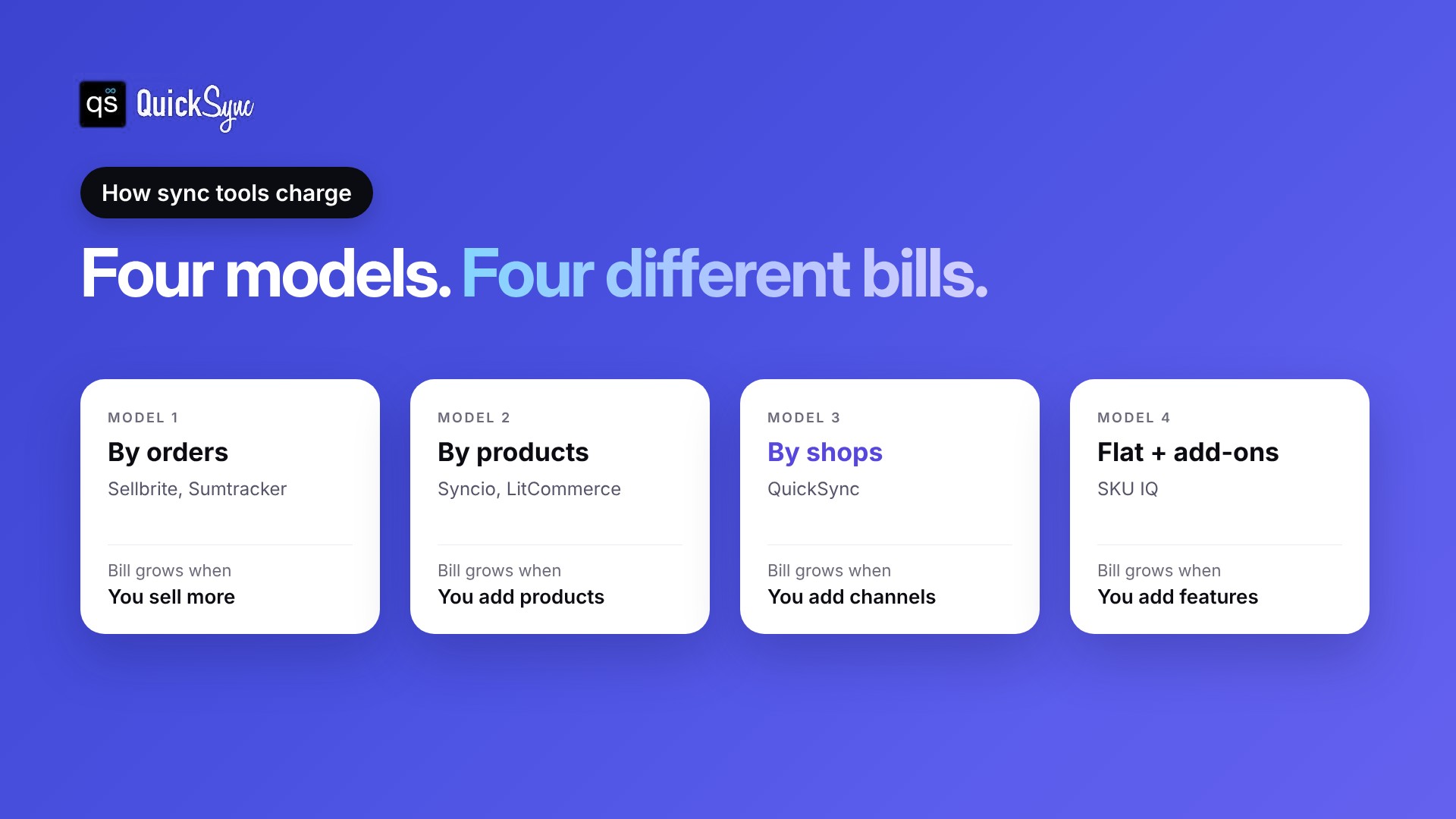
Every inventory sync tool picks something to count, and your bill grows with that number. Most use one of four models: orders, products, shops or a flat plan with add-ons. Knowing which one a tool uses tells you how your bill will change as you grow.
1. Priced by orders
You pay more as you sell more. Sellbrite counts new orders per month: up to 30 is free, 100 is $29, 500 is $79 and 2,000 is $179, billed yearly. If you go over, it moves you to the next tier automatically. Sumtracker counts orders per year, from $59 a month for 2,500 orders.
This model is cheap when you’re small. It gets expensive in your best months, because a busy holiday season pushes you into a higher tier.
2. Priced by products or listings
You pay by how many products you sync. Syncio charges destination stores from $19 for 26 to 100 products up to $129 for 10,000. LitCommerce starts at $29 a month from 1,000 listings, and 3Dsellers charges by active eBay listings, from $19 for 100.
This model suits sellers with a small catalog and lots of orders. It gets expensive when you add sizes, colors or new products.
3. Priced by connected shops
You pay by how many stores you connect, with a cap on items. QuickSync prices each plan for two shops, and each extra shop adds the plan price again. Orders are unlimited on every plan.
This model suits sellers with steady catalogs and high order volume. It gets more expensive as you add channels.
4. Flat plan with add-ons
You pay a base price, then add features. SKU IQ starts at $19 a month, then charges $15 each for attribute sync, auto push and image sync on Basic, $10 per location for multi-location and $49 for priority syncing.
The base price looks low. Add the features you need before you compare it.
Inventory sync software pricing compared
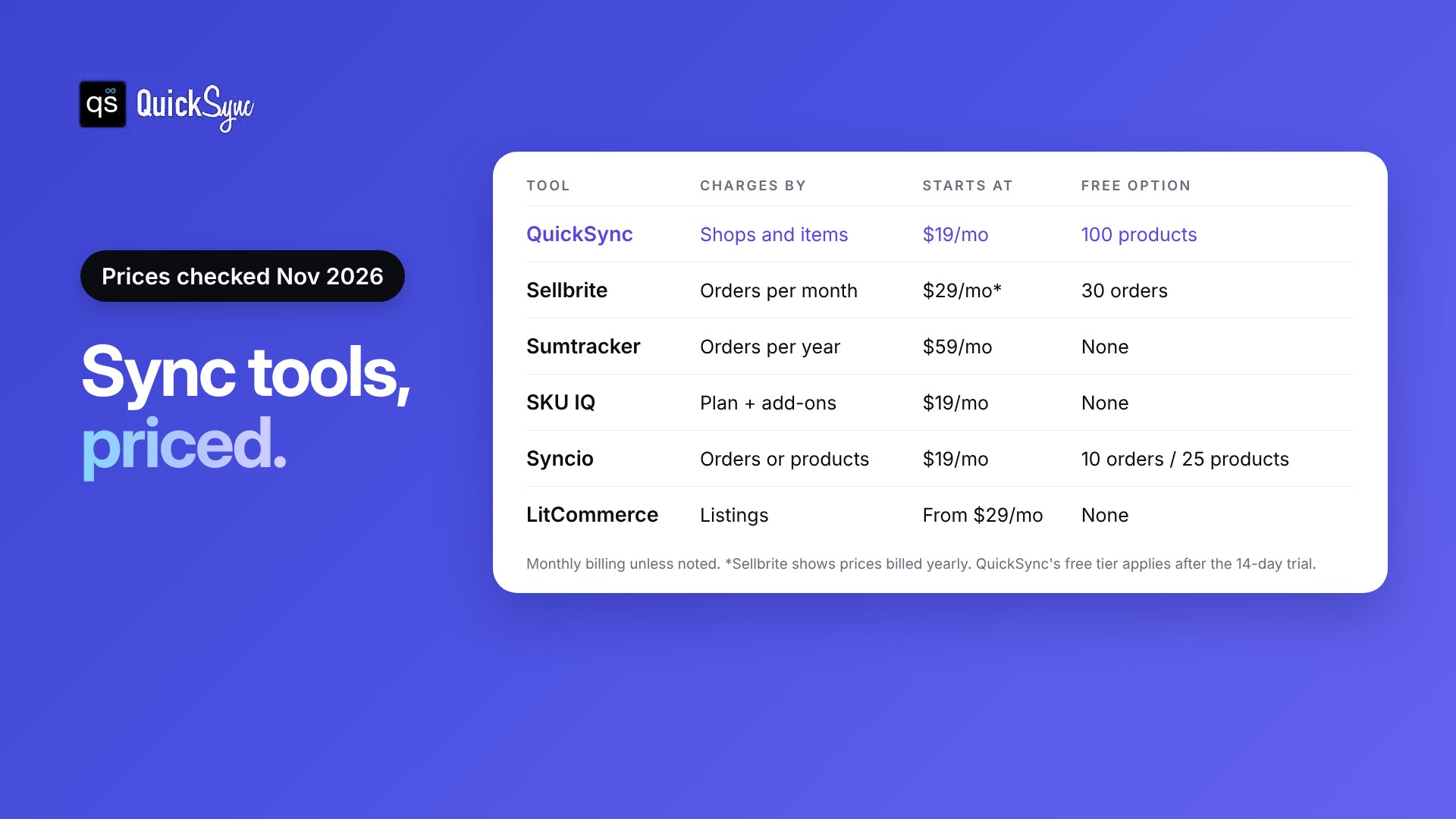
| Tool | Charges by | Starts at | Free option | Free trial |
|---|---|---|---|---|
| QuickSync | Shops and items | $19/mo for 2 shops, 1,000 items | Free tier, 100 products | 14 days, no card |
| Sellbrite | Orders per month | $29/mo for 100 orders (billed yearly) | Free up to 30 orders | 14 days |
| Sumtracker | Orders per year | $59/mo for 2,500 orders a year | None | 14 days, no card |
| SKU IQ | Flat plan plus add-ons | $19/mo | None | Up to 14 days |
| Syncio | Orders (source) and products (destination) | $19/mo | Free up to 10 orders or 25 products | 14 to 15 days |
| LitCommerce | Listings | From $29/mo | None | 7 days |
Prices checked on each tool’s pricing page in November 2026. Monthly billing unless noted.
Each tool also includes different features at its starting price. Sumtracker includes bundles and stocktakes. Sellbrite includes listing tools and unlimited channels. If you’re weighing those two, our QuickSync vs Sellbrite comparison goes deeper. QuickSync Lite covers stock sync, and product and order sync start on Pro at $29. Compare what you need, not only the starting number.
What will you actually pay? 3 examples

Which pricing model costs you less?
The cheapest model depends on your order volume and how many channels you use. Order-based pricing is cheapest when you sell a little. Shop-based pricing is cheapest when you sell a lot through a few channels.
| If you… | The cheapest model is usually | Why |
|---|---|---|
| Take under 100 orders a month | Order-based, or a free tier | You pay very little until sales grow |
| Take hundreds of orders through 2 or 3 channels | Shop-based, like QuickSync | Orders don’t change your bill |
| Have a small catalog and steady sales | Product-based | You pay for products, not sales |
| Sell on many channels at low volume | Order-based with unlimited channels, like Sellbrite | Adding a channel costs nothing extra |
Whichever model you pick, price it on your busiest month. That’s the bill you’ll get in November and December.g wins when you sell a lot through a few channels. Work out your own three numbers before you choose.
What hidden costs should you look for?
The starting price rarely matches the bill. Watch for paid add-ons for features like order sync or image sync, automatic upgrades when you pass an order limit, per-location fees, charges for extra shops, and prices that are only shown with yearly billing.
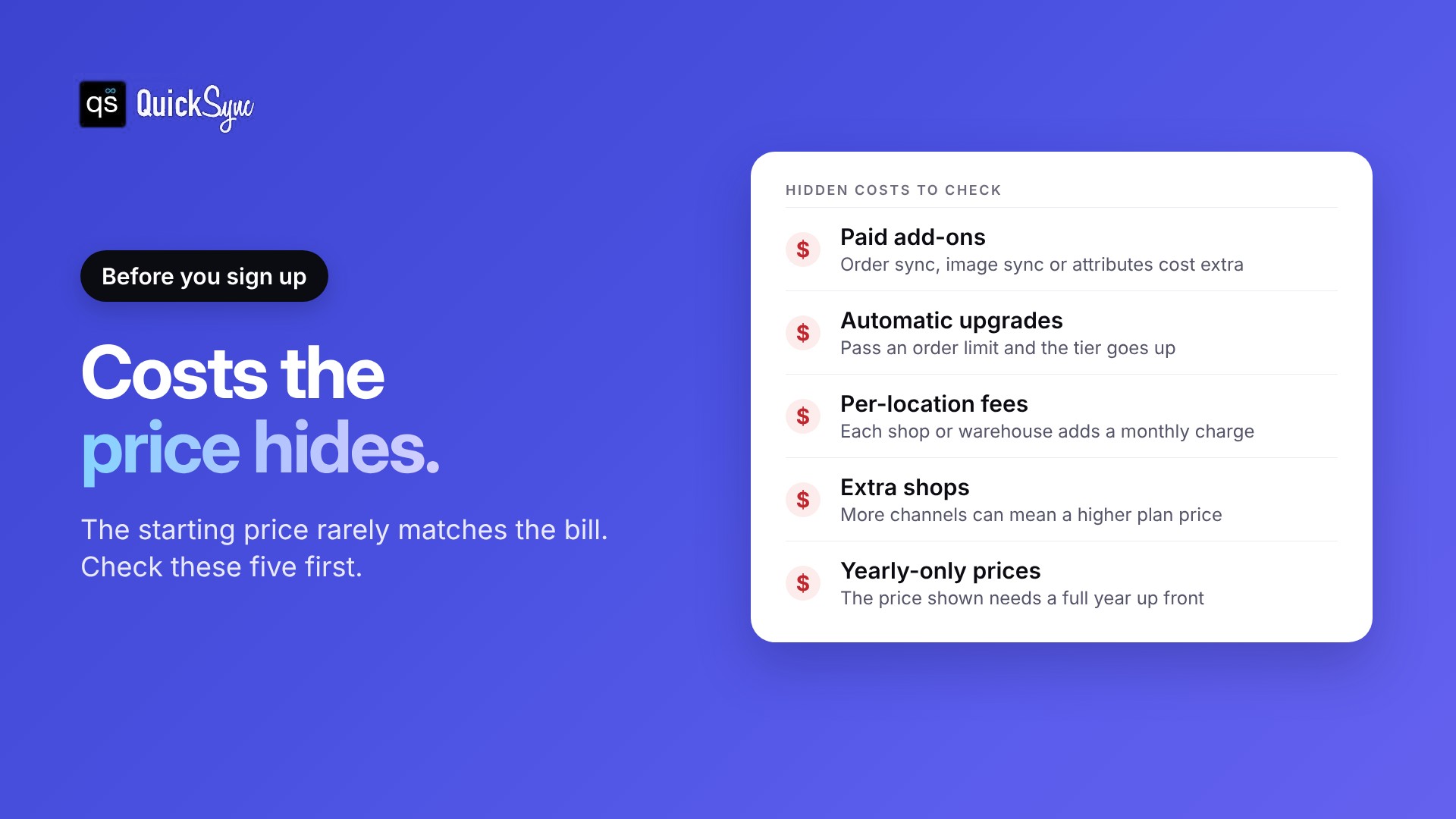
Check each of these before you sign up.
Add-ons. SKU IQ charges extra for image sync, attribute sync and auto push on Basic. Syncio charges $22 a month for order sync on Shopify. Find out if the feature you need is included.
Automatic upgrades. Sellbrite moves you to the next tier if your orders go over your plan, and charges the difference for the rest of the month. One busy month can raise your bill.
Locations. SKU IQ charges $10 a month per location. If you have a shop and a warehouse, that adds up.
Extra shops. QuickSync covers two shops per plan and charges the plan price again for each extra shop, up to eight. Count your channels before you pick a plan.
Yearly-only prices. Sellbrite’s pricing page shows prices billed yearly. That’s a full year up front, so check the monthly price before comparing.
Sync speed. Some tools sync faster on higher plans. Sellbrite’s free plan syncs every 2 hours, and paid plans every 15 minutes. If you sell fast-moving stock, a slow sync can still oversell.
Is inventory sync software worth the cost?
For most sellers on two or more channels, yes. A plan costs $19 to $180 a month, and it replaces two costs you’re already paying: the time spent updating stock by hand, and the orders you cancel when stock runs out on one channel but not another.
What the monthly price replaces:
- Manual updates. Every sale on one channel means changing the quantity on the others. Sync tools do this for you after every order.
- Cancelled orders. Selling stock you don’t have means a refund, a cancelled order and, on eBay, a possible transaction defect against your account.
When it’s not worth it yet:
- You sell on one channel only. Its built-in inventory already does the job.
- You have a handful of products and rarely run low on stock.
If either applies, start with a free option. Our list of free inventory management software covers what’s available.
How to choose the right plan for inventory sync software
Use these steps to compare tools on your numbers, not theirs.
1. Count your orders, products and shops
Check last month’s orders, your busiest month’s orders, your total product count including variants, and how many channels you sell on. These numbers decide your price on every tool.
2. Price your busiest month
If a tool charges by orders, price it on your peak month, not your average one. That’s what you’ll pay in November and December.
3. List the features you need
Stock sync, order sync, product sync, multiple locations. Then check which plan includes each one, and what the add-ons cost.
4. Test with a free trial
Most tools offer 7 to 15 days free. Connect two shops, sync a few products and make a test sale before you pay. Our guide on choosing inventory sync software has a fuller checklist.
What QuickSync costs you
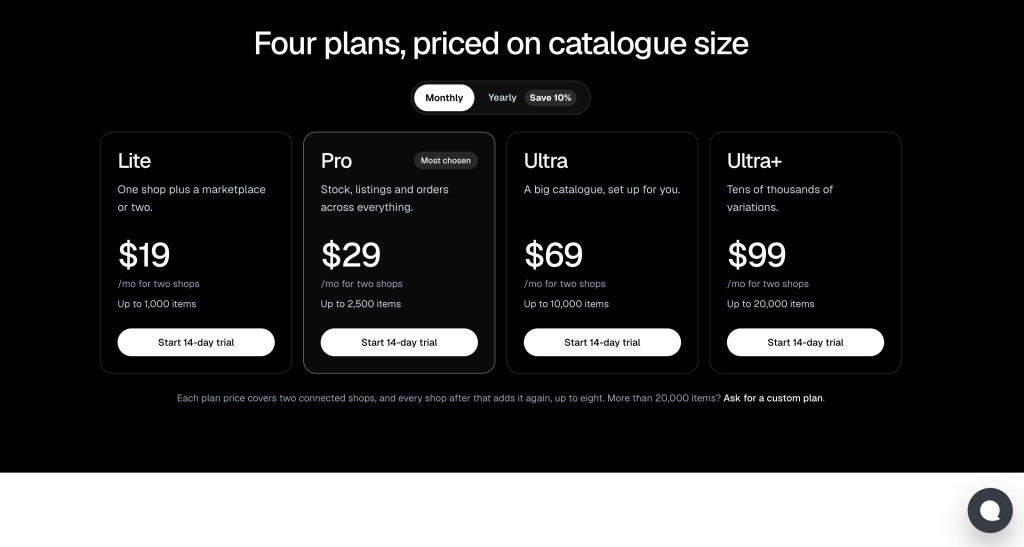
QuickSync has four plans. Each covers two shops, and each extra shop adds the plan price again, up to eight shops. There’s no setup fee and no charge per order.
| Plan | Price for 2 shops | Items | What’s included |
|---|---|---|---|
| Lite | $19/mo | 1,000 | Inventory sync |
| Pro | $29/mo | 2,500 | Adds product sync and order sync |
| Ultra | $69/mo | 10,000 | Adds price rules, and the team sets up your shops |
| Ultra+ | $99/mo | 20,000 | Adds priority syncing and dedicated support |
Yearly billing saves 10%. Every plan starts with a 14-day free trial with no card, including a free 30-minute call to connect your first two shops. After the trial, the Free tier keeps stock syncing for up to 100 products. Full details are on the QuickSync pricing page.
If you sell on Shopify and Etsy, you can sync Shopify and Etsy as your first connection and see your real price before paying anything.