Your Black Friday sale starts online at midnight, but your physical store opens at 8 a.m. By then, some of your best-selling products may already be sold out online.
If you sell both in-store and online, keeping track of stock can be difficult. A product sold on your website may still show as available in your store’s POS system. This can lead to overselling, cancelled orders, and unhappy customers.
Most Black Friday tips for small businesses focus on discounts and marketing. But managing inventory is just as important. In this guide, you’ll learn how to keep your in-store and online inventory updated and avoid overselling.
Why Black Friday is different when you sell in store and online

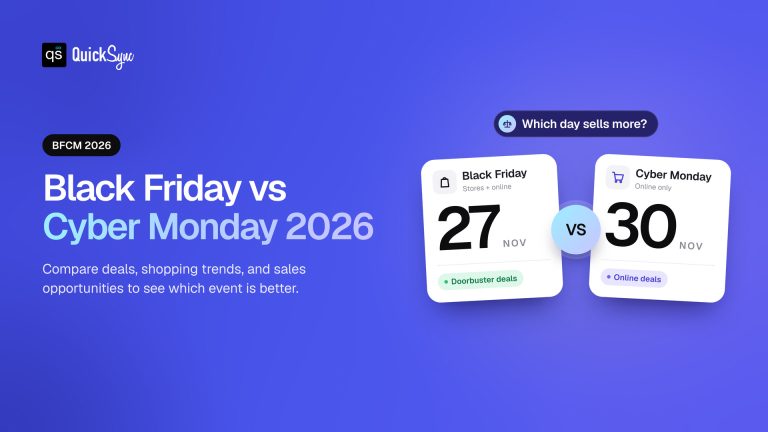
Black Friday weekend is one of the busiest of the year for most shops, and it’s huge online too. Adobe expects US shoppers to spend $12.9 billion online on Black Friday 2026 and $47.5 billion over Cyber Week, from Thanksgiving to Cyber Monday.
For a small business with a shop and a website, that means two queues for one stock room. Your POS, such as Square, Clover, or Lightspeed, keeps its own count. Your online store, such as Shopify, WooCommerce, Squarespace, or Wix, keeps another. Unless something connects them, neither knows what the other just sold.
Here’s what that looks like for a candle shop with 10 of its best sellers on the shelf:
| Time | At the counter | On the website | What’s really left |
|---|---|---|---|
| 8 a.m. | Shows 10 | Shows 10 | 10 |
| Noon | Sold 6, shows 4 | Sold 4, still shows 6 | 0 |
| 3 p.m. | Shows 4 | Sold 2 more, shows 4 | Short by 2 |
The shop took 12 orders for 10 candles. Two online customers get a cancellation email on one of the busiest weekends of the year. And someone spends Saturday morning on refunds instead of the shop floor.
Already know you need your POS and website on one count? Jump to the setup steps.
The 2026 dates for small businesses
| Day | 2026 date | What it means for your shop |
|---|---|---|
| Thanksgiving | Thursday, November 26 | Many online sales open. Your shop may be closed, but your website isn’t. |
| Black Friday | Friday, November 27 | Often your busiest day in store and online |
| Small Business Saturday | Saturday, November 28 | Shoppers look for independent shops |
| Sunday | Sunday, November 29 | Online sales carry on |
| Cyber Monday | Monday, November 30 | The biggest online day of the weekend |
Thanksgiving is the day to watch. Adobe expects $6.9 billion in online sales on Thanksgiving 2026. If your shop is closed that day, your website still sells from the same stock you’ll open with on Friday.
Shared stock or split stock: two ways to sell from one shelf
There are two ways to stop your shop and your website selling the same item twice.
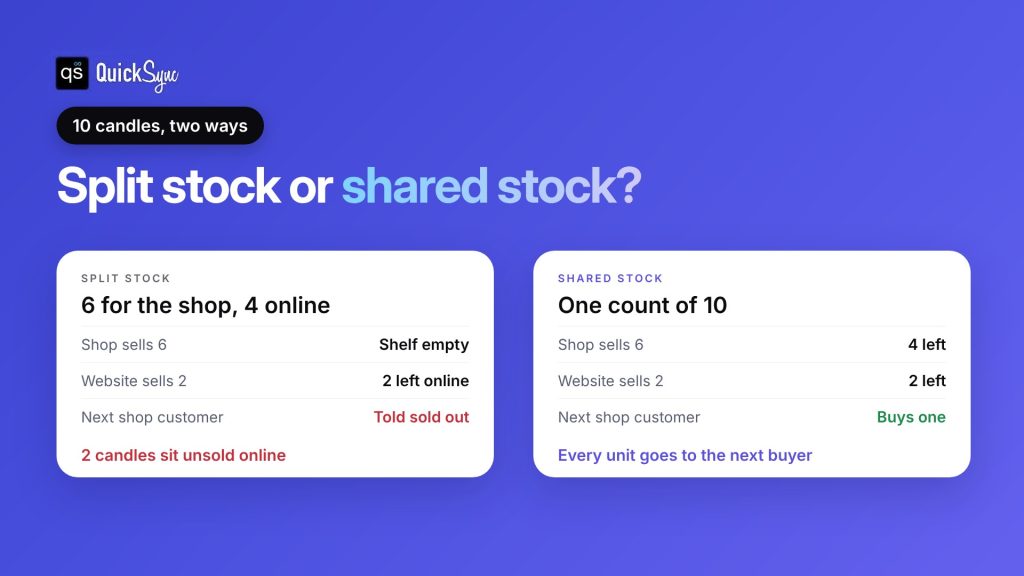
Split stock means you set aside a fixed number for online and keep the rest for the shop. Out of 10 candles, the website gets 4, and the shelf gets 6.
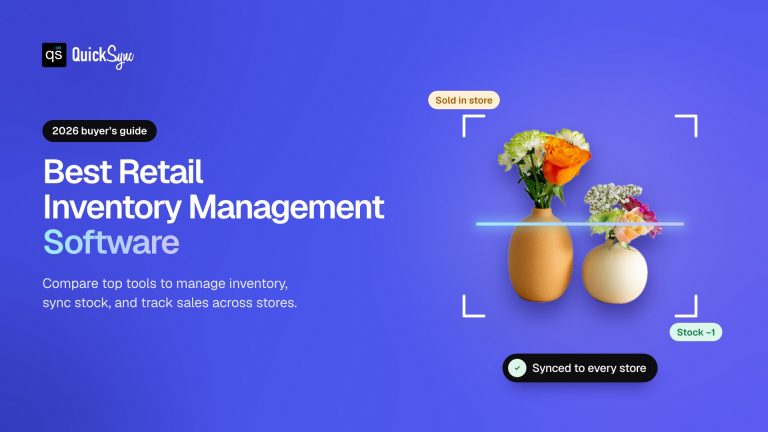
Shared stock means one count for both. Every sale, in-store or online, lowers the same number, and both sides always show what’s really left.
| Split stock | Shared stock | |
|---|---|---|
| How it works | A fixed number for each channel | One count for every channel |
| Setup | Change quantities by hand in each system | Connect your POS and online store once |
| If one side sells out | The other side still holds stock it can’t sell | Stock moves to wherever the next buyer is |
| Risk of selling twice | Low, if you stick to the split | Low, if the sync is running |
| Good for | A handful of products, or no sync tool | Most shops with more than a few products |
Split stock works for a few hero products. But on a busy day, it can leave units sitting on your website while customers in the shop are told you’ve sold out. Shared stock lets every unit go to the first buyer, wherever they are.
How to set up one stock count before Black Friday

You can do this in an afternoon. Do it this week, not on Thursday night.
- Match your SKUs. Give each product the same SKU in your POS and your online store. This is how the two systems know a candle on the till is the same candle on the website. Keep SKUs short. Square allows 80 characters and Clover allows 100.
- Pick your stock location. If your POS has more than one location, decide which one sells online. In Square, each location has its own count, so you choose the one that holds your web stock.
- Count your best sellers. Do a quick count of the products you expect to sell most. Fix the number in your POS first, since that’s usually closest to the real shelf.
- Connect your POS and online store. Use a sync tool so a sale on either side lowers the count on both. Choose which side is your source when you first connect, so the starting numbers come from the right place.
- Test with one product. Make a small sale at the counter and check that your website drops by one. Then do the same the other way.
- Set your prices. Decide whether the shop and the website run the same offer. A single offer like “20% off everything” is easier for staff and customers.
- Plan for returns. A refund on its own doesn’t always put the item back in stock. Make sure staff restock returned items in the POS, so the count goes up everywhere.
- Keep a small buffer on best sellers. If you’re worried about a rush, hold back one or two units from your website on your top products.
For a dated plan that covers shipping, returns, and what to do after the weekend, see our BFCM checklist for multichannel sellers.
Check our guide on Shopify BFCM 2026 for stores that also sell on Etsy, eBay or Amazon to make sure you earn maximum profits without backend operational problems.
How QuickSync keeps your till and your website on one count

QuickSync is a multichannel selling tool. It connects your POS to your online store and marketplaces, and keeps stock, products, prices and orders in step across them.
Here’s what it does for a shop that sells in store and online:
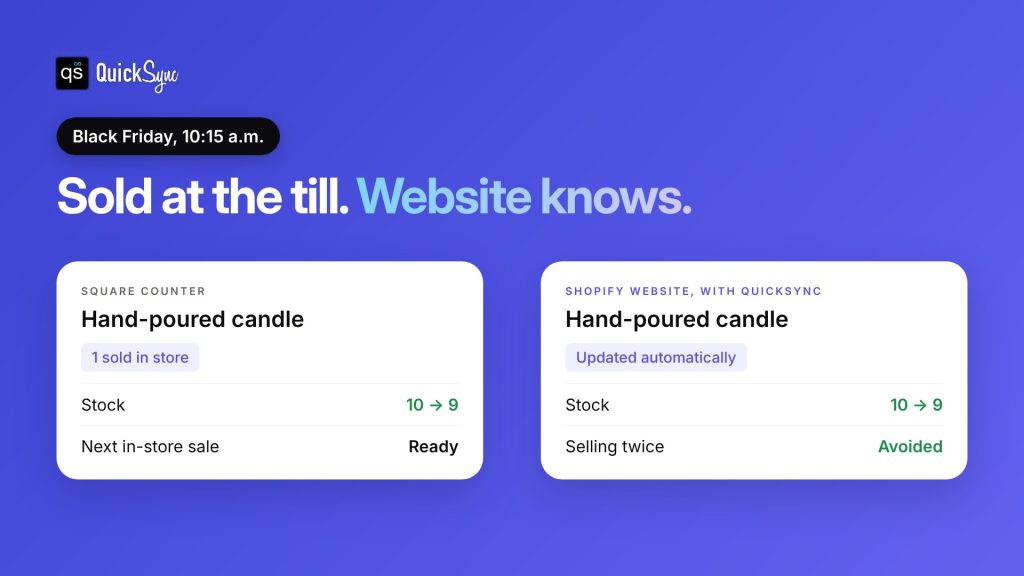
- One stock count, both ways. When you sell on Square, “your other shops update automatically,” according to QuickSync’s Square page. A sale on your website lowers the count on your till too.
- Works with the POS you have. QuickSync supports Square, Clover and Lightspeed, alongside Shopify, WooCommerce, Squarespace, Wix, Etsy, eBay, Amazon and TikTok Shop.
- You choose the locations. With Square, you pick which locations sync, so your back room or second shop can stay separate.
- Products and listings. On Pro, names, prices, photos, sizes and colours stay in step from your main store. New products can be copied across, as drafts where supported.
- Orders in one place. On Pro, orders from your POS and online store come into one list.
- Different prices where you need them. On Ultra, price rules let your website carry a different price from your shop.
Pricing: Lite costs $19 a month for two shops and up to 1,000 items, with stock sync and unlimited orders. Pro costs $29 a month and adds product and order sync. See the QuickSync pricing page.
Good to know: Square and Clover have no field for tracking numbers, so tracking goes back to your online store’s order instead. And Clover’s own payments plugin for Shopify handles checkout only. It doesn’t sync your catalogue or stock, which is the gap QuickSync fills, according to the Shopify Clover page.
Every trial is 14 days with no card. The team connects your first two shops with you on a free 30-minute call, which is enough time to be ready before Thanksgiving.
Small Business Saturday 2026: ideas for shops that sell in store and online
Small Business Saturday is on November 28, 2026. American Express started it in 2010 to bring shoppers to independent shops on the day after Black Friday. According to American Express, shoppers have reported spending an estimated $241 billion at small businesses on the day since 2010, based on surveys it commissioned.
For a shop with a till and a website, it’s a day built around shopping in person. A few Black Friday weekend ideas for small businesses:
- Use the free Shop Small kit. Any small business can download free Shop Small social posts and printable signs from American Express. Shops that accept Amex cards can also get listed on its Shop Small map and order free signs.
- Give shoppers a reason to come in. An in-store-only bundle, a gift with purchase or a local maker event gives people a reason to visit rather than buy online.
- Keep the website open. Some shoppers will browse in the shop and buy online later that evening. That only works if your website shows what’s really on the shelf.
- Watch your best sellers. Saturday comes after a big Friday. Check your counts that morning, before the doors open.
Final thoughts
Black Friday for small businesses isn’t just a marketing problem. When you sell in store and online, it’s a stock problem too. Your counter and your website pull from the same shelf, and on a weekend this busy, two separate counts will drift apart within hours.
You have two options. Split your stock by hand and accept that one side may sell out early. Or connect your POS and your online store so they share one count, and let every unit go to the first buyer, wherever they are.
Either way, decide this week. Match your SKUs, count your best sellers, and test one sale on each side before Thanksgiving. Then you can spend Black Friday and Small Business Saturday on the shop floor, not on refunds.