Square runs your counter. TikTok Shop sells the same items to people watching your videos. Square has no built-in TikTok Shop connection, though, so the two don’t share a stock count. Sell the last mug at the register and TikTok keeps offering it until someone changes the number by hand.
An integration app closes that gap. This guide compares five Square TikTok Shop integration apps on what they sync, where TikTok orders end up, how fast stock moves and what they cost.
All prices come from the vendors’ own pages and the Square App Marketplace, checked in November 2026. QuickSync is our product, so its limits are listed next to everyone else’s.
A Glance at Square TikTok Shop Integration Apps
In short: QuickSync keeps one stock count for your counter and TikTok Shop from $19 a month, and Square sends it every sale as it happens. M2E puts TikTok orders straight into Square POS, priced by sales, from $19. Trunk is simple stock sync from $35, priced by orders, counter sales included. LitCommerce is a listing tool from $29 with a 15-minute sync. Commercium sets everything up with you after a demo.
Can You Connect Square to TikTok Shop?
Not directly. Square doesn’t offer TikTok Shop as a sales channel, and TikTok Shop doesn’t read your Square catalog. You connect them through a third-party app, found on the Square App Marketplace, in the TikTok Shop App Store or on the vendor’s own site. Three things make this pair different from connecting two online shops:
- Counter sales and TikTok spikes hit the same shelf. A busy Saturday at the register and a LIVE on TikTok can sell the same item minutes apart.
- Square works by location. Stock is counted per location, and sync tools only update the locations you connect.
- Square lets two items share a SKU. TikTok Shop and most sync tools can’t tell those items apart, so give every variation its own code first.
TikTok’s help center also describes a separate setup for Square Online sites, built around TikTok ads and a product catalog. That’s a different job from keeping TikTok Shop stock in sync with your register, which is what this guide covers.
Quick Overview of the 5 Square TikTok Shop Apps
| App | Best for | Starts at | You pay by | Stated sync speed | TikTok orders into Square? | Trial |
|---|---|---|---|---|---|---|
| QuickSync | One stock count across Square, TikTok Shop and other shops | $19/mo | Variants; orders unlimited | Square sends each change “as it happens” | Yes, on Pro, if Square is your packing store | 14 days, no card |
| M2E Multichannel Connect | TikTok orders as native Square POS orders | $19/mo | Monthly sales | “Real-time” | Yes | 30 days, no card |
| Trunk | Simple stock sync | $35/mo | Orders, counter sales included | “Real-time” | Not described; stock sync | 14 days, no card |
| LitCommerce | Listing Square products on TikTok and other marketplaces | $29/mo | Listings across channels | Every 15 min | Not stated | 7 days |
| Commercium | A done-with-you setup with order rules | Quote | Orders and SKUs | 30 min on its entry plan; “near realtime” above | Yes | 28 days, no card |
Where Should Your TikTok Orders Go?
Every integration app here keeps stock in sync. They differ on what happens to the TikTok order itself, and that decides your packing routine.
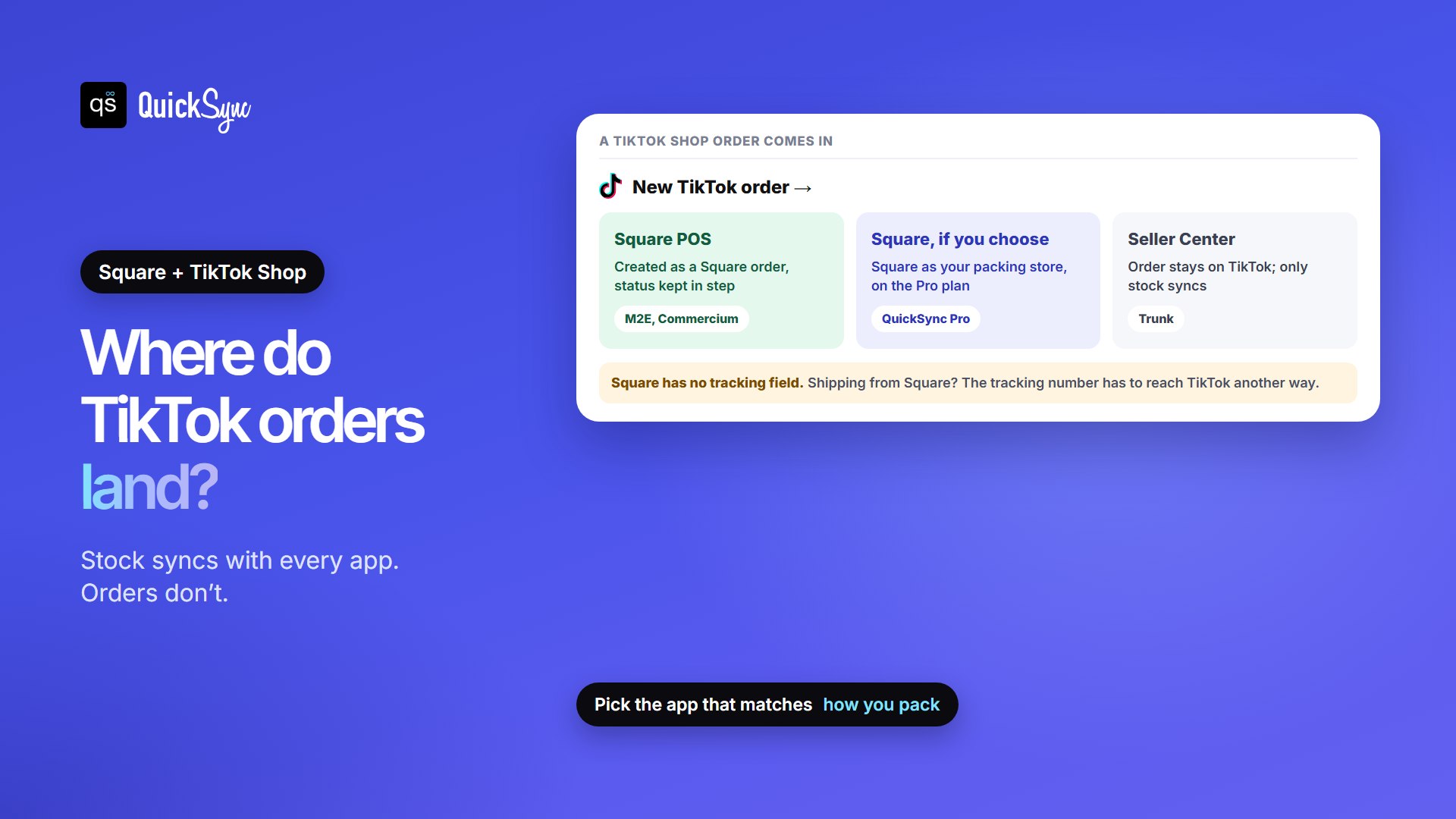
- Into Square POS: M2E transfers every TikTok order into Square “as a native order” and keeps status updates aligned. Commercium pushes TikTok orders and customer data into Square and sends tracking back to TikTok.
- Into Square if you choose: on QuickSync Pro, Square can be the store you pack from. TikTok orders then arrive as open Square orders at your first connected location. This requires a QuickSync.pro account (or billing through the Clover App Market).
- Left in TikTok Shop Seller Center: Trunk’s Square and TikTok page describes stock syncing only, so plan to pack TikTok orders from Seller Center.
But there is one Square quirk that applies to every tool. Square orders have no field for a tracking number. If you ship TikTok orders from Square, the number has to reach TikTok another way. QuickSync passes on a Square shipment’s tracking when it has both a number and a carrier, and Commercium sends tracking from Square to TikTok.
How Fast Do These Apps Update Your Stock?
To undersand that you need to picture a Saturday: you take 25 hand-thrown mugs to a market and sell them through Square, while a TikTok LIVE you scheduled that morning sells the same mugs online. Over the afternoon, 12 go at the stall and 10 on TikTok. With 3 left, the question is how long TikTok keeps showing mugs the stall already sold.
| App | How quickly a sale reaches the other side |
|---|---|
| QuickSync | “Square tells us about each change as it happens”; a daily check also picks up any order from the last 3 days that didn’t arrive |
| M2E | Changes are “instantly reflected” on TikTok Shop, “tailored to your sync preferences” |
| Trunk | “Real-time” stock level syncing |
| LitCommerce | A 15-minute sync cycle |
| Commercium | “30 minutes Sync Speed” on Quick Starter; “Near Real-time Sync” from Pro Seller |
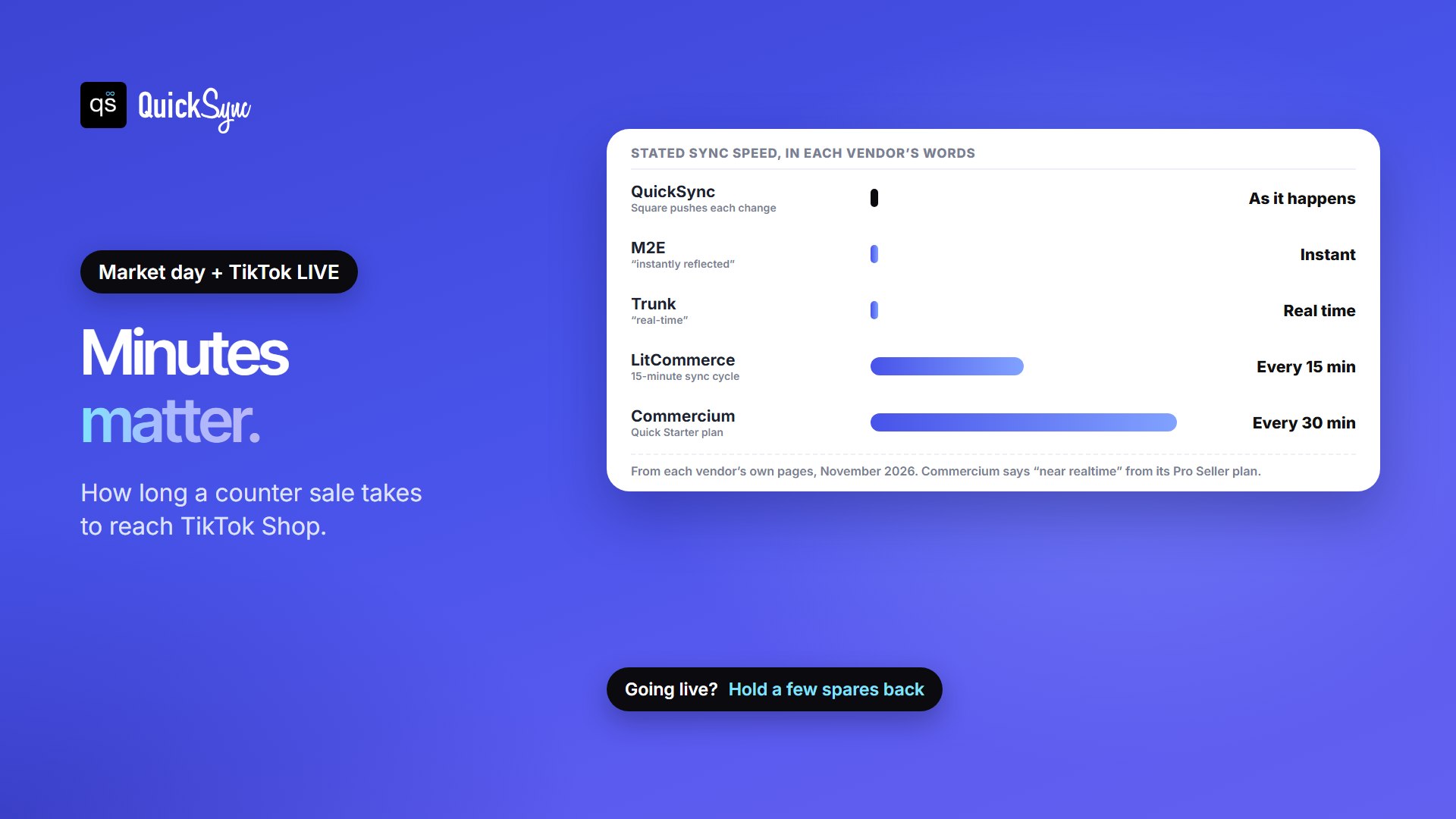
The good news for Square sellers is that Square announces changes the moment they happen, so tools that listen don’t have to wait for a timer on the Square side. Whatever you pick, test one counter sale and one TikTok sale before a big LIVE, and hold one or two units back on your fastest sellers.
What Each App May Cost You
Say you sell 400 variations, take about $3,000 a month on TikTok Shop, and run 150 orders a month across the counter and TikTok. Here’s the cheapest plan on each app that covers it:
| App | Plan | Monthly cost | Why |
|---|---|---|---|
| QuickSync | Lite | $19 | 400 variants is under 1,000, and orders don’t count. Pro ($29) adds order sync, so TikTok orders can land in Square |
| M2E | Starter 2K | $25 | $19 covers $2,000 of sales, plus $6 for the extra $1,000. Starter 5K is $39 |
| LitCommerce | Pay As You Go | $29 | 400 TikTok listings is under 1,000 |
| Trunk | Essential | $45 | 150 orders a month on a 3-month average, counter sales included, falls in the 101 to 200 band |
| Commercium | Quick Starter | Quote | Covers 150 orders and 1,500 SKUs; pricing is shared after a demo |
For a Square shop, the billing model matters more than the starting price. Trunk counts orders across all your sales channels, averaged over the last 3 months, and a coffee shop or busy register can rack up hundreds a month from sales that have nothing to do with TikTok. Trunk says it can make pricing fairer if you only need to sync part of your stock, so ask. M2E charges by sales, so a viral month raises the bill. QuickSync charges by variants and LitCommerce by listings, so a rush of orders doesn’t change either bill.
1. QuickSync
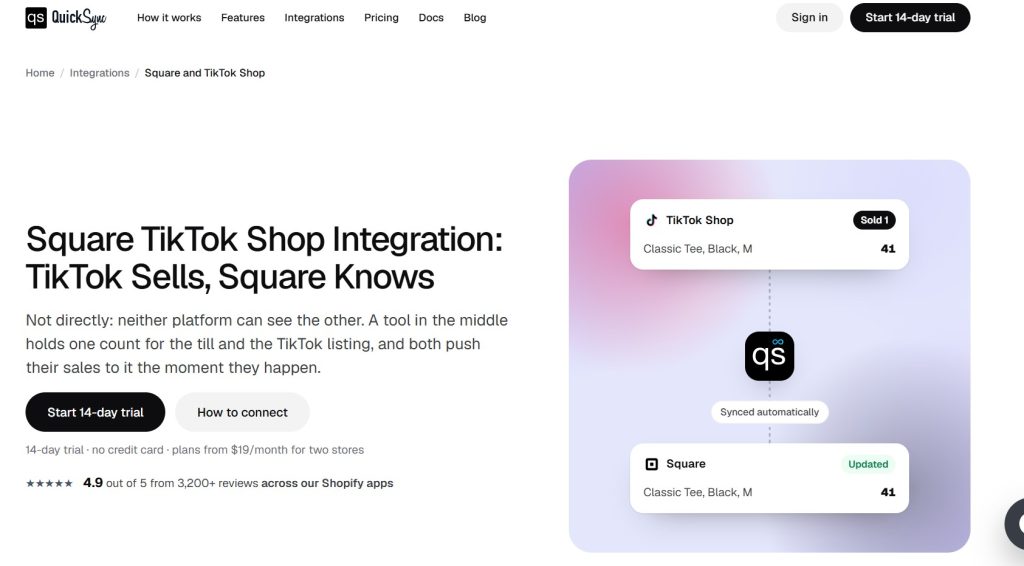
You sign in to Square and approve QuickSync, with no store address needed, then approve it in TikTok Shop Seller Center. Pick the Square locations that feed TikTok, match items by SKU, and press Start syncing. A sale at the register lowers TikTok’s count, and a TikTok sale lowers Square’s. The same account can add Shopify, Etsy, eBay, WooCommerce, Clover and more. On the Square App Marketplace, it’s rated 5.0 from 78 reviews.
- Price: Lite $19/mo for two shops and up to 1,000 variants, with inventory sync. Pro $29/mo covers 2,500 and adds product and order sync. Ultra $69/mo covers 10,000 and adds price rules, so TikTok can carry a higher price to cover its fees. Each extra shop adds the plan price. Orders are unlimited.
- Orders: Square orders sync once Square marks them completed, at the till or online. On Pro, Square can be your packing store for TikTok orders.
- Trial: 14 days, no credit card.
- Watch for: only connected locations sync. Items with no count at a location get 0 when you connect, so add real counts first.
2. M2E Multichannel Connect
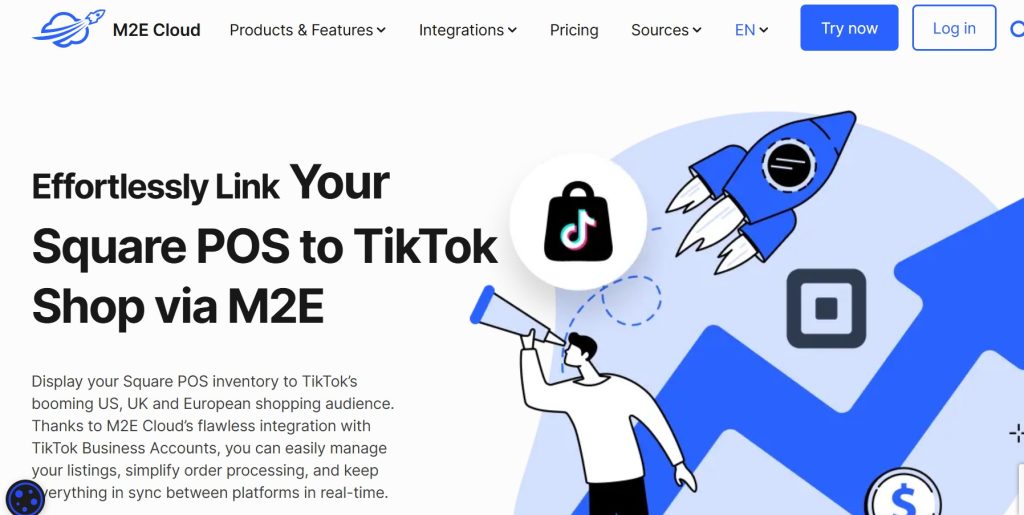
M2E sorts your Square products into TikTok Shop’s categories, checks them with a validation engine before they go live, and lists them in bulk. Stock, price, and detail changes in Square flow to TikTok, and every TikTok order lands in Square POS as a native order. It sells to TikTok Shop in the US, UK and Europe, and the same account connects Amazon, eBay, Walmart and Temu.
- Price: by monthly sales on M2E’s TikTok Shop Square page. Starter 2K is $19 for up to $2,000, Starter 5K $39 for $5,000, Starter 15K $79 for $15,000 and Business 100K $399. Each extra $1,000 costs $6, or $5 on Business. Its Square App Marketplace listing shows older tiers, so check the price at signup.
- Trial: 30 days, no credit card.
- Watch for: the bill follows your sales, so a viral month moves you up a tier. It has 2 reviews on the Square App Marketplace.
3. Trunk
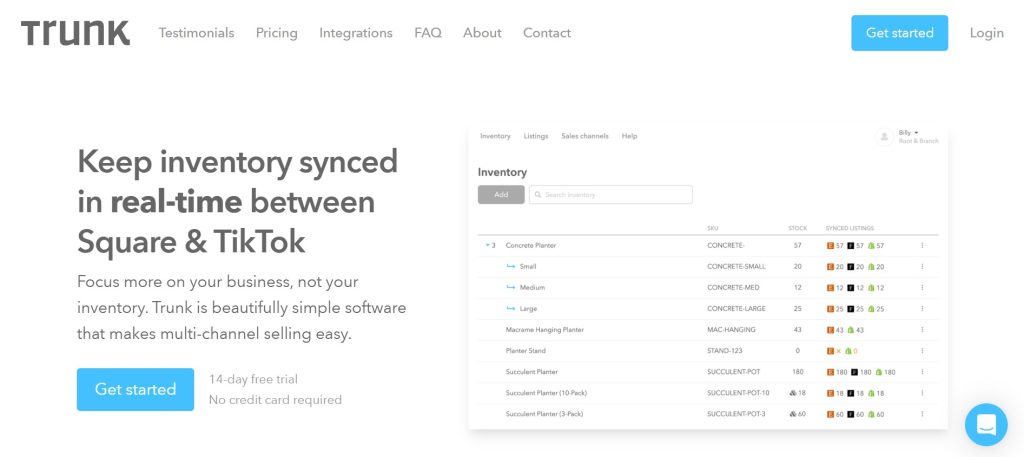
Trunk keeps inventory in sync “in real-time between Square & TikTok.” Connect both, and it builds one inventory from your listings, linking items that share a SKU. Its page describes stock syncing, not order transfer, so expect to handle TikTok orders in Seller Center.
- Price: Essential $35/mo for up to 100 orders, $45 for 101 to 200, $59 for 201 to 400 and $89 for 401 to 800. Pro starts at $39 and adds bundles and duplicate-SKU syncing. Unlimited channels and listings.
- Trial: 14 days, no credit card.
- Watch for: your tier is a rolling 3-month average of orders across all channels, counter sales included. A shop that rings up 600 coffees a month can land in a high tier even if only the merch syncs, so ask Trunk about its pricing for partial syncing.
4. LitCommerce
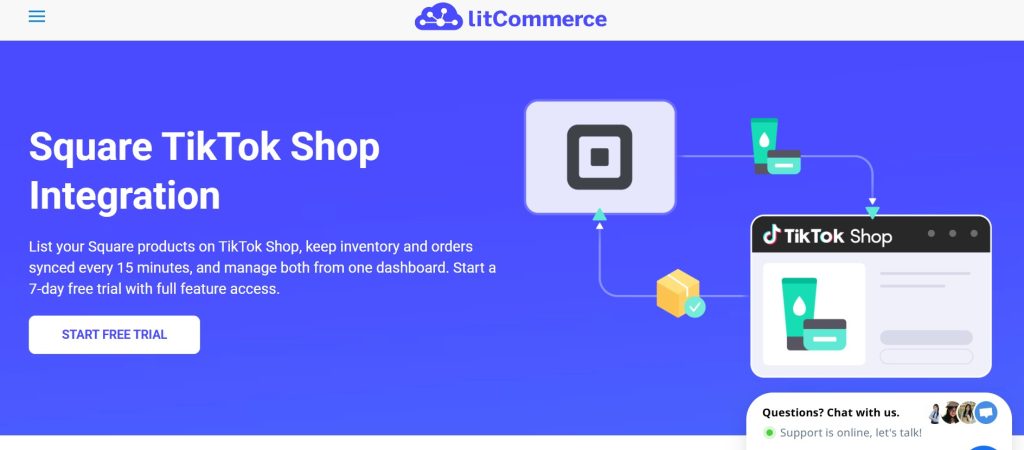
LitCommerce helps Square sellers list on TikTok Shop, Amazon, Etsy, eBay, Walmart and more. When something sells in person through Square POS, it updates stock on your connected marketplaces. Bulk listing, templates and rules help with TikTok’s required attributes. It’s rated 4.9 from 34 reviews on the Square App Marketplace.
- Price: Pay-as-you-go from $29/mo for 1,000 listings across 3 channels. Listings on every channel count.
- Speed: a 15-minute sync cycle.
- Trial: 7 days.
- Watch for: a 15-minute gap is long during a LIVE. Its listing doesn’t say whether TikTok orders are created in Square, so check before you rely on it.
5. Commercium
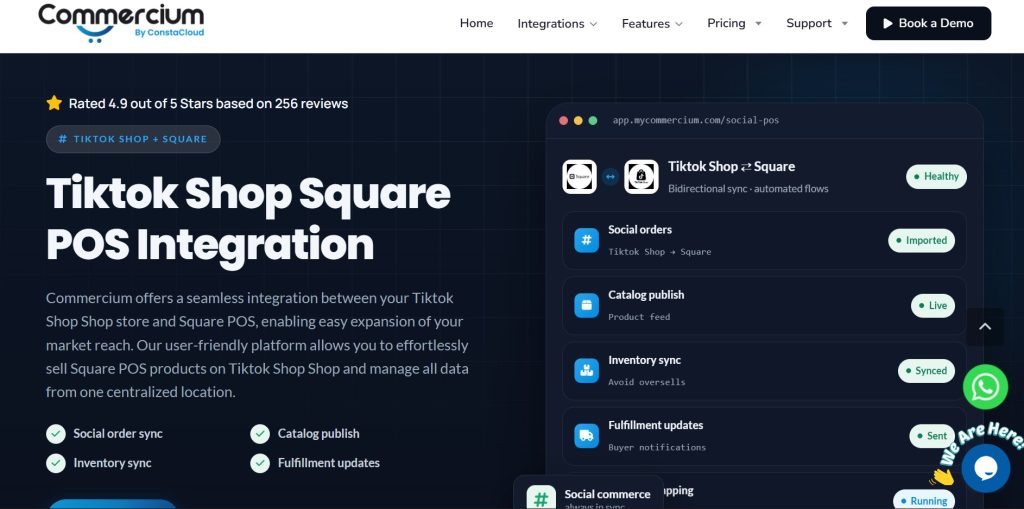
Commercium, by ConstaCloud, pushes Square products to TikTok Shop, sends inventory and price updates from Square, brings TikTok orders and customer data into Square POS, and returns tracking to TikTok. Its automation rules can route, hold, modify or split orders. You start with a demo, and onboarding takes 1 to 2 hours once you provide your details.
- Price: by orders and SKUs. Quick Starter covers 150 orders a month and 1,500 SKUs. Pricing is shared after the demo; we couldn’t confirm a US dollar figure.
- Speed: “30 minutes Sync Speed” on Quick Starter, “Near Real-time Sync” from Pro Seller.
- Trial: 28 days, no credit card.
Comparing Square integrations for other channels? See the best Square eBay integration apps and the best Square Etsy integration apps.
For the benefits of connecting the pair and a step-by-step QuickSync setup, read the benefits of TikTok Shop and Square integration.
6 Things to Do before You Connect Square and TikTok Shop
- Give every variation its own SKU, 50 characters or fewer for TikTok Shop. Our guide to what a SKU is has a simple system to copy.
- Remove shared SKUs in Square. Square allows two items with the same code; sync tools skip them.
- Enter real counts at every location you’ll connect. A blank count becomes 0 with some tools, and that 0 can copy to TikTok. Our guide to Square inventory management covers counts and locations.
- Decide which locations feed TikTok. A warehouse or back room may be the right source, not the café counter.
- Plan around TikTok’s daily listing limit. TikTok can cap how many new listings a shop adds in a day, so send best sellers first.
- Test one counter sale and one TikTok sale on a cheap item, and check both counts before your next LIVE.
So Which Square TikTok Shop Integration App Should You Have?
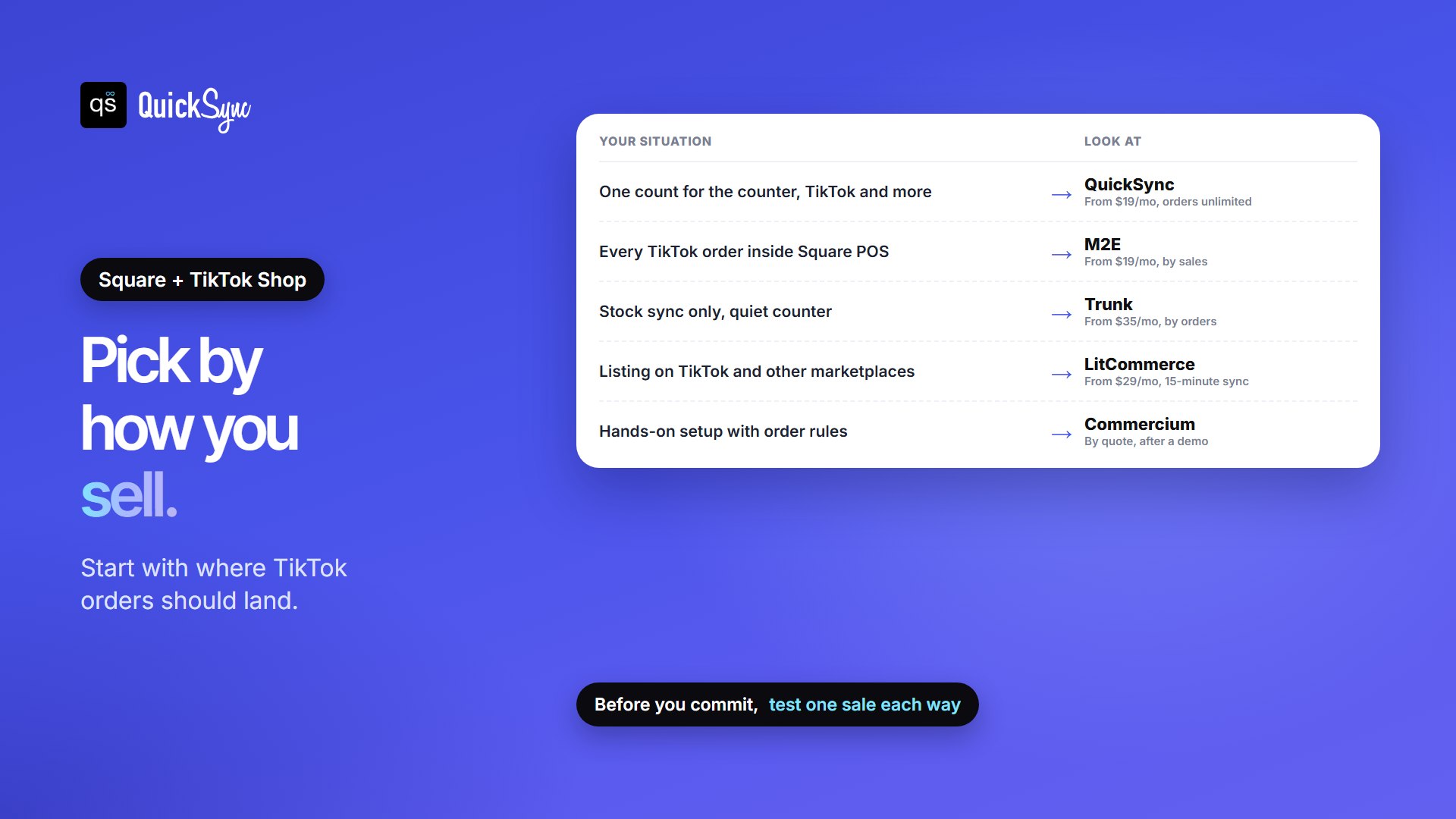
- You want one stock count for the counter, TikTok and maybe Shopify or Etsy: QuickSync, from $19/mo.
- You want every TikTok order inside Square POS: M2E, from $19/mo.
- You only need stock sync and your counter isn’t busy: Trunk, from $35/mo.
- You’re listing Square products on TikTok and other marketplaces: LitCommerce, from $29/mo.
- You want someone to set it up with you, with order rules: Commercium, by quote.
New to TikTok? Start with how to sell on TikTok Shop, then compare TikTok Shop fees with Square’s fees before you set TikTok prices.
FAQs
More guides: TikTok Shop integrations, the best Shopify TikTok Shop apps, the best TikTok Shop Etsy integration apps, and our Square and TikTok Shop integration pages.