Listing one item on eBay takes a while. You take photos, write a title, pick a category, fill in item specifics, set a price, and choose shipping. That’s fine for five items. It’s slow for 500.
eBay listing software and other tools for selling on eBay speed that up. Some tools write the eBay listing for you from photos. Some send products you’ve already listed in another store over to eBay. Others copy listings to resale apps, or keep stock counts in line once you sell in more than one place.
Those are different jobs, and most “best eBay tools” lists mix them together. So we’ve grouped the tools by the job they do. We checked every price on each tool’s own site in November 2026, and we start with what eBay gives you at no extra cost.
What does eBay listing software do?
eBay listing software helps you create, edit, and manage eBay listings faster than you can by hand. Some tools write listings from photos or upload them in bulk. Others create eBay listings from a catalog you already have, copy listings to other marketplaces, or keep stock in sync after every sale.
Most eBay seller tools do one or two of these jobs well:
- Create from photos. AI tools turn photos into a title, description, category, and item specifics.
- List from your catalog. You send products from your main store, like Shopify, to eBay instead of listing them again.
- List in bulk. You upload or edit hundreds of listings at once, usually from a spreadsheet.
- Crosslist. You post one item to eBay, Poshmark, Mercari, and others, then delist it when it sells.
- Sync after the sale. One stock count is shared across eBay and your other channels, so every sale updates every listing.
Before you pay for anything, decide which job is slowing you down. A reseller listing 40 thrift finds a week needs a different tool from a Shopify brand with 500 products.
Start with eBay’s own listing tools
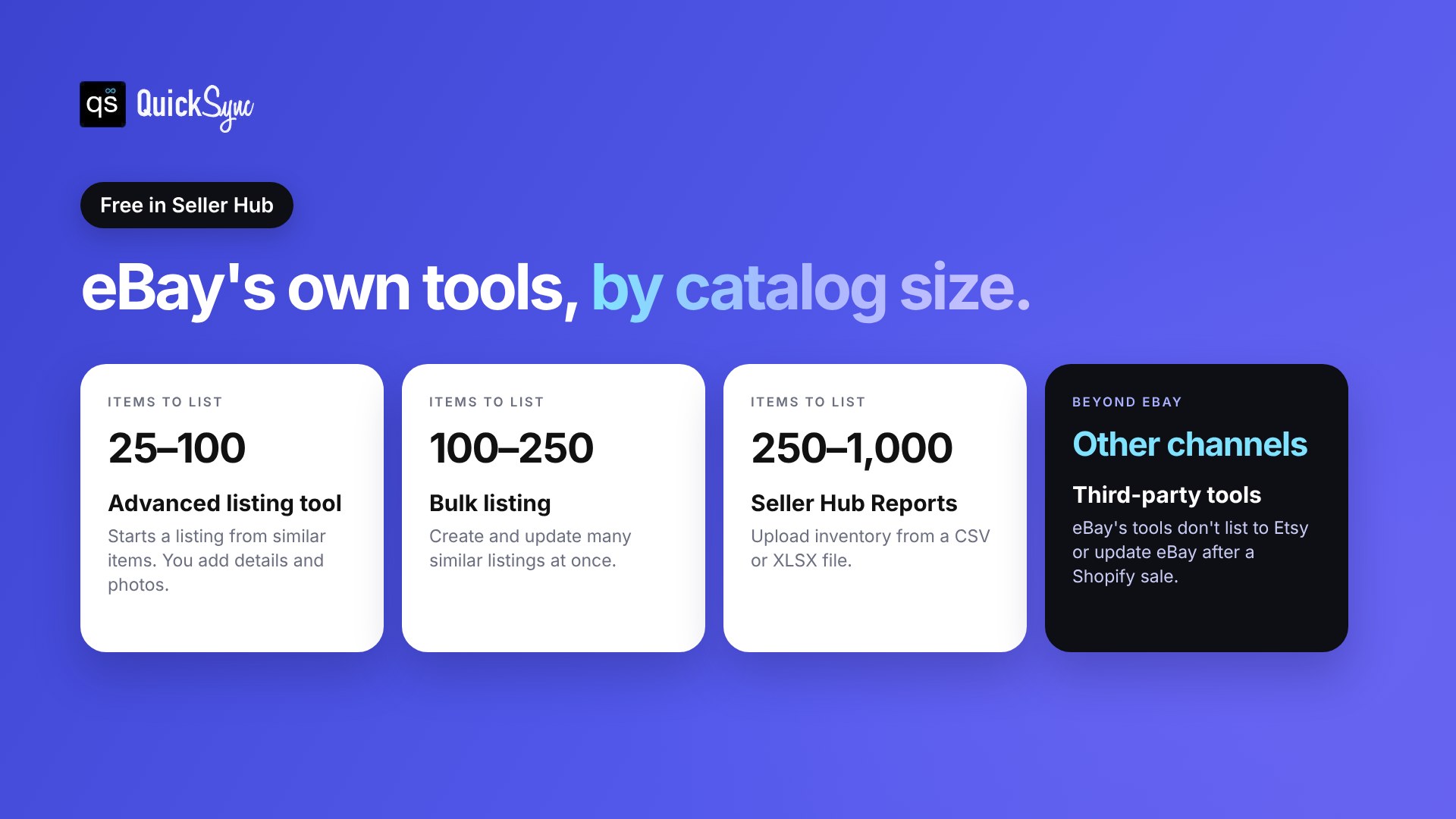
eBay’s own listing tools sit inside Seller Hub. There’s no separate subscription for them. You just pay eBay’s normal selling fees. eBay’s listing tools guide matches each tool to how many items you sell.
| eBay tool | Suited to | What it does |
|---|---|---|
| Advanced listing tool | About 25 to 100 items | Starts a listing from similar items, then you add details and photos |
| Bulk listing | 100 to 250 items | Creates and updates many similar listings at once |
| Seller Hub Reports | 250 to 1,000 items | Uploads inventory from a CSV or XLSX file |
| AI photo upload | Standardized items, like trading cards | Turns product photos into listing drafts |
| APIs | Developers | Automates listings and inventory, with technical setup |
Seller Hub keeps drafts for 75 days after you last update them. On fees, eBay’s selling fees page says you get up to 250 zero-insertion-fee listings a month. After that, most categories charge $0.35 per listing.
Here’s the thing: eBay’s tools only work on eBay. They can’t take the products already in your Shopify store and list them on eBay. They also won’t lower your eBay quantity when the same product sells somewhere else. That’s where third-party tools come in.
The best eBay listing software at a glance
| Tool | Best for | Starts at | Main job | Free trial |
|---|---|---|---|---|
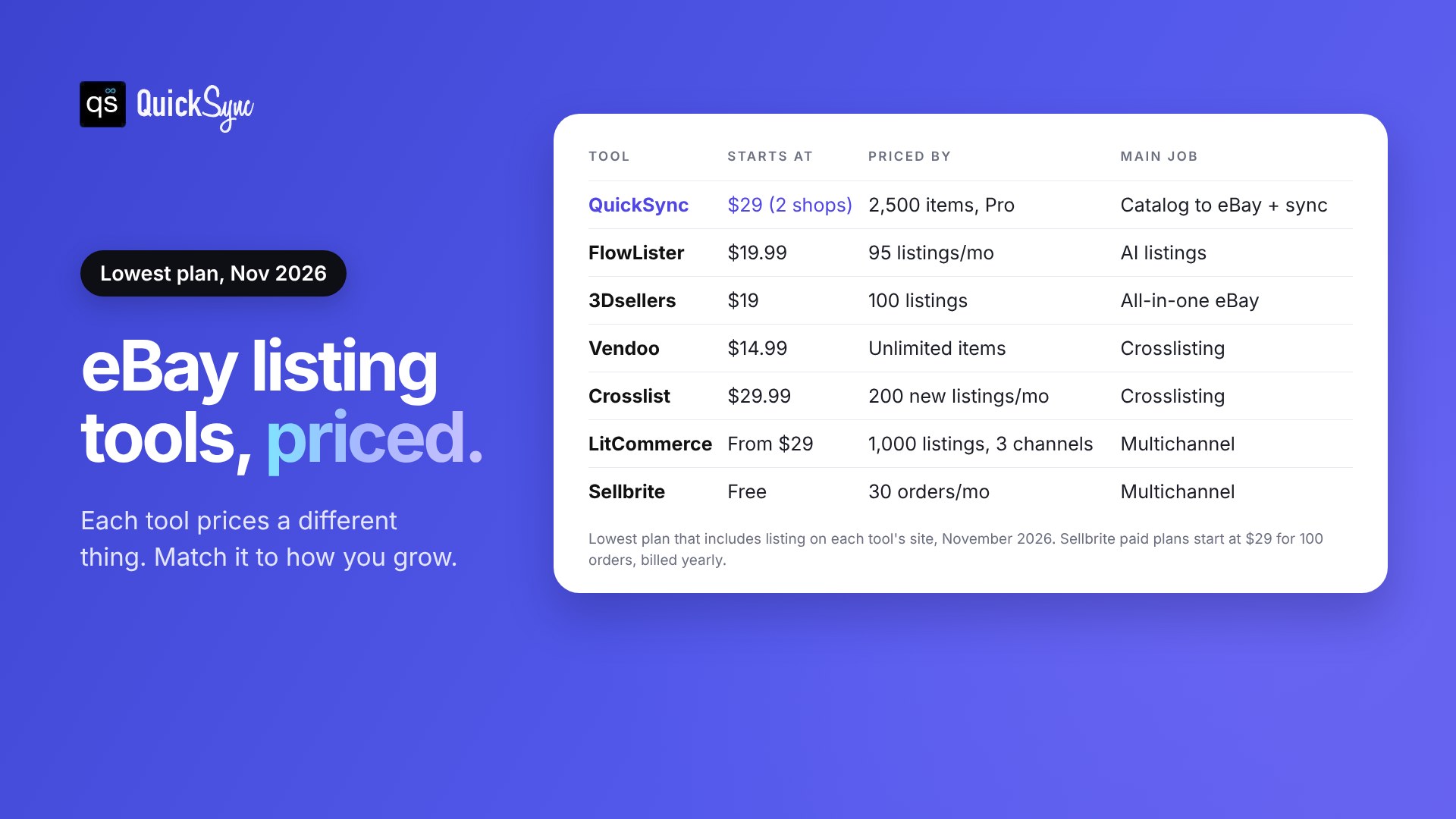
| QuickSync | Selling on eBay and other channels | $29/mo for 2 shops (Pro) | Create and update listings, sync stock and orders | 14 days, no card |
| FlowLister | AI listings from photos | $19.99/mo (95 listings) | Create from photos | 7 days, card needed |
| 3Dsellers | All-in-one eBay management | $19/mo (100 listings) | Create, bulk edit, messages | 7 days, no card |
| Vendoo | Resellers crosslisting from eBay | $14.99/mo | Crosslist | 14 days, card needed |
| Crosslist | High-volume crosslisting | $29.99/mo (200 new listings) | Crosslist | 3 days or 20 listings |
| LitCommerce | Listing on eBay, Amazon and more | From $29/mo | Multichannel listing | 7 days |
| Sellbrite | Multichannel listing with a free plan | Free (30 orders/mo) | Multichannel listing | 14 days, no card |
Prices are the lowest plan that includes listing, checked in November 2026. Sellbrite’s paid prices are shown with annual billing.
Not sure which job you need done? Jump to which eBay listing software fits how you sell.
The 7 best eBay listing tools, reviewed
Each eBay listing tool below shows what it’s best for, what it costs, and where it falls short. The first one is ours, so we’ve been specific about when it isn’t the right pick.
1. QuickSync: best for selling on eBay and other channels
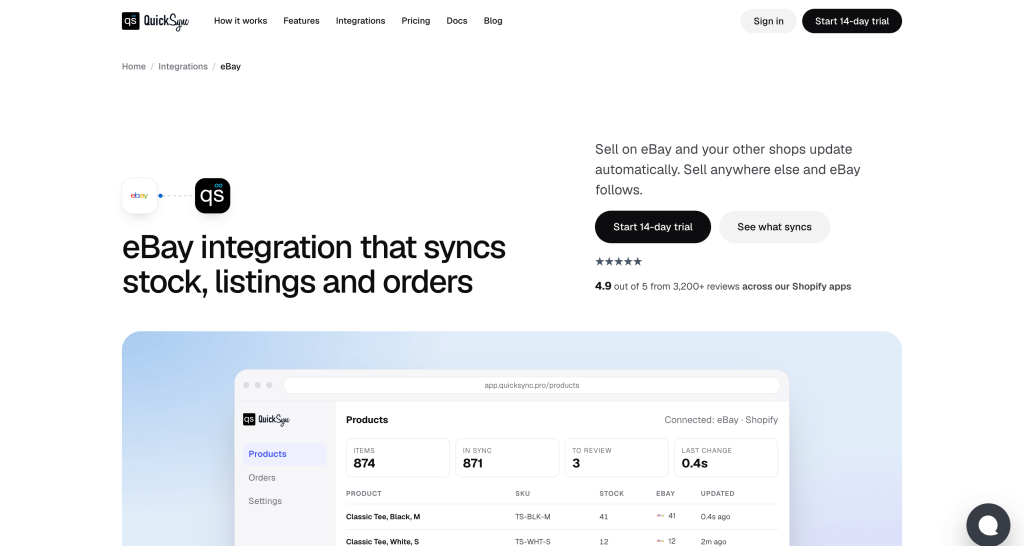
QuickSync syncs eBay listings, inventory, and orders between eBay and your other shops such as Shopify, Etsy, WooCommerce, etc. With the product syncing feature of QuickSync, you write the product details once in your master store, and it automatically reflects in other connected stores. So, you don’t have to manually copy and paste titles and descriptions from one store to another. The photos, options, description, and price go out to eBay and the other shops you pick, in the shape each one allows.
On eBay, the QuickSync product syncing tool gives you:
- New listings: it can create and update them from your Master Store.
- Photos and options: photos, sizes, and colours.
- Prices: sent, with your rule applied. On Ultra and Ultra+, you can set a different price for eBay.
- Stock: synced both ways. Sell on eBay and your other shops update. Sell anywhere else, and eBay follows.
- Orders: eBay orders come into QuickSync, and tracking numbers go back to the eBay order.
You don’t have to list anything twice. When you connect eBay, QuickSync matches your existing listings by SKU, then by title. Nothing is re-listed, and nothing is overwritten. You see what it found before you publish anything, and you can create listings as drafts where supported.
Product syncing works with Shopify, Amazon, Etsy, eBay, WooCommerce, Square, Clover, TikTok Shop, Squarespace, and Lightspeed. Connecting eBay takes about 2 minutes, according to the eBay integration page.
Pricing: Listings start on Pro. Every plan on the QuickSync pricing page includes two shops and unlimited orders. Each extra shop adds the plan price again, up to eight.
| Plan | Monthly (2 shops) | Items | What you get |
|---|---|---|---|
| Lite | $19 | 1,000 | Stock sync only, no listings |
| Pro | $29 | 2,500 | Listings, product sync, order sync |
| Ultra | $69 | 10,000 | Adds a different price per shop, and we set it up for you |
| Ultra+ | $99 | 20,000 | Adds dedicated support and priority syncing |
So Shopify and eBay on Pro is $29 a month. Every plan starts with a 14-day trial, no card needed.
Watch out for: QuickSync lists products you’ve already created in one of your shops. It doesn’t write listings from photos, so a reseller listing one-off thrift finds is better off with an AI lister. It also doesn’t connect to Poshmark, Mercari, or Depop.
2. FlowLister: best AI eBay listing tool
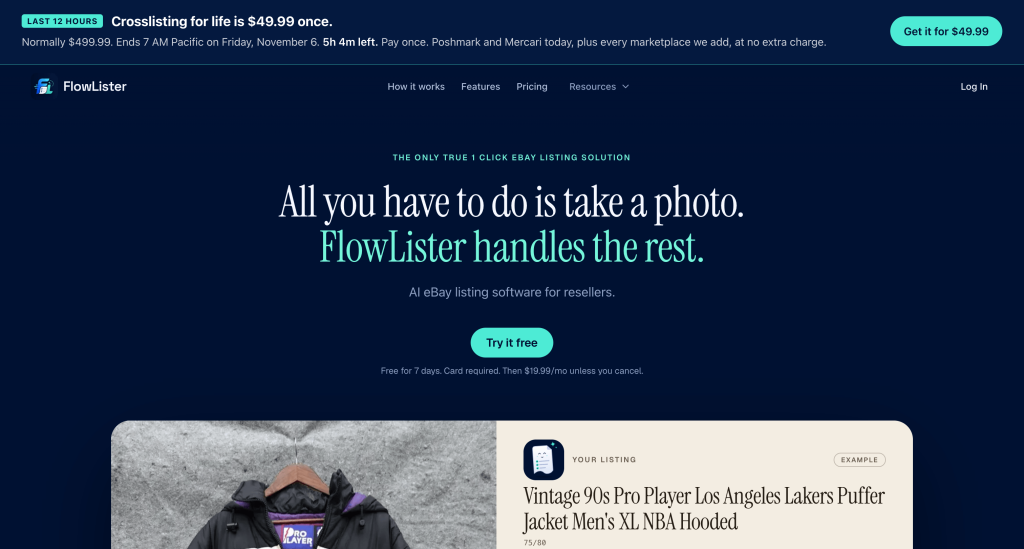
FlowLister is an AI eBay lister built for resellers. You upload photos, and it writes the title, description, category, and item specifics. When it finds a match in eBay sold comps, it suggests a price too. Then it publishes to eBay through eBay’s official API.
Pricing: Starter is $19.99 a month for 95 listings, Pro $49.99 for 375, Business $99.99 for 1,250, and Big Business $399.99 for 5,000. Cross-listing to Poshmark and Mercari is a $9.99 monthly add-on.
Why it stands out: It fills item specifics against eBay’s allowed values, and it leaves a field blank when the photo doesn’t show enough. Batch listing lets you work through a whole haul at once.
Watch out for: Plans are capped by listings per month, so heavy listers pay more. The 7-day trial needs a card and includes only 3 listings.
3. 3Dsellers: best all-in-one eBay management tool
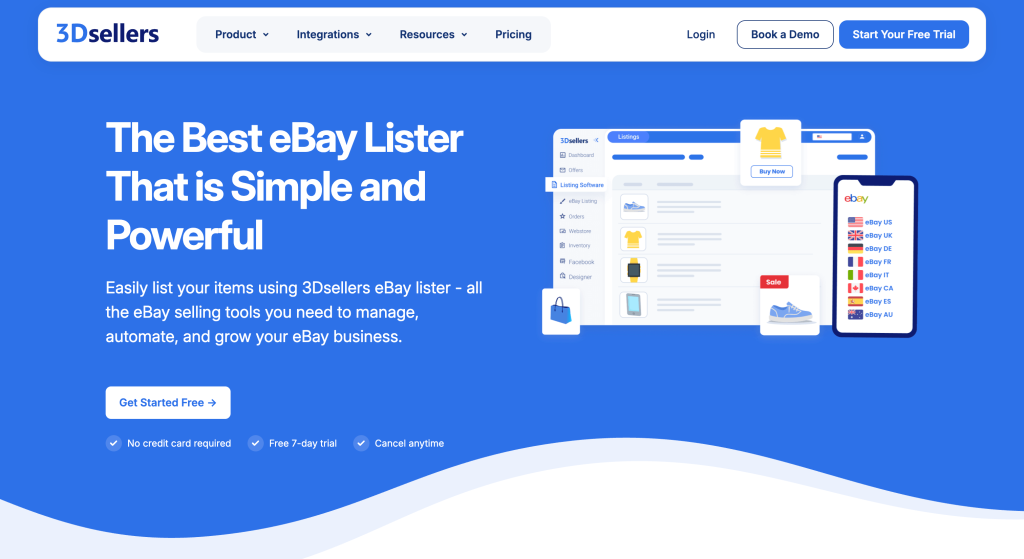
3Dsellers covers more than listing. It includes a listing designer, feedback reminders, and automatic messages on every plan.
Pricing: Essential is $19 a month for 100 listings and one eBay account. Growth is $39.90 for 500 listings and two accounts. Professional starts at $79 for 2,000 listings with unlimited accounts. Paying yearly lowers each price.
Why it stands out: Growth adds bulk listing from CSV files with up to 50,000 rows, scheduled imports, an offers manager, and sync between eBay accounts. AI bulk actions are an add-on for $9 a month.
Watch out for: Essential doesn’t include CSV bulk listing. Other channels, like Shopify, Etsy, and TikTok, only come with Professional, and Amazon and Walmart are still in beta.
4. Vendoo: best for crosslisting eBay listings to resale apps
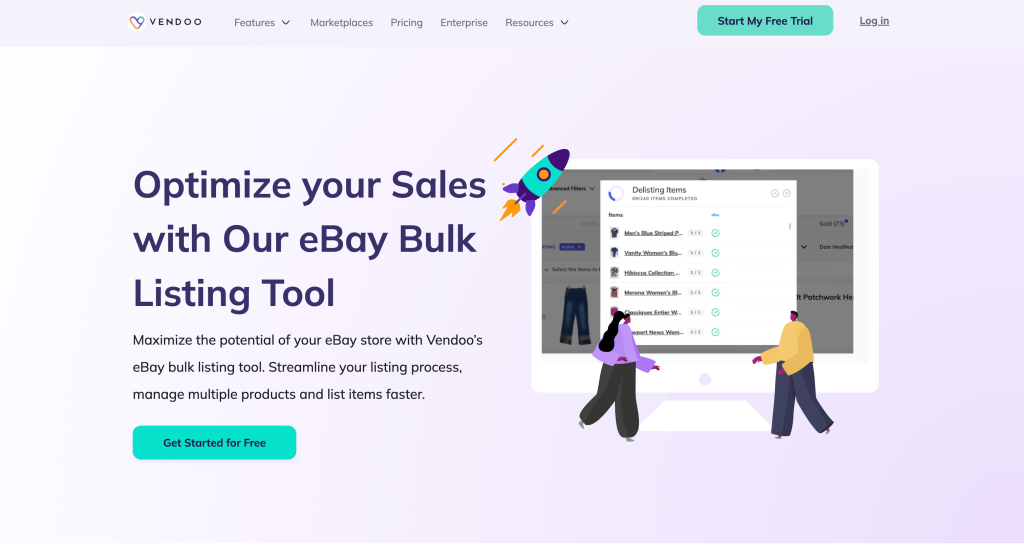
Vendoo is a crosslisting app for resellers. You create an item once, post it to eBay and other resale marketplaces, and Vendoo removes it from the rest when it sells. It works with eBay, Poshmark, Mercari, Depop, Etsy, Facebook Marketplace, Whatnot, and Grailed.
Pricing: Vendoo’s pricing page lists Starter at $14.99 a month, Growth at $29.99, and Pro at $59.99. Every plan includes unlimited items and auto-delisting, so a sale on Poshmark removes the item from eBay.
Why it stands out: It’s the lowest starting price here for crosslisting with auto-delisting. Growth adds AI listing tools and bulk actions on up to 240 listings.
Watch out for: It’s built for one-off resale items. The trial needs a payment method, and connecting Shopify costs $9.99 a month extra. Our best crosslisting apps guide compares it with five others.
5. Crosslist: best for high-volume crosslisting
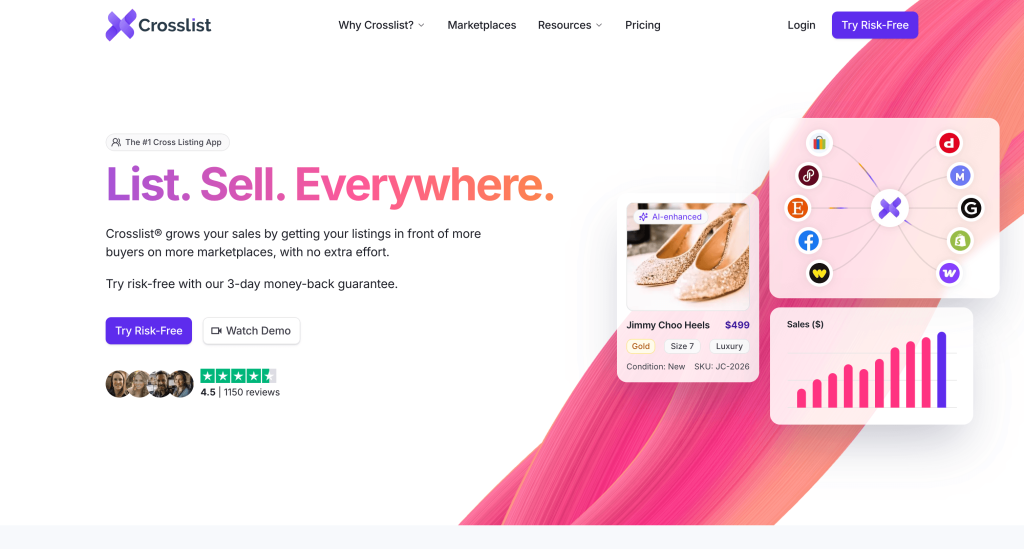
Crosslist is a crosslisting app built for sellers who list a lot. You create a listing once and post it to eBay and up to 10 other marketplaces, including Poshmark, Mercari, Depop, Etsy, Shopify, and WooCommerce.
Pricing: Crosslist’s pricing page prices plans by new listings each month. Bronze is $29.99 for 200, Silver is $34.99 for 500, Gold is $39.99 for 1,000, and Diamond is $44.99 for unlimited.
Why it stands out: The plans sit $5 apart, so listing more doesn’t cost much more. It covers both Shopify and WooCommerce.
Watch out for: Autodelisting starts at Gold. It’s only available in the US, UK, Canada, and Australia.
6. LitCommerce: best for listing on eBay, Amazon and more
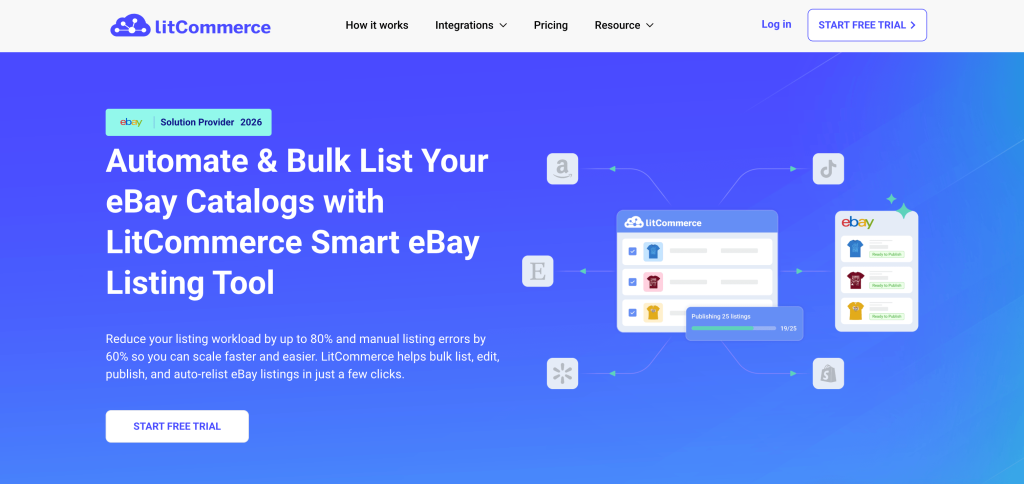
LitCommerce is multichannel listing software. You manage products in one place and list them on eBay, Amazon, Etsy, Walmart, Temu, TikTok Shop, Shopify, WooCommerce, and more. It says it has more than 80,000 customers.
Pricing: The multichannel listing plan starts at $29 a month for 1,000 listings across 3 channels, with unlimited orders. Larger plans add more listings and channels.
Why it stands out: For eBay, it adds AI listing optimization, quick publishing, and scheduled publishing. Listing templates and bulk product updates are included.
Watch out for: Inventory and prices sync every 15 minutes. On a fast-selling item, the same unit can sell twice in that gap.
7. Sellbrite: best multichannel listing tool with a free plan
Sellbrite lists products to eBay, Amazon, Etsy, Walmart, Shopify, WooCommerce, BigCommerce, Google Shopping, and Newegg.
Pricing: The free plan covers 30 orders a month. Paid plans are $29 for 100 orders, $79 for 500, and $179 for 2,000, with annual billing. Every plan includes unlimited sales channels.
Why it stands out: You can start free and test it with real orders. Listing templates and a listings manager are built in.
Watch out for: Paid plans sync inventory every 15 minutes, and the free plan every 2 hours. Plans are priced by orders, so a busy month moves you up a tier. Square, Clover, and TikTok Shop aren’t in its integrations list.
Which eBay listing software fits how you sell?
If you sell on eBay and at least one other channel, QuickSync is the best fit. It creates your eBay listings from one product record and keeps stock in sync. If you list one-off items from photos, use FlowLister. Resellers on Poshmark and Mercari should use a cross-lister like Vendoo or Crosslist.
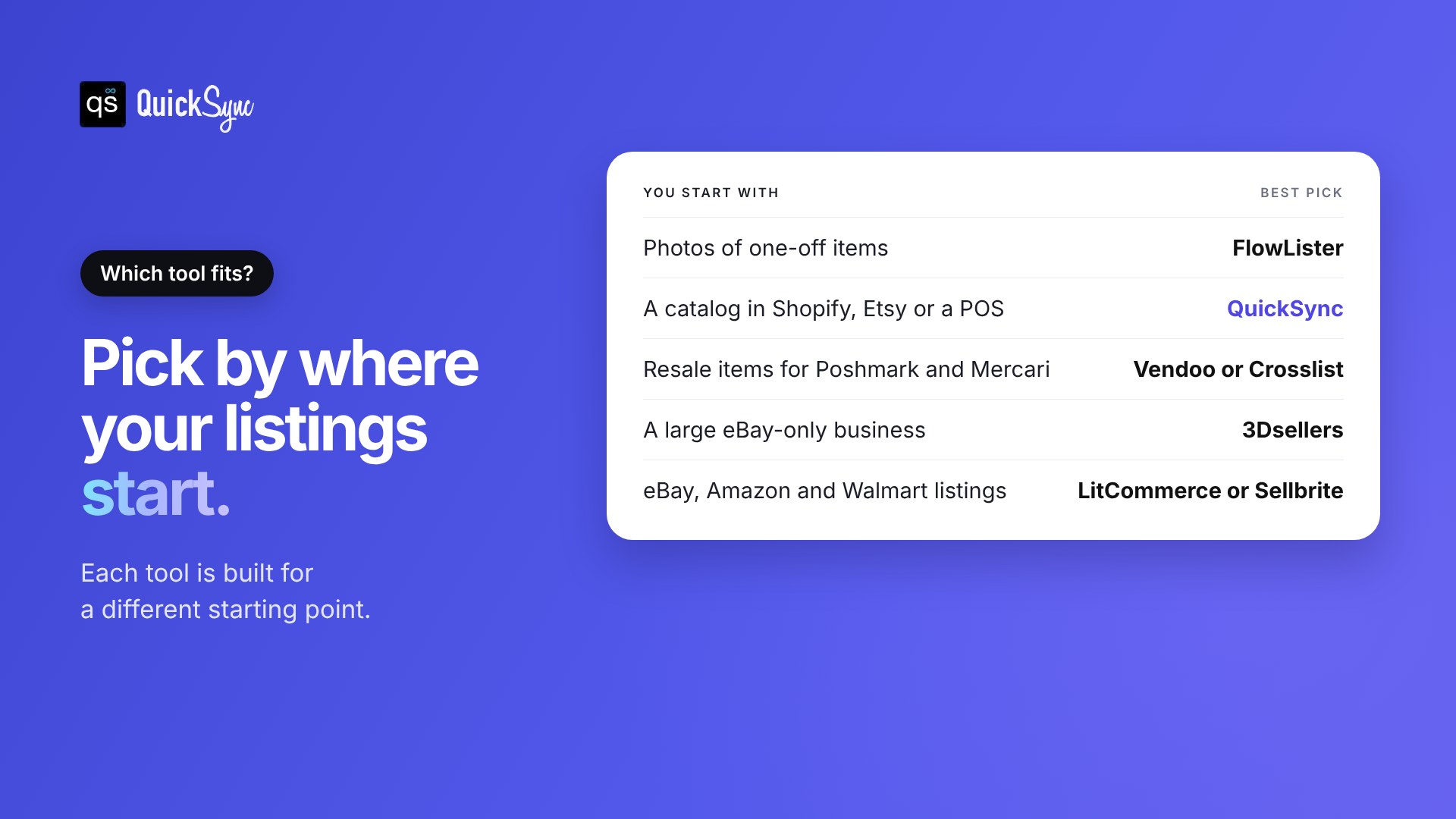
| You start with | You need | Best pick |
|---|---|---|
| Photos of one-off items | Listings written for you | FlowLister |
| A catalog in Shopify, Etsy, WooCommerce or a POS | eBay listings from that catalog, kept in sync | QuickSync |
| Resale items for eBay, Poshmark and Mercari | One item posted everywhere, delisted on sale | Vendoo or Crosslist |
| A large eBay-only business | Bulk tools, feedback and messages in one place | 3Dsellers |
| Products for eBay, Amazon and Walmart | One place to list to big marketplaces | LitCommerce or Sellbrite |
If you’re starting out with under 250 items and only sell on eBay, eBay’s own tools may be all you need for now.
Listing is step one. Keeping it right is every sale after.
Getting a listing onto eBay is only the first job. Once the same product sells in more than one place, every sale has to reach eBay too.
A simple example: you have 20 phone cases listed on eBay and Shopify. Three sell on Shopify. If eBay still shows 20, a buyer can order one you don’t have.
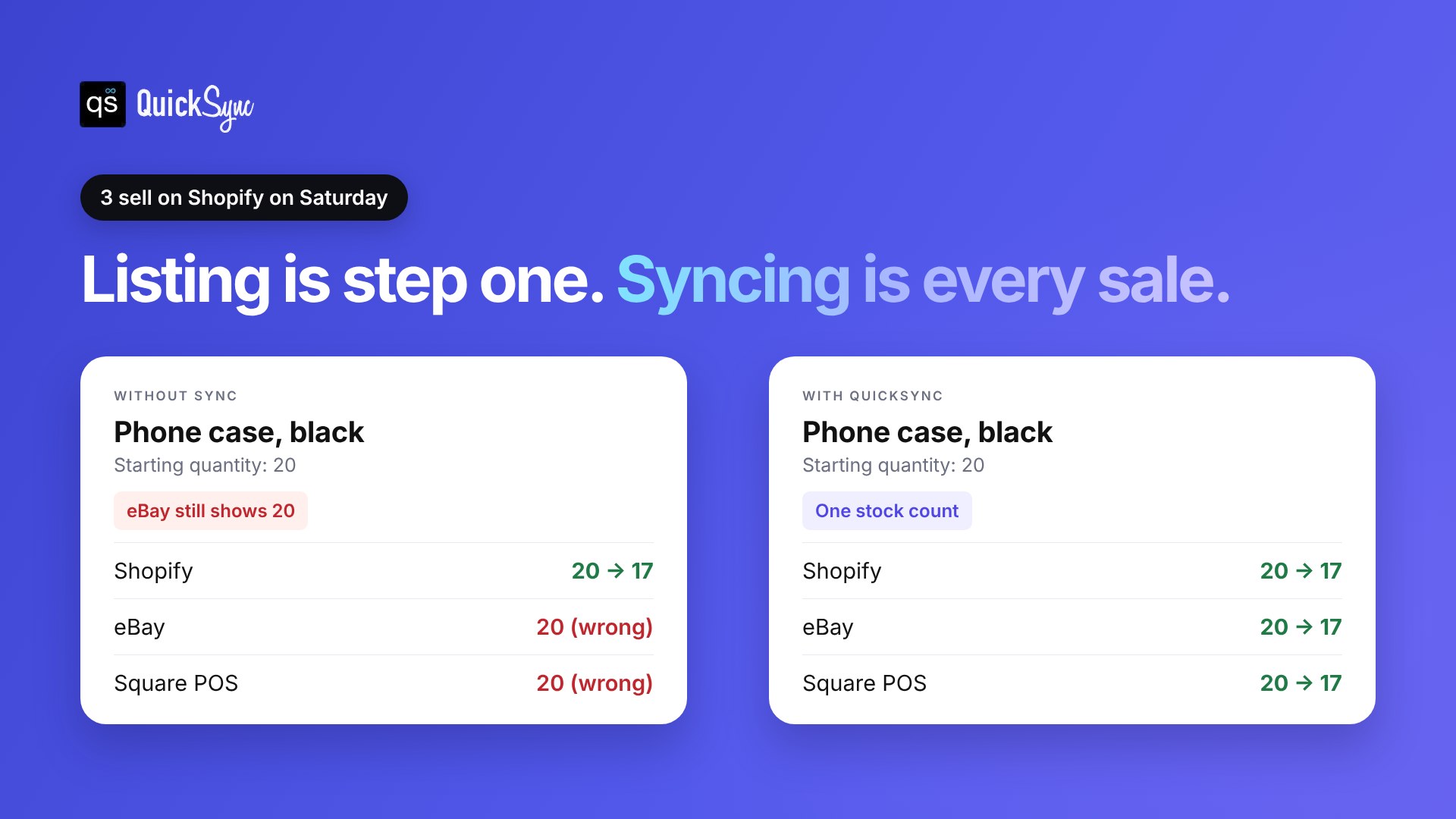
That costs you more than one sale. eBay’s seller standards policy counts a cancellation because an item was out of stock as a transaction defect. Too many defects, and your account drops to Below Standard.
Listing tools handle this in different ways. Crosslisters remove one-off items after a sale. LitCommerce and Sellbrite update stock every 15 minutes, or every 2 hours on Sellbrite’s free plan. Whereas QuickSync checks every couple of minutes and syncs stock both ways, so the Shopify sale lowers your eBay quantity too. Our guide on how to prevent overselling has more on this.
How to choose the right eBay listing software
Run through these in order before you start a trial.
- Use eBay’s own tools first. If you list fewer than 250 items and only sell on eBay, the advanced listing tool and bulk listing may be enough.
- Name where your listings start. Photos point to an AI lister. An existing store points to QuickSync. One-off resale items point to a crosslister.
- Check how it’s priced. FlowLister and 3Dsellers price by listings, Crosslist by new listings, Sellbrite by orders, and QuickSync by items and shops. Match the model to how you grow.
- Check what happens after a sale. If you sell the same stock anywhere else, ask how fast eBay updates. A 15-minute timer leaves a gap where one unit can sell twice.
- Test with real products. List 10 products, sell one on another channel, and check how long eBay takes to update.
Final thoughts
Your setup decides the tool. If eBay is your only channel, start with eBay’s own tools in Seller Hub. When listing by hand gets slow, add FlowLister to write listings from photos or 3Dsellers to run everything in one place. If you resell one-off items on Poshmark and Mercari too, a crosslister like Vendoo or Crosslist does the job.
If you sell the same products on eBay and anywhere else, listing is only half the work. Every price change, photo, and sale needs to reach eBay as well. That’s the job QuickSync is built for.
Connect eBay to Shopify or sync eBay and Etsy. Let QuickSync match your catalogue, check what it found, then publish. The trial is 14 days, and you don’t need a card.