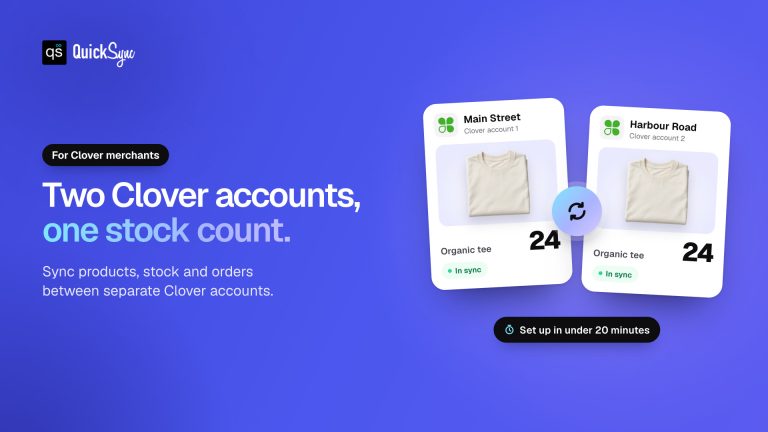
Running a Clover store with an online shop should not make you a full-time inventory detective. But when your POS and online store don’t share the same inventory numbers, one product sells in-store. Another sells online, and you forget to update the stock count.
Research shows that inventory inaccuracy costs retailers an estimated $1 trillion in lost revenue annually. That’s where the best inventory app for Clover can make a real difference. Instead of manually updating stock across channels, the right inventory app can keep your inventory synchronized, reduce overselling risks, and give you a clearer view of what’s happening across your business.
But not every inventory app works the same way. So, we’ve tested and compared six of the best inventory apps for Clover POS in 2026, looking at their features, use cases, strengths, limitations, and who each one is actually best suited for.
Key Takeaways of the Best Inventory App for Clover 📌
- Clover’s built-in inventory is enough for simple, single-location stores, but businesses selling online or managing multiple locations may need a dedicated inventory app.
- Real-time inventory sync is essential if you sell on Clover and online. It helps keep stock accurate and reduces the risk of overselling.
- QuickSync connects Clover inventory with supported online channels. Check the sale-stock delay and your stock-buffer settings before relying on it for scarce items.
- SynergySuite and MarketMan are built for restaurants, with features for ingredients, food costs, suppliers, and purchasing.
- Stocksmith is designed for makers who need to track raw materials and finished products.
- The best inventory app depends on your business. Consider your sales channels, number of locations, inventory needs, and budget before choosing.
What Clover’s Built-In Inventory System Does and Where It Fails
Before paying for an inventory app, you might be wondering, “Can’t Clover just handle my inventory for me?”
Sometimes it works, as we know that every Clover account comes with a built-in inventory app at no extra cost. For many small businesses, this might be enough to get started. But the story changes when your business starts selling online, expands to multiple locations, or needs more advanced inventory controls.
That is where Clover’s built-in inventory features can start to feel limiting. Understanding exactly what it covers and where it stops being sufficient helps decide whether a third-party app is actually needed.
What the Built-In Clover Inventory App Covers
For everyday inventory management, Clover covers the essentials. You can add products, organize them by category, set prices, assign SKUs and barcodes, track stock across Clover devices, print product labels, and import larger catalogs through Excel spreadsheets.
Barcode scanning can make stock tracking faster and more accurate, while bulk imports are particularly useful when you’re setting up a large product catalog. For a small, single-location retailer selling primarily in-store, that may be all you need.
Situations When the Clover Built-In Tool Is No Longer Enough
The problem isn’t that Clover’s inventory system doesn’t work. The problem is that your business may eventually become more complicated than the system was designed to handle.
Here are three common signs that you’ve reached that point.
Selling online alongside the physical store. The built-in Clover inventory tool does not connect to online stores or marketplaces. Every sale on either side requires a manual update on the other. At low volume, this is manageable. Without automatic inventory sync, a sale in one place can leave the other showing stock that isn’t actually available.
Managing inventory across multiple Clover locations. Each Clover location tracks its own stock independently by default. There is no single dashboard showing total stock across all locations, hence, moving inventory between multiple locations and getting a complete view of your inventory becomes increasingly cumbersome.
Needing more than basic stock tracking: As your operation grows, you may need purchase orders, supplier management, reorder points, detailed reporting, or other advanced inventory controls. That’s when basic POS inventory features can start feeling restrictive.
In other words, Clover’s built-in inventory system isn’t necessarily something you outgrow overnight. You usually notice it gradually. First, it’s one manual update. Then it’s a few more. Then you’re checking inventory before promising a customer that something is available.
That’s usually the moment when a third-party Clover inventory app starts making more sense and a way to get your time back.
Key Features to Look For in a Third-Party Clover Inventory App
Once you realize that Clover’s built-in inventory tools may not be enough, the next question is obvious: What should you actually look for in an inventory app? Not every inventory app that claims Clover compatibility actually offers the same depth of integration. Before evaluating any specific tool, knowing what actually matters helps cut through the noise.
Genuine Clover Integration:
The app should connect to Clover POS through the Clover App Market or a verified integration. Check whether it works with the specific Clover device being used, whether that is a Clover Station, Clover Mini, or Clover Flex. Basic Clover integration that only syncs product names is not the same as a genuine Clover integration that keeps inventory levels, sales data, and order information accurate in real time.
Real-Time Inventory Sync:
Real-time inventory sync is crucial for effective inventory management. An inventory sync app that updates inventory on a schedule rather than immediately after each sale creates a window of time where the count is wrong. For merchants selling across multiple channels or locations, even a few minutes of lag or delay can cause overselling.
Multi-Location Support:
Running more than one Clover location adds another layer to inventory management. A good inventory app should give you a clear view of stock across all your locations, make it easier to move products between stores, and help you see how each location is performing.
If you’re planning to open another location soon, it’s also worth checking whether the app’s pricing and features can grow with you.
Online Channel Integration:
For merchants who sell online, the integration app must connect Clover inventory to online selling channels and update stock automatically after every sale on either side. Multi-channel inventory management prevents overselling across platforms. Without this connection, every sale on either side creates a manual update task that grows harder to keep up with as order volume increases.
Purchase Order Management:
Inventory management isn’t only about knowing what you have. It’s also about knowing what you need to order next. Purchase order features can help you create and track supplier orders, record incoming stock, and keep inventory updated when new products arrive.
Low-stock alerts are useful here too. Instead of discovering that a popular product is almost gone after it’s already too late, you can get a reminder to reorder before it becomes a stockout.
Reporting and Analytics:
Reporting and analytics provide insights on sales performance and inventory turnover. Knowing which products move quickly, which ones sit on shelves for weeks, and how stock levels have changed over time allows better purchasing decisions rather than relying on intuition or rough estimates.
The right choice ultimately depends on your store, sales channels, locations, and inventory needs. To make an informed decision, let’s compare the six best Clover inventory apps side by side before looking at each one in detail.
Quick Comparison of 6 Best Inventory App for Clover POS
Every Clover business has different inventory needs. This side-by-side comparison gives you a quick look at all six Clover inventory solutions, making it easier to spot which ones fit your store before you get into the full reviews.
| App | Key Platforms | Real-Time Sync | Multi-Location | Online Channel Sync | Starting Price | Free Trial |
| QuickSync | Clover, Shopify, Amazon, eBay, Etsy, WooCommerce, TikTok Shop | Yes | Limited | Yes | $19/mo | 14 days |
| Thrive by Shopventory | Clover, Square, Shopify, BigCommerce | Yes | Yes | Yes | $55/mo | 14 days |
| SKU IQ | Clover, Shopify, WooCommerce, BigCommerce | Yes | Limited | Yes | $19/mo | 14 days |
| SynergySuite | Clover, most major POS systems | Yes | Yes | No | Contact for pricing | Demo |
| MarketMan | Clover, Square, Toast, Lightspeed | Yes | Yes | No | $249/mo | Demo |
| Craftybase | Clover, Etsy, Shopify | Scheduled | No | Limited | $83/mo | 14 days |
A quick pricing note: Prices shown are starting rates as of 2026 and may change based on features, plan limits, or the number of locations. Always check with the provider for the most up-to-date pricing.
Editorial independence notice: No vendor on this list paid to be included, to be ranked higher, or to have limitations softened. QuickSync is included at number one because it was evaluated against the same criteria as every other tool and scored highest for the seller type this guide is written for. Sellers with different requirements will find the decision framework at the end of this guide helpful for identifying the tool that best fits their situation.
An In-Depth Look at 6 Top Inventory Apps for Clover POS
A quick comparison can tell you which apps look promising, but it does not tell the whole story. Some are built for simple stock tracking, while others are better suited for multi-location stores or businesses selling online. Let’s take a closer look at each option and what it actually brings to the table.
1. QuickSync
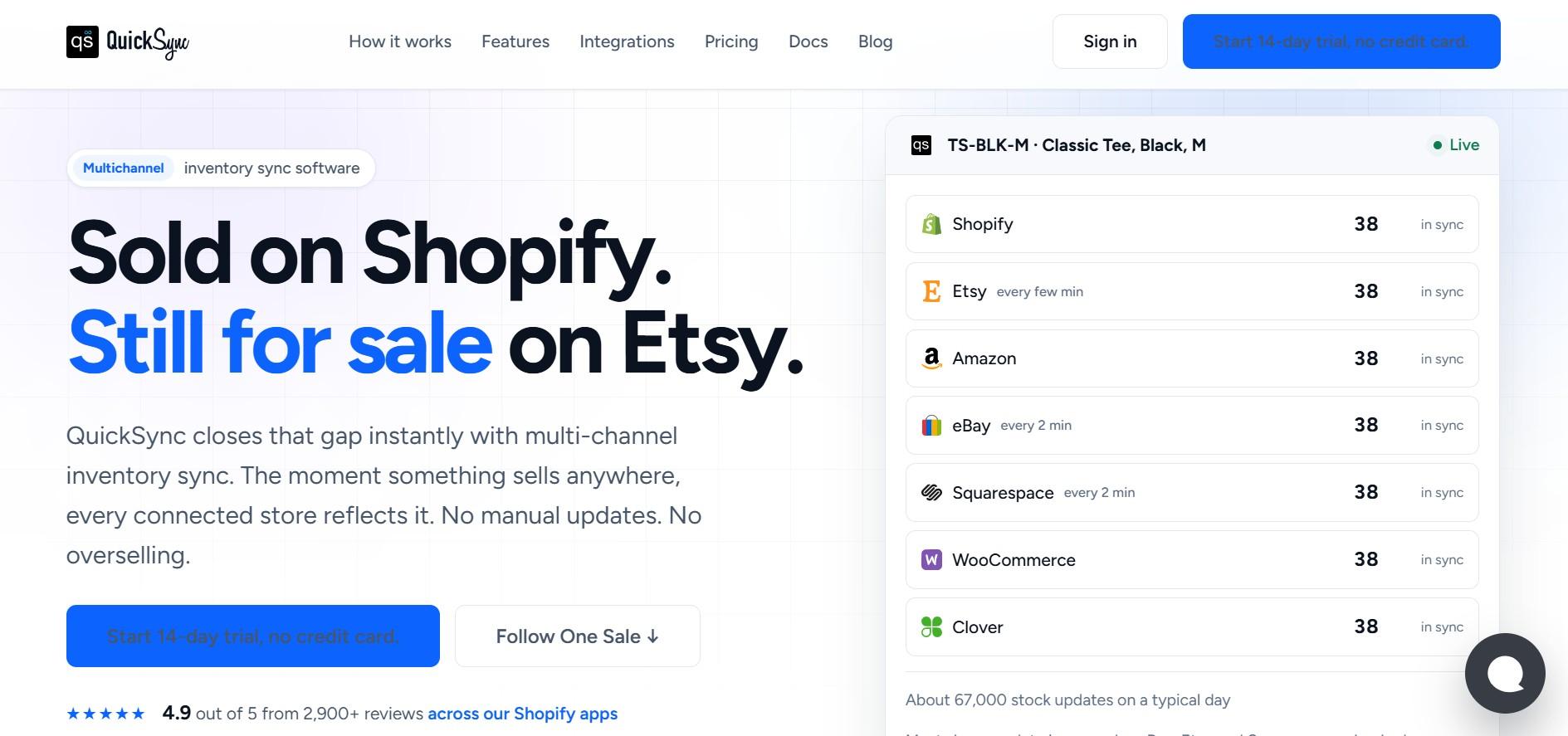
At the #1 spot, we have QuickSync, a strong choice for Clover merchants selling both in-store and online. It connects Clover with Shopify, WooCommerce, Amazon, eBay, Etsy, TikTok Shop, Lightspeed, and QuickBooks, syncing supported inventory across the channels you connect. For the accounting side, see our comparison of the best Clover QuickBooks integration apps.
When a product sells in-store, online stock updates automatically, and vice versa. QuickSync’s Clover integration helps prevent overselling and eliminates much of the manual inventory work. What makes QuickSync stand out is its focus on keeping physical and online inventory connected from one central dashboard.
Key Features of QuickSync:
- Automatic inventory sync: Clover sale-stock checks run 30 minutes after order import. Stock edits can arrive by webhook; processing and platform responses can add time.
- Product listing sync: Copies product titles, descriptions, images, prices, and variants from a source store to connected channels automatically.
- Channel-specific price rules: You can set different prices per channel to account for different marketplace fees without manually editing each platform.
- Centralized order management: Orders from Clover and every connected online channel arrive in one dashboard.
- Safety stock controls: QuickSync holds units back on specific channels so the last item is never listed simultaneously on every platform at once.
- Multi-location inventory: Track inventory accurately across different warehouses and store locations in real time.
Pricing plans:
Starts at $19/month for two connected channels to $99/month for the highest plan. Pricing plans are based on catalog size, not order volume. The best part is that every plan offers you a 14-day free trial with no credit card required.
Pros of QuickSync:
- Clover sale-stock checks run 30 minutes after order import. Use stock buffers and verify the observed delay on the channels you connect.
- Pricing does not increase with order volume. A busy selling period costs the same as a slow one.
- Keep Multi Warehouse inventory and locations synced accurately.
- Transparent about what each integration covers before any payment is required.
Cons of QuickSync:
- QuickSync is for merchants who sell across both Clover and online channels. In-store-only businesses may prefer a simpler inventory solution.
The verdict: QuickSync is the right choice for any Clover merchant who sells online alongside their physical store and needs those two inventory counts to stay accurate without manual updates after every sale. Moreover, QuickSync’s pricing plans are affordable and offer strong value.
2. Thrive by Shopventory
Thrive by Shopventory is a good option for growing Clover retailers that need more advanced inventory features. It supports purchase orders, automated reordering, vendor management, reporting, and multi-location inventory. You can manage inventory for multiple Clover stores from a single dashboard, making it easier to keep stock organized as the business grows.
Key Features of Thrive:
- Multi-location inventory management showing stock across all Clover locations in one centralized dashboard
- Purchase order management and automated reordering that triggers when stock drops below a set threshold
- Vendor and supplier management for tracking orders and deliveries from multiple suppliers
Pricing plans:
Plans start at $55 per month and vary by locations and connected sales channels. Every plan includes a 14-day free trial.
Pros of Thrive:
- Multi-location inventory management showing stock across all Clover locations in one centralized dashboard.
- Purchase order automation and low-stock alerts remove significant manual work from the restocking process.
- Detailed reporting gives a clear picture of which products drive the most revenue and which ones tie up cash in slow moving items.
Cons of Thrive:
- The starting price of $55 per month is higher than several alternatives on this list, which may make it less accessible for very small or single-location businesses.
- Better suited for retail operations. Many merchants in food service or hospitality will find the restaurant-specific tools in SynergySuite or MarketMan more relevant.
The verdict: Thrive by Shopventory is a good fit for growing retail businesses that need features like multi-location management, purchase orders, and advanced inventory tracking. But for merchants who primarily need online channel sync rather than advanced in-store inventory tools, QuickSync would be a better fit at a lower starting price.
3. SKU IQ
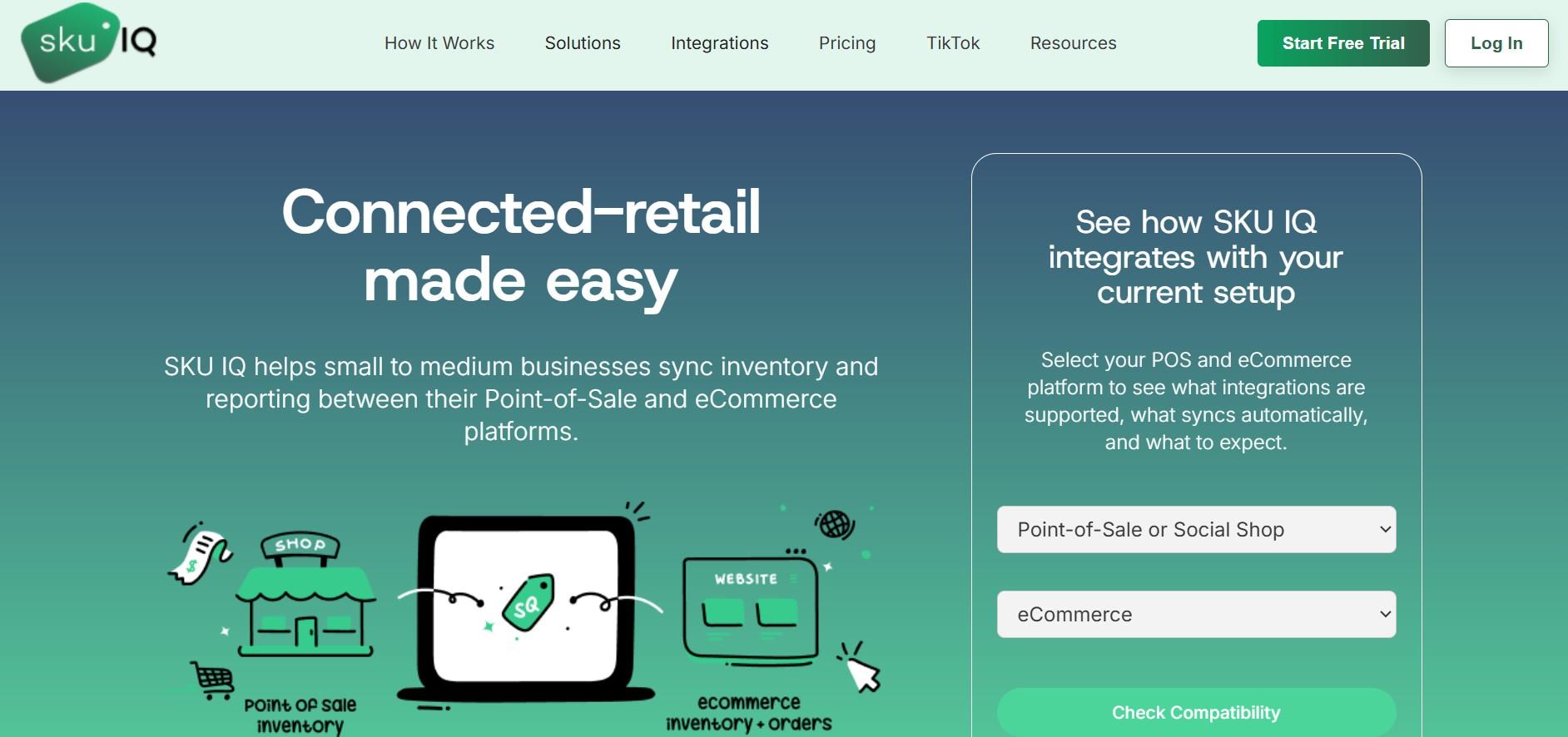
SKU IQ connects Clover with ecommerce platforms and keeps product data and inventory updated across channels. It is especially useful for merchants with larger product catalogs who want to keep their listings consistent. It supports Clover, Shopify, WooCommerce, and BigCommerce, making it easier to manage product information and inventory across both physical and online stores.
Key Features of SKU IQ:
- It offers real-time inventory synch between Clover and connected e-commerce platforms.
- Product catalog management keeps product data consistent across multiple channels.
- Multi-channel inventory visibility showing stock levels across all connected selling channels.
- Reporting dashboard providing sales and inventory performance data across channels.
Pricing plans:
Plans start at $19 per user per month to &99/month, and you can try it free for 14 days.
Pros of SKU IQ:
- It makes it easier to keep product details consistent across Clover and online stores.
- It supports popular ecommerce platforms including Shopify, WooCommerce, and BigCommerce.
- It lets you see inventory across your physical and online channels in one place.
Cons of SKU IQ:
- Costs can increase as you add more team members, so it is worth considering your team size when choosing a plan.
- It has fewer verified reviews from Clover merchants than some established competitors.
The verdict: SKU IQ is a good fit for Clover merchants who want more control over their product catalog across online channels. For merchants focused primarily on real-time inventory syncing, other tools can be a simpler option.
4. SynergySuite
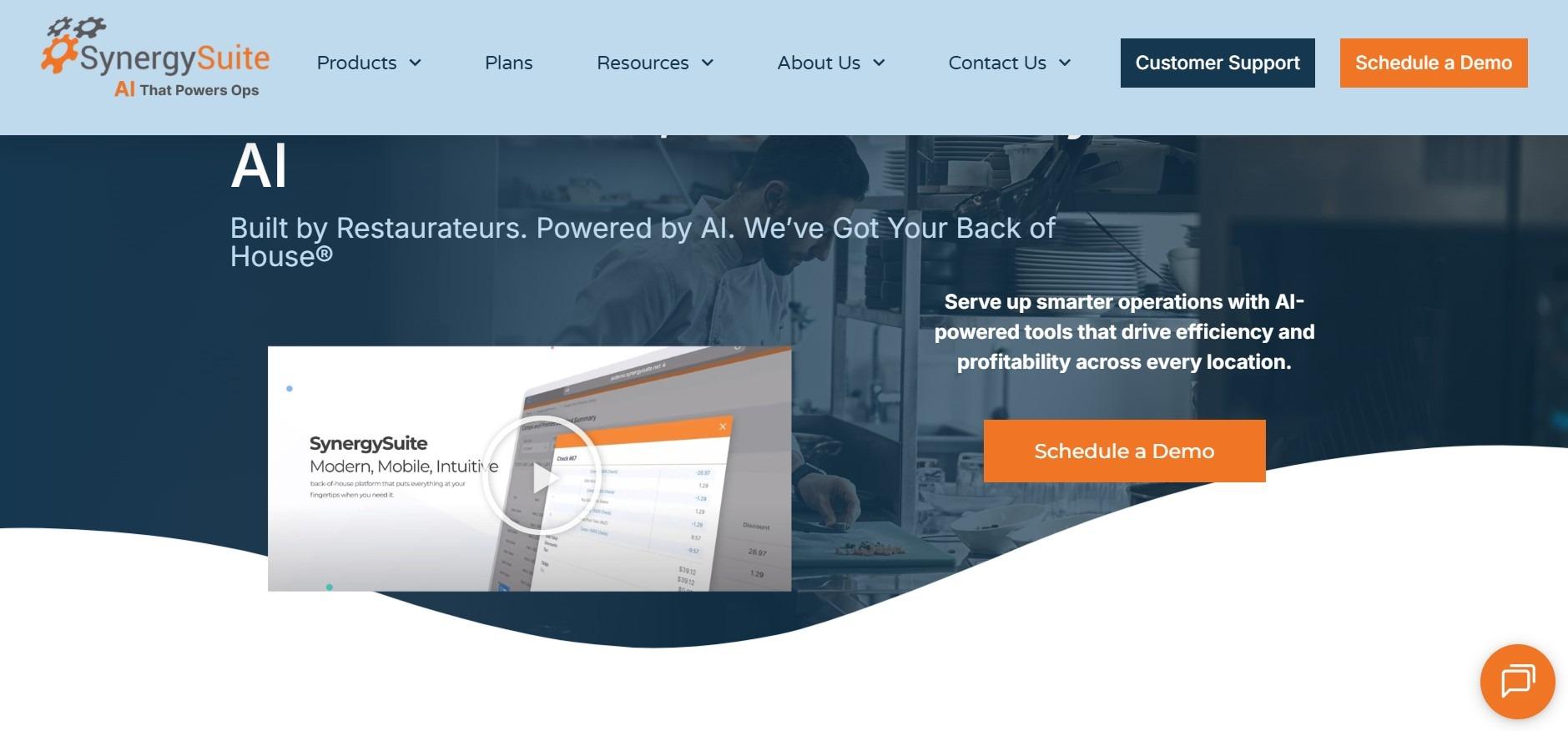
SynergySuite is a restaurant management system that integrates with Clover POS and handles the specific inventory challenges of food service operations. Unlike retail inventory apps that track finished goods by SKU, SynergySuite tracks ingredients and recipes, manages food costs, reduces waste, and helps with the purchasing decisions that restaurant operators deal with every day.
For a restaurant using Clover at the point of sale, SynergySuite connects to that Clover account and pulls sales data to help calculate food usage, monitor cost percentages, and trigger supplier orders before stock runs out.
Key Features of SynergySuite:
- It keeps track of ingredients and connects them with recipes and menu items.
- It uses actual Clover sales data to help calculate food costs and plan purchases.
- It makes supplier management and purchase orders easier to handle.
- It supports multi-location restaurant operations from one system.
Pricing plans:
Pricing is not publicly listed on the official SynergySuite website. Contact SynergySuite for a quote based on your number of locations and required features.
Pros of SynergySuite:
- SynergySuite is designed specifically for food service inventory rather than adapted from a retail tool.
- Food cost optimization tied directly to Clover sales data provides actionable insights for improving profitability.
- Multi-location support for restaurant groups managing inventory across multiple sites.
Cons of SynergySuite:
- This software is focused exclusively on food service. Retail merchants will find the tools misaligned with their inventory needs.
- No online channel integration for merchants who sell food or beverage products through an ecommerce store alongside their physical location.
Bottom line: SynergySuite makes the most sense for restaurants using Clover that need to manage ingredients, food costs, and purchasing. Retail merchants looking for product and multichannel inventory management can consider QuickSync or Thrive.
5. MarketMan
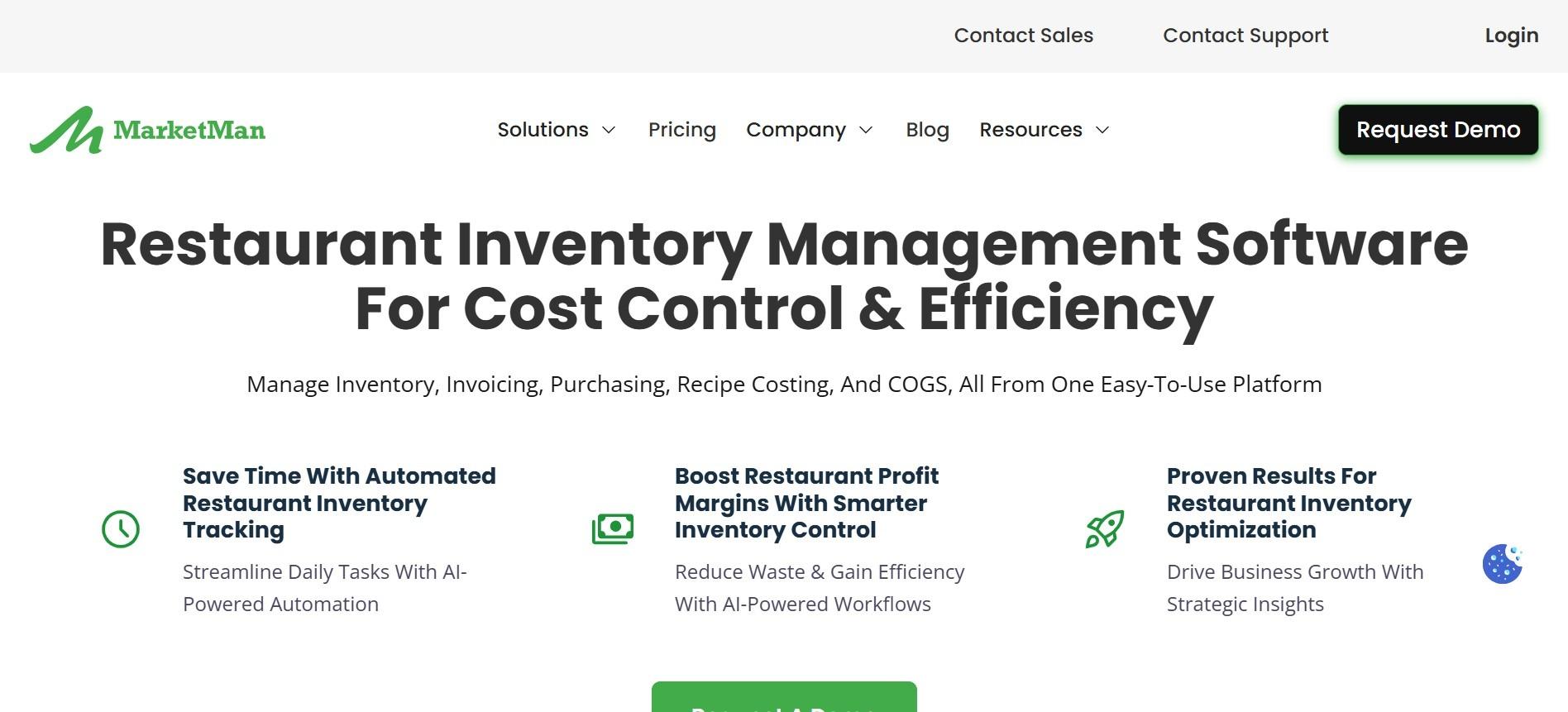
MarketMan takes a food service-focused approach to inventory management and works with Clover POS. Instead of simply tracking finished products, it helps restaurants manage ingredients, supplier orders, food costs, and waste.
Its biggest advantage is connecting inventory and purchasing decisions to real sales data. MarketMan can help restaurants understand which ingredients are being used, what needs to be reordered, and where rising food costs may be affecting profits.
Key Features of MarketMan:
- It tracks ingredients and recipes based on sales data from Clover.
- It helps manage suppliers and create purchase orders based on stock levels and sales trends.
- It compares the actual cost of each dish with the target food cost.
- It tracks waste to help restaurants find and reduce inventory losses.
- It includes a mobile app for quick stock counts from the kitchen or storage area.
Pricing plans:
Pricing plans at MarketMan start at $249/month for the Starter plan, while Growth costs $299/month and Enterprise starts at $449/month.
Pros of MarketMan:
- It connects food cost tracking with actual Clover sales, making purchasing decisions more accurate.
- It helps manage suppliers and automate orders, saving time and reducing the risk of ingredient shortages.
- Its mobile app makes physical inventory counts quicker and more convenient.
Cons of MarketMan:
- MarketMan is built specifically for restaurants and food service businesses, so it may not be the right fit for retail merchants.
- Its pricing is also higher than several other inventory app Clover on this list.
The verdict: MarketMan makes the most sense for Clover merchants managing ingredients, food costs, and supplier orders. If your business sells physical products rather than food, QuickSync offers a more relevant approach to inventory management.
6. Stocksmith
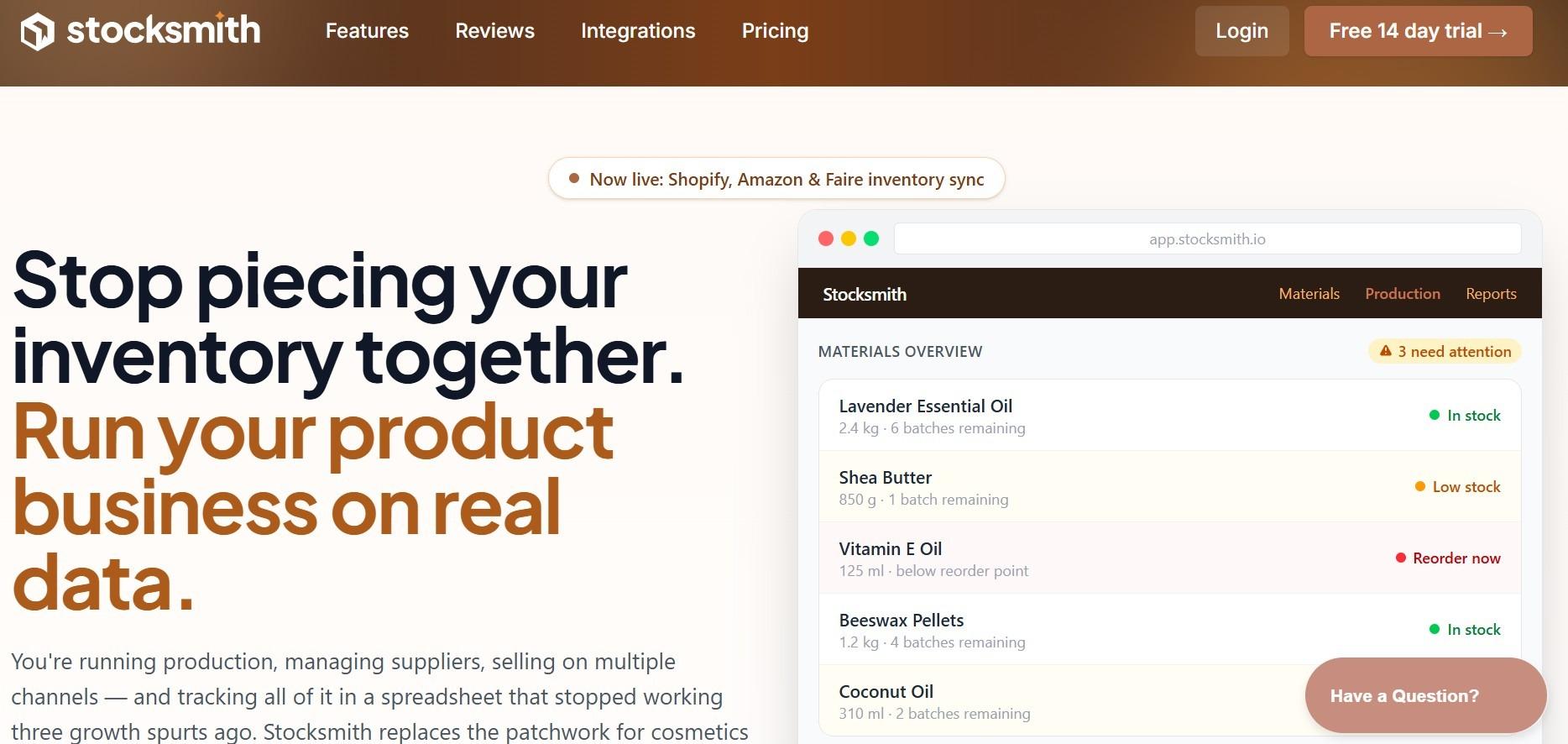
Next at number 6 is Stocksmith, which is designed for makers who need to manage finished products and raw materials together. When something sells through Clover, it automatically accounts for the materials used to make that product, making inventory tracking much simpler.
Key Features of Stocksmith:
- Stocksmith connects finished products with the raw materials used to make them.
- It automatically reduces material inventory when a product sells through Clover.
- It tracks batches and records how much material goes into production.
- It helps calculate costs and profits when pricing products.
- It integrates with Etsy and Shopify for online sales.
Pricing plans:
Stocksmith pricing starts at $83 per month and goes up to $291 per month depending on your order volume and manufacturing needs. The three plans are Indie, Business, and Growth, and each includes a 14-day free trial.
Pros of Stocksmith:
- It makes it easy to track finished products and the materials used to make them.
- Recipe-based tracking saves makers from calculating material usage manually.
- It offers features designed around the day-to-day needs of maker businesses.
Cons of Stocksmith:
- Not suitable for standard retail inventory. Merchants who sell products they did not manufacture will find the tool’s focus on production tracking unnecessary.
- Inventory sync with Clover is not real-time. Updates happen on a schedule rather than immediately after each sale.
The verdict: If you make and sell your own products through Clover, Stocksmith makes it easier to keep materials and finished inventory connected. For regular retail businesses that do not manufacture products, another app on this list will likely suit you better.
| “Inventory carrying costs can consume 20 to 30% of total inventory value annually. That is a direct hit to profitability that most small retailers do not fully account for. Real-time inventory tracking does not just prevent overselling. It creates the data needed to reduce slow-moving stock, improve purchasing decisions, and free up the cash tied up in products that are not moving.” -Marija Bacelic, Inventory Sync & Inventory Management Expert |
Choosing the Right Clover Inventory App For Your Business Type
Six options, six different strengths. So, which one should you actually choose? The answer depends on how you sell, how much inventory you manage, and what you need the app to handle. Here is a simple way to narrow down your options.
If selling exclusively in-store from a single location:
The built-in Clover inventory app is the right starting point. It handles core stock tracking at no additional cost. A third-party app only becomes necessary when the built-in tool’s limits create real operational problems.
If selling in-store through Clover and also selling online:
QuickSync makes the most sense when Clover and your online store share the same inventory. It keeps stock levels synchronized automatically, helping you avoid overselling and the daily hassle of updating two systems separately. It can also be useful for merchants with multiple Clover locations who want a more centralized way to keep their inventory aligned.
If running a restaurant or food service business on Clover:
SynergySuite suits multi-unit restaurant groups who need inventory management alongside scheduling, cash management, and labor tools. MarketMan suits restaurants that want tight control over food costs and supplier ordering specifically. Both handle ingredient-level inventory in ways that retail tools do not.
If selling online, managing multiple locations, and needing both:
QuickSync for online channel sync and Thrive by Shopventory for multi-location in-store management can be used together. Each tool handles a different part of the inventory picture without overlapping or conflicting.
The Bottom Lines
Inventory management should not feel like a daily game of “Which system has the right number?” If you are running a Clover store alongside an online business, keeping those inventory counts aligned is too important to leave to spreadsheets and manual updates.
For simple in-store operations, Clover’s built-in inventory tools may do the job. But if you sell across Clover and online channels, you need the best inventory apps for Clover. There comes QuickSync, the strongest fit. It keeps your inventory connected across channels, reduces overselling risks, and takes repetitive stock updates off your plate.