How many places do you check before you know how much inventory you actually have? If the answer is Shopify, Amazon, Etsy, and perhaps another marketplace dashboard, your inventory system is already broken more than it needs to be.
And the cost of getting inventory wrong can add up quickly. According to IHL Group’s Global Retail Study, ecommerce brands lose approximately $818 billion annually due to inventory distortion, with 56% of that loss attributed to stockouts.
This is where ecommerce inventory management software earns its place in your tech stack. The right platform keeps inventory synchronized across your sales channels, centralizes orders, and gives you a more accurate view of what you actually have in stock.
In this guide, we compare 10 of the best ecommerce inventory management software tools for 2026, covering their key features, integrations, pricing, strengths, limitations, and ideal use cases to help you find the right fit for your business.
What Is Ecommerce Inventory Management Software?
Ecommerce inventory management software gives you one place to manage the inventory you sell across different channels. Instead of manually updating stock on Shopify, Amazon, Etsy, or other marketplaces after every sale, the software does it for you.
When an item sells, inventory is updated across your connected channels. When stock gets low, you can receive an alert. When new inventory arrives, your stock levels can be updated automatically.
In simple terms, it creates one source of truth for your inventory. Depending on the platform, you can also use it to manage orders, purchase orders, returns, warehouses, inventory forecasting, and order fulfillment.
What to Look For in Ecommerce Inventory Management Software
Now that you know what ecommerce inventory management software does, the next step is knowing what to look for.
The right features depend on your business size, sales channels, order volume, and growth plans. But seven areas must be on every seller’s checklist. Here are the seven criteria worth checking before choosing any software.
1. Real-Time Multichannel Inventory Sync
This is the most essential feature on this list. When a product sells on one channel, every other channel should know that within seconds. Software that syncs inventory on a schedule rather than in real time creates a window where the same item can sell on two platforms at the same time.
Therefore, real-time inventory tracking is a must, as it prevents overselling and stockouts by keeping your inventory counts accurate on every channel.
2. Centralized Order Management:
The next feature to look for in inventory management software is centralized order management. It brings your orders from every connected sales channel into one dashboard.
It should also route tracking information back to the original channel automatically. This is what stops orders from getting missed when they arrive from multiple platforms at the same time.
3. Demand Forecasting and Low-Stock Alerts:
Running out of stock can mean losing sales, while ordering too much ties up your cash. Hence, low-stock alerts that trigger before a product runs out are significantly more useful.
The best inventory management software analyzes your sales trends and alerts you at the right moment to place a reorder.
4. Purchase Order Management:
The ability to create purchase orders, track supplier deliveries, and update your inventory automatically when stock arrives removes a significant amount of manual work from your restocking process.
The best software connects supplier management directly to stock level monitoring so the two work together rather than as separate manual tasks.
5. Pricing and Scalability:
Make sure the software fits both your budget and your growth plans. A tool may look affordable at first but become expensive as you add more products, orders, or sales channels.
Check what the pricing is based on and how much you will pay as your business grows. A predictable pricing model makes it easier to plan your costs long term.
6. Ease of Setup and Daily Use:
Even the most powerful inventory software is not useful if it is difficult to set up or use. Look for a platform that makes it easy to import your products, connect your sales channels, and get your team up and running. Clear onboarding, helpful documentation, responsive support, and a simple interface can make a big difference.
Glance at the 10 Best Ecommerce Inventory Management Software
Here is a side-by-side overview of all ten inventory management software for ecommerce before the individual detailed reviews. You can use this to shortlist the software most relevant to your situation, then read those reviews in full.
| Tool | Best For | Key Channels | Real-Time Sync | Order Mgmt | Starting Price | Free Trial |
| QuickSync | Multichannel sellers needing real-time inventory sync | Shopify, Amazon, eBay, Etsy, WooCommerce, TikTok Shop, Clover, Square | Yes | Yes | $19/mo | 14 days |
| Linnworks | Sellers managing large marketplace presence | Amazon, eBay, Etsy, Walmart, TikTok Shop, Shopify, WooCommerce | Yes | Yes | Custom pricing | Demo |
| Cin7 | Mid-market retailers and wholesalers | Amazon, eBay, Shopify, WooCommerce, Walmart, B2B portals | Yes | Yes | $349/mo | Demo |
| Shopify Inventory | Sellers on Shopify only | Shopify (native) | Yes | Yes | $29/mo | 3 days |
| Zoho Inventory | Small to mid-sized ecommerce businesses | Amazon, eBay, Shopify, Etsy, WooCommerce | Yes | Yes | $29/mo | 14 days |
| Ordoro | Small stores needing inventory and shipping together | Amazon, eBay, Shopify, Etsy, WooCommerce | Yes | Yes | $59/mo | 15 days |
| Brightpearl | High-volume DTC brands and omnichannel retailers | Shopify, BigCommerce, Magento, Amazon, eBay | Yes | Yes | ~$1,000/mo | Demo |
| Skubana / Extensiv | High-volume brands with complex fulfillment | Amazon, eBay, Shopify, Walmart, 3PL networks | Yes | Yes | Custom pricing | Demo |
| Sellbrite | Established multichannel sellers with large catalogs | Amazon, eBay, Etsy, Walmart, Shopify, WooCommerce | Yes | Yes | $29/mo | Free plan |
| inFlow Inventory | Small businesses needing simple inventory tracking | Shopify, Amazon, limited marketplaces | Yes | Yes | $129/mo | 14 days |
Note: Prices shown are starting prices as of 2026 and may change over time. So always verify current pricing directly with each provider.
How We Evaluated These 10 Ecommerce Inventory Management Software
There are hundreds of inventory management tools available for ecommerce sellers. To make this comparison useful and honest, we evaluated all 10 ecommerce inventory management software options using the same criteria.
We went beyond feature lists and considered how each platform handles the day-to-day needs of a multichannel ecommerce business.
| What We Evaluated | How We Measured It |
| Real-time sync speed and reliability | Does the tool update every channel within seconds of a sale or on a schedule? How quickly does stock change after a transaction? |
| Channel coverage and integration depth | Which channels does each tool connect to and how deeply? Does it handle orders, inventory, and product data beyond basic stock counts? |
| Order management capability | Does the tool centralize orders from all channels in one dashboard? Does it return tracking information to the original channel automatically? |
| Demand forecasting and reorder alerts | Can the tool analyze sales history and alert before stock runs out? How accurate and configurable are the reorder thresholds? |
| Purchase order management | Can sellers create purchase orders, track supplier deliveries, and update inventory automatically when stock arrives? |
| Ease of setup and daily use | How long does initial setup take without developer help? How much manual work does the tool require on an ongoing basis? |
| Pricing transparency and scalability | Is pricing published clearly? How does cost change as order volume, SKU count, and channel count grow? |
| Real-world seller feedback | Verified reviews from active merchants on G2, Trustpilot, Capterra, and the Shopify App Store |
We also reviewed verified feedback from G2, Trustpilot, Capterra, and the Shopify App Store. Where possible, we focused on feedback from active merchants with established multichannel operations rather than single-channel users or short-term trial users.
| Editorial independence notice: This is an independent comparison, not a sponsored ranking. No vendor paid for inclusion, a higher position, or more favorable coverage. We evaluated each platform against the same criteria with their pros and cons. Our rankings are a starting point, not a one-size-fits-all answer. The right choice still depends on your channels, order volume, budget, and operational needs. |
The 10 Best Ecommerce Inventory Management Softwares for 2026
The table above gives you a quick view to compare the 10 tools. But a good inventory management platform needs to do more than offer a long list of features.
1. QuickSync
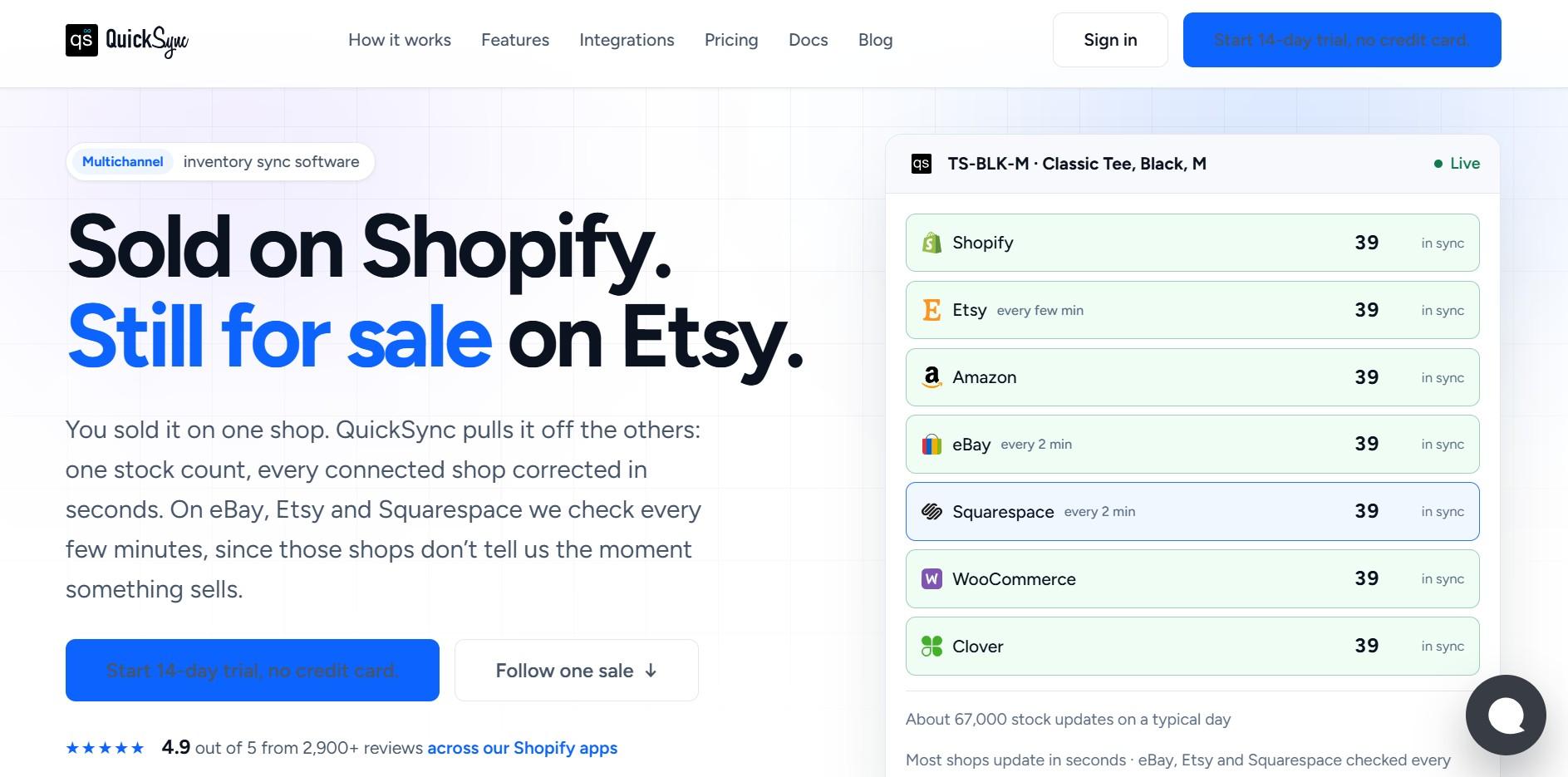
QuickSync is a multichannel inventory sync solution, and it is a great option for ecommerce sellers who manage inventory across multiple sales channels. It focuses on keeping your stock updated in real time, so you can avoid overselling and keep your inventory accurate.
QuickSync connects Shopify, WooCommerce, Amazon, eBay, Etsy, TikTok Shop, Square, Clover, Lightspeed, and QuickBooks in one dashboard. It also syncs product details and brings orders from all your channels into one place.
Key Features of QuickSync
- Real-time inventory sync: A sale on one channel updates your stock on all connected channels within seconds.
- Product listing sync: Sync titles, descriptions, images, prices, and product variants across your connected stores.
- Channel-specific pricing: Set different prices for each sales channel to protect your profit margins.
- Centralized order management: Manage orders from all your channels in one dashboard and send tracking details back automatically.
- Safety stock controls: Reserve stock for specific channels so you do not accidentally sell your last unit twice.
Pricing plans:
Starts from $19 per month for two connected shops. Plans scale by catalog size, not order volume. Also, there is a 14-day free trial so you can test it for free.
Pros of QuickSync:
- QuickSync offers the fastest real-time inventory sync in its price category.
- Your price stays the same even when your order volume increases.
- You can clearly see what each integration supports before you pay.
- Built-in safety stock helps prevent overselling when the same item sells on multiple channels at once.
Cons of QuickSync:
- QuickSync supports 11 mainstream ecommerce integrations, so sellers looking to connect with niche or regional marketplaces may find the options limited.
The verdict: QuickSync is the right choice for ecommerce sellers whose primary challenge is keeping inventory accurate across multiple channels without manual updates after every sale. If you sell on Shopify alongside Amazon, eBay, and Etsy and your stock counts keep drifting apart, QuickSync solves that more directly and more affordably than any other tool on this list.
2. Linnworks
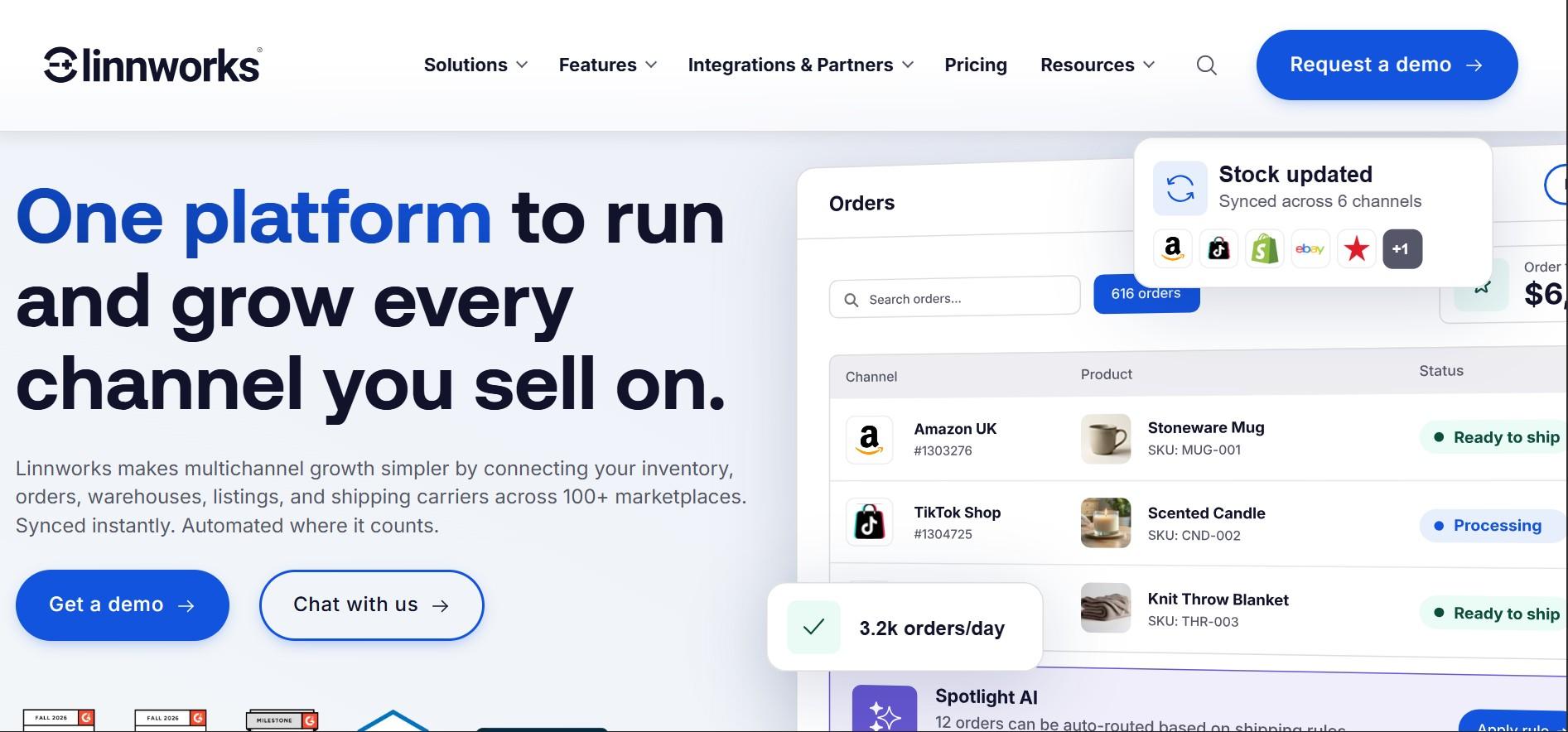
Linnworks takes the number 2 spot for sellers managing inventory across several marketplaces. It connects with platforms like Amazon, eBay, Etsy, Walmart, TikTok Shop, and Temu, while keeping inventory updated across channels.
It also includes tools for listings, purchase orders, and multi-warehouse inventory, giving sellers more control over day-to-day operations.
Key Features of Linnworks:
- Linnworks keeps your inventory updated across connected marketplaces in real time.
- It helps you manage purchase orders and keep track of suppliers.
- It lets you manage inventory across multiple warehouses from one place.
- It makes it easier to manage product listings across different marketplaces.
Pricing plans: Linnworks does not have fixed pricing plans. Your monthly cost depends on factors like order volume and the features you need.
Pros of Linnworks:
- Linnworks connects with many major marketplaces, including newer platforms like TikTok Shop and Temu.
- It helps reduce overselling by keeping inventory updated across connected channels.
- It makes it easier to manage product listings across multiple marketplaces.
Cons of Linnworks:
- Pricing is based on order volume, so costs can increase during busy sales periods.
- Linnworks can take more time to set up and may feel complex for new users.
- Its starting price can be high for smaller sellers with lower order volumes.
The verdict: Linnworks is suited to established sellers with multiple marketplace connections and more complex inventory needs. For smaller sellers or those looking for a lower-cost option, other tools in this list can offer real-time syncing with a lower entry price.
3. Cin7
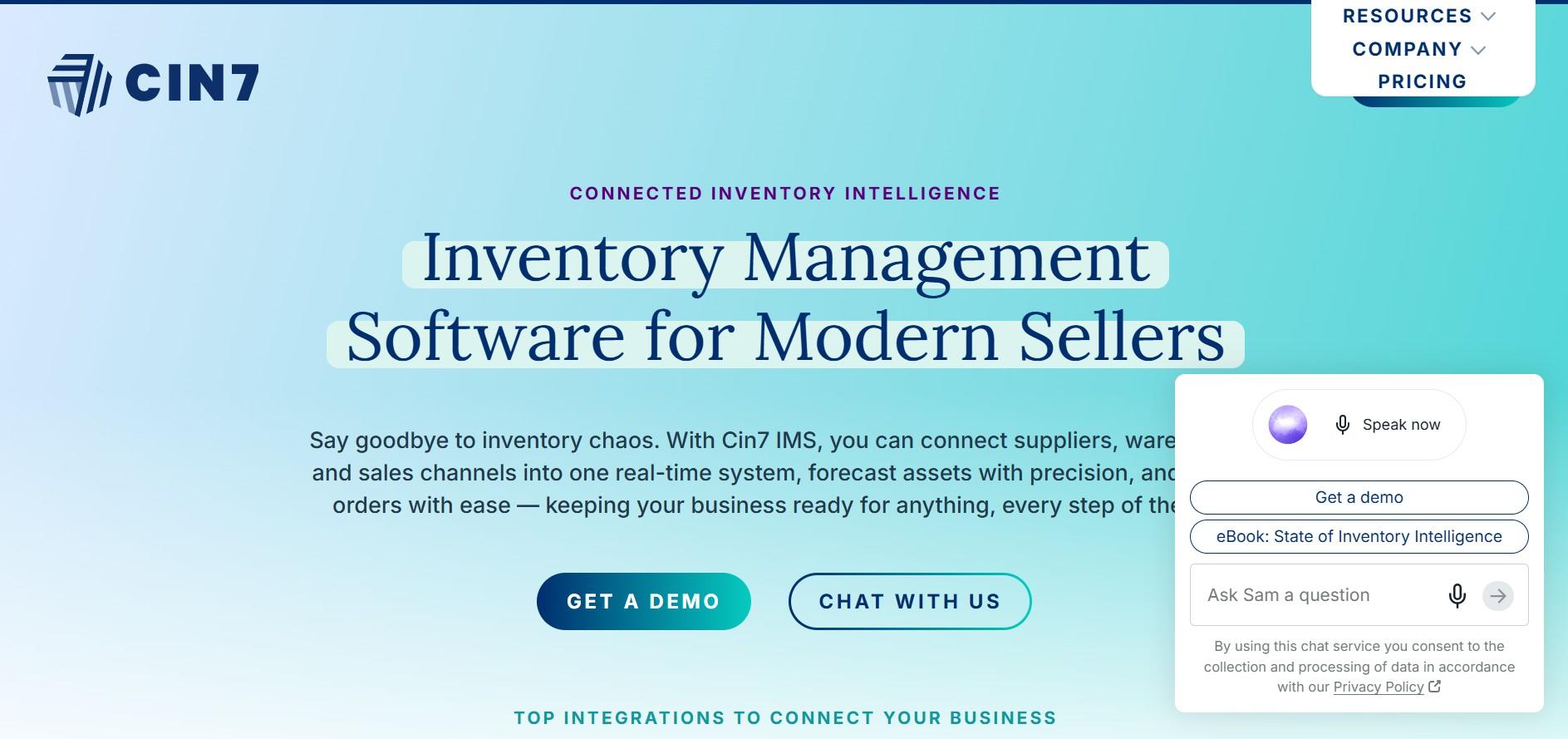
Coming in at number 3 is Cin7, an inventory platform designed for growing businesses with more complex needs. It connects with Shopify, Amazon, WooCommerce, and other sales channels while supporting multi-location inventory, B2B selling, and EDI.
Cin7 offers two versions. Cin7 Core covers inventory and stock management, while Cin7 Omni adds warehouse, B2B, and 3PL features. The platform offers a wide range of tools, but it can take more time to set up and learn.
Key Features of Cin7:
- Cin7 keeps inventory updated across ecommerce platforms and physical stores in real time.
- Cin7 provides a B2B ecommerce portal for wholesale customers.
- It supports barcode scanning and batch or serial number tracking.
- Cin7 Omni connects with 3PL providers for outsourced fulfillment.
Pricing plans:
- Standard: $349/month for up to 5 users and 2 integrations.
- Pro: $599/month for up to 10 users and 4 integrations.
- Advanced: $999/month for up to 15 users and 6 integrations.
- Omni: Custom pricing for larger businesses and enterprise needs.
Extra users, integrations, and add-on features may cost more.
Pros of Cin7:
- Cin7 covers many of the inventory needs of growing retail and wholesale businesses.
- Verified reviews show an 84% satisfaction score.
- Its B2B portal and EDI tools add useful options for wholesale and retail operations.
Cons of Cin7:
- Cin7 can take time to set up, and new users may need extra help during the setup process.
- Its higher pricing has led some users to question the value for the cost.
- Cin7 may offer more features than small or early-stage businesses actually need.
The verdict: Cin7 works well for growing retailers and wholesalers that need B2B and warehouse tools along with inventory management. If your main goal is keeping inventory synced across multiple channels, QuickSync or Sellbrite can offer a simpler and more affordable option.
4. Shopify Inventory
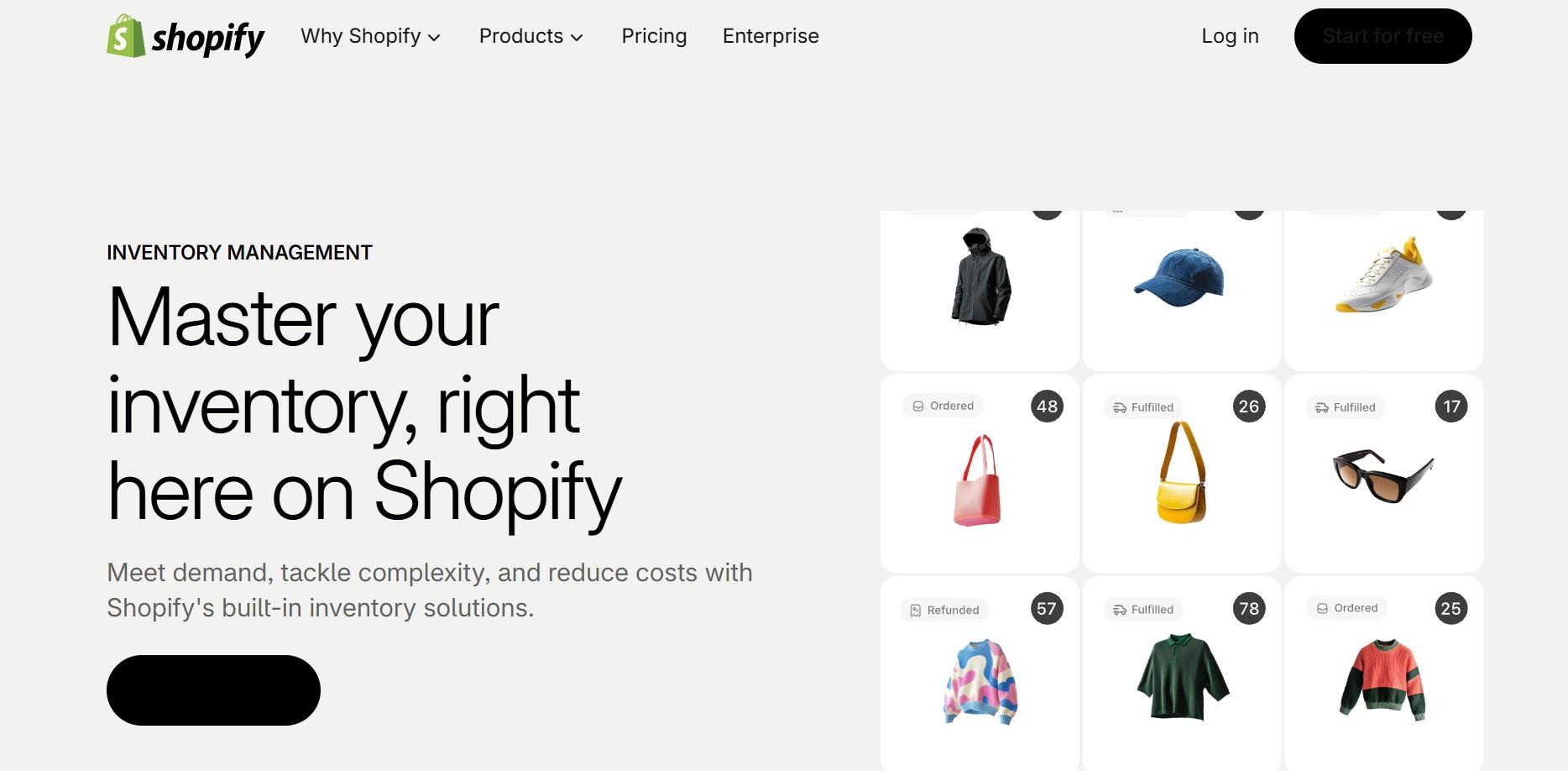
Shopify Inventory takes the number 4 spot and is a practical option for sellers who only sell through Shopify. It includes basic inventory tracking, low-stock alerts, multi-location management, and out-of-stock controls as part of the Shopify platform.
The downside is that it is limited when you start selling on other channels. You need third-party apps to connect with marketplaces such as Amazon, eBay, and Etsy, and advanced inventory features like forecasting and automated reordering are not included.
Key Features of Shopify Inventory:
- It lets you track inventory for products and variants using SKUs.
- Shopify provides automatic alerts when stock levels are low.
- It lets you manage inventory across multiple Shopify store locations.
- It helps prevent customers from ordering products that are out of stock.
- It includes basic inventory reports in the Shopify analytics dashboard.
Pricing plans:
Included with Shopify plans starting from $29 per month. No additional cost for native inventory features.
Pros of Shopify Inventory:
- It comes with no extra cost if you already have a Shopify subscription.
- It is built into the Shopify admin, so there is no separate setup required.
- It works well for simple stores that sell through Shopify only.
- It is easy to use and does not require much technical knowledge.
Cons of Shopify Inventory:
- It does not connect directly to Amazon, eBay, Etsy, or other marketplaces without third-party apps.
- It does not offer demand forecasting, automatic reorder points, or purchase order management.
- Its accounting features are limited, so you may need separate tools for COGS tracking and financial reports.
- It is mainly suited to Shopify-only stores and may not be enough for multichannel sellers.
The verdict: Shopify’s built-in inventory is a good option if you only sell through Shopify. If you start selling on other marketplaces, you will need a third-party tool to sync your inventory. QuickSync can connect Shopify with major marketplaces and keep your stock updated across channels.
5. Zoho Inventory
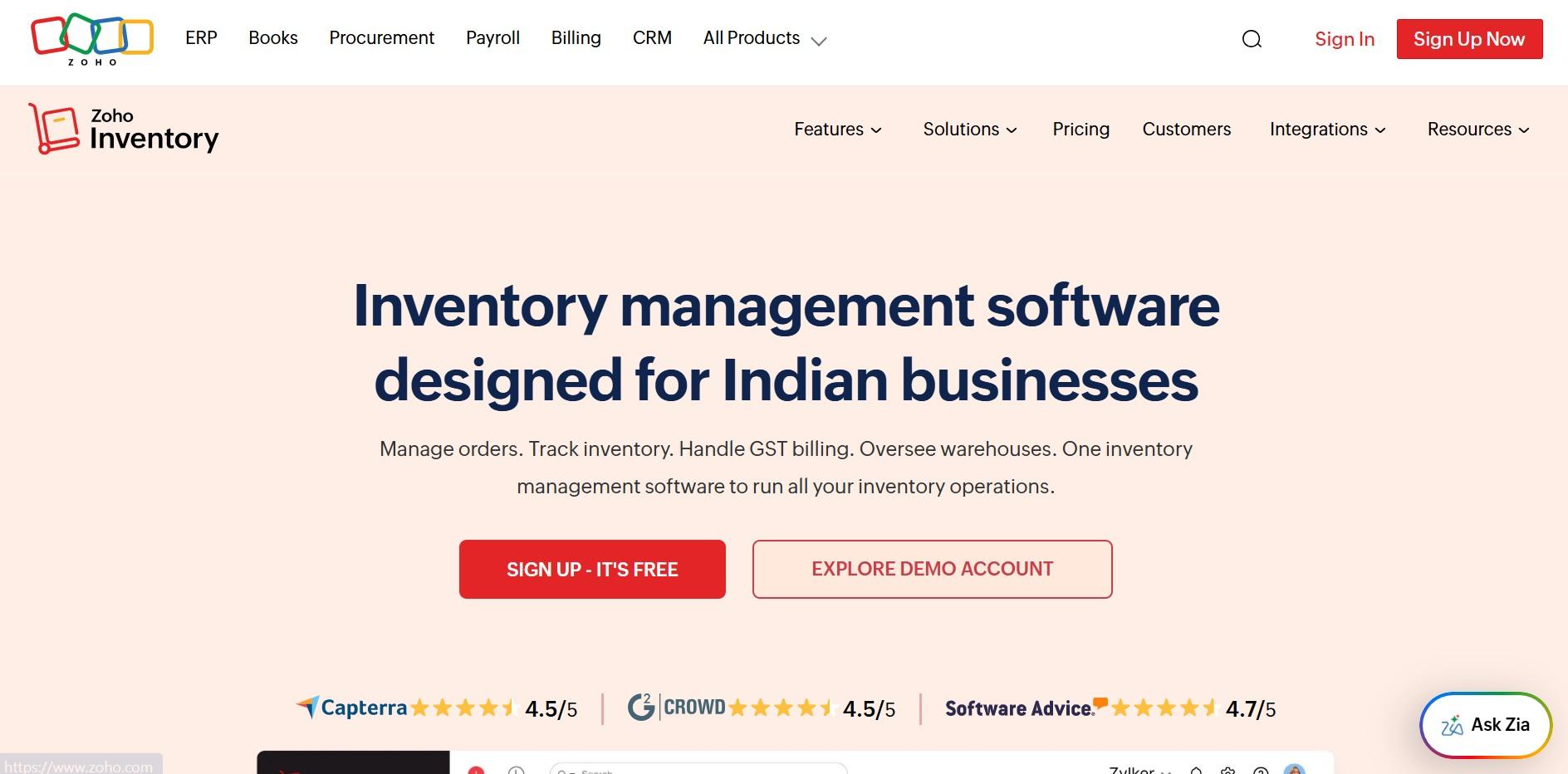
At number 5, we have Zoho Inventory. It helps small and mid-sized businesses manage inventory and orders across multiple channels, including Amazon, eBay, Etsy, Shopify, and WooCommerce. It also offers real-time inventory tracking, shipping labels, and basic demand forecasting.
Zoho Inventory is a good option for businesses that want useful multichannel inventory management tools without the cost and complexity of larger platforms. It can be especially useful for businesses already using Zoho Books or Zoho CRM.
Key Features of Zoho Inventory:
- It keeps inventory updated across Amazon, eBay, Etsy, Shopify, and WooCommerce in real time.
- Zoho Inventory lets you manage orders and create shipping labels from one dashboard.
- It provides basic demand forecasting and alerts when stock needs to be reordered.
- It connects with Zoho Books, Zoho CRM, and other Zoho products.
Pricing plans:
- Free: 50 orders per month.
- Standard: $29/mo.
- Professional: $79/mo.
- Premium: $129/mo.
- Enterprise: $249/mo.
Pros of Zoho Inventory:
- Zoho Inventory works well with other Zoho tools, such as Zoho Books and Zoho CRM.
- Its clean interface makes it relatively easy for new users to learn and use.
- It provides useful inventory features without the complexity of larger platforms.
Cons of Zoho Inventory:
- It has fewer advanced forecasting and automation features than some higher-priced tools.
- Some advanced settings can take time to learn and configure.
- Customizing the platform may require extra setup for more complex needs.
The verdict: Zoho Inventory can be a solid choice for small- to mid-sized ecommerce businesses that need affordable multichannel inventory management without enterprise complexity. But for sellers who need deeper automation, warehouse management, or more advanced forecasting, they should consider other software listed in this top ten inventory management software comparison guide.
6. Ordoro
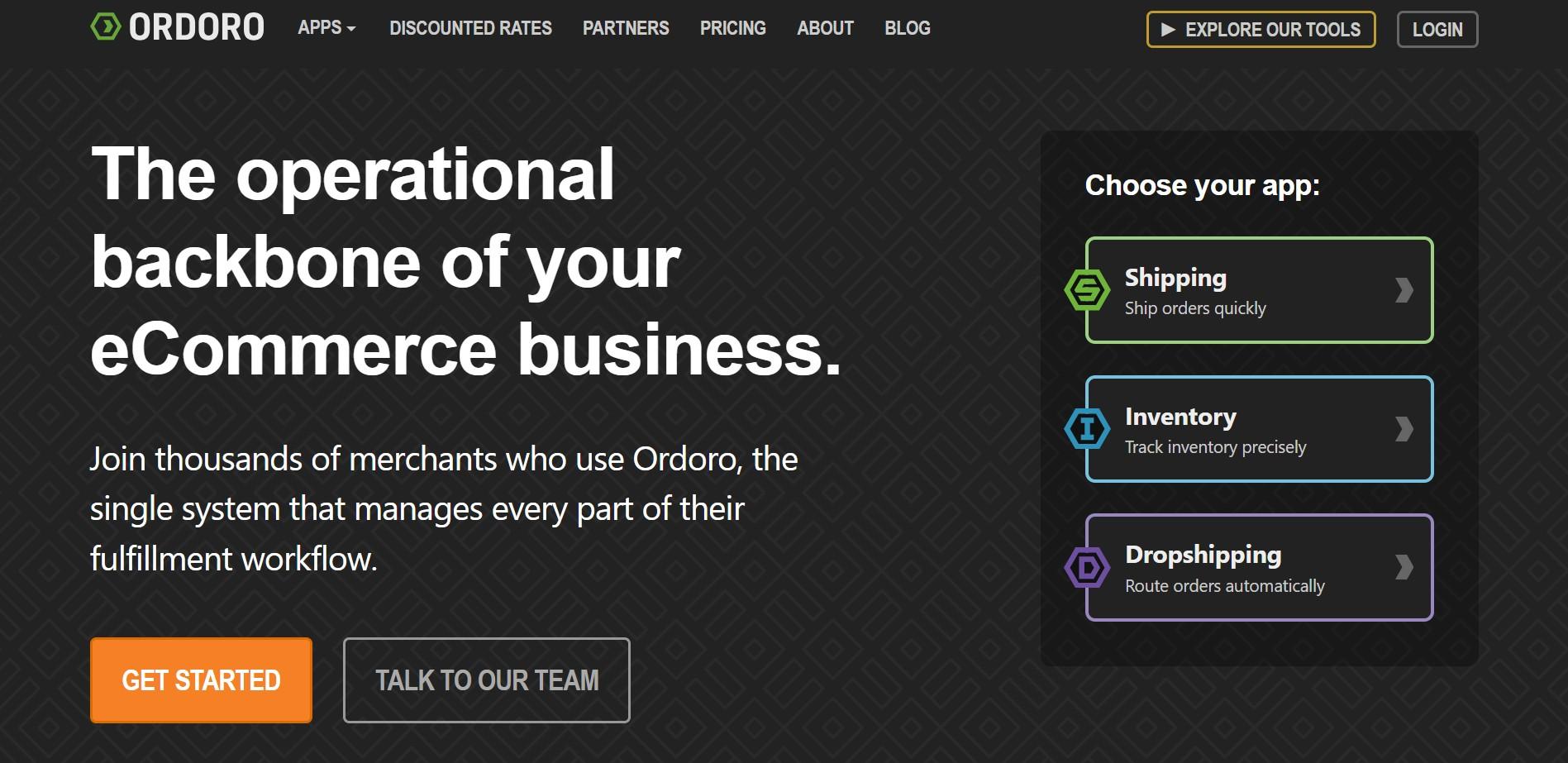
Coming in at number 6 is Ordoro, a platform that combines inventory syncing and shipping management. It connects with Amazon, eBay, Shopify, Etsy, and WooCommerce, so sellers can manage stock and orders from one place.
It also offers vendor management, dropshipping tools, barcode scanning, and basic forecasting. The platform is relatively simple to set up and use.
Key Features of Ordoro:
- It syncs inventory across Amazon, eBay, Shopify, Etsy, and WooCommerce.
- Ordoro offers shipping automation with discounted USPS rates and support for multiple carriers.
- It helps manage vendors and supports dropshipping workflows.
- It lets you create and scan barcodes for warehouse tasks.
- Ordoro supports product kitting and bundling for items sold together.
Pricing plans:
- Shipping: free tier with discounted USPS rates.
- Advanced Shipping: $59/mo.
- Advanced Dropship: $299/mo.
- Advanced Inventory: $349/mo.
Note: 15-day free trial. No credit card required.
Pros of Ordoro:
- It combines inventory and shipping management in one platform.
- Ordoro offers discounted USPS shipping rates, which can help reduce shipping costs.
- Its simple interface makes it easy for beginners to get started.
- It usually takes less time to set up than more complex inventory tools.
Cons of Ordoro:
- Its warehouse management features are limited for businesses with multiple locations.
- Ordoro offers only basic inventory forecasting tools.
- It may not be the best fit for larger businesses with high order volumes.
- Some limitations can become more noticeable as your business grows.
The verdict: Ordoro might be a practical option for smaller stores that need both inventory syncing and shipping management. If shipping is not a priority, QuickSync or Zoho Inventory may be better suited to your needs.
7. Brightpearl
At number 7, we have Brightpearl. It is a platform built for high-volume ecommerce and retail businesses. It combines inventory, order management, fulfillment, accounting, and CRM in one system. Its automation tools can also handle large order volumes with custom rules.
The main downside is the cost and setup time. Brightpearl can require a longer implementation process, making it a better fit for larger businesses rather than small ecommerce stores.
Key Features of Brightpearl:
- It can process thousands of orders per hour using custom automation rules.
- Brightpearl includes built-in accounting tools for payments, expenses, and bank reconciliation.
- It supports order fulfillment across Shopify, BigCommerce, Magento, Amazon, and eBay.
- It offers demand planning and advanced inventory forecasting.
- It lets you manage inventory across multiple locations and warehouses.
Pricing plans:
- Custom, quote-based pricing only.
- Estimated to start around $1,000 per month.
- Implementation often runs 8 to 16 weeks with a significant implementation fee.
Pros of Brightpearl:
- It can handle large order volumes with its built-in inventory automation tools.
- Brightpearl includes accounting features, so you may not need a separate accounting tool.
- It is designed for businesses selling across multiple channels.
- It connects with major ecommerce platforms through built-in integrations.
Cons of Brightpearl:
- It can take a lot of time and effort to set up and implement.
- Its pricing may be too high for many small and mid-sized ecommerce businesses.
- It may offer more features than smaller businesses actually need.
- It is better suited to businesses that need advanced automation and can handle higher costs.
The verdict: Brightpearl can be a suitable option for high-volume ecommerce brands and retailers that need order automation and advanced operations tools. For smaller businesses, its cost and complexity may not be necessary.
8. Extensiv
Coming in at number 8 is Skubana, now part of Extensiv. It helps larger ecommerce businesses manage orders and inventory across multiple sales channels, warehouses, and 3PL providers. You can also set rules to decide where orders should be sent for fulfillment.
It is mainly designed for businesses with high order volumes and more complicated fulfillment processes, rather than smaller stores just starting.
Key Features of Extensiv:
- It automatically routes orders across different channels and warehouses based on rules you set.
- Extensiv offers analytics and demand forecasting for businesses with high order volumes.
- It lets you manage multiple warehouses and 3PL partners from one platform.
- It keeps inventory updated across major marketplaces in real time.
Pricing plans:
- Quote-based pricing, starting around $999 per month.
- Pricing scales with order volume and revenue.
- Annual contracts are common.
Pros of Extensiv:
- It offers automation and 3PL connections for larger ecommerce operations.
- Extensiv provides useful analytics and forecasting tools to support purchasing decisions.
- It is designed to handle high order volumes and more complex ecommerce operations.
Cons of Extensiv:
- It does not publish fixed pricing, so you need to contact Extensiv to get a quote.
- The setup process can be complex and may take time to complete.
- It is mainly designed for larger ecommerce businesses.
- Smaller sellers may find it too costly and complex for their needs.
The verdict: Extensiv makes sense for larger sellers that need advanced fulfillment and automation tools. However, sellers looking for the best inventory management software for small businesses can likely get what they need from a simpler inventory management platform.
9. Sellbrite

Coming in at number 9 is Sellbrite, a multichannel selling platform that brings inventory and product listings together in one place. It supports major channels such as Amazon, eBay, Walmart, Etsy, Shopify, and WooCommerce, along with Google Shopping.
It can be especially helpful for sellers with large product catalogs. Amazon FBA sellers can also connect their FBA inventory and use it to fulfill orders from other marketplaces.
Key Features of Sellbrite:
- It lets you upload products in bulk and create listings across connected marketplaces.
- Sellbrite keeps inventory updated across Amazon, eBay, Walmart, Etsy, Shopify, and WooCommerce.
- It connects with Amazon FBA and can use FBA to fulfill orders from other marketplaces.
- It provides a dashboard for tracking sales and inventory performance.
- It offers listing templates that make it easier to adapt products for different marketplaces.
Pricing plans:
- Free: up to 30 orders per month.
- Pro 100: $29/mo (up to 100 orders).
- Pro 500: $79/mo (up to 500 orders).
- Pro 2000: $179/mo (up to 2,000 orders).
Pros of Sellbrite:
- Sellbrite offers a free plan, so smaller sellers can try multichannel selling without paying upfront.
- It has a strong Amazon FBA integration that makes it easier to manage FBA orders across different marketplaces.
- It offers helpful customer support, with many verified users praising its quick and responsive service.
Cons of Sellbrite:
- Sellbrite charges based on order volume, so the cost can increase as your sales grow.
- Sellbrite does not integrate with social selling platforms such as TikTok Shop and Instagram Shopping.
- Sellbrite supports fewer international marketplaces, which may be a limitation for sellers looking to expand globally.
The verdict: Sellbrite might be a good choice for established multichannel sellers with large product catalogs who need both listing management and inventory syncing. If your main need is real-time inventory sync without advanced catalog management, QuickSync offers a simpler and more affordable option with predictable pricing.
10. inFlow Inventory
Finally, at number 10, we have inFlow Inventory. This straightforward tool is designed for small teams that want simple inventory management without a complicated setup. It includes real-time inventory tracking, barcode scanning, order management, and basic reports.
However, inFlow has fewer marketplace integrations than most tools on this list. It works with Shopify and Amazon, but its limited channel support may become a challenge as your business expands to more marketplaces.
Key Features of inFlow Inventory:
- inFlow Inventory offers real-time inventory tracking across products and variants.
- It has barcode scanning for faster stock management and receiving.
- Simple reporting on inventory levels and sales performance
- Shopify and Amazon integrations for the most common channel combination.
Pricing plans:
The pricing plans at inFlow Inventory start from $129 per month billed annually. A 14-day free trial is available.
Pros of inFlow Inventory:
- inFlow is easy to set up and has a short learning curve, making it a good choice for small teams.
- inFlow offers a clean and user-friendly interface that does not feel overwhelming for new users.
- inFlow provides transparent pricing with no setup fees or hidden charges.
Cons of inFlow Inventory:
- inFlow has limited marketplace support compared with most other tools on this list.
- inFlow starts at a higher price than some competitors that offer similar features.
- inFlow may become limiting for sellers who plan to add more sales channels as their business grows.
The verdict: inFlow is a good starting option for small ecommerce businesses that need simple inventory tracking without too much complexity. However, if you plan to sell on more marketplaces as your business grows, it may be better to choose a tool with more integrations from the beginning.
Choosing the Right Inventory Software Based on Your Needs
The right inventory sync software is the one that solves your specific primary problem rather than the one with the longest feature list. Here is a practical framework based on the most common ecommerce seller situations.
A few situations are worth addressing specifically because they come up most often in questions from ecommerce sellers evaluating these tools for the first time.
If You Sell on Multiple Channels and Your Inventory Keeps Getting Out of Sync:
Managing inventory across multiple sales channels can quickly become difficult. Every sale changes your stock, and if your channels do not update at the same time, your inventory counts can become inaccurate. QuickSync is built around real-time inventory syncing, so a sale on one channel updates your stock across the others within seconds.
Some tools treat multichannel syncing as just one of many features and update inventory on a schedule. This can create delays that lead to overselling. QuickSync keeps your channels updated in real time, so you can spend less time fixing stock issues and more time running your business.
If You Are Just Starting Out and Budget Is the Primary Concern:
If you are new to ecommerce, you do not need to spend a lot on inventory software right away. Both Zoho Inventory and QuickSync are good starting options, with an affordable price and a free trial.
QuickSync starts at just $19 per month and offers real-time inventory syncing across multiple channels. Both are suitable for managing inventory across two or three sales channels without paying for expensive enterprise software.
If You Are Growing Fast and Need to Scale Your Operation
Your inventory needs can change quickly as your business grows. A tool that works well with 50 orders a month may start to feel limited when you reach 500. Cin7 and Linnworks are suitable for growing businesses with larger order volumes, while Brightpearl and Skubana are better suited to high-volume businesses that handle thousands of orders.
The Bottom Lines
Summing it up, the best ecommerce inventory management software for your store is the one that solves your specific primary problem. The right inventory software depends on your business needs. So choose real-time syncing if your stock often goes out of sync, scalable software if your order volume is growing, and affordable options if budget is your main concern.
For multichannel sellers, QuickSync offers real-time inventory syncing, listing management, and centralized order management in one place. You can also use the comparison table to narrow down your options and test the available free trials before deciding.