You want to track your stock without paying for another monthly subscription. Good news: plenty of free inventory management software exists. Zoho Inventory, Sortly, Square, Odoo, and InvenTree all have a real $0 option.
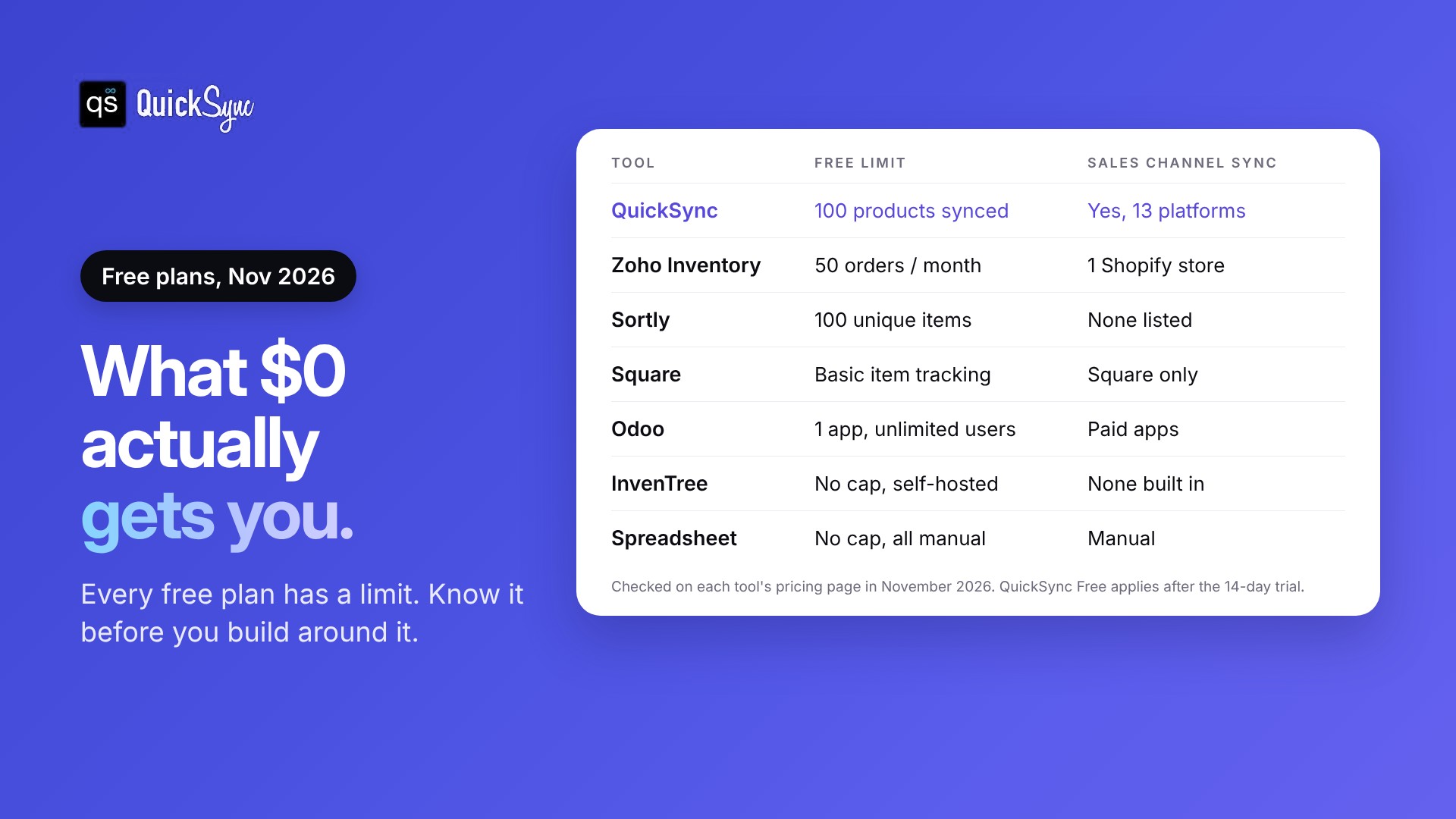
The catch is that “free” rarely means unlimited. Zoho’s free plan covers 50 orders a month. Sortly’s covers 100 items. Odoo is free for one app. InvenTree has no limits at all, but you have to install and run it yourself.
Each of those can work well, as long as the limit fits how you sell. Pick the wrong one, and you’ll outgrow it fast, or spend more time on corrections than the software saves you.
This guide compares seven free inventory tools side by side. For each one, you’ll see what you get for free, where the free plan stops and who it suits best. We checked every plan on the tool’s own pricing page in November 2026, so the limits are current.
What is free inventory management software?
Free inventory management software tracks your items, stock levels, and orders without a monthly fee. It usually comes in one of four forms: a free plan of a paid tool, a free POS plan, an open-source app you host yourself, or a spreadsheet. Each form has a different limit.
Here’s how the four types differ in practice.
Free plans of paid tools. Zoho Inventory, Sortly, and QuickSync all have a $0 tier. The company caps it by orders, items, users, or features, so you’ll pay once you grow past it.
Free POS plans. Square’s free plan includes basic stock tracking. The software costs nothing, but you pay a card processing fee on every sale.
Open-source software. InvenTree is free to download and use. You pay in time instead, because you install, host, update, and back it up yourself.
Spreadsheets. Excel and Google Sheets have no limits at all. They also have no automation, so every sale, return, and restock is something you type in.
Free tells you the price, not the fit. The right choice depends on how many channels you sell on, how many orders you handle, and how much setup you’re willing to do.
Free inventory management software at a glance
| Tool | What’s free | Where free stops | Best for |
|---|---|---|---|
| QuickSync | Stock counts kept matched across your shops, for up to 100 products | Stock counts kept matched across your shops, for up to 100 products | Selling the same products on 2+ channels, like Shopify, Etsy, and eBay |
| Zoho Inventory | 50 orders a month, 1 user, 1 location | 50 orders a month | A small online store with low volume |
| Sortly | 100 unique items, 1 user | 100 items | Tracking supplies and equipment with photos |
| Square | Basic item and stock tracking | Purchase orders and reports need Plus | In-person retail on Square POS |
| Odoo | One app, unlimited users | A second app moves you to paid | Teams that need many logins |
| InvenTree | Everything, open source | Your time and hosting | Makers who build from parts |
| Spreadsheet | Everything, all manual | Your time and accuracy | Under 50 products on one channel |
Limits checked on each tool’s pricing page in November 2026.
7 free inventory management tools worth trying
Each tool below has a free option you can start with today. For each one, you’ll see what’s free, who it suits and where the free version stops. The first tool is ours, so we’ve been specific about its limits too.
1. QuickSync: best for selling the same stock on more than one channel
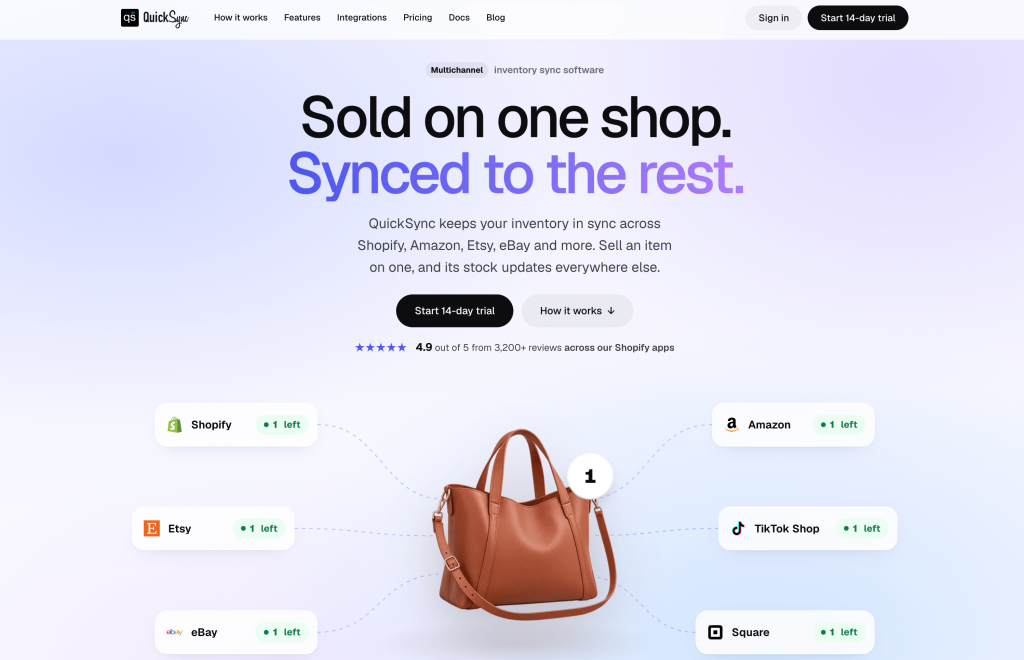
QuickSync is an inventory sync tool. You connect your sales channels, and it keeps one stock count across all of them. When a candle sells on Etsy, the quantity drops on Shopify, eBay, and your Square POS as well.
What’s free: Every account starts with a 14-day trial: you connect two shops and use everything on the plan you pick, with no card needed, according to the QuickSync pricing page.
Works with: Shopify, Amazon, Etsy, eBay, TikTok Shop, WooCommerce, Square, Clover, Squarespace, Lightspeed, Wix, QuickBooks and Xero. The integrations page shows how stock and orders move for each one.
Where free stops: At 100 products. Lite costs $19 a month for two shops and 1,000 items. Pro costs $29 and adds product sync and order sync. Orders are unlimited on every plan.
Watch out for: QuickSync syncs stock, products, and orders between channels. It isn’t built for manufacturing or parts lists. If you build products from components, pair it with a tool like InvenTree.
2. Zoho Inventory: best for a small online store with low order volume
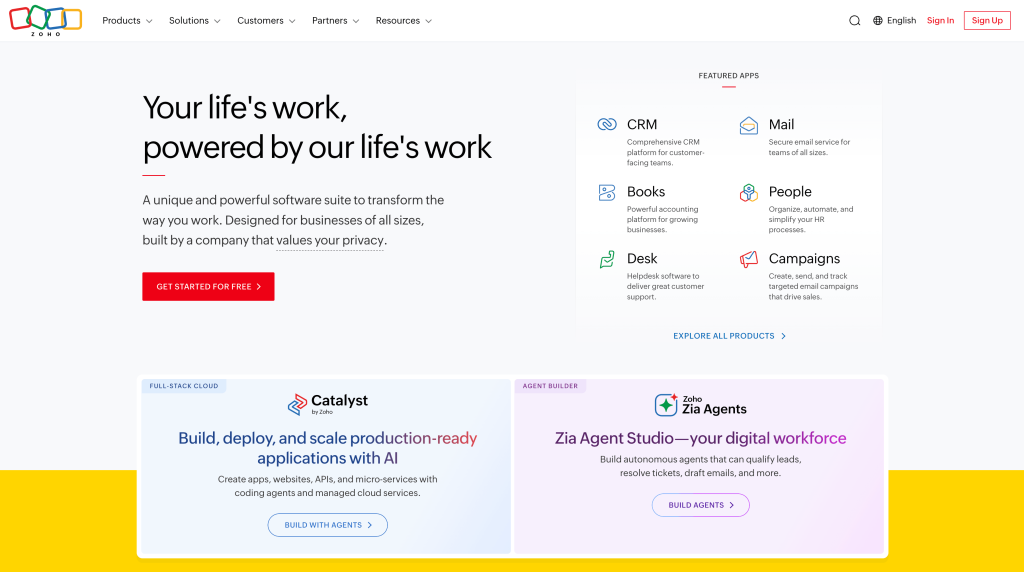
Zoho Inventory is a full inventory and order tool with a free plan for very small businesses. It handles items, sales orders, purchase orders, and invoices in one place.
What’s free: 50 orders a month, one user, and one location, according to Zoho’s pricing page. Zoho’s plan comparison adds 50 invoices, 20 purchase orders a month, and one Shopify store connection on the free plan.
Where free stops: The Standard plan costs $29/month (billed yearly) and includes 500 orders, three users, and two locations.
Watch out for: 50 orders a month is fewer than two a day. One good weekend or a holiday sale can use half of it.
3. Sortly: best for tracking supplies and equipment with photos
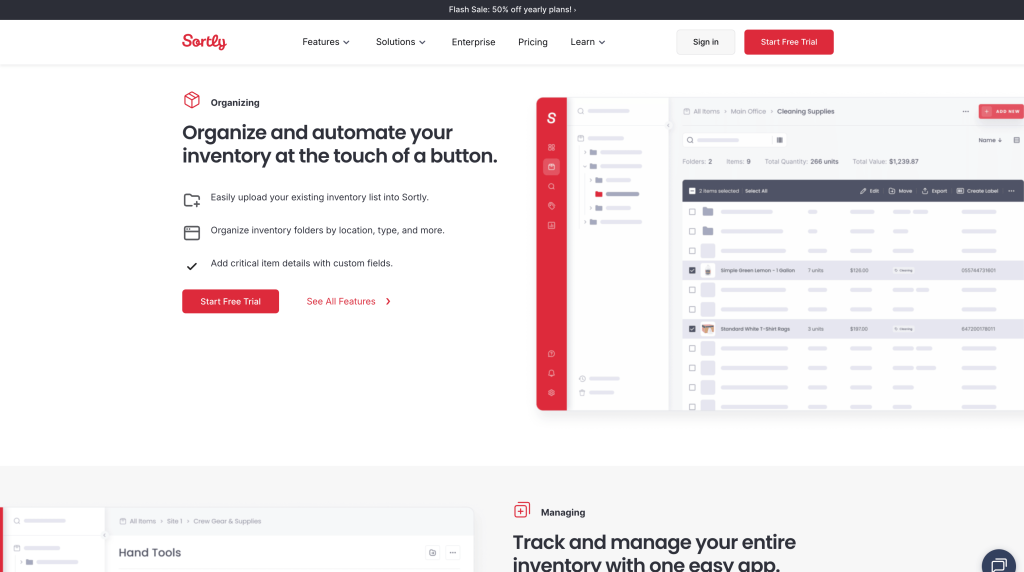
Sortly tracks items visually, with photos, folders, and QR codes. It’s popular with businesses that need to know what’s on the shelf, in the van, or in the stockroom.
What’s free: 100 unique items, one user license, two active jobs, and one month of activity history, per Sortly’s pricing page.
Where free stops: The Advanced plan is $24 a month, billed at $288 for the first year, for 500 items and two users. That price is a first-year discount. Sortly says renewals get 20% off instead, and paid trials need a credit card.
Watch out for: Sortly is built for counting what you own, not syncing what you sell. Its pricing page lists QuickBooks Online on the Premium plan, but no store or marketplace connections. Online orders won’t change your counts by themselves.
4. Square: best for in-person retail
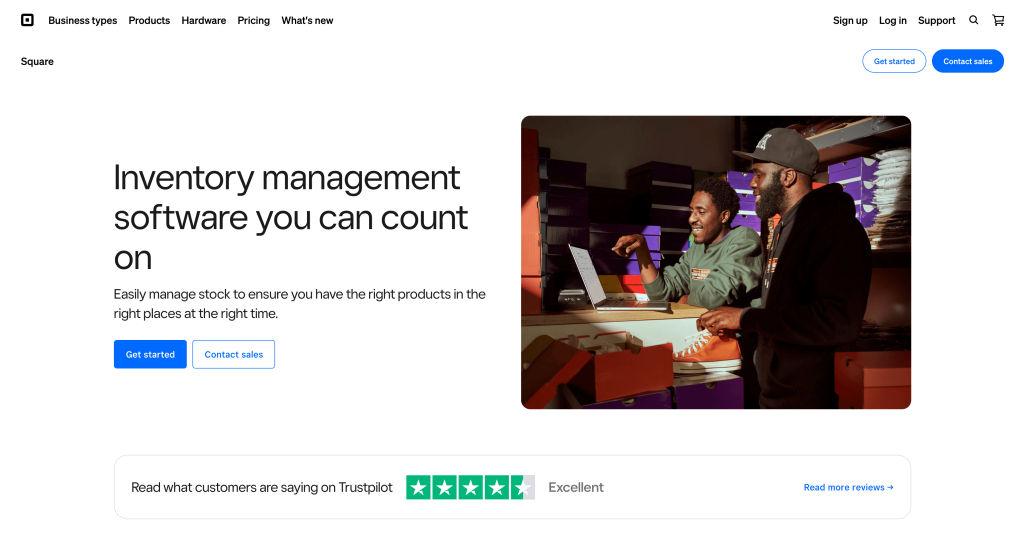
If you sell in person, Square’s free POS plan includes basic item management. You can track stock on each item and variation, adjust counts, import items from a spreadsheet, and set low-stock alerts. Our guide to Square inventory management walks through the setup.
What’s free: The software. You pay processing fees instead. Square’s retail pricing page lists 2.6% + 15¢ per in-person card payment and 3.3% + 30¢ online.
Where free stops: Purchase orders, cost of goods sold reports, and fuller stock tools sit in Plus, which costs $49 a month per location.
Watch out for: Square only counts sales made through Square. Its pricing page points to a paid add-on for syncing with Shopify, and it doesn’t mention Etsy or eBay at all.
5. Odoo: best for teams that need many users
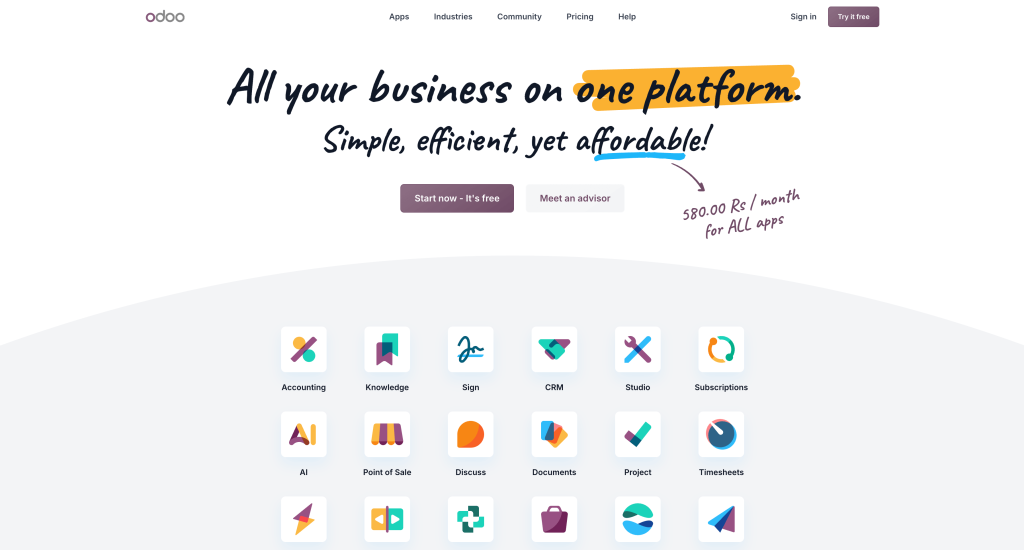
Odoo is a suite of business apps that covers sales, accounting, inventory, and more. Its One App Free plan lets you use a single app with unlimited users, hosted on Odoo Online.
What’s free: Choose Inventory as your one app, and your whole team can use it at no cost, according to Odoo’s pricing page.
Where free stops: When you install a second app, such as Sales or eCommerce. At that point, you move to a paid plan priced per user.
Watch out for: Odoo is a full business system, so it takes longer to set up than the other tools here. Inventory on its own also won’t connect your sales channels.
6. InvenTree: best for makers who build products from parts
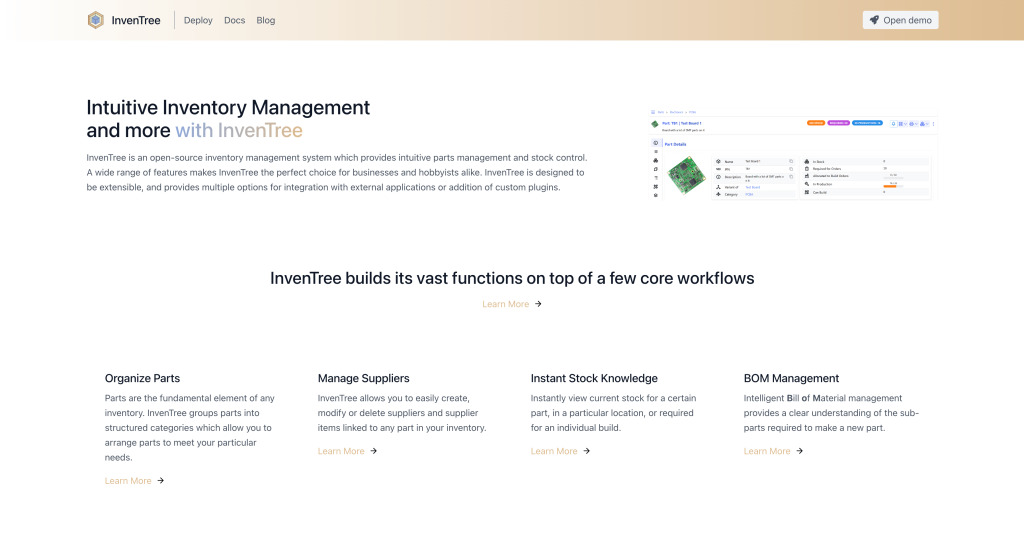
InvenTree is open-source inventory software. It tracks parts, suppliers, and stock by location, and it handles bills of materials. That means it can work out which parts you need to build a finished product.
What’s free: All of it. There’s no license fee and no item cap.
Where free stops: At your time. You need a server, and someone has to install it, update it, and keep backups. If nobody on your team is comfortable doing that, skip this one.
Watch out for: InvenTree is built for parts and production. It doesn’t connect to Shopify, Etsy, or eBay out of the box.
7. A spreadsheet: best for under 50 products on one channel
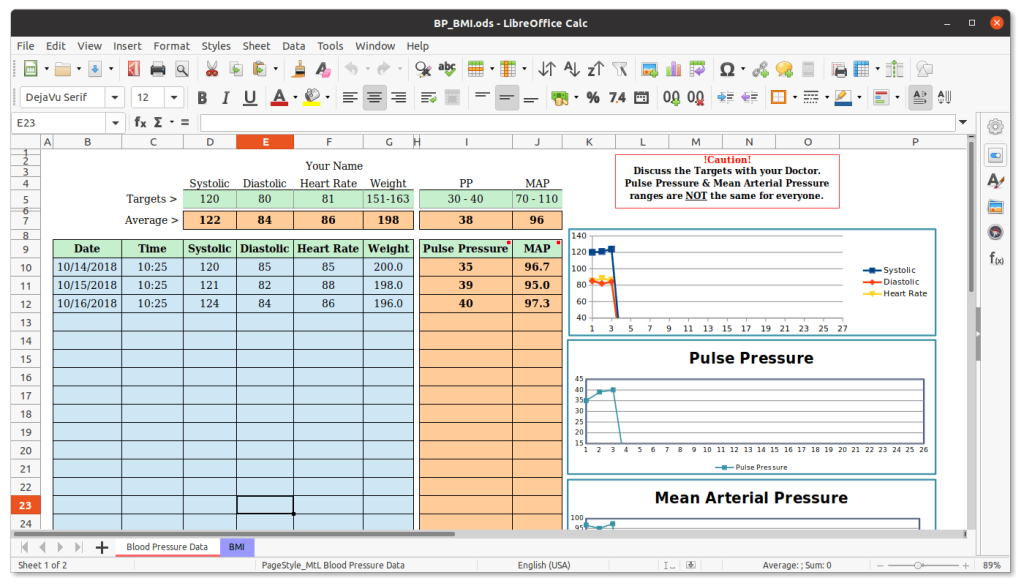
A spreadsheet is where most sellers start, and for a small catalog it works. Our free inventory spreadsheet template for Excel and Google Sheets gives you the columns and formulas, so you don’t have to build them.
What’s free: Everything. No caps, no accounts.
Where free stops: At accuracy. Every sale, return, and restock is a manual edit. Spreadsheet audits gathered by researcher Ray Panko found serious errors in 91% of the spreadsheets examined. An inventory sheet that’s off by a few units is how you sell stock you don’t have.
Watch out for: The moment you list the same item on a second channel, a spreadsheet needs updating after every single order.
What do free inventory plans usually leave out?
Free plans usually cap orders, items, users or locations, and most don’t connect your sales channels. Purchase orders, detailed reports and fast support are often paid features too. The cap matters more than the missing features, because hitting it mid-month interrupts your process.
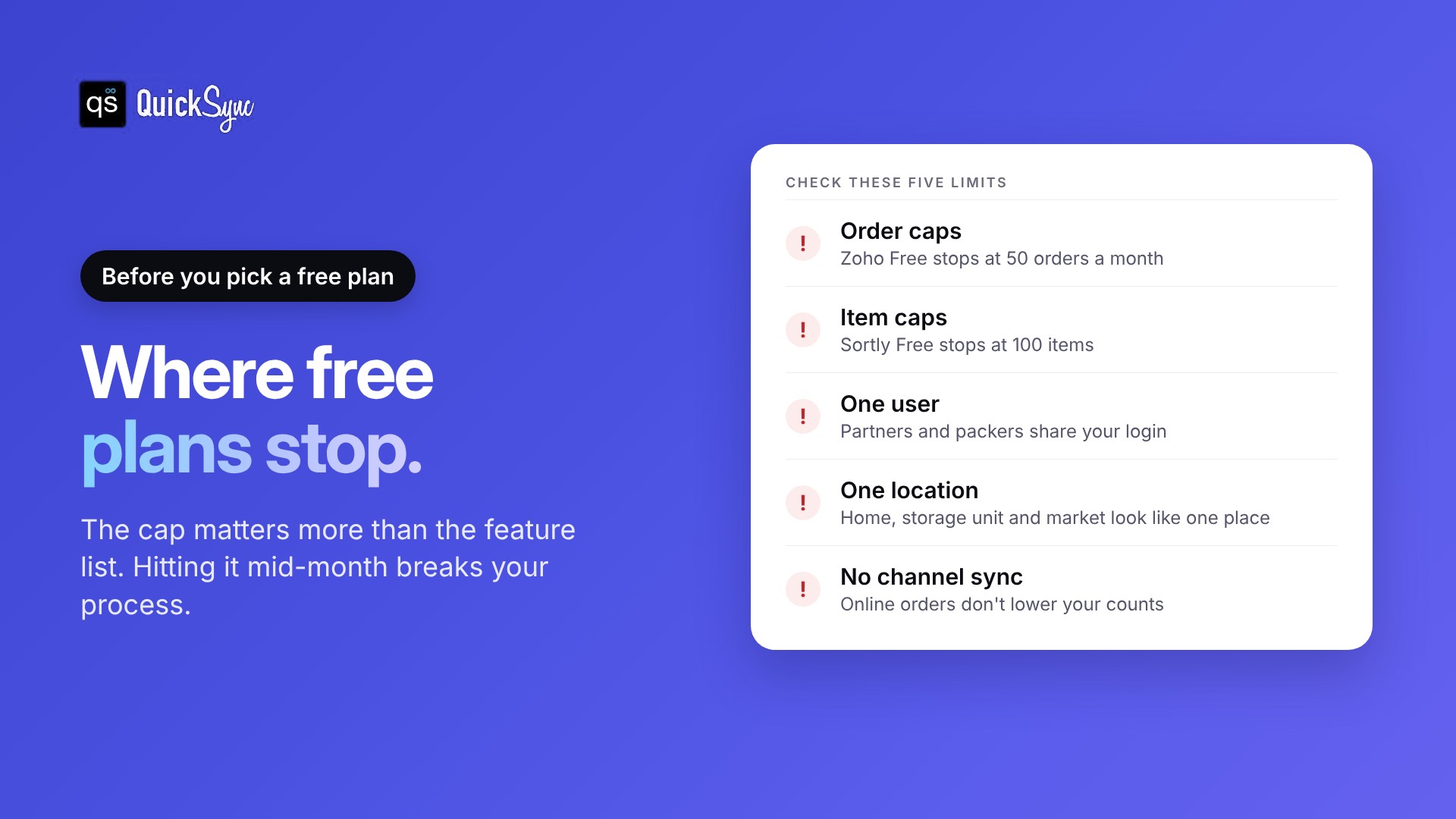
Here’s what to check before you commit to any free plan.
Order or item caps. Find out what happens when you hit the limit. Some tools stop new orders. Others keep working but stop syncing or reporting.
One user. Free plans often allow a single login. If a partner or packer needs access, they’ll share yours or you’ll upgrade.
One location. If you keep stock at home and in a storage unit, or sell at a market, one location won’t show you where things are.
Sales channel connections. This is the big one for online sellers. A tool that doesn’t connect to your store can’t see your orders, so it can’t lower your counts.
Support. Free tiers usually come with email support or help docs only. That’s fine until something breaks the week before a sale.
Is free inventory software enough if you sell on more than one channel?
Usually not. Shopify, Etsy, eBay, and Square each track stock for free, but each one only counts its own sales. If the same item is listed on two channels, a sale on one doesn’t lower the count on the other. That gap is how overselling starts.
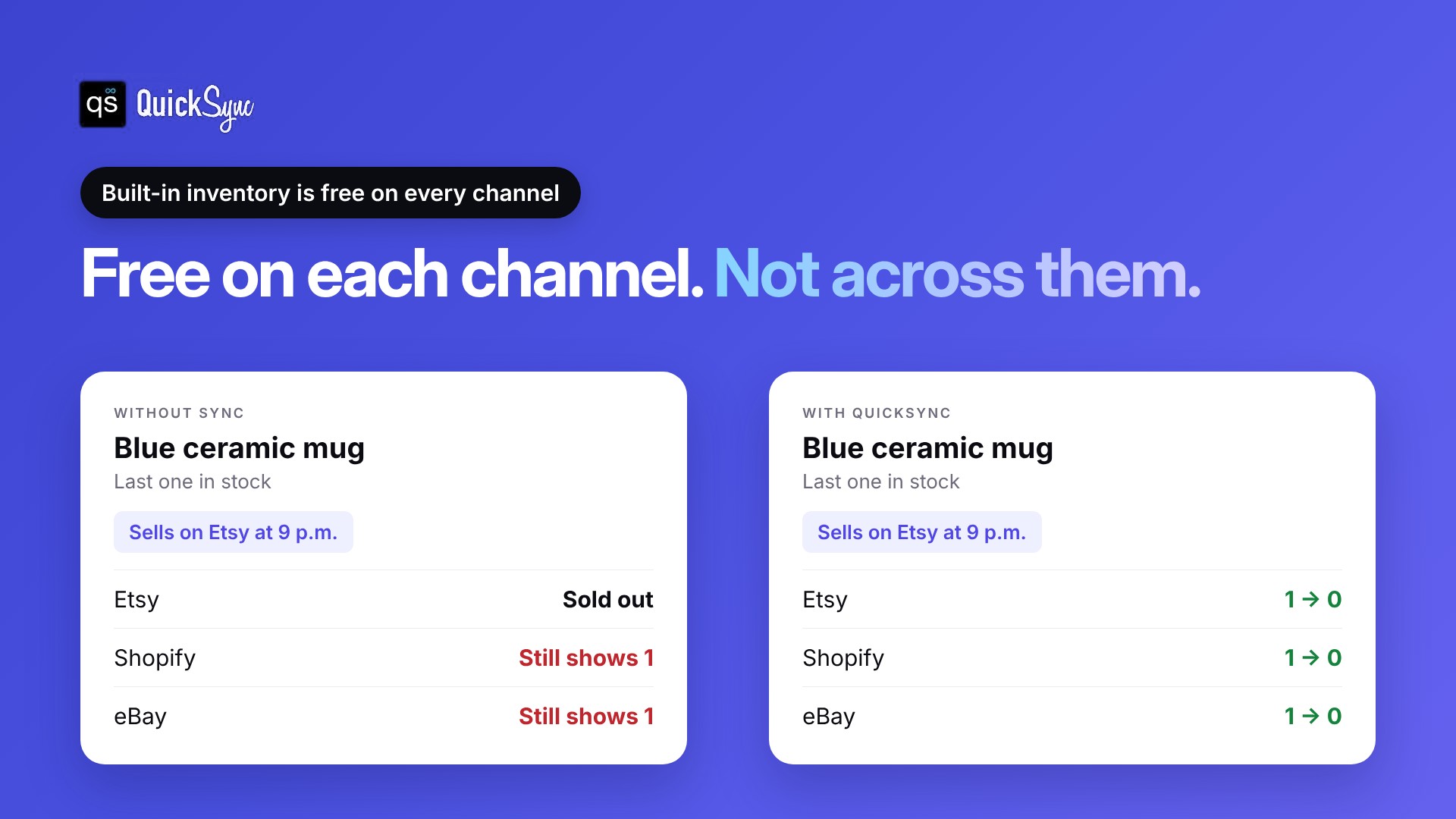
Here’s what this looks like in practice.
You make ceramic mugs. You have one blue mug left, and it’s listed on Etsy, Shopify and eBay. It sells on Etsy at 9 p.m. Etsy marks it sold out. Shopify and eBay still show one in stock, because neither one knows about the Etsy sale.
If you catch it before bed, you fix it by hand. If someone buys it on eBay first, you have to cancel the order.
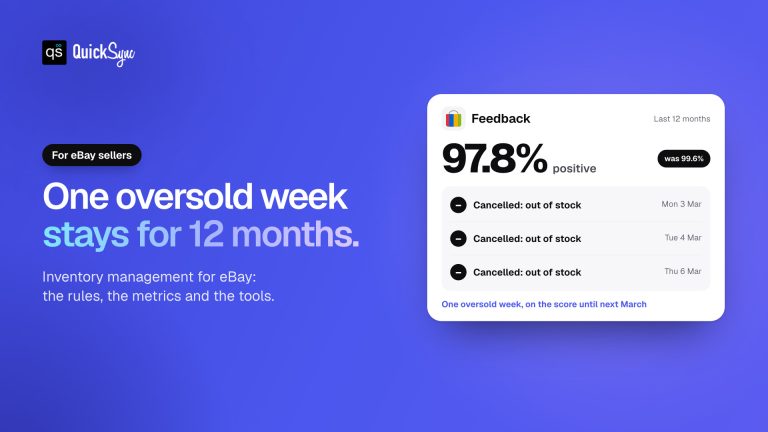
That cancellation has a cost. eBay’s seller standards policy counts an order you cancel because it’s out of stock as a transaction defect. If your defect rate goes above 2% and involves more than four buyers, your account drops to Below Standard. Our guide on how to prevent overselling covers the other ways this goes wrong.
None of the built-in tools are broken. They just aren’t connected. What fixes it is one stock count that every channel reads from, updated after every sale.
How to choose the right free tool for your business
Three questions settle the choice for most sellers. Answer them in order.
1. How many channels do you sell on? If it’s one, use that channel’s built-in inventory or a spreadsheet. If it’s two or more with shared stock, you need sync, and QuickSync’s free tier covers your first 100 products.
2. How many orders do you handle each month? Under 50, Zoho Inventory’s free plan fits. Over that, a free plan with an order cap won’t last.
3. What are you tracking? Finished products you sell online need channel connections. Supplies and equipment suit Sortly. Parts you assemble into products suit InvenTree. In-person sales suit Square.
You can also combine tools. Many sellers run Square for the shop counter, Shopify for the website, and a sync tool between them. That’s often cheaper than one large system that does everything.
When should you move off a free plan?
Switch to a paid plan when the free one starts costing you more than it saves. Signs to watch for: you hit the order or item limit before the month ends, you sell something you don’t have in stock, or you spend more than an hour a week fixing stock counts by hand.
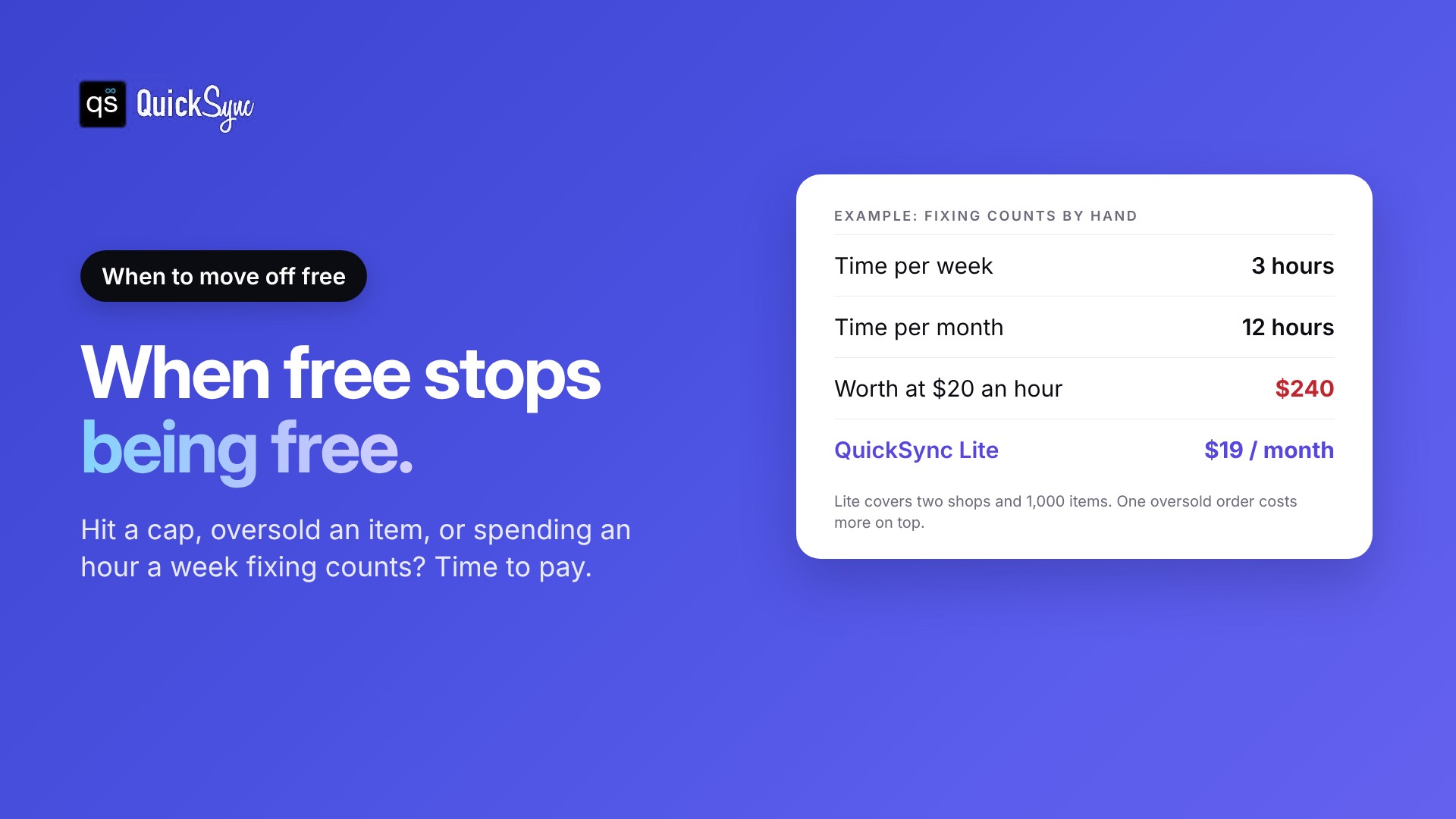
The time cost is the one most sellers miss. Say you spend three hours a week updating quantities across channels. That’s about 12 hours a month. At $20 an hour, it’s $240 of your time on a task that software does for $19 a month.
Add one oversold order to that. You lose the sale, refund the buyer, maybe take a defect and spend another 20 minutes sorting it out.
The other sign is less obvious: you’ve stopped listing products on a new channel because keeping counts right feels like too much work. That’s a free tool limiting your growth.
When you’re ready to compare paid options, our guide to the best inventory management software covers 11 tools and what each one costs.
Start free, then pay for the part that saves you time
Free inventory management software is a good place to start. Pick the free plan that matches how you sell, learn its limit and keep an eye on it.
If you sell on one channel, the built-in tools or a spreadsheet will carry you for a while. If you sell the same stock on Shopify, Etsy, eBay, Amazon, TikTok Shop or a POS, the gap between channels is where you lose money. That’s the part worth automating first.
QuickSync connects 13 platforms and keeps one stock count across them. Try any plan free for 14 days with two shops, no card needed, and keep syncing up to 100 products on the free tier after that. You can also sync Shopify and Etsy as your first connection, and the team will set up your first two shops with you.