If you sold on eBay with inkFrog, you’ve probably already had the email. inkFrog shut down on June 1, 2026, after more than 25 years. The inkFrog website now redirects to Wix, which owns it.
Your eBay listings didn’t disappear. But some of what inkFrog did for you stopped working, and it’s not always obvious what.
For most sellers, inkFrog handled one or more of three jobs: designing listings, creating and editing them in bulk, and keeping eBay stock matched with other stores. Each job needs a different kind of replacement.
This guide shows what stopped working, how to pick an inkFrog alternative for the job you actually need, and how to move without breaking your listings. We checked every price on each tool’s own website in November 2026.
What happened to inkFrog?
inkFrog, an eBay listing and inventory tool owned by Wix, shut down on June 1, 2026. Users were told by email on April 29. They could export their listing data as a CSV file until May 31, and refunds for unused days were processed automatically.
Here’s the timeline, as reported by Value Added Resource:
– 1999: Greg Sisung founds inkFrog.
– 2020: Wix acquires inkFrog and runs it as part of Wix eCommerce.
– April 29, 2026: Users get an email saying inkFrog will shut down.
– May 31, 2026: Last day to export listings as a CSV file.
– June 1, 2026: inkFrog shuts down.
If you didn’t export your data before May 31, that file is gone. Your live eBay listings are still on eBay, though, and you can rebuild from them. We’ll cover that below.
What stopped working when inkFrog shut down?
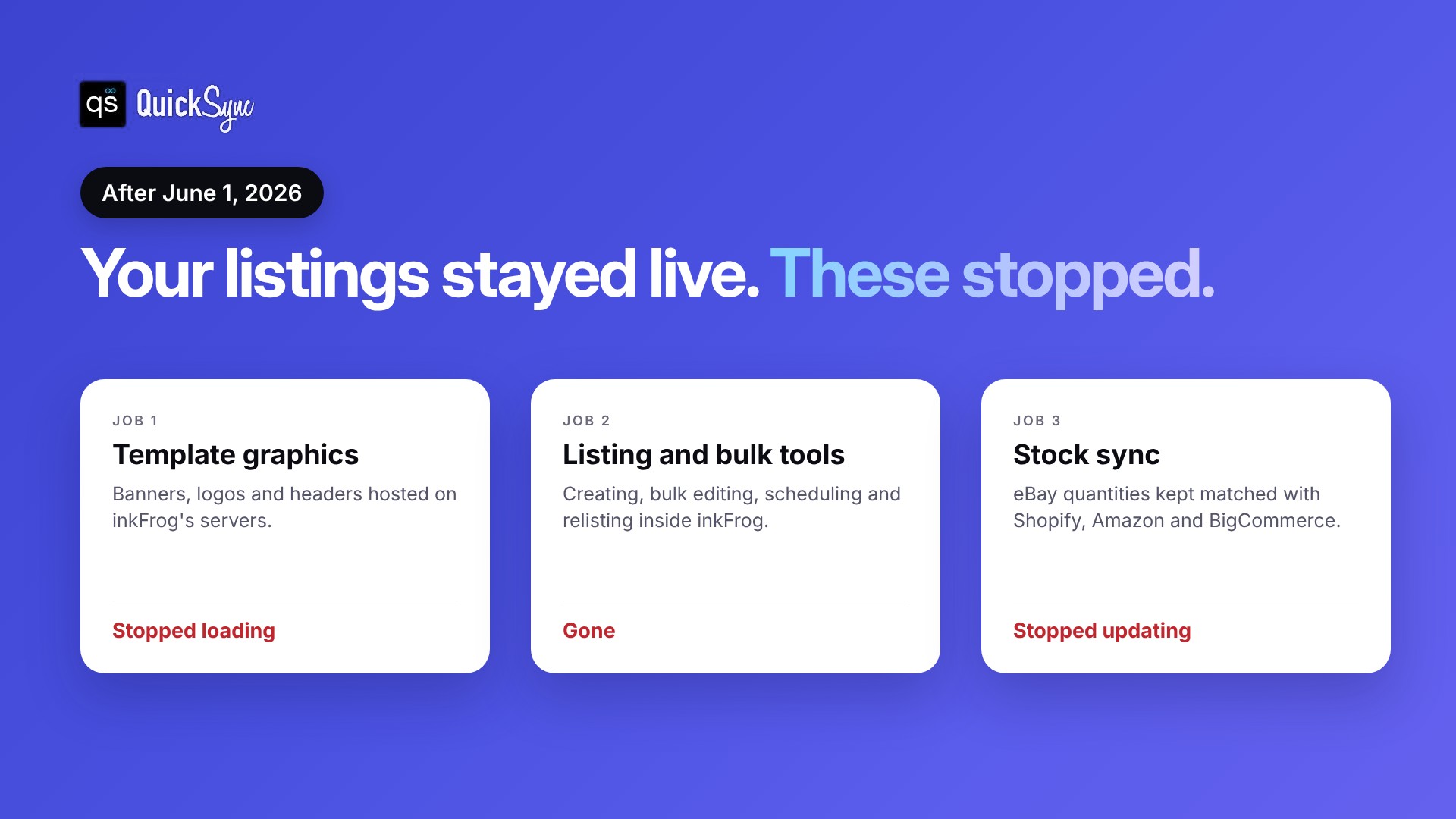
Three things stopped: graphics in your listing templates, inkFrog’s listing and bulk editing tools, and any stock sync between eBay and your other stores. Your listings stayed live on eBay, but they may now show broken images or wrong quantities.
Here’s what each one means for your store.
Template graphics. If your listings used an inkFrog template, the banners, logos, and header images were often hosted on inkFrog’s servers. According to img.vision, those graphics stopped loading on June 1. Listings that weren’t updated now show broken image icons in the description.
Listing and bulk tools. Creating listings, editing hundreds at once, scheduling, and relisting all happened inside inkFrog. Those tools are gone, so you’re back to eBay’s own tools or a new app.
Stock sync with other stores. inkFrog connected eBay with Amazon, Shopify, and BigCommerce. When it shut down, those connections stopped. A sale on Shopify no longer lowers your eBay quantity, and the other way around.
The third one is the easiest to miss, and the most costly. Your listings look fine, but the numbers behind them are no longer kept up to date. If inkFrog was syncing your stock, QuickSync can take over that job with a 14-day free trial.
Which inkFrog alternative do you need?
You need to pick a replacement based on the job inkFrog did for you. For listing designs and image hosting, choose an eBay listing tool. For posting the same items to many marketplaces, choose a crosslister. For keeping eBay stock matched with Shopify, Amazon or a POS, choose an inventory sync tool.
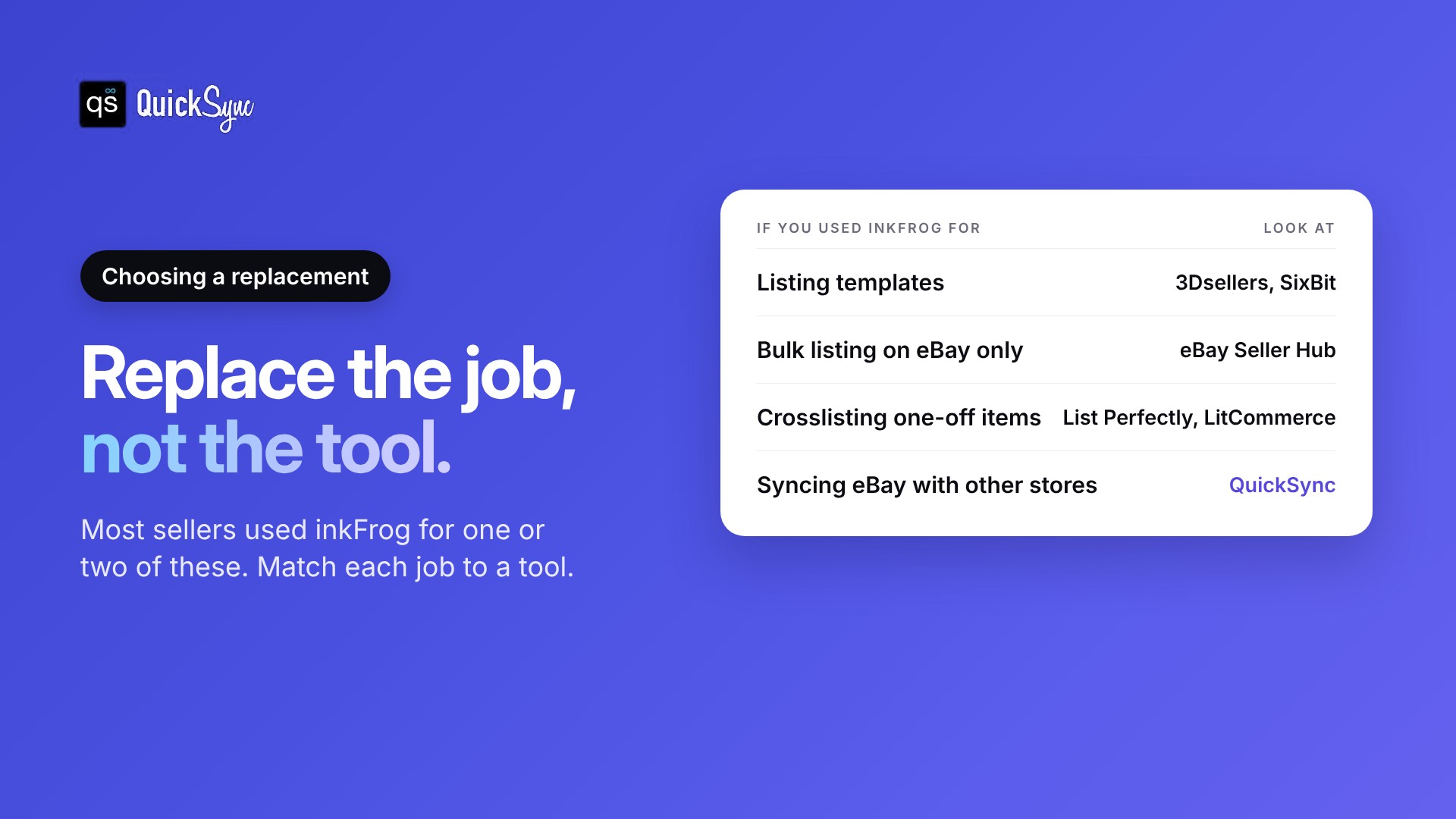
You used InkFrog for listing templates and bulk editing. Look at 3Dsellers or SixBit. Both are built around eBay and include templates and bulk tools. Our guide to the best eBay listing software compares more options.
You crosslist one-off items to several marketplaces. Look at List Perfectly or LitCommerce. They copy listings to eBay, Poshmark, Mercari, Etsy, and others. See our list of crosslisting apps for more.
You sell the same stock on eBay and another store. You need inventory sync. QuickSync keeps one stock count across eBay, Shopify, Amazon, Etsy, TikTok Shop, and your POS.
Many sellers used inkFrog for more than one job. That’s fine. You can pair a listing tool with a sync tool, as long as only one of them changes your quantities.
inkFrog alternatives at a glance
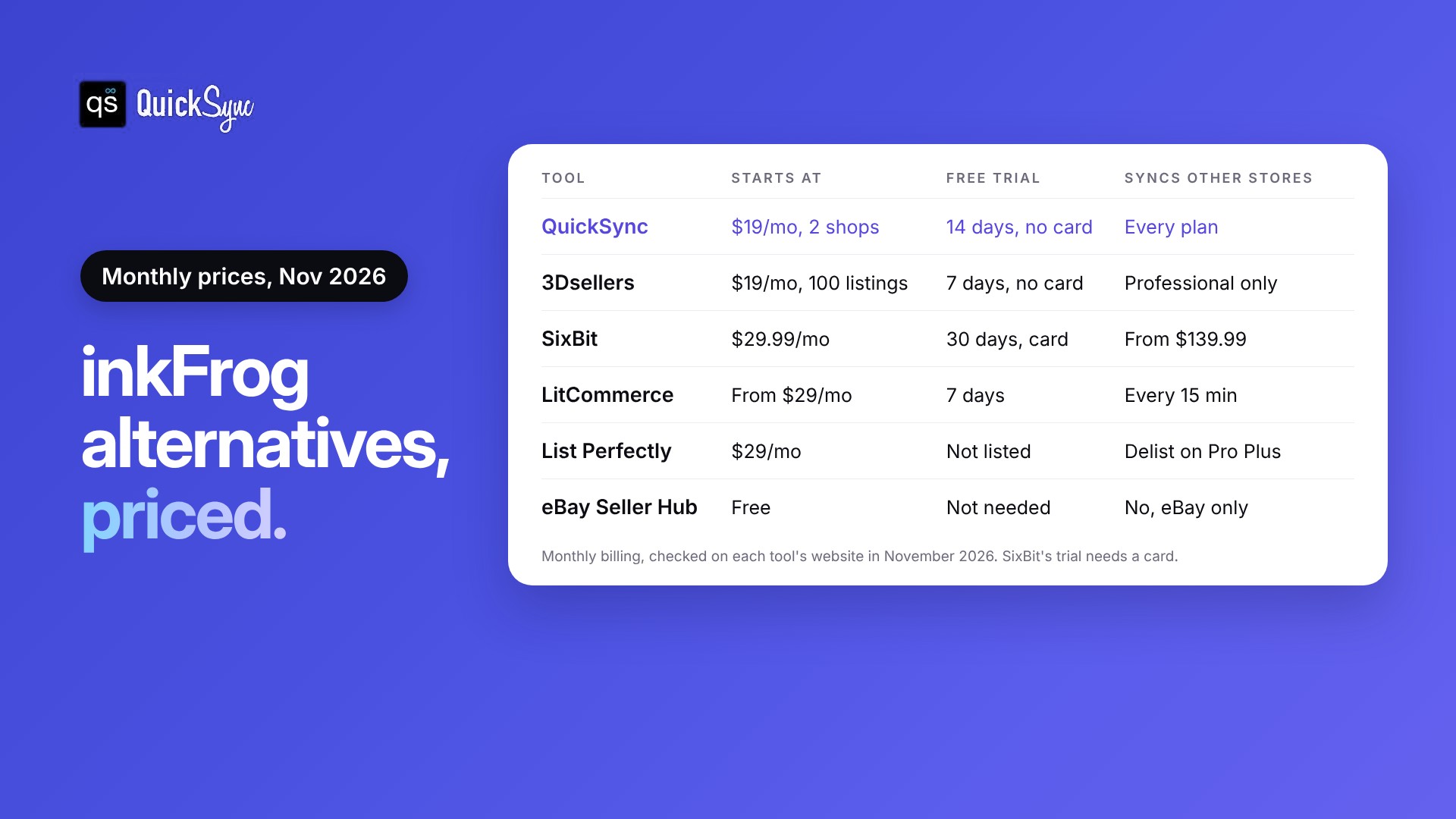
| Tool | Best for | Starts at | Free trial | Syncs eBay with other stores |
|---|---|---|---|---|
| QuickSync | Keeping eBay stock matched with Shopify, Amazon, Etsy and POS | $19/mo for 2 shops | 14 days, no card | Yes, on every plan |
| 3Dsellers | eBay listing templates and image hosting | $19/mo for 100 listings | 7 days, no card | Professional plan only |
| SixBit | High-volume eBay sellers on Windows | $29.99/mo | 30 days, card required | From $139.99/mo |
| LitCommerce | Listing on many marketplaces | From $29/mo | 7 days | Yes, every 15 minutes |
| List Perfectly | Resellers crosslisting one-off items | $29/mo | Not listed | Auto Delist on Pro Plus ($99+) |
| eBay Seller Hub | Free bulk listing on eBay | Free | Not needed | No, eBay only |
Monthly prices, checked on each tool’s website in November 2026.
6 inkFrog alternatives for eBay sellers
Each tool below covers at least one job inkFrog did. You’ll see what it’s good at, what it costs, and where it falls short. The first one is ours, so we’ve been specific about what it doesn’t do.
1. QuickSync: best for keeping eBay stock in sync with your other stores
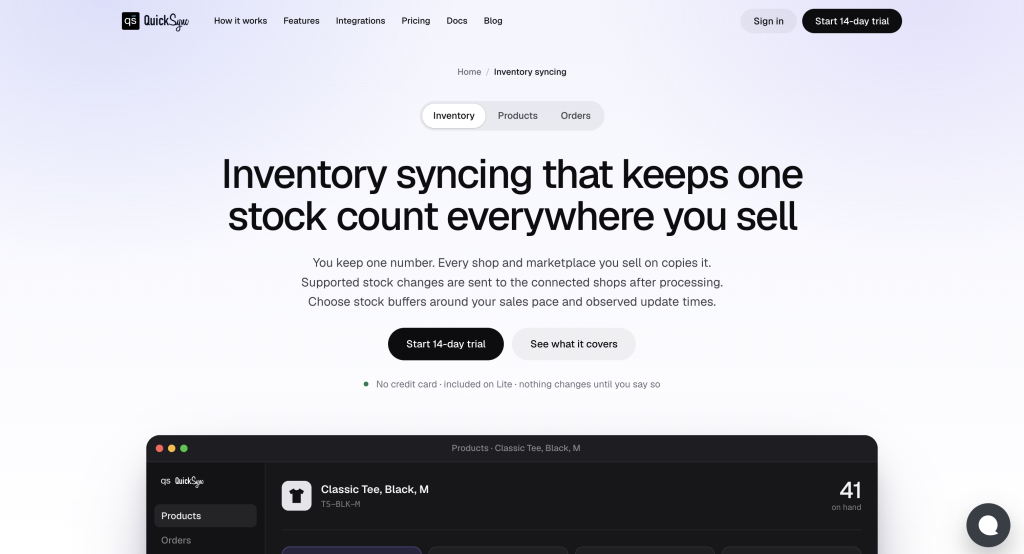
QuickSync is a multichannel inventory sync tool. You connect eBay and your other stores, and it keeps one stock count across all of them. When an item sells on Shopify, the quantity drops on eBay too, and the other way around.
What it does on eBay: Stock syncs both ways, eBay orders come into QuickSync, and tracking numbers go back to eBay, according to our eBay integration page. On the Pro plan, QuickSync can also create eBay listings from products in your main store, such as Shopify or WooCommerce, with photos, sizes and colors.
Works with: eBay, Shopify, Amazon, Etsy, TikTok Shop, WooCommerce, Square, Clover, Squarespace, Lightspeed, Wix, QuickBooks and Xero.
Pricing: Lite costs $19 a month for two shops and 1,000 items, with stock sync. Pro costs $29 a month for 2,500 items and adds listings, product sync and order sync. Orders are unlimited on every plan. Every plan starts with a 14-day free trial with no card, and the team connects your first two shops with you on a free 30-minute call. See the QuickSync pricing page for the full details.
Watch out for: QuickSync doesn’t design listing templates or host description graphics. It also doesn’t connect to BigCommerce. If templates were your main reason for using inkFrog, pair QuickSync with a listing tool.
2. 3Dsellers: best for eBay listing templates and image hosting
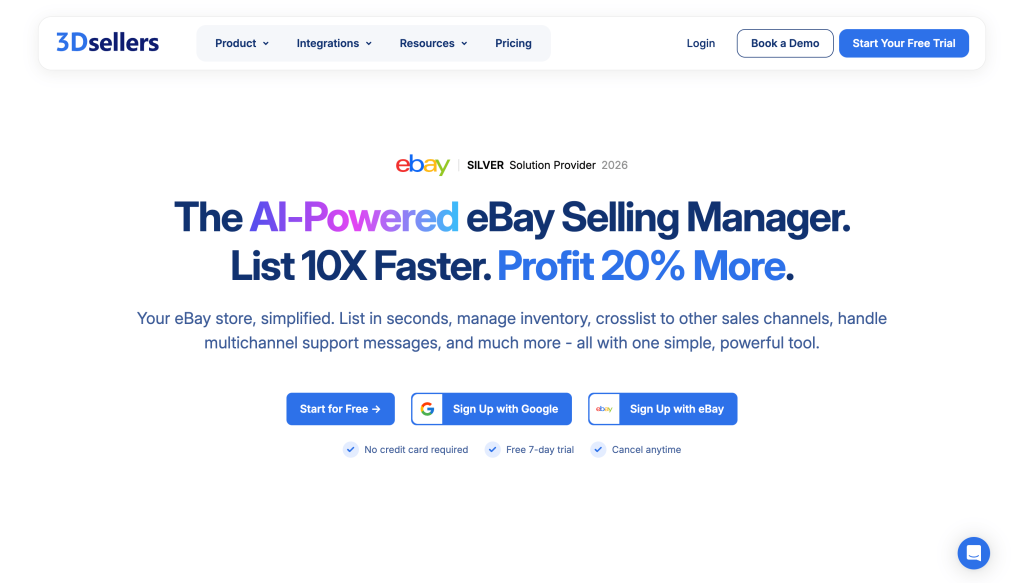
3Dsellers is an eBay-first tool with a Listing Designer for templates, bulk editing, and image hosting. It’s the closest match to how many sellers used inkFrog.
Pricing: According to 3Dsellers’ pricing page, Essential costs $19 a month for 100 listings and 1 GB of image hosting. Growth costs $39.90 for 500 listings and 5 GB. Professional starts at $79 for 2,000 listings with unlimited image hosting. Orders are unlimited, and there’s a 7-day free trial with no card.
Watch out for: Only the Professional plan connects other channels like Shopify, Etsy, and Amazon. Every active listing counts toward your limit, so check how many you have before you pick a plan.
3. SixBit: best for high-volume eBay sellers who want desktop software

SixBit is Windows desktop software for listing, inventory, and order management. It includes templates, batch editing and listing scheduling, and you can work offline.
Pricing: SixBit’s pricing page lists five editions, from Home & Hobby at $29.99 a month to Enterprise Max at $184.99. Inventory tracking starts on Small Business at $49.99. There’s a 30-day free trial, but you need a card to start it.
Watch out for: It runs on Windows only. Selling on a second channel starts on Enterprise Duo at $139.99 a month.
4. LitCommerce: best for listing on many marketplaces
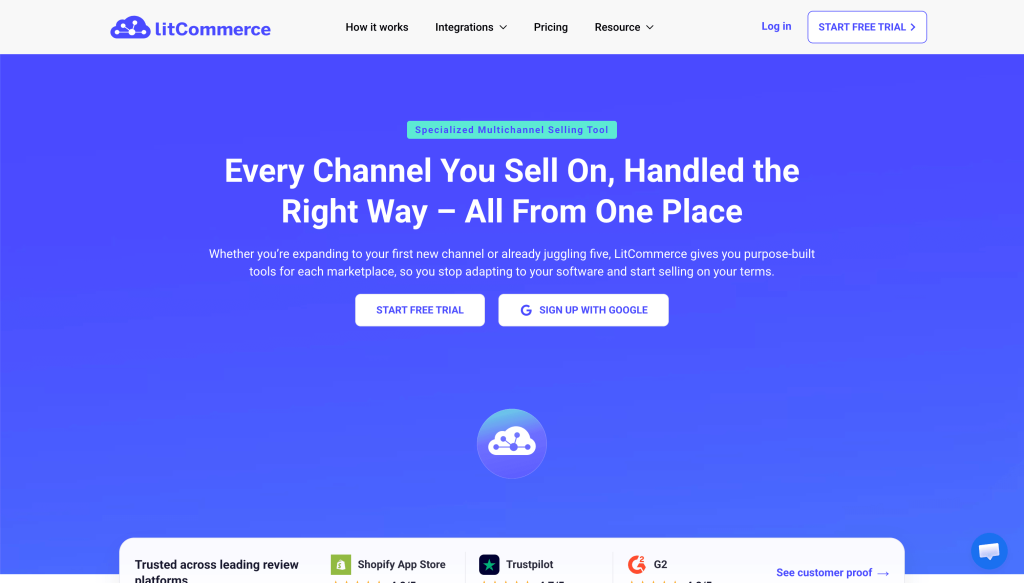
LitCommerce lists products on eBay, Etsy, TikTok Shop, Walmart, Amazon and others from one place. It also syncs inventory and imports orders.
Pricing: Its pricing page shows the Multichannel Listing plan from $29 a month, starting at 1,000 listings and three channels. There’s a 7-day free trial with full features.
Watch out for: Inventory, price and order sync run every 15 minutes. If you sell fast-moving items with low stock, check that gap is short enough for you.
5. List Perfectly: best for resellers crosslisting one-off items
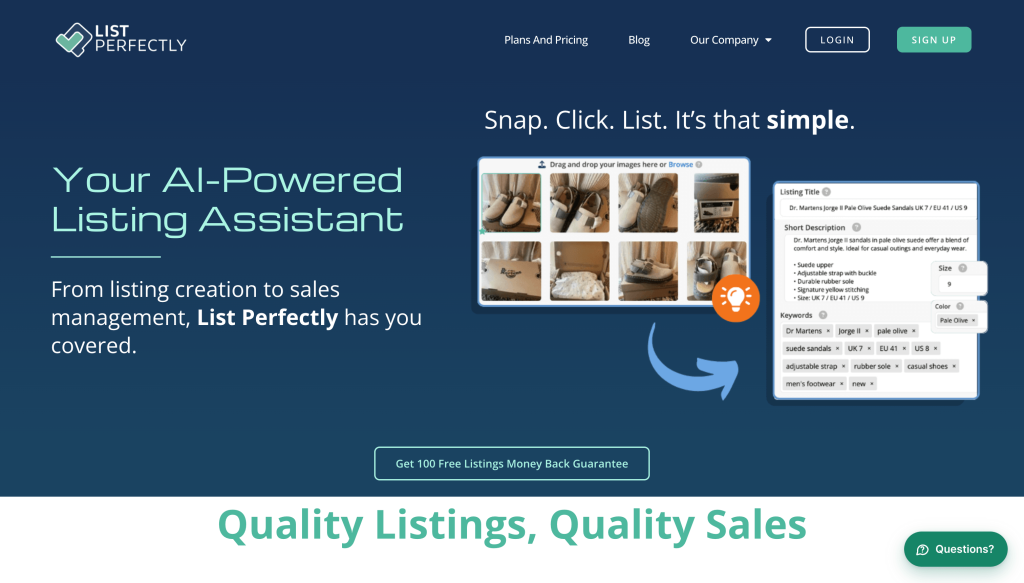
List Perfectly is a crosslister for resellers. It copies listings to eBay, Poshmark, Mercari, Depop, Etsy, Facebook, Grailed, Vestiaire Collective and Vinted.
Pricing: List Perfectly’s pricing page lists Simple at $29 a month, Business at $49, Pro at $69, and Pro Plus from $99.
Watch out for: Auto Delist, which removes an item everywhere after it sells, is only on Pro Plus. Shopify needs Pro or above.
6. eBay Seller Hub: best free option for eBay-only sellers
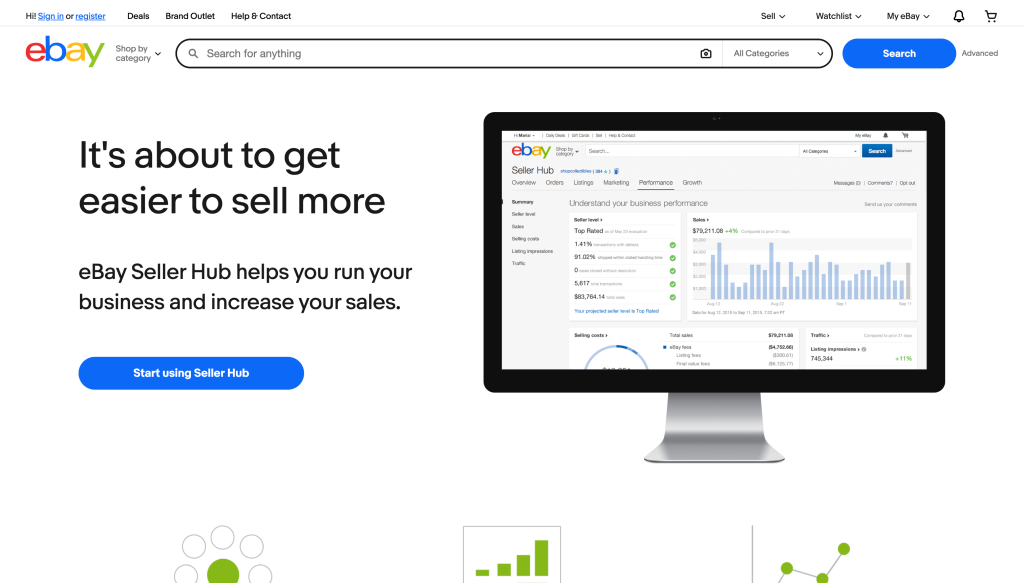
If you only sell on eBay, you may not need a paid tool at all. Seller Hub includes listing templates, so you don’t start each listing from scratch. Its bulk listing tool creates, revises, and relists many listings at once, and Seller Hub Reports lets you upload or download listings as CSV or Excel files, according to eBay’s bulk listing tools page. These tools come with your eBay seller account, so there’s no extra subscription.
Watch out for: Seller Hub only works on eBay. It won’t update your Shopify or Amazon stock when something sells on eBay.
Sell on Wix? Wix, which owned inkFrog, connects eBay to Wix stores directly. Its multichannel page says your store inventory syncs as eBay orders come in. If Wix is your only other store, check that first.
How to move off inkFrog without breaking your listings
Moving tools is where sellers make mistakes. Most of them come from rushing the setup or letting two tools change the same listings. Follow these steps in order.
1. Find your listing data
If you exported your InkFrog CSV before May 31, start there. If you didn’t, your live eBay listings are still your record. You can download them from Seller Hub Reports or import them straight into most of the tools above when you connect eBay.
2. Fix broken template graphics
Open a few older listings and look at the description. If you see broken image icons, the graphics were hosted by inkFrog. Re-upload them to a new image host or listing tool, then revise those listings. eBay’s bulk listing tool lets you revise many listings at once.
3. Match your SKUs
Give each product the same SKU on eBay and every other store. Sync tools use SKUs to match listings, so a mismatch means a listing that never updates. Our guide on what a SKU is explains how to set them up.
4. Test on a few products
Connect eBay and one other store, then sync 5 to 10 products first. Make a test sale and check the quantity on both channels before you turn on the rest.
5. Let one tool own your quantities
If you use a listing tool and a sync tool together, only one should change stock counts. Two tools editing the same quantity is how counts drift.
Will the InkFrog shutdown hurt my eBay account?
Not directly. Your listings stayed live after June 1. The risk comes from what stopped working: broken template images look unprofessional, and if inkFrog synced your stock, eBay quantities may now be wrong. Selling an item you don’t have can lead to cancelled orders and seller defects.
That last part matters. eBay’s seller standards policy counts an order you cancel because the item is out of stock as a transaction defect. If your defect rate goes above 2% and involves more than four buyers, your account drops to Below Standard.
Here’s how it happens. You have 3 phone cases left, listed on eBay and Shopify. One sells on Shopify. Before June, inkFrog would have lowered eBay to 2. Now nothing does. eBay still shows 3, so you can sell stock you no longer have.
Check your best-selling eBay listings against your real stock this week. Our guide on how to prevent overselling covers the rest.
Replace the job, not the tool
You don’t need a single tool that copies everything inkFrog did. Work out which jobs it handled for you, then replace each one.
If it was templates, pick a listing tool. If it was crosslisting, pick a crosslister. If it was keeping eBay stock matched with Shopify, Amazon, or a POS, that’s the job to fix first, because it’s the one that costs you money when it breaks.
QuickSync keeps one stock count across eBay and 12 other platforms, with unlimited orders on every plan. You can sync Shopify and eBay in an afternoon and test it on a few products before moving everything over.