On this page
- Key Takeaways 📌
- What Is Multichannel Selling Software?
- How We Evaluated These Multichannel Selling Software
- Best Multichannel Selling Software Compared
- 10 Best Multi-Channel Selling Software in 2026
- What Features Should Multichannel Selling Software Have?
- How to Choose the Right Multichannel Selling Software
- Best Multichannel Selling Software by Business Type
- Conclusion
- FAQs
Expanding from one channel to more can significantly open doors for more growth, but at the same time it increases operational workload. Without the right multi-channel selling software, you may find yourself switching between Shopify, Amazon, eBay, and Etsy.
You might update inventory on one platform and forget another. Your team may also struggle with fulfillment as orders start coming from multiple channels. This is where a reliable multichannel selling tool can make a real difference.
According to the 2025 Channel Engine survey, 91% of sellers now consider automation very important or business-critical to their marketplace strategy.
But choosing one is not always easy. Some tools focus mainly on marketplace listings. Others prioritize inventory management but offer limited order syncing. Enterprise platforms may include advanced features that smaller retailers do not need.
To help you find the right fit, I’ve curated the 10 best multi-channel selling software options for 2026. I compared them based on features, integrations, pricing, usability, scalability, and the workflows that matter most to ecommerce sellers.
So, let’s take a closer look at what each platform offers.
Key Takeaways 📌
- Multichannel selling software connects multiple sales channels and brings important ecommerce workflows together.
- The right software can synchronize product data, listings, inventory, and orders across connected platforms.
- Key features matter more than the number of integrations, especially for inventory, SKU mapping, listings, and order management.
- The 10 leading platforms serve different business needs, from small sellers to high-volume ecommerce operations.
- QuickSync connects ecommerce, marketplaces, and POS systems, including Shopify, Amazon, eBay, Etsy, Square, and Clover.
- Your sales channels, catalog size, and order volume should guide your choice, not pricing alone.
- Different business types need different capabilities, whether you are a Shopify merchant, marketplace seller, or physical retailer.
- Inventory synchronization becomes increasingly important as you add channels, locations, products, and orders.
- QuickSync can help reduce repetitive multichannel work by connecting product, inventory, and order workflows.
- The best multichannel selling software should support your growth without adding more manual work.
What Is Multichannel Selling Software?
Let me explain this in simple terms.
You start with one online store, say Shopify. Then you add Amazon for more reach. Maybe eBay also. Soon, your products are listed across multiple sales channels.
Your products now need to stay accurate across several platforms. The challenge is not selling everywhere. The challenge of multichannel selling is keeping everything connected.
Multichannel selling software helps bring those separate operations together, so you can manage product data, listings, inventory, and orders without treating every sales channel as a completely separate business.
Here’s what multichannel selling software does:
- It connects your Shopify store with marketplaces like Amazon, eBay, and Etsy, so you can manage multiple sales channels together.
- With multichannel selling software, you can keep product information updated across your connected stores and marketplaces.
- You can synchronize inventory across sales channels whenever a product is sold or stock changes.
- You can map products and variants using SKUs, keeping the same products connected across different platforms.
- You can bring orders from multiple sales channels into one workflow for easier order processing and fulfillment.
- You can add more sales channels as your business grows without creating the same manual workload again.
How We Evaluated These Multichannel Selling Software
Choosing multichannel selling software is not just about counting integrations. A tool can support dozens of channels and still miss the features your business needs.
We compared these platforms based on how well they handle the day-to-day work of selling across multiple channels. That includes keeping inventory updated, managing products and listings, processing orders, and connecting different ecommerce and POS platforms.
We also looked at who each platform is built for. A small seller managing a few hundred products may not need the same tools as a high-volume marketplace business with multiple warehouses.
Here are the main factors we considered:
- Inventory Synchronization: How reliably does the software keep stock updated across channels?
- Product and SKU Management: Does it support product mapping, SKUs, and product variations?
- Listing Management: Can you create, edit, and manage listings across multiple marketplaces?
- Order Management: Does it bring orders together and support the fulfillment workflow?
- Integrations: Which ecommerce stores, marketplaces, and POS systems does it connect?
- Multi-Location Support: Can it handle inventory across multiple stores or warehouses?
- Pricing: How is the software priced, and what affects the total cost?
- Ease of Use: How difficult is it to set up and manage the platform?
- Scalability: Can it support your business as your catalog, channels, and order volume grow?
We used these factors to compare the 10 platforms based on practical use, not just feature count.
Best Multichannel Selling Software Compared
If you’re comparing these tools, the biggest question is what you actually need them to handle. Some focus on marketplaces, while others cover your wider ecommerce operation. Here’s a quick look at the main differences.
| Software | Best For | Key Strength | Business Size |
|---|---|---|---|
| QuickSync | Overall multichannel selling | Products, inventory, orders & POS | Small–large |
| Sellbrite | Small sellers | Simple multichannel management | Small–medium |
| Linnworks | High-volume operations | Inventory, warehouse & fulfillment | Medium–enterprise |
| ChannelAdvisor | Enterprise marketplace selling | Marketplace management | Enterprise |
| ChannelEngine | Marketplace expansion | Marketplace connections & repricing | Mid-market–enterprise |
| LitCommerce | SMB sellers | Listing and inventory management | Small–medium |
| CedCommerce | Marketplace integrations | Channel-specific integrations | Small–medium |
| Nembol | Multichannel listing | Catalog and listing management | Small–medium |
| SellerChamp | Bulk marketplace selling | Bulk listing & repricing | Medium–enterprise |
| M2E | Shopify marketplace selling | Shopify-to-marketplace connections | Small–medium |
10 Best Multi-Channel Selling Software in 2026
Now let’s get into the software.
I have ranked these tools based on practical merchant needs. That includes inventory management, listing management, order processing, integrations, scalability, pricing, and ease of use.
I have also considered who each platform actually suits. A small Shopify seller needs different tools than a high-volume marketplace operation.
1. QuickSync – Best Overall Multichannel Selling Software
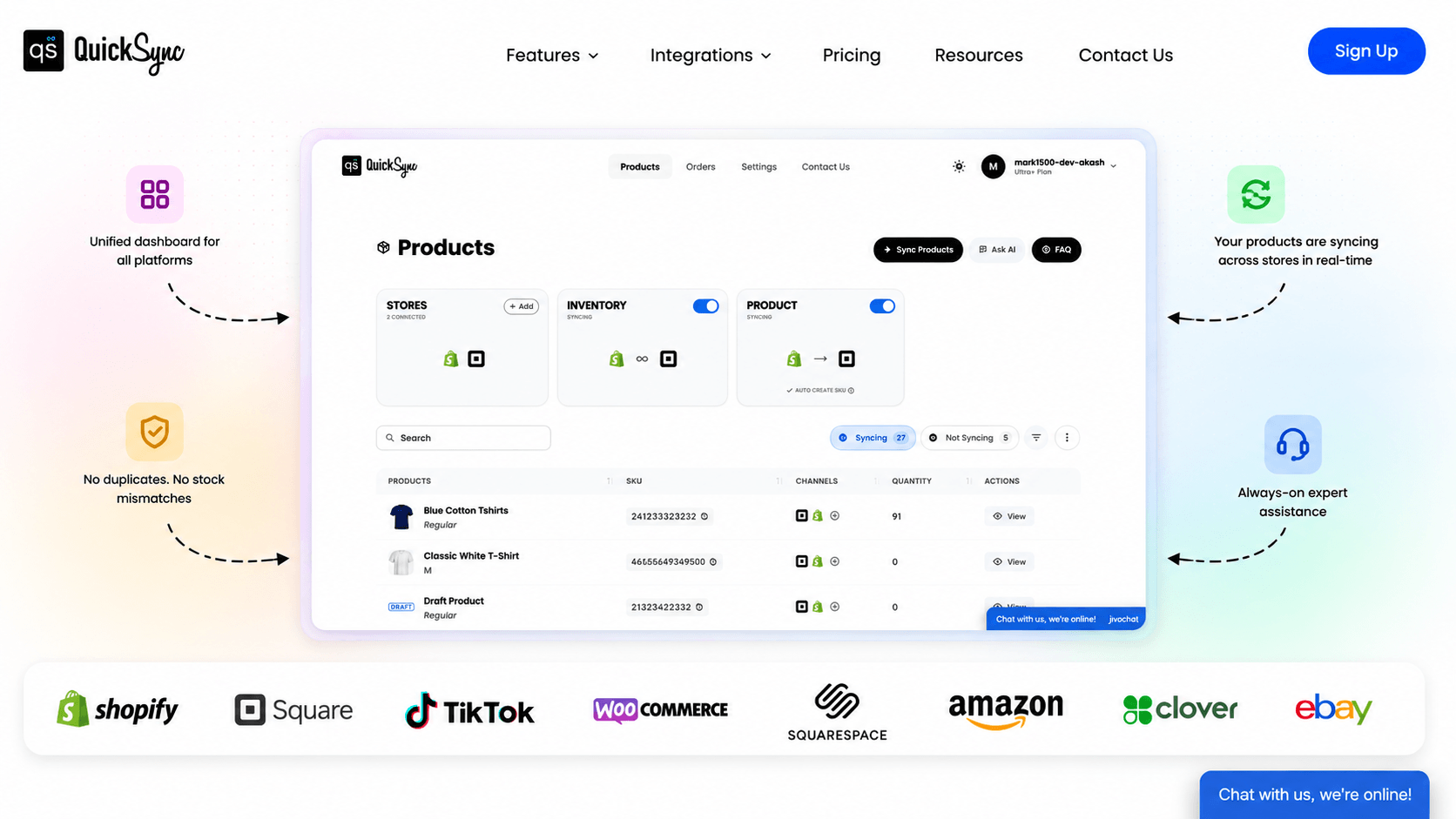
The first tool on and the best on my list is QuickSync. It is my top choice for merchants selling on ecommerce, marketplace, and POS channels together. I’d rate it 4.8/5 for its combination of integrations, inventory synchronization, product syncing, order management, and ease of use.
QuickSync focuses on three workflows that create the most manual work: products, inventory, and orders. It supports marketplace, POS, and accounting tools. You can sync Shopify with Etsy, Clover with Square, or TikTok Shop with Amazon.
What I like most is its practical approach to inventory. Your catalog size determines the plan rather than your order volume. That makes the pricing easier to understand as sales grow.
Key Features
- Inventory Sync: Keep inventory synced across connected stores and marketplaces. This reduces manual stock updates and overselling risks.
- Product Sync: Update product titles, descriptions, images, prices, and other product information across supported sales channels.
- Order Sync: Sync orders between connected platforms and streamline order processing and fulfillment.
- SKU Mapping: Match products and variants across connected stores using SKU and product data.
- Multichannel Integrations: Connect ecommerce stores, marketplaces, POS systems, and accounting tools through various marketplace integrations.
- POS Integration: Connect supported Shopify, Square, and Clover stores to keep online and physical retail operations aligned.
- Multi-Location Inventory: Synchronize inventory across supported locations and keep stock information consistent across your connected channels.
- Pricing Rules: Apply channel-specific pricing rules and manage different product prices across supported sales platforms.
Pros
- QuickSync combines product, inventory, and order synchronization.
- It supports both ecommerce and POS integrations.
- Its pricing does not increase with order volume.
- Inventory syncing starts on the $19 plan.
- It supports up to eight connected shops.
- It offers a 14-day trial without requiring a card.
- QuickSync offers 24*7 customer support to provide help needed anytime.
Cons
- Some synchronization features depend on platform limitations.
- Different channels can have different sync behavior.
- Large enterprise operations may need specialized systems.
Pricing
QuickSync’s pricing plans start with an affordable range, with the Lite plan costing $19/month and the Pro plan costing $29/month. The Ultra plan costs $69/month and supports up to 10,000 items with pricing rules. The Ultra+ plan costs $99/month, supporting up to 20,000 items with priority syncing and dedicated support.
Our Verdict: QuickSync is the best overall choice on this list. It covers the workflows most merchants actually need, keeps pricing straightforward, and works across ecommerce, marketplace, and POS channels. You get strong multichannel features without jumping straight into an enterprise platform.
2. Sellbrite

Another tool in my list is Sellbrite. Sellbrite is a good option for smaller merchants that are starting to sell across more marketplaces.
Its main focus is listings, inventory, and orders. You can manage products across channels such as Amazon, eBay, Walmart, Etsy, Shopify, BigCommerce, and WooCommerce.
The platform keeps things fairly focused. That can be useful if your business is mainly dealing with marketplace listings and you do not need deeper warehouse or enterprise features.
Key Features
- Multichannel Listing: Create and manage product listings across supported marketplaces from one catalog.
- Inventory Sync: Update inventory across connected sales channels when products sell.
- Order Management: Bring orders from different channels into one workflow for processing and fulfillment.
- Listing Templates: Reuse common listing information when publishing similar products.
- Bulk Product Management: Make catalog changes in bulk instead of editing products one by one.
- Multi-Warehouse Support: Manage inventory across multiple warehouse locations.
- Price Control: Update marketplace prices from a central workflow.
Pros
- Easy to understand for smaller sellers.
- Covers the main marketplace workflows.
- Central catalog reduces repeated product updates.
- Unlimited integrated channels and SKUs on listed plans.
- Free plan available for smaller sellers.
Cons
- Paid plans increase with monthly order volume.
- Advanced fulfillment may require additional services.
- Larger operations may eventually need more advanced tools.
Pricing
Sellbrite offers a free plan for up to 30 orders per month. Paid plans start at $29/month for up to 100 orders, with higher tiers at $79 and $179.
Our Verdict: Sellbrite is worth considering if marketplace management is your main concern. For merchants that need broader ecommerce and POS connectivity, QuickSync offers a more complete overall workflow.
3. Linnworks
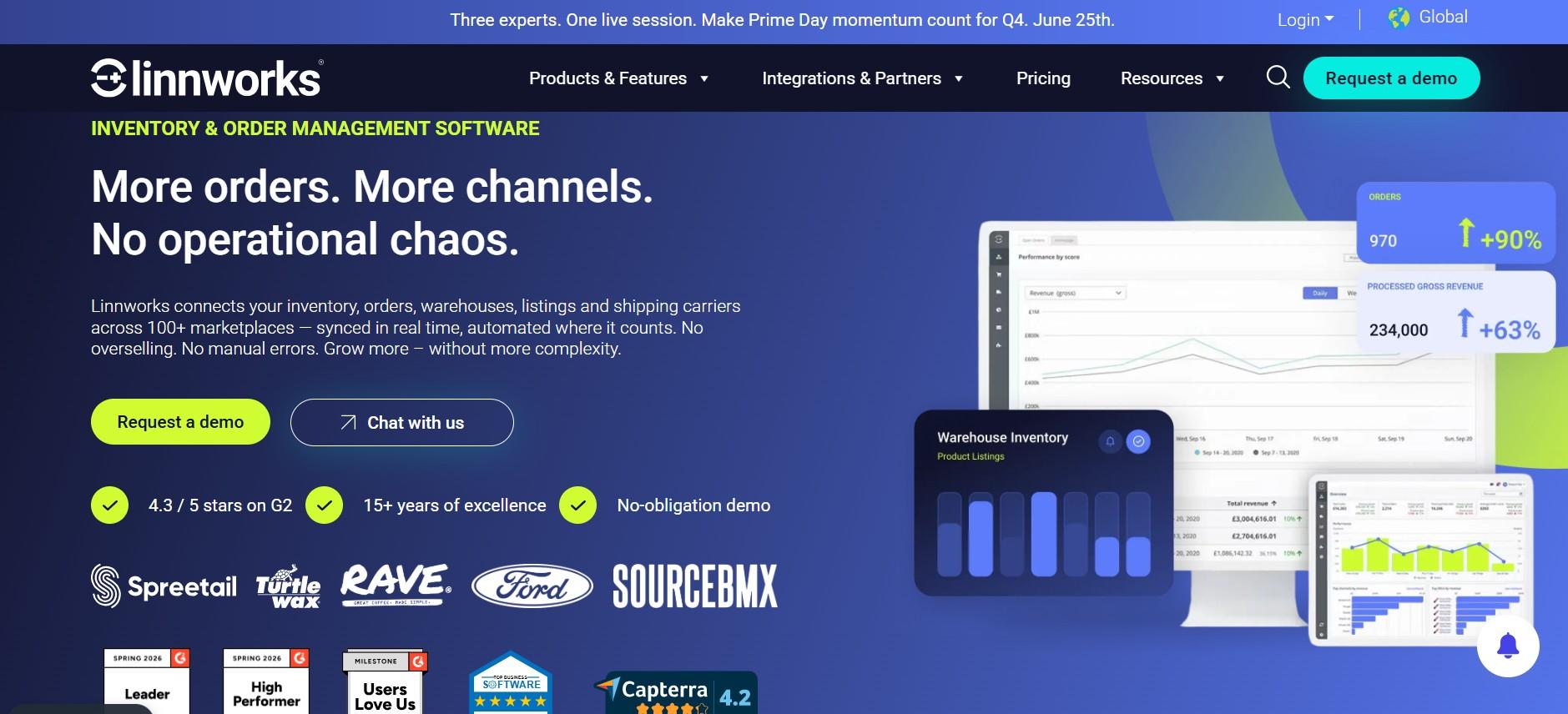
If your business is around more complex ecommerce operations, Linnworks can be a good choice for you. It goes beyond basic product and inventory syncing. You also get tools for orders, warehouses, fulfillment, shipping, and automation.
That makes it a better fit once your operation has several moving parts. If you are managing large catalogs, multiple locations, and more involved fulfillment processes, the extra depth can be useful.
For a smaller store, though, you may not need all of that. The platform can also take more time to set up and manage than simpler multichannel tools.
Key Features
- Product Catalog: Manage product information from a central catalog and adapt it for different channels.
- Inventory Management: Keep stock connected across sales channels and locations.
- Order Management: Bring orders from different channels into one workflow.
- Warehouse Management: Manage stock across more complex warehouse operations.
- Channel Rules: Set different inventory, pricing, and fulfillment rules for individual channels.
- Bulk Listing: Publish large product catalogs across multiple marketplaces.
- Automation: Automate repetitive inventory and order tasks.
- Marketplace Integrations: Connect with a broad range of ecommerce and marketplace systems.
Pros
- This tool offers a wider range of warehouse and fulfillment features.
- It is a good fit for businesses with large product catalogs.
- Linnworks supports a broad range of ecommerce integrations.
- Its automation tools can help simplify complex workflows
Cons
- May be more than smaller sellers need.
- Implementation can take more planning.
- Pricing is less straightforward.
Pricing
Linnworks uses customized pricing based on business requirements and operational scale.
Our Verdict: Linnworks is a strong choice when warehouse operations are a major part of the problem. If your main need is connecting ecommerce channels and keeping inventory, products, and orders synced, QuickSync is the simpler overall choice.
Also Read: 10 Best Linnworks Alternatives for Inventory and Multichannel Selling
4. ChannelAdvisor
ChannelAdvisor is designed for larger businesses that sell across multiple marketplaces.
It provides tools for product data, listings, inventory, orders, reporting, and broader marketplace management. That makes it more suitable for established brands than smaller ecommerce stores.
If you are running a large marketplace operation across several regions and teams, this level of control can be useful. For a smaller business, it may simply be more platform than you need.
Key Features
- Marketplace Management: Manage product listings and marketplace activity from a connected system.
- Product Data Management: Keep important product information organized for different channels.
- Listing Management: Create and update marketplace listings without managing each channel separately.
- Inventory Management: Keep stock information organized across connected marketplaces.
- Order Management: Bring marketplace orders into a central workflow.
- Performance Reporting: Track channel performance and understand where sales are coming from.
- Enterprise Integrations: Connect marketplace operations with other business systems.
- Automation: Reduce repetitive marketplace tasks across large catalogs.
Pros
- It is built for larger marketplace operations.
- It handles complex product and channel requirements.
- It is a strong fit for established ecommerce teams.
- It offers broad marketplace management capabilities.
Cons
- It can be more than smaller sellers need.
- Setting it up can require more time and resources.
- Its pricing may not suit businesses looking for simple SMB plans.
Pricing
ChannelAdvisor uses customized enterprise pricing based on business requirements and scale.
Our Verdict: ChannelAdvisor makes sense when you need enterprise-level marketplace control. For growing merchants looking for a simpler multichannel system, QuickSync is easier to approach.
5. ChannelEngine
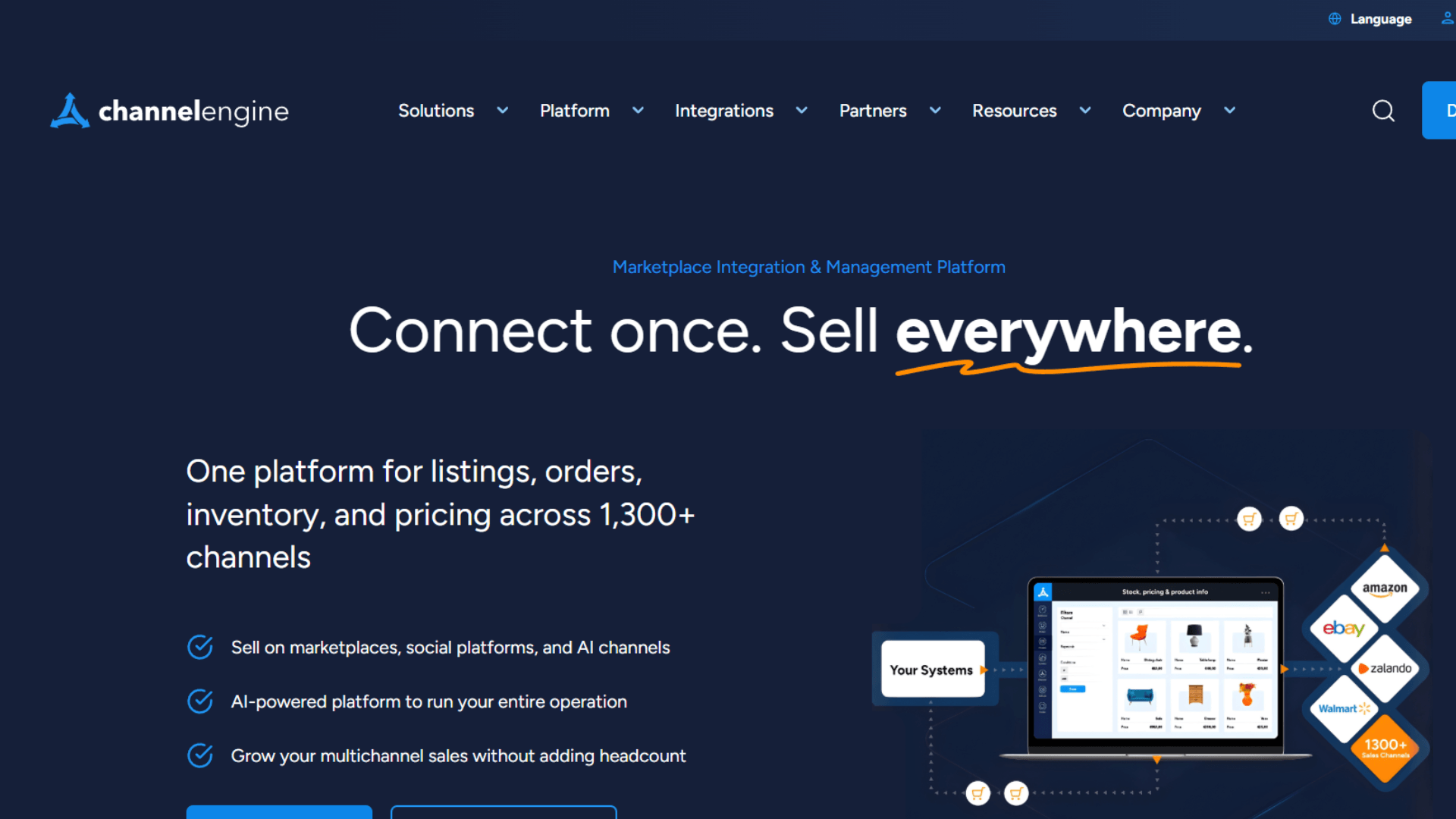
If you are selling on multiple marketplaces, ChannelEngine can help bring everything together. It lets you manage product feeds, inventory, orders, pricing, repricing, and marketplace connections from one place.
This can be useful when marketplaces are a big part of your sales strategy and managing each one separately is becoming difficult. You get more control over your listings and inventory without having to jump between different platforms.
The downside is that ChannelEngine is better suited to mid-sized and larger businesses. Smaller sellers may find the setup more involved than they need
Key Features
- Marketplace Connections: Connect multiple marketplaces from one system.
- Product Feeds: Send product information to marketplaces and adapt data for different channel requirements.
- Inventory Sync: Keep stock levels aligned across connected marketplaces.
- Order Management: Bring marketplace orders into a central workflow.
- Pricing Rules: Adjust prices based on fees, taxes, shipping costs, and margins.
- Automated Repricing: Change prices based on competition and defined pricing rules.
- International Selling: Expand into more marketplaces and geographic markets.
- Marketplace Analytics: Review marketplace performance and sales data.
Pros
- ChannelEngine offers strong tools for expanding across marketplaces.
- It provides useful pricing and repricing features.
- It connects with a wide range of marketplaces.
- It can be a good option for businesses selling internationally.
Cons
- Its pricing structure can be harder to understand.
- Smaller businesses may not need all the features.
- Success-based fees can add to the overall cost.
Pricing
ChannelEngine uses customized pricing based on factors such as GMV, SKU count, business units, and geographic scope.
Our Verdict: ChannelEngine is a strong marketplace-focused platform. If you need broad marketplace management and advanced repricing, it is worth a look. For a wider ecommerce, marketplace, and POS workflow, QuickSync is the more practical choice.
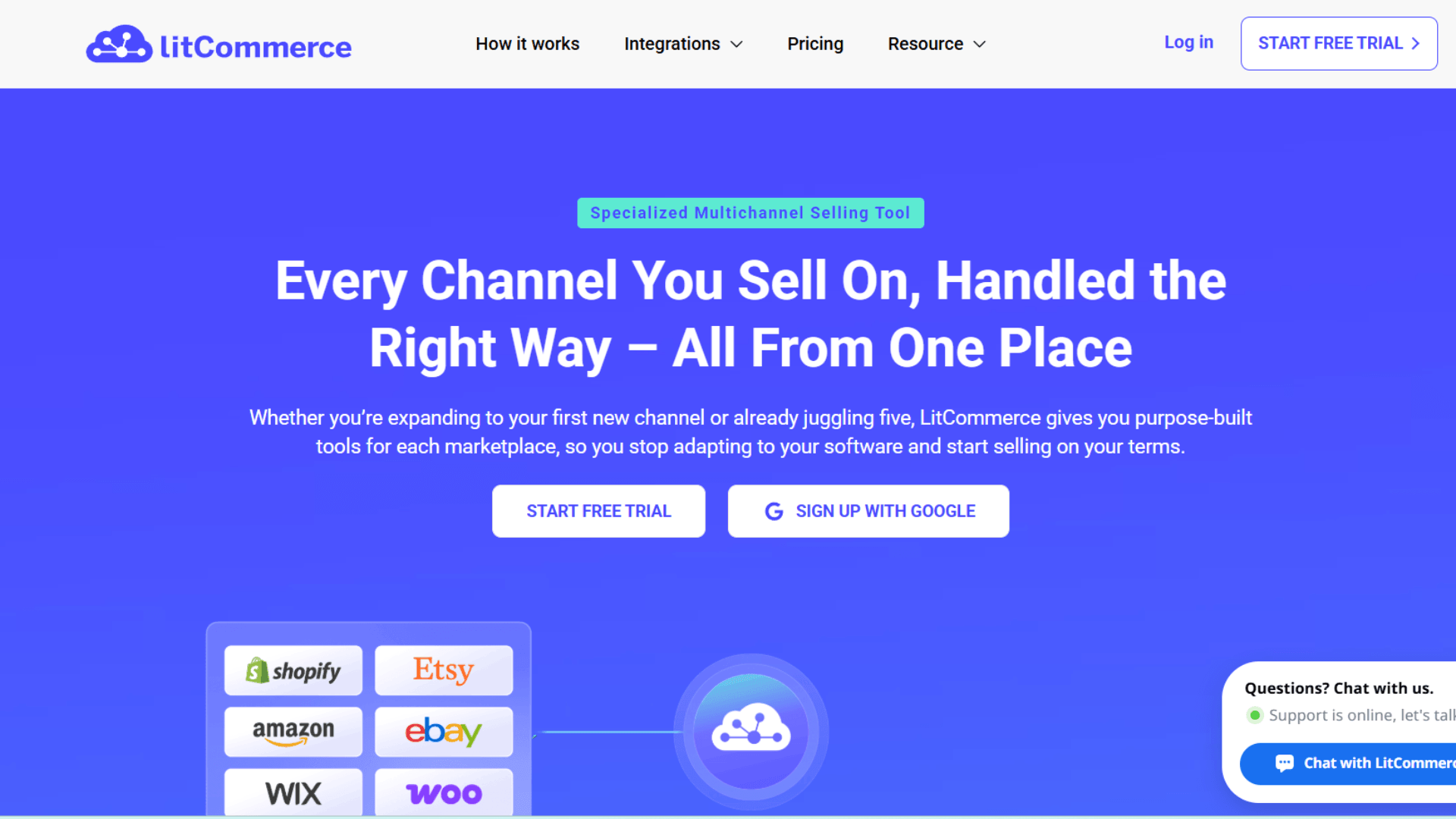
6. LitCommerce
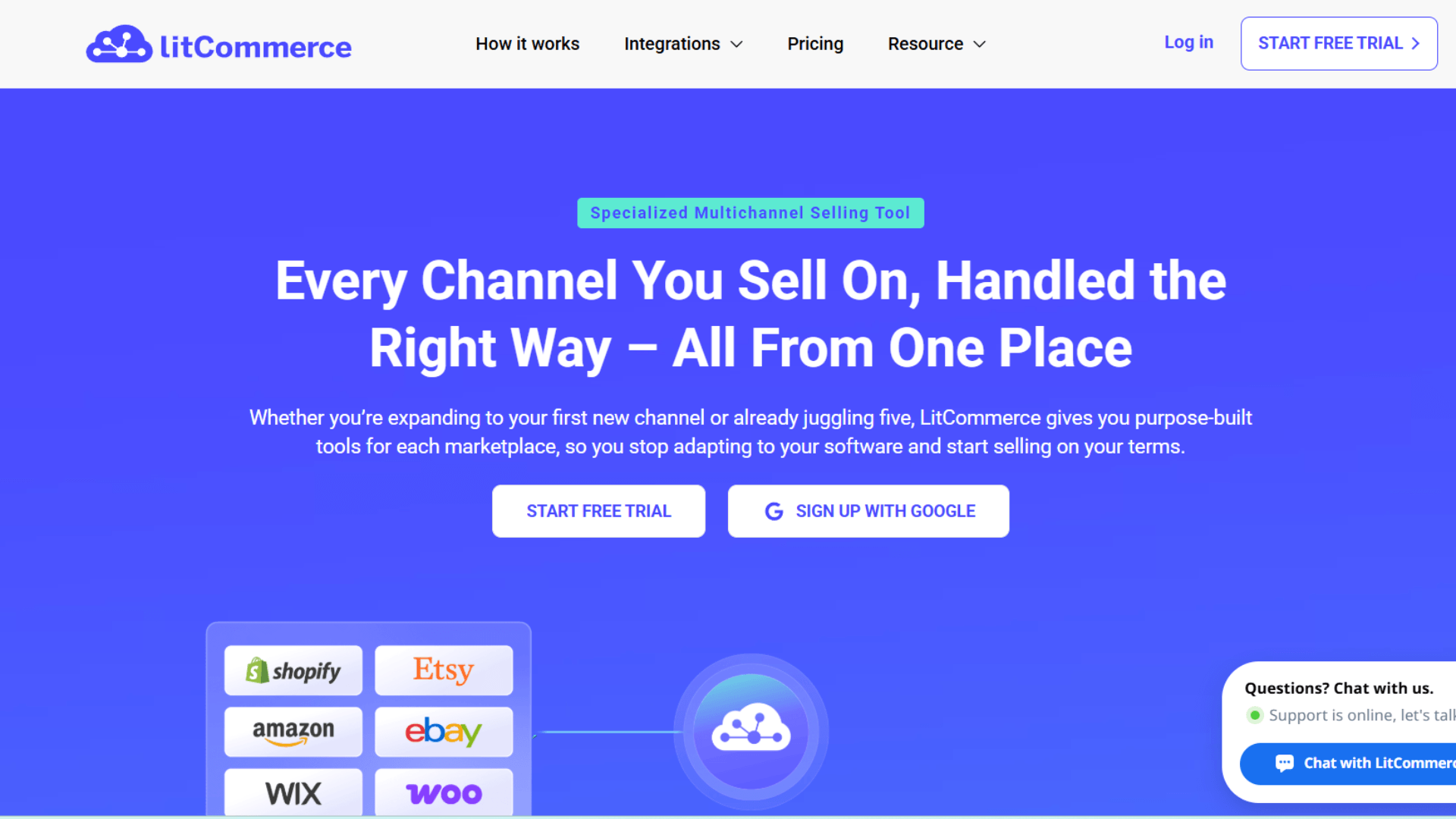
Another good option in the multichannel selling software list is LitCommerce. This platform focuses on helping smaller and mid-sized businesses expand into additional marketplaces.
LitCommerce is particularly useful when you already have a main ecommerce store and want to move products into more channels. Bulk exports, listing templates, and product sync can reduce a lot of repetitive work.
However, one downside is that inventory and pricing updates run on a 15-minute cycle. If you need near-instant updates, that delay could be an issue.
Key Features
- Multichannel Listing: Publish products across supported marketplaces without creating every listing from scratch.
- Product Sync: Keep product information aligned across connected channels.
- Inventory Sync: Update available stock across connected marketplaces.
- Bulk Export: Move groups of products between your main store and other channels.
- Listing Templates: Reuse listing structures to speed up product publishing.
- Price Management: Apply different pricing rules to different channels.
- Order Management: Manage supported marketplace orders from a connected workflow.
- AI Listing Optimization: Optimize supported marketplace listings with AI-powered tools.
Pros
- It is a good fit for small and medium-sized businesses.
- Its bulk tools can save time when managing large catalogs.
- It supports several major marketplaces.
- It includes inventory and pricing syncing.
- The Standard plan includes unlimited orders.
Cons
- The 15-minute sync cycle may not work for every merchant.
- Costs can increase as your listing needs grow.
- Larger businesses may need more advanced warehouse management tools.
Pricing
Plans start at $29/month for 1,000 listings and three connected channels. A 7-day free trial is available.
Our Verdict: LitCommerce is a good option if your main focus is managing listings across marketplaces. However, if you also need product, inventory, order, and POS syncing in one place, QuickSync offers more flexibility.
7. CedCommerce
CedCommerce is another option for merchants looking to connect their store with multiple marketplaces.
It provides separate integrations for marketplaces such as Amazon, eBay, Etsy, and others. Depending on the channel, you can manage products, listings, categories, inventory, and orders from the connected store.
The main difference is that its features can vary between integrations. So, merchants should check the specific marketplace connection they need.
Key Features
- Marketplace Integrations: Connect your ecommerce store with the marketplaces you actually sell on.
- Product Management: Create, import, and update product information across supported channels.
- Inventory Sync: Keep inventory quantities updated between your store and marketplaces.
- Order Management: Bring marketplace orders into your ecommerce workflow.
- Bulk Listing: Upload and update groups of products at once.
- Category Mapping: Match your store categories with marketplace categories.
- Price Rules: Apply fixed or percentage-based price changes by channel.
- Channel Controls: Set inventory, order, and product rules for individual marketplaces.
Pros
- It supports a wide range of marketplaces.
- It gives merchants more control over individual channels.
- Its bulk listing tools can help reduce manual work.
- It works with multiple ecommerce platforms.
Cons
- Pricing can vary depending on the connector.
- Managing multiple connectors can become complicated.
- The available features vary between integrations
Pricing
Pricing varies by connector. Its BigCommerce marketplace connector, for example, starts with a free option and paid plans from $24.92/month per channel.
Our Verdict: If your goal is to manage a specific marketplace with its own requirements, CedCommerce is worth considering. If you want a broader multichannel setup with product, inventory, order, and POS syncing, QuickSync is a better fit.
8. Nembol
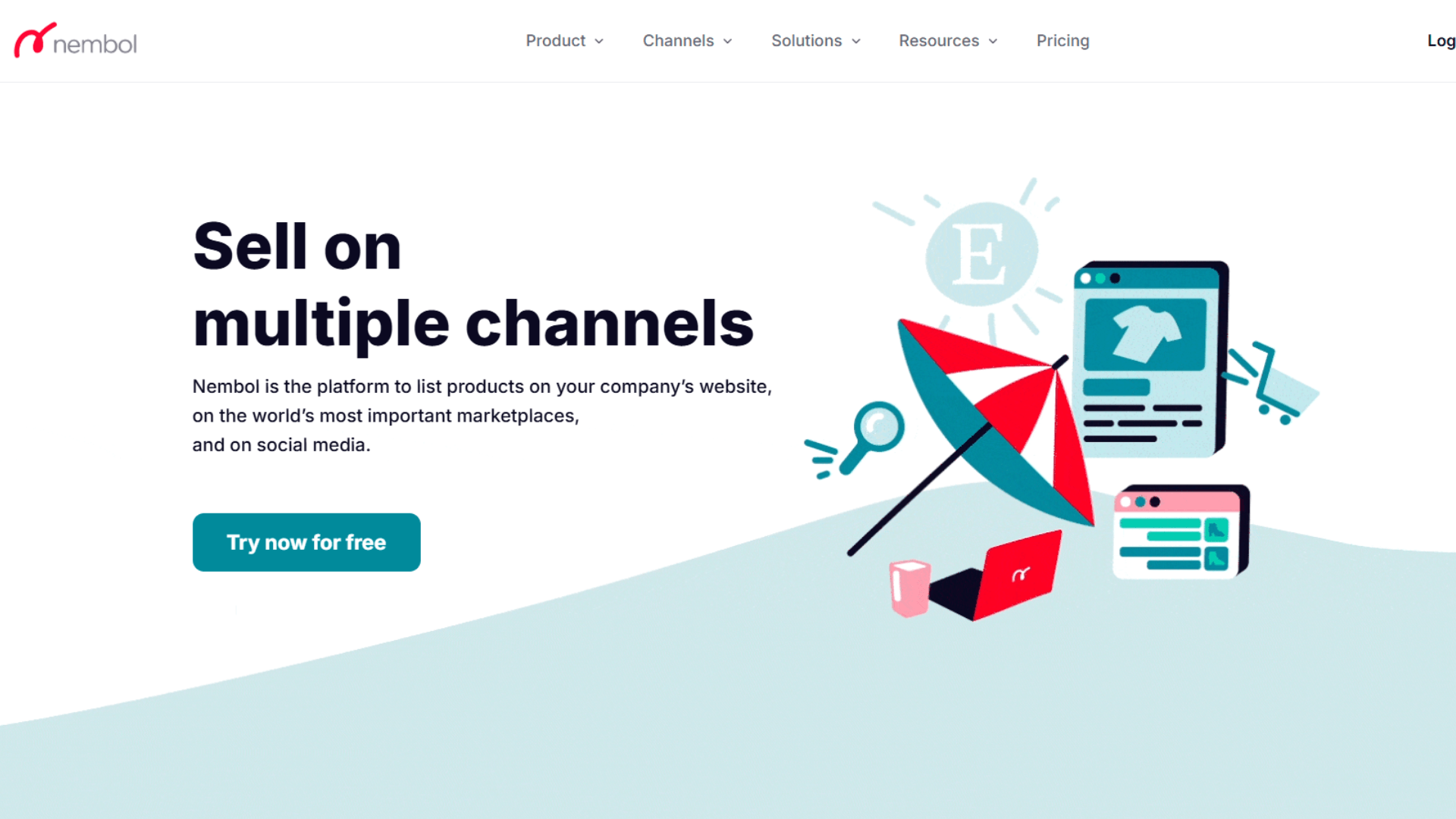
If your main headache is keeping product listings organized across different channels, Nembol is one option to look at.
The platform focuses heavily on catalog and listing management. You can create, import, edit, and publish products across multiple stores and marketplaces, while keeping inventory connected between them.
Nembol also has a useful feature called Nembol Link. It can match existing listings when the SKUs and variant details line up. That can save you from creating the same product listings again if they are already live on several marketplaces.
Key Features
- Multichannel Listing: Publish products across multiple stores and marketplaces from one catalog.
- Product Import: Import existing listings instead of rebuilding your catalog manually.
- Inventory Sync: Keep stock updated across connected channels.
- Nembol Link: Connect existing listings when their product and SKU information matches.
- Bulk Editing: Update multiple products at the same time.
- CSV Editing: Make larger catalog changes using CSV files.
- Pricing Rules: Set different prices across connected channels.
- Order Fulfillment: Move orders into supported fulfillment workflows on higher plans.
Pros
- It puts a strong focus on catalog and listing management.
- Inventory syncing is included from the Basic plan.
- Its pricing is based on product volume.
- Existing listings can be connected instead of recreated.
- Higher plans support larger product catalogs.
Cons
- Larger catalogs can require a more expensive plan.
- Some team features are only available on higher tiers.
- Businesses with complex warehouse needs may need another platform.
Pricing
Nembol starts at $39/month for up to 500 products. Higher plans are available for larger catalogs, and a 14-day free trial is offered.
Our Verdict: If listing and catalog management are your biggest priorities, Nembol covers the basics well. But if you want one system that also brings together products, inventory, orders, and POS connections, QuickSync gives you a broader workflow.
9. SellerChamp
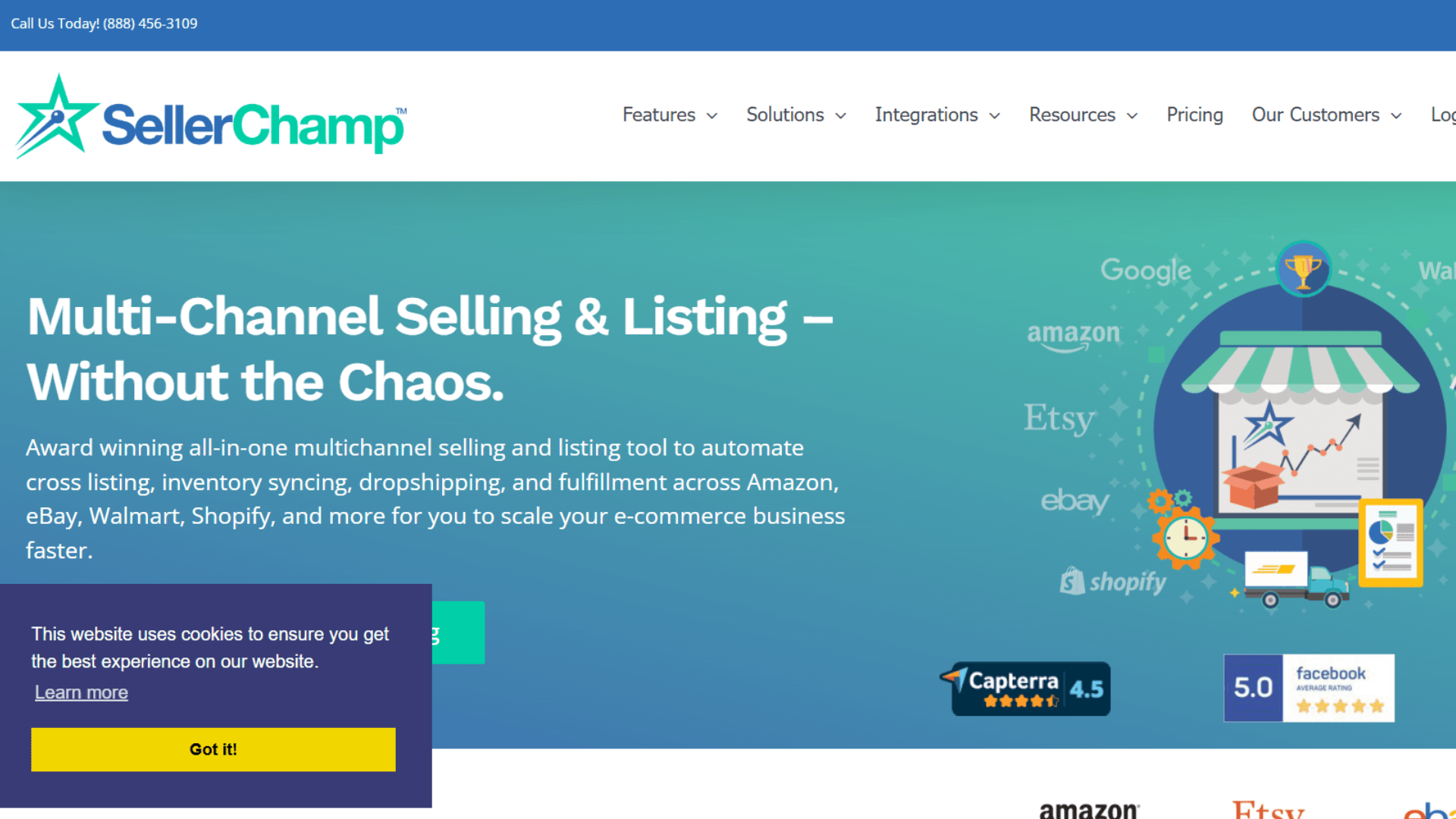
Selling thousands of products across Amazon or eBay is a very different job from running a small online store. SellerChamp is built with that kind of high-volume operation in mind.
The platform focuses on bulk listing, repricing, inventory, orders, and fulfillment. Instead of updating large catalogs one product at a time, you can use bulk tools to handle more of the work at once.
That makes SellerChamp more relevant to high-volume marketplace sellers. Smaller stores may not get as much value from all of these tools.
Key Features
- Bulk Listing: Upload and publish large product catalogs across supported marketplaces.
- Automated Repricing: Adjust prices based on competitive prices and sales data.
- Inventory Management: Keep product availability connected across marketplace operations.
- Order Management: Manage marketplace orders and fulfillment workflows.
- Multi-Account Support: Manage multiple Amazon or eBay accounts from one environment.
- Barcode Tools: Use barcode workflows to speed up large catalog uploads.
- Marketplace Data: Access marketplace data such as Buy Box prices and FBA fees.
- Fulfillment Tools: Support shipping and fulfillment after orders arrive.
Pros
- It is well suited to businesses managing large product catalogs.
- Bulk listing tools can save a lot of manual work.
- Automated repricing can help sellers stay competitive.
- It supports multiple marketplace accounts.
Cons
- Smaller sellers may not need its full feature set.
- Pricing can depend on the size and complexity of the operation.
- More advanced workflows can take additional setup.
Pricing
SellerChamp uses customized pricing based on factors such as SKU count, order volume, channels, and selected features.
Our Verdict: If you mainly sell at high volume on marketplaces and need strong bulk listing and repricing tools, SellerChamp is worth considering. If your needs go beyond marketplaces and include ecommerce stores, POS systems, inventory, products, and orders, QuickSync is a more complete option.
Also Read: Best Inventory Management Software for Small Business (2026)
10. M2E Multichannel Connect
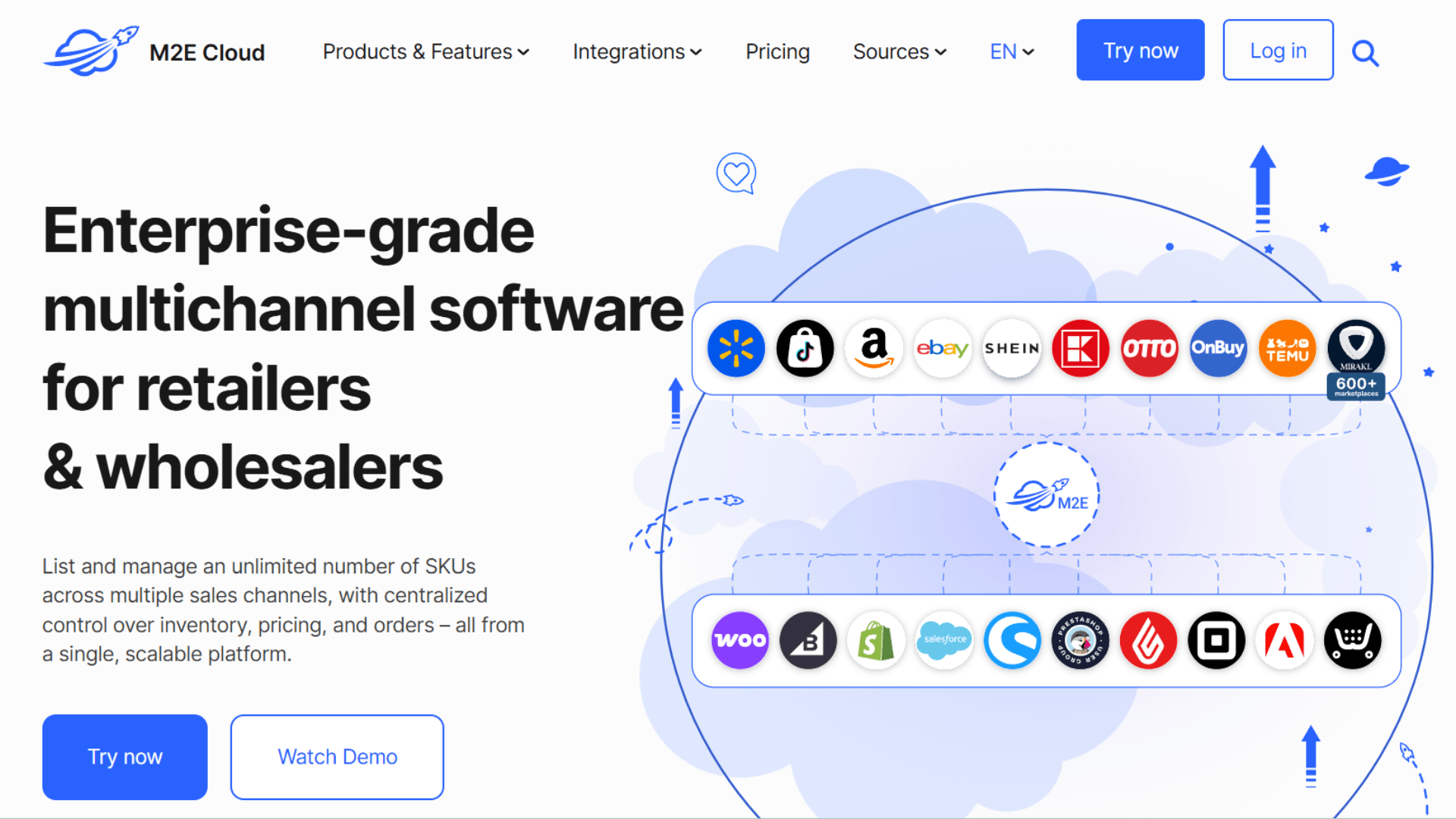
Expanding from one store to several marketplaces sounds simple until you have to keep every product, price, inventory count, and order in sync. M2E Multichannel Connect is built to handle that marketplace side of the process.
It connects ecommerce platforms such as Shopify, BigCommerce, and WooCommerce with marketplaces including Amazon, eBay, Walmart, TikTok Shop, and Temu. You can manage product information, inventory, pricing, and orders without handling each marketplace completely on its own.
The main thing to consider is where your business needs the most support. M2E is heavily focused on marketplace selling, so it may not be the best fit if POS connectivity is also a major part of your workflow.
Key Features
- Shopify Integration: Connect Shopify with supported marketplaces while keeping your store central to the workflow.
- Marketplace Connections: Expand into marketplaces such as Amazon, eBay, Walmart, TikTok Shop, and Temu.
- Product Management: Import and manage product information across connected marketplaces.
- Inventory Sync: Keep marketplace inventory aligned with your ecommerce store.
- Order Sync: Bring marketplace orders into your ecommerce platform for processing.
- Price Sync: Update marketplace prices from your central product workflow.
- Bulk Listing: Create and manage large groups of marketplace listings.
- Unified Dashboard: Manage products, listings, inventory, prices, and orders from one place.
Pros
- It supports a wide range of major marketplaces.
- It works with several ecommerce platforms.
- Its central dashboard reduces the need to switch between marketplaces.
- It supports product, inventory, pricing, and order syncing.
- It covers both established and newer marketplace channels.
Cons
- Its focus is more on marketplaces than POS integrations.
- More complex setups may require careful configuration.
- Pricing can vary depending on usage and configuration.
Pricing
M2E offers free installation and trial options. Paid costs depend on the marketplace features you use and your overall usage.
Our Verdict: If your priority is getting your store onto marketplaces such as Amazon, eBay, Walmart, TikTok Shop, and Temu, M2E is a practical option. But if you want to manage marketplace selling alongside POS connections, inventory, products, and orders, QuickSync offers a broader setup.
What Features Should Multichannel Selling Software Have?
Not every platform with a “multichannel” label offers the same features
Some tools focus mainly on listings. Others cover inventory, orders, fulfillment, or warehouse operations. I recommend starting with your daily problems before comparing feature lists.
Here are the features I would check first.
Multichannel Listing Management
Your software should help create and manage listings across supported channels. Look for bulk listing, listing templates, product editing, and channel-specific controls. These features can save considerable time when your catalog contains hundreds or thousands of products.
Real-Time Inventory Synchronization
Inventory sync should be near the top of your checklist. Look for reliable stock updates across connected stores. Also check whether inventory moves both ways. See how each platform handles sync timing.
Product and SKU Management
SKU consistency becomes important across multiple channels. Look for product mapping, variant management, SKU matching, and centralized product data. Strong catalog controls make it easier to manage listings as you grow.
Order Management
Your software should make orders easier to manage. Look for centralized order processing, fulfillment workflows, shipping updates, and order status synchronization. This helps your team handle orders without constantly moving between marketplace dashboards.
Multi-Location Inventory
Retailers with several locations need more advanced inventory controls. Check whether the platform supports multiple stores, warehouses, and stock locations. This becomes important when physical stores share inventory with online sales channels.
Marketplace Integrations
Do not choose software simply because it lists dozens of integrations. Check whether it supports the channels you actually use and the features you need. Amazon, eBay, Etsy, Walmart, and TikTok Shop can all have different channel requirements.
POS Integrations
If you also operate physical stores, POS integration deserves serious attention. Your online and offline channels may sell the same products. Integrating platforms such as Square or Clover can help keep product and inventory information aligned.
Pricing and Automated Repricing
Different channels can have different costs and pricing strategies. Look for pricing rules, automated repricing, currency support, and channel-specific prices. These tools can help protect margins as you expand across marketplaces.
How to Choose the Right Multichannel Selling Software
Choosing the right platform starts with understanding what is creating the most work for your team. Before comparing software, look at your current channels, catalog, inventory, and order workflows.
Here are the main things to consider:
- Your Number of SKUs: Choose software that can handle your current catalog and future growth. A tool that works for 500 SKUs may not suit you at 10,000.
- Your Sales Channels: Check whether the software supports the channels you already use. Also consider channels you plan to add, such as Amazon, Etsy, eBay, or a physical store.
- Inventory Changes: If your inventory changes frequently, prioritize fast and reliable synchronization. Real-time updates can help keep stock levels accurate across channels.
- Product Variants: If you sell products with sizes, colors, or other variants, check how the software maps and syncs them.
- Inventory Locations: Businesses with multiple stores or warehouses should look for multi-location inventory support.
- Order Management: If orders come from several platforms, look for software that can synchronize orders and simplify fulfillment.
- Marketplace Listings: If listing products takes up most of your time, prioritize bulk listing, catalog management, and product editing tools.
- Channel-Specific Pricing: If your products have different prices across channels, check whether the software supports pricing rules or channel-specific prices.
- Pricing Structure: Look at what you are actually paying for. Some platforms charge based on orders, SKUs, channels, GMV, or selected features.
- Setup and Usability: Consider how much time your team will need to get started. A feature-rich platform may not be useful if setup becomes unnecessarily complicated.
The right choice depends on your current workflow and where you plan to take your business. Focus on the problems you need to solve first, then compare the platforms that fit those requirements.
Also Read: How to Sync Shopify, eBay and Amazon
Best Multichannel Selling Software by Business Type
The best platform changes with business size and complexity. A small Shopify store needs simplicity. A retailer with Clover and Shopify needs POS connectivity. A high-volume marketplace seller needs stronger automation and order management.
Here is how I would narrow the list.
Best for Shopify Merchants
QuickSync and M2E are strong options for Shopify sellers.
QuickSync stands out when Shopify needs to connect with marketplaces and POS systems. M2E is particularly useful for merchants expanding from Shopify into marketplaces.
Best for Amazon and eBay Sellers
QuickSync, Sellbrite, and M2E are useful choices.
The right option depends on your workflow. Check whether you need stronger listing tools, inventory sync, or centralized order processing.
Best for Etsy Sellers
QuickSync, Nembol, and LitCommerce are worth considering.
Etsy has specific listing and product requirements. Check variant handling, inventory updates, and product mapping before choosing your software.
Best for Small Businesses
Sellbrite and LitCommerce are practical choices for smaller sellers.
They provide core listing, inventory, and order features without the complexity of enterprise systems. QuickSync is also worth considering when inventory synchronization is the main priority.
Best for Square Retailers
QuickSync is a strong choice for Square retailers selling online.
Its Square integration supports inventory, product, and order synchronization. QuickSync also supports multiple Square locations with Shopify workflows.
Best for Clover Merchants
QuickSync is particularly useful for Clover merchants expanding online.
Its Clover integration connects supported ecommerce platforms and marketplaces with Clover. Product, inventory, and order workflows can then operate through connected systems.
Best for High-Volume Sellers
Linnworks, ChannelAdvisor, ChannelEngine, and SellerChamp are stronger choices.
These platforms offer deeper capabilities for complex inventory, marketplace, warehouse, or fulfillment operations.
Best for Large Product Catalogs
Look for bulk listing and catalog automation first.
SellerChamp, Linnworks, and enterprise-focused platforms can handle larger operations. QuickSync is also useful when synchronization is the main catalog challenge.
Best Budget-Friendly Option
Compare total cost rather than the advertised starting price.
Check product limits, order limits, integrations, and add-ons. QuickSync starts at $19 monthly for two shops and 1,000 items. Its pricing does not increase with order volume.
Conclusion
Selling across multiple channels can bring more customers. But every new channel also adds operational complexity. Products need consistent information. Inventory needs reliable updates. Orders need clear fulfillment workflows.
That is why choosing the right multichannel selling software matters.
Small sellers may need simple listing and inventory tools. Growing retailers need stronger synchronization and marketplace support. Larger businesses may need warehouse, fulfillment, and enterprise controls.
For most Shopify merchants, marketplace sellers, retailers, and businesses using Square or Clover, I would put QuickSync at the top of the list.
It connects supported ecommerce, marketplace, and POS workflows. More importantly, it helps reduce the repetitive work behind those channels. The goal is not simply to sell on more platforms. The goal is to sell on more channels without creating more work.