Product syncing writes your main store’s version of a product over the version in your other stores. Each time the product changes in the main store, we send its title, description, price, photos and variants, plus other fields where the receiving store has a place for them.
Nothing comes back the other way. An edit you make in another store lasts until that product next changes in your main store. Product syncing needs Pro and above. It doesn’t create or update Amazon listings, though deleting a product in your main store can delete its linked Amazon listing. Stock isn’t part of it: stock syncs both ways under its own switch.
Setup calls the sending store your main store. The Product syncing window calls it the source store, and older guides call it the master store.
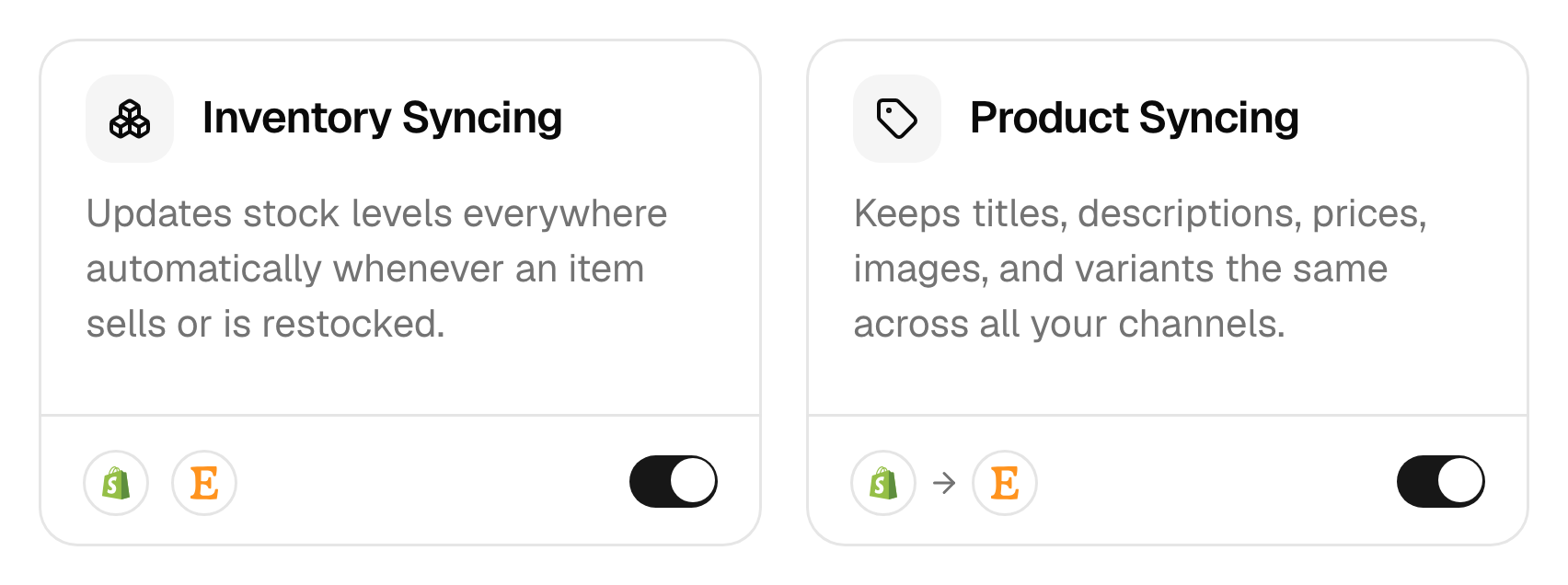
Field by field
Here’s what we send for each field. QuickBooks gets only the title, description, SKU, price, photos and whether it’s taxable. Xero gets only the title, description, SKU, price and cost, and we mark archived or inactive products as not sold there.
| Field | Sent | Exceptions |
|---|---|---|
| Title | Yes | Cut to fit: 50 characters on Xero, 80 on eBay and Wix, 100 on QuickBooks, 120 on WooCommerce, 127 on Clover, 140 on Etsy |
| Description | Yes | Etsy gets plain text, eBay keeps 3,900 characters, and Clover gets none |
| Price | Yes | Plus any price adjustment for that store. Converted to another currency only with currency conversion on. |
| Compare-at price | To 4 stores | Shopify, WooCommerce, Squarespace and Wix only |
| Photos | Yes | Up to 20 on Etsy, 24 on eBay, 10 on Lightspeed and 9 on TikTok Shop. Clover takes none. |
| Video | Ultra and above | Shopify, Etsy, eBay, TikTok Shop and Wix only. We send one per product to all but Shopify. |
| Variants and options | With a SKU | Shopify takes 3 option groups. We send Etsy 2 and merge a third into one when it fits. Etsy takes 70 values per group. TikTok Shop and WooCommerce take 100 variants. Lightspeed keeps the first 3 groups. |
| Weight | Yes | Not to Clover or Lightspeed. Square takes it in US-dollar stores only. eBay uses the package in its Review settings. |
| Barcode | Yes | Not to Etsy, WooCommerce, Squarespace or Wix stores on Wix’s older catalogue |
| Tags | Yes | Not to eBay, TikTok Shop, Square or Clover. Etsy keeps 13. Wix shows the first as a ribbon. |
| Category | Some stores | WooCommerce, Square and Clover get your product type as the category, and Lightspeed gets your category or product type. Etsy gets your default category. eBay and TikTok Shop pick one for a new listing. Wix gets none. |
| SEO title and description | Ultra and above | Shopify, and Wix stores on Wix’s newer catalogue |
| Status | Yes | New listings follow your draft setting. Etsy and TikTok Shop then keep their own status. Square, Clover and Lightspeed have no drafts, and Wix ignores the draft setting. |
| Collections | No | Collections and metafields stay in their own store |
Etsy titles change on the way. If a title has two capital letters in a row, we put every word in title case, so Tote bag in BLACK becomes Tote Bag In Black. We put the word The in front of a title that starts with a number. We keep only the first %, :, & and +, and we turn / into |.
Etsy’s option limits stop a product rather than trim it. It waits under Needs attention as Too many variant options for Etsy, or Etsy could not map this product’s options if it has four groups, until you cut it down.
When we send an update
We send a product when it changes in your main store and we hear about it. Most stores tell us as it happens, and we check a few on a timer. How fast changes arrive lists each one.
We send the whole product each time. That’s every field, not only the one you edited. Change a price in your main store, and the title, photos and description go out with it.
To send a product again without editing it, use one of these. Both ask you to confirm first.
- One product. Click it on the Products page, then click Sync product.
- Several. Tick them on the Syncing tab and click Sync again.
New products go out too. Add one to your main store, and we create it in your other stores, as long as it has a SKU and you sync all products. Added a product while product syncing was off? It goes out the next time you edit it in your main store.
Edits in other stores
We read product details from your main store only. Change a title on Etsy, and nothing happens until that product next changes in your main store. Then we send the main store’s version, and the Etsy title changes back.
A field a store doesn’t take from us stays as you set it there. Clover photos are one example. The category on an Etsy, eBay or TikTok Shop listing is another, once we’ve created it.
To keep a different price on one store, don’t edit it there. Give that store a price adjustment instead.
Prices and currency
We send the main store’s price as the same number, unless you set one of these two. Both need Ultra and above.
- Price adjustment. It’s the app’s name for a price rule. It adds a percentage or a fixed amount for one store: for a source price of 100, 10% gives 110. You’ll find it under Settings, Stores, then Manage on that store.
- Currency conversion. It converts each price into the other store’s currency. Without it, £20 on Shopify arrives on Etsy as $20. It’s under Settings, General.
The adjustment comes first, in your main store’s currency, and then the conversion. Prices: markups and currency has the details.
Pause product syncing
Pausing stops product details going out. Click the Product Syncing card on the Products page, click Pause syncing, then confirm with Disable syncing. The switch on the card does the same.
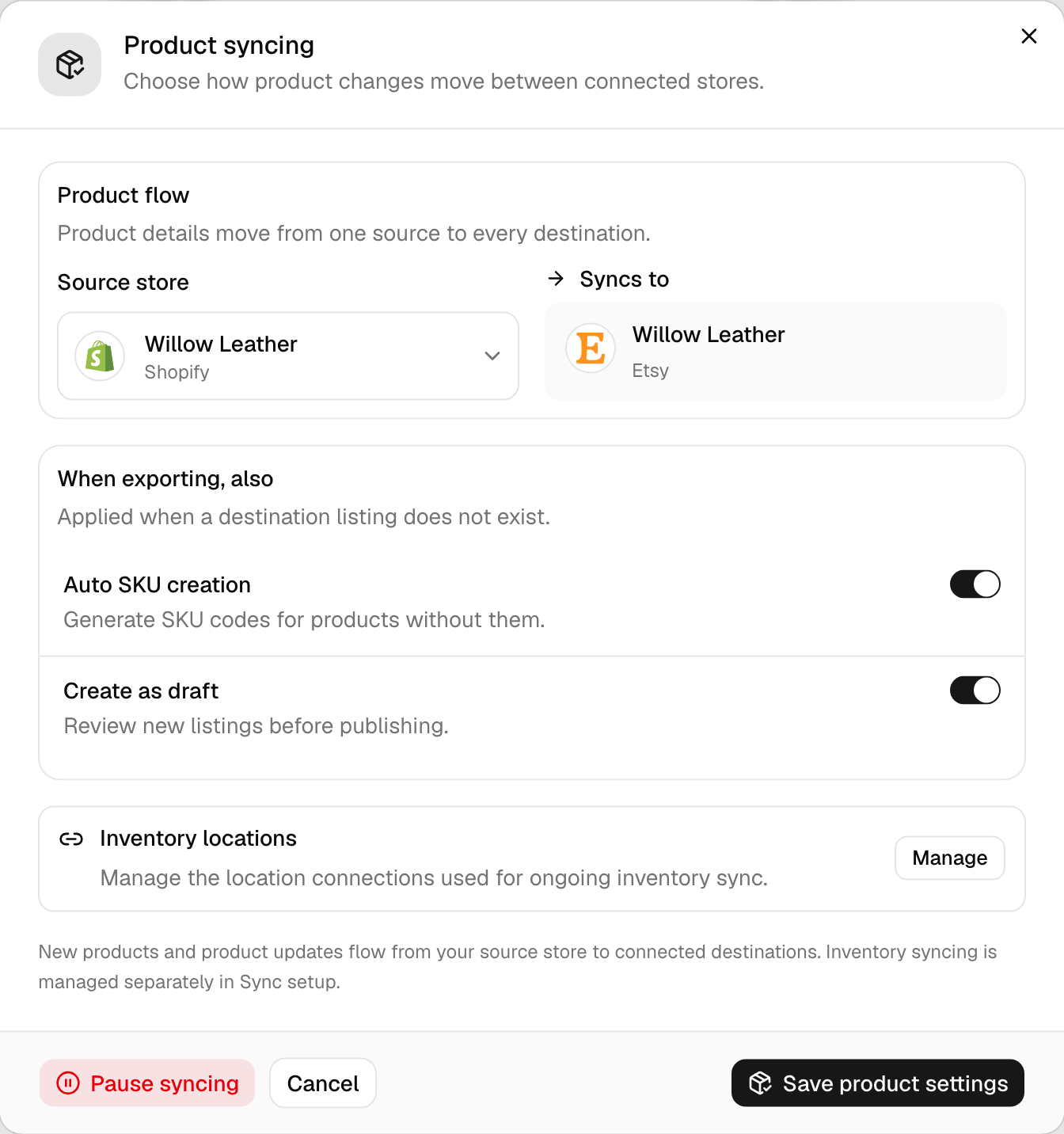
Stock keeps syncing, and what we’ve already sent doesn’t change back. Pausing also clears your main store and turns Auto SKU creation and Create as draft off.
When you’re ready to turn it back on, check the Source store and both options before you press Start syncing. Turning it on also creates any products your other stores are missing.
Common questions
Will product syncing overwrite my Shopify photos and descriptions?
Only if Shopify isn’t your main store. Product syncing doesn’t write product details into the main store. In every other store except Amazon, a product’s next update from the main store replaces its title, description, photos, price and variants. So if your Shopify listings are the ones you want everywhere, make Shopify the main store before you turn product syncing on.
Can I choose which fields product syncing updates?
No. Product syncing sends every field in the table that the other store takes, and there’s no switch for a single field. To keep a different price on one store, give it a price adjustment, on Ultra and above. To keep titles, photos or descriptions different, pause product syncing. Stock keeps syncing on its own.
Why didn’t my change reach my other store?
Check these in order. Product syncing has to be on, and the change has to be in your main store, because we don’t read edits made anywhere else. The product needs a match. If it’s under Needs attention, its status says why. And the other store has to take that field, so a barcode never reaches Etsy, for example.
Why did my Etsy title change back?
Because Etsy isn’t your main store. Each time the product changes in your main store, we send the main store’s version, and it replaces the Etsy title, description, photos and price. To keep a change, make it in your main store. For a different price on Etsy only, set a price adjustment on your Etsy store, on Ultra and above.
Does pausing product syncing stop photo updates?
Yes. Pausing stops every product detail update, photos included, until you turn it back on. Stock keeps syncing between your stores, and listings we already updated stay as they are. Pausing also clears your main store and switches Auto SKU creation and Create as draft off, so set those again when you restart.
Next step
To change which store sends product details, read Choose your main store. To put a product into a store that doesn’t have it, read Copy products to another store.