Zoho Inventory is inventory software for small businesses, and Zoho says thousands of customers use it. It covers purchasing, warehouses, order fulfillment, and multichannel selling in one place, and it has a free plan to start.
Then the business grows. The free plan stops at 50 orders. Standard stops at 500. You add users, locations and order packs one by one. Meanwhile, you may be paying for warehouse features you never open.
This guide compares six Zoho Inventory alternatives and competitors on price, sales channels and what each one is built for. We checked every price on each tool’s own site in November 2026. We start with what Zoho Inventory costs today, so you can compare like for like.
What is Zoho Inventory?
Zoho Inventory is online inventory management software for small businesses. It handles stock, purchase orders, sales orders, shipping and warehouses. It connects to Shopify, WooCommerce, Amazon, eBay, Walmart and Etsy, and it works with Zoho Books for accounting. Plans are priced by orders per month.
Its feature list is broad. According to Zoho, it includes:
- Purchasing: purchase orders, purchase receives and vendor payments
- Warehousing: multi-warehouse management, transfer orders, picklists and bin locations
- Fulfillment: backorders, dropshipments, packaging, shipping and tracking
- Inventory: composite items, serial and batch tracking, barcodes and reorder points
- Multichannel selling: sales orders from online stores and marketplaces
That breadth is the main reason businesses choose it. It’s also the main reason some leave.
Zoho Inventory pricing in 2026
Zoho Inventory has five plans. Each one caps how many orders you can process a month, how many users you get and how many locations you can run. Here’s the US pricing on Zoho’s pricing page, billed annually.
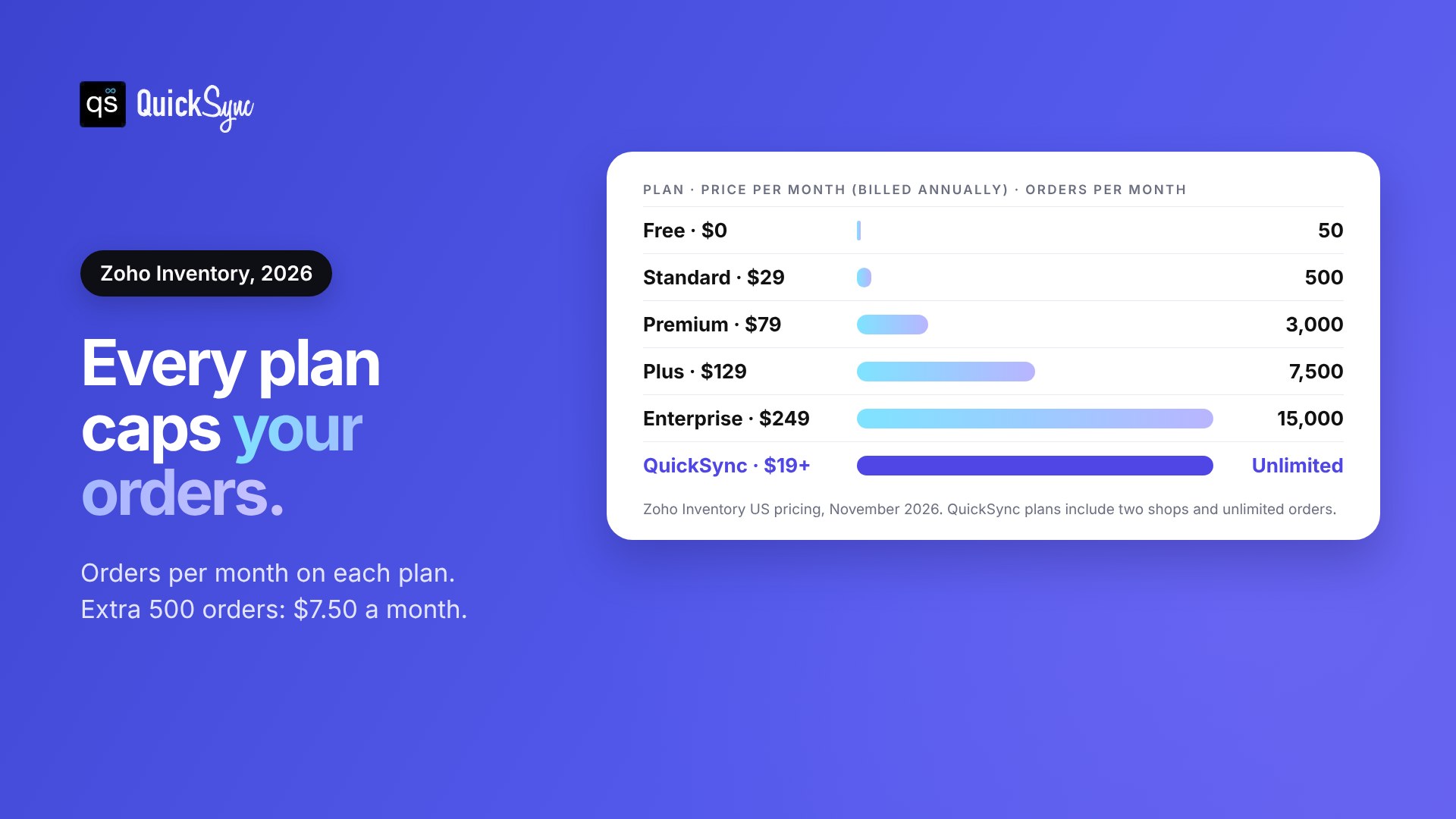
| Plan | Price per month | Orders per month | Users | Locations |
|---|---|---|---|---|
| Free | $0 | 50 | 1 | 1 |
| Standard | $29 | 500 | 3 | 2 |
| Premium | $79 | 3,000 | 5 | 4 |
| Plus | $129 | 7,500 | 10 | 6 |
| Enterprise | $249 | 15,000 | 10 | 10 |
Add-ons cost extra: $7.50 a month for each extra user, $7.50 for every 500 extra orders and $10 for each extra location. Every plan starts with a 14-day free trial.
Barcode generation, stock counting and serial and batch tracking start on Premium. Zoho Commerce, Zoho’s own store builder, comes with Plus.
Zoho Inventory pros and cons
Here’s a quick Zoho Inventory review, based on its own pricing and feature pages.
| Pros | Cons |
|---|---|
| Free plan for 1 user and 50 orders a month | Every plan caps how many orders you can process |
| Purchasing, warehouses and fulfillment in one system | Extra users, orders and locations are paid add-ons |
| Connects to Shopify, WooCommerce, Amazon, eBay, Walmart and Etsy | Barcodes and batch tracking start on Premium at $79 a month |
| Works with Zoho Books for accounting | TikTok Shop, Square and Clover aren’t named on its multichannel page |
If the left column is why you chose Zoho, it may still be the right tool. If the right column is why you’re reading this, keep going.
Why do sellers look for a Zoho Inventory alternative?
Sellers usually switch for one of four reasons:
You pay more as orders grow. Zoho prices each plan by monthly orders. A busy holiday month can push you into a higher plan or into order add-ons, even if nothing else about your business changed.
It’s more system than you need. Purchase orders, bin locations and picklists are useful in a warehouse. If you sell on Shopify, eBay and Etsy from a spare room, you mostly need one stock count that’s right everywhere.
Some channels aren’t named. Zoho’s multichannel selling page lists Amazon, eBay, Walmart, Etsy, Shopify, WooCommerce and Zoho Commerce. It doesn’t name TikTok Shop, Square or Clover, and it says integration availability varies by region.
Users and locations add up. Standard includes 3 users and 2 locations. Every extra user and location is a separate monthly add-on.
Before you compare tools, decide which situation you’re in. If you rely on purchasing and warehouse tools, you need a full inventory system. If you mainly need your channels in sync, a lighter sync tool costs less and takes less time to run.
The best Zoho Inventory alternatives at a glance
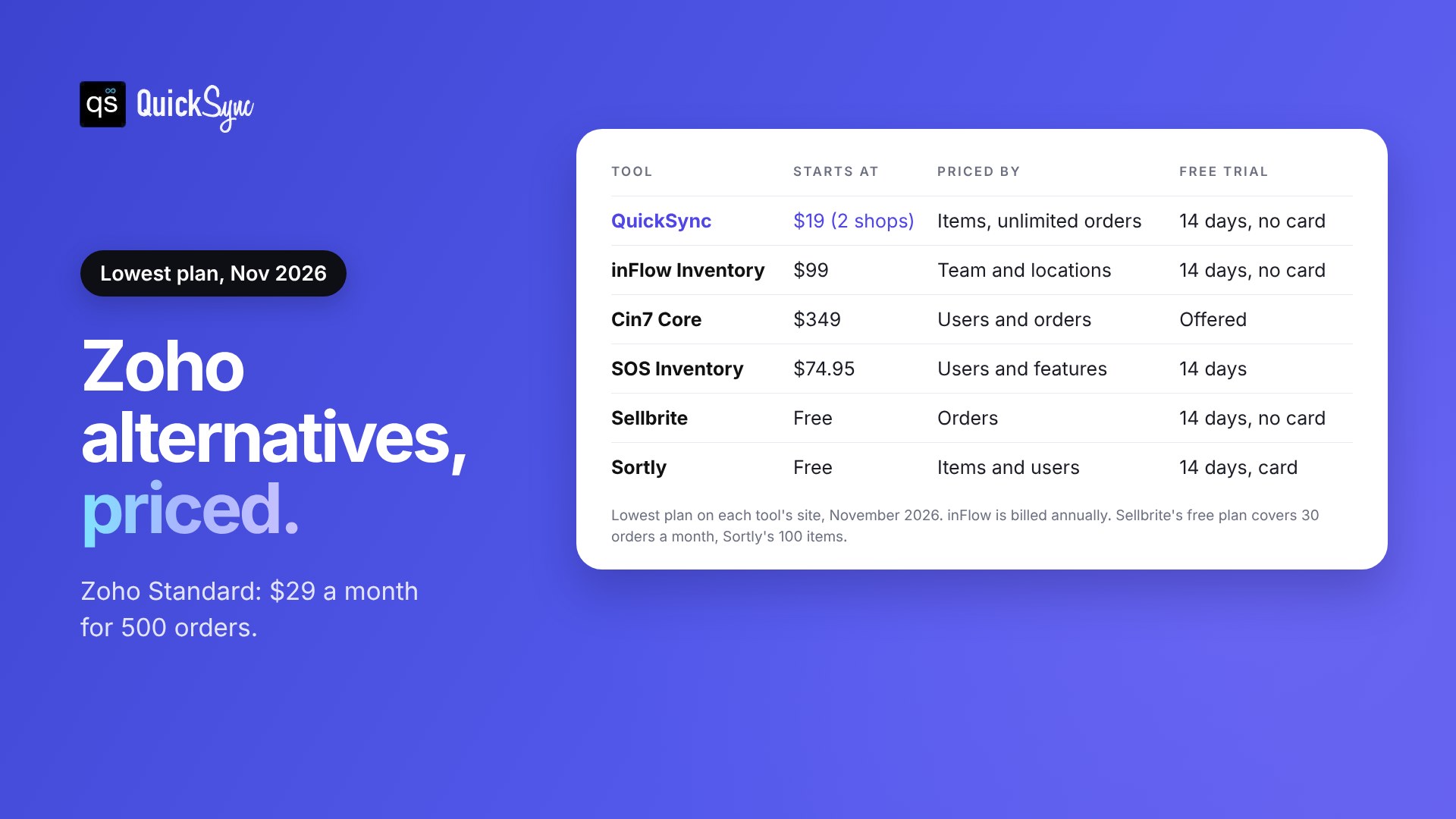
| Tool | Best for | Starts at | Priced by | Free trial |
|---|---|---|---|---|
| QuickSync | Syncing stock, listings and orders across channels and POS | $19/mo for 2 shops | Items and shops (unlimited orders) | 14 days, no card |
| inFlow Inventory | A full inventory system for small teams | $99/mo, billed annually | Team members and locations | 14 days, no card |
| Cin7 Core | Growing brands with more orders and staff | $349/mo | Users and sales orders | Free trial offered |
| SOS Inventory | QuickBooks Online users | $74.95/mo | Users and features | 14 days |
| Sellbrite | Listing and selling on marketplaces | Free (30 orders/mo) | Orders | 14 days, no card |
| Sortly | Simple stock tracking with photos and barcodes | Free (100 items) | Items and users | 14 days, card needed |
Prices are the lowest plan, checked on each tool’s site in November 2026.
Mainly need your channels in sync? Jump to which Zoho Inventory alternative fits your business.
The 6 best Zoho Inventory alternatives, reviewed
Each tool below shows what it is, what it costs and where it falls short. The first one is ours, so we’ve been specific about when it isn’t the right pick.
1. QuickSync: best for syncing stock, listings and orders across channels
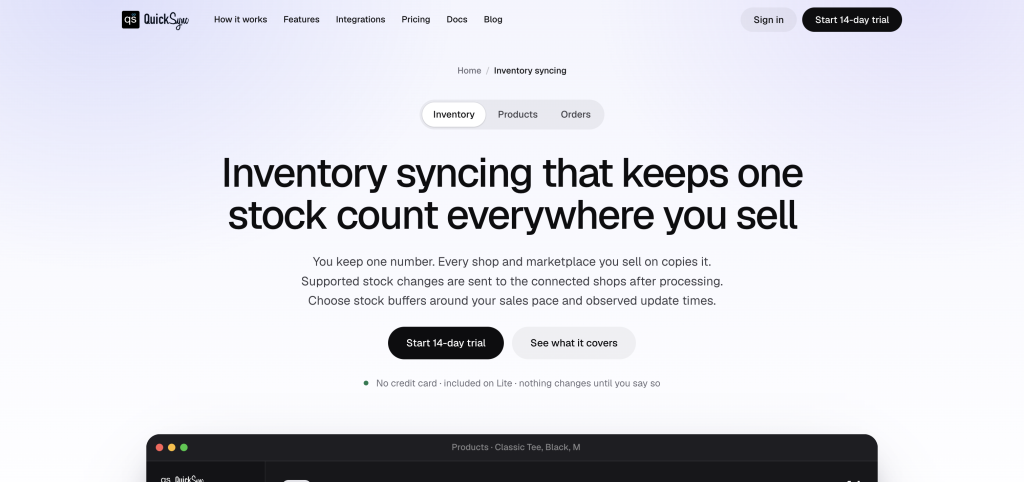
QuickSync syncs inventory, listings and orders between your shops. You connect your channels and choose a Source Store as your baseline. When something sells on one channel, the stock count updates on the others.
It connects Shopify, Amazon, Etsy, eBay, TikTok Shop, WooCommerce, Squarespace, Wix, Square, Clover, Lightspeed, QuickBooks and Xero. Stock syncs both ways on Shopify, eBay, Etsy, TikTok Shop and the POS systems, according to the integrations page.
On Pro and above, QuickSync also handles listings and orders:
- Product syncing: you write the product once. The photos, options, description and price syncs out to the shops you pick, in the shape each one allows. QuickSync can create and update those listings.
- Prices: sent, with your rule applied. On Ultra and Ultra+, you can set a different price for each shop.
- Your existing listings: matched by SKU, then by title. Nothing is re-listed and nothing is overwritten.
- Order syncing: orders from every channel go to one Fulfillment Store, and tracking goes back to the channel the order came from.
Pricing: Every plan on the QuickSync pricing page includes two shops and unlimited orders, so a busy month never changes your bill.
| Plan | Monthly (2 shops) | Items | What you get |
|---|---|---|---|
| Lite | $19 | 1,000 | Stock sync |
| Pro | $29 | 2,500 | Adds product sync and order sync |
| Ultra | $69 | 10,000 | Adds a different price per shop, and we set it up for you |
| Ultra+ | $99 | 20,000 | Adds dedicated support and priority syncing |
Each extra shop adds the plan price again, up to eight. Every plan starts with a 14-day trial with no card. After that, the free plan keeps stock syncing for up to 100 products.
Watch out for: QuickSync is built for syncing, not purchasing. If you rely on Zoho’s purchase orders, bin locations or batch tracking, inFlow Inventory or Cin7 Core is a closer replacement.
2. inFlow Inventory: best full inventory system for small teams
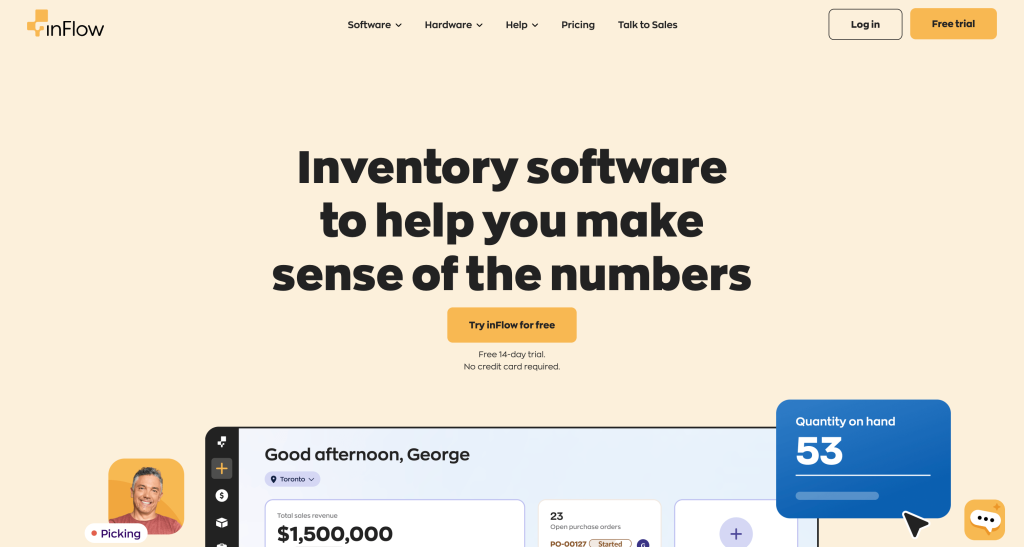
inFlow Inventory is inventory management software for small and mid-size businesses. It covers stock levels, sales, purchasing and reordering, with barcode scanning and mobile apps. It says more than 50,000 businesses use it.
Pricing: inFlow’s pricing page lists Lite at $99 a month, Core $299, Pro $499 and Max $699, all billed annually. Lite includes 2 team members and 1 location. Core includes 5 team members and 5 locations, with a required $499 onboarding fee.
Why it stands out: Integrations are unlimited on every Inventory plan, including Shopify, Amazon, WooCommerce, Squarespace, QuickBooks Online and Xero. Its integrations page also lists eBay, Etsy, Lightspeed and Square.
Watch out for: It costs much more than Zoho’s Standard plan, and lot and serial numbers are a $39 add-on below Max. Its integrations page doesn’t list Clover or TikTok Shop.
3. Cin7 Core: best for growing brands with more orders and staff
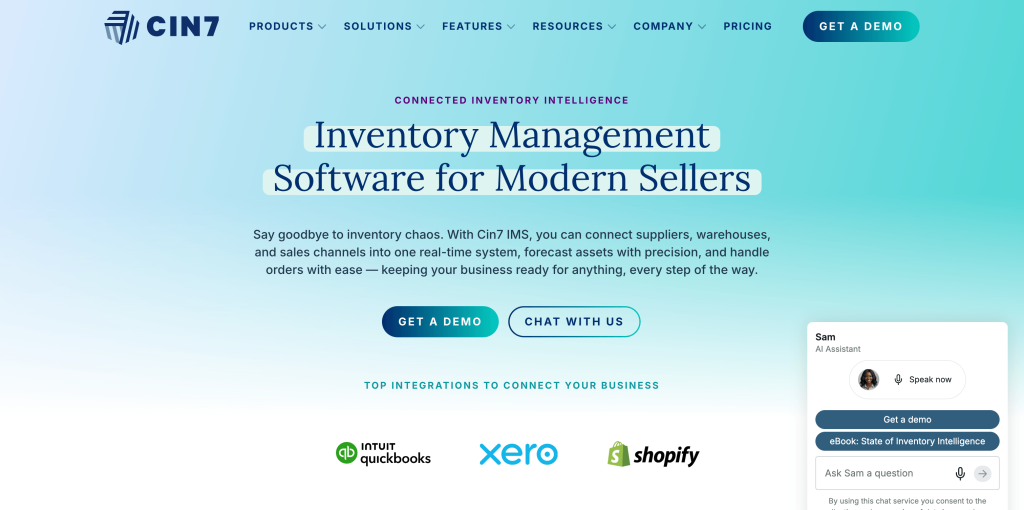
Cin7 Core is inventory and order management software for growing product businesses. It suits teams with more stock, more staff and more orders than Zoho’s lower plans handle.
Pricing: Standard is $349 a month for 5 users, 6,000 sales orders a year and 2 ecommerce or app integrations. Pro is $599 for 10 users, 24,000 orders and 4 integrations. Advanced is $1,199. Xero or QuickBooks Online is included on every plan.
Why it stands out: It’s built for scale, with higher order limits and onboarding options from group sessions to partner-led setup.
Watch out for: It has the highest starting price here, and the integration count is capped by plan. Our guide to Cin7 alternatives covers lighter options.
4. SOS Inventory: best for QuickBooks Online users
SOS Inventory is inventory and manufacturing software that works on top of QuickBooks Online. It adds sales orders, assemblies, serial and lot tracking and job costing to your QuickBooks setup.
Pricing: Companion is $74.95 a month for 2 users, Plus $144.95 for 3 users and Pro $199.95 for 5 users. Annual billing gives you 2 months free.
Why it stands out: If your books already live in QuickBooks Online, it keeps inventory and accounting in one flow. Plus adds unlimited locations, barcoding and item variants.
Watch out for: Online store connections like Shopify cost $25 a month each, and Companion allows only one. Its pricing page doesn’t mention Amazon, eBay, Etsy or WooCommerce.
5. Sellbrite: best for listing and selling on marketplaces
Sellbrite is multichannel listing software. You list products to eBay, Amazon, Etsy, Walmart, Shopify, WooCommerce and more from one place. It keeps inventory in step across them.
Pricing: The free plan covers 30 orders a month. Paid plans are $29 for 100 orders, $79 for 500 and $179 for 2,000, with annual billing. Every plan includes unlimited sales channels.
Why it stands out: It’s focused on marketplaces, with listing templates and a listings manager, and you can start free.
Watch out for: Like Zoho, it’s priced by orders. Paid plans sync inventory every 15 minutes, and the free plan every 2 hours. Square, Clover and TikTok Shop aren’t in its integrations list.
6. Sortly: best for simple stock tracking
Sortly is simple inventory tracking software. You add items with photos, set low-stock alerts and scan barcodes from your phone.
Pricing: The free plan covers 100 items and 1 user. Advanced, Ultra and Premium are listed at $49, $149 and $299 a month, with 50% off the first year on yearly billing. Premium adds the QuickBooks Online integration.
Why it stands out: It’s built to be simple. If you track stock in a stockroom, studio or van, there’s very little to set up.
Watch out for: It doesn’t list Shopify, eBay, Etsy or other online stores as integrations, so it won’t keep your sales channels in sync. The 14-day trial needs a card.
Which Zoho Inventory alternative fits your business?
If you mainly need stock, listings and orders in sync across your stores, marketplaces and POS, QuickSync is the best fit. Orders are unlimited on every plan. If you rely on purchase orders and warehouse tools, choose inFlow Inventory or Cin7 Core. QuickBooks Online users should look at SOS Inventory.
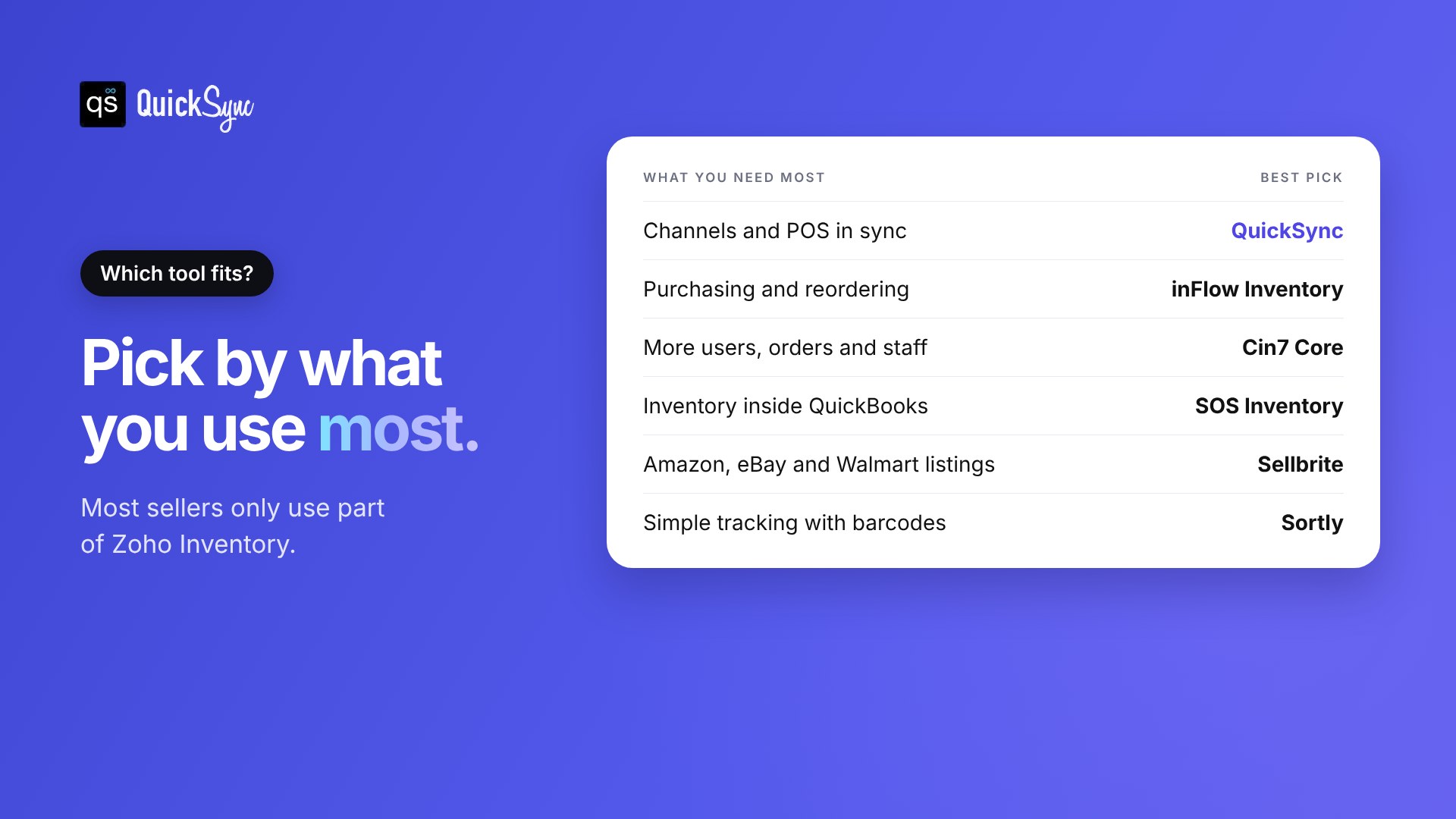
| What you need most | Best pick |
|---|---|
| Stock, listings and orders in sync across channels and POS | QuickSync |
| A full inventory system with purchasing and reordering | inFlow Inventory |
| More users, orders and integrations | Cin7 Core |
| Inventory inside QuickBooks Online | SOS Inventory |
| Listing products to Amazon, eBay and Walmart | Sellbrite |
| Simple stock tracking with photos and barcodes | Sortly |
A simple way to decide: open Zoho Inventory and look at which screens you used last month. If it was mostly items and stock counts, you need a sync tool. If it was purchase orders and picklists, you need a full system.
How to switch from Zoho Inventory without overselling
Switching tools is where stock counts go wrong, usually because two tools change the same listing at once. Run the move in this order.
- Export your items and stock levels. Keep a copy of every item, SKU and quantity before you change anything.
- Match your SKUs. Give each product the same SKU on every channel. Sync tools use SKUs to match listings. Our guide on what a SKU is shows how to set them up.
- Connect two shops first. Start with your main store and your busiest channel, then sync 10 products.
- Make a test sale. Sell one item and check the quantity on every channel.
- Turn off Zoho’s sync for those channels. Disconnect each channel from Zoho Inventory once the new tool manages it. Two tools changing one listing is how overselling starts.
Our guide on how to prevent overselling covers what to watch in the first few weeks.
Final thoughts
Zoho Inventory is a good system if you use most of it. If you run a warehouse, raise purchase orders and track batches, it’s a strong fit. When you outgrow it, inFlow Inventory or Cin7 Core are the natural next steps.
But many online sellers only use a small part of it. They need one stock count that’s right on Shopify, eBay, Etsy, TikTok Shop and their POS. They need listings that match everywhere. For that job, paying by orders and managing add-ons is more than you need.
That’s the job QuickSync is built for. Sync Shopify and eBay, connect Square or see every integration. Connect two shops, let QuickSync match your catalogue, and see what it found before you publish anything. The trial is 14 days, and you don’t need a card.