Square is free to start, so most shops never compare it with anything. Then something changes. The card fees start to add up, the catalogue outgrows the free plan, or the online store becomes the main way you sell.
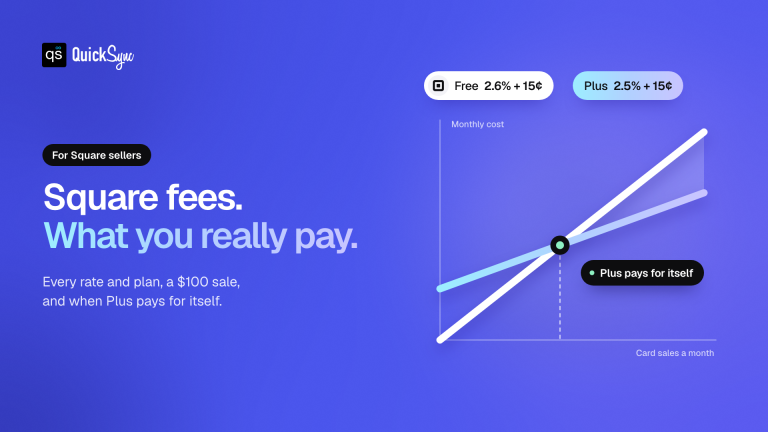
Fees are a good example. On Square’s Free plan, the same $100 sale costs you $2.75 if the customer taps a card, $3.60 if they pay online and $3.65 if you key the card in. That’s fine for a small shop. At $20,000 a month it’s worth a second look.
This guide compares seven Square alternatives and competitors, matched to the reason you’re looking. It also helps you check whether you need to leave Square at all, and how to switch without losing your data. All prices are US prices from each company’s own pricing pages, checked in October 2026.
The Best Square Alternatives at a Glance
The best Square alternatives in 2026 are Clover for busy counters, Shopify POS for stores that sell mainly online, Lightspeed Retail for big catalogues, Helcim for lower card fees, PayPal POS for a low flat rate, SumUp for pop-ups and Toast for restaurants. The right one depends on why Square no longer fits.
| POS | Best for | Software from | In-person card rate | Cheapest reader | Syncs with QuickSync |
|---|---|---|---|---|---|
| Square (for reference) | Most new shops | $0 | 2.6% + 15¢ | $59 | Yes |
| Clover | Busy counters | $0 | 2.3% to 2.6% + 10¢ | $199 | Yes |
| Shopify POS | Online-first stores | $39/mo | 2.6% + 10¢ (Basic) | $49 | Yes |
| Lightspeed Retail | Big catalogues, several stores | $89/mo | Quoted | Quoted | Yes |
| Helcim | Lower card fees | $0 | Interchange-plus | $199 | No |
| PayPal POS | Low flat rate | $0 | 2.29% + 9¢ | $29 (first reader) | No |
| SumUp | Markets and pop-ups | $0 | 2.6% + 10¢ | $54 | No |
| Toast | Restaurants | $0 (Starter Kit) | 2.99% + 15¢ on the $0 plan | Bundles | No |
Why Businesses Look for a Square Alternative
Square is still a strong default. There’s no contract, the POS software is free, Square Online comes free with it, and the reader costs $59. People don’t usually leave because Square is bad. They leave because their business has changed, and Square no longer fits the new shape of it.
So when you compare alternatives to Square, start with your reason, not with a brand:
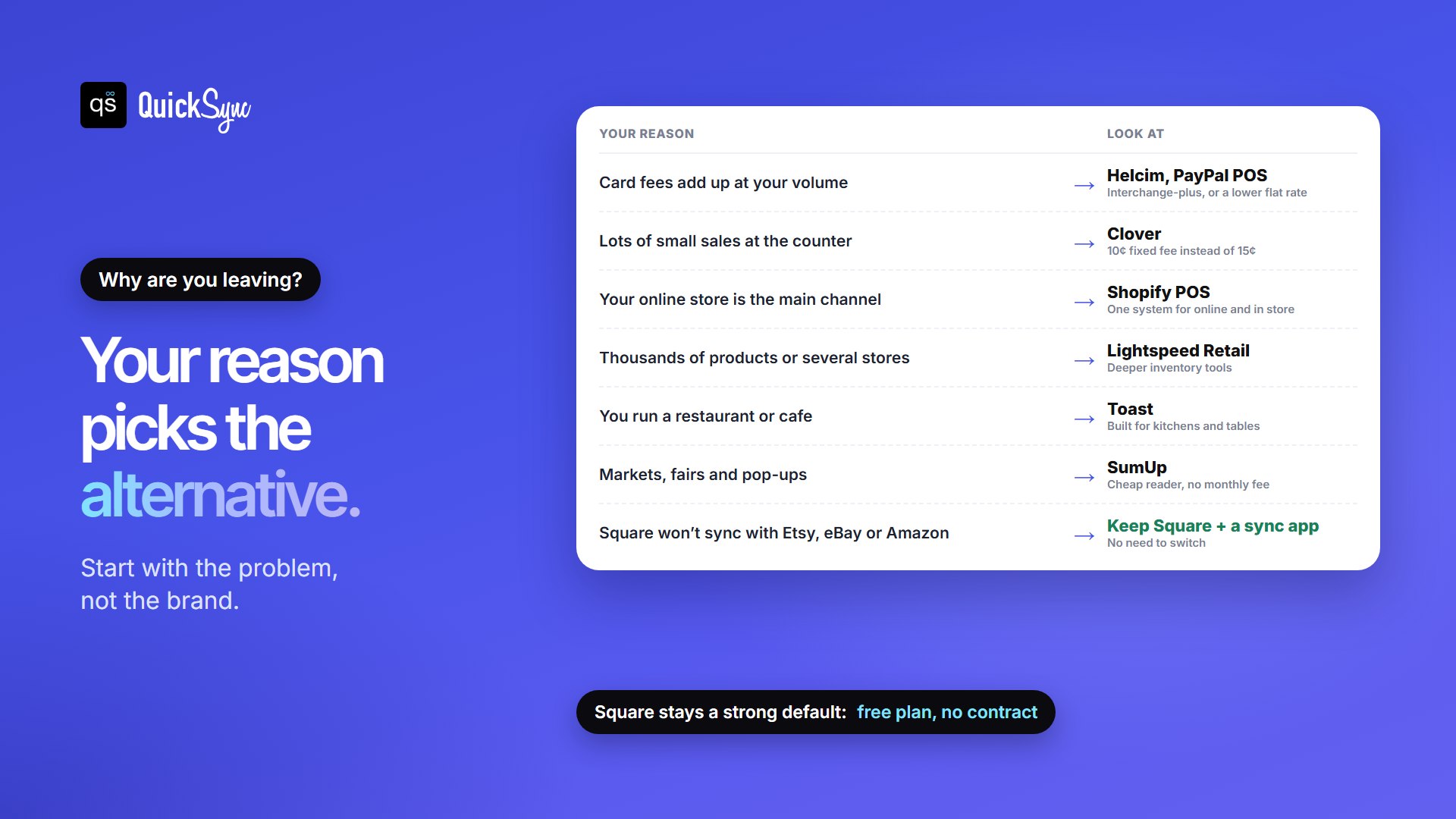
- If card fees add up at your volume. Square charges a flat 2.6% + 15¢ in person on its Free plan. Look at Helcim’s interchange-plus pricing or PayPal POS’s lower flat rate.
- If you make lots of small sales. On a $10 sale, Square’s 15¢ fixed fee is a big slice. Clover charges 10¢.
- If your online store is the main channel. Shopify POS runs your store and your counter on one system.
- If you have thousands of products or several stores. Lightspeed Retail is built for complex stock.
- If you run a restaurant. Toast is built around kitchens and tables.
- If you sell at markets. SumUp and PayPal POS have cheap readers and no monthly fee.
Do You Actually Need to Leave Square?
Check this before you switch. One reason sellers start looking is that Square doesn’t connect to the other places they sell. Square has no built-in connection to Etsy, eBay or Amazon. So when something sells at the counter, those listings don’t change, and the last item can sell twice.
Changing POS doesn’t fix that. A new POS also keeps its own stock count. What fixes it is a sync app that keeps one count across Square and your online shops. If that’s your only problem, you can keep Square, its free plan, and your hardware.
The 7 Best Square Alternatives
1. Clover: best for busy counters
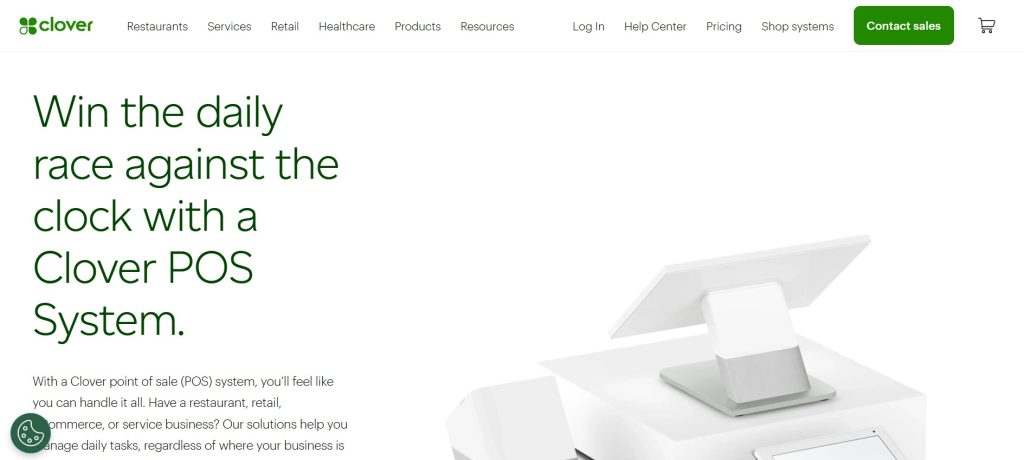
Clover is the closest like-for-like swap for a shop that sells mostly in person. Its fixed fee is 10¢, not Square’s 15¢, which helps when you make lots of small sales. On clover.com, retail plans cost $0 (Starter, 2.6% + 10¢), $29.95 (Essentials, 2.5% + 10¢) or $84.95 a month (Retail Growth, 2.3% + 10¢). Hardware runs from the $199 Clover Go to the $1,899 Station Duo.
The catch: Clover is also sold through banks and resellers, and they set their own contracts and exit fees. Its online store covers pickup and local delivery. Our Clover POS review covers what to check before you sign, and Clover vs Square compares the two side by side.
2. Shopify POS: best if online is your main channel
If most of your sales happen online, Shopify POS puts your store and your counter on one system, with one catalogue and one stock count. It comes with every Shopify plan, from $39 a month on Basic ($29 billed yearly). In-person payments cost 2.6% + 10¢ on Basic, falling to 2.5% on Grow and 2.4% on Advanced. The Tap & Chip reader starts at $49.
The catch: a full shop usually needs POS Pro, at $89 a month per location, for staff roles and permissions. Shopify’s readers only work with Shopify Payments. See Shopify vs Square for the full comparison.
3. Lightspeed Retail: best for big catalogues and several stores
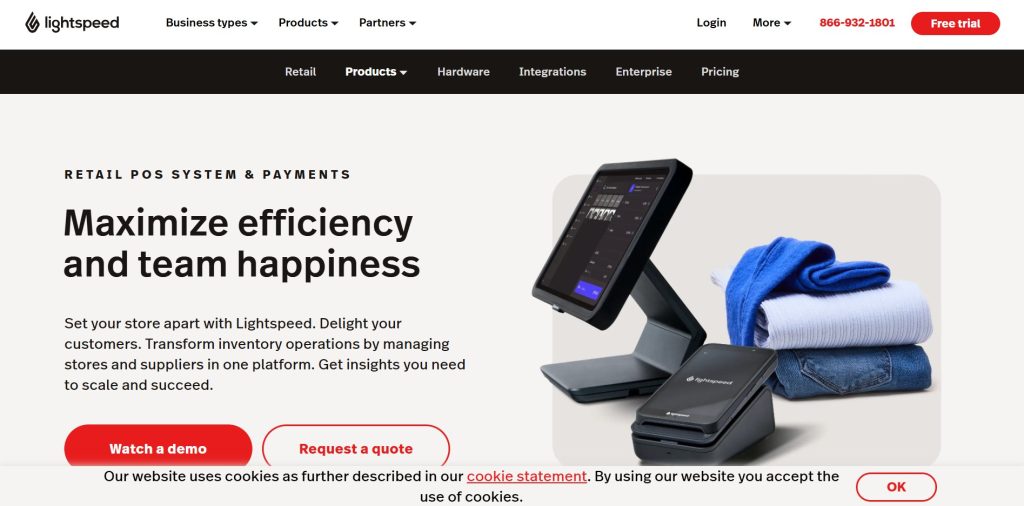
Lightspeed Retail suits shops with thousands of products, lots of variations or more than one location. Its US pricing page lists Basic at $89, Core at $149 and Plus at $289 a month, and every plan includes Lightspeed eCom, its online store. The Basic plan gets a limited version of eCom.
The catch: it costs more than Square, and Lightspeed quotes card rates and hardware separately, so get both in writing before you compare. Our Lightspeed vs Shopify guide goes deeper.
4. Helcim: best for lower card fees
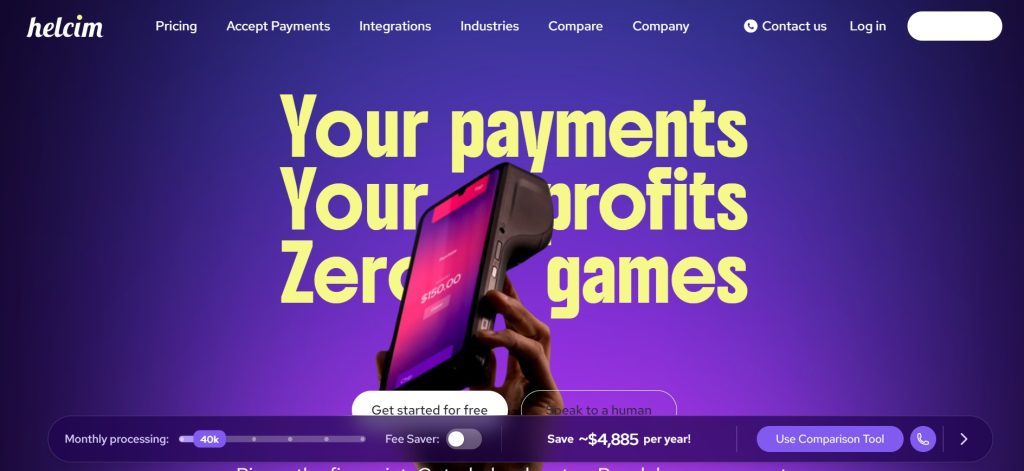
Helcim prices cards differently. Instead of one flat rate, it charges interchange-plus: what the card networks charge, plus Helcim’s margin on top. For businesses with steady volume, that can come out lower than a flat rate. There are no monthly fees, no contracts and no cancellation fee. The card reader costs $199, and the Smart Terminal costs $349 or $32 a month for a year.
The catch: your rate changes with the cards your customers use, so it’s harder to predict. Helcim’s online checkout is basic, not a full store.
5. PayPal POS: best low flat rate
PayPal’s point of sale, formerly called Zettle, has the lowest flat in-person rate on this list: 2.29% + 9¢. There are no monthly or setup fees. Your first card reader costs $29 and extra readers cost $79, and the terminal costs $199, or $239 with a built-in barcode scanner. Keyed-in cards cost 3.49% + 9¢.
The catch: compare its inventory and reporting tools with what you use in Square today before you switch.
6. SumUp: best for markets and pop-ups
SumUp is a simple way to take cards on the move. The free plan has no monthly fee, in-person payments cost 2.6% + 10¢, and online or manually entered payments cost 3.5% + 15¢. The reader costs $54. Paid POS plans start at $49 a month if you need more.
The catch: it’s light on inventory and online selling, so it suits fairs and side businesses better than a shop that ships orders every day.
7. Toast: best for restaurants
Toast is built for restaurants and cafes, with tools for kitchens, tables and online ordering. Toast says its pricing starts at $0 a month for an eligible Starter Kit, and its shop page lists that plan at 2.99% + 15¢ per transaction. Its Point of Sale plan starts at $69 a month, with a lower card rate.
The catch: Toast’s pricing pages don’t all agree, and plans can come with a term, so get your rate, hardware price and contract length in writing. It isn’t built for retail shops.
What Each Square Alternative Costs a Real Shop
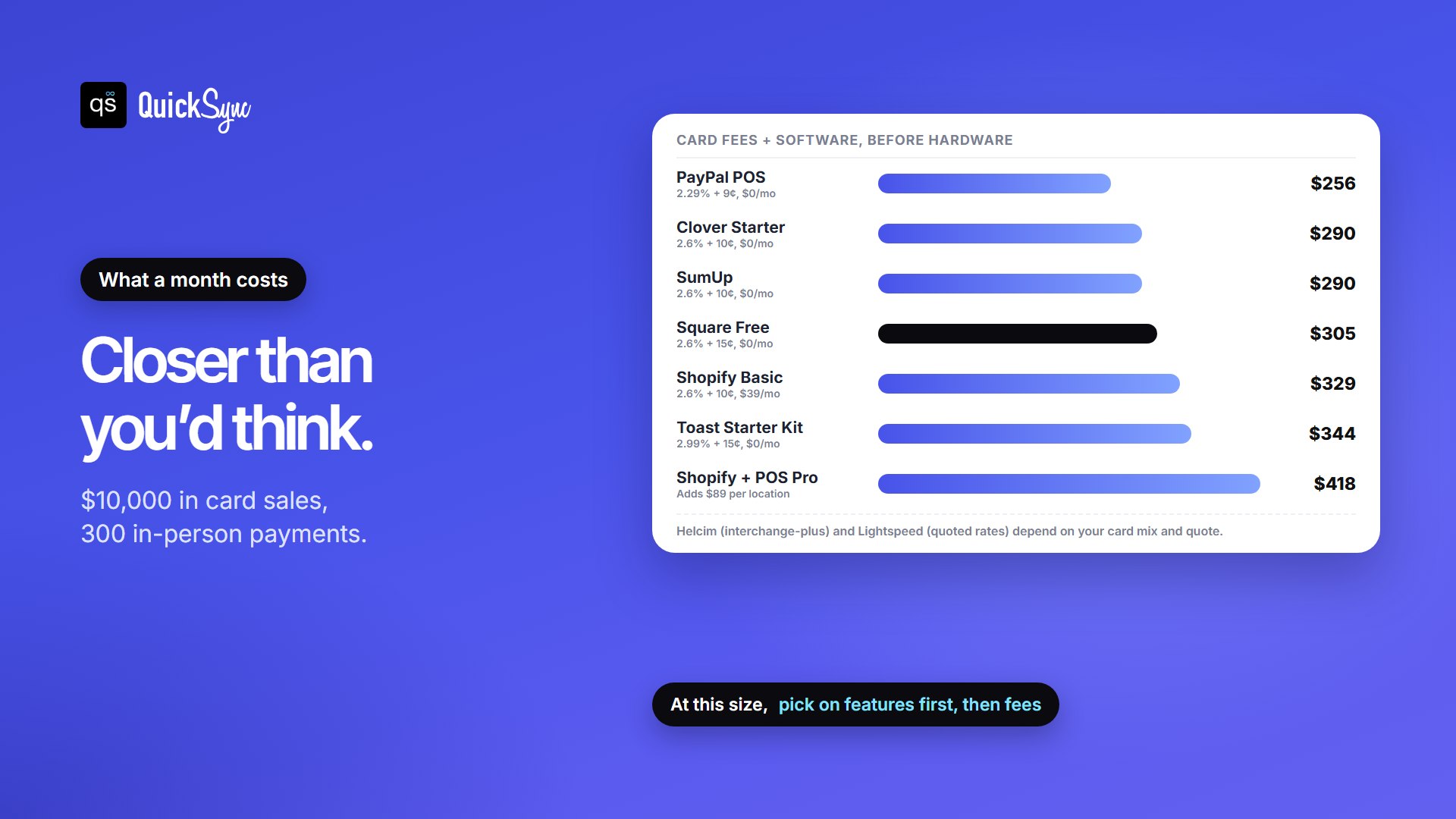
Rates are easier to compare as dollars. Here’s one month for a shop taking $10,000 in card sales across 300 in-person payments, before hardware:
| POS and plan | Card fees | Software | Total a month |
|---|---|---|---|
| PayPal POS | $256 | $0 | $256 |
| Clover Starter | $290 | $0 | $290 |
| SumUp (free plan) | $290 | $0 | $290 |
| Square Free | $305 | $0 | $305 |
| Clover Essentials | $280 | $29.95 | $309.95 |
| Shopify Basic | $290 | $39 | $329 |
| Square Plus | $295 | $49 | $344 |
| Toast Starter Kit | $344 | $0 | $344 |
| Shopify Basic + POS Pro | $290 | $128 | $418 |
At this size, most options land within $50 a month of Square’s $305. So pick on features and fit first, then fees. The gap grows with volume: on $50,000 a month, every 0.1% is another $50. Our Square fees guide and free Square fee calculator help you run your own numbers.
How to Switch from Square without Losing Your Data
If you do switch, do it in this order. Square says deactivating your account is permanent, so save everything first.
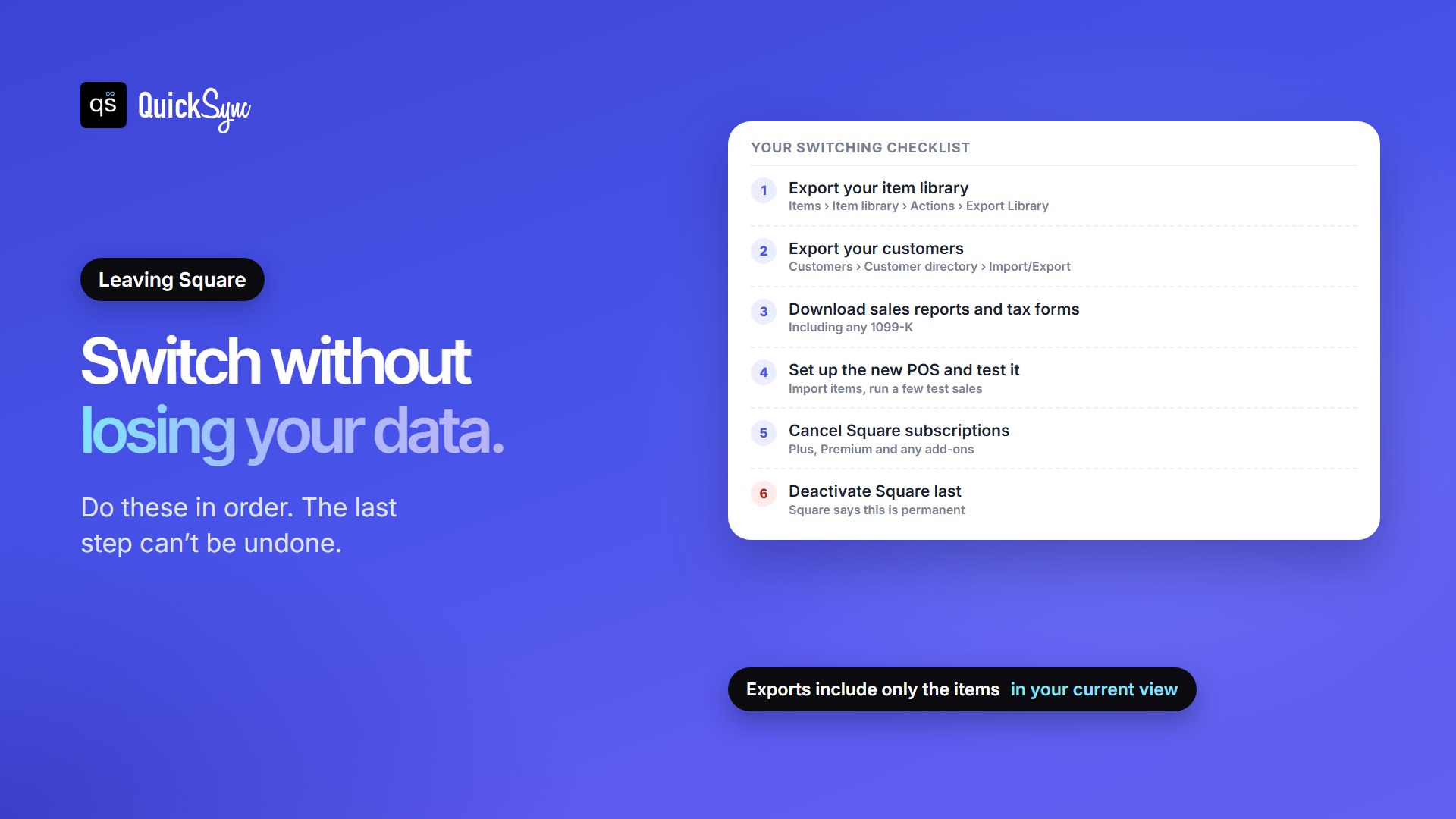
- Export your item library. In the Square Dashboard, go to Items, then Item library, then Actions, then Export Library. The export only includes the items in your current view, so clear your filters first.
- Export your customers. Go to Customers, then Customer directory, then Import/Export, then Export customers.
- Download your reports and tax forms, including payment history and any 1099-K.
- Set up the new POS and test it. Import your items, check the SKUs match, and run a few test sales before you rely on it.
- Cancel your Square subscriptions, such as Plus, Premium or add-ons.
- Deactivate Square last. Only the account owner can do it, under Settings, then Account & Settings, then My business, then About. Square’s deactivation guide has the details.
Running Square alongside Another System
Switching isn’t always all or nothing. Plenty of sellers keep Square at the counter and run Shopify online, or open a second location on Clover. That works, as long as stock stays in step. Otherwise each system keeps its own count, and the last unit sells in two places.
QuickSync keeps one stock count across Square and the rest of your shops, matching products by SKU. It connects Square with Shopify, Etsy, eBay, Amazon, TikTok Shop and WooCommerce. It also syncs Clover, Lightspeed and Shopify POS, so it keeps working if you move. Running more than one Square location? See syncing multiple Square accounts.
FAQs
More POS guides: the best POS systems for small business, Square for Retail review, Clover fees and pricing and Square inventory management.