If your TikTok Shop orders stopped landing in WooCommerce this summer, it wasn’t your site. TikTok ended TikTok Shop support in its official WooCommerce plugin on June 1, 2026. The plugin still runs TikTok ads and the Pixel, but it no longer syncs listings, imports TikTok Shop orders or updates stock. Anyone selling the same products on both now needs another way to connect them.
This guide compares the WooCommerce TikTok Shop integration plugins and apps that do that job today. We compare them on how they connect, how fast stock moves and what they cost, using each vendor’s own pages, checked in November 2026. QuickSync is our product, so its limits are listed next to everyone else’s.
Our Quick Verdict
If your products already sell on WooCommerce and TikTok Shop, QuickSync keeps one stock count across both from $19 a month, with no plugin to install. M2E Multichannel Connect suits bulk-listing Woo products onto TikTok Shop, priced by sales, from $29. LitCommerce runs TikTok Shop from WooCommerce as your hub, from $29, with a 15-minute sync. GoDataFeed fits big catalogs at $199. CedCommerce is free for your first 10 orders.
What Happened to TikTok for WooCommerce?
TikTok announced the change on the plugin’s WordPress.org page in February 2026, and it rolled out in three steps:
- March 2: the plugin stopped accepting new TikTok Shop connections.
- May 31: full support for TikTok Shop features ended.
- June 1: TikTok Shop features were discontinued. All ad features continue.
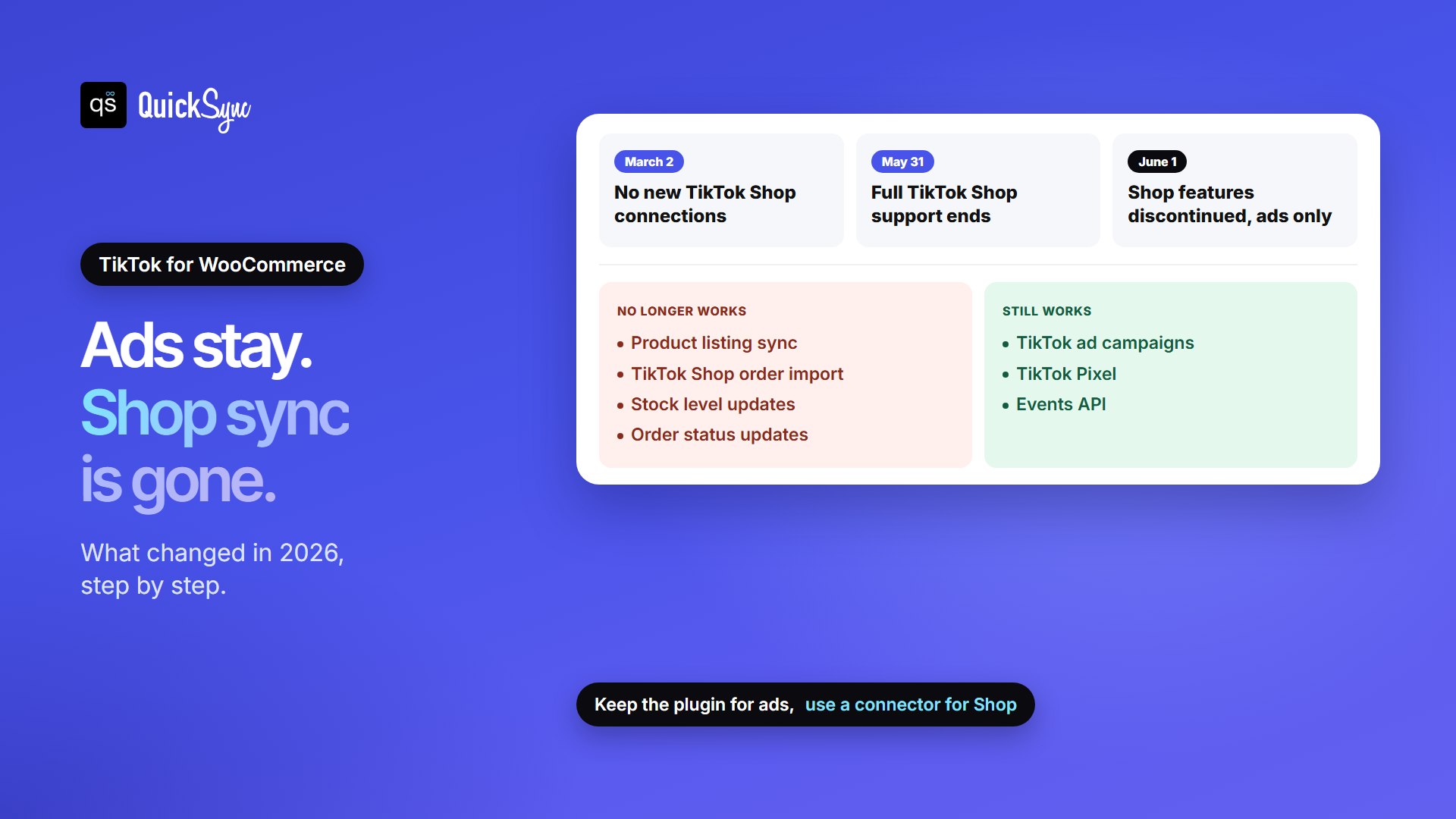
In practice, the plugin no longer syncs product listings, imports TikTok Shop orders, updates stock levels or manages order status. TikTok ads, the TikTok Pixel and the Events API still work, so you can keep the plugin for advertising. TikTok’s notice points shop sellers to two options: an integration from the TikTok Shop App Store, or managing listings by hand in Seller Center.
One Catch: WooCommerce’s own documentation page for the extension still walks through TikTok Shop onboarding, as of November 2026. TikTok’s notice on the plugin page is the current word. If a guide tells you to “select TikTok Shop as the new feature to add,” it’s describing the old setup.
The WooCommerce TikTok Shop Plugins and Apps at a Glance
| Tool | Installs a plugin? | Best for | Starts at | You pay by | Trial |
|---|---|---|---|---|---|
| QuickSync | No, connects through WooCommerce’s approval screen | One stock count across WooCommerce, TikTok Shop and other shops | $19/mo | Items; orders unlimited | 14 days, no card |
| M2E Multichannel Connect | Yes, from the WooCommerce Marketplace | Bulk-listing Woo products on TikTok Shop, orders into Woo | $29/mo | Monthly sales volume | 30 days, no card |
| LitCommerce | Plugin, or connect from its app | WooCommerce as the hub for TikTok Shop and other marketplaces | $29/mo | Listings across channels | 7 days |
| GoDataFeed | Listed on the WooCommerce Marketplace; needs a GoDataFeed subscription | Large catalogs and feed quality | $199/mo | SKUs and channel tier | 14 days |
| CedCommerce | Yes, free on WordPress.org | Trying TikTok Shop on a few orders | Free to 10 orders | Orders | Free plan |
Choosing a Plugin or App: Does it Matter?
Yes, a little. A plugin lives inside your WordPress admin, which some store owners like, but it’s one more thing to update and one more chance of a clash with another plugin. An app that connects through WooCommerce’s own approval screen, the way QuickSync does, installs nothing. You approve an API key, and it adds webhooks so WooCommerce can report each change. The catch is that your site has to let it in. It needs HTTPS, permalinks set to anything but “Plain,” and a REST API that a firewall or security plugin doesn’t block.
Stock Sync or Listing tool: Which Do You Need?
Start with where your products are today. If you used the old plugin, most of them are probably already on TikTok Shop. Then the job is linking each TikTok listing to its WooCommerce product and keeping the counts honest, not listing everything again. Re-listing creates duplicates, and TikTok reviews every new listing.
If TikTok Shop is new to you, the first job is getting listings across. TikTok asks for its own category and required attributes, so a WooCommerce product rarely copies over one for one. M2E checks each product against TikTok’s requirements before it goes live, and LitCommerce uses templates and rules to fill the gaps in bulk. QuickSync can create missing listings on either side too, but it’s built around the stock count.
Whichever you choose, TikTok can limit how many new listings a shop adds in a day. TikTok sets that cap for each shop, so a big first upload may take a few days.
How Fast Do These Tools Update Your Stock?
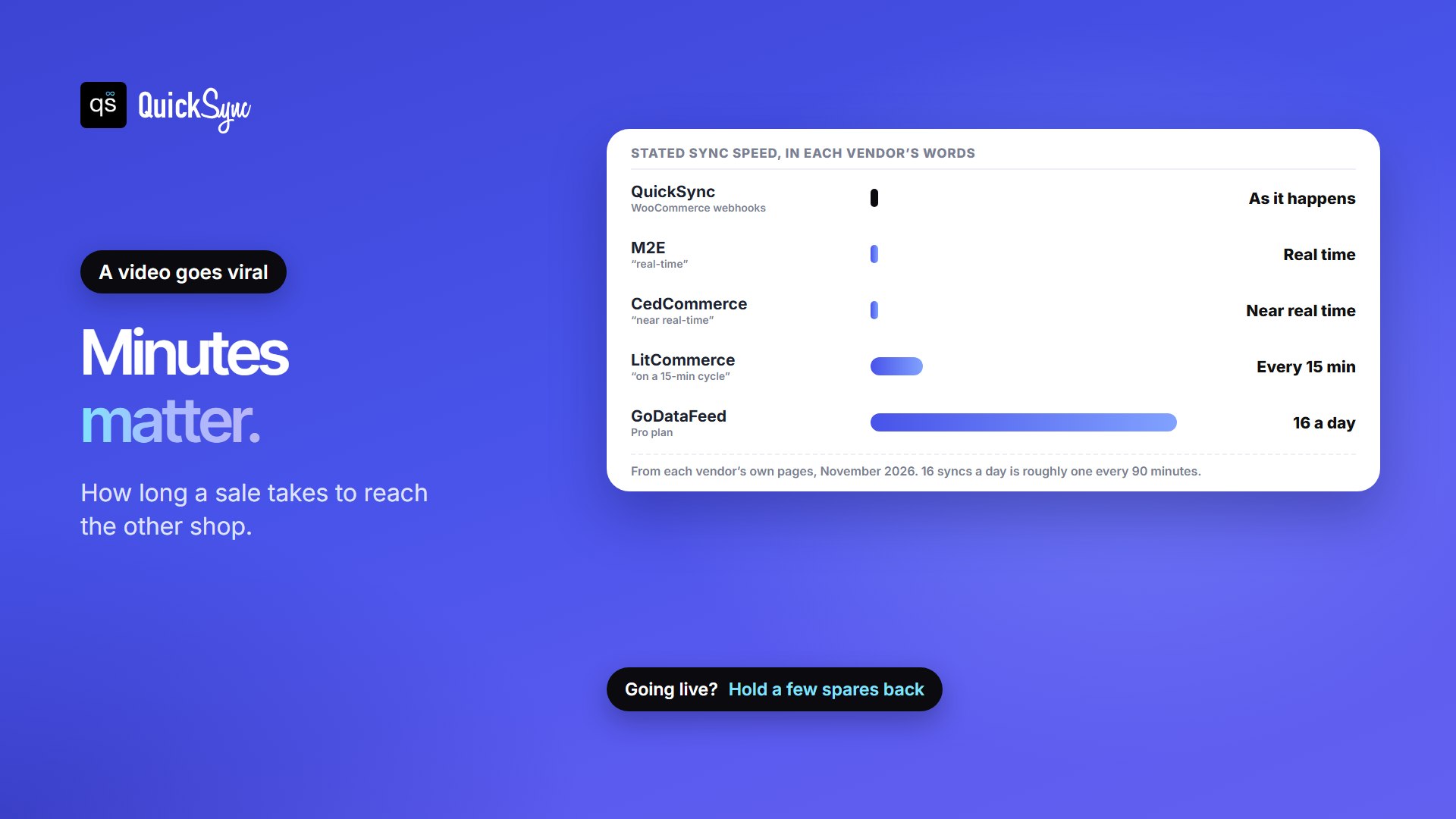
TikTok sells in bursts. Say you have 30 of a hoodie listed on both, and a creator’s video sends 22 TikTok orders in a quarter of an hour while 5 more sell on your site. The question is how long each shop keeps showing stock you no longer have.
| Tool | How quickly a sale reaches the other shop |
|---|---|
| QuickSync | As soon as the changes happen |
| M2E | “Real-time,” in M2E’s words |
| LitCommerce | Stock syncs “on a 15-min cycle”; orders import every 15 minutes |
| GoDataFeed | 16 syncs a day on Pro, 24 on Premium |
| CedCommerce | “Near real-time,” in CedCommerce’s words |
Which TikTok Shop Integration Gives You the Best Value?
Say you sell 300 variations (100 tees in three sizes), take about $4,000 a month across WooCommerce and TikTok Shop, and want TikTok orders in WooCommerce so you pack from one place. Here’s the cheapest plan on each tool that covers it:
| Tool | Plan | Monthly cost | Why |
|---|---|---|---|
| QuickSync | Pro | $29 | 300 items is under 2,500, and order sync starts on Pro. Lite ($19) covers stock sync alone |
| LitCommerce | Pay As You Go | $29 | 300 TikTok listings is under 1,000; products in your main store don’t count |
| M2E | Starter 5K | $49 | $4,000 of sales fits the $5,000 allowance; each extra $1,000 is $6 |
| GoDataFeed | Pro | $199 | TikTok Shop is a marketplace channel, which starts on Pro |
| CedCommerce | Free, then paid | $0 to start | Free for 10 orders, then a paid monthly plan; prices weren’t published in its docs |
The billing model matters most in a good month. M2E charges by sales, so a viral week raises the bill. QuickSync charges by items, and orders are unlimited, so a spike costs nothing extra. LitCommerce counts every listing on every channel, so adding eBay or Etsy later uses more of your allowance. GoDataFeed starts high but covers 20,000 SKUs.
1. QuickSync
You type your site address, approve QuickSync on WooCommerce’s own screen, and approve it in TikTok Shop Seller Center. There are no API keys to copy. Existing products match by SKU, you choose which shop holds the true count on day one, and from then on a sale on either side lowers the other. The same account can add Shopify, eBay, Etsy, Amazon, Square, Clover and more.
- Price: Lite $19/mo for two shops and up to 1,000 items, with stock sync. Pro $29/mo covers 2,500 items and adds product sync and order sync. Ultra $69/mo covers 10,000 items and adds price rules, so TikTok can carry a higher price to cover its fees. Orders are unlimited on every plan.
- Orders: WooCommerce orders sync once they reach Processing. On Pro and up, WooCommerce can be the store you pack from, on accounts created at quicksync.pro.
- Tracking: moves through WooCommerce’s Shipment Tracking extension, and goes back to TikTok Shop except on US fulfilled-by-TikTok orders.
- Trial: 14 days, no credit card.
- Watch for: TikTok SKUs top out at 50 characters, against WooCommerce’s 300, so keep codes short. Stock management has to be on in WooCommerce.
2. M2E Multichannel Connect
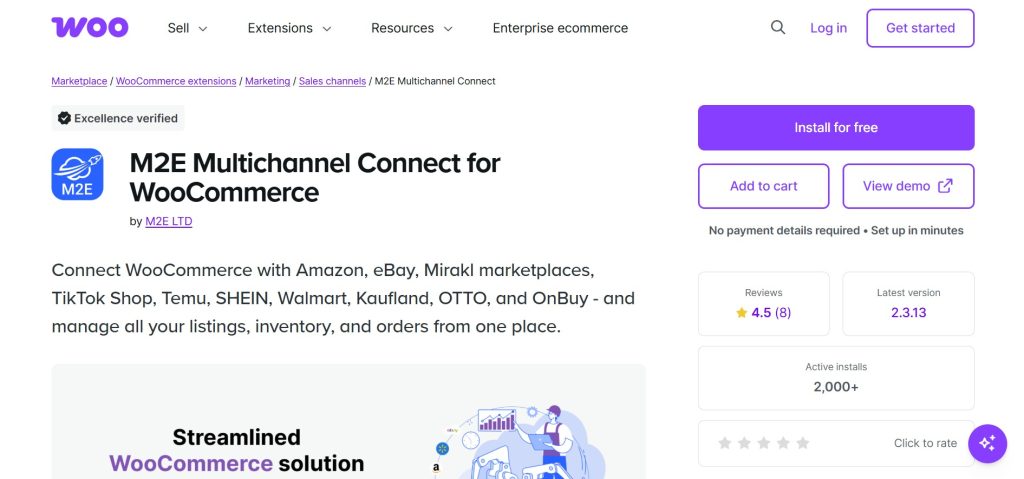
M2E installs from the WooCommerce Marketplace, where it’s free to add and rated 4.5 stars. It imports your WooCommerce catalog, links products that already exist on TikTok Shop, and lists the rest in bulk. A validation step flags unmatched categories, missing attributes or images before anything goes live. TikTok orders import into WooCommerce, and the same plugin connects Amazon, eBay, Walmart, Temu and more.
- Price: by monthly sales. Starter 2K is $29 for up to $2,000, Starter 5K $49 for $5,000, Starter 15K $89 for $15,000 and Business 100K $399. Each extra $1,000 costs $6, or $5 on Business.
- Speed: “real-time,” in M2E’s words.
- Trial: 30 days, no credit card. M2E also sells a done-for-you listing service.
- Watch for: the bill follows your sales, so plan for a higher tier in a viral month.
3. LitCommerce
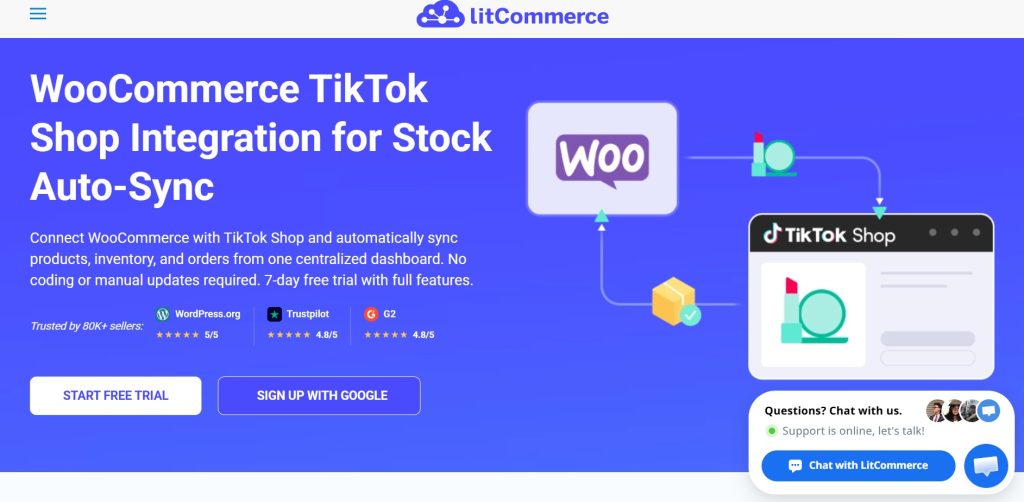
LitCommerce makes WooCommerce the “Main Store” where you manage listings, stock and orders. Install its plugin or connect your store from the LitCommerce app, connect TikTok Shop and pick a region, then list Woo products on TikTok in bulk, import TikTok listings into Woo, or link listings that already exist. It maps Woo locations to TikTok warehouses and handles TikTok Shop in several regions.
- Price: from $29/mo for 1,000 listings across 3 channels, with unlimited orders. Listings on each connected channel count; products in your main store don’t.
- Speed: stock syncs every 15 minutes, and TikTok orders import into WooCommerce every 15 minutes.
- Trial: 7 days.
- Watch for: a 15-minute gap is long during a LIVE, so keep a buffer on fast sellers.
4. GoDataFeed
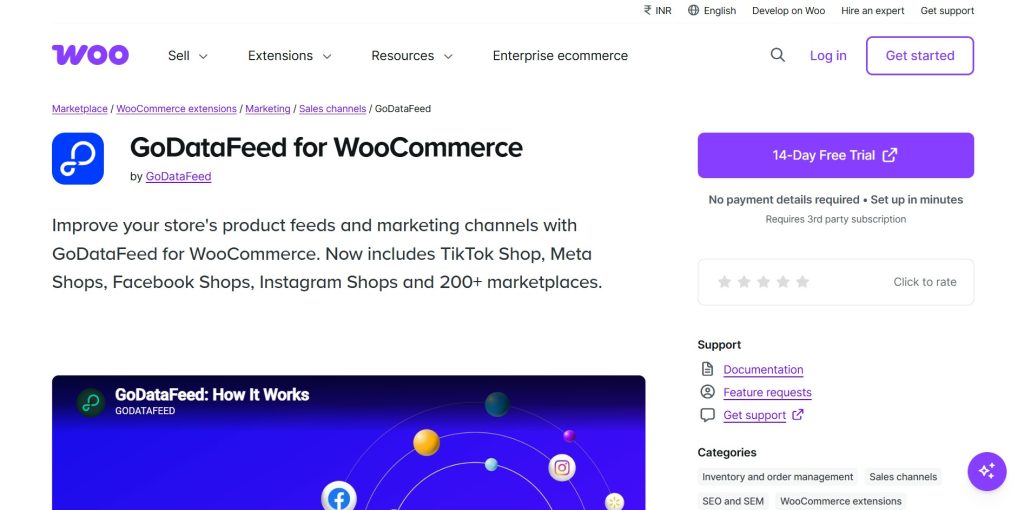
GoDataFeed is a product feed tool. Its WooCommerce extension now includes TikTok Shop, alongside Meta Shops and more than 200 other channels. It shines when you have thousands of SKUs and care about titles, attributes and error checks across many channels at once.
- Price: TikTok Shop is a marketplace channel, which needs Pro at $199/mo: 20,000 SKUs, one marketplace feed, order sync and 16 syncs a day. Premium is $399/mo with 24 a day.
- Trial: 14 days.
- Watch for: 16 syncs a day works out to roughly one every 90 minutes, so it isn’t built for live-sale stock.
5. CedCommerce
CedCommerce Connector for TikTok Shop is a free plugin on WordPress.org. It bulk-uploads your catalog to TikTok Shop, uses category templates to map products, keeps stock and prices in sync, and gathers TikTok orders in one dashboard. Its docs also cover returns and refunds.
- Price: “The free plan is available for up to 10 orders,” then a paid monthly plan. Prices weren’t published in the docs we checked, so ask before you rely on it.
- Speed: “near real-time,” in CedCommerce’s words.
- Watch for: the WordPress.org plugin shows 400+ active installs and was last updated in July 2025. CedCommerce’s separate “Multichannel for WooCommerce” listing covers Amazon, eBay, Walmart and Etsy, not TikTok Shop, so install the TikTok connector itself.
Other routes. AfterShip’s Feed for TikTok Shop plugin, also on WordPress.org, syncs up to 10,000 SKUs and updates price and stock on TikTok “in a matter of minutes,” with TikTok orders managed in WooCommerce.
We couldn’t confirm its pricing. ChannelUnity says it supports TikTok Shop for WooCommerce and offers help moving off the old plugin. With a handful of products, you can also manage TikTok Shop by hand in Seller Center, as TikTok suggests, and update stock yourself after every sale.
If you also run Shopify, our comparison of the best Shopify TikTok Shop apps covers that side, and our guide to TikTok Shop integrations shows what else connects to TikTok Shop.
6 Things to Do Before Switching Your TikTok Shop Integration
- Write down what’s live on TikTok Shop now. Export your product list from Seller Center so you can link listings, not recreate them.
- Give every product and variation its own SKU, 50 characters or fewer for TikTok. Our guide to what a SKU is has a simple system to copy.
- Turn on stock management in WooCommerce under Settings, Products, Inventory, and on each product. Without it, WooCommerce doesn’t report a count to sync.
- Connect the new tool and match existing listings by SKU. Only create listings for products that aren’t on TikTok yet.
- Plan around TikTok’s daily listing limit. Send your best sellers first, then the rest over the following days.
- Test one sale each way on a cheap item, and check the count on both sides, before your next LIVE.
Which WooCommerce TikTok Shop integration Should You Choose?
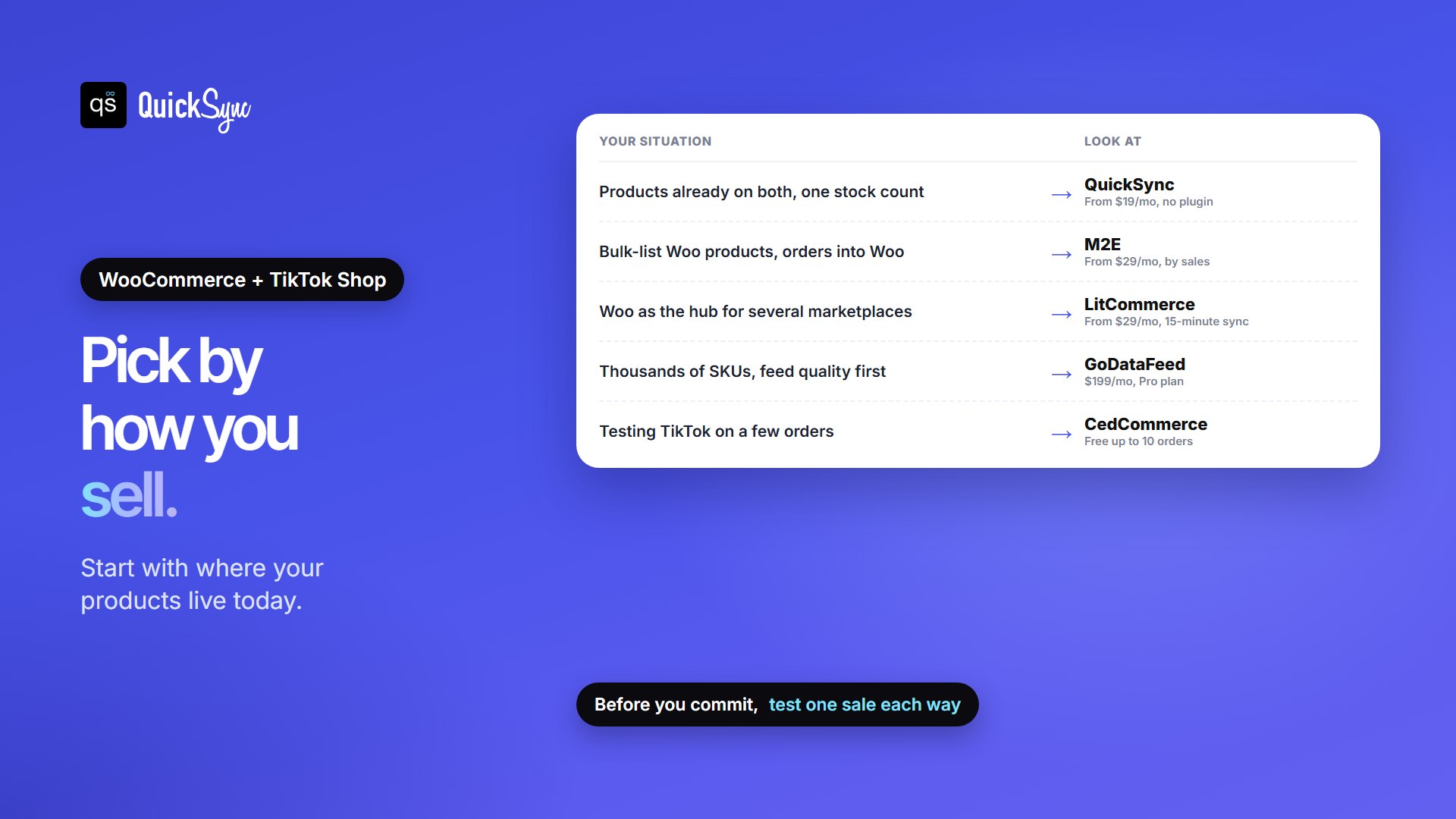
- Your products already sell on both, and maybe on Etsy, eBay or Shopify too: QuickSync, from $19/mo.
- You need to bulk-list Woo products on TikTok, with orders flowing into Woo: M2E, from $29/mo.
- WooCommerce is the hub for several marketplaces: LitCommerce, from $29/mo.
- You have thousands of SKUs and feed quality comes first: GoDataFeed, $199/mo.
- You’re testing TikTok Shop on a handful of orders: CedCommerce’s free plan or Seller Center by hand.
Selling on more than TikTok? We’ve compared the WooCommerce Amazon, WooCommerce eBay and WooCommerce Etsy plugins and apps the same way. For stock inside WooCommerce itself, see our pick of WooCommerce inventory management plugins.
FAQs
More guides: how to sell on TikTok Shop, TikTok Shop fees, TikTok Shop Black Friday, the best TikTok Shop Etsy integration apps, and our WooCommerce and TikTok Shop integration pages.