A customer pays $50 for an order on your WooCommerce store. A few days later, $48.25 lands in your bank. Xero now has to explain where the other $1.75 went.
That gap is the card fee. WooPayments charges 2.9% + $0.30 on US cards, and it comes out before you’re paid. Multiply that by every order, refund and tax rate, and typing WooCommerce sales into Xero by hand gets slow and easy to get wrong.
A WooCommerce Xero integration does that work for you. This guide compares six of the best WooCommerce Xero integration apps on price, how they record orders, and whether they keep stock in sync. Every price and feature was checked on each vendor’s own pages on 21 October 2026. QuickSync is one of the six, and each section says where another app is the better pick.
Does WooCommerce Integrate with Xero?
Not on its own. WooCommerce and Xero connect through a plugin or app, not a built-in link. WooCommerce sells an official Xero for WooCommerce extension, and several third-party apps add per-order detail, payout matching or stock sync. Some have free plans.
The Best WooCommerce Xero Integrations at a Glance
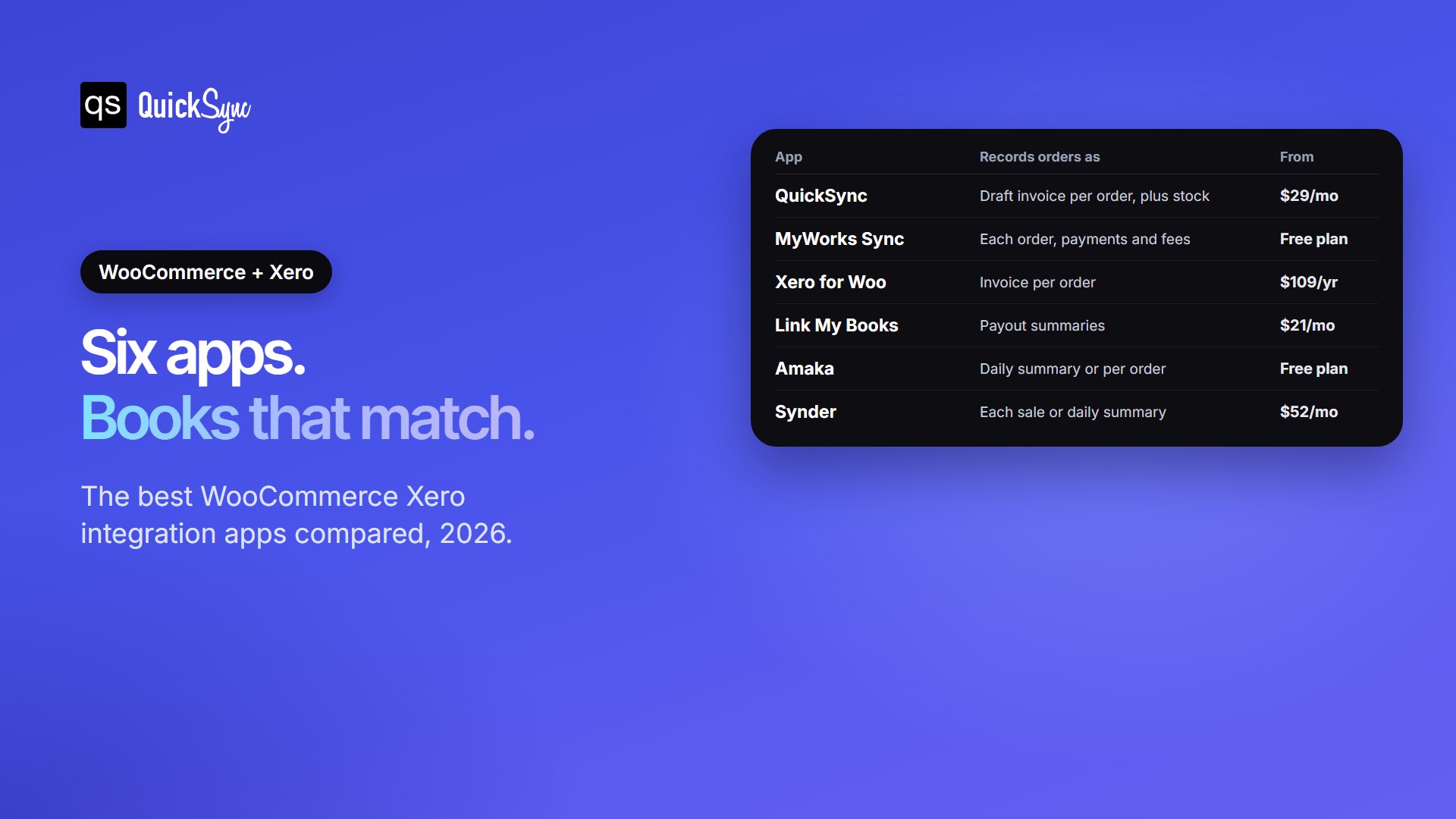
| App | Best for | Records orders as | Stock sync | Price from | Free trial or plan |
|---|---|---|---|---|---|
| QuickSync | WooCommerce plus other sales channels | One draft invoice per order | Both ways, for tracked items | $19/mo for two shops | 14-day trial, no card |
| MyWorks Sync for Xero | Deep control inside WooCommerce | Each order, with payments and fees | Pulled from Xero into WooCommerce | Free plan, then $19/mo billed yearly | Free plan |
| Xero for WooCommerce | A simple official option | One invoice per order, with payments applied | Not listed | $109/year | 30-day money-back guarantee |
| Link My Books | Accountant-ready payout records | Summaries matched to bank deposits | Not listed | $24/mo for 200 orders | 14 days, no card |
| Amaka | Low order volume on a budget | Daily summary, or each order on paid plans | Not listed for WooCommerce | Free up to 60 orders a month | Free plan, 7-day premium trial |
| Synder | Sellers who also take Stripe or PayPal elsewhere | Each sale or a daily summary | Not listed | $52/mo billed yearly | 15 days |
We judged each app on four things a WooCommerce seller feels at month-end. How do orders land in Xero? Do fees and deposits reconcile? What happens to stock? And what does it really cost? The details are below, starting with the app we know best.
1. QuickSync
Best for: WooCommerce sellers who also sell on Shopify, Etsy, eBay, Amazon or a POS like Square, and want stock and sales in one set of books.
QuickSync writes each WooCommerce order into Xero as its own draft invoice. The customer is matched or created by name and email, with one line per item at the price actually paid. Drafts wait for you to approve them, so nothing posts to your accounts behind your back.
Stock follows too. Once you turn on tracked inventory, a WooCommerce sale takes one off the matching Xero item. If you change a quantity in Xero, QuickSync picks it up within two minutes and sends it to WooCommerce and your other shops. Products match by SKU.
Pricing: order sync needs the Pro plan, at $29 a month for two connected shops and up to 2,500 items. Lite, at $19, syncs stock only. QuickSync prices on items, not orders, so a busy month doesn’t raise your bill. You can start a 14-day trial with no card.
Where it falls short: QuickSync doesn’t record payments, card fees or payouts, so your bookkeeper still matches deposits in Xero. Xero also caps item codes at 30 characters, so SKUs that only differ after character 30 will clash.
2. MyWorks Sync for Xero
Best for: single-store sellers who want the most settings, right inside WooCommerce.
MyWorks Sync is a WordPress plugin with a MyWorks account behind it. It syncs orders, customers, payments, transaction fees and bank deposits, as often as every five minutes. Inventory levels and costs pull from Xero into WooCommerce, and prices do too on the Grow plan and above. It also supports multiple currencies and global tax rates.
Pricing: the Launch plan is free. Paid plans cost $19, $39 or $69 a month, billed yearly, and scale with order volume.
Where it falls short: past orders don’t sync on their own, so you push history across by hand. Each extra WooCommerce store needs its own paid plan, and it only connects WooCommerce, not your other channels like QuickSync does.
3. Xero for WooCommerce
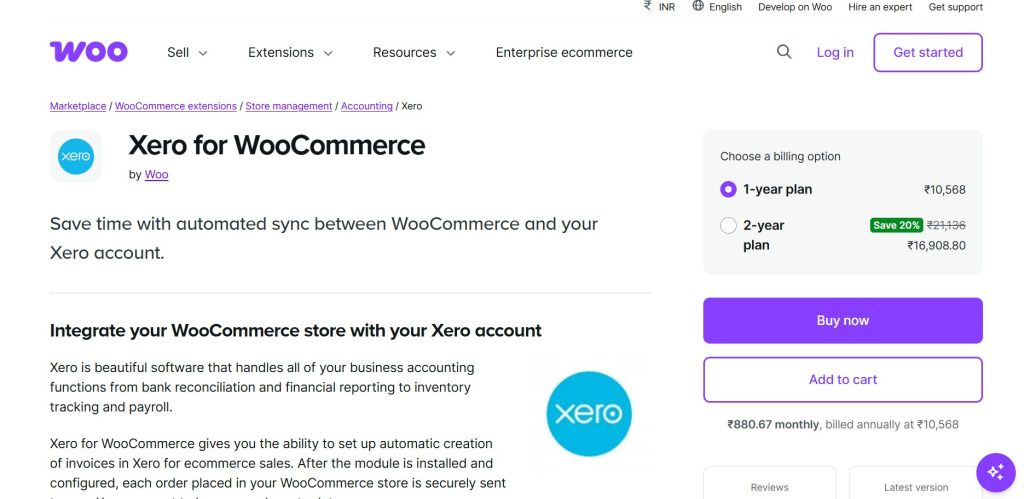
Best for: simple stores that want the official extension and nothing more.
Xero for WooCommerce is built by Woo. It sends each order to Xero as an invoice, with product, shipping, discount and tax details. When a payment comes in, it’s applied to the matching invoice. It costs $109 a year.
Where it falls short: its listing doesn’t mention stock sync, and it has 2.5 stars across 17 reviews. One reviewer reports trouble with EU tax rates. Another says you can’t send different payment methods to different bank accounts. It suits a single store with simple tax.
4. Link My Books
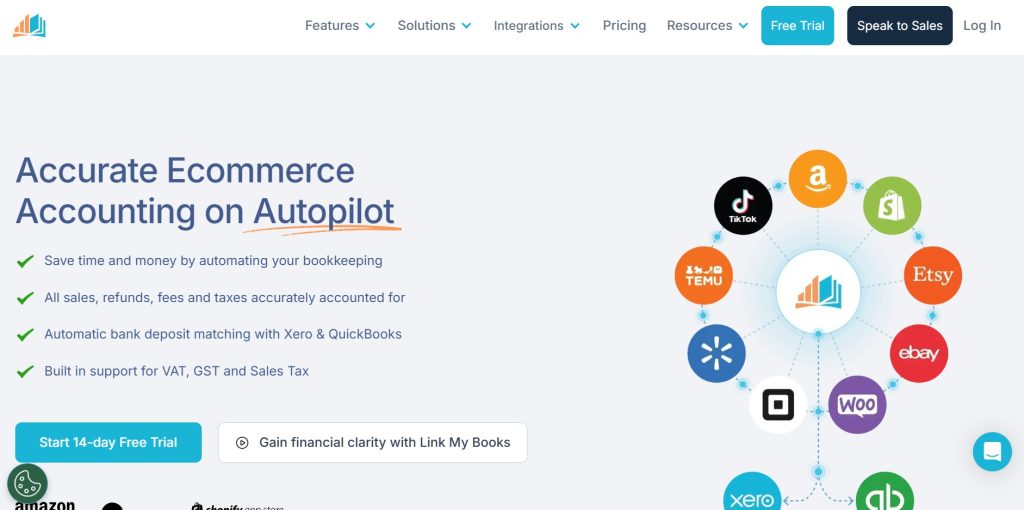
Best for: sellers and accountants who care most about clean, bank-matched records.
Link My Books turns your sales, refunds, fees and sales tax into summaries that match each deposit in your bank feed. It works with Xero and QuickBooks, and it connects Shopify, Amazon and TikTok Shop as well as WooCommerce.
Pricing: plans start at $24 a month for 200 orders and $41 for 1,000, according to its current app listing. There’s a 14-day free trial with no card.
Where it falls short: it’s built around payouts, not single orders, and it isn’t designed to keep stock counts in step.
5. Amaka
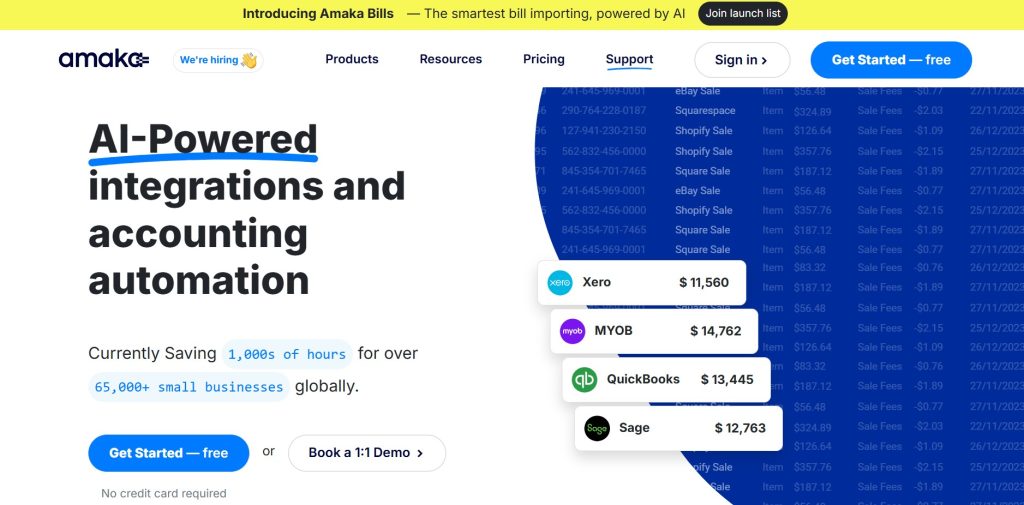
Best for: small stores with few orders that want a free, tidy daily summary.
Amaka syncs your WooCommerce sales to Xero once a day. You can post one summary invoice. Paid plans add one invoice per order, or sales split by category or product. Refunds arrive as credit notes.
Pricing: the Free plan covers up to 60 orders a month as a summary. Premium costs $18 a month billed yearly for up to 500 orders and adds per-order sync. Premium+ costs $49 a month billed yearly with no order limit. Fees and refunds don’t count toward the limit.
Where it falls short: 60 orders a month is about two a day, and the free plan only backfills one day of history.
6. Synder

Best for: businesses that take payments in several places, such as WooCommerce plus Stripe invoices or PayPal.
Synder records each sale with its customer, products and tax, or posts one summary per day. It works with Xero and QuickBooks and pulls payments from Stripe, PayPal and online stores into the same books.
Pricing: the Basic plan costs $52 a month billed yearly, or $65 monthly, for up to 500 transactions, according to Synder’s pricing page. There’s a 15-day free trial.
Where it falls short: it’s the priciest starting point here, and the price climbs with transaction volume.
One Daily Total or Every Sale? Pick Your WooCommerce Sync Style
These six Xero integration apps split into two parts. Knowing which part suits you narrows the choice fast.
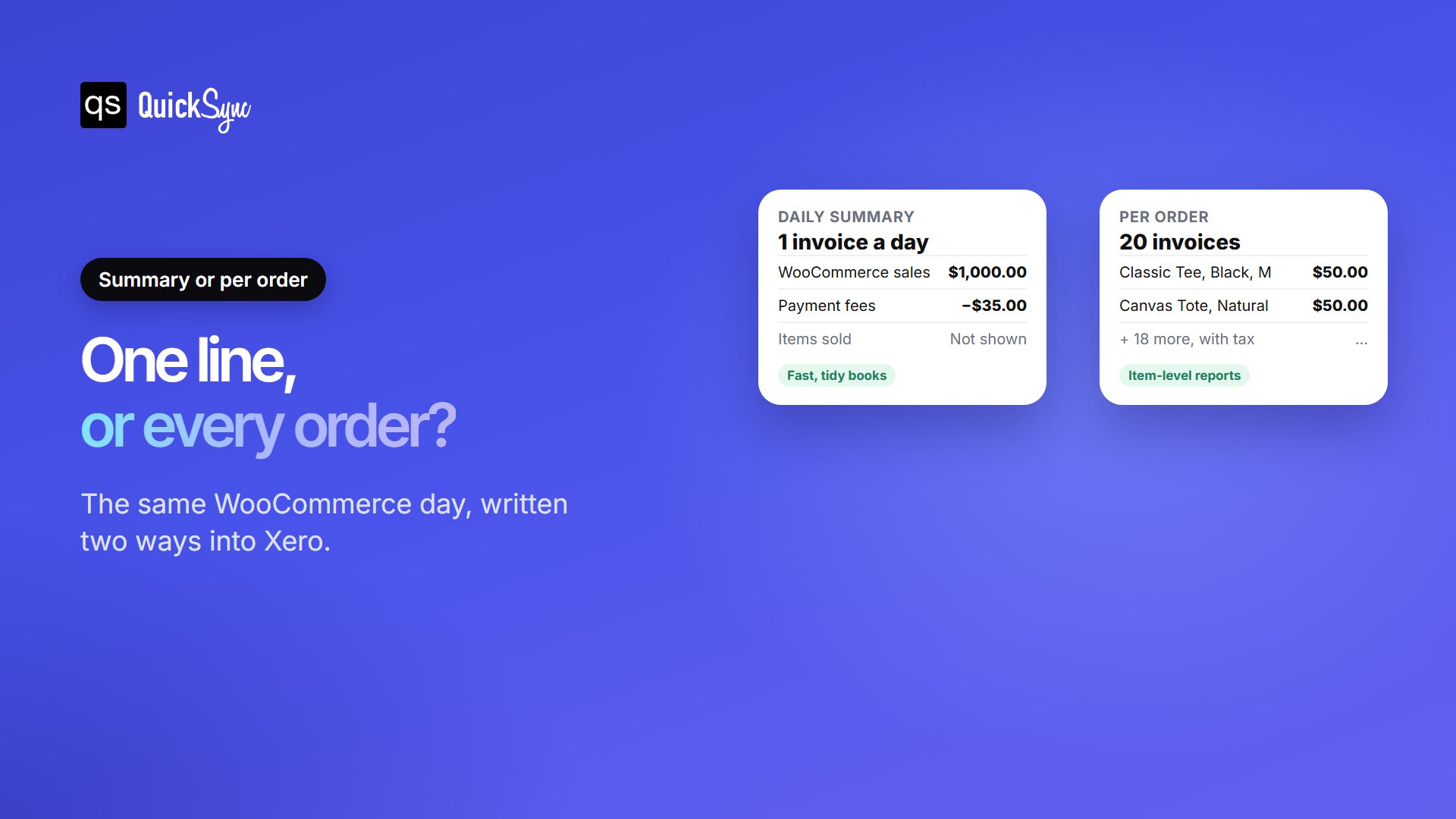
A daily summary posts one invoice for the day’s sales, fees, tax and refunds. Xero stays short and easy to reconcile. It suits busy stores that manage stock in WooCommerce, not Xero. Link My Books and Amaka’s free plan work this way.
Per-order sync writes each order as its own invoice, with items, customer and tax. That’s more entries, but you get item-level reports and customer history in Xero. It suits sellers who track inventory in Xero or sell the same stock on more than one channel. QuickSync, MyWorks and Xero for WooCommerce work this way.
If you’re unsure, ask your accountant one question: “Do you need each order, or just the daily total?”
Sales, Fees and Payouts: Get Your Xero Numbers to Match
Reconciling means matching the deposit in Xero to the deposit in your bank. Because the payment provider takes its fee first, the order total and the deposit never match on their own.
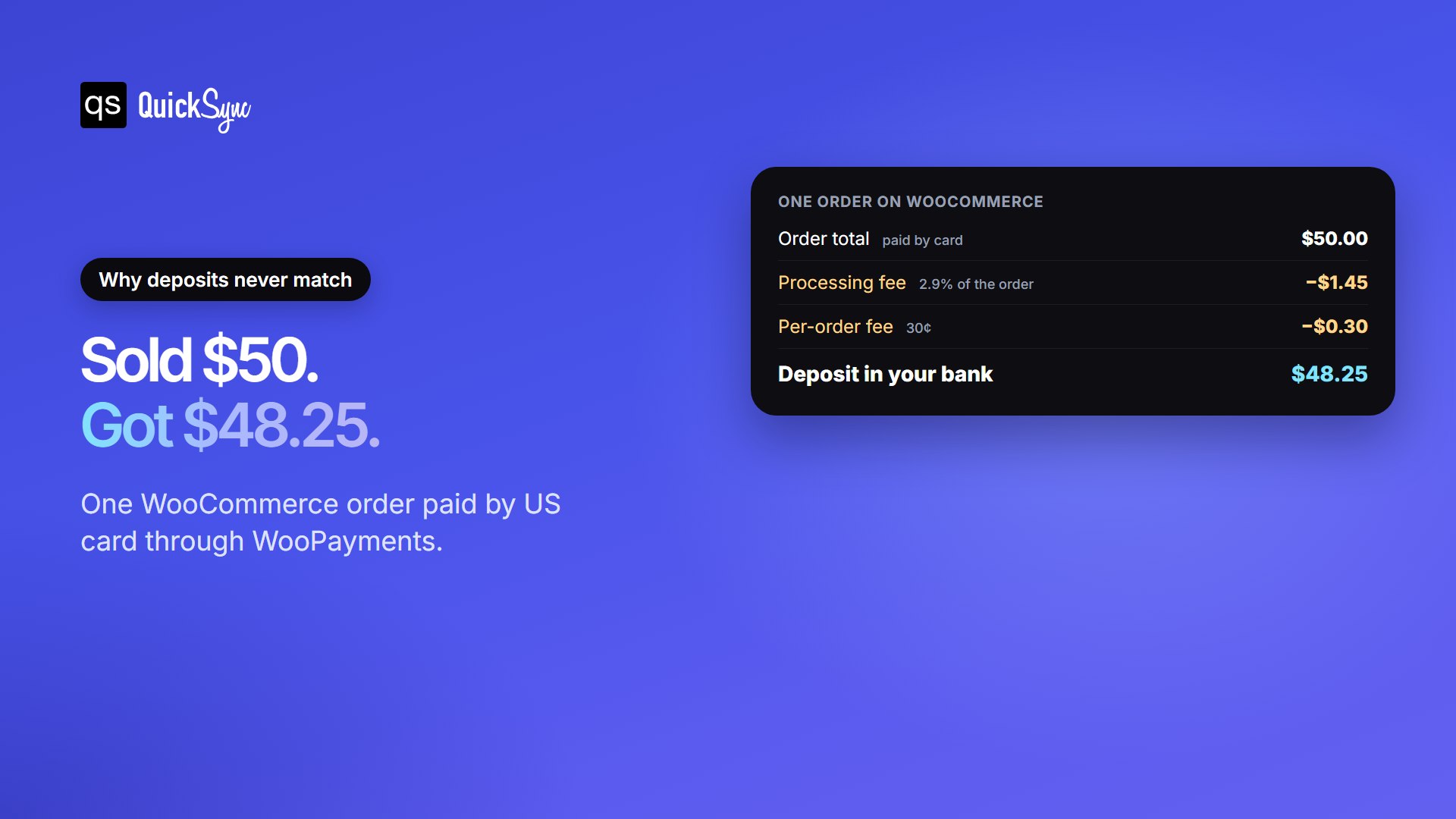
The fix is to record three things, not one: the sale, the fee as an expense, and the payout as a deposit. When those add up, Xero matches your bank feed to the cent. MyWorks, Link My Books, Amaka and Synder handle this for you. QuickSync and Xero for WooCommerce focus on the sale itself. With them, you match card fees and deposits in Xero’s bank reconciliation.
Five Checks to Make Before Your First WooCommerce–Xero Sync
Setup takes minutes with any Xero WooCommerce integration on this list. A little preparation first saves hours of clean-up later.
- Pick a start date. Choose the day after your last manual entry. Starting earlier records those orders twice.
- Check your SKUs. Keep them unique and within 30 characters, the most Xero accepts as an item code.
- Map your tax rates. Match each WooCommerce tax rate, including GST or VAT, to the right Xero tax rate before the first order syncs.
- Connect both sides. Approve access in your WordPress admin, then sign in to Xero and pick the organisation.
- Check the first day. Compare one day of synced orders with your WooCommerce sales report before you trust the totals.
One rule matters more than the rest: let only one app post your orders to Xero. Two apps writing the same order doubles your revenue. If you’re switching, disconnect the old app before the new start date.
Which WooCommerce Xero Integration Should You Choose?
- You sell on WooCommerce and other channels: QuickSync. One app keeps stock in sync everywhere and sends each order to Xero.
- You run one WooCommerce store and want every setting: MyWorks Sync for Xero.
- You want the official option and your tax is simple: Xero for WooCommerce.
- Your accountant wants bank-matched summaries: Link My Books.
- You get fewer than 60 orders a month: Amaka’s free plan.
- You take payments outside WooCommerce too: Synder.
If WooCommerce is one of several places you sell, the bigger risk isn’t the books. It’s selling the last item twice. Our guide to WooCommerce inventory sync covers the stock side.
FAQs
Comparing other setups? See our best Shopify QuickBooks integration apps and Shopify vs WooCommerce guides.