WooCommerce doesn’t come with an eBay connection. To list your products on eBay and keep one stock count across both, you need a WooCommerce eBay integration: either a plugin that runs inside WordPress or an app that runs outside it.
That choice matters more than most feature lists suggest. A plugin is one licence and lives on your server. A hosted app keeps syncing whether or not anyone visits your site. And each tool charges for something different: items, a licence, listings, sales value or orders. This guide compares six options on price, sync and fit, using each vendor’s own pricing pages and store listings, checked in November 2026. QuickSync is our product, so we’ve kept its limits in plain view next to everyone else’s.
Our Top Picks for Connecting WooCommerce and eBay in Short
In short: QuickSync is the best fit if you want WooCommerce and eBay on one stock count without managing a plugin, from $19 a month with no cap on orders. Choose WP-Lister Pro if you want a long-running plugin that creates eBay orders inside WooCommerce, LitCommerce or M2E if eBay is one of several marketplaces, and Sellbrite if you sell fewer than 30 orders a month.
Does WooCommerce integrate with eBay?
Not on its own. WooCommerce has no built-in eBay channel, so you add one. There are two kinds of tools:
- Plugins installed in WordPress: WP-Lister for eBay, CedCommerce’s eBay Integration and Webkul’s connector. You manage eBay from your WordPress dashboard.
- Hosted apps: QuickSync, LitCommerce, M2E and Sellbrite connect to your store from outside and run the sync on their own servers.
If you’re looking for a free option, WP-Lister Lite lists WooCommerce products on eBay at no cost, though WP Lab lists stock sync and order creation as Pro features. Sellbrite is free up to 30 orders a month, and most of the others have a free trial.
The 6 WooCommerce eBay Integrations at a Glance
| Tool | Type | Starts at | You pay by | Trial |
|---|---|---|---|---|
| QuickSync | Hosted app | $19/mo | Items; orders unlimited | 14 days |
| WP-Lister for eBay | WordPress plugin | Lite free; Pro $49/mo or $299/yr | Licence | Lite is free |
| CedCommerce eBay Integration | WordPress plugin | $329/yr | Annual licence | 30-day money-back |
| LitCommerce | Hosted app | $29/mo | Listings and channels | 7 days |
| M2E Multichannel Connect | Hosted app | $49/mo | Marketplace sales value | 30 days |
| Sellbrite | Hosted app | Free to 30 orders; $29/mo | Orders | 14 days |
Plugin or Hosted App: How WooCommerce eBay Sync Runs
A plugin runs inside WordPress, so its scheduled jobs, like checking eBay for new orders, depend on WordPress’s scheduler. WordPress’s own documentation explains that WP-Cron checks for due tasks on each page load, so on a quiet site, tasks can run late unless your host sets up a real server cron. A hosted app keeps its own schedule.
| WordPress plugin | Hosted app | |
|---|---|---|
| Where the sync runs | On your web server | On the vendor’s servers |
| Depends on | WP-Cron or a server cron, your hosting, plugin updates | The vendor’s uptime and your store’s API access |
| Typical pricing | Licence per year or month | Monthly or yearly subscription |
| Your data | Stays on your server | Passes through the vendor |
| Other channels | Usually eBay only (WP-Lister also has an Amazon plugin) | Usually several marketplaces or stores |
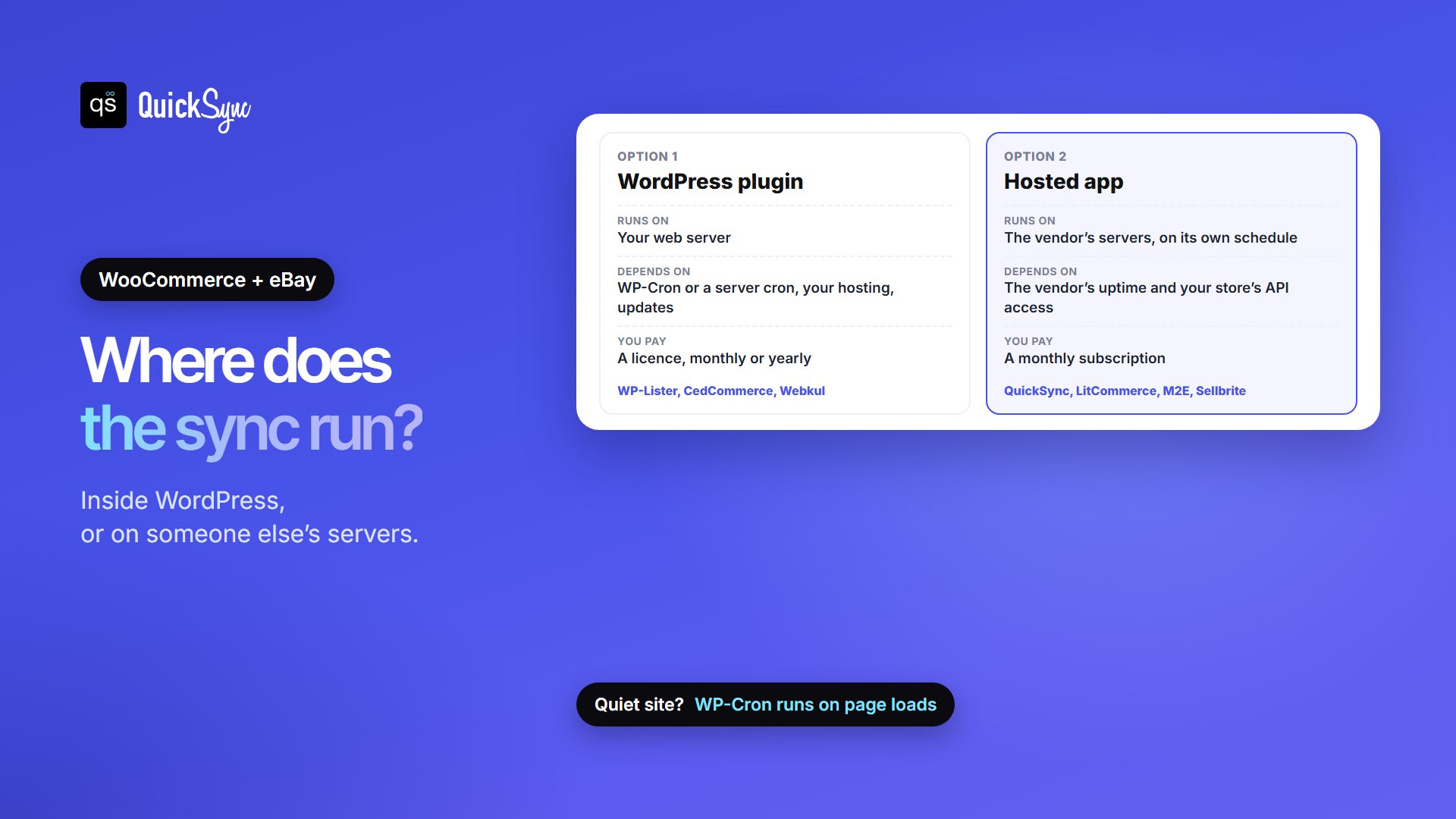
There is no one-size-fits-all option here. If you only sell on eBay and your store is already running smoothly, WP-Lister Pro is worth considering. But if you want to avoid technical setup and manage sales across different platforms, a hosted app could make things easier.
What Does It Cost to Manage 1,500 Products and 400 Orders?
Say you have 1,500 products and take 400 orders a month: 300 on WooCommerce and 100 on eBay, with about $4,000 of eBay sales. Here’s the cheapest plan on each tool that covers it:
| Tool | Plan | Monthly cost | Why |
|---|---|---|---|
| WP-Lister Pro | Annual | About $25 | $299 a year; WP Lab says there are no listing limits |
| CedCommerce | 1-year | About $27 | $329 a year |
| QuickSync | Pro | $29 | 1,500 items needs Pro (up to 2,500); orders don’t count; adds order sync |
| M2E | Starter 5K | $49 | $4,000 of eBay sales is under $5,000; WooCommerce sales don’t count |
| Sellbrite | Pro 500 | $79 | All 400 orders count, WooCommerce ones included |
| LitCommerce | Pay As You Go | Above $29 | 1,500 listings is over the base 1,000; see its pricing page |
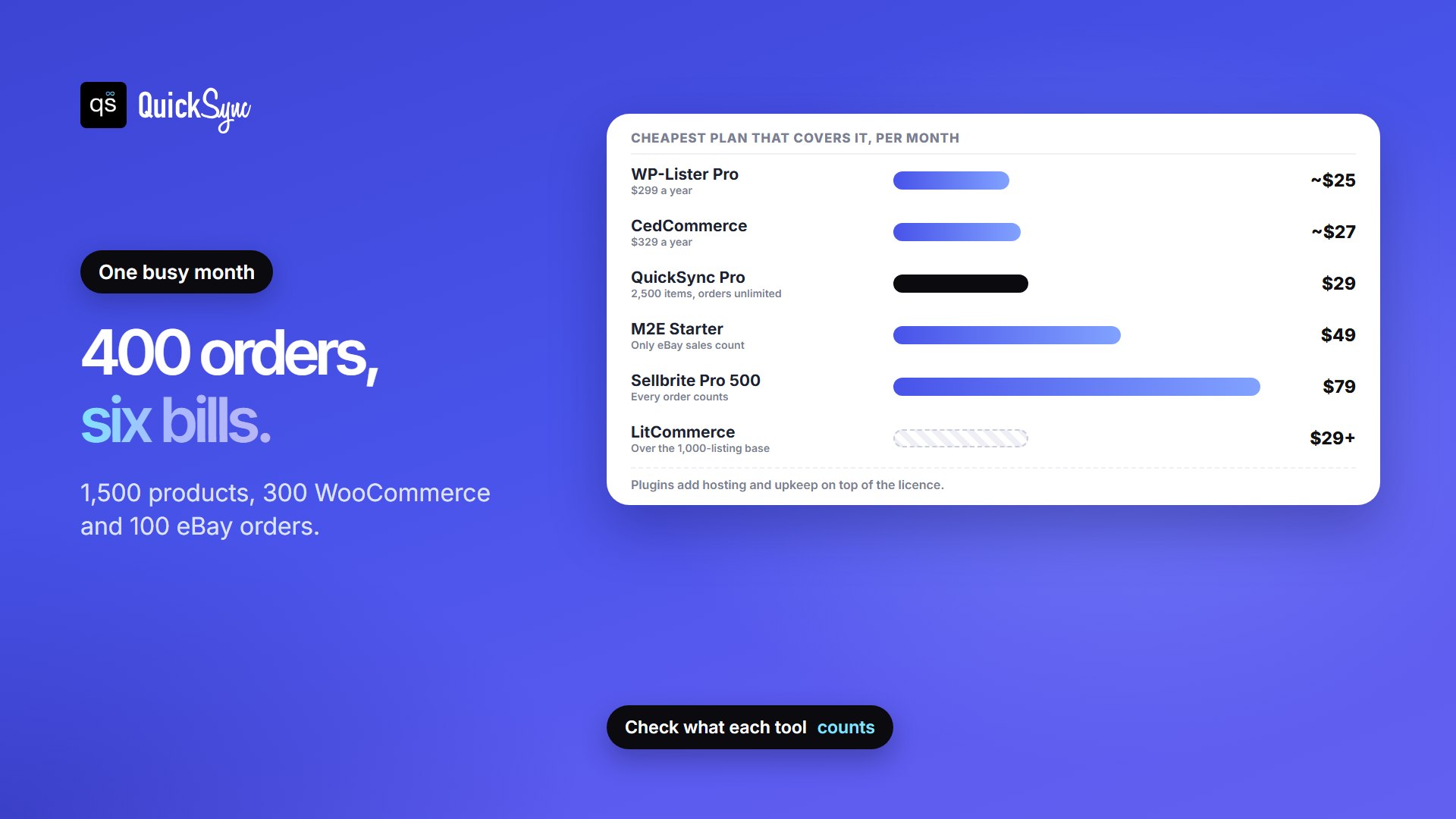
The plugins look cheapest on paper, but you pay with your time: hosting, updates and keeping cron reliable. The bigger swing is how each tool counts. Sellbrite counts every WooCommerce order, so a busy store moves up its tiers fast. M2E counts only marketplace sales, but it counts every sale in your eBay account, not just the items it syncs.
1. QuickSync
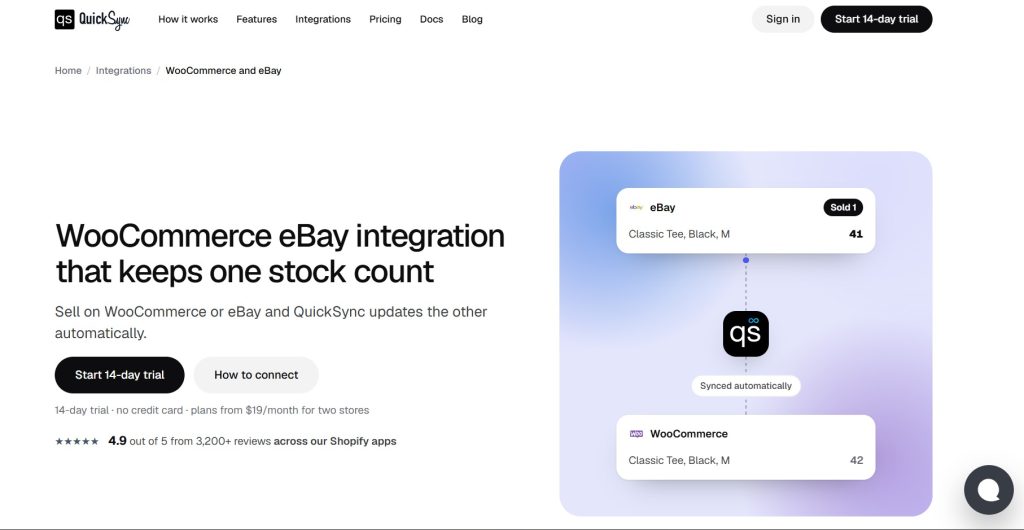
QuickSync connects to WooCommerce through an API access request you approve in WordPress admin, and to eBay through your seller account. It matches products by SKU and keeps stock in sync both ways. WooCommerce reports its changes straight away; eBay doesn’t notify QuickSync, so it checks eBay every couple of minutes. The same account can also connect Etsy, Amazon, Shopify, Square and more.
- Price: Lite $19/mo for two shops and 1,000 syncing items. Pro $29/mo for 2,500, adding product updates and order sync. Ultra $69/mo adds price rules, including a separate eBay price. Extra shops cost the plan rate. Orders are unlimited.
- Trial: 14 days, no credit card.
- Orders: on Pro and above, eligible eBay orders can create a copy in WooCommerce for fulfillment, and tracking can go back to the original eBay order.
- Watch for: if the same item sells in both places within the same minute, there’s a short window, so keep a unit or two of safety stock on fast sellers. eBay accepts SKUs of up to 50 characters and longer codes are cut short, so keep SKUs short. A refund alone doesn’t restock an item.
2. WP-Lister for eBay
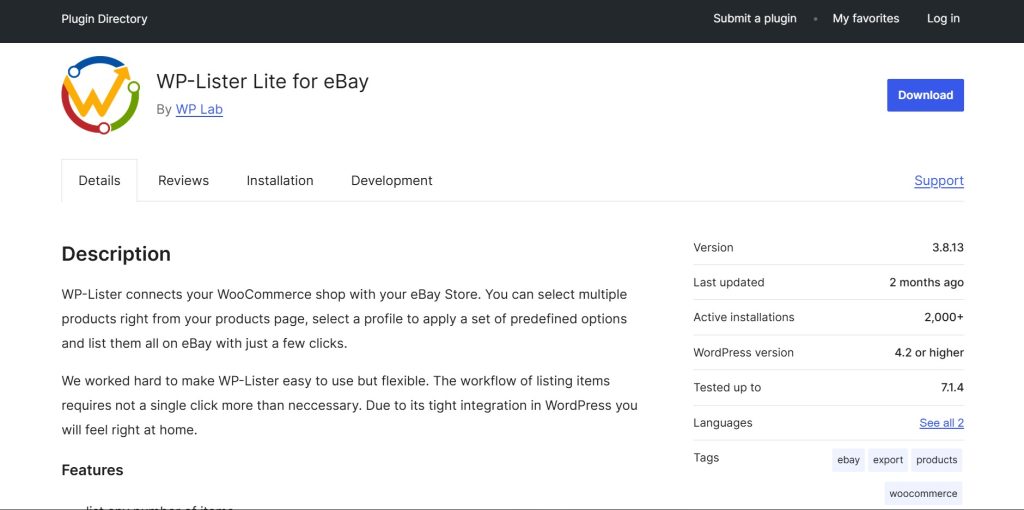
WP Lab has made WP-Lister since 2012. The free Lite version, on WordPress.org, lists WooCommerce products on eBay using listing profiles, with eBay categories, shipping options, variations and templates. The Pro version adds the sync: when a product sells on eBay, WP-Lister creates the order in WooCommerce and updates stock, and a WooCommerce sale updates eBay.
- Price: Lite free. Pro $49/mo, or $299/yr billed annually. An eBay Import add-on for moving an existing eBay store into WooCommerce costs $199/yr.
- Rating: 4.3 from 74 reviews on WordPress.org, 2,000+ active installs, updated September 2026.
- Watch for: it’s self-hosted, so syncing depends on your server and cron. Stock sync and order creation are Pro features. If you also sell on Amazon, WP-Lister for Amazon is a separate plugin.
3. CedCommerce eBay Integration
CedCommerce’s eBay Integration for WooCommerce, sold on WooCommerce.com, uploads WooCommerce products as eBay listings and describes “live data sync” for inventory, pricing and orders. You can fulfill and ship eBay orders from your WooCommerce store.
- Price: $329 a year, billed annually, with a 2-year plan at 20% off. 30-day money-back guarantee.
- Rating: 4.5 from 92 reviews on WooCommerce.com: 83% five-star and 10% one-star. 900+ active installs.
- Watch for: two of its five most recent reviews, from August and October 2026, say inventory and order sync stopped working for months, and one says the resulting cancellations hurt their eBay seller standing. Others in the same period praise its support. Test it carefully during the money-back window.
4. LitCommerce
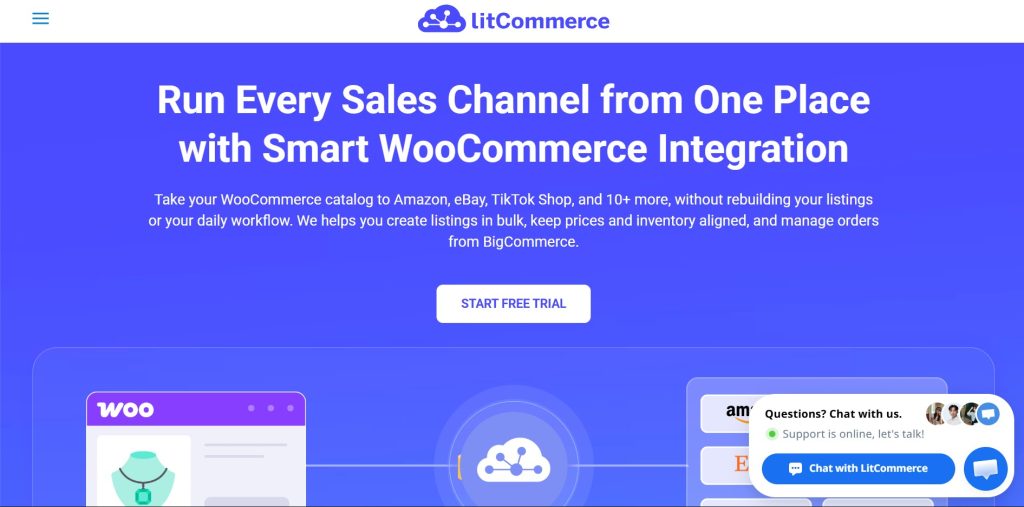
LitCommerce is a hosted multichannel tool that takes your WooCommerce catalog to eBay and other marketplaces such as Amazon, Etsy and TikTok Shop. Its WooCommerce eBay page says WooCommerce price and stock update eBay, eBay orders can be pulled into your WooCommerce dashboard, and you can send only a percentage of your stock to eBay.
- Price: from $29/mo, covering 1,000 listings across 3 channels with unlimited orders. Listings count across every connected channel.
- Rating: 5.0 from 284 reviews on WordPress.org, 2,000+ active installs.
- Sync: inventory, price and order import every 15 minutes, per its pricing page.
- Watch for: 15 minutes is a long gap for one-of-a-kind items. There’s no free plan; the trial is 7 days.
5. M2E Multichannel Connect
M2E connects WooCommerce to eBay, Amazon, Walmart and more, with listing, inventory, price and order sync, plus returns and refunds sync from marketplaces. Its pricing is based on marketplace sales, so WooCommerce orders never push you up a tier.
- Price: Starter $49/mo for up to $5,000 of monthly marketplace sales and 3 marketplace integrations, plus $6 for each extra $1,000. Business $199/mo for up to $50,000.
- Rating: 4.5 from 8 reviews on WooCommerce.com.
- Trial: 30 days, no credit card.
- Watch for: M2E counts all sales in a connected eBay account, including items it doesn’t sync, so a large existing eBay store can land on a higher tier than expected.
6. Sellbrite

Sellbrite, owned by GoDaddy, is a hosted listing and inventory tool that supports eBay, WooCommerce and other channels. It becomes the master of your inventory and orders, so you list and manage stock from Sellbrite rather than WooCommerce.
- Price: free up to 30 orders a month. Pro 100 $29/mo, Pro 500 $79/mo, Pro 2K $179/mo. Annual billing is discounted.
- Trial: 14 days of unlimited access, no credit card.
- Watch for: every new order from every connected channel counts toward the limit, WooCommerce orders included.
You’ll also see Webkul’s WooCommerce eBay Connector, a one-time purchase listed at $59. It imports and exports simple and variable products, but imported eBay orders can only be managed in your eBay account, and setup needs your own eBay developer keys. Listing importers and affiliate plugins, which copy eBay products onto your site, aren’t stock sync tools, so we’ve left them out.
Things to Set Up Before Syncing WooCommerce With eBay
- Give every product and variation a SKU, and keep it the same on both sides. eBay allows 50 characters, so shorter is safer. Our guide to what a SKU is shows how to set them up.
- Pick your source of truth. Decide whether WooCommerce or the tool holds the master stock count and product details.
- Map categories and item specifics. Every eBay listing needs a category, and many categories require item specifics such as brand or size.
- Decide where eBay orders are fulfilled. Keep them in eBay, or bring them into WooCommerce if your tool supports it.
- Test one sale each way before you switch on your whole catalog.
For a step-by-step walkthrough, see our guide on how to connect WooCommerce to eBay.
Which WooCommerce eBay Integration Should You Choose?
- You want one stock count without managing a plugin: QuickSync, from $19/mo.
- You also sell on Etsy, Amazon or Shopify: QuickSync, so one count covers every shop.
- You want a self-hosted plugin that creates eBay orders in WooCommerce: WP-Lister Pro, $299/yr.
- eBay is one of many marketplaces: LitCommerce from $29/mo, or M2E from $49/mo if your marketplace sales are under $5,000.
- You sell fewer than 30 orders a month: Sellbrite Free.
Whichever you choose, keep your eBay account healthy: an out-of-stock cancellation counts against your seller standing, which our guide to cancelling an eBay order as a seller explains. If you also sell on other marketplaces, compare the best WooCommerce Etsy integration plugins and the best WooCommerce Amazon integration plugins.
FAQs
More guides: WooCommerce inventory management plugins, the best Shopify eBay integration apps, the best Square eBay integration apps, eBay SEO, and our WooCommerce and eBay integration pages.