
Selling in-store with Lightspeed and online with Shopify? Managing inventory across both can get messy when sales and stock updates don’t match. An item sold at your counter might still appear available on Shopify, leading to overselling, canceled orders, and unhappy customers.
A Shopify Lightspeed integration connects both platforms to keep inventory, products, and orders in sync without manual updates. But not every integration offers the same features or pricing.
In this guide, we compare the 4 best Shopify Lightspeed integration apps for 2027, covering their features, pricing, sync capabilities, and limitations to help you choose the right one for your business.
What is a Shopify Lightspeed integration?
A Shopify Lightspeed integration is an app that connects your Lightspeed POS to your Shopify store so they share data. At the least, it keeps stock levels matched. Better tools also sync product details, prices, and orders, so you manage one catalogue instead of two.
Lightspeed and Shopify are separate systems with their own stock counts. To keep them matched, you connect them with a third-party app like the ones below, or move your online store to Lightspeed’s own eCom instead.
What to look for in a Shopify Lightspeed integration
- Which Lightspeed you use. Lightspeed has two retail systems, X-Series and R-Series. Check that the tool supports yours.
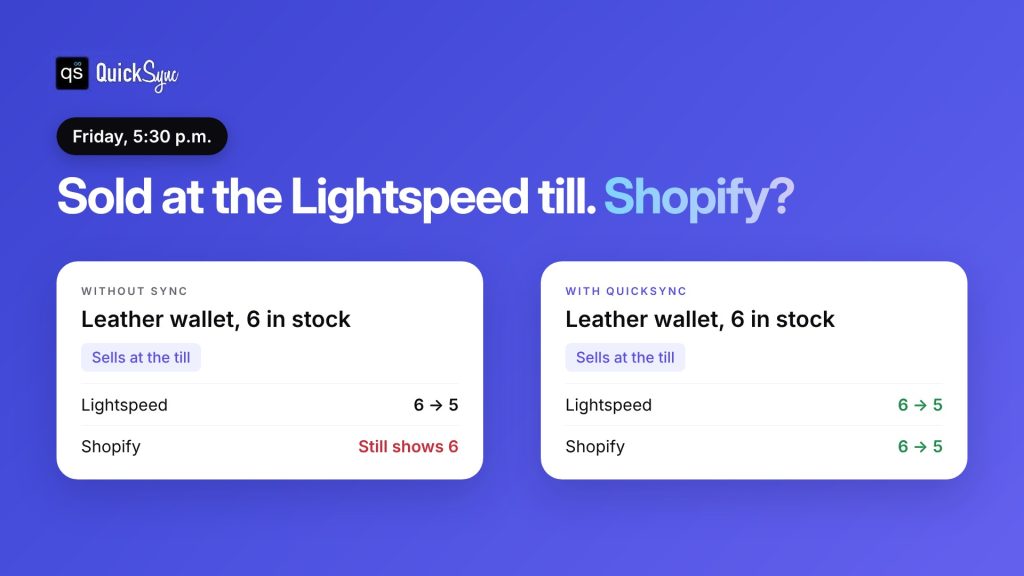
- Sync direction and speed. A sale at the till should lower Shopify stock, and an online order should lower Lightspeed, as quickly as possible.
- Outlets and locations. If you run more than one shop, check that you can choose which outlet feeds your website.
- SKU limits. Lightspeed allows shorter SKUs than Shopify. Long SKUs can stop matching after the sync.
- Other channels. If you also sell on Amazon, eBay, Etsy or TikTok Shop, check that the tool covers them too.
Shopify Lightspeed integration apps at a glance
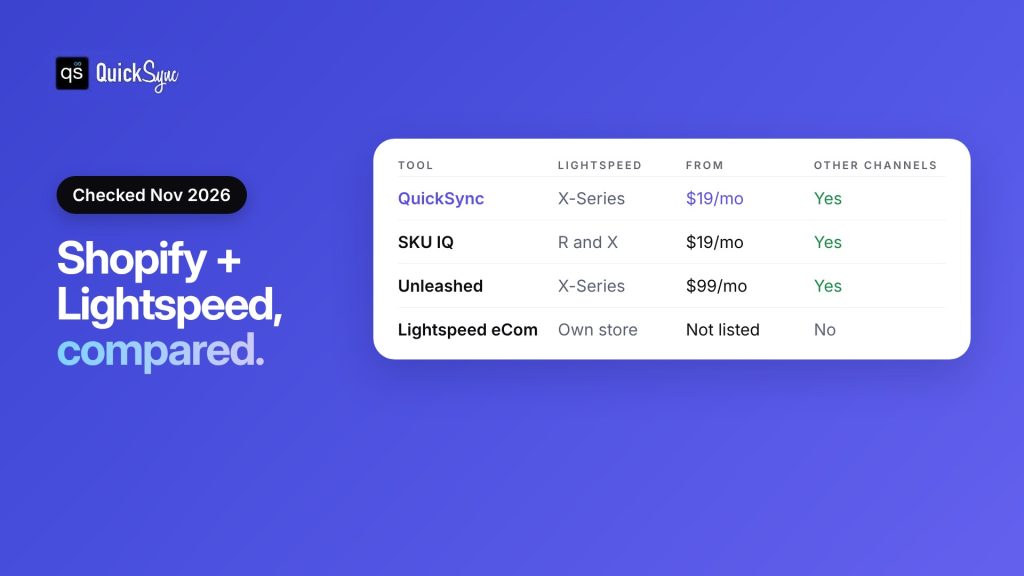
| Tool | Best for | Lightspeed version | Starting price | Other channels |
|---|---|---|---|---|
| QuickSync | Stock, products and orders across Lightspeed, Shopify and more | X-Series | $19 a month | Yes, 13 integrations |
| SKU IQ | Quantity sync for R-Series or X-Series | R-Series and X-Series | $19 a month | Yes |
| Unleashed | Larger businesses that need a full inventory system | X-Series | $99 a month | Yes |
| Lightspeed eCom | Retailers happy to skip Shopify | Lightspeed’s own store | Not listed | No |
Already on Lightspeed X-Series and Shopify? Jump to the steps for a Lightspeed integration with Shopify.
The 4 best Shopify Lightspeed integration options, reviewed
1. QuickSync: best for Lightspeed X-Series, Shopify and other channels
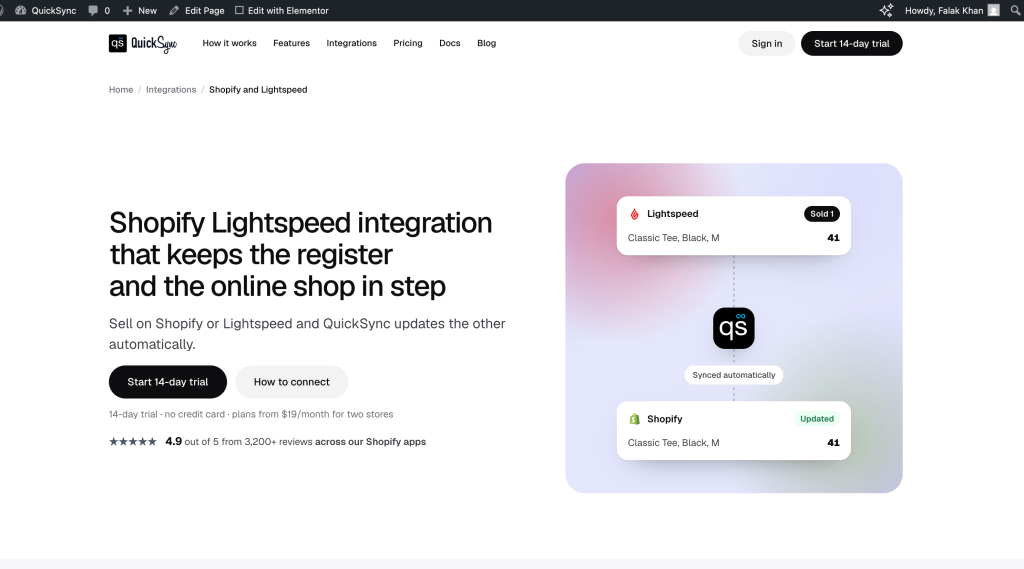
If you run Lightspeed X-Series in your shop and Shopify online, QuickSync keeps them in step. It’s a multichannel selling tool, so the same account can also connect Amazon, eBay, Etsy, TikTok Shop, WooCommerce, and more.
According to QuickSync’s Shopify Lightspeed page, it handles:
- Stock, both ways. A sale on either side lowers the count on the other. Both platforms report changes to QuickSync, so updates don’t wait for a scheduled check.
- Outlets. You approve QuickSync for the Lightspeed outlet you want connected, then choose the source store and locations.
- Products. Existing products match by SKU, so you don’t need to re-list anything. On Pro, product details stay in step from your main store.
- Orders. On Pro, orders from Lightspeed and Shopify come into one place. Tracking numbers go back to the Shopify order.
- Price rules. On Ultra, Lightspeed and Shopify can carry different prices.
Pricing: Lite costs $19 a month for two stores and up to 1,000 items, with stock sync and unlimited orders. Pro costs $29 a month and adds products and orders. Every trial is 14 days with no card, and the team connects your first two stores with you on a free 30-minute call. See the QuickSync pricing page.
Best for: Lightspeed X-Series retailers who sell on Shopify, and maybe Amazon, eBay or Etsy too.
Watch out for: QuickSync connects Lightspeed X-Series, not R-Series. Lightspeed allows SKUs of up to 64 characters, while Shopify allows 255, so check your longest SKUs before you connect. Lightspeed doesn’t store tracking numbers, so tracking stays in QuickSync and on the Shopify order.
2. SKU IQ: best for quantity sync on Lightspeed R-Series or X-Series
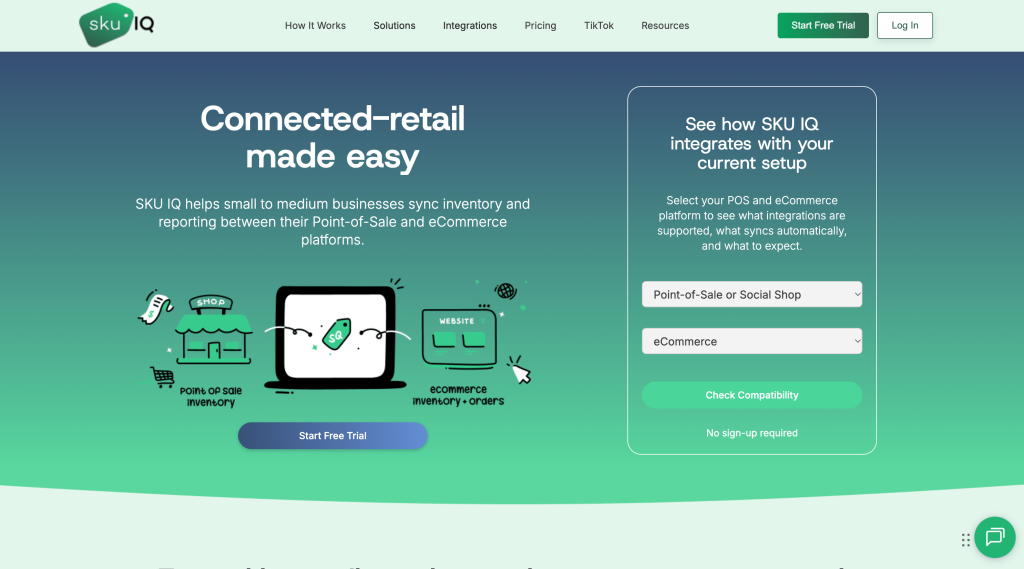
SKU IQ is one of the few tools that supports Lightspeed R-Series. It connects point-of-sale systems, including both Lightspeed R-Series and X-Series, to online stores like Shopify, WooCommerce and Squarespace.
Pricing: According to SKU IQ’s pricing page, Basic costs $19 a month, Plus $49 and Pro $99. Every plan includes quantity sync and a unified order view. Attribute sync (titles and descriptions) and auto-pushing new items cost $15 extra each on Basic. Multi-location sync costs $10 per location and works with Lightspeed Retail. There’s a free trial of up to 14 days.
Best for: Lightspeed R-Series retailers who mainly need stock quantities matched with Shopify.
Watch out for: Add-ons push the price up. Image sync is included only on Pro, and priority syncing costs $49 extra on Basic and Plus. See our SKU IQ alternatives guide for more options.
3. Unleashed: best for larger businesses that need a full inventory system
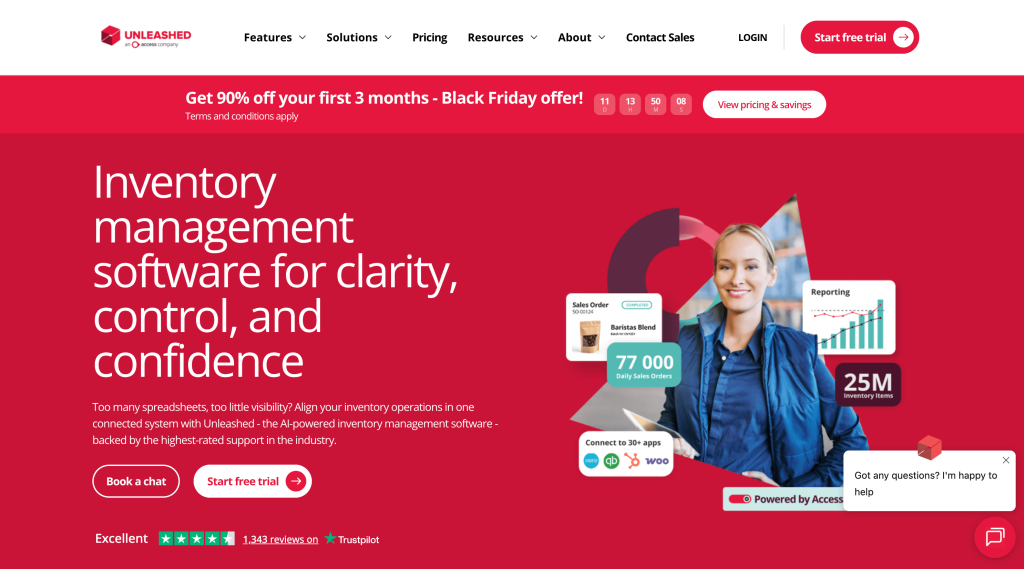
If you’re managing warehouses, purchasing and production as well as a shop and a website, Unleashed is a full inventory management platform. Lightspeed lists it on its X-Series integrations page, and Unleashed connects to Shopify as well.
How it syncs with Shopify: According to Unleashed, stock updates flow from Unleashed to Shopify as stock moves, and Shopify orders flow into Unleashed. Tracking numbers and fulfilment statuses sync both ways.
Pricing: On Unleashed’s pricing page, Lite costs $99 a month and includes 3 ecommerce integrations. Core and Pro show launch offers, with the full price listed as $399 and $729 a month. Each extra integration costs $39 a month. There’s a 14-day free trial with no card.
Best for: Growing businesses with warehouses, purchasing and production to manage.
Watch out for: It’s much more than a sync tool, and priced like it. If you only need your till and website to share stock, it’s likely more than you need.
4. Lightspeed eCom: best if you’d rather skip Shopify
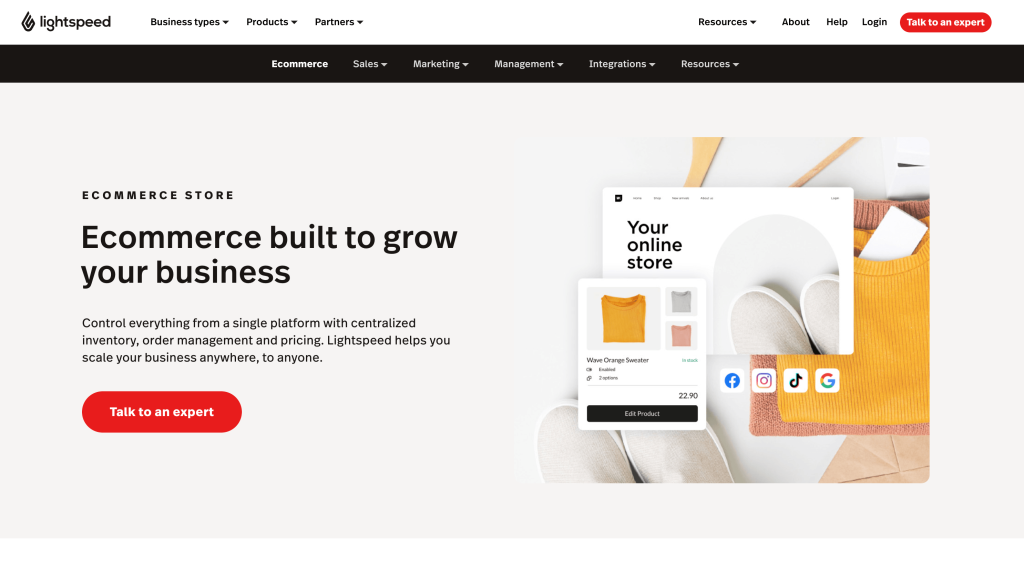
For retailers who prefer managing in-store and online sales through one platform, Lightspeed eCom is another option. It lets you import inventory from your physical store in one click and offers over 50 website themes, shipping tools, and sales reports.
Pricing: Lightspeed’s eCom page doesn’t list a price. It offers a free trial.
Best for: Retailers who don’t have a Shopify store yet and want everything with Lightspeed.
Watch out for: If you already run Shopify, moving to Lightspeed eCom means rebuilding your store, apps and SEO. And it won’t connect you to marketplaces like Amazon or Etsy the way a multichannel tool does.
Which Shopify Lightspeed integration fits your business?
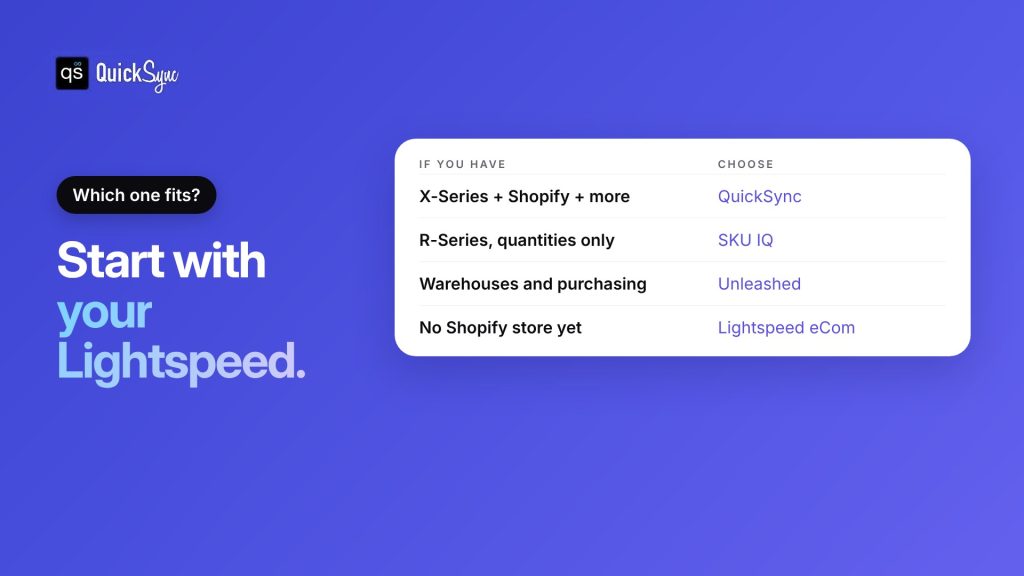
| If you… | Choose |
|---|---|
| Use Lightspeed X-Series and sell on Shopify, plus maybe Amazon, eBay or Etsy | QuickSync |
| Use Lightspeed R-Series and only need quantities matched | SKU IQ |
| Run warehouses, purchasing or production | Unleashed |
| Don’t have a Shopify store yet and want one system | Lightspeed eCom |
Still deciding between the two platforms? See our Lightspeed vs Shopify comparison, or our guide to moving from Lightspeed to Shopify.
How to connect Shopify and Lightspeed
Here’s how to set up a Shopify Lightspeed integration without selling items twice:
- Check your Lightspeed version. QuickSync works with X-Series. If you’re on R-Series, look at SKU IQ.
- Match your SKUs. Give each product the same SKU in Lightspeed and Shopify, and keep it under 64 characters, Lightspeed’s limit.
- Pick your outlet. If you have more than one shop, choose the outlet that holds your web stock.
- Choose your source of truth. Decide whether Lightspeed or Shopify holds the correct stock count on day one. For most retailers, that’s Lightspeed, since it’s closest to the shelf.
- Connect and review. In QuickSync, connect Shopify and Lightspeed, review the starting quantities, then start syncing.
- Test one sale each way. Sell one item at the till and check Shopify. Then place a test order online and check Lightspeed.
Final thoughts
Lightspeed and Shopify are a strong pair. Lightspeed runs the shop floor and Shopify runs the website. They just need something in the middle to keep stock, products and orders in step.
For most Lightspeed X-Series retailers, QuickSync is the simplest option. It syncs both ways, matches products by SKU, and adds Amazon, eBay, Etsy or TikTok Shop when you’re ready. If you’re on R-Series, SKU IQ covers quantity sync. If you’re running warehouses and purchasing, Unleashed is built for that scale.
Whichever you choose, check your Lightspeed version and your SKUs first, then test one sale each way before a busy weekend.