Your eBay title decides whether a buyer finds your listing. Your description decides whether they buy and keep it.
Most sellers spend the time on photos and price, then rush the words. That’s a mistake. eBay’s search matches what buyers type against your title, and a vague description leads to questions, returns, and “item not as described” cases.
This guide shows you how to write eBay titles and descriptions that sell, with formulas, real examples, and a description template you can copy. New to eBay? Start with our guide on how to sell on eBay.
How eBay uses your title and description

When a buyer searches, eBay looks for listings whose titles closely match what they typed. That’s why eBay’s guide to creating great listings tells sellers to use as many of the 80 characters as they can on the brand, model or type, colour, style and model number.
The description does a different job. Buyers read it after they click, to check the item is what they want. eBay’s guide says a good description should include the brand name, style, model numbers and any unique qualities.
Item specifics sit between the two. They’re the fields like Brand, Size and Colour that feed eBay’s search filters. Fill them in so your title doesn’t have to carry every detail, and add product identifiers like the MPN where you have them. Our eBay SEO guide covers how eBay ranks listings in more detail.
How to write an eBay title
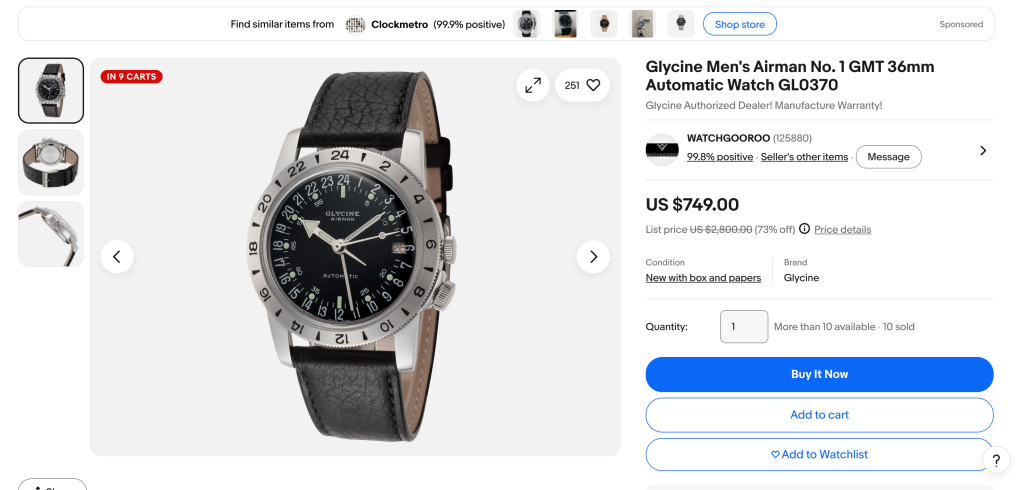
A good eBay title is a list of the words a buyer would search for, in a sensible order. It isn’t a sentence and it isn’t an ad.
The eBay title formula
Use this order and drop anything that doesn’t apply to your item:
Brand + product + model or style + key details (size, colour, material) + condition or extra
Here’s eBay’s own example from its listing guide:
*Nike Boys Blue Lace-Up Sneakers Size 3 AB0011-234*
That’s brand (Nike), who it’s for (Boys), colour (Blue), style (Lace-Up), product (Sneakers), size (Size 3) and model number (AB0011-234). Every word is something a buyer might type.
Already happy with your titles? Jump to the description template.
eBay title examples by category
| Category | Title formula | Example |
|---|---|---|
| Clothing | Brand + gender + item + material + colour + size | Ann Taylor Women’s Sweater 100% Cotton Black Yellow Sleeves Size 6 |
| Phones | Brand + model + storage + colour + network + condition | Apple iPhone 11 Pro 256GB Midnight Green Carrier Unlocked Grade A |
| Watches | Brand + model + size + connectivity + colour + model number | Apple Watch Series 8, 45MM GPS, Space Gray with Black Sport Band, A2289 |
| Home | Brand + item + size + material + colour | Le Creuset Round Dutch Oven 5.5 Qt Enameled Cast Iron Cerise Red |
| Handmade | Material + item + size + colour + style | Handmade Ceramic Mug 12 oz Speckled Cream Stoneware Coffee Cup |
The first three examples come from eBay’s listing guides. All of them fit within 80 characters. Count spaces too, because eBay does.
eBay title rules to follow
- Use the space. eBay suggests using as many of the 80 characters as you can. A short title has fewer words that can match a search.
- Lead with what the item is. Put the brand and product near the start, so buyers scanning search results see what it is straight away.
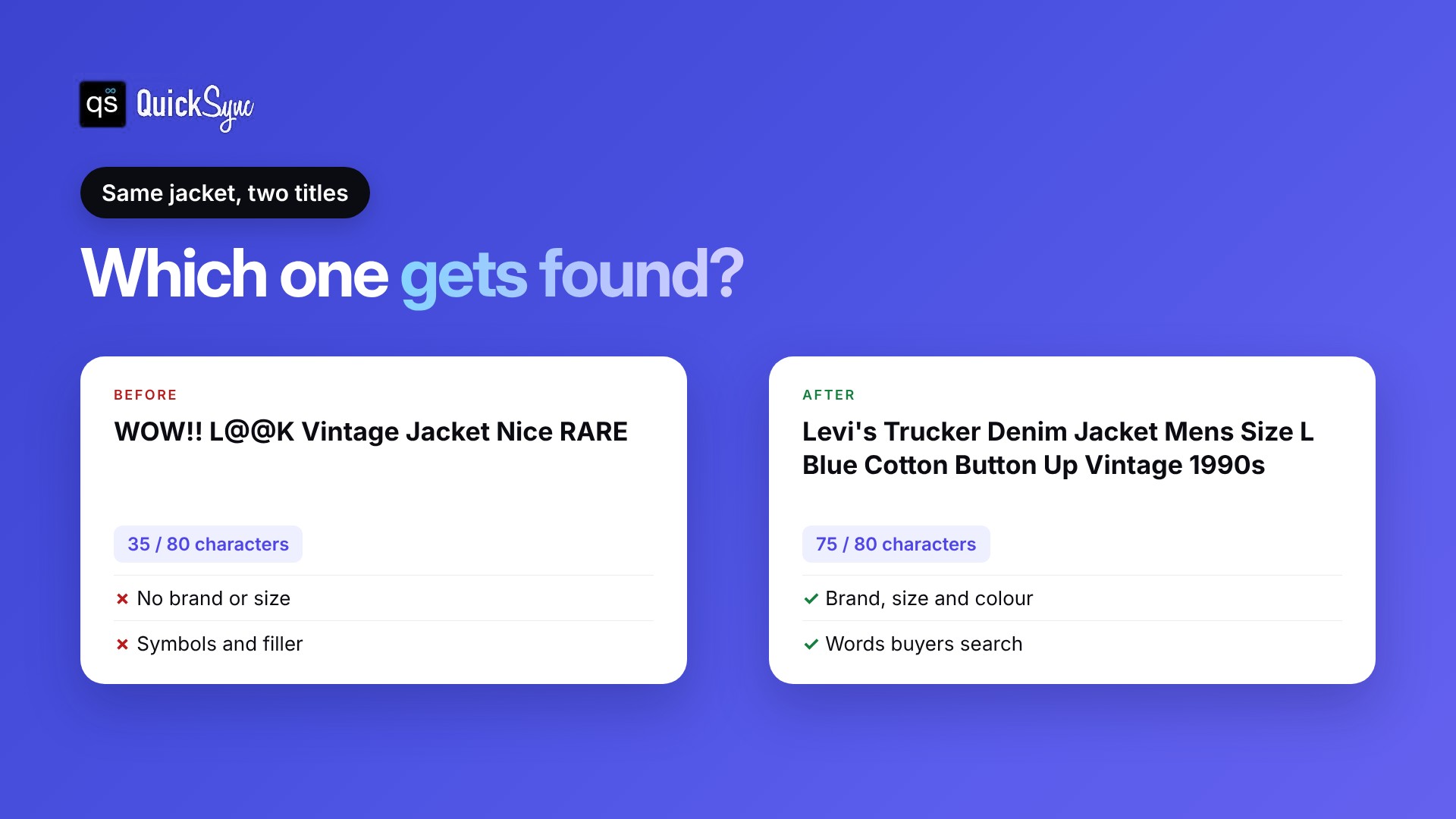
- Skip capitals and symbols. eBay’s listing optimization guide says writing whole words in capitals, or putting asterisks and other marks between words, can lower your listing in search results.
- Only use words that describe your item. eBay’s search manipulation policy says every word in a listing has to be accurate and refer only to the item for sale. If your item is an accessory for another brand, write “for”, “fits” or “compatible with” before that brand name, like “Case for iPhone 13”.
- Cut filler. “L@@K”, “WOW”, “Nice” and “Must see” use characters, and nobody searches for them.
- Only say “new” or “rare” if it’s true. Condition words should match the condition you select.
How to find the words buyers search for
Start typing your item into eBay’s search bar and look at the suggestions that appear. Then look at sold listings for the same item and note the words that keep coming up. eBay’s Product research tool in Seller Hub shows recently sold listings and their prices too.
Should you pay for a subtitle?
A subtitle adds up to 55 more characters under your title, for an extra fee, according to eBay’s developer guide. It shows in search results and on the listing page. It’s worth it for high-value items where one extra detail, like “Box and papers included”, helps the sale. For most low-priced items, a strong title and good item specifics are enough.
How to write an eBay description
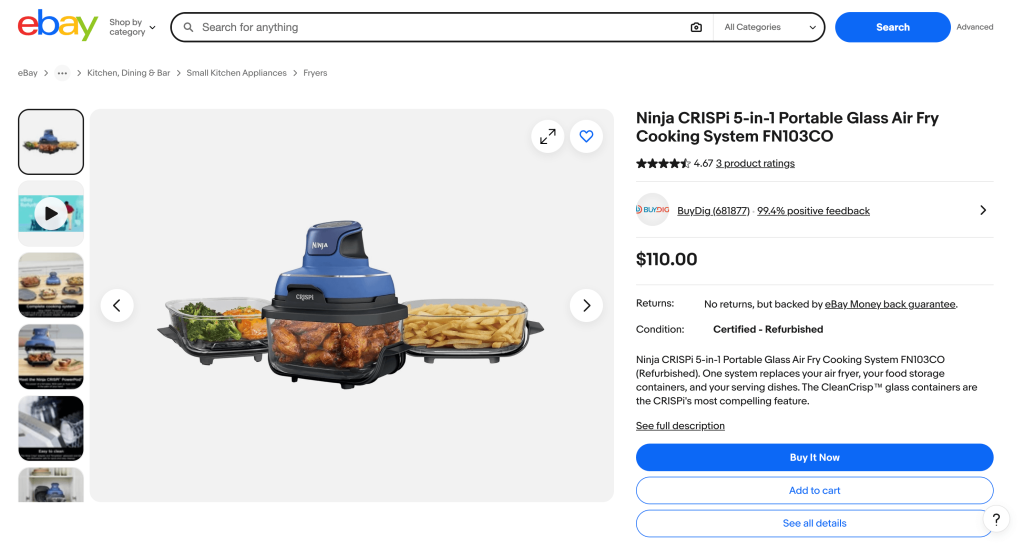
A good description answers the buyer’s questions before they ask. Write it for someone who can’t pick the item up.
What to include
- What the item is. One line that repeats the main facts from your title in plain words.
- Condition, with any flaws. Be specific: “small scuff on the left heel, see photo 6” is better than “some wear”. eBay says accurate condition details can reduce the chance of a return.
- Size, measurements and specs. Clothing needs measurements, not only the size on the label. Electronics need the model, storage and what works.
- What’s included. Box, cables, manual, extra parts. Say what isn’t included too.
- Anything else that helps. Care instructions, compatibility, or why it’s unusual.
Shipping and returns are set in your business policies, so you don’t need to repeat them in the description.
How to format it
eBay’s listing optimization guide recommends:
- Short paragraphs and bullet points, so the information is easy to scan.
- A base font size of 16 pixels, and nothing smaller than 12 pixels.
- A white background with black text. Coloured text and busy designs distract from the item.
- Photos in the photo section, not inside the description.
Don’t add anything interactive, such as videos, animations, counters or widgets in the description. eBay calls this active content, and it isn’t allowed in descriptions.
Keep it readable on a phone
Many buyers will read your description on a phone. eBay’s developer guide on mobile descriptions says the description shown on mobile can’t be longer than 800 characters. If yours is longer, the mobile version may be cut off.
So put the facts that matter most in a short block at the top. Then preview the listing on your phone before you publish.
eBay description template
Copy this and fill in the brackets:
[Brand] [product] [model], [size or capacity], [colour]
Condition: [New / used / for parts]. [Exact description of any wear, with the photo number.]
Details:
- [Size and measurements]
- [Material or specs]
- [Model or part number]
Included: [Everything in the box]. Not included: [anything missing].
Notes: [Fit, compatibility, care or anything else a buyer should know.]
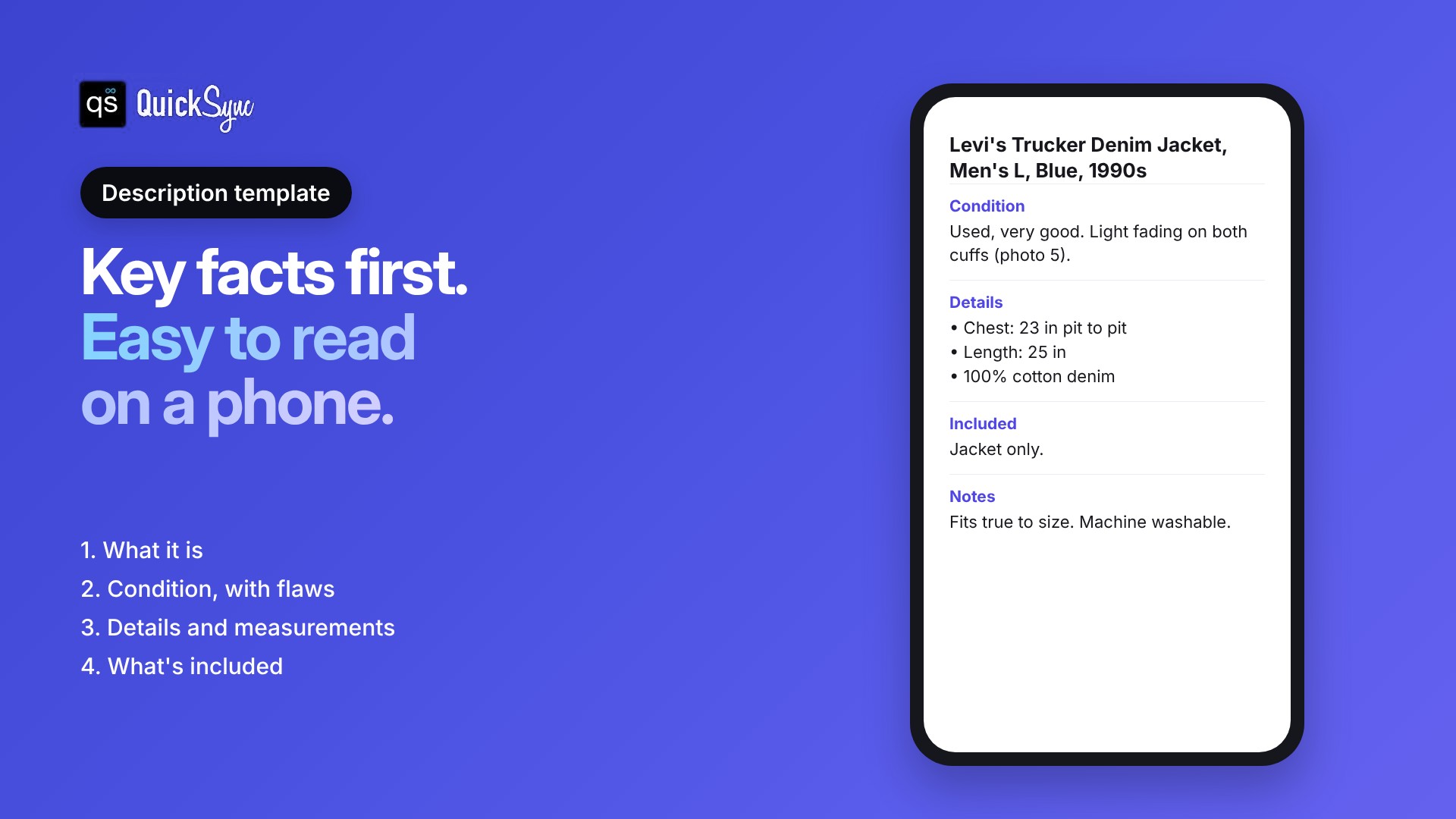
Here’s the Levi’s jacket from earlier, filled in:
Levi’s Trucker Denim Jacket, Men’s L, Blue, 1990s
Condition: Used, very good. Light fading on both cuffs (photo 5). No holes, stains or repairs.
Details:
- Chest: 23 in pit to pit
- Length: 25 in collar to hem
- 100% cotton denim
Included: Jacket only.
Notes: Fits true to size. Machine washable.
Should you use eBay’s AI description tool?
eBay has an AI tool that suggests a description for your item. It’s a quick first draft. eBay says to customize it to add detail, fix anything that isn’t accurate and match your own voice. Always check the condition and measurements yourself, since those are the details buyers rely on.
Selling on eBay and other channels?
If you sell the same products on Shopify, Etsy, WooCommerce or Amazon, writing every eBay listing by hand takes hours. Keeping them in step afterwards takes longer.
QuickSync connects eBay to your other shops and keeps your listings, stock, prices and orders in step. According to the eBay integration page:
- Listings: on the Pro plan, QuickSync can create and update eBay listings from your main store, with photos, sizes and colours.
- You review first. Listings never copy from Shopify to eBay until you’ve looked at them, so you can tidy titles before they go live.
- Stock syncs both ways. Sell on eBay and your other shops update. Sell anywhere else and eBay follows.
- Prices and orders: prices are sent to eBay, with price rules on Ultra and above. eBay orders come into QuickSync, and tracking is sent back to the order.
It connects 13 platforms, including Shopify, Etsy, Amazon, TikTok Shop, WooCommerce and Square. Plans start at $19 a month for two shops, with product and order sync on Pro from $29, according to the pricing page. Every plan has a 14-day free trial with no card.
Common eBay title and description mistakes
| Mistake | Why it hurts | Fix |
|---|---|---|
| Short or vague title | Fewer words that match searches | Use the formula and most of the 80 characters |
| ALL CAPS or symbols | eBay says it can lower your ranking | Write in normal case, no “L@@K” |
| Other brand names in the title | Breaks eBay’s search manipulation policy | Name only your brand, or use “for” or “compatible with” |
| “Some wear” with no detail | Leads to questions and returns | Describe each flaw and point to a photo |
| Long description with no structure | Hard to read and may be cut off on mobile | Short block at the top, then bullet points |
| Empty item specifics | Your item misses search filters | Fill in every recommended specific |
| Different details on each channel | Buyers see the wrong size or stock | Keep one source of product info for every channel |
eBay listing checklist
Run through this before you publish:
- Title uses the brand, product, model and key details, in that order.
- Title is close to 80 characters, with no capitals, symbols or filler.
- Every word in the title describes your item.
- Category is right and every recommended item specific is filled in.
- Description starts with a short block of the key facts.
- Condition and every flaw are described, with photo numbers.
- Measurements and what’s included are listed.
- You’ve previewed the listing on your phone.
Write for the buyer, not the algorithm
The best eBay titles and descriptions are the clearest ones. Use the words a buyer would search, describe the item honestly and keep it easy to read on a phone.
Start with your best sellers. Rewrite their titles with the formula, add the description template, and check how they do after a few weeks.