The camera in your drawer, the jacket you never wear, the stock you can’t move in your own shop. Someone is searching eBay for it right now. The hard part is getting your listing in front of them at a price that still leaves you something after fees.
Those buyers are there in big numbers. eBay reported 136 million active buyers in its August 2026 results, and they spent $22.4 billion on the site in that quarter alone. You don’t need a store, a logo or a big budget to reach them.
This guide shows you how to sell on eBay from scratch. You’ll set up your account, research a price, create a listing that gets found, ship the order and get paid. Every fee and limit below was checked on eBay’s own pages.
How to sell on eBay in 7 steps
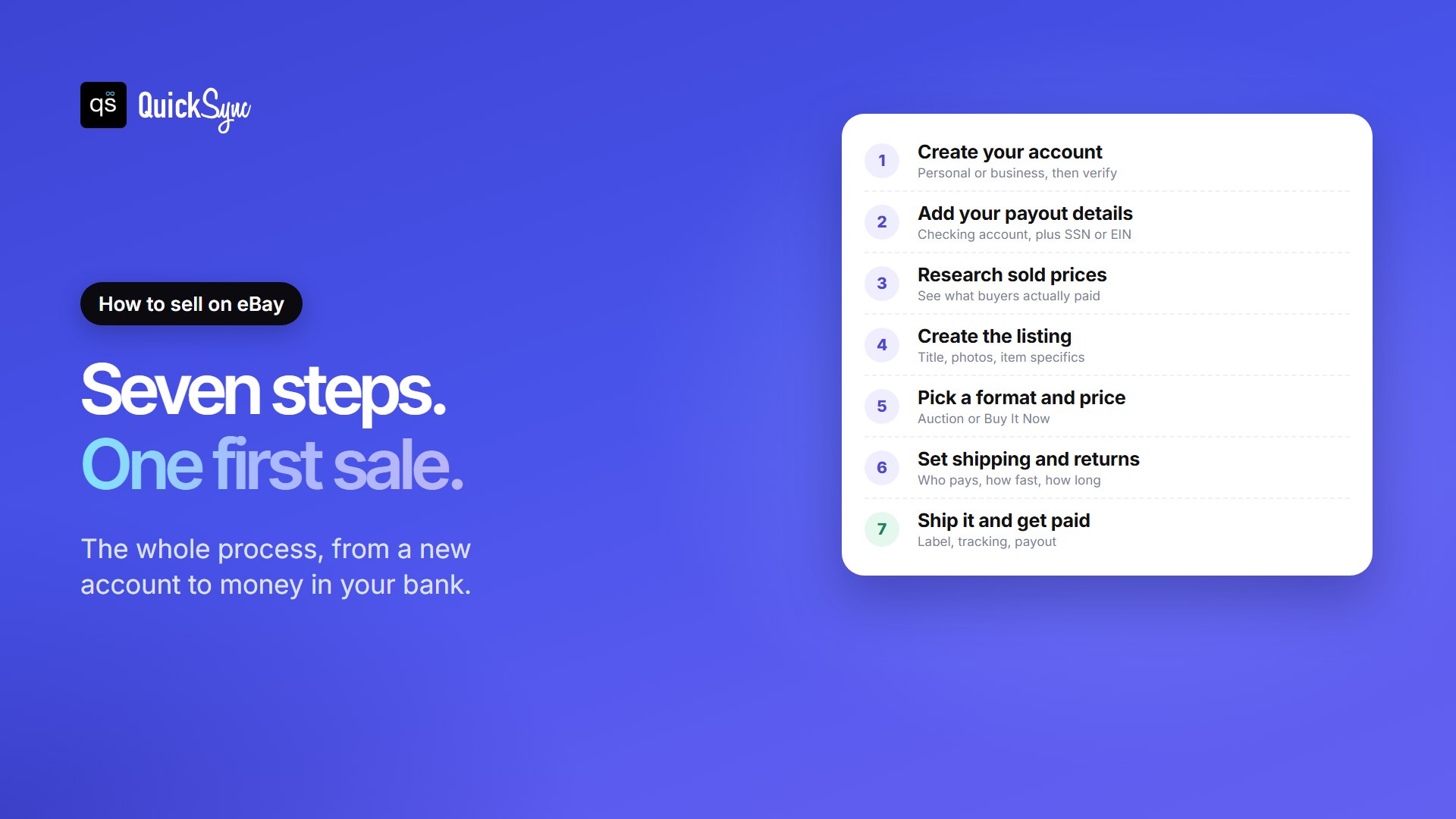
Here’s the whole process at a glance. Each step has its own section below.
- Create your eBay account and choose personal or business.
- Add your payout details: a checking account and your SSN or EIN.
- Research sold prices for your item.
- Create the listing with a clear title, photos and item specifics.
- Pick a format and price: auction or Buy It Now.
- Set shipping and returns.
- Ship the order and get paid.
What you need before you start
Gather these first, and setup takes minutes instead of an afternoon:
- An email address and phone number for your account and verification codes.
- A US checking account. eBay sends your earnings there.
- Your SSN, ITIN or EIN. eBay must collect a tax ID from every seller. If you don’t give one, your payouts go on hold.
- To be 18 or older. eBay’s underage user policy requires it, because every sale is a contract between buyer and seller.
- A phone with a decent camera. Good photos sell more than anything you write.
Step 1: Create your eBay seller account
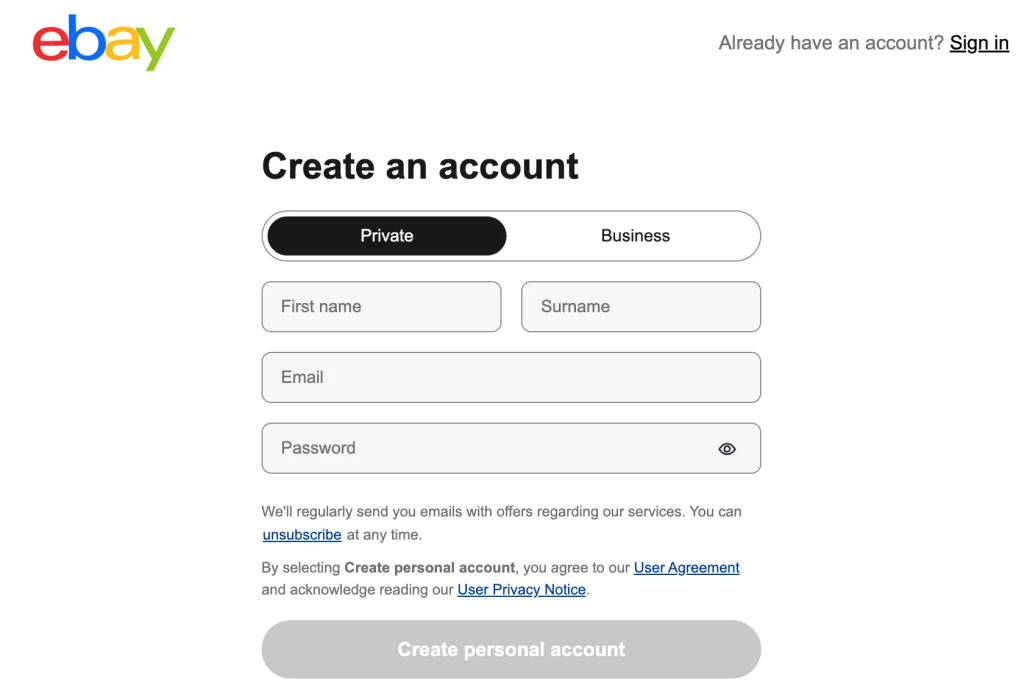
Go to eBay, select Register, and choose a personal or business account. The choice matters more than it looks.
A personal account suits selling things you already own, now and then. A business account is for buying stock to resell or selling regularly. It also lets you show a business name and open an eBay Store. Our guide to eBay personal vs business accounts covers every difference.
Expect a selling limit at first. eBay sets limits per account, based on its age, identity checks and sales history. New accounts often start around 10 items or $500 a month. eBay reviews limits monthly and raises them as you sell well, and you can see yours in Seller Hub.
Step 2: Add your payout details
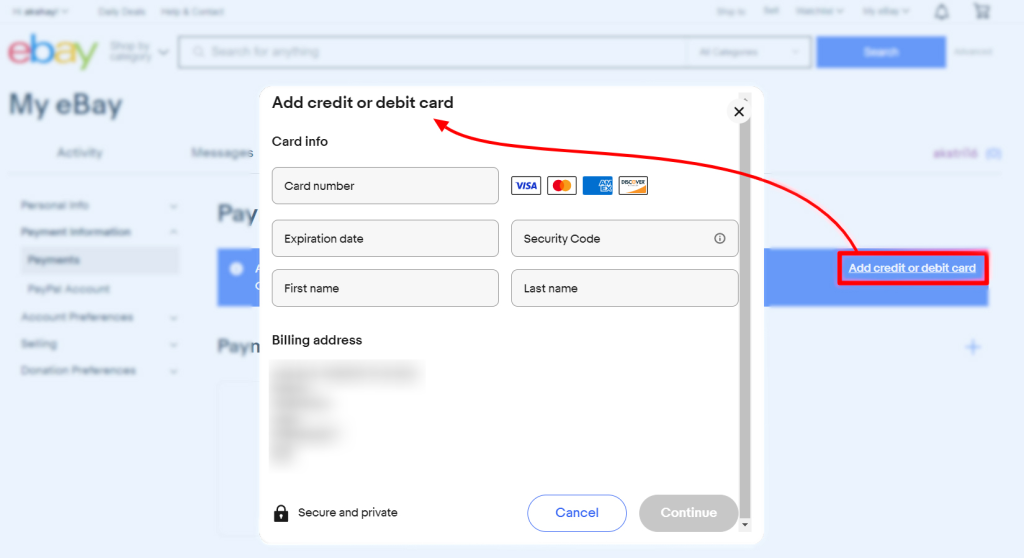
Before your first sale, eBay asks where to send your money. Link your checking account in the Payments tab, and add your tax ID when prompted. This is also when eBay may ask you to confirm your identity.
Doing this upfront saves a common headache. Sellers who skip it find their first payout stuck on hold, just as the buyer is waiting for a tracking number.
Step 3: Research what your item actually sells for
Asking prices on eBay tell you what sellers hope for. Sold prices tell you what buyers paid. Always price from sold listings.
Search for your item, then turn on the Sold items filter. Look at items in the same condition, and note whether they sold at auction or at a fixed price. Our guide on how to see sold items on eBay walks through the filter on desktop and in the app. If you have a Seller Hub, its Product Research tool shows the same data in more detail.
Step 4: Create a listing that gets found
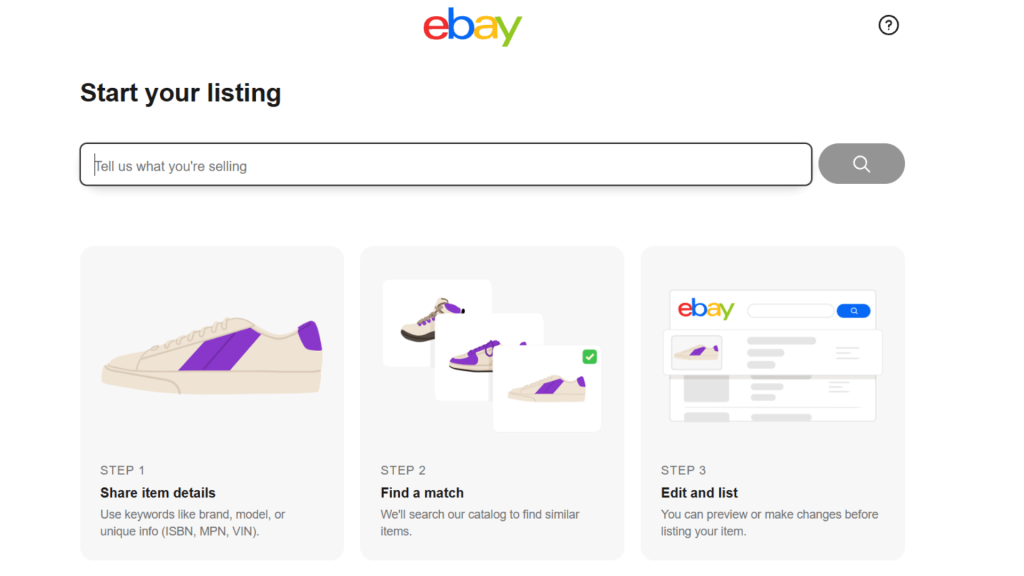
Select List an item in Seller Hub or the eBay app. eBay will suggest a product match. Accept it if it’s right, because it fills in many details for you. Then work through four parts.
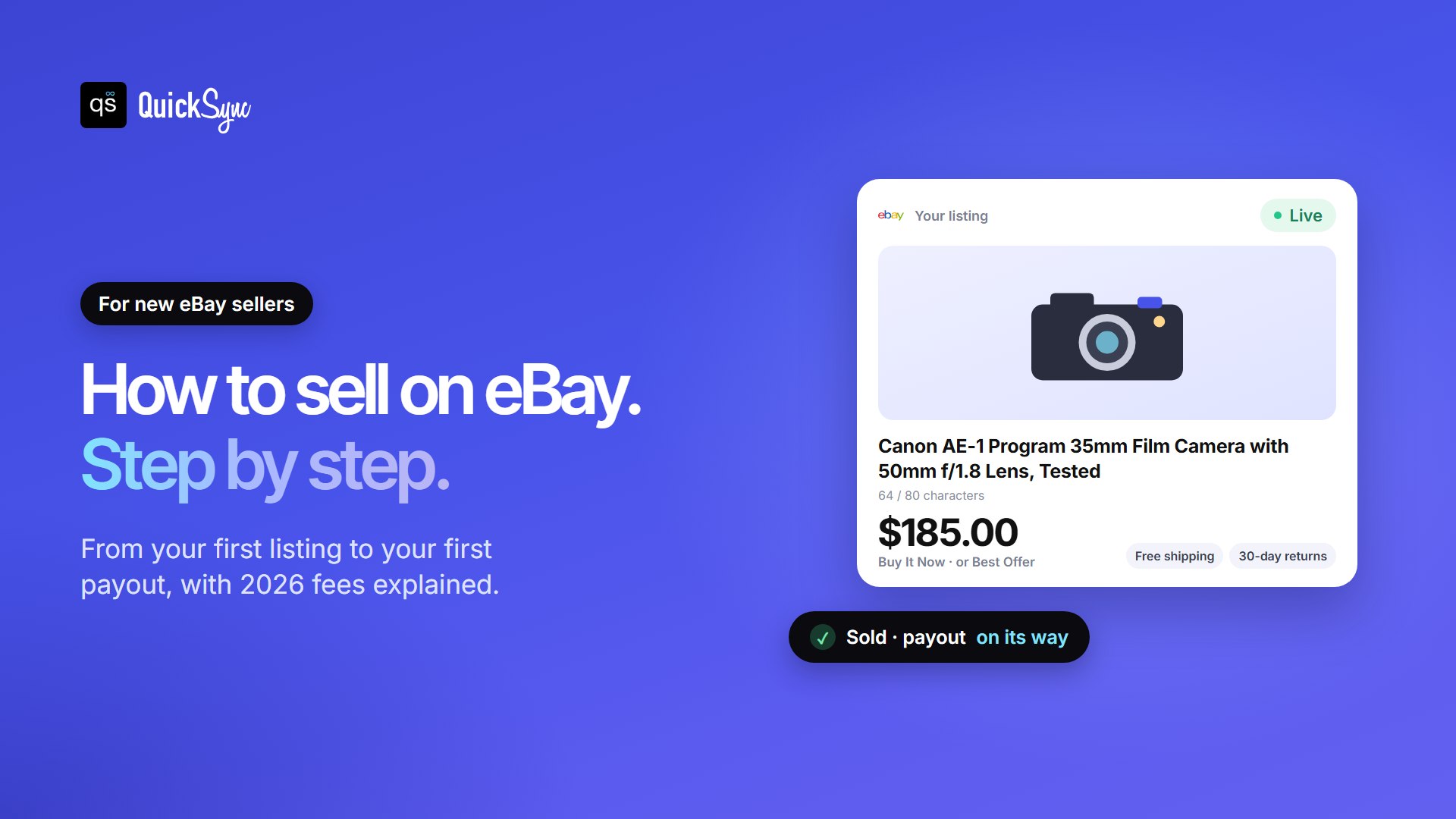
Title. You have 80 characters, and eBay advises using as many as you can. Start with the words a buyer would type: brand, model, size, color and key feature. “Canon AE-1 Program 35mm Film Camera with 50mm f/1.8 Lens, Tested” beats “Great vintage camera!!” every time.
Photos. In most categories you can add up to 24 photos at no cost. Use daylight and a plain background. Show every side, the label or serial number, and any flaw up close. Showing a scratch upfront prevents a return later.
Item specifics. These are the fields like brand, size and color. Buyers filter search results by them, so a missing specific can hide your listing. Fill in every one that applies.
Condition and description. Pick the honest condition, then describe what’s included, measurements and any wear. Short paragraphs and plain facts work best.
If you plan to sell more than a few items, give each one a SKU, which eBay calls a Custom label. It keeps your stock straight once you have dozens of listings. Our guide on what a SKU is shows how to create them.
Step 5: Choose auction or Buy It Now
eBay offers two formats, and the right one depends on what you’re selling.
| Details | Auction | Buy It Now (fixed price) |
|---|---|---|
| How it works | Buyers bid until the timer ends | Buyers pay your set price, or send an offer if you allow it |
| Best for | Rare, collectible or hard-to-price items | Everyday items, new stock, anything with clear sold prices |
| Speed | Ends on a set day | Sells whenever a buyer is ready |
| Risk | May sell below what you hoped | May sit unsold if the price is too high |
For an auction, set a starting price you’d genuinely accept, because it may end there. For Buy It Now, price close to recent sold listings, then turn on Best Offer to let buyers negotiate. You can set an automatic accept price so good offers close without you.
Step 6: Set shipping and returns
Shipping is where most new sellers lose money, so decide it before you publish.
- Calculated shipping: enter the packed weight and size, and eBay charges each buyer the right rate for their location. This is the safest choice for heavy or bulky items.
- Flat rate: one shipping price for everyone. It’s simple, but you lose money on distant buyers if you set it too low.
- Free shipping: you build the postage into your price. Buyers like it, so it can help small, light items sell.
Weigh and measure the item after packing it. A few ounces can push a parcel into the next price band. Then set a handling time you can always meet. One or two business days is normal. Selling several items to the same buyer? You can charge one lower shipping cost, and our guide on how to combine shipping on eBay shows how. For cards, coins or stamps that sell for $20 or less, eBay Standard Envelope ships them with tracking from $0.82.
For returns, you can offer 30 days, 60 days or none, and choose who pays return shipping. Offering returns builds buyer trust. Even with no returns, a buyer can still open a case under eBay’s Money Back Guarantee if an item arrives not as described. Accurate photos are your best protection.
What eBay fees take from a $100 sale
Listing on eBay is mostly free. Selling is not. Here’s what you pay in most categories, from eBay’s selling fees page:
- Insertion fee: your first 250 listings each month are free, then $0.35 each.
- Final value fee: 13.6% of the total sale, up to $7,500 per item.
- Per-order fee: $0.40 on orders over $10, or $0.30 on orders of $10 or less.
The catch is the word “total.” The final value fee counts the item price, any shipping the buyer pays and the sales tax. You never keep the tax, because eBay collects it and pays it to the state, but you still pay the fee on it.
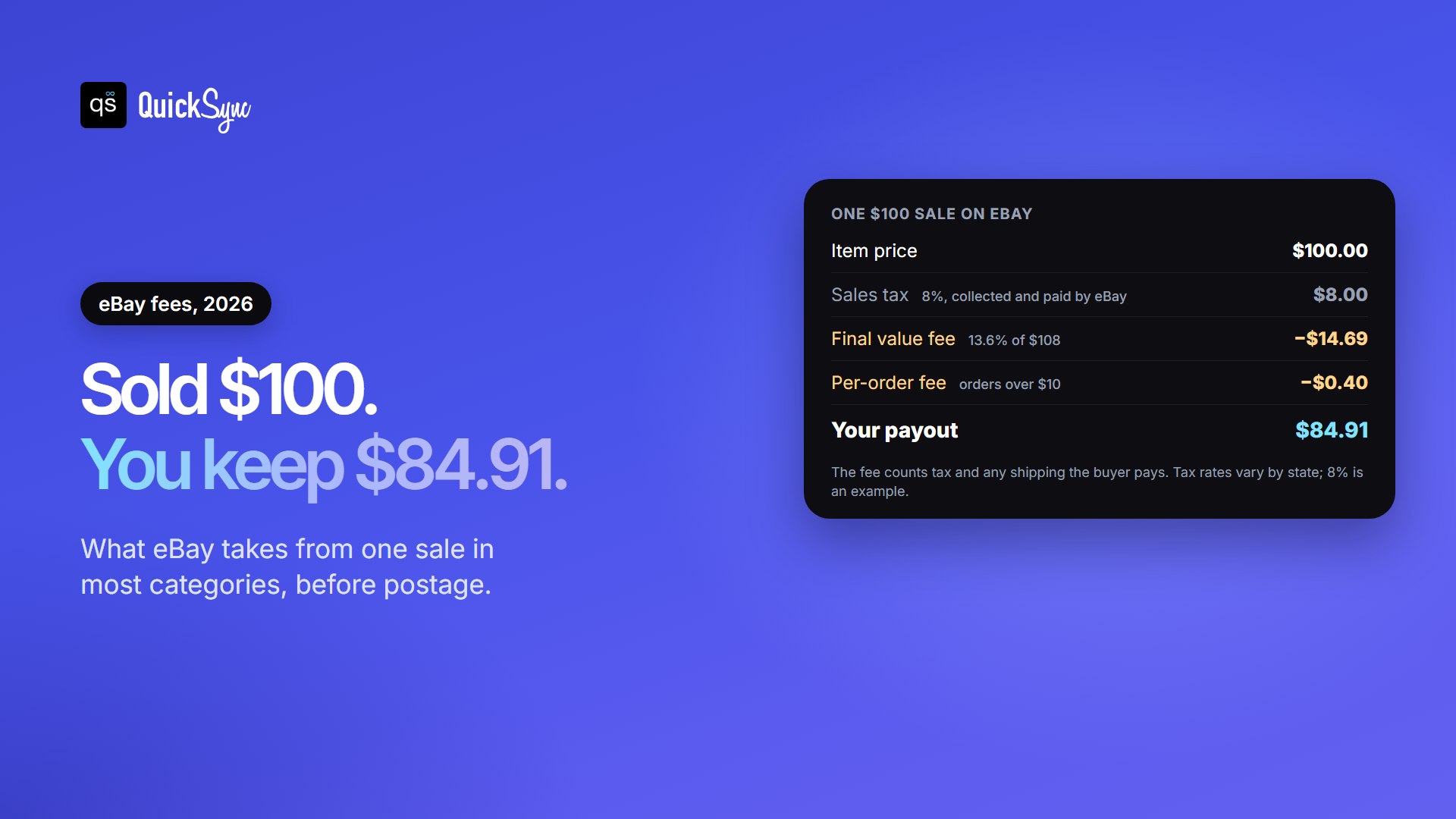
So on a $100 item with 8% sales tax, eBay takes $15.09 and you receive $84.91. If you also charge the buyer for shipping, the fee grows with it. Some categories differ, from 15% on jewelry to 6.7% on guitars. Our eBay seller fees guide lists them all.
Step 7: Ship the order and get paid
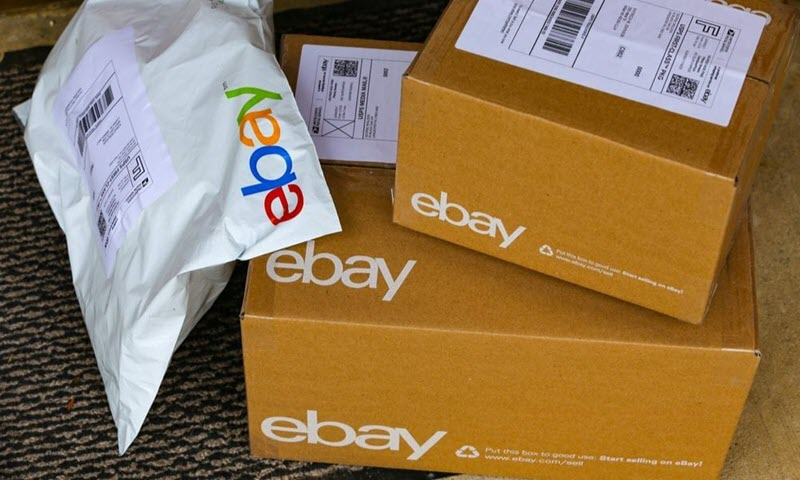
When an item sells, eBay emails you and the order appears in Seller Hub. Wait for the payment to show as complete, then ship within your handling time.
The easiest way to ship is to buy a label through eBay from the order page. The tracking number uploads automatically, which matters. Tracking that shows delivery is your proof if a buyer says a parcel never arrived.
Then the money moves. On a daily payout schedule, eBay typically starts your payout about 2 days after confirming the buyer’s payment. Your bank then takes another 1 to 3 business days. You can also choose weekly, every two weeks or monthly payouts.
At tax time, eBay sends a Form 1099-K only if you had more than $20,000 in sales and more than 200 transactions in the year. That’s just a reporting rule. Profit from selling is still taxable below it, so keep simple records from day one.
How to grow after your first sale
Once the first few orders go smoothly, a few habits make the next hundred easier.
- Earn feedback. Ship fast, answer messages the same day, and describe items honestly. Feedback builds your eBay star and buyer trust.
- Aim for Top Rated status. Top Rated Plus listings get 10% off the final value fee. Here are the Top Rated Seller requirements.
- Try Promoted Listings carefully. With a general campaign, you pay an ad rate you choose, from 2% of the sale, only if the item sells within 30 days of a click on your ad. Start low and track what it earns.
- Open a Store when you outgrow 250 listings. Store plans include more free listings, and most cut the final value fee. Our guide on how to set up an eBay Store compares them.
Mistakes new eBay sellers make
Most first-month problems come from the same handful of mistakes:
- Pricing from asking prices, not sold prices. Unsold listings show hope, not demand.
- Guessing shipping costs. Weigh the packed parcel, or use calculated shipping.
- Forgetting fees count tax and shipping. Your margin is smaller than the item price suggests.
- Starting with high-value items. Build feedback with lower-priced sales first, while your limits are small.
- Hiding flaws. A clear photo of a scratch costs less than a return.
- Selling the same item twice. If it’s also listed in your own shop or on another marketplace, one sale must remove it everywhere.
Selling on eBay and somewhere else?
That last mistake becomes the main risk once eBay isn’t your only sales channel. Many sellers list the same stock on eBay and on Shopify, Etsy, Amazon or a shop counter. When one unit sells in one place, every other listing needs to update before a second buyer pays for it.
Doing that by hand works for a handful of items. It breaks down at busy times, which is exactly when oversells cost you feedback. An inventory sync tool matches each product by SKU and keeps one stock count across every channel. Compare the options in our guide to the best Shopify eBay integration apps.
FAQs
Deciding where to sell? See how eBay compares in our eBay vs Etsy and eBay vs Amazon guides.