If you are reading this, you already know Linnworks. You either use it now, or you are about to sign up. And something is not sitting right.
Maybe the renewal quote made your jaw drop. Maybe the platform feels too difficult for your team. Maybe you just want to know what you will pay before a sales call. Whatever it is, you are now searching for Linnworks alternatives. Let me tell you something. That instinct is smart.
Linnworks is a powerful tool. For huge, high-volume operations, it works well. But “powerful” and “right for you” are not the same thing. Most merchants do not need an enterprise platform. They need real-time sync, simple order management, and transparent pricing.
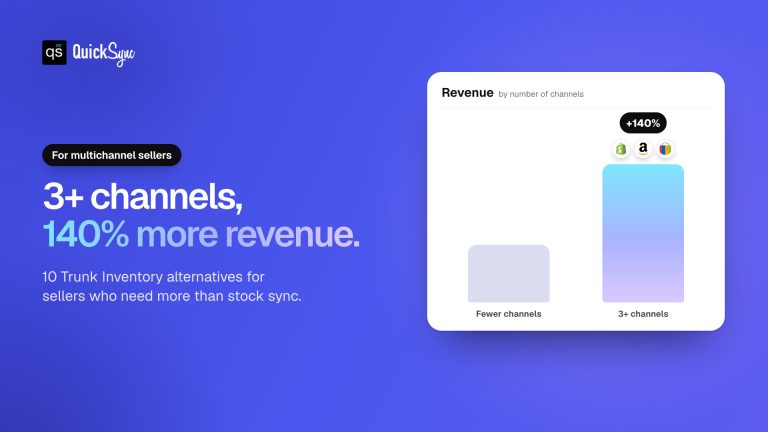
Selling on more channels pays off. Sellers who run three or more sales channels generate substantially more revenue than single-channel sellers. But more channels also mean more chaos. The wrong software makes that chaos worse.
So I tested and compared the 10 best alternatives to Linnworks. For each one, I cover what it does, what it costs, its honest limitations, and who it fits. By the end, you will know exactly which tool matches your business.
Linnworks pricing in 2026
Linnworks doesn’t publish a price. Plans are quoted on monthly order volume, with overage charges above the band, paid add-ons for Listing, WMS, Forecasting and Analytics, and a one-off onboarding fee. Third-party listings put entry points around $449 a month; reviewers on G2 describe paying roughly three times the headline once add-ons and increases landed. There is no self-serve trial, only a demo. Source: linnworks.com/pricing, 21 August 2026.
Linnworks vs the top three alternatives
| Linnworks | QuickSync | Zoho Inventory | Cin7 Core | |
|---|---|---|---|---|
| From | Quote only (~$449/mo cited) | $19/mo, two shops | $29/mo billed annually | $349/mo |
| What sets the bill | Order volume, modules, onboarding | Catalogue size × shops | Orders, users, locations | Users, orders a year, integrations |
| How stock moves | Claimed real-time | Under a second on 8 of 11 channels; eBay, Etsy, Squarespace stock every 2 min | Interval; unpublished | Claimed real-time |
| Tills | None native | Square, Clover, Lightspeed | None | Own POS add-on; Square |
| Warehouse features | Bins, pick paths, 70+ carriers, 3PL | None | Multi-warehouse, serial/batch, POs | Multi-warehouse, B2B, manufacturing |
| Trial | Demo only | 14 days, no card | Free to 50 orders; 14 days | 14 days |
Which group you shop in decides more than any single feature: under $100 a month (QuickSync, Sellbrite, Sumtracker) buys the sync and little else; mid-market (Zoho, Veeqo, Cin7 Core) adds purchase orders and warehouses; enterprise (Sellercloud, Brightpearl, Extensiv, Base.com) is a Linnworks peer with a different price sheet. The ten below are grouped that way. For the wider field, see our guide to multichannel inventory management software.
What Is Linnworks?
Before we judge the alternatives, let me explain what Linnworks actually is.
Linnworks is an ecommerce operations platform for multichannel sellers. It helps online retailers manage inventory, orders, listings, shipping, warehouse workflows, and sales data from one platform. It is built for ecommerce businesses selling across multiple channels, marketplaces, and fulfillment locations.
Linnworks offers features like:
- Inventory management
- Order management
- Multichannel listings
- Warehouse management
- Shipping management
- Stock forecasting
- Reporting and insights
- Ecommerce automation
- Marketplace sales control
- Product data management
- Order processing workflows
For many larger sellers, Linnworks works well because it gives deep control. But it can also feel heavy for smaller teams.
If you need advanced warehouse management, custom workflows, complex order routing, and deep insights, Linnworks may make sense. But if your main issue is simple sync between Shopify, Clover, WooCommerce, Etsy, eBay, Amazon, Square, or TikTok Shop, you may not need all that complexity.
That is where Linnworks alternatives become important.
Why Businesses Look for Linnworks Alternatives
Most sellers do not leave Linnworks because it is broken. They leave because it stopped fitting their business. Here are the most common reasons merchants search for a Linnworks alternative.
If you want the direct comparison rather than the field, we keep a QuickSync and Linnworks comparison covering pricing, the channels each side supports, and what Linnworks does that we do not.
Pricing Is Not Transparent
This is the big reason why people leave Linnworks. Linnworks pricing is quote-based. You cannot see a price on the website. You have to book a call and wait for a quote. For growing businesses that want clarity, this is frustrating from day one.
Costs Climb As You Grow
Pricing is tied to order volume. So as your sales grow, your bill grows too. Some long-time users report renewal quotes jumping 200% to 300% at once. That is a serious additional cost for a small team to absorb. Many sellers start hunting for the best Linnworks alternative the moment that quote lands.
Takes Time to Learn
Linnworks has a deep feature set. But depth has a cost. But it is not always easy to use. There are many settings, rules, and features to understand before everything works smoothly. Small teams may struggle at the start, especially if they do not have someone managing daily operations.
Slow Setup and Onboarding
Enterprise tools often need a long setup process. Some may also charge an implementation fee before you start. You may wait weeks before your store goes live properly. For sellers already taking orders on Shopify, Clover, WooCommerce, or eBay, that delay can hurt daily sales and operations.
Too Much For Smaller Sellers
Linnworks was built for high-volume online retailers with warehouse management needs and many fulfillment centers. If you run a lean Shopify and Clover setup, you are paying for power you will never use. That is not an obvious choice for a smaller seller.
Now that you understand the “why,” let me show you what a good replacement actually needs.
If you already know which two channels you’re joining, the pairing pages carry the detail: Squarespace and Etsy, Square and Etsy, Etsy and Amazon and WooCommerce and QuickBooks each set out what syncs, in which direction, and what the slower side of the pair costs you in practice.
What to Look for in a Linnworks Alternative
Choosing an inventory management software is not only about features. You need to match the software to your daily operations.
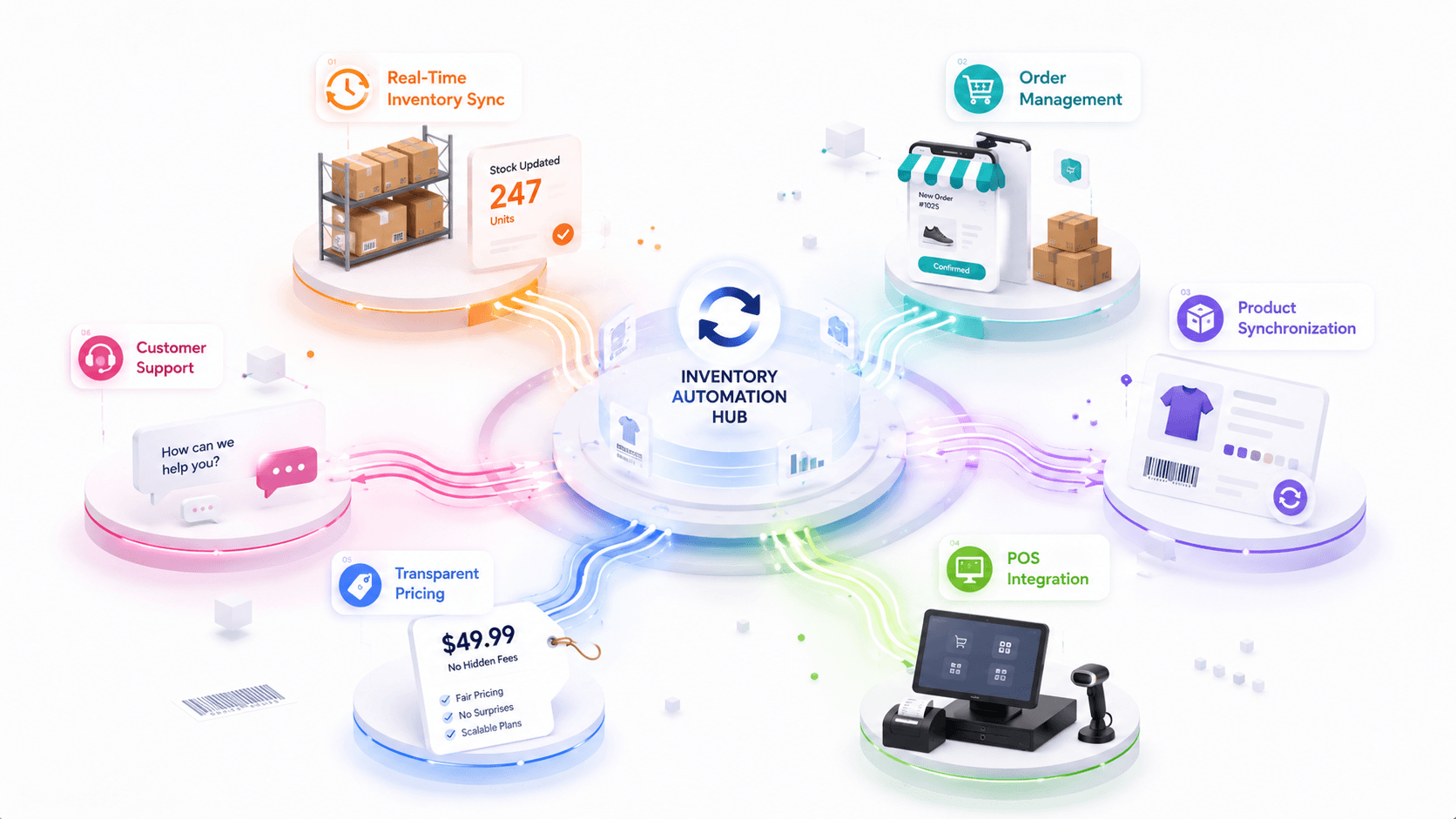
A tool can look great on a feature page. But it may still fail your workflow if it does not match your sales channels, order volume, product data, support needs, or pricing comfort. Here are the main things to compare.
Real-Time Inventory Sync
This is non-negotiable. Real-time sync updates your stock levels across every channel the second a sale happens. Scheduled sync only updates every 15 or 30 minutes. Good inventory sync helps you prevent overselling and reduce stock mismatches. During a busy sale, that delay causes overselling.
This matters when you sell across Shopify, Clover, WooCommerce, eBay, Amazon, Etsy, Square, TikTok Shop, and other channels.
One Dashboard Order Management
Order management is the next major factor. Your orders should not sit in separate dashboards. You need every order from every channel in one system. Good order management software centralizes picking, packing, and shipping. No more jumping between five tabs to sync orders.
Look for an order management tool that offers real-time order status sync, tracking number sync, customer data sync, and cancellation sync.
Complete Product Data Sync
Product data gets messy fast. Titles, SKUs, images, variants, prices, descriptions, tags, categories, and tax settings must stay aligned. A good alternative should help you manage product data across channels. When you update a product once, it should push everywhere.
Full product sync covers titles, descriptions, images, variants, pricing, categories, and tags. The more product data that syncs automatically, the less manual work you do.
Multiple POS Integration
The best tool should support your current and future channels. Do not only look for tools that support a single channel. Check whether it offers multichannel sync or not. If your POS and ecommerce store do not sync, your stock levels become unreliable.
That wastes time and creates errors. A good Linnworks alternative should support POS inventory sync if you sell offline too.
Transparent Pricing
You should know what you will pay before you commit. Transparent pricing with clear pricing options saves you from surprise renewals. This single factor pushes many merchants away from Linnworks.
They also save you from surprise renewals, hidden add-ons, or unexpected upgrade charges. Pricing must match your business size.
Before choosing any software, ask:
- What is included?
- What costs extra?
- Does order volume affect pricing?
- Are extra users charged?
- Is onboarding paid?
- Are integrations limited?
- Is support included?
- Can I cancel easily?
Transparent pricing helps growing businesses avoid surprises.
Easy Setup and a Real Support Team
Some tools need a developer. Some go live in minutes. Be honest about your team’s comfort level. And check the support team. It also reduces mistakes during product, inventory, and order sync. Your team should not feel stuck inside the dashboard.
And check the support team before you commit. Fast, human help saves hours when something breaks.
How I Compared These 10 Linnworks Alternatives
Fair question. Why trust this list? Each tool was scored on the same public criteria below — pricing pages, docs, and channel coverage — so you can re-check any row yourself.
Here is what I looked at for each one:
- Sync speed: Does it sync in real time or on a schedule? How fast do updates hit every channel?
- Channel coverage: Which platforms does it really support? And how deep is that support?
- Order management: Does it centralize orders, or only sync stock counts?
- Product sync depth: Does it push titles, images, variants, and pricing, or just quantities?
- POS support: Does it connect physical stores to online stock?
- Accounting sync: Does it link to QuickBooks or Xero for clean books?
- Ease of setup: Can a non-technical owner go live without a developer?
- Pricing transparency: Is the price public, or hidden behind a sales call?
- Real seller feedback: What do actual merchants say after months of use?
Top 10 Linnworks Alternatives
Now let’s compare the best Linnworks alternatives. I’ll keep this practical. You will see what each tool does well, where it may not fit, and which merchants should consider it.
1. QuickSync
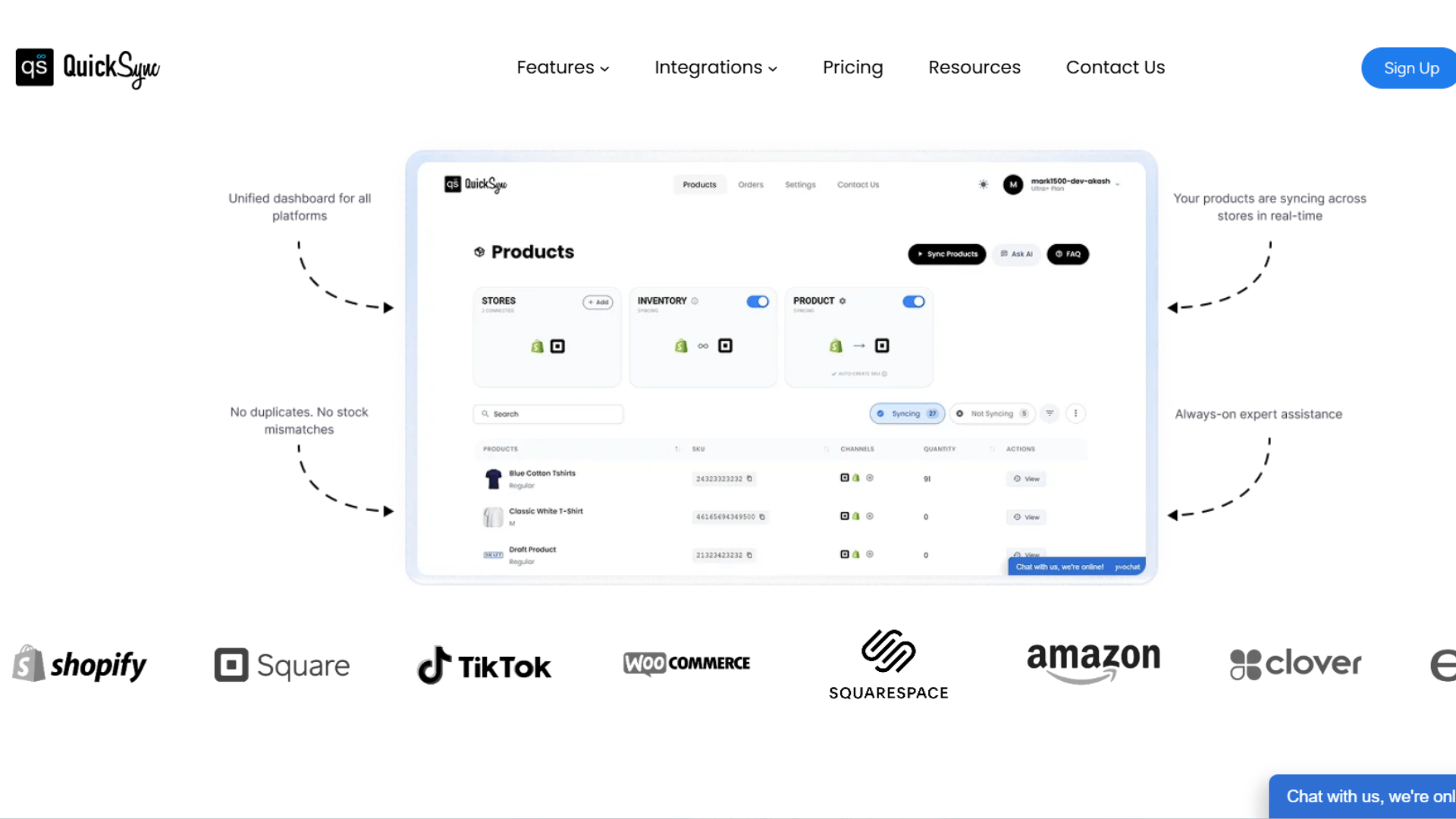
QuickSync is a continuous multichannel inventory management platform. It is built for sellers who need ecommerce stores, marketplaces, POS systems, and accounting all synced at once.
Where Linnworks aims at enterprise operations, QuickSync aims at the rest of us. It connects Shopify, WooCommerce, Amazon, eBay, Etsy, TikTok Shop, Clover, Square, and QuickBooks from one dashboard. And it does it with transparent pricing you can see right now, no sales call needed.
Key Features of QuickSync
- Continuous inventory sync: Supported changes arrive by webhook or scheduled checks. eBay stock and orders are checked every two minutes. Etsy stock is checked every two minutes and orders every five. These are check intervals, not delivery guarantees. Clover sale-stock checks run 30 minutes after order import.
- Full product sync: Names, descriptions, images, variants, SKU, pricing, categories, and tags push automatically.
- Order sync: Every order routes to one fulfillment dashboard, so you never juggle systems to fulfill orders.
- POS sync with Clover and Square: Clover sale-stock checks run 30 minutes after order import; queue processing and platform responses can add time. Square sends supported stock changes by webhook. Eligible orders can route to the selected fulfillment store on Pro or higher.
- Master Store setup: One store acts as your source of truth. Changes flow to every other channels without any manual updates.
- Multi-location sync: Map specific warehouses to specific channels automatically, so you always know about accurate stock levels, location-wise.
- Pricing rules sync: Product prices sync, so every store shows the right price. Set different prices for each channel to cover marketplace fees and protect margins.
- Auto SKU assignment: QuickSync can create missing SKUs automatically, so products match and sync correctly.
- Selective sync: Choose exactly which products, fields, or channels you want to sync
Supported Platforms by QuickSync
QuickSync supports multichannel integrations. You can sync ecommerce channels, marketplaces, POS software, and accounting software with QuickSync.
Shopify, WooCommerce, Amazon, eBay, Etsy, TikTok Shop, Clover POS, Square, Squarespace, and QuickBooks are all supported integrations by QuickSync.
Pricing Plans at QuickSync
- Lite: $19/mo (up to 1,000 items, continuous inventory sync, up to 4 integrations).
- Pro: $29/mo (up to 2,500 items, full product and order sync).
- Ultra: $69/mo (up to 10,000 items, full setup service, video sync, Forex pricing).
Note: 14-day free trial on every plan. No credit card required. Setup takes under two minutes.
Where QuickSync Works Best
QuickSync works best for sellers who need sync without complexity. It is a good fit for:
- Shopify stores selling on marketplaces
- Clover POS merchants expanding online
- WooCommerce sellers using eBay or Amazon
- Square POS retailers selling online
- Etsy sellers expanding to Shopify
- Amazon sellers managing product data
- TikTok Shop sellers needing inventory sync
- Small and growing businesses
- Merchants who want transparent pricing
- Teams wanting easy setup
QuickSync is not trying to be a full ERP. That is the point. It focuses on keeping inventory, orders, pricing, and product data aligned across channels.
My verdict: QuickSync is the strongest Linnworks alternative for most multichannel sellers. It fixes the two biggest Linnworks pain points at once. You get clear pricing from $19 a month. And you get a tool simple enough to run without a developer. It covers inventory, orders, products, POS, and accounting in one system. If you are leaving Linnworks because of cost or complexity, start here.
Limitations of QuickSync
- Etsy, eBay, and Squarespace stock are polled — those channels do not push every stock change instantly, so we check every couple of minutes. Safety stock covers the gap.
- Up to 8 connected shops on every plan (12 public integrations; plans allow eight of them).
- Only seven channels can take orders in — Shopify, WooCommerce, Square, Clover, Lightspeed, Wix, and QuickBooks. Amazon, Etsy, eBay, TikTok Shop, and Squarespace hand orders out; they will not accept someone else’s.
- Tracking does not go back everywhere — we return it to Shopify, Etsy, eBay, WooCommerce, TikTok Shop, and Squarespace. Supported tracking can also return to an originating Amazon order. Square, Clover and QuickBooks do not receive tracking numbers; Lightspeed can be marked shipped without the tracking number.
Those limits are the same ones on our About page — if a comparison hides them, treat that comparison as marketing, not diligence.
2. Cin7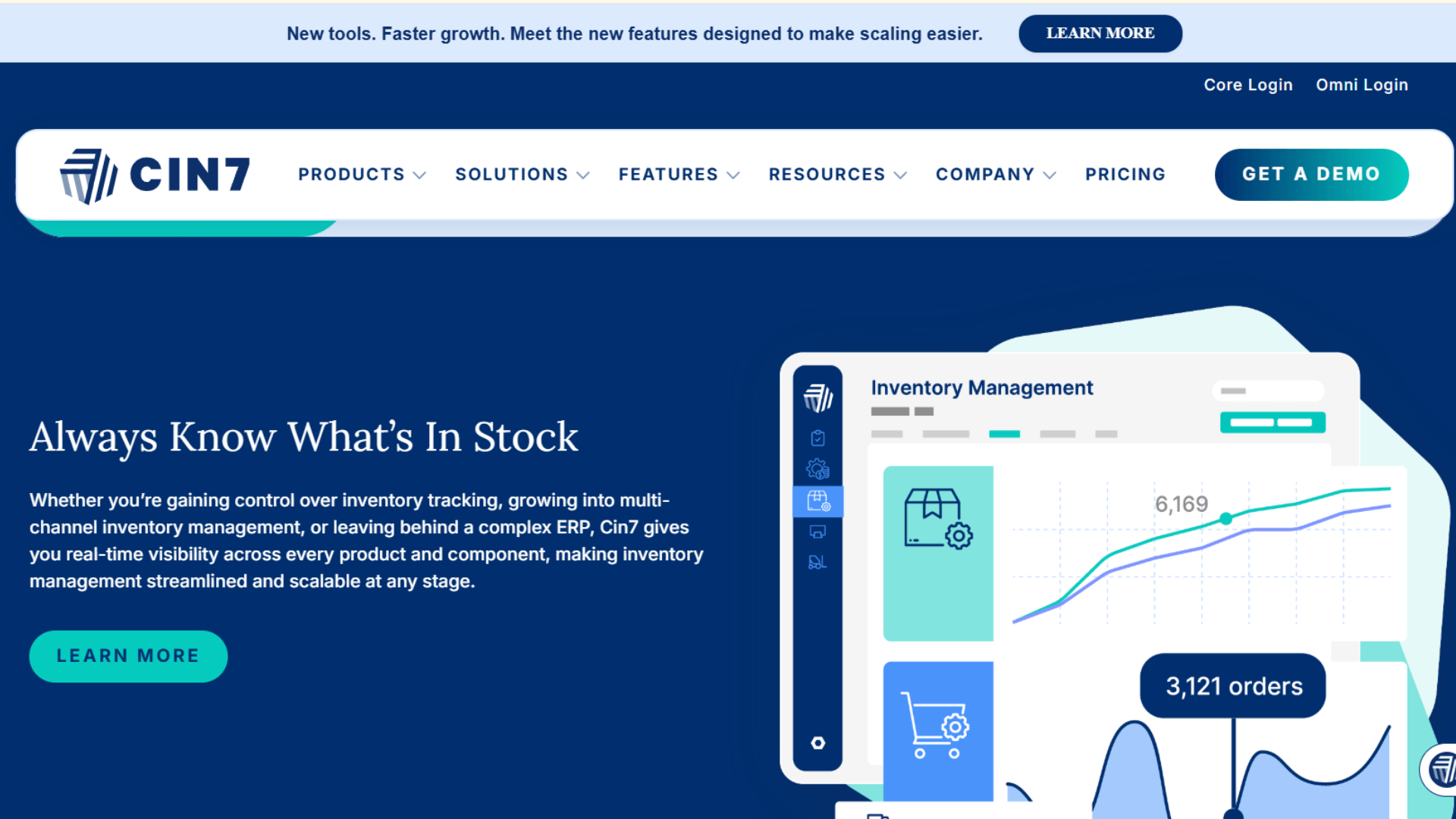
Cin7 is an inventory and order management platform for brands that sell across many channels. It is for online, in stores, and to wholesale buyers. It is a genuine omnichannel system.
It provides real-time inventory tracking, a built-in POS for retail, and a B2B portal for wholesale customers. For brands that need all three at once, it is a real contender.
Key Features of Cin7
- Real-time inventory sync across online and offline channels.
- Built-in POS system, so no separate retail tool.
- B2B ordering portal for wholesale customers.
- EDI connections for large retail buyers.
- Multi-warehouse management with stock tracking per location.
- Advanced reporting on channel profitability and inventory turnover.
Supported Platforms by Cin7: Amazon, eBay, Shopify, WooCommerce, BigCommerce, Magento, built-in POS, B2B portal, and EDI.
Pricing Plans at Cin7
- Standard: $349/mo (5 users, 2 integrations).
- Pro: $599/mo (10 users, 4 integrations).
- Advanced: $999/mo (15 users, 6 integrations).
- Omni: Custom pricing for enterprise.
Note: Extra users, integrations, and additional modules cost more as add-ons.
Limitations of Cin7
- High starting price at $349 per month.
- Complex to set up, especially for first-timers.
- Some features that competitors include need paid add-ons here.
- Support quality is reported as inconsistent by some users.
My verdict: Cin7 is a strong choice for brands that sell online, in retail, and to wholesale buyers. Its built-in POS and B2B portal are useful for bigger operations. But compared to QuickSync, it is more expensive and heavier to manage. If you mainly need inventory, product, order, POS, and marketplace sync, QuickSync gives you a simpler and more affordable option.
3. Zoho Inventory
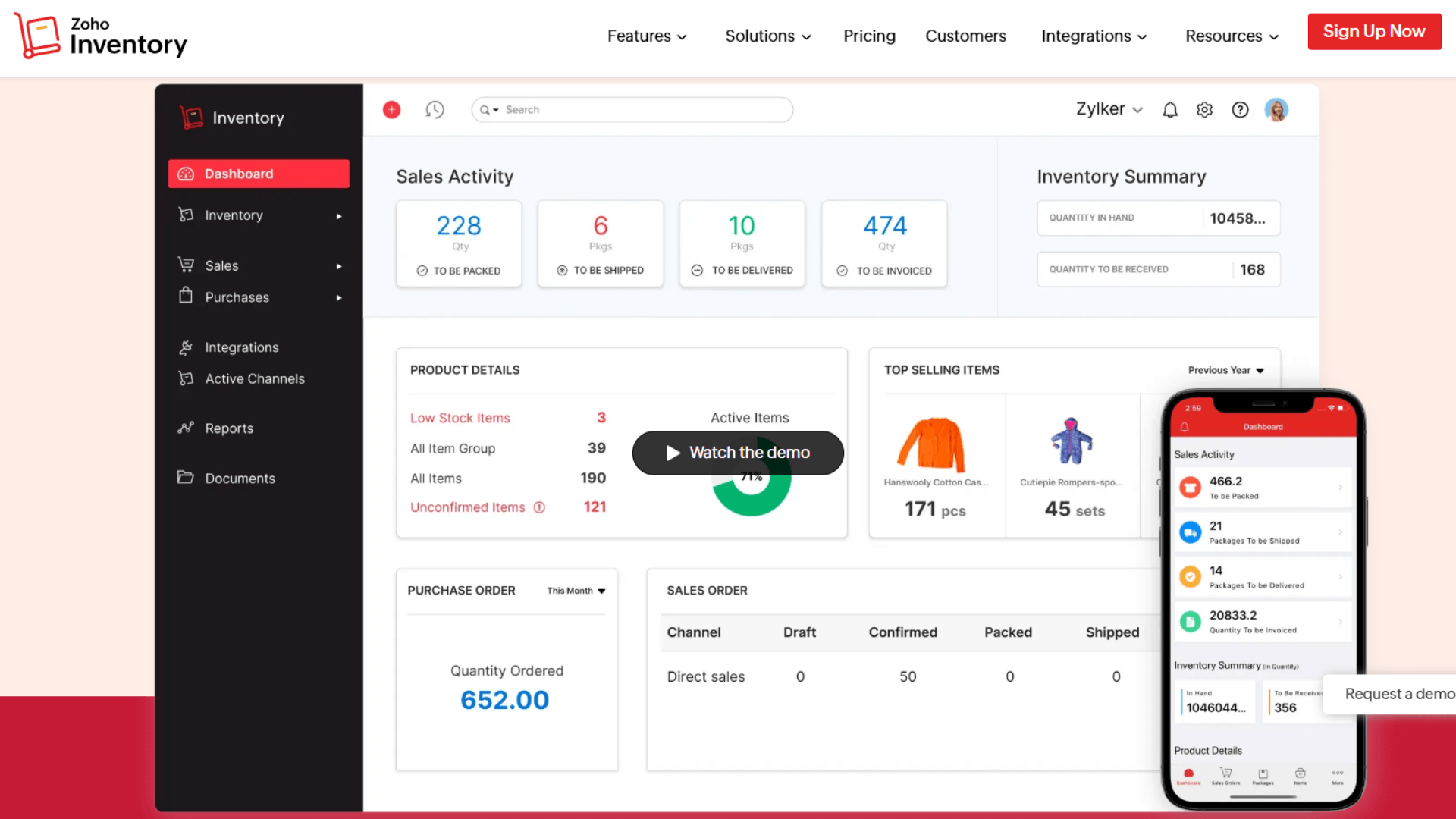
Zoho Inventory is a budget-friendly inventory tool inside the larger Zoho suite. It is popular with small businesses moving off spreadsheets. It handles inventory tracking, order management, and basic multichannel selling. It also links to Zoho Books for accounting and Zoho CRM for customers. If you already live in the Zoho world, it fits neatly.
Key Features of Zoho Inventory
- Inventory tracking with low-stock alerts and reorder points.
- Multichannel order management across Amazon, eBay, Etsy, and Shopify.
- Warehouse management for sellers with several locations.
- Serial number and batch tracking for traceability.
- Native links to Zoho Books and Zoho CRM.
- Basic demand forecasting on higher plans.
Supported Platforms by Zoho Inventory: Amazon, eBay, Etsy, Shopify, and WooCommerce.
Pricing Plans at Zoho Inventory
- Free: 50 orders per month.
- Standard: $29/mo.
- Professional: $79/mo.
- Premium: $129/mo.
- Enterprise: $249/mo.
Limitations of Zoho Inventory
- Syncs on a schedule, not in real time. The fastest update is every 30 minutes.
- That delay can cause overselling during busy periods.
- No POS integration, so not ideal for physical stores.
- The free plan is very limited, and most sellers outgrow it fast.
My verdict: Zoho Inventory is a good option for small sellers already using Zoho tools. It helps with basic inventory, orders, warehouses, and accounting workflows. But its scheduled sync can create stock delays during busy sales periods. QuickSync is better if you want continuous sync across Shopify, Clover, WooCommerce, Amazon, eBay, Etsy, Square, and TikTok Shop, with webhooks and scheduled checks depending on the platform. Check intervals, queue processing and platform responses determine the observed delay.
4. Sellbrite

Sellbrite is a multichannel listing and inventory tool. It is built for sellers who live on marketplace sales. Amazon, eBay, Etsy, Walmart, and Shopify.
It lets you build one listing and publish it everywhere. Then it keeps inventory synced so you do not oversell. For listing-heavy sellers, that is the core value.
Key Features of Sellbrite
- Real-time inventory sync across connected marketplaces.
- Centralized listing creation, so one listing publishes everywhere.
- Bulk listing tools for large catalogs.
- Order management with all orders in one dashboard.
- FBA and warehouse routing for fulfillment.
- Reporting on sales by channel.
Supported Platforms by Sellbrite: Amazon, eBay, Etsy, Walmart, Shopify, and WooCommerce.
Pricing Plans at Sellbrite
- Free: up to 30 orders per month.
- Pro 100: $29/mo (up to 100 orders).
- Pro 500: $79/mo (up to 500 orders).
- Pro 2000: $179/mo (up to 2,000 orders).
Limitations of Sellbrite
- No POS integration for physical stores.
- No accounting integration with QuickBooks or Xero.
- Channel coverage is narrower than broader tools.
- Order volume caps on lower plans pinch during peak season.
My verdict: Sellbrite is useful for sellers who care most about marketplace listings. It helps you create listings and manage inventory across channels like Amazon, eBay, Walmart, and Shopify. But it does not offer strong POS or accounting sync. QuickSync is a better option if you want listings, inventory, orders, POS, and accounting connected in one place.
5. Finale Inventory
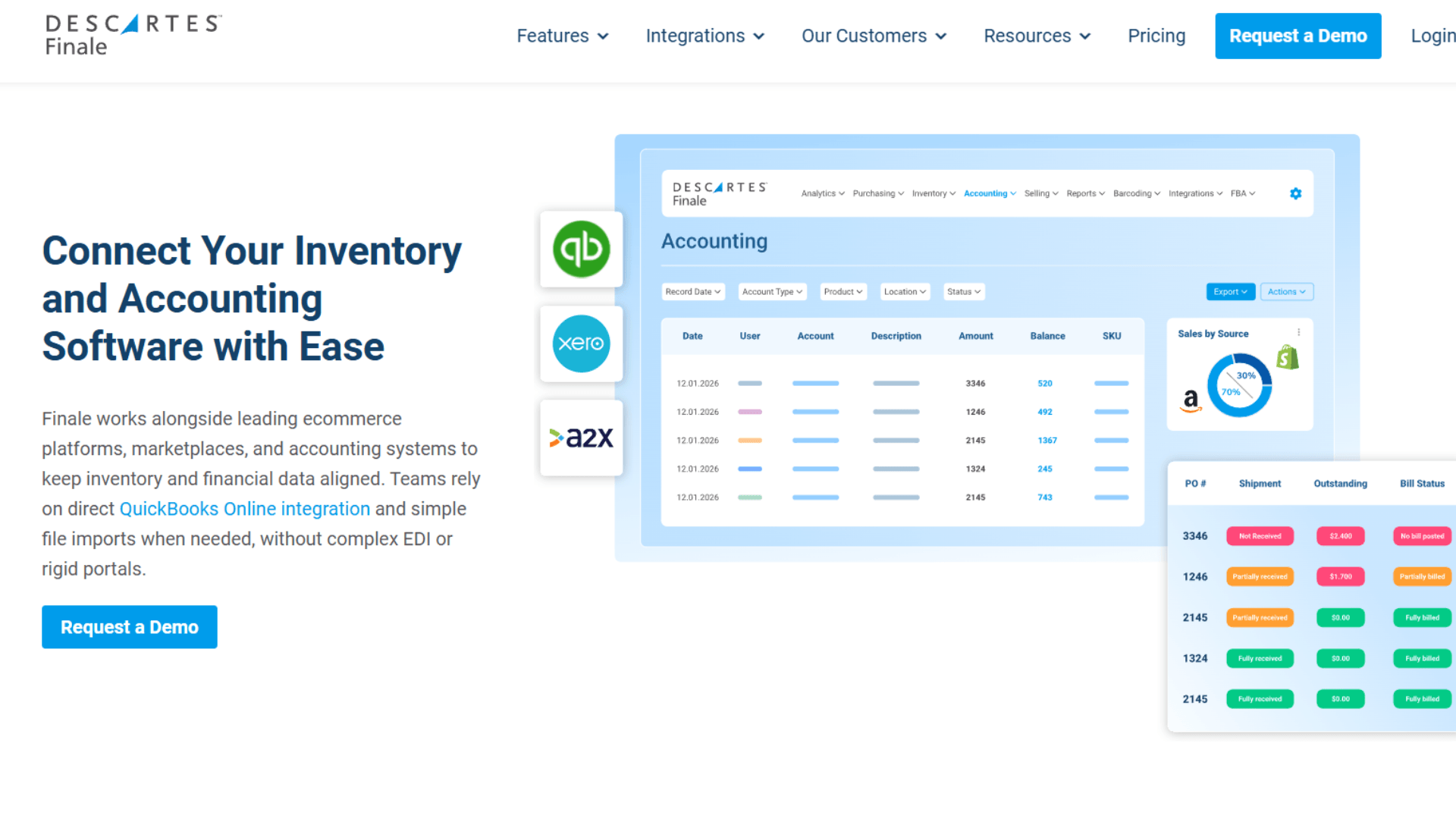
Finale Inventory is a cloud-based inventory and warehouse tool for growing businesses. It does more than basic sync. It includes purchase orders, barcode scanning, warehouse tools, and direct QuickBooks integration. For brands that have outgrown simple sync, it adds real operational depth.
Key Features of Finale Inventory
- Real-time inventory sync across ecommerce channels.
- Direct QuickBooks integration for clean books.
- Purchase order management to automate restocking.
- Barcode scanning for receiving and stock counts.
- Kitting and bundling with automatic component deduction.
- Reporting on inventory turnover and channel performance.
Supported Platforms by Finale Inventory: Shopify, Amazon, eBay, Etsy, WooCommerce, BigCommerce, and QuickBooks.
Pricing Plans at Finale Inventory
- Starter: $99/mo.
- Business: $199/mo.
- Enterprise: $349/mo.
Limitations of Finale Inventory
- Higher starting price at $99 per month.
- No POS integration for physical stores.
- The interface can feel complex for sellers used to simple tools.
- Setup needs more time and configuration.
My verdict: Finale Inventory is a good Linnworks alternative for businesses that need warehouse tools, barcode scanning, purchase orders, and QuickBooks integration. It works well for inventory-heavy teams. But if you do not need deep warehouse features, it may feel costly and complex. QuickSync is better for sellers who want faster setup, lower cost, and easier multichannel sync.
6. Katana
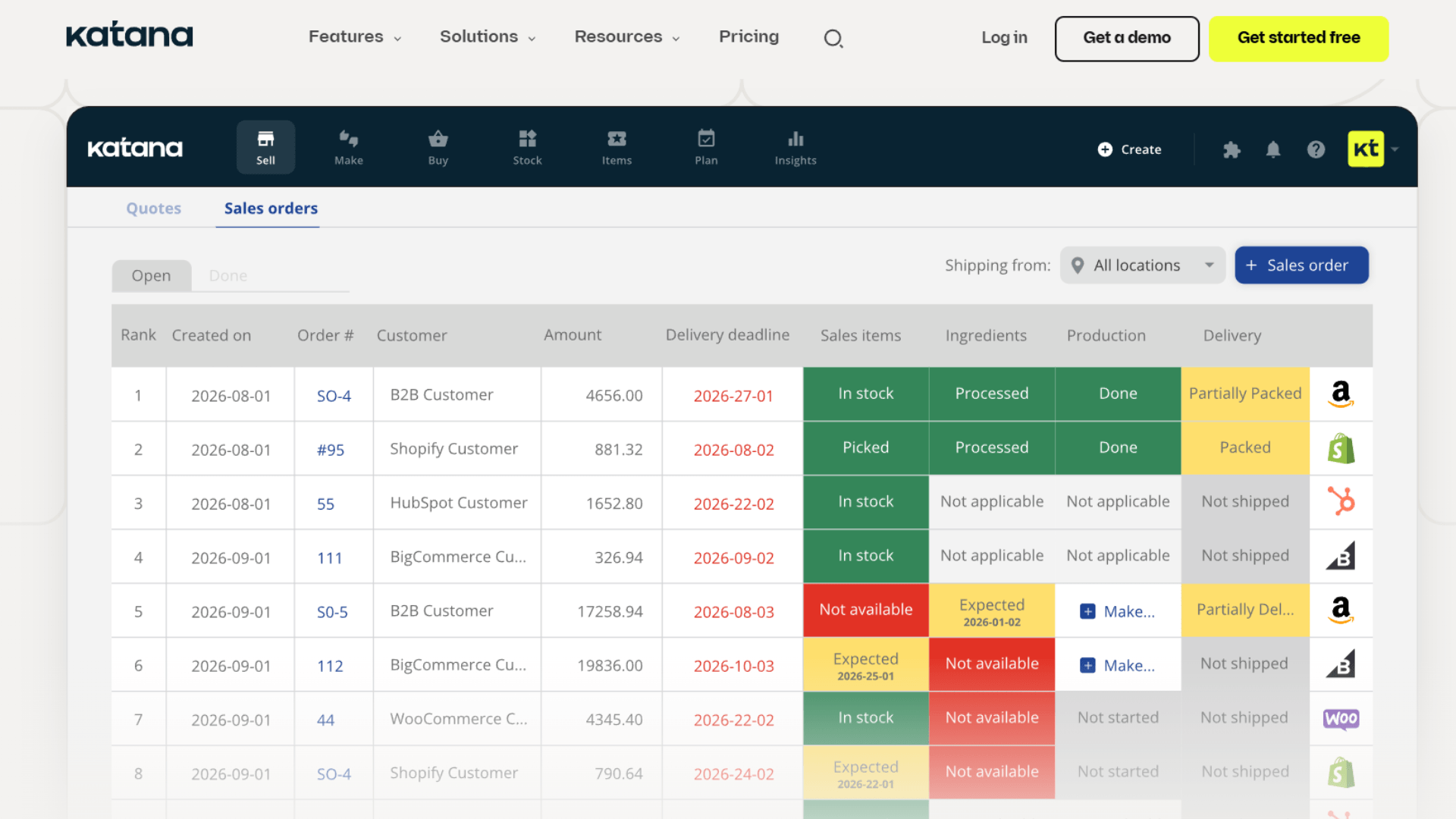
Katana is an inventory and manufacturing platform. It is built for brands that make or assemble their own products.
It tracks raw materials, production schedules, and finished goods in one place. So it is less a pure sync tool and more a production system. For makers, that focus is the whole point.
Key Features of Katana
- Track materials and parts needed to make each product.
- Plan and monitor production jobs from start to finish.
- See real-time stock for both raw materials and finished goods.
- Update manufacturing progress from the shop floor.
- Manage orders from Shopify, WooCommerce, and Amazon.
- Connect with QuickBooks and Xero.
Supported Platforms by Katana: Shopify, WooCommerce, Amazon, QuickBooks, Xero, and various 3PL integrations.
Pricing Plans at Katana
- Starter: starts around $199/mo (billed annually).
- Standard and Professional: higher tiers with custom workflows and more features.
- Free trial available to test first.
Note: Manufacturing, warehouse, and shop-floor features come as add-ons.
Limitations of Katana
- More expensive than basic sync tools.
- Built for manufacturers, not for buy-and-resell sellers.
- Supports fewer marketplaces than some competitors.
- The production features take time to learn.
My verdict: Katana is a strong choice if you manufacture your own goods and need to track materials and production. For a Shopify or WooCommerce brand that makes things, it is excellent. But if you simply resell and need multichannel sync, it is far more tool than you need. QuickSync fits better there.
7. Brightpearl
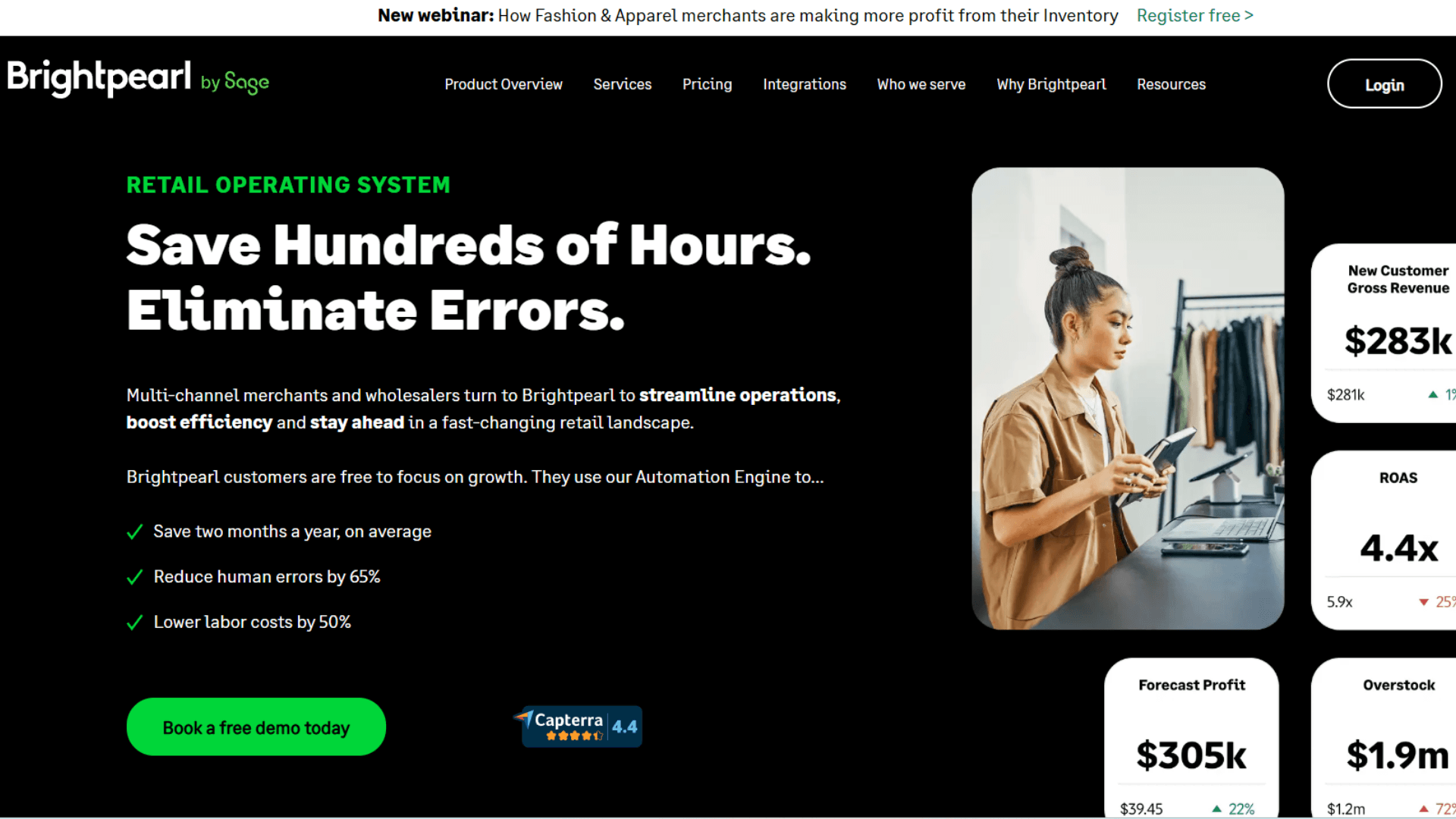
Brightpearl is a full retail operating system, now owned by Sage. It connects sales orders, fulfillment, inventory, accounting, and warehouse management into one platform. It is closer to an ERP than a sync tool. For established brands, that scope is the draw.
Key Features of Brightpearl
- Multichannel inventory management with instant updates.
- A powerful automation engine to route orders by rules.
- Built-in accounting, so no separate finance software.
- Demand forecasting based on real sales performance.
- Warehouse management and replenishment tools.
- Real-time reporting across the whole business.
Supported Platforms by Brightpearl: Shopify, Amazon, eBay, Magento, plus shipping carriers and payment gateways.
Pricing Plans at Brightpearl
- Custom, quote-based pricing only.
- Estimated to start around $1,000 per month.
- Implementation often runs 8 to 16 weeks with a significant implementation fee.
Limitations of Brightpearl
- No public pricing, so you must contact sales.
- Too expensive for businesses under $1M in revenue.
- Long, costly onboarding with a heavy setup.
- Overkill for sellers who just need multichannel sync.
My verdict: Brightpearl is a powerful retail operating system for large brands that need inventory, orders, accounting, warehouse management, and automation in one platform. It is strong, but also expensive and slow to implement. If you want to avoid quote-based pricing, setup fees, and long onboarding, QuickSync is the better choice for growing sellers.
8. Extensiv Order Manager (formerly Skubana)
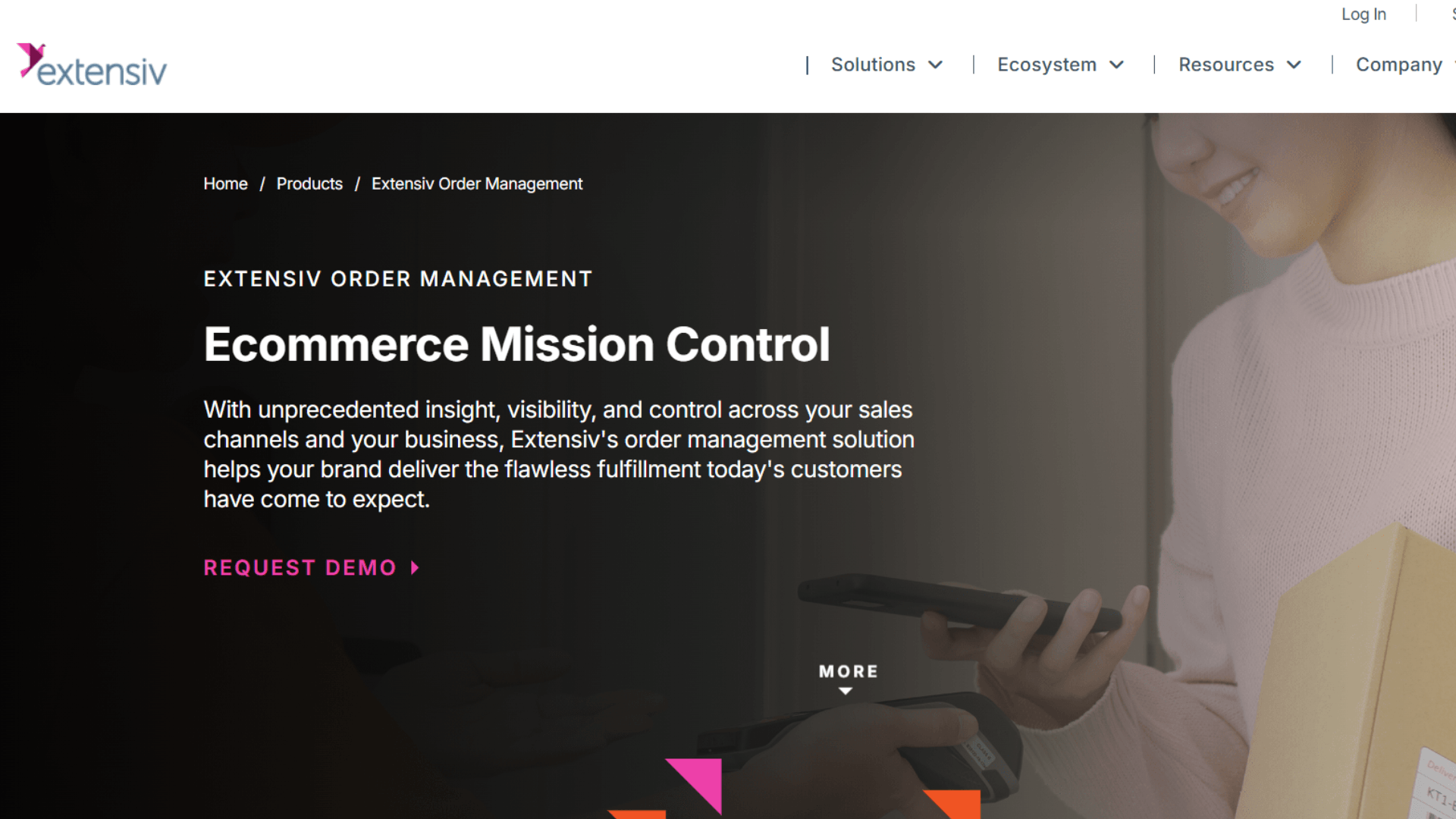
Extensiv Order Manager, once called Skubana, is an order and inventory platform for high-volume brands. Its standout strength is analytics and automation.
It centralizes products, fulfillment centers, and sales channels in one platform. Then it uses automation to generate purchase orders, build forecasts, and find shipping savings. For data-driven sellers, that depth is the appeal.
Key Features of Extensiv Order Manager
- Centralized order management across all channels.
- SKU-level analytics on profitability and velocity.
- Automated purchase order generation and forecasting.
- Multi-warehouse inventory control.
- Shipping rate optimization across carriers.
- One-click integrations to major channels and accounting tools.
Supported Platforms by Extensiv: Shopify, BigCommerce, Magento, Amazon, Amazon FBA, plus shipping carriers.
Pricing Plans at Extensiv
- Quote-based pricing, starting around $999 per month.
- Pricing scales with order volume and revenue.
- Annual contracts are common.
Limitations of Extensiv
- No public pricing and a high entry point.
- Some users report bugs and analytics accuracy issues.
- Annual contracts limit flexibility.
- Heavier than most growing sellers need.
My verdict: Extensiv Order Manager is a strong option for high-volume brands that need deep analytics, warehouse routing, and advanced order automation. It suits established sellers with complex fulfillment needs. But its high starting cost and annual contracts can feel restrictive. QuickSync is better if you want continuoe multichannel sync without enterprise pricing or long-term lock-in.
9. Ordoro
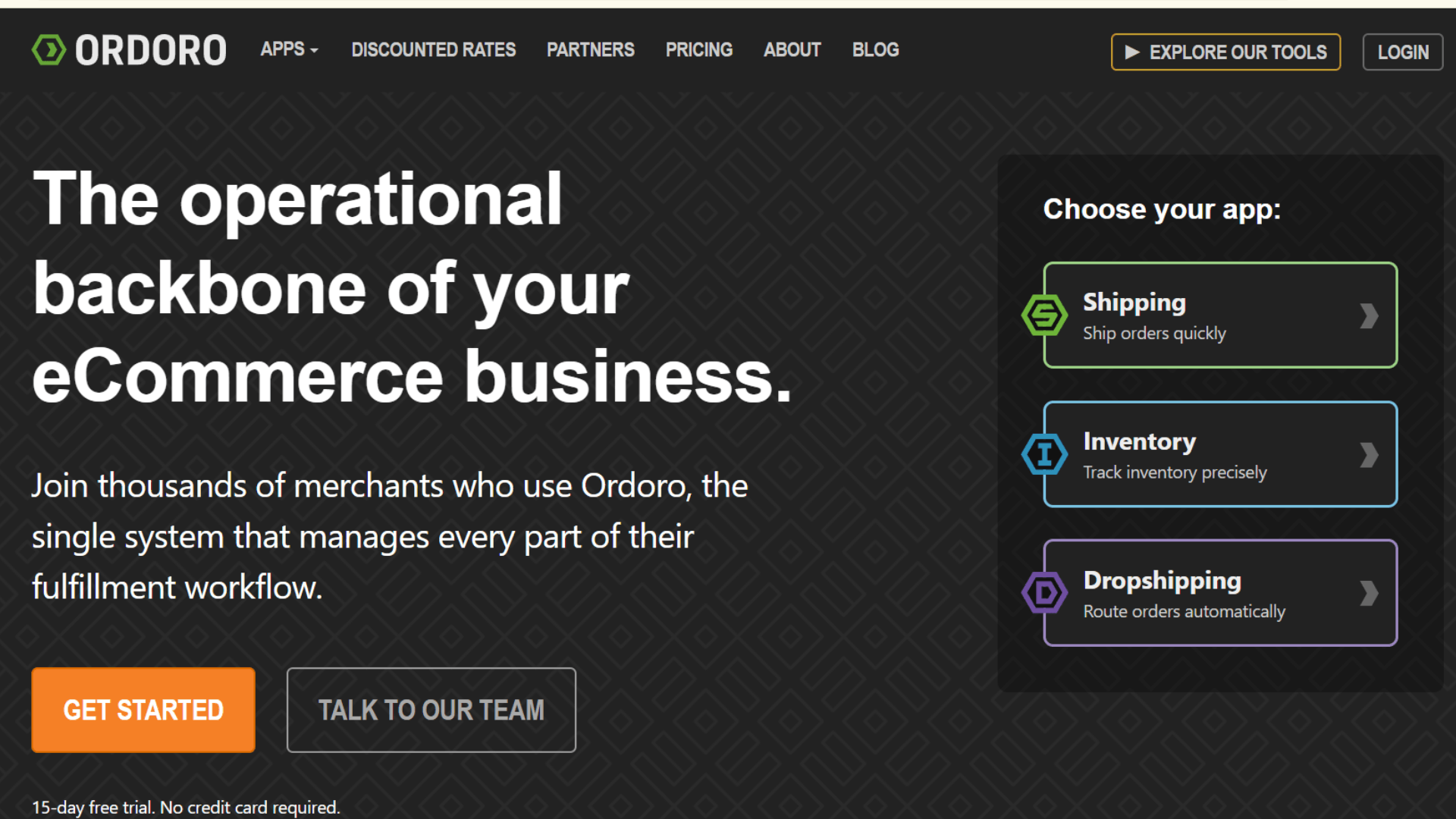
Ordoro started as a shipping tool and grew into a shipping, inventory, and dropshipping platform. Its dropshipping automation is the headline feature.
It connects your channels, syncs stock, and prints labels from USPS, UPS, FedEx, and DHL in one place. For shipping-heavy and dropship sellers, that combination is hard to beat.
Key Features of Ordoro
- Real-time inventory sync across channels.
- Multi-carrier label printing from one screen.
- Dropshipping automation that routes orders to suppliers.
- Kitting and bundling with automatic component deduction.
- Purchase orders and supplier management.
- Unlimited users on every plan.
Supported Platforms by Ordoro: Shopify, Amazon, eBay, WooCommerce, shipping carriers, and QuickBooks Online.
Pricing Plans at Ordoro
- Shipping: free tier with discounted USPS rates.
- Advanced Shipping: $59/mo.
- Advanced Dropship: $299/mo.
- Advanced Inventory: $349/mo.
Note: 15-day free trial. No credit card required.
Limitations of Ordoro
- Inventory features start at a higher tier.
- No manufacturing tools and no B2B portal.
- No POS integration for physical stores.
- The interface can feel slow with very large catalogs.
My verdict: Ordoro is a good choice for sellers focused on shipping and dropshipping. Its carrier tools, supplier routing, and shipping automation are useful. But its advanced inventory plan costs more, and POS support is limited. QuickSync is better if you need inventory, product, order, POS, marketplace, and accounting sync at a lower starting cost.
10. Sumtracker
Sumtracker is an inventory sync tool. It is built for lean teams that want accurate stock without complexity or enterprise cost.
It does one thing very well. It keeps your inventory correct across Shopify, WooCommerce, Amazon, eBay, and Etsy. It is even recommended by Shopify as a top inventory tool. For simple sync needs, that focus is a strength.
Key Features of Sumtracker
- Real-time inventory sync across all connected channels.
- Accurate bundle and kit tracking.
- Low-stock alerts and reorder point management.
- Product sync for titles, descriptions, images, and variants.
- A clean dashboard showing stock across channels at a glance.
- Historical inventory reports.
Supported Platforms by Sumtracker: Shopify, WooCommerce, Amazon, eBay, Etsy, and Walmart.
Pricing Plans at Sumtracker
- Manage: from $59/mo.
- Replenish: from $99/mo.
- Enterprise: custom pricing.
Note: 14-day free trial on all plans.
Limitations of Sumtracker
- No order sync. It tracks inventory, but does not centralize orders.
- No POS integration, so physical stores need another tool.
- No accounting integration.
- Fewer integrations than broader platforms.
My verdict: Sumtracker is a clean, reliable good alternative for sellers who mainly need real-time stock accuracy. If overselling is your only worry, it solves it well. But it stops at inventory. The moment you need to sync orders, connect a POS, or link accounting, you will need more. QuickSync is better if you want complete multichannel sync across inventory, products, orders, POS, and accounting.
Linnworks Alternatives Comparison Table
Here is a quick look at all 10 Linnworks competitors side by side.
| Tool | Best For | Sync Type | Order Management | POS Support | Transparent Pricing | Starting Price |
|---|---|---|---|---|---|---|
| QuickSync | Multichannel sellers needing ecommerce, POS, and accounting sync | Seconds; 2–5 min on eBay and Etsy | Yes | Yes (Clover, Square) | Yes | $19/mo |
| Cin7 | Omnichannel brands with wholesale and retail | Real-time | Yes | Yes (built-in) | Yes | $349/mo |
| Zoho Inventory | Small sellers in the Zoho ecosystem | Scheduled | Yes | No | Yes | Free / $29/mo |
| Sellbrite | Marketplace listing management | Real-time | Yes | No | Yes | Free / $29/mo |
| Finale Inventory | Growing brands needing inventory + accounting | Real-time | Yes | No | Yes | $99/mo |
| Katana | Brands that manufacture their own products | Real-time | Yes | No | Yes | ~$199/mo |
| Brightpearl | $1M+ retailers wanting a full retail ERP | Real-time | Yes | Yes | No (quote) | ~$1,000/mo |
| Extensiv Order Manager | High-volume brands needing analytics + automation | Real-time | Yes | No | No (quote) | ~$999/mo |
| Ordoro | Shipping-heavy and dropshipping sellers | Real-time | Yes | No | Yes | Free / $59/mo |
| Sumtracker | Lean teams wanting simple real-time sync | Real-time | No | No | Yes | $59/mo |
Linnworks vs Brightpearl for multichannel orders
These two come up together because sellers outgrowing Linnworks are usually quoted Brightpearl next. They’re not really the same class of tool. Linnworks manages multichannel orders and inventory; Brightpearl is a retail operating system owned by Sage that also carries accounting and warehouse management. Neither publishes a price.
That last point is what decides it for most people, so here are the three side by side on the terms that actually settle a shortlist.
| Linnworks | Brightpearl | QuickSync | |
|---|---|---|---|
| Price on the website | No, quote only | No, quote only | Yes, from $19/mo |
| What moves the bill | Order volume | Custom quote, estimated from around $1,000/mo | Catalogue size and connected shops |
| What it’s for | Multichannel order and inventory management | Full retail operating system, accounting and warehouse included | Stock, listing and order sync across shops |
| Getting running | Deep feature set, slow onboarding | 8 to 16 weeks, plus an implementation fee | About ten minutes per shop |
| Renewal exposure | Users report quotes rising 200% to 300% | Quote-based, so the same exposure | Your best sales day never moves the bill |
Read the table by what you’re trying to fix rather than by which product looks biggest. If you need forecasting, warehouse replenishment and your accounts in one system, Brightpearl does that and Linnworks doesn’t, and the implementation fee buys something real. If you’re under $1M in revenue, it’s the wrong shape at the wrong price.
If what actually goes wrong in your week is that the same item sells twice in two places, neither of them is the cheapest way to stop it. That’s a sync problem, and it’s the whole of what QuickSync does: $19 a month for two shops, up to eight connected from thirteen integrations, and no order metering at any tier.
Start 14-day trial Or see how order-metered pricing compares.
Why Businesses Choose QuickSync Over Linnworks
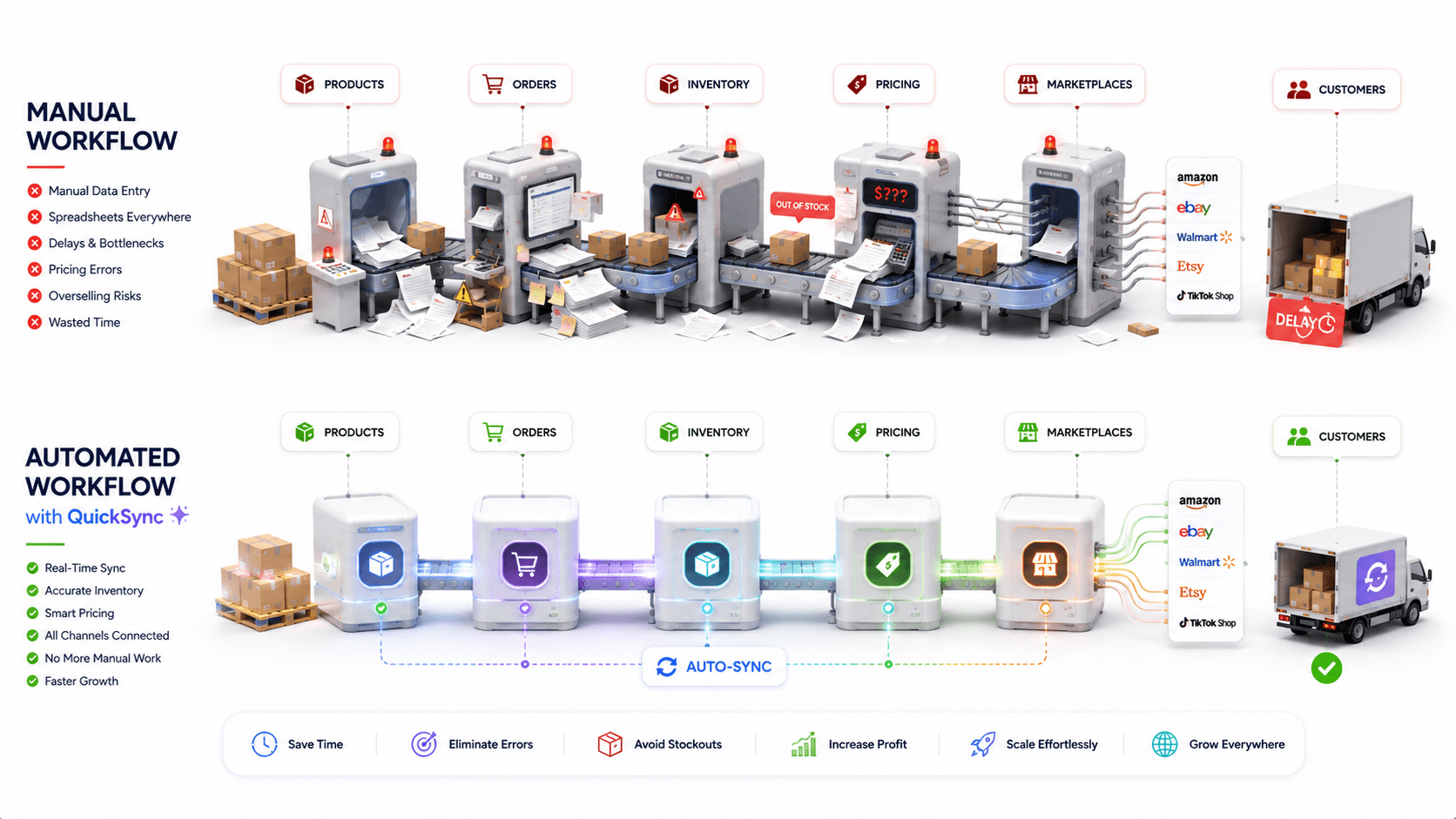
Let me put it clearly. Linnworks and QuickSync solve the same core problem, but QuickSync is better than Linnworks for growing sellers who want faster setup, clear pricing, continuous sync, and easier daily control without enterprise complexity
That is where QuickSync becomes the better choice.
1. QuickSync Is Easier To Start
QuickSync is built for sellers who want to connect their stores and start syncing quickly. You do not need a developer to understand the platform. You do not need weeks of onboarding before your channels go live. You connect your stores, choose your sync rules, and manage everything from one dashboard.
QuickSync is built for simple setup across platforms like Shopify, WooCommerce, Clover, Square, eBay, Amazon, Etsy, TikTok Shop, and QuickBooks. This helps sellers move faster.
2. QuickSync Focuses on Real Sync Problems
Many sellers do not need a heavy enterprise system. They need daily sync problems fixed.
QuickSync focuses on the work that actually affects sales, stock, and fulfillment. It keeps your product data, inventory, orders, pricing, and SKUs aligned across connected channels. QuickSync is the best inventory sync software for ecommerce software.
This means you spend less time checking dashboards and more time selling. QuickSync helps with:
- Real-time inventory sync
- Product sync
- Order sync
- Pricing sync
- SKU sync
- Auto SKU assignment
- Selective sync
- Multi-location sync
- Marketplace sync
- POS sync
This is why QuickSync works better for lean teams. It gives you the features you need without making the system hard to manage.
3. QuickSync Gives Clear Pricing
Linnworks pricing can feel difficult for growing sellers because costs may depend on order volume, modules, add-ons, and sales discussions.
QuickSync keeps pricing much easier to understand. You can see the plans clearly before you commit. You know what you are paying for. You do not need to wait for a sales call just to understand the cost.
- This matters for small and growing businesses.
- Clear pricing helps you plan your software budget.
- It also protects you from surprise costs when your order volume increases.
That makes QuickSync a better option for merchants who want control over cost.
4. QuickSync Supports Marketplace Growth
Marketplace selling can increase sales, but it also increases backend work. Every marketplace has its own orders, product data, pricing, stock rules, and listing requirements. If you manage everything manually, mistakes happen fast.
QuickSync helps sellers connect stores with Amazon, eBay, Etsy, TikTok Shop, and other channels. This keeps marketplace sales easier to manage.
QuickSync helps you:
- Sync stock across marketplaces
- Push product data faster
- Keep pricing updated
- Reduce overselling
- Manage orders from one place
- Avoid manual marketplace updates
- Keep product details consistent
This makes QuickSync a strong Linnworks alternative for sellers who want marketplace growth without operational chaos.
5. QuickSync Is Easier for Small Teams
More features do not always mean better software. For many merchants, too many features only create confusion. QuickSync is designed for teams that want simple dashboard control, clear sync settings, and less training. Your team can understand what is syncing, where it is syncing, and what needs attention.
This makes daily work easier. QuickSync is a better choice when you want:
- Simple dashboard control
- Faster setup
- Easy sync settings
- Less training
- No heavy modules
- Lower learning curve
- Human support
- Clearer daily workflows
This is useful for growing businesses that do not have a full operations team.
6. QuickSync Gives You a 14-Day Free Trial
A free trial makes the decision safer. You can test QuickSync before you commit. You can connect your channels, check how sync works, and see if it fits your daily workflow.
This is important when you are comparing Linnworks alternatives. You do not want to move from one expensive tool to another complicated tool. QuickSync gives you a simpler way to test multichannel sync first. For sellers who want lower risk, faster setup, and clear value, QuickSync is the better choice
Conclusion
The best Linnworks alternative depends on how your business sells and what your team really needs.
Linnworks is strong for large sellers with complex warehouse, shipping, and automation needs. But many growing merchants do not need a heavy enterprise system to manage daily sales.
They need something simpler.
They need products to sync correctly.
They need stock to update in real time.
They need orders to reach one dashboard.
They need Shopify, Clover, WooCommerce, Amazon, eBay, Etsy, Square, and TikTok Shop to work together without manual updates.
That is where QuickSync stands out.
QuickSync gives sellers the core sync features they actually use every day. It helps reduce overselling, wrong stock, duplicate uploads, and dashboard switching.
If you want multichannel selling without complexity, QuickSync is the better choice. Start with clear pricing, simple setup, and continuous sync built for growing sellers.
Linnworks does not publish prices. Plans are quoted on monthly order volume with overages, paid add-ons for listing, WMS, forecasting and analytics, and an onboarding fee. Third-party listings cite entry points around $449 a month as of August 2026.
An order and warehouse management platform: it lists products across marketplaces, routes orders to warehouses or 3PLs, manages bins and pick paths, and connects 70+ carriers. Inventory sync is one part of that; tools such as QuickSync, Trunk and Sumtracker do the sync alone at a fraction of the price.
No. There is no free plan and no self-serve trial; access starts with a demo and a quote.