If you’ve searched for Amazon seller tools, you’ve probably found lists of 30 or 40 apps, all promising more sales. Most sellers don’t need that many. They need one good tool for each job, and they need to know which jobs matter at their stage.
This guide sorts the best Amazon seller tools by what they do, not by who paid for the top spot. You’ll see what each one costs, who it suits and what to watch out for, plus the free tools Amazon already gives you. Prices come from each tool’s own pricing page, checked in November 2026.
What are Amazon seller tools?
Amazon seller tools are apps and software that help you research products, write listings, price, ship and manage stock on Amazon. Some are built by Amazon, and many are free. Others are paid tools from outside companies that go deeper in one area, like keyword research or profit tracking.
Before you pay for anything, look at five things:
- The job it does. Research, listings, shipping, stock or profit. Pick tools that fill a real gap.
- Price at your size. Many tools charge more as your sales or order count grows.
- Fulfillment fit. Some tools are built around FBA, others around orders you ship yourself.
- Other channels. If you sell on Shopify, eBay, Etsy or TikTok Shop too, check that the tool works across them.
- Overlap. All-in-one suites often repeat what a cheaper single-purpose tool does.
Best Amazon seller tools at a glance
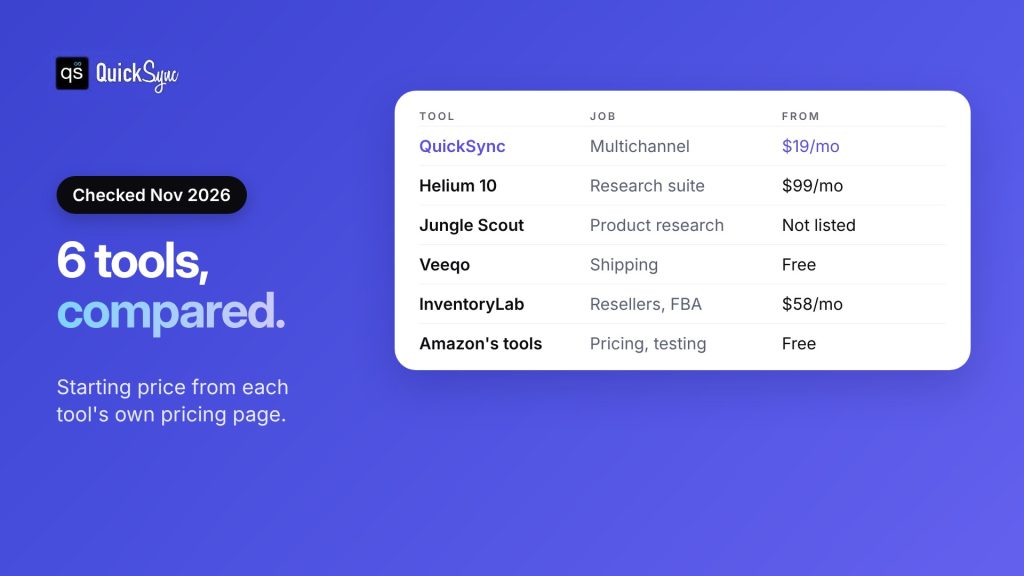
| Tool | Best for | Starting price | Free option |
|---|---|---|---|
| QuickSync | Selling on Amazon and other channels | $19 a month | 14-day trial, no card |
| Helium 10 | Product and keyword research | $99 a month (yearly) | Free plan with limits |
| Jungle Scout | Product research for new sellers | Not listed on main pricing page | 7-day money-back guarantee |
| Veeqo | Shipping orders you fulfill | Free shipping features | Free |
| InventoryLab | Resellers and FBA prep | $58 a month | 30-day trial |
| Amazon’s own tools | Pricing, fees, testing and product ideas | Included with your seller account | Free |
Not sure which tools you need yet? Jump to the guide to choosing.
The best Amazon seller tools, reviewed
1. QuickSync: best for selling on Amazon and other channels
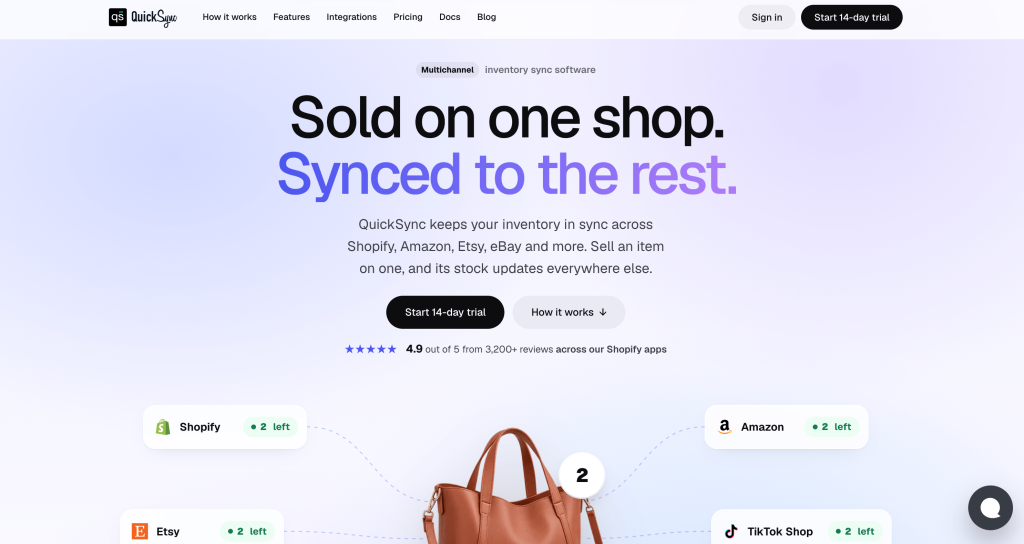
If Amazon is one of several places you sell, the hardest part isn’t research. It’s keeping everything in step. A sale on Shopify or eBay has to lower your Amazon stock, and an Amazon sale has to lower everything else. QuickSync is a multichannel selling tool that does this, along with your listings, prices, and orders.
According to QuickSync’s Amazon page, it handles:
- Stock. Two-way sync for items you ship yourself. For FBA items, QuickSync sends your count to Amazon, and Amazon keeps managing its own FBA count.
- Listings. Connecting imports your Amazon catalogue. QuickSync can create and update listings, with photos, sizes and colours, as drafts where supported. On Pro, it keeps them in step with your main store.
- Orders and tracking. On Pro, Amazon orders come into QuickSync with orders from your other channels. Tracking goes back to eligible orders you ship yourself.
- Channels. Amazon connects to Shopify, eBay, Etsy, TikTok Shop, WooCommerce, Square, Clover, Squarespace, Wix and Lightspeed.
Pricing: Lite costs $19 a month for two shops and up to 1,000 items, with stock sync and unlimited orders. Pro costs $29 a month and adds listings and orders. Every trial is 14 days with no card. See the QuickSync pricing page.
Best for: Sellers who list the same products on Amazon and at least one other channel.
Watch out for: QuickSync doesn’t do product or keyword research. It also can’t create orders from other channels inside Amazon, because Amazon doesn’t allow apps to do that.
2. Helium 10: best all-in-one suite for research and keywords
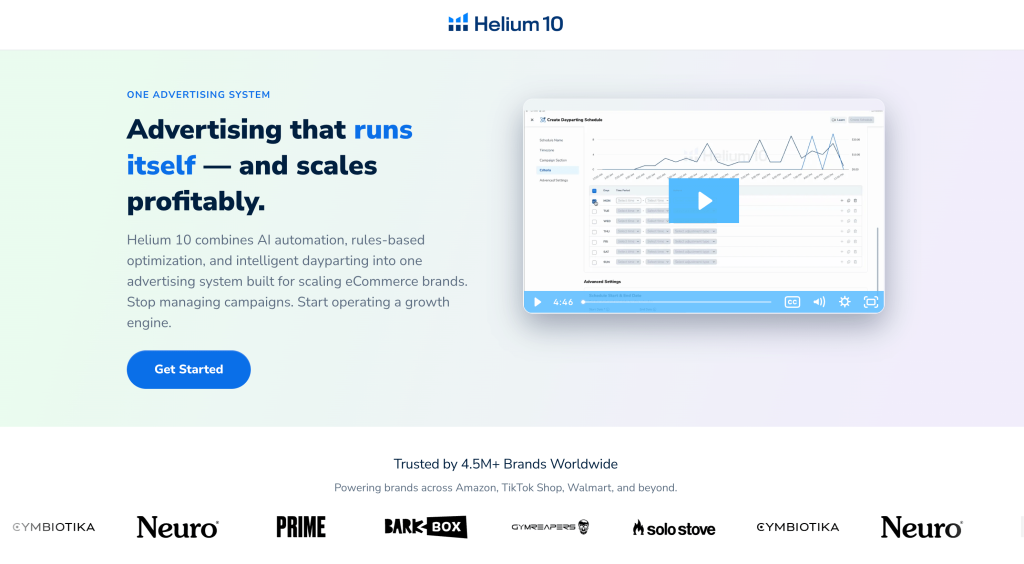
If you’re launching private-label products and want research, keywords and listing tools in one place, Helium 10 is built for that. It’s an all-in-one suite that grows with you, from your first product to ad automation.
Pricing: According to Helium 10’s pricing page, Platinum costs $99 a month billed yearly, or $129 billed monthly. It includes product and keyword research and basic performance tracking, aimed at sellers making up to $100,000 a year. Diamond costs $279 a month billed yearly, or $359 monthly, and adds inventory management, profit reporting and ad automation. There’s also a limited free plan.
Best for: Private-label sellers who want research, keywords and listings in one suite.
Watch out for: It’s a big monthly cost for a small shop. Inventory management and profit reporting only come on Diamond.
3. Jungle Scout: best for product research when you’re starting out

If you’re still deciding what to sell on Amazon, Jungle Scout’s product and keyword research helps you check demand before you buy stock. It also includes launch support and review tools.
Pricing: Jungle Scout’s pricing page lists three Catalyst plans for sellers under $1 million a year: Starter, Growth Accelerator and Brand Owner. It doesn’t show base prices on that page, but it does say you can “save up to $360 on annual plans.” Extra users cost $49 a month. Every Catalyst plan comes with a 7-day money-back guarantee.
Best for: New sellers checking product ideas before they commit to stock.
Watch out for: There’s no free trial, only the money-back guarantee. Check the current price at checkout.
4. Veeqo: best free tool for shipping orders you fulfill
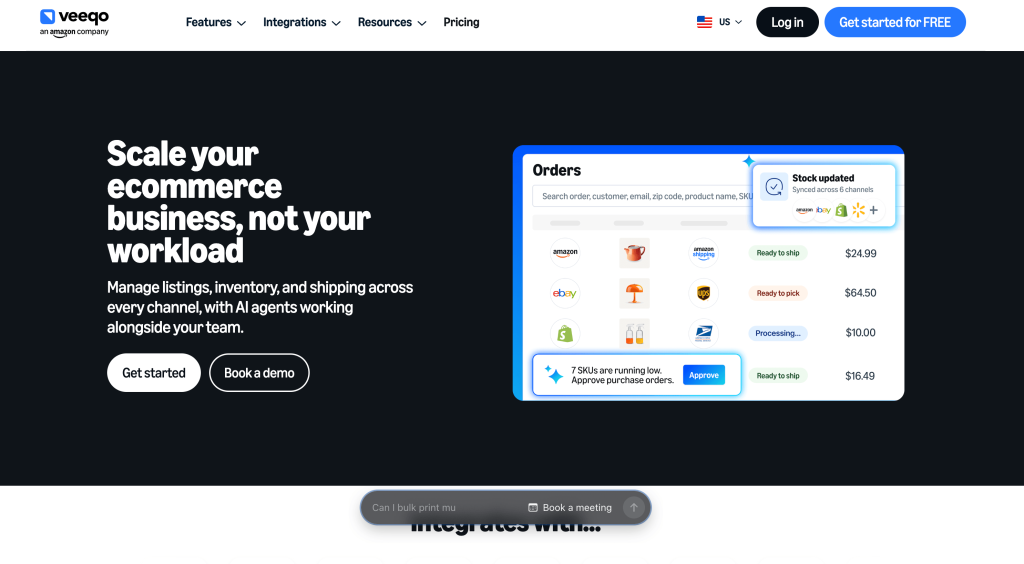
If you ship Amazon orders yourself, Veeqo, Amazon’s own shipping software, can save you time on every label. You can buy discounted labels from UPS, USPS, FedEx, DHL and OnTrac and ship up to 100 orders at once.
Pricing: Veeqo’s pricing page says its shipping features “are free to use for everyone.” Veeqo earns a commission on labels you buy. Paid Inventory plans, which add inventory sync and forecasting, start at $19 a month.
Best for: Merchant-fulfilled sellers who print a lot of shipping labels.
Watch out for: It’s focused on shipping. If you use FBA for everything, you won’t get much from it.
5. InventoryLab: best for resellers and FBA prep
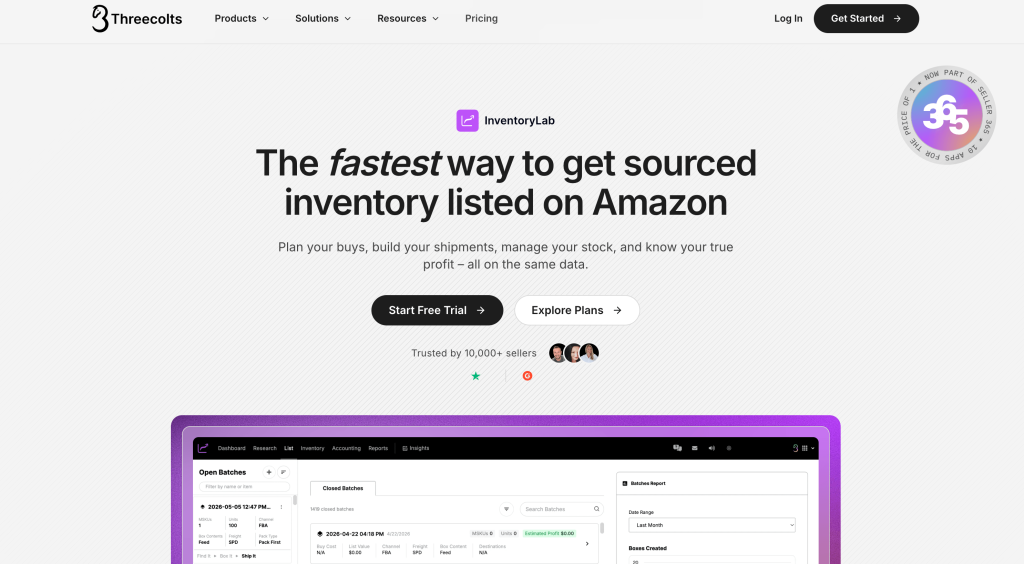
If you buy stock from stores or wholesalers and resell it on Amazon, InventoryLab is built around that workflow. It helps you source, list and ship to FBA, and it tracks what you paid for each item so you can see your real profit.
Pricing: On InventoryLab’s pricing page, the standalone plan costs $58 a month, with a 30-day free trial. It includes unlimited users, FBA shipment tools and profit reports. The Seller 365 bundle, from $65 a month, adds repricing, sourcing and feedback tools.
Best for: Online and retail arbitrage sellers who send stock to FBA.
Watch out for: It’s built around Amazon. If you also sell on Shopify or Etsy, you’ll need another tool to keep stock in step there.
6. Amazon’s own free tools: best place to start
Before you pay for anything, use what Amazon already gives you. According to Amazon’s seller tools page, these include:
- Product Opportunity Explorer. Product ideas from real customer search and purchase data.
- FBA revenue calculator. Compares the cost of shipping orders yourself with using FBA.
- Automate Pricing. Repricing rules you set in Seller Central.
- Manage Your Experiments. A/B tests for your product content.
- Brand Analytics. Search and sales dashboards for registered brands.
- Amazon Seller app. Alerts and order management on your phone.
Best for: Every Amazon seller, especially in the first few months.
Watch out for: Some tools, like Brand Analytics, are only for brands in Brand Registry. Check each tool’s terms in Seller Central.
Which Amazon seller tools do you need?
The right set depends on how you sell. Start with Amazon’s free tools, then add one paid tool for your biggest gap.
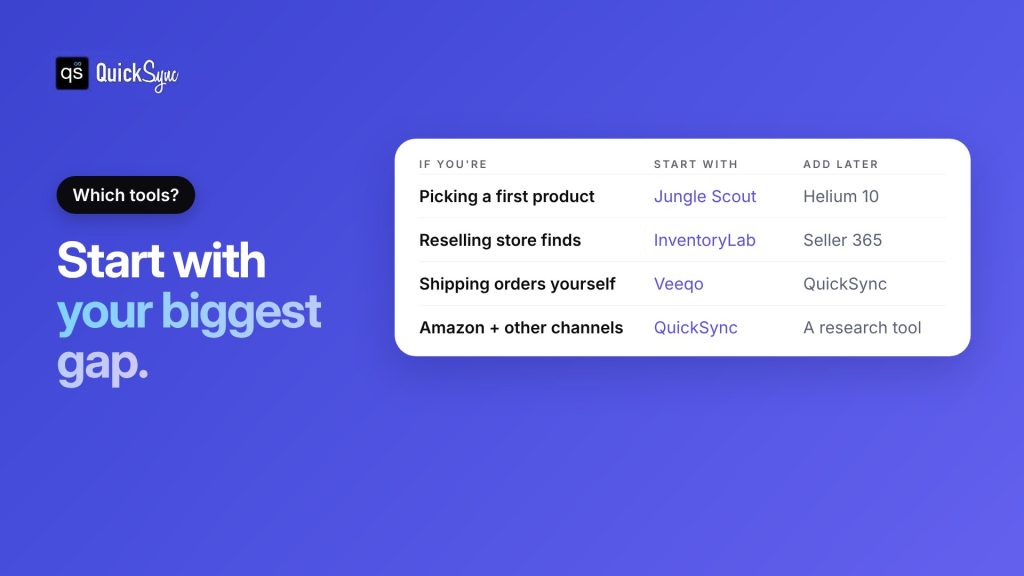
| If you… | Start with | Add when you grow |
|---|---|---|
| Are choosing your first private-label product | Amazon’s free tools and Jungle Scout | Helium 10 for keywords and listings |
| Resell items from stores or wholesalers | InventoryLab | Seller 365 bundle for repricing |
| Ship most orders yourself | Veeqo | QuickSync if you add other channels |
| Sell on Amazon and Shopify, eBay, Etsy or TikTok Shop | QuickSync | A research tool for new products |
Three questions help you pick:
- What takes most of your time? Pay for the tool that saves the most hours, not the one with the longest feature list.
- Where do mistakes cost you money? For many sellers, it’s overselling across channels or misjudging fees. Fix that first.
- Will it still fit next year? Check how the price changes as your sales grow.
The tool most Amazon sellers add too late
Most Amazon tool lists focus on research. That makes sense when you’re starting out. But once you add a second channel, like your own Shopify store or eBay, a new problem appears: two stock counts for one shelf.
Here’s what happens when the last unit sells on Shopify and Amazon doesn’t hear about it:
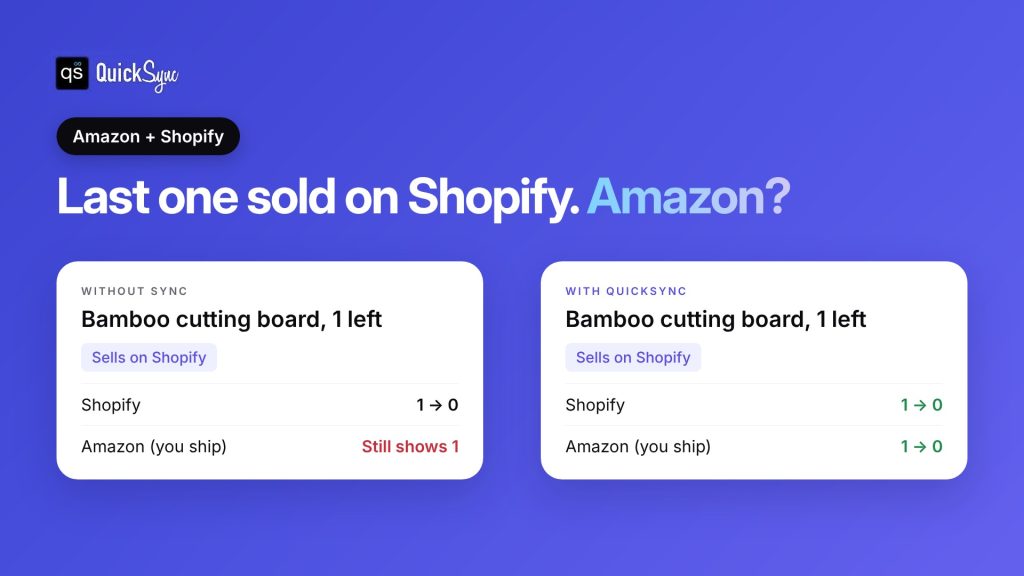
Amazon tracks seller-fulfilled order cancellations as part of your account health. A sync tool stops that from happening in the first place. With QuickSync, a sale on any connected channel lowers your Amazon count for items you ship yourself, and a sale on Amazon lowers the count everywhere else. Set it up when you add your second channel, not after your first cancelled order.
Final thoughts
The best Amazon seller tools are the ones that fix your biggest problem right now. For a new seller, that’s usually research, so start with Amazon’s free tools and add Jungle Scout or Helium 10 when you need more. For resellers, it’s sourcing and FBA prep, so InventoryLab is the better fit. If you ship your own orders, Veeqo’s free shipping tools are worth setting up on day one.
Once you sell on Amazon and somewhere else, the job changes. Keeping stock, listings and orders in step across channels matters more than any new research report. That’s when a multichannel tool like QuickSync earns its place.
Keep your stack small, pay only for what you use, and review it every few months as your business grows.