Every product you buy from an independent seller on Amazon was listed, priced and managed from the same place. It’s called Seller Central, and if you want to sell on Amazon, you’ll spend most of your working day in it.
That’s a lot of sellers. Independent sellers sold 61% of all paid units on Amazon in the second quarter of 2026, according to Amazon’s own results. Yet the first login can feel like a cockpit full of switches, and nobody tells you which ones matter.
This guide explains what Amazon Seller Central is, how it works from listing to payout, and what each main menu does. It also covers the two selling plans, the fees, account health and the one job Seller Central can’t do for you. Every fee and figure was checked against Amazon’s own pages in October 2026.
What is Amazon Seller Central?
Amazon Seller Central is the website where third-party sellers run their Amazon business. At sellercentral.amazon.com, you list products, set prices, manage stock and orders, run ads, track payments and watch your account health. Amazon calls it “a digital hub where Amazon sellers manage and grow their businesses” on its Seller Central page.
Logging in costs nothing extra. What you pay for is your selling plan and the fees on each sale, which we cover below. If you sell your own products to Amazon shoppers, this is your account. If Amazon buys stock from you wholesale, you’re a vendor, and you use Vendor Central instead.
How Amazon Seller Central works, from Listing to Payout
Learning how to use Amazon Seller Central starts with the journey of one sale. Every order follows the same six steps.
- You list the product. If Amazon already sells the same item, you add your offer to its existing product page (its ASIN). If not, you create a new listing.
- You set a price. You can set it by hand or let automated pricing rules adjust it for you.
- You decide who ships. Either you send stock to Amazon’s warehouses (FBA), or you keep it and ship orders yourself (FBM).
- A customer orders. The order appears in Seller Central with the items, the address and the ship-by date.
- The order ships. Amazon ships FBA orders. For FBM orders, you ship and confirm the order with tracking.
- Amazon pays you. Amazon collects the payment, deducts its fees and pays the balance into your bank account.
Each step lives in its own menu. Once you know which menu owns which step, Seller Central gets much easier to use.
The Amazon Seller Central dashboard and main menu
Your homepage is a snapshot of sales, orders and news from Amazon. Alerts and suggestions sit in an actions panel beside it, along with Seller Assistant, Amazon’s built-in AI helper. Amazon says Seller Assistant had more than 230,000 monthly users in 2025. Everything else sits in the main menu.
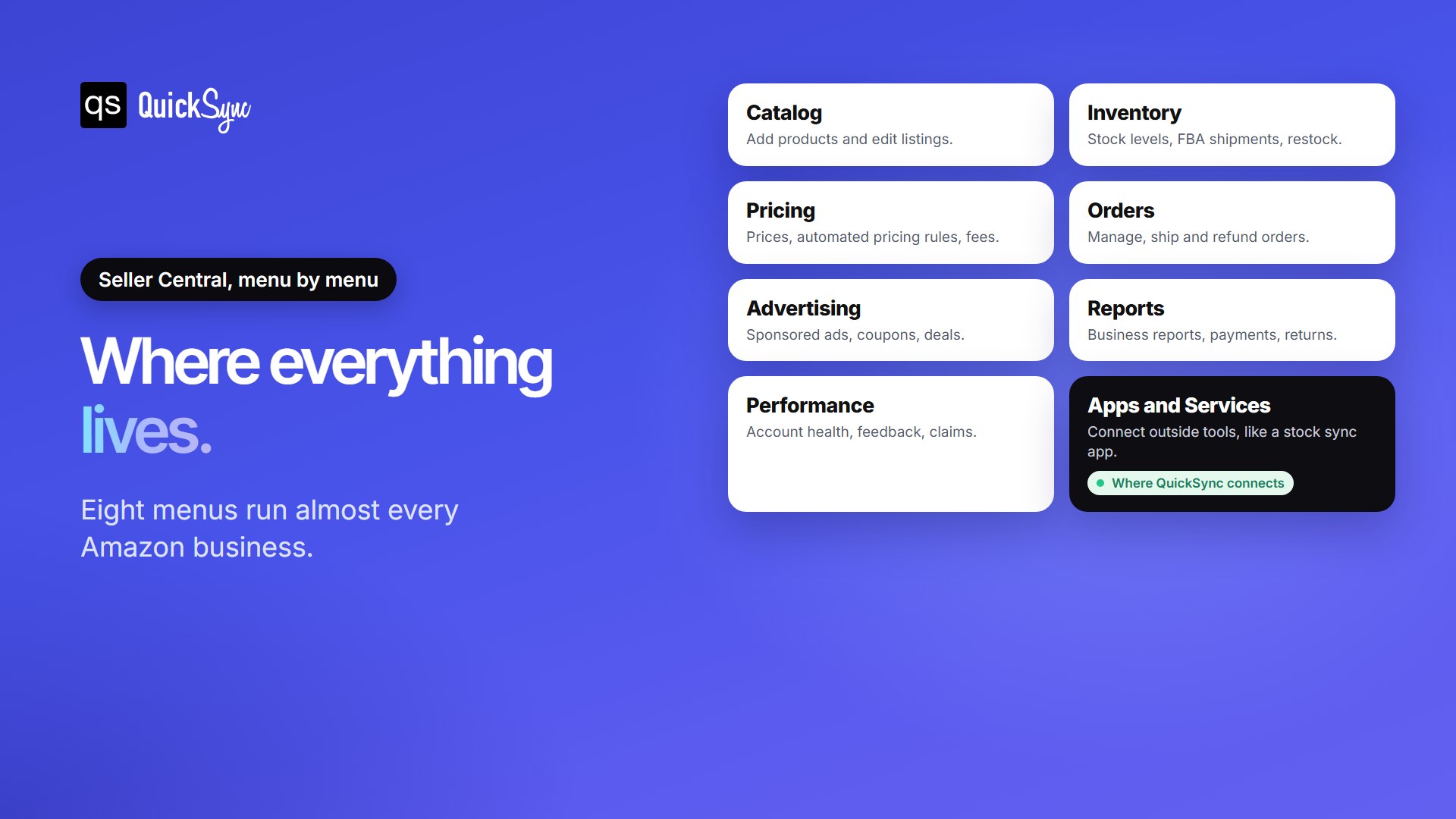
| Menu | What you do there |
|---|---|
| Catalog | Add products, edit listings and fix listing errors |
| Inventory | Check stock levels, create FBA shipments and plan restocks |
| Pricing | Change prices, set automated pricing rules and view fees |
| Orders | Manage, ship, cancel and refund orders |
| Advertising | Run sponsored ads, coupons and deals |
| Reports | Download business reports, payments and returns data |
| Performance | Watch account health, customer feedback and A-to-z claims |
| Apps and Services | Find and connect outside apps through the Selling Partner Appstore |
New sellers spend most of their first month in Catalog, Inventory and Orders. Reports become important once you have sales to study. The Business Reports page shows sessions, conversion rate and sales for each product, which tells you what’s working before you spend money on ads.
Individual vs Professional: What Seller Central Costs
Seller Central has two selling plans. The plan decides your fixed cost and which tools you can use.
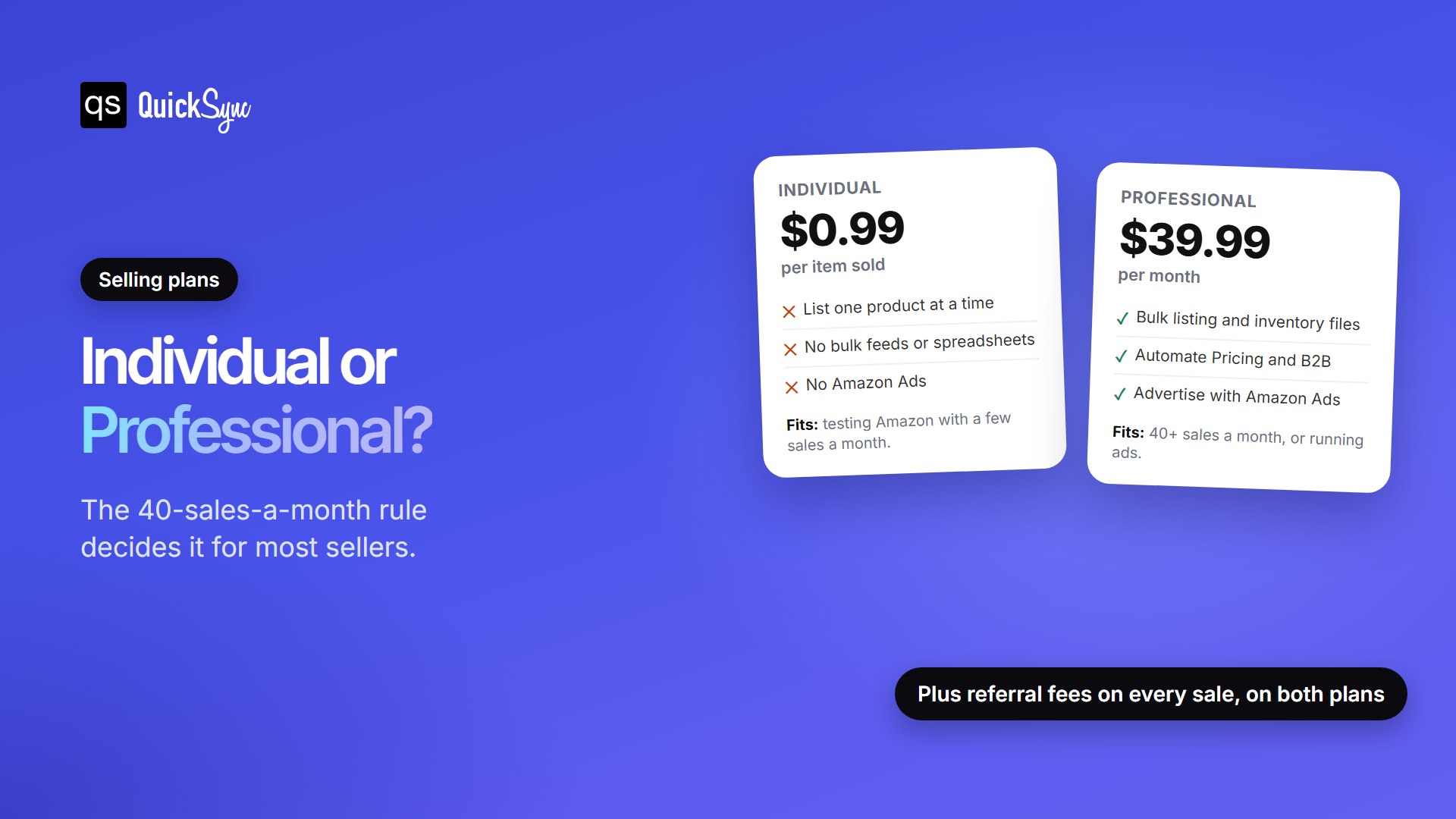
| Individual | Professional | |
|---|---|---|
| Plan fee | $0.99 per item sold | $39.99 per month |
| Listing | One product at a time | Bulk listing with files and feeds |
| Advertising with Amazon Ads | Not available | Available |
| Automate Pricing and B2B selling | Not available | Included |
| Categories | Some categories unavailable | All categories (some need approval) |
| Best for | Fewer than 40 sales a month | 40 or more sales a month |
Amazon’s own advice is that Individual may suit you if you sell fewer than 40 items a month. The maths shows why. At 40 sales a month, the Individual plan costs $39.60, almost exactly the Professional fee. Past that point, Professional is cheaper, and you also get the tools that help you sell more. If you plan to grow, open an Amazon Professional seller account from the start.
Both plans also pay a referral fee on every sale. It’s a percentage of the sale price that varies by category. On Amazon’s fee table, 15% is the most common rate, and most categories have a $0.30 minimum. Media items such as books also pay a $1.80 closing fee. If you use FBA, Amazon charges fulfilment and storage fees on top.
FBA vs FBM: who ships your orders
Every product you sell is set up as either FBA or FBM. This choice affects your costs, workload, and how your stock is counted.
Fulfillment by Amazon (FBA) means you send stock to Amazon’s warehouses. Amazon then stores it, packs and ships orders, and handles customer service and returns, according to its FBA page. FBA products also qualify for Prime’s free two-day shipping.
Fulfilled by Merchant (FBM) means you keep the stock and ship each order yourself. You avoid FBA fees and keep control of packaging. In return, your shipping speed and accuracy count directly toward your account health.
Many sellers mix both, keeping fast sellers in FBA and bulky or slow items in FBM. Keep in mind that FBA stock is counted by Amazon, not by you. Seller Central shows what Amazon has received, and that number changes with receipts, damages and returns you never touch.
What Does Account Health Mean For Amazon Sellers?
Amazon tracks how well you treat customers, and it can suspend accounts that fall short. The Account Health Rating sums this up as a colour-coded score from 0 to 1,000. You’ll find it under Performance, then Account Health.
Amazon’s staff explain the bands on the Seller Forums. A score of 200 or more is Healthy. Between 100 and 199 is At Risk. Below 100 is Unhealthy, and your account can be deactivated. Points drop when Amazon finds a policy violation and come back when you fix it.
The metric most new sellers trip over is the order defect rate. It counts negative feedback, A-to-z Guarantee claims and chargebacks, and Amazon expects it to stay under 1%. One avoidable cause is overselling. If your stock count is wrong and you cancel an order you can’t fill, that cancellation counts against you too. Keeping stock accurate is the cheapest way to protect your score.
Seller Central vs Vendor Central
The names sound alike, but they describe two different relationships with Amazon. Amazon’s advertising FAQ puts it simply: sellers sell directly to Amazon customers, while vendors sell their items to Amazon, which then sells them to customers.
| Seller Central | Vendor Central | |
|---|---|---|
| Who you sell to | Amazon shoppers | Amazon, at wholesale prices |
| Who sets the retail price | You | Amazon |
| How you join | Anyone can sign up | By invitation from Amazon |
| Who owns the stock | You, until it sells | Amazon, once it buys it |
| Best for | Most small and growing brands | Large brands Amazon wants to stock |
For almost every small business, Seller Central is the only real option. It gives you control over your price and your customer experience.
How to set up a Seller Central account
Gather your documents before you start, because verification stops until everything matches. Amazon’s registration guide asks for:
- A government-issued ID
- An email address
- A credit card that can be charged internationally
- A bank account and routing number
- Your business licence or registration
- Proof of your home address from the last 180 days, such as a bank statement
- Your tax information
Then sign up and work through the steps in order. You enter your business details, add yourself as the primary contact, and add your bank and card details. Next, you name your store and describe your products. Finally, Amazon verifies your identity. Use the exact names and addresses shown on your documents, since a mismatch is a common reason verification stalls.
When you get stuck later, help is built in. Select the question mark icon in Seller Central and choose “Get help and resources” to open a case with Seller Support. Seller University has free training videos, and the free Amazon Seller app lets you check orders and messages from your phone.
What Seller Central can’t do?
Seller Central is excellent at running Amazon. It only knows about Amazon, though. If the same stock also sells on Shopify, Etsy, eBay, or a shop counter, Seller Central has no idea. Sell the last unit in your shop, and Amazon keeps showing it as available until you update it by hand.
That gap is what outside apps fill. Amazon’s Selling Partner Appstore lists more than 3,000 apps that connect to your account. You approve each one with “Authorize Now” and can switch it off any time in Manage Your Apps. Our comparison of the best Shopify Amazon integration apps shows which kind of app suits which job.
QuickSync is the app for keeping one stock count everywhere. You authorise it in Seller Central, and it keeps Amazon in step with Shopify, Etsy, eBay Square, and more. Stock you ship yourself syncs both ways. FBA stock keeps Amazon’s own count, because Amazon holds it.