If you still ring up sales on QuickBooks POS (QuickBooks Point of Sale), you’re running software that Intuit stopped supporting three years ago. It opens, it prints receipts, and it looks fine. Underneath, nothing has been patched since 2023.
That matters more each year. In Verizon’s 2025 Data Breach Investigations Report, attackers got in by exploiting software vulnerabilities in 20% of breaches, up 34% on the year before. A till that handles customer and sales data with no security updates is exactly the kind of system that gap describes.
The good news: moving is easier than it looks, and you don’t have to give up QuickBooks. This guide explains what changed when QuickBooks POS was discontinued, the five best replacements that work with QuickBooks Online or Desktop, and a checklist for moving your data. Everything was checked against Intuit’s and each vendor’s pages in October 2026.
Is QuickBooks POS discontinued?
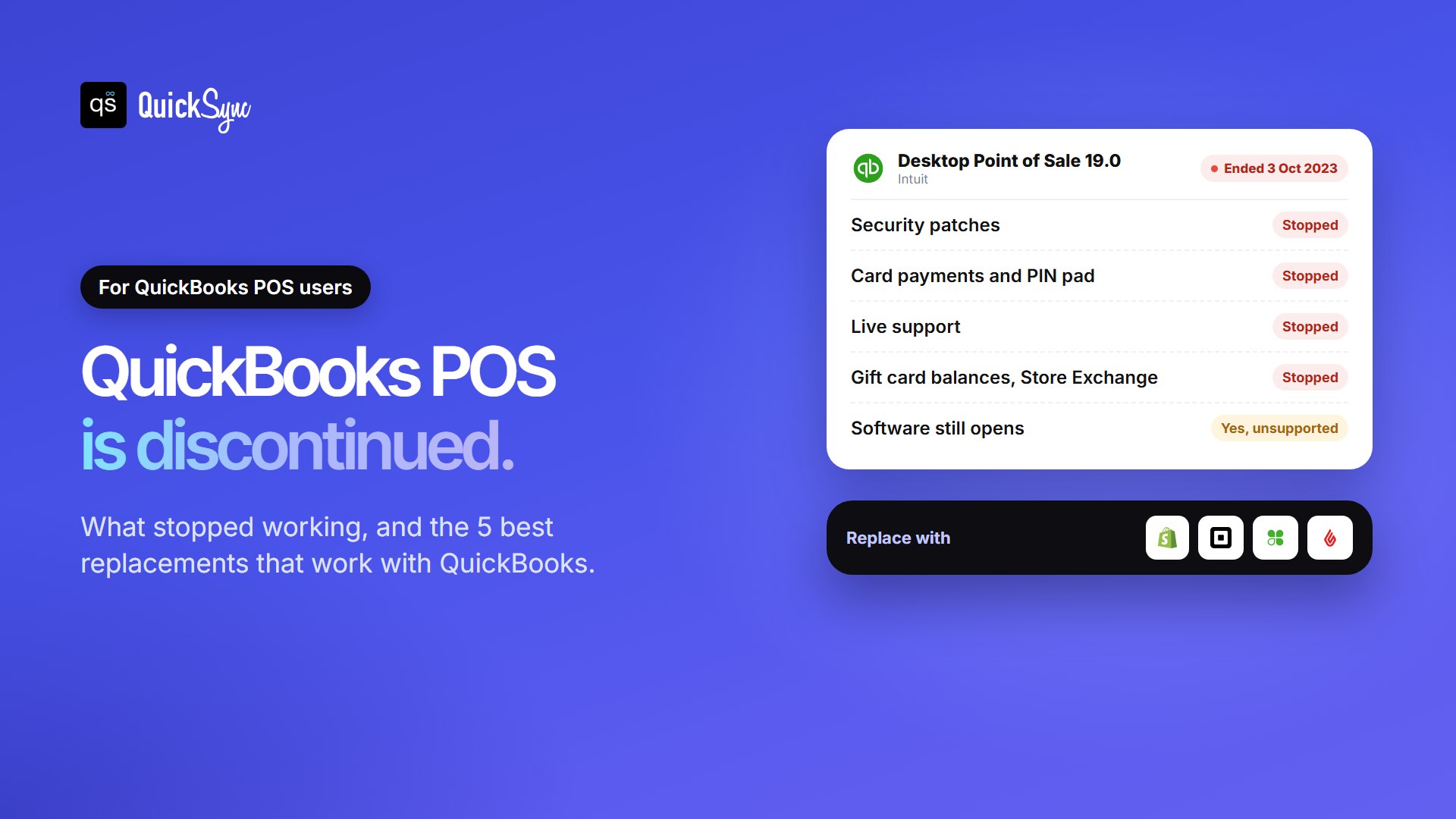
Yes. Intuit discontinued QuickBooks Desktop Point of Sale 19.0 on 3 October 2023. The software still opens and runs, but it gets no security patches, no support and no card payments. Intuit now recommends Shopify POS, which works with QuickBooks Desktop, and says you’re free to choose another POS.
Version 19.0 was the last one. You can’t buy new licenses, extra users or hardware for it. QuickBooks itself carries on. Only the point of sale software was retired.
What stopped working when QuickBooks POS ended
According to Intuit’s discontinuation notice, these services ended on 3 October 2023:
- Card payments. QuickBooks Payments no longer works with Point of Sale, so the Tetra Lane 5000 PIN pad stopped working.
- Security patches and updates. Discontinued products get none.
- Live support from Intuit.
- Multi-store syncing through Store Exchange, and Mobile Sync.
- The Gift Card Service. You can still redeem gift cards by hand, but balances aren’t tracked. Use the Gift Card report to check them.
- Vendor Lookup and the Webgility integration.
Can you keep using QuickBooks POS?
Technically, yes. Intuit says you can keep using version 19.0 without its services. Your past transactions stay viewable in it, too.
In practice, it gets harder every month. You need a separate card terminal, because the built-in payments are gone. Gift cards need manual checks. Multi-store shops lost Store Exchange. And with no more patches, any security flaw found from now on stays open. Staying put is a short-term plan, not a long-term one.
First decision: QuickBooks Desktop or QuickBooks Online?
Before you pick a POS, decide where your books will live. QuickBooks POS was built to work with QuickBooks Desktop. But Intuit stopped selling new US subscriptions to Desktop Pro Plus, Premier Plus and Mac Plus after 30 September 2024. Existing subscribers can still renew, and Desktop Enterprise is still on sale.
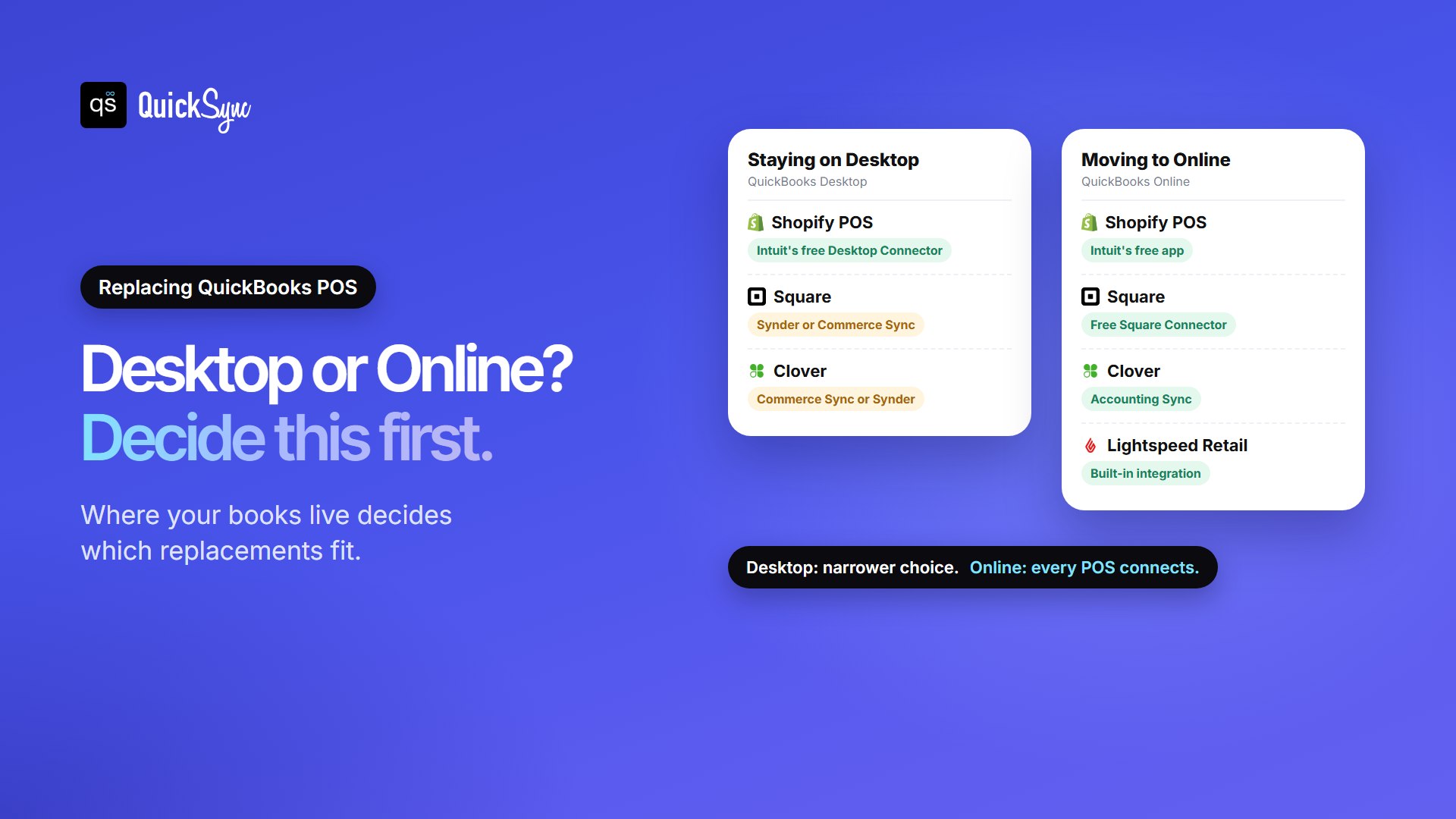
That leaves two paths:
- Staying on QuickBooks Desktop? Your options are narrower. Shopify POS is Intuit’s official route, with a free connector. Square and Clover also work, through paid apps such as Synder or Commerce Sync.
- Moving to QuickBooks Online? Every major POS connects, most for free, and you get far more apps to choose from. If you’re replacing your POS anyway, it’s a natural time to move your books too.
Ask your accountant before you switch. Moving the books and the till in the same month is doable, but plan a clean cut-off date for both.
The 5 best QuickBooks POS replacements
We picked these five because each connects to QuickBooks, covers what QuickBooks POS did (barcode sales, stock, customers), and is widely used by small retailers. Prices are for the US, checked in October 2026.
1. Shopify POS: Intuit’s recommended replacement
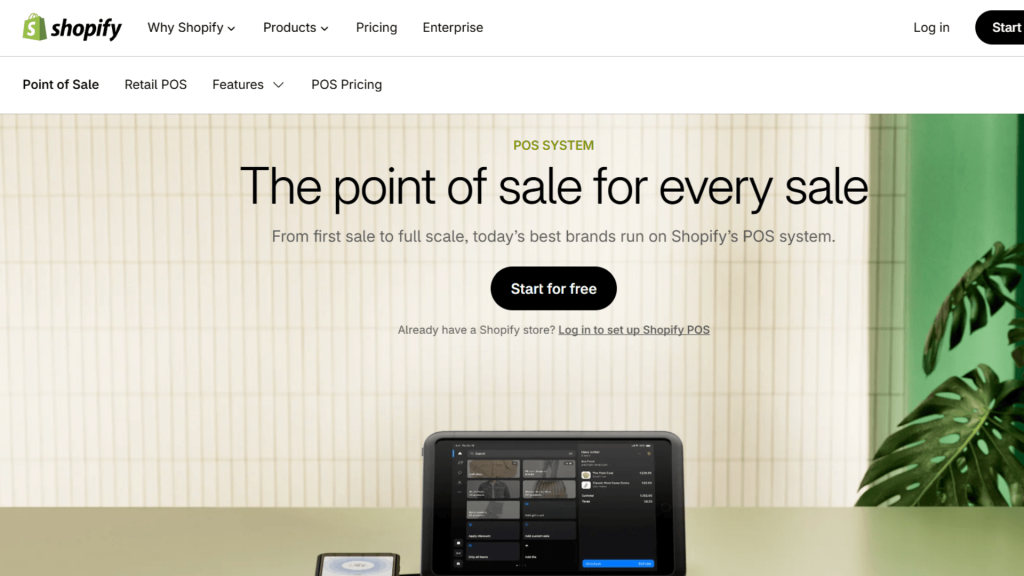
Best for: shops that want to stay on QuickBooks Desktop, or that also sell online.
Intuit partnered with Shopify as its replacement for QuickBooks POS. Intuit’s free QuickBooks Desktop Connector app moves your products (with inventory by location), customers, vendors and customer notes from Point of Sale to Shopify, then keeps Shopify in sync with QuickBooks Desktop. On QuickBooks Online, Intuit’s free QuickBooks app for Shopify has 4.6 stars from more than 3,300 reviews.
Price: Shopify plans start at $39 a month. A full shop usually needs POS Pro, at $89 a month per location, for staff roles and returns at any location. In-person card payments cost 2.6% + 10¢ on Basic, and the Tap & Chip reader is $49. Intuit’s page mentions Shopify discounts for QuickBooks POS customers, so ask Shopify what’s current.
Where it falls short: Shopify’s card readers only work with Shopify Payments. Customer balances and past transactions don’t move across, so keep your old POS for history.
2. Square: best free starting point
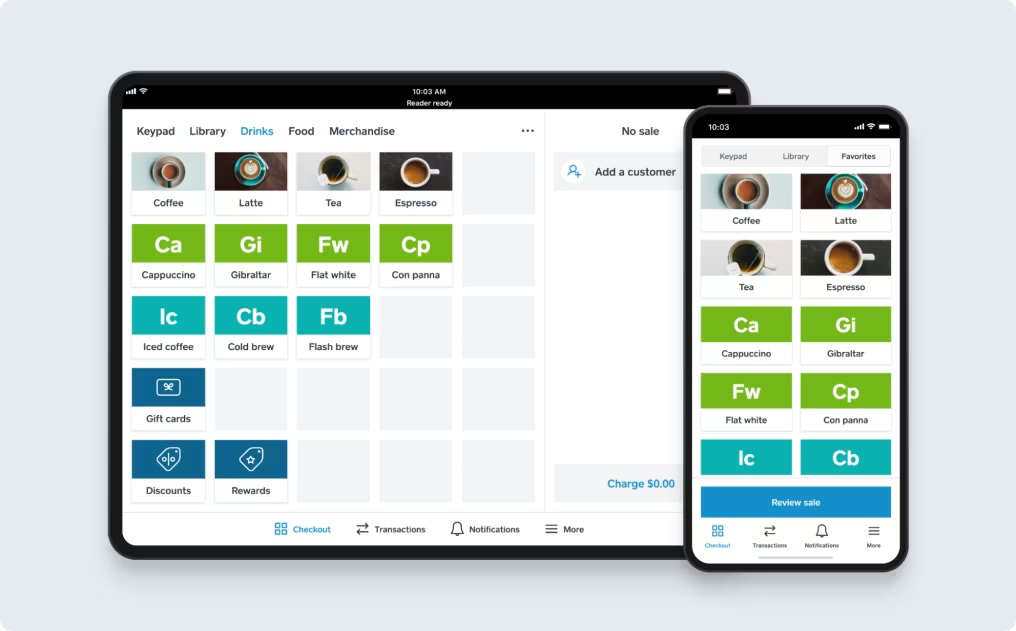
Best for: single-store retailers moving to QuickBooks Online who want to start without a monthly fee.
Square’s POS software is free, and its Plus plan adds purchase orders and cost reports for retail. On QuickBooks Online, Intuit’s free Square Connector by QuickBooks brings in your sales, fees and payouts for US accounts. It matches items by name, so keep names identical in both systems. Our guide to the best Square QuickBooks integration apps compares the alternatives.
Price: free plan, or Plus at $49 a month per location. In-store payments cost 2.6% + 15¢ on Free and 2.5% + 15¢ on Plus. The Square Reader is $59.
Where it falls short: Intuit’s connector doesn’t support QuickBooks Desktop. For Desktop, you need Synder (from $52 a month billed yearly) or Commerce Sync’s Expert plan ($46 a month).
3. Clover: best for busy counters
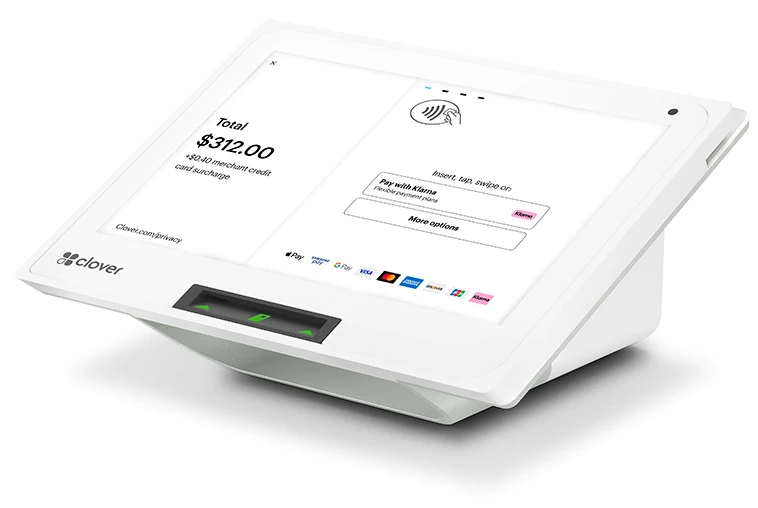
Best for: high-volume shops that want sturdy countertop hardware.
Clover’s built-in Accounting Sync sends your sales to QuickBooks Online every day, at no extra cost on Clover plans that include it. It maps tax and payment types for you. Our best Clover QuickBooks integration apps guide covers the other options.
Price: software plans run from $29.95 to $129.85 a month, with in-store rates from 2.3% + 10¢ to 2.6% + 10¢. Hardware ranges from the $349 Clover Compact to the $1,899 Station Duo. See our Clover fees and pricing breakdown for each plan.
Where it falls short: Accounting Sync covers QuickBooks Online only, and not every Clover plan includes it. For Desktop, use Commerce Sync’s Expert plan ($59.95 a month) or Synder.
4. Lightspeed Retail: best for big catalogues and several stores
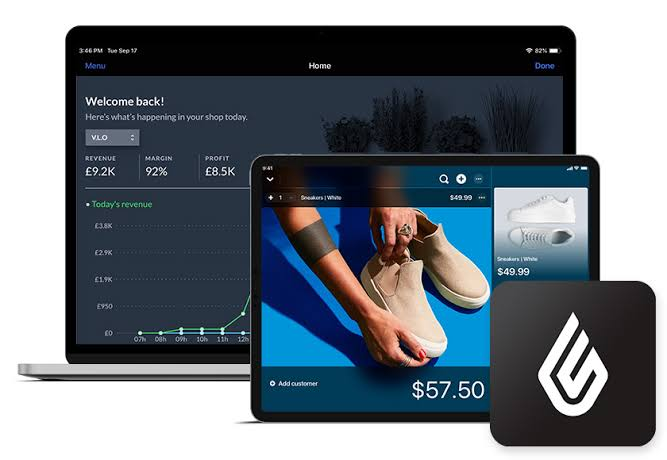
Best for: shops with thousands of products or more than one location, the kind that relied on Store Exchange.
Lightspeed Retail handles large catalogues, variants and transfers between stores, and every plan includes an online store. It has its own QuickBooks Online integration. Which QuickBooks plan it needs depends on your Lightspeed product line, so confirm that with Lightspeed before you buy.
Price: $89, $149 or $289 a month billed yearly, or $109, $179 and $339 month to month. Card rates and hardware are quoted separately, so ask for both in writing.
Where it falls short: it costs more than Square or Clover, and its built-in integration is for QuickBooks Online, not Desktop.
5. QuickBooks mobile app with Tap to Pay: for occasional in-person sales
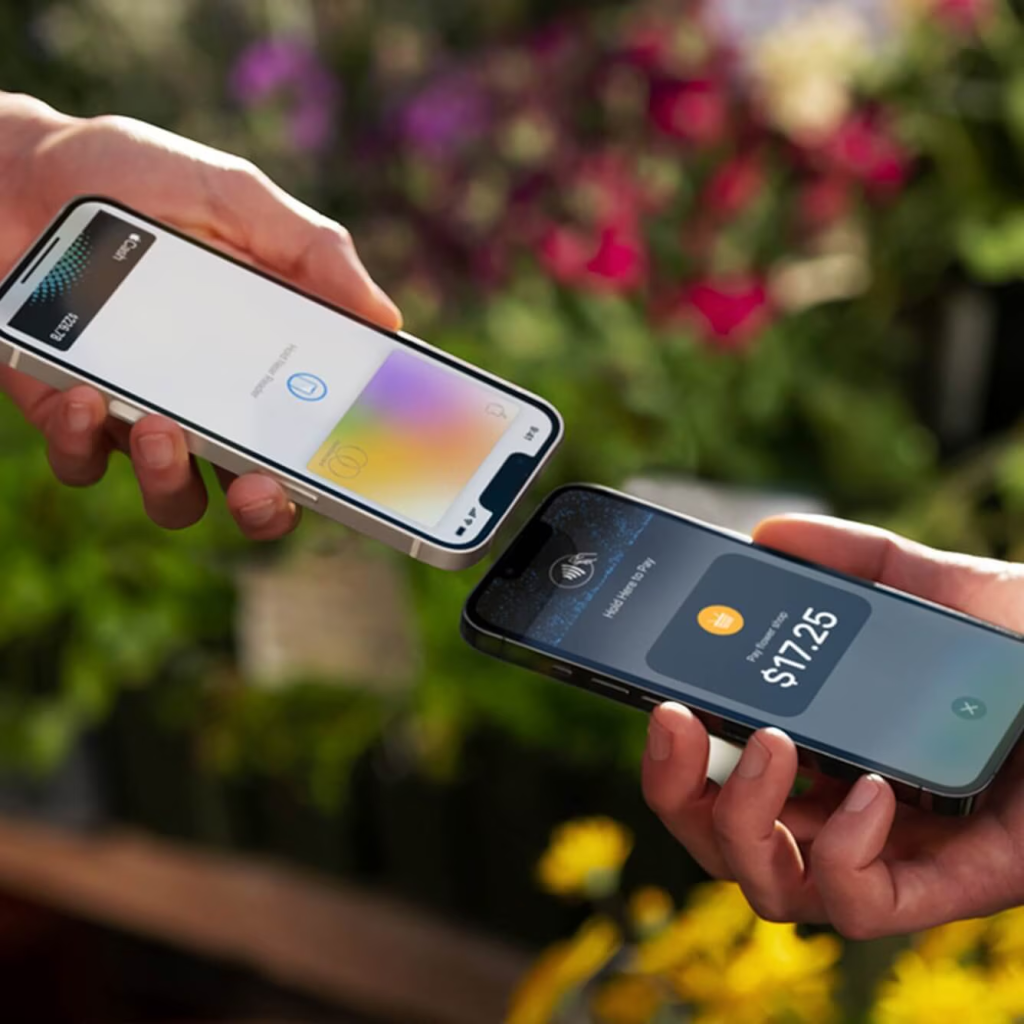
Best for: businesses that sell in person now and then, such as markets, events or appointments.
Intuit also suggests its QuickBooks mobile app. It takes card payments with Tap to Pay on iPhone and syncs each transaction to QuickBooks automatically, so there’s nothing extra to connect.
Where it falls short: it’s a payments app, not a retail till. If you scanned barcodes, managed stock or ran several registers on QuickBooks POS, one of the four systems above is a closer match.
POS systems that integrate with QuickBooks, compared
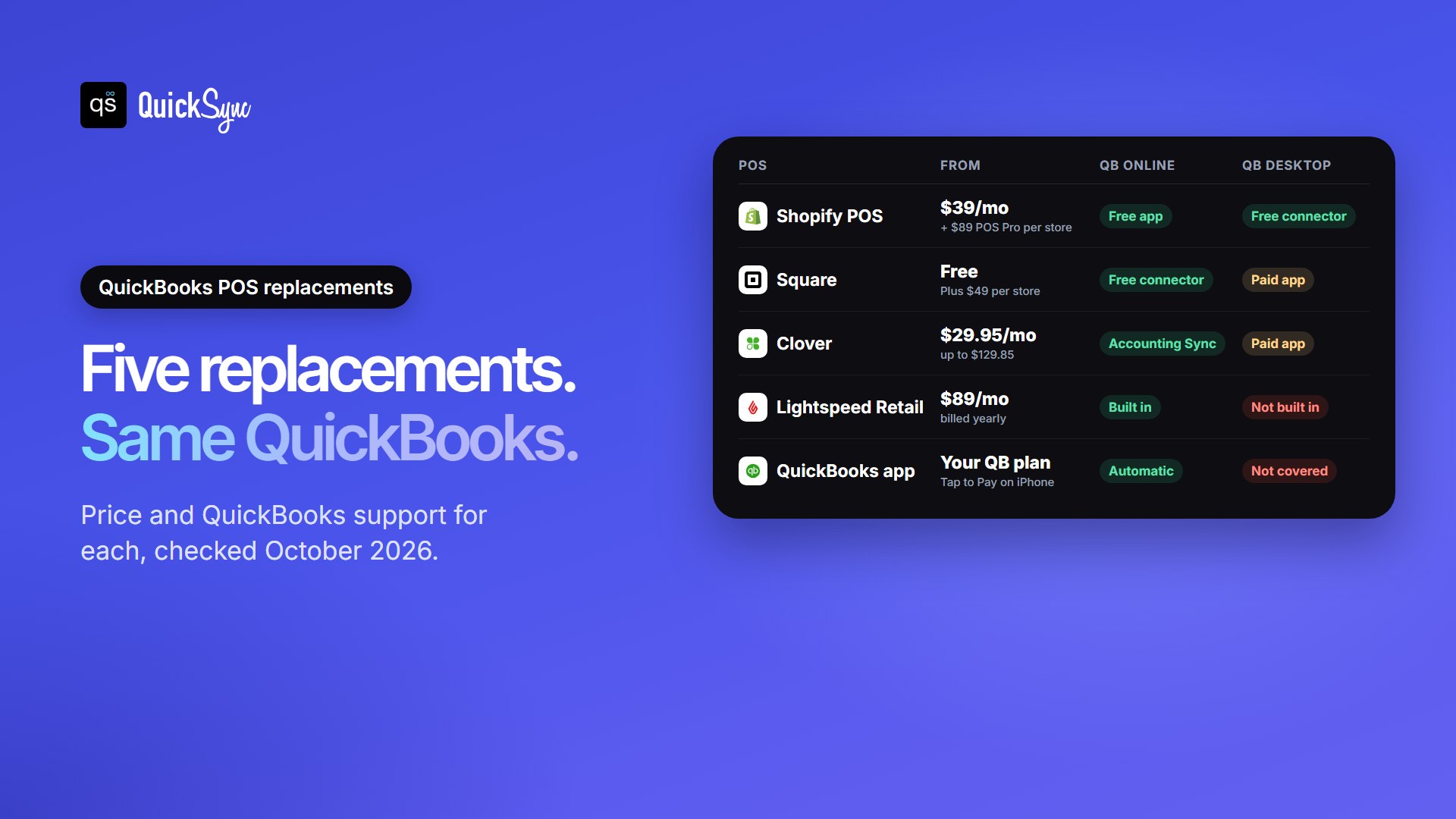
| POS | Software price | In-store card rate | QuickBooks Online | QuickBooks Desktop |
|---|---|---|---|---|
| Shopify POS | From $39/mo; POS Pro $89/mo per location | 2.6% + 10¢ (Basic) | Yes, Intuit’s free app | Yes, Intuit’s free Desktop Connector |
| Square | Free; Plus $49/mo per location | 2.5% to 2.6% + 15¢ | Yes, Intuit’s free connector (US) | Through Synder or Commerce Sync |
| Clover | $29.95 to $129.85/mo | 2.3% to 2.6% + 10¢ | Yes, Accounting Sync (on included plans) | Through Commerce Sync or Synder |
| Lightspeed Retail | $89 to $289/mo billed yearly | Quoted separately | Yes, built-in integration | Not built in |
| QuickBooks mobile app | Uses your QuickBooks plan | QuickBooks Payments rates | Syncs automatically | Not covered here |
Keeping sales and stock in sync with QuickBooks Online
QuickBooks POS kept your shop and your books in one Intuit world. Your new POS splits them, so you need a link between the two. The free connectors above mostly send sales totals. That covers the books, but not always your stock.
The gap gets wider if you also sell online. A sale at the counter has to lower your website, Etsy or eBay listings too, or someone online buys the last unit you just sold in the shop.
This is what QuickSync does. It connects Square, Clover, Lightspeed and Shopify to QuickBooks Online. Fully paid sales become Sales Receipts, and unpaid ones become Invoices. It matches items by SKU and keeps stock counts in step between your POS, your online stores and QuickBooks. Stock sync needs a QuickBooks Online plan with inventory tracking (Plus or Advanced). QuickSync doesn’t support QuickBooks Desktop or post processing fees and deposits, so you still reconcile deposits in QuickBooks.
Checklist: moving off QuickBooks POS
Intuit is clear about what moves and what doesn’t. Product, customer and vendor lists can transfer. Customer balances and transaction history can’t. Plan around that:
- Choose Desktop or Online for your books, then pick the POS that fits.
- Run your reports before you switch: gift card balances, customer balances, open orders and an inventory valuation. None of these carry over.
- Clean your item list. Give every product a unique SKU. Our guide to what a SKU is explains how, including each channel’s length limit.
- Move products, customers and vendors. For Shopify, use Intuit’s free Desktop Connector. Other systems import products from a spreadsheet.
- Export product images by hand. Intuit notes they don’t transfer automatically.
- Budget for a new card reader. The Tetra Lane 5000 PIN pad stopped working when QuickBooks Payments ended, and each new POS uses its own readers.
- Connect QuickBooks and test one day of sales before you go live. Check tax, payment types and stock.
- Keep the old POS installed for reference. Past transactions stay viewable in it.
FAQs
More guides on QuickBooks and POS: the best POS system for small business, the best Shopify QuickBooks integration apps and Clover vs Square.