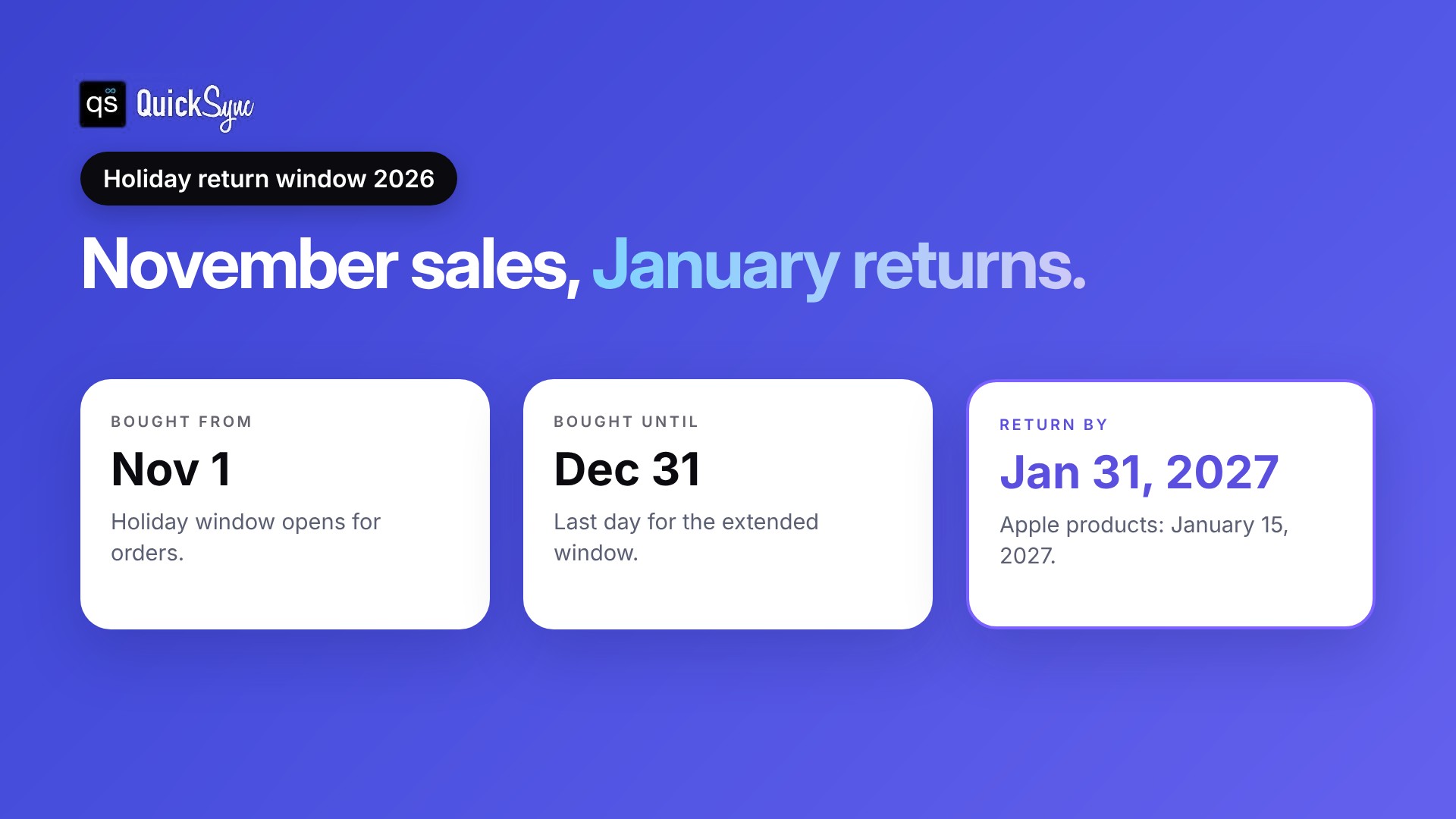
The holiday shopping season may end in December, but for Amazon sellers, holiday returns can continue well into January. Under Amazon’s 2026 holiday return policy, customers can return most items purchased between November 1 and December 31, 2026, until January 31, 2027. Apple products have a separate return deadline of January 15, 2027.
While the extended return window gives shoppers more flexibility, it brings additional challenges for sellers. From processing refunds and inspecting returned products to managing inventory and protecting profit margins, sellers need to prepare for the post-holiday return rush. This becomes even more challenging when selling across multiple platforms.
In this guide, we’ll break down Amazon’s holiday return policy for 2026, explain how it affects FBA and seller-fulfilled orders, cover restocking fees and gift returns, and share practical tips to manage returned inventory without disrupting your business in the new year.
What is Amazon’s holiday return policy for 2026?
According to Amazon’s Extended Holiday Returns policy, items bought between November 1, 2026 and December 31, 2026 are returnable through January 31, 2027.
| 2026 dates | |
|---|---|
| Items bought between | November 1 and December 31, 2026 |
| Can be returned until | January 31, 2027 |
| Apple brand products | Returnable until January 15, 2027 |
| Applies to | Seller-fulfilled, FBA and Amazon retail orders |
Two things don’t change:
- Return eligibility stays the same. Amazon says the window is longer, but an item that couldn’t be returned before still can’t be returned now.
- You must follow Amazon’s policy. According to Amazon’s seller-fulfilled returns guide, Amazon’s return and refund policies apply even if your own terms say something different.
How the holiday return window affects sellers
Outside the holidays, Amazon’s return policy for sellers lets most items be returned within 30 days of the estimated delivery date. Some categories have a longer window.
During the holidays, the window stretches. Here’s what that looks like for one order:
| Normal order | Holiday order | |
|---|---|---|
| Bought on | September 3 | November 3 |
| Return window ends | About 30 days after estimated delivery | January 31, 2027 |
| Time to send it back | 15 days after the window closes, once you authorize it | 15 days after January 31 |
That last row matters. According to Amazon, once you authorize a return request, the buyer has 15 days after the return window closes to send the item back, to allow for transit. So holiday returns can still be arriving in February.
What that means for you:
- Returns keep arriving in January, when you’d normally be counting stock and planning the new year.
- Stock sits in limbo longer. An item bought in November isn’t really “sold” until the window closes.
- Refunds move into January. Refunds for holiday sales can land after the new year.
Selling on more than one channel? Jump to getting returned stock back on sale everywhere.
Seller-fulfilled vs FBA holiday returns
Who handles the return depends on who shipped the order.
| Seller-fulfilled (FBM) | FBA | |
|---|---|---|
| Who handles the return | You, in Manage Seller Fulfilled Returns | Amazon |
| Return authorization | Amazon auto-authorizes in-policy US returns | Amazon |
| Where the item goes | Back to you | Back to an Amazon fulfillment center |
| Who checks the condition | You | Amazon |
| Back in stock | When you restock it | Amazon adds it back to your sellable inventory if it passes inspection |
Seller-fulfilled orders. According to Amazon’s seller-fulfilled returns guide:
- Amazon automatically authorizes US return requests that fall within the policy.
- Out-of-policy requests come to you for manual authorization, and you must respond within 24 hours.
- You must issue refunds within two business days of receiving a return.
FBA orders. According to Amazon’s FBA customer returns policy, Amazon processes the return and checks the item. If it’s sellable, it goes back to your sellable inventory. If it’s damaged or defective, Amazon decides whether you’re eligible for a reimbursement. You must submit a removal order within 30 days for items marked Defective or Customer damaged, or set up automatic removal. New to FBA? See our guide to what Amazon FBA is.
When you can charge a restocking fee
You can’t charge a restocking fee on an item returned in its original condition within the return window. That includes the extended holiday window. According to Amazon’s restocking fee guidelines, you can charge one in these cases:
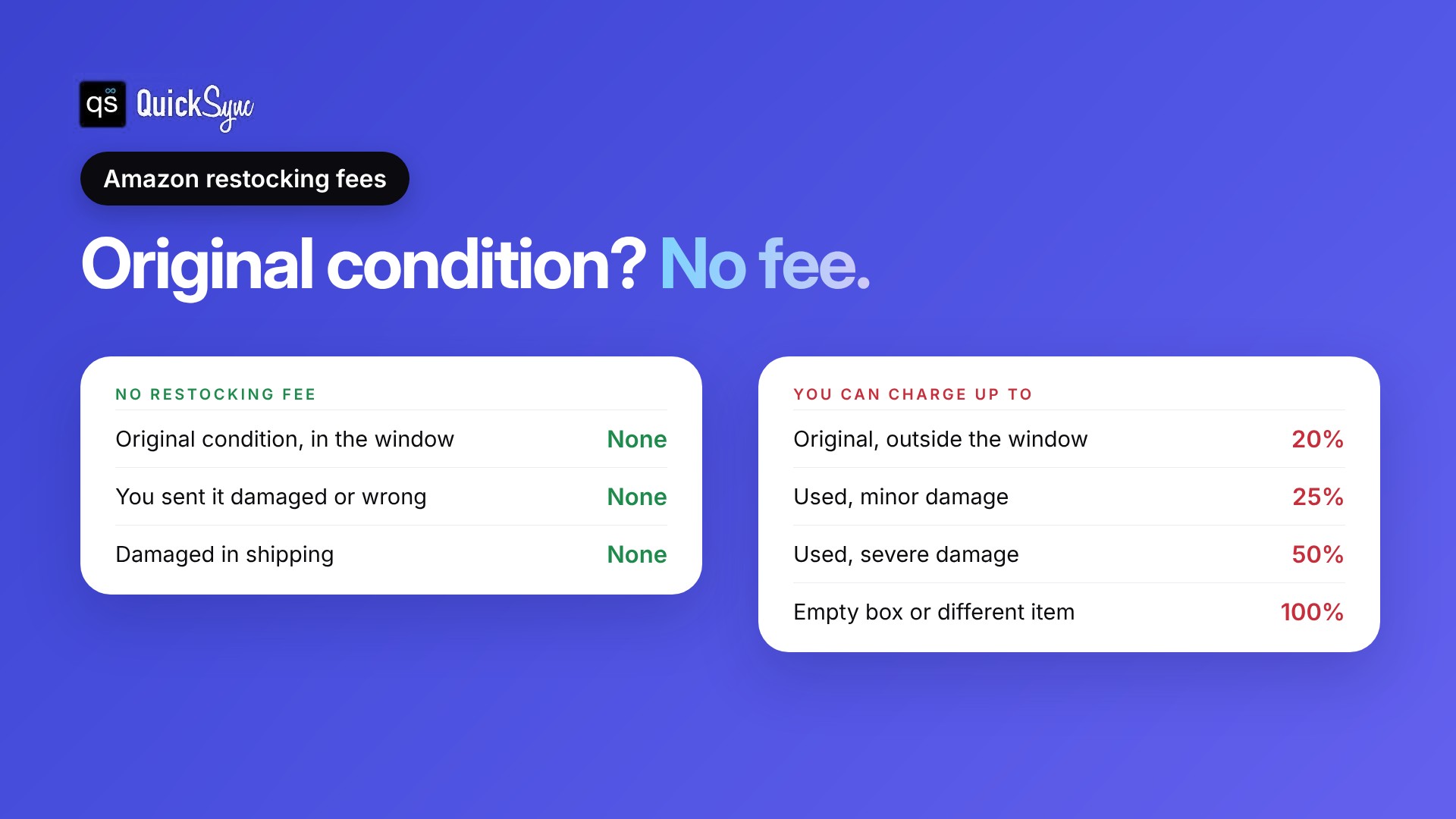
| Return | Restocking fee |
|---|---|
| Original condition, within the return window | None |
| Original condition, outside the return window | Up to 20% |
| Used item with minor damage | Up to 25% |
| Used item with severe damage | Up to 50% |
| Damaged, missing parts or obviously used, for a change-of-mind return | Up to 50% |
| Opened software or video games, for a change-of-mind return | Up to 100% |
| Empty box, or a different item sent back | Up to 100% |
The fee is a percentage of the item price, not including shipping. To charge one, go to Orders > Manage Seller Fulfilled Returns, find the order, click Issue refund, then Charge restocking fee.
Return shipping works in a similar way. According to Amazon’s Returns FAQ, you can deduct return shipping from the refund when the buyer is at fault, such as an accidental order. If you sent the wrong or a damaged item, you must give a full refund.
How gift returns work on Amazon
Holiday returns include a lot of gifts. According to Amazon’s gift returns guide:
- A gift recipient can return an item even if the order wasn’t marked as a gift.
- Gift returns show up on the Manage Seller Fulfilled Returns page with a Gift Return badge.
- To respect the buyer’s privacy, Amazon recommends contacting only the gift recipient, using the Contact Gift Recipient button.
- When you refund a gift recipient, the refund is emailed to them as an electronic gift card.
Get returned stock back on sale everywhere
When a return comes back in sellable condition, it should be on sale again on every channel you use, not just Amazon. If you also sell on Shopify, eBay or Etsy, that’s where returns get missed. You restock the item in one place, and the other channels still show it as sold out.
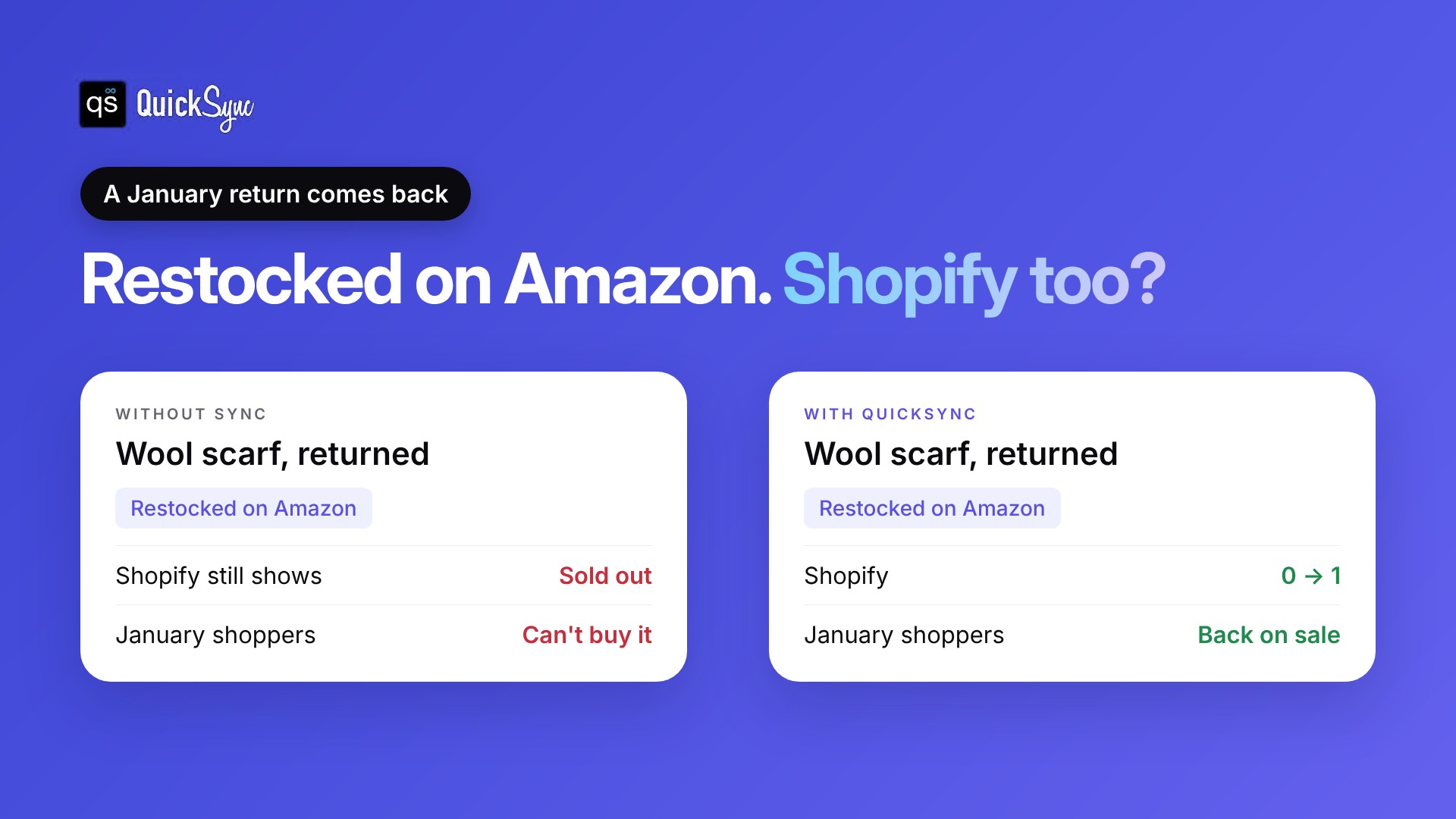
A multichannel selling tool fixes this. QuickSync keeps stock, listings, prices and orders in step across Amazon and your other channels. According to QuickSync’s Shopify Amazon page:
- Restocks sync. A refund on its own doesn’t restock an item. When you add the item back to stock on the platform where it sold, QuickSync sends the new count to your other channels.
- Stock, both ways for items you ship. A sale on Shopify, eBay or Etsy lowers your Amazon count, and an Amazon sale lowers the count everywhere else.
- FBA stays with Amazon. QuickSync sends your count to Amazon, but stock in Amazon’s warehouses keeps its own count, which Amazon owns.
- Orders and tracking. On Pro, your Amazon orders come into QuickSync with your other channels’ orders. Tracking goes back to eligible orders you ship yourself.
Pricing: Lite costs $19 a month for two shops and up to 1,000 items, with stock sync and unlimited orders. Pro costs $29 a month and adds product and order sync. Every trial is 14 days with no card. See the QuickSync pricing page.
How to handle holiday returns as a seller
For seller-fulfilled orders, here’s a simple routine for the busy weeks:
- Check your return settings. In Return settings, check how return requests are authorized and which return label type you use. In the US, Amazon prepaid return labels are required.
- Check returns daily. Open Manage Seller Fulfilled Returns each day and respond to any manual authorization requests within 24 hours.
- Inspect before you refund. Amazon advises waiting until you receive the item and check it, because refunds you issue can’t be disputed. Some eligible returns are refunded by Amazon when the buyer drops the item off.
- Refund within two business days of receiving the return. Charge a restocking fee only if the item qualifies.
- Restock what you can sell. Put sellable items back into stock straight away, so they’re available for January shoppers. If you use stock sync, the new count reaches your other channels too.
- Close finished requests. Close returnless refunds, canceled requests and duplicates in Manage Seller Fulfilled Returns.
For more on returns in general, see our guide on how to handle customer returns.
Final thoughts
The Amazon holiday return policy gives shoppers until January 31, 2027 to return items bought from November 1 to December 31, 2026. For sellers, that means returns arriving well into January, and some in February once transit time is added.
Plan for it now. Check your return settings, respond to return requests within 24 hours, refund within two business days, and only charge restocking fees where Amazon allows them.
Then make sure every sellable return goes back on sale fast, on Amazon and everywhere else you sell. January shoppers are still buying, and a restocked item that shows as sold out on your other channels is a sale you’ll miss.