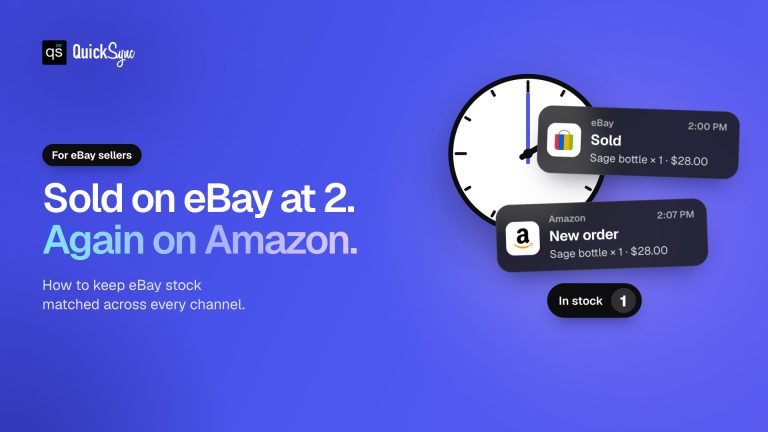

Selling the same item on Amazon and eBay doubles your chances of a sale. It also doubles your chances of selling one item twice, because the two marketplaces keep separate stock counts and neither knows what the other just sold.
To manage Amazon and eBay inventory together, keep Fulfillment by Amazon (FBA) stock separate from the stock you ship yourself, give each item the same SKU on both marketplaces, and use one system to update both counts after every sale.
For a few items, that system can be a spreadsheet you check daily; past that, use a multichannel inventory tool that syncs stock between Amazon and eBay automatically. This Amazon eBay inventory management guide covers the four ways sellers do it, what each one costs, and the setup details that stop overselling.
Why Selling on Amazon and eBay Leads to Overselling
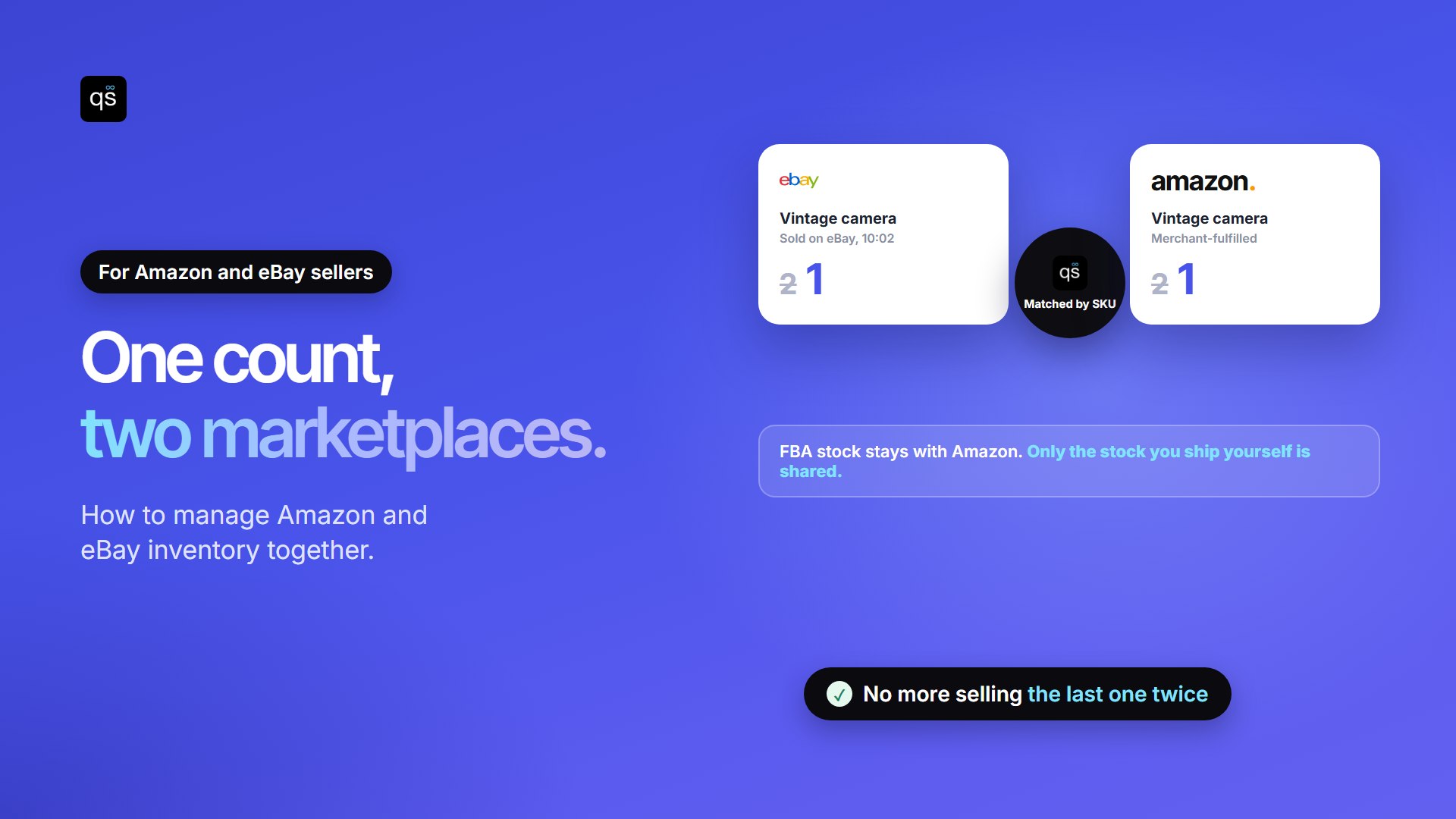
Each marketplace only sees its own orders. List a vintage camera on both, sell it on eBay at 10 a.m., and Amazon keeps showing it as available until you change the count. If it sells again on Amazon before you do, you have two buyers and one camera.
Both marketplaces penalize the cancellation that follows:
- eBay: cancelling because an item is out of stock always counts as a transaction defect, and eBay credits back only the variable part of your final value fee. eBay also says using a different reason to avoid the defect isn’t allowed. Our guide to cancelling an eBay order as a seller covers the details.
- Amazon: Account Health tracks how you treat customers, and cancelling an order you can’t fill counts against you. See our guide to Amazon Seller Central for how Account Health works.
First, decide what you’ll ship yourself
Before you pick a tool, split your stock in two:
- FBA stock sits in Amazon’s warehouses. Amazon counts it, packs it and ships it. You can’t pack an eBay order from it yourself.
- Merchant-fulfilled (FBM) stock sits on your shelf. You ship both Amazon and eBay orders from it, so this is the stock that has to stay matched across both marketplaces.
Want eBay orders shipped from your FBA stock? Amazon offers that through Multi-Channel Fulfillment (MCF), for a fee per order. It’s a separate setup from inventory sync. Our guide to Amazon FBA explains FBA vs FBM and MCF in more detail. For the rules on orders you ship yourself, see our guide to Amazon FBM.
The rule that saves the most trouble: never let an FBA listing and an eBay listing share a SKU that a sync tool updates. Give FBA listings their own SKUs, or keep them out of your sync.
4 ways to manage Amazon and eBay inventory together
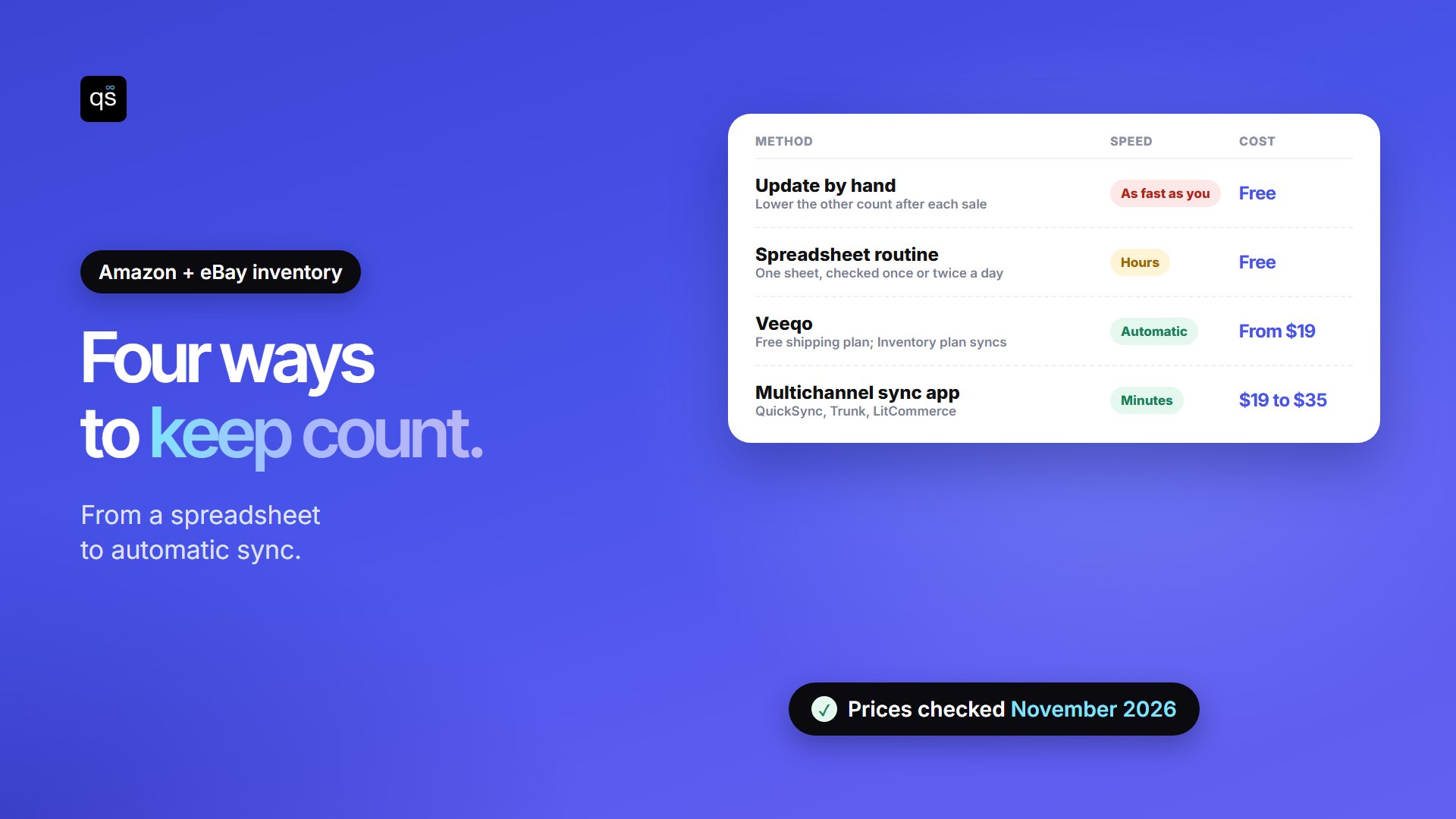
| Method | How it works | Speed | Cost | Best for |
|---|---|---|---|---|
| Update by hand | After each sale, lower the count on the other marketplace | As fast as you are | Free | A handful of listings and low sales |
| Spreadsheet and daily routine | One sheet holds the true count; you check sales and update both marketplaces once or twice a day | Hours | Free | Up to a few dozen slow-moving items |
| Veeqo | Shipping and inventory software; its Inventory plan syncs stock across channels | Automatic | Shipping plan free; Inventory plan from $19/month | Sellers who also want free shipping labels |
| Multichannel sync app (QuickSync, Trunk, LitCommerce) | Matches items by SKU and updates every connected channel after a sale | Automatic, minutes | From about $19 to $35/month | Sellers on Amazon, eBay and other channels too |
Manual methods work until a fast seller catches you out. The weak spot is time: a spreadsheet that’s updated twice a day leaves hours in which both listings show the same last unit.
Veeqo is worth a look if shipping labels are your bigger job. Its Shipping plan is free, and its Inventory plan, priced by order volume, adds automated inventory sync, demand forecasting, and digital picking. Sync apps like QuickSync are built around keeping one stock count right across more channels, including online stores and POS systems.
Set up SKUs that match on both marketplaces
Every automatic tool pairs items by SKU, so the SKU is the thing to get right first.
- Use the same SKU for the same item on Amazon and eBay, including for each size or color.
- Keep it short. Amazon allows SKUs of up to 40 characters, but QuickSync uses a 20-character limit for Amazon SKUs, so 20 or fewer works everywhere.
- Make every SKU unique. Two listings sharing a code will fight over the same count.
- Separate FBA. Give FBA listings SKUs your eBay listings don’t use.
A simple pattern like CAM-CANON-AE1-01 stays readable and well under 20 characters.
How to sync Amazon and eBay inventory with QuickSync
Here’s the setup, confirmed with the QuickSync team in November 2026:
Check your SKUs against the rules above.
Connect eBay. Sign in to eBay and approve access for the account you sell from.
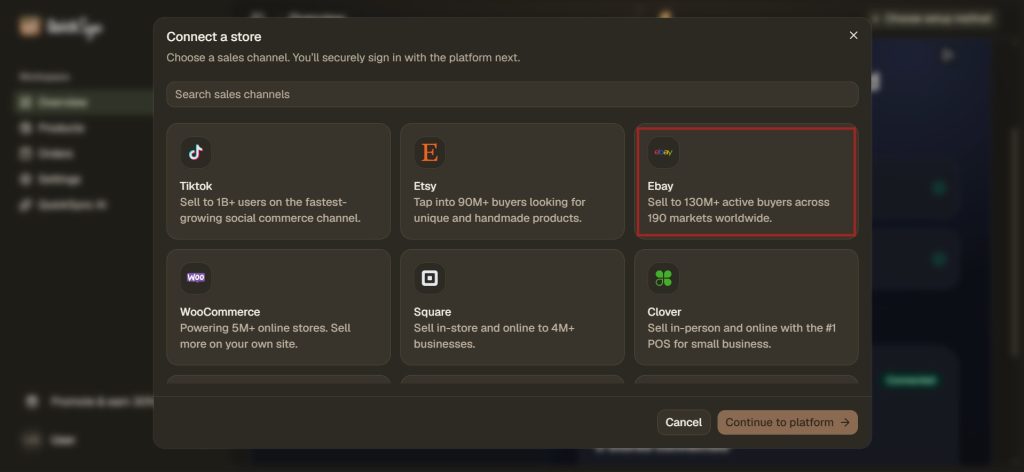
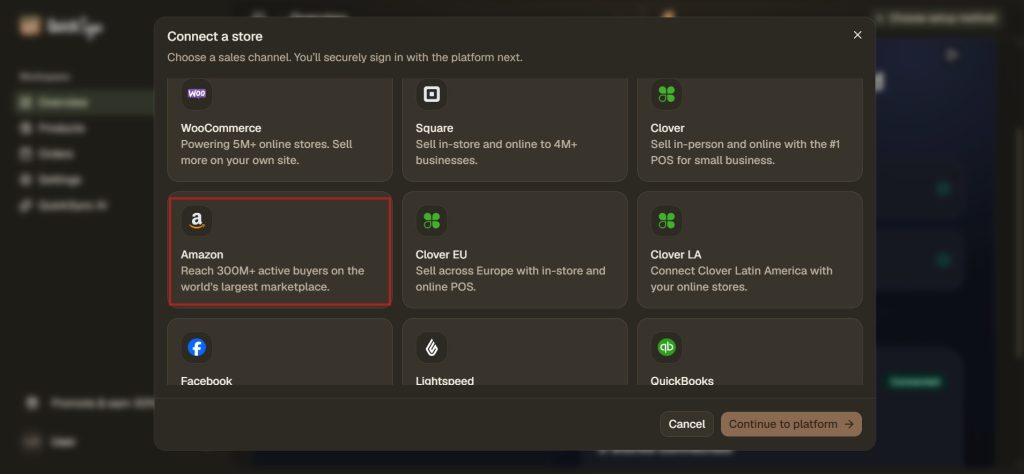
Connect Amazon. In QuickSync, go to Settings > Stores > Add a store, pick Amazon, and approve access in Seller Central. QuickSync works with US Seller Central.
Choose your starting count. Pick the store that holds the correct stock on day one, and choose which products to sync. Leave FBA listings out.
Start syncing. From then on, a sale on one marketplace updates the other.
What to expect once it’s running:
- Stock moves both ways for merchant-fulfilled Amazon listings, depending on your sync settings and product matching. FBA stock isn’t updated.
- eBay is checked every 2 minutes, because eBay doesn’t announce sales. Amazon orders are checked about every 1.5 minutes when order syncing is on.
- Listings can go to Amazon. QuickSync can create and update Amazon listings, prices included, once their Amazon details are reviewed and pass Amazon’s validation. Some products with variations can’t be published that way yet.
- Orders stay on their marketplace. Neither Amazon nor eBay can take in orders from the other, so if you want every order in one place to pack and ship, add a store you ship from, such as Shopify, WooCommerce or Square.
- No MCF routing. QuickSync doesn’t send eBay orders to Amazon for fulfillment.
Stock sync is included on every QuickSync plan, from $19 a month for two stores.
Add a safety net on eBay
Even with automatic sync, a minute or two can pass between a sale and the update. Two habits keep that gap from hurting:
- Turn on eBay’s out-of-stock option. It keeps a listing alive at zero instead of ending it, so a restock puts it back on sale with its sales history. QuickSync needs it on to send eBay a count of zero.
- Watch your last units. For one-of-a-kind or very fast items, the short window between a sale and the update is where double sales happen. If an item is truly unique, consider listing it on the marketplace where it sells best.
Managing orders from both marketplaces
Stock is half the job. Orders are the other half, and they don’t merge on their own: Amazon orders live in Seller Central and eBay orders in Seller Hub. You have three options:
- Ship from each marketplace. Fine at low volume, but you work in two dashboards.
- Use a shipping tool. Veeqo’s free Shipping plan pulls orders from Amazon, eBay, Shopify and other channels into one queue for buying and printing labels.
- Bring orders into a store you ship from. With QuickSync on the Pro plan, Amazon and eBay orders can be copied into Shopify, WooCommerce or Square, so you pack everything in one place. When Shopify ships an order, tracking goes back to both marketplaces; WooCommerce and Square send it back to Amazon only.
Selling on Shopify too?
Many Amazon and eBay sellers also run a Shopify store. That changes the setup for the better: Shopify can be your packing store, so Amazon and eBay orders land in one place, and when Shopify ships an order, QuickSync sends the tracking back. Our guide to syncing Shopify, eBay and Amazon walks through the three-channel setup, and how to connect Shopify to Amazon covers the Amazon side.
Common mistakes
- Syncing FBA listings. Amazon holds that stock, so a sync tool shouldn’t write to it. Give FBA its own SKUs.
- Long or mismatched SKUs. If a SKU doesn’t match exactly, or runs past 20 characters in QuickSync, the item won’t pair and its stock won’t sync.
- Changing stock in two places. Pick one place to adjust counts after a delivery, and let the sync carry it.
- Two tools writing to Amazon. If another app also updates Amazon quantities, the two will overwrite each other. Let one tool own the count.
FAQs
More for Amazon and eBay sellers: eBay vs Amazon, eBay inventory management and our Amazon integration.