If you’ve ever stared at a list of marketplaces wondering which one to start selling on, you’re not alone. Picking where to sell used to mean choosing one site and hoping it worked. Now every platform promises buyers, and each one comes with its own fees, rules, and catch.
The opportunity is real. US shoppers spent $340.2 billion online in the second quarter of 2026, 17.1% of all retail sales, according to the US Census Bureau. The question isn’t whether to sell online. It’s where your products will actually sell, and what you’ll keep after fees.
This guide compares the 8 best places to sell online for small businesses in 2027, from the biggest marketplaces to the best website for selling items under your own brand. For each one, you’ll see what it costs, who it suits, and what to watch out for. Every fee comes from the platform’s own pricing page, checked in November 2026.
What makes a good place to sell online?
The best site to sell items has buyers looking for what you sell, fees your margins can carry, and rules you can live with. No single platform wins on all three. That’s why the right answer is usually a short list, not one site.
Look at these five things before you list anything:
- Buyers. Do people already search there for products like yours?
- Fees. What do you pay per sale, per listing and per month?
- Rules. Can you sell your category? Etsy, for example, is built for handmade, vintage and craft supplies.
- Customer data. Do you own the customer relationship, or does the marketplace?
- Work. How much time does it take to list, ship and answer messages?
Best places to sell online at a glance
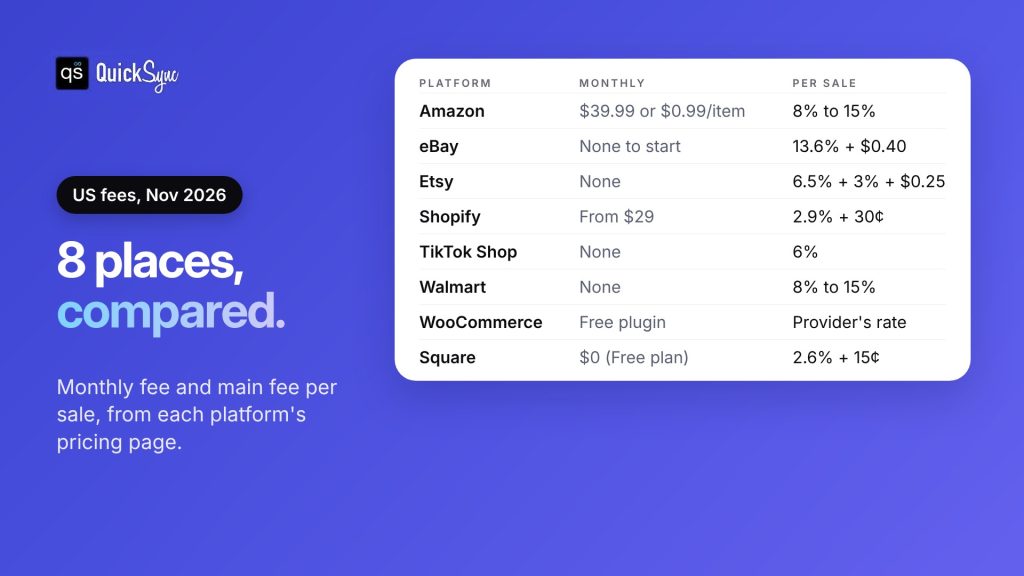
| Platform | Best for | Monthly fee | Main fee per sale |
|---|---|---|---|
| Amazon | Products people search for by name | $39.99 (Professional) or $0.99 per item | Referral fee, mostly 8% to 15% |
| eBay | Used, collectible and new goods | None to start | 13.6% plus $0.40 per order over $10, most categories |
| Etsy | Handmade, vintage and craft supplies | None | 6.5% plus 3% + $0.25 payment fee |
| Shopify | Your own branded store | From $29 (yearly) or $39 | 2.9% + 30¢ card rate on Basic |
| TikTok Shop | Products that sell on video | None | 6% referral fee, most categories |
| Walmart Marketplace | Established sellers with steady stock | None | Referral fee, mostly 8% to 15% |
| WooCommerce | A store on your own WordPress site | Free plugin, plus hosting | Your payment provider’s rate |
| Square | Markets, pop-ups and shop counters | $0 on the Free plan | 2.6% + 15¢ in person |
Fees are for US sellers and come from each platform’s pricing page, linked in the reviews below. Most platforms charge extra for ads, shipping labels or optional services.
Already know where you want to sell? Jump to how to sell on more than one platform.
The 8 best places to sell online, reviewed
1. Amazon: best for products people search for by name
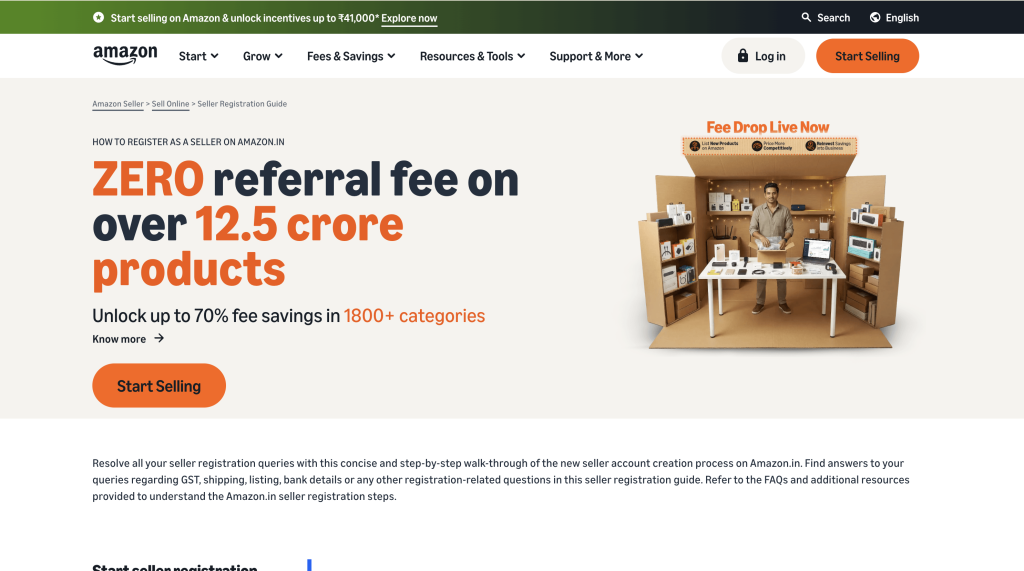
If your product is something people search for by name, like a phone case, a yoga mat or a branded skincare set, Amazon is hard to ignore. It’s the best-known online marketplace in the US, and shoppers arrive ready to buy, not just browse.
You don’t have to build an audience first. You list, and the buyers are already there.
Fees: According to Amazon’s pricing page, the Individual plan costs $0.99 per item sold, and the Professional plan costs $39.99 a month. Referral fees for most categories are 8% to 15% of the sale price. Fulfillment by Amazon (FBA) costs extra if you want Amazon to store and ship for you.
Best for: Branded products, everyday goods, and anything people search for by name.
Watch out for: You compete on price with other sellers of the same product, and Amazon controls the customer relationship. Our Amazon seller central guide covers setup.
2. eBay: best for used, collectible, and new goods
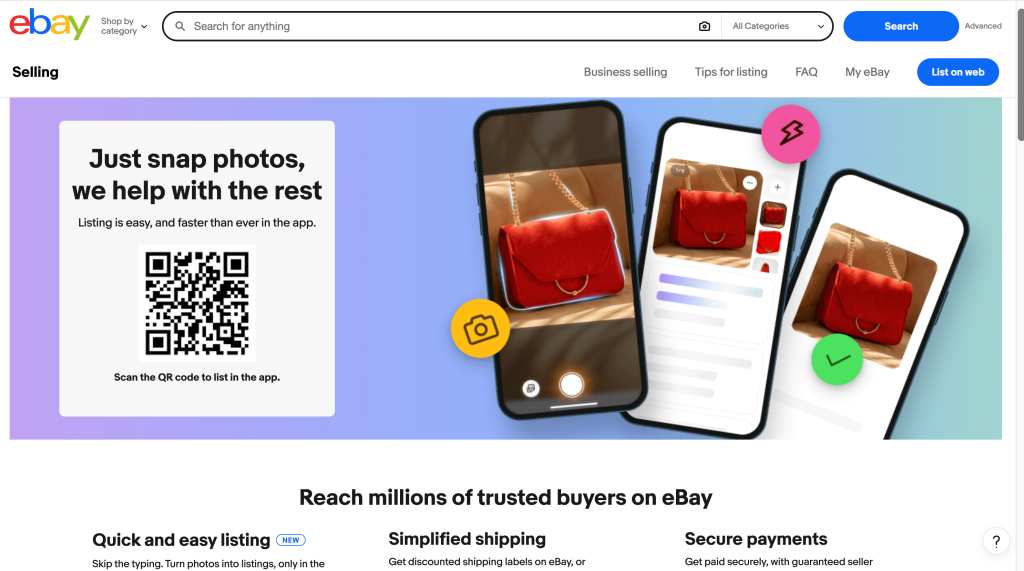
eBay works for almost anything, from used electronics to car parts to new stock. If you’re clearing out used electronics, selling car parts, or reselling thrift finds, eBay is often the first place to start.
It works for almost anything, new or used, and you can sell at a fixed price or let buyers bid in an auction. It’s also one of the easiest marketplaces to start on, with no monthly fee for a basic account.
Fees: For most categories, eBay charges a final value fee of 13.6% of the sale, up to $7,500, plus $0.40 per order over $10, according to eBay’s selling fees page. You get 250 free listings a month, then $0.35 per listing.
Best for: Used goods, collectibles, parts and resellers.
Watch out for: Fees vary by category, so check yours. See our eBay seller fees guide for the full list.
3. Etsy: best for handmade, vintage and craft supplies
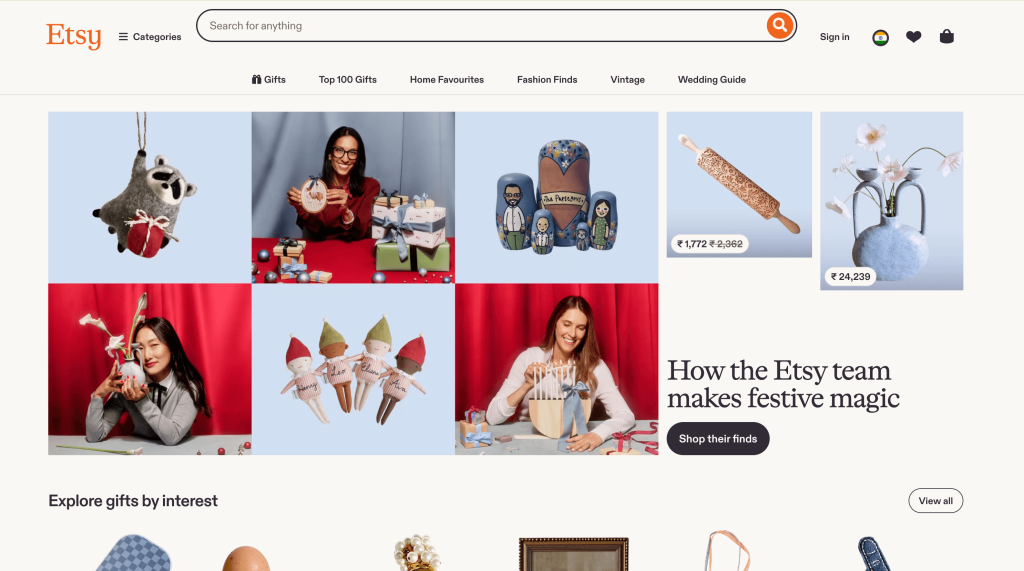
Etsy is where shoppers go for handmade gifts, vintage finds, and craft materials. Buyers expect something they can’t get at a big-box store.
If you make candles, jewelry, prints or anything by hand, Etsy is built for you. That means you’re not competing on price with mass-produced goods, as long as your listings tell your story.
Fees: Etsy’s fee page lists a $0.20 listing fee per item and a 6.5% transaction fee. US sellers also pay a payment processing fee of 3% + $0.25 per order. Offsite Ads can add 12% to 15% on orders they bring in.
Best for: Makers, vintage sellers and craft supply shops.
Watch out for: Only handmade, vintage, and craft supplies are allowed. See our Etsy fees guide and our list of Etsy alternatives.
4. Shopify: best for your own branded store
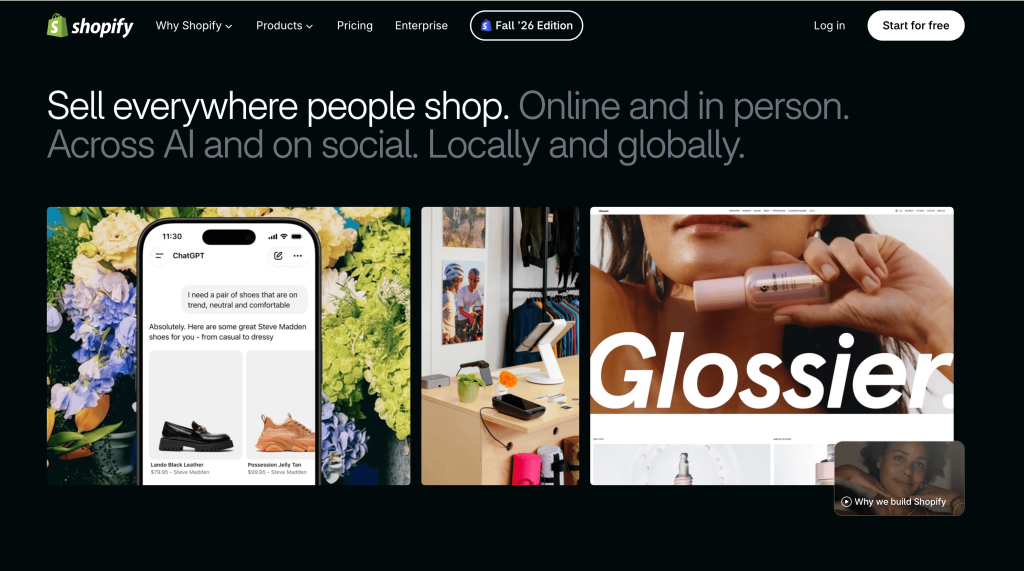
Shopify lets you build your own online store. If you’re building a brand rather than just selling products, you’ll want a store of your own, and Shopify is the most common place to start.
You choose the design, set your own rules, and keep every customer’s email. There’s no marketplace setting the rules or showing a competitor’s product next to yours.
Fees: Shopify’s pricing page lists the Basic plan at $39 a month, or $29 a month billed yearly. Online card payments on Basic cost 2.9% + 30¢. If you use a third-party payment provider instead, Shopify adds a 2% fee on Basic.
Best for: Brands that want to own their customers and build repeat sales.
Watch out for: Nobody finds a new store on their own. You bring the traffic through search, social and ads. See our Shopify fees guide.
5. TikTok Shop: best for products that sell on video

If your product looks great on camera, like a skincare routine, a clever kitchen gadget or an outfit, TikTok Shop is worth a serious look. People buy without leaving the app, straight from videos, live streams and creator posts.
A single video can sell out a product quickly, which is exciting and a little scary if your stock is tight.
Fees: TikTok Shop charges a 6% referral fee on most categories in the US, with no monthly fee. Our TikTok Shop fees guide covers the categories that pay less.
Best for: Beauty, fashion, gadgets and anything that looks good on camera.
Watch out for: Sales can spike suddenly when a video takes off. If you sell the same stock elsewhere, that’s when you’re most likely to sell items twice.
6. Walmart Marketplace: best for established sellers with steady stock
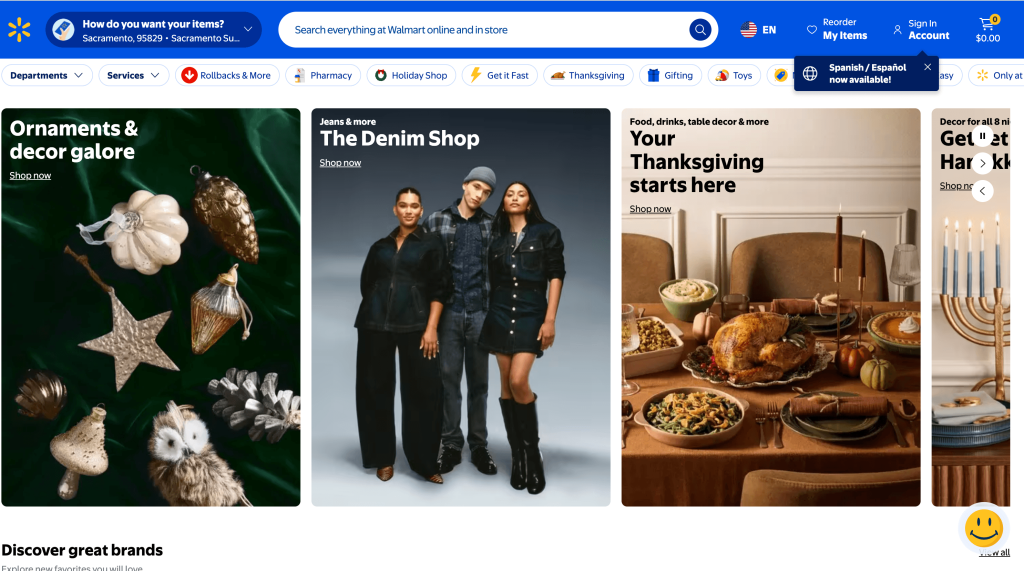
Walmart Marketplace puts your products next to Walmart’s own on walmart.com.
If you already sell on Amazon or eBay and want another big marketplace, Walmart Marketplace is the natural next step. The catch is that it has stricter entry requirements than most marketplaces, so it suits sellers who are already established.
Fees: Walmart’s referral fee page says there are “zero monthly or setup fees.” Referral fees for most categories are 8% to 15%, charged only when you make a sale.
Best for: Sellers with a track record on other marketplaces and reliable stock.
Watch out for: According to Walmart Marketplace, you need a business tax ID, GS1 barcodes (GTIN/UPC) for your products, US fulfillment with returns, and a history of selling online before you can join.
7. WooCommerce: best for a store on your own WordPress site
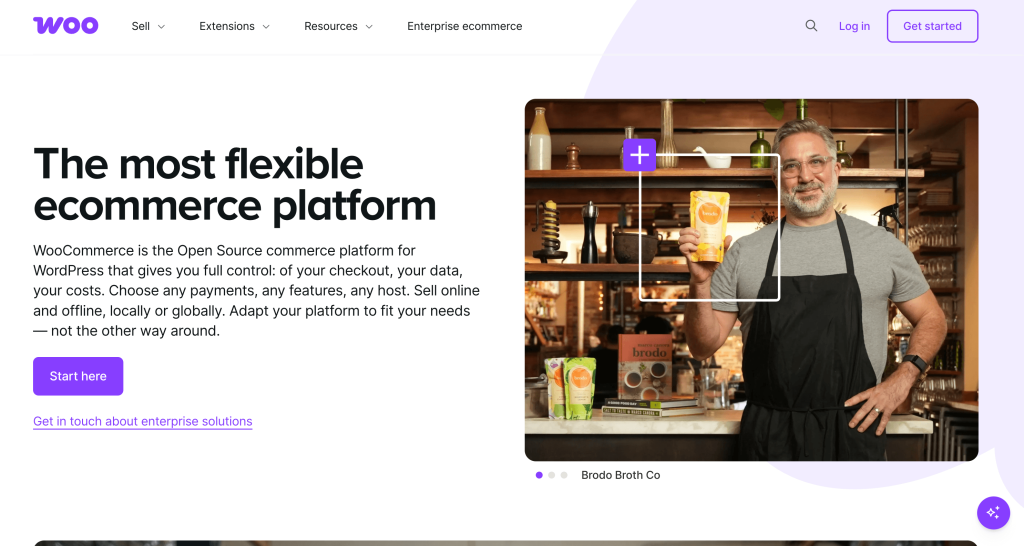
If you already have a WordPress website, or like having full control over how things work, WooCommerce lets you sell from it. It’s a free plugin that turns a WordPress site into an online store.
You own the site, the data, and the customer list, and you can change almost anything with the right extension.
Fees: The plugin is free. You pay for hosting, your domain, any paid extensions and your payment provider’s processing fees.
Best for: Businesses that already run on WordPress, or want full control over their site.
Watch out for: You’re responsible for hosting, updates and security, or you pay someone to handle them.
8. Square: best for markets, pop-ups and shop counters
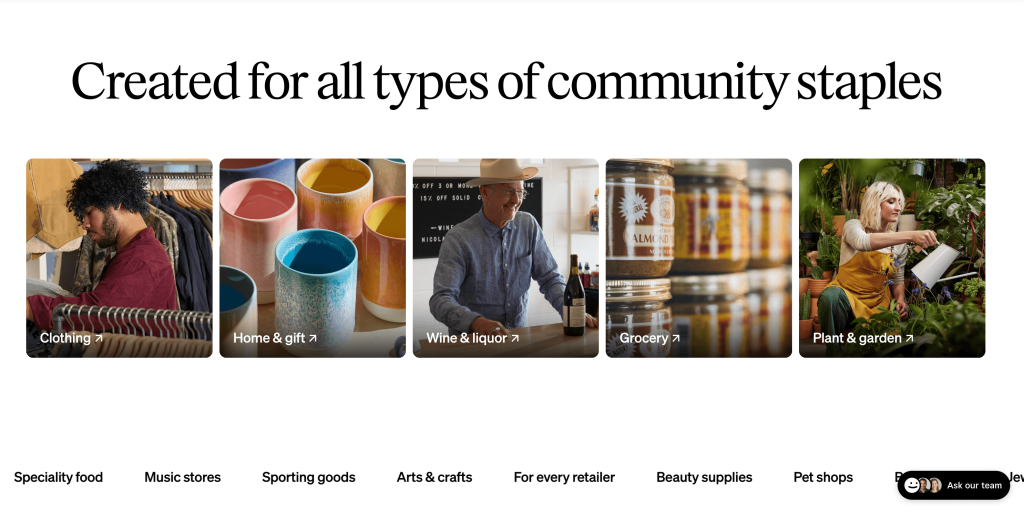
If you sell at craft fairs, weekend markets, or from a small shop, you’ve probably already seen a Square reader. What many sellers don’t realize is that Square also gives you a free online store. That makes it an easy way to sell in person and online from one account, without paying a monthly fee.
Square is best known for its card readers, but it also gives you a free online store.
Fees: On Square’s Free plan, in-person card payments cost 2.6% + 15¢ and online payments cost 3.3% + 30¢, with no monthly fee.
Best for: Craft fairs, markets, pop-ups and small shops with a website.
Watch out for: Square’s online store has fewer selling features than Shopify’s. Many sellers use Square at the counter and Shopify or Etsy online. See our Square fees guide.
Also worth a look: If you sell one-off used items, the best resell sites include resale apps like Poshmark, Mercari and Depop. Our crosslisting apps guide covers tools that list to several of them at once.
How to choose the best place to sell online
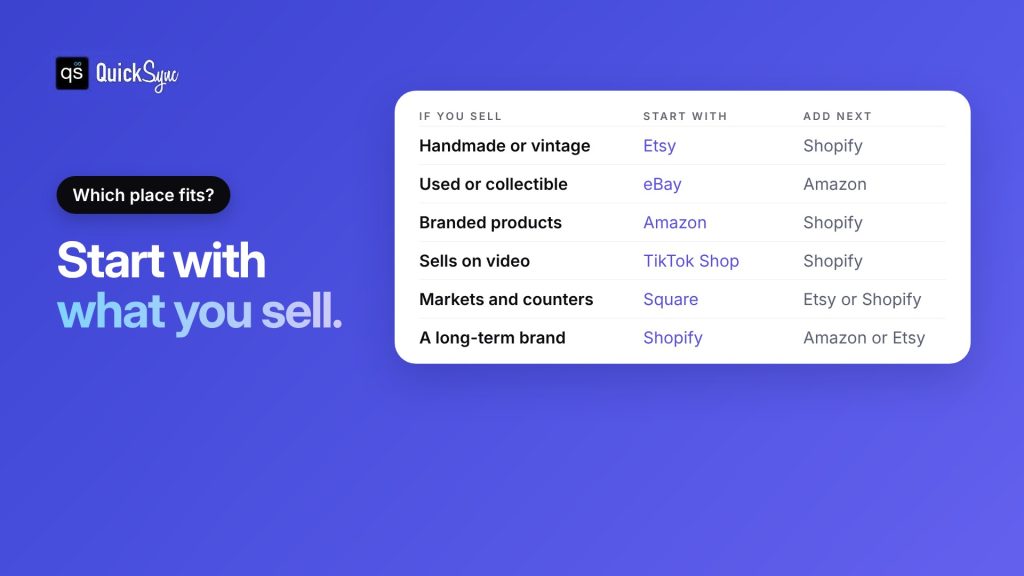
The best place to sell stuff online is wherever your buyers already shop. Start with what you sell, then use this table as a first pass.
| If you sell… | Start with | Add next |
|---|---|---|
| Handmade or vintage goods | Etsy | Shopify, or eBay for vintage |
| Used, collectible or refurbished items | eBay | Amazon for new stock, or resale apps |
| Branded everyday products | Amazon | Shopify, then Walmart Marketplace |
| Products that look good on camera | TikTok Shop | Shopify or Amazon |
| At markets, fairs or a shop counter | Square | Shopify, Etsy or WooCommerce |
| A brand you want to grow long term | Shopify or WooCommerce | Amazon or Etsy for reach |
Three questions help you narrow it down:
- Where do your buyers already search? Search for your product on each platform. If similar items sell well there, that’s a good sign.
- What margin is left after fees? Work out the fees on one typical order for each platform you’re considering.
- How much can you manage? Each new platform means more listings, messages and orders. Start with one or two and add more once they run smoothly.
How to sell on more than one platform
Most businesses don’t pick just one place to sell online. They choose a marketplace for reach and a store for repeat customers, like Etsy plus Shopify or Amazon plus Shopify.
Selling the same products in several places brings in more orders. It also brings one new problem: every channel keeps its own stock count. When something sells on Etsy, your Shopify store doesn’t know unless something tells it.
Here’s how to add a second platform without selling items twice:
- Pick your main store. Choose the platform where you keep product details up to date. For most sellers that’s Shopify or Etsy.
- Give every product a SKU. Use the same SKU for the same product on every platform. That’s how the platforms are matched.
- Connect a sync tool. A multichannel selling tool keeps one stock count across your platforms, so a sale on one lowers the count on the rest.
- Copy your listings across. Create listings on the new platform from your main store instead of typing them out again.
- Test with a few products. Make a test sale and check that every channel updates before you move your whole catalogue.
QuickSync is a multichannel selling tool built for this. It connects Shopify, Etsy, eBay, Amazon, TikTok Shop, WooCommerce, Squarespace, Wix, Square, Clover and Lightspeed. Here’s what it handles:
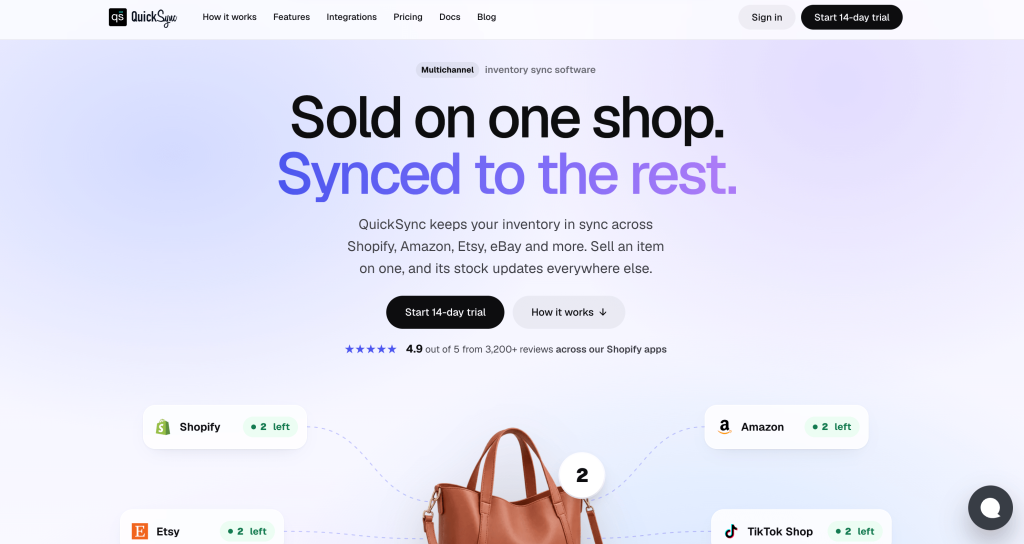
- Inventory sync. A sale on any connected platform lowers the count on the others.
- Product and listing sync. On Pro, titles, photos, options, and prices stay in step with your main store, and you can create listings on a new platform from it.
- Order sync. On Pro, orders from every platform land in one place.
- Price rules. On Ultra, set a different price per platform to cover each one’s fees.
Plans start at $19 a month for two shops and up to 1,000 items, with unlimited orders on every plan. Each extra shop adds the plan price. See the QuickSync pricing page. QuickSync doesn’t connect to Walmart Marketplace or resale apps like Poshmark.
Should you start with a marketplace or your own store?
Start with a marketplace if you need sales soon. Amazon, eBay, Etsy, and TikTok Shop already have buyers, so a good listing can start selling soon after it goes live. You pay for that reach with higher fees per sale and less control over your customers.
Start with your own store if you already have an audience, like an email list, social following or local customers. Shopify, WooCommerce, and Square have lower fees per sale, and every customer is yours to market to again.
Most sellers do both in the end. They use a marketplace to find new buyers and their own store to keep them. The earlier you connect the two, the easier it is to grow without your stock counts falling out of step.
Final thoughts
There’s no single best place to sell online. Amazon and eBay have the biggest audiences. Etsy and TikTok Shop bring buyers looking for something specific. Shopify, WooCommerce, and Square give you your own space with lower fees.
The sellers who grow fastest usually combine them. They find buyers on a marketplace, keep them on their own store, and sell in person where it makes sense. The trick is to start with one or two platforms you can run well, then add more once your stock, listings, and orders are connected.
Pick the platform that matches what you sell, check the fees on a typical order, and plan for a second channel from day one.