
A store page is the page on your Squarespace site that holds products, like a Shop page. Every product we create there goes on one. So QuickSync keeps a default store page for your site. If your site has exactly one enabled store page when you connect, we’ll choose it for you. Otherwise you pick it once, in the Squarespace store’s Review settings.
The default only matters for products we create. It never moves products that are already there.
What a store page is
In Squarespace, a store page is a page made for selling. A site can have several, such as one for bags and one for belts. Each product sits on one store page. You can move it to another in Squarespace.
We read your store pages when you connect. QuickSync’s settings call them categories. You’ll find them under Default category.
What it controls
- Where new products go. Every product we create on Squarespace goes on the default store page, whatever its category in your main store. We don’t sort products onto pages.
- Nothing that already exists. We never change the page of a product that’s already on Squarespace. Move one to another page there, and it stays put.
- Only what comes next. Changing the default affects the next products we create. Earlier ones keep their page.
We don’t create store pages either. Add them in Squarespace, then pick one here.
Set the default
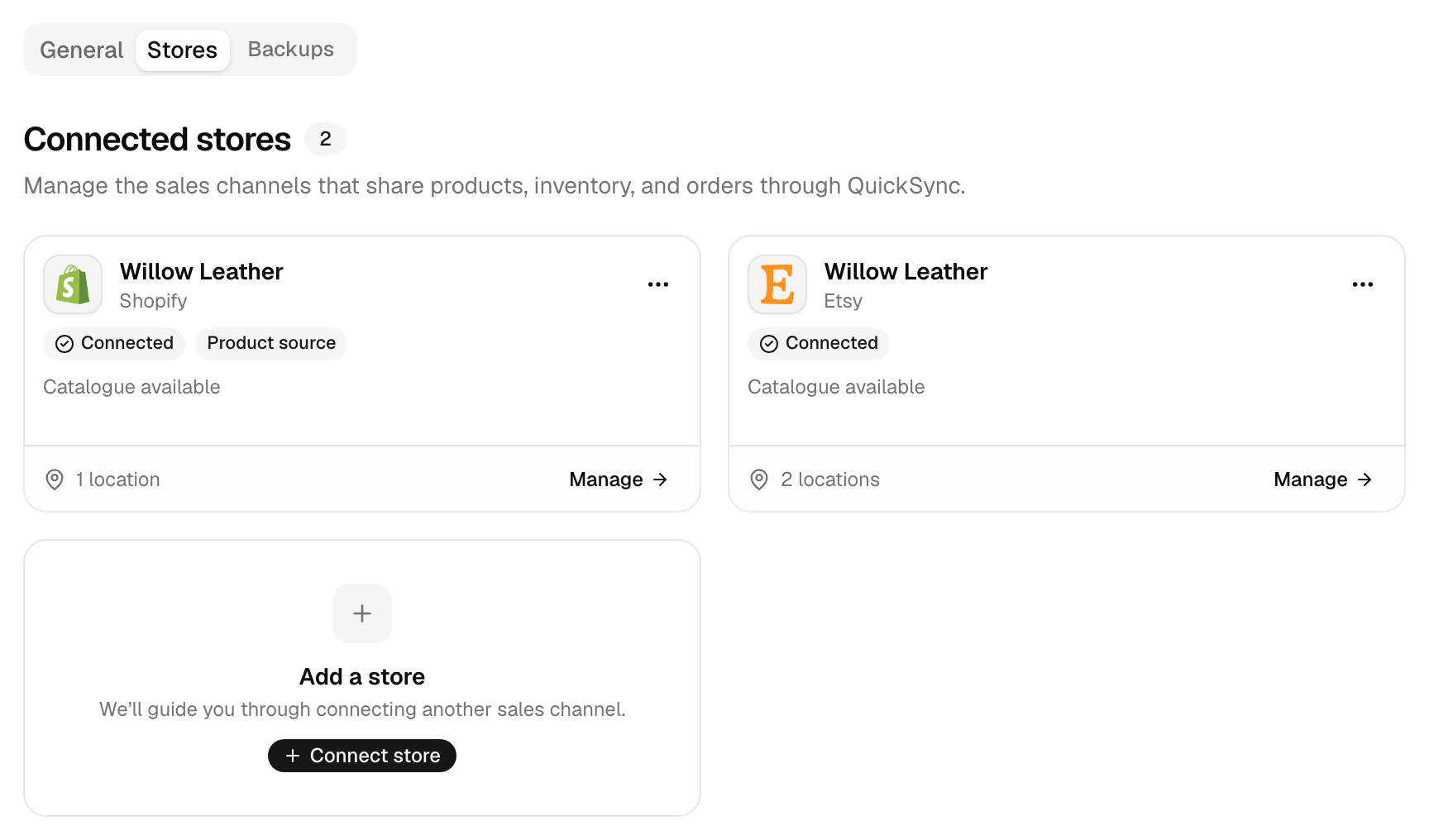
- In QuickSync, open Settings, then Stores.
- Click Manage on the Squarespace card.
- Open Review settings and pick a store page under Default category.
- Click Save changes.
Until Squarespace has a default or you save its Review settings, setup shows Review settings on the Squarespace row. The Sync products wizard marks it Required and won’t continue. It asks even when Squarespace is your main store.
Added a store page after connecting? If it isn’t in the list, type its full name in the Default category search. When nothing matches, we read your store pages from Squarespace again.
If you delete the page
It’s fine to rename a store page. We know it by its ID, not its name.
Deleting it is different. The next product we try to create on it fails. We read your store pages again and retry once. If the page is still gone, we clear the default and mark Squarespace as needing review. We also email you [Action Required] Please update your SquareSpace category, at most once a day. Pick a new default, and new products go there.
Common questions
What is a store page in Squarespace?
It’s a page on your Squarespace site that holds products, such as a Shop page. A site can have several, and each product sits on one. QuickSync puts every product it creates on Squarespace on your default store page. We set that default for you when your site has exactly one enabled store page. Otherwise you choose it in the Squarespace store’s Review settings.
Why won’t QuickSync create my products in Squarespace?
Usually there’s no default store page. Open Settings, then Stores, click Manage on the Squarespace card, and pick a page under Default category in Review settings. If one’s set, check that page still exists. Then open the product on the Products page: its status names anything else that’s missing. A product with more than 100 variants won’t go to Squarespace either.
Can I put products on different store pages?
Yes, but you move them in Squarespace. We put every product we create on your default store page, whatever its category in your main store. Move a product to another page in Squarespace afterwards and it stays there, because our updates never change a product’s page. To send a batch of new products to another page, change the default before we create them.
Does changing the default store page move my products?
No. The default only decides where we’ll put the products we create from now on. Products already on Squarespace stay on their pages, whether we created them or you did. If you want older products on the new page, move them in Squarespace. Our later updates to those products won’t move them back.
Do I need a store page if Squarespace is my main store?
Yes, setup asks for one anyway. The Sync products wizard marks Squarespace Required until it has a default store page or you save its Review settings, whichever store is your main store. If your site has exactly one enabled store page, we set it when you connect. There’s nothing to do. Otherwise pick any store page and click Save changes in its Review settings.
Next step
For SKU limits, tracking and the rest of the Squarespace rules, read Connect Squarespace. If a product still won’t sync, What each product status means has the fix for each status.









