
QuickSync connects your eBay seller account to your other stores. Stock syncs both ways. Product details go to eBay from your main store, and eBay orders come into the store you pack and ship from. That packing store can’t be eBay itself, and we check eBay for new sales on a timer.
To list on eBay, we also need three business policies, a ship-from address and the item specifics each category asks for. Set those up before your first listing.
Before you start
- A seller account that can list. If eBay still needs details from you, we can’t list yet. We’ll email you if so.
- Your eBay site. We list on the eBay site you registered on, such as ebay.co.uk, in that site’s currency. One connection covers one site.
- Business policies. You need a shipping, a payment and a return policy before eBay takes a listing. You can connect without them. Set up eBay business policies shows how.
- A SKU on every variant. We match products by SKU, so it must be identical in both stores. We can’t link items whose SKUs differ.
- The out-of-stock option. Turn it on in eBay’s Selling preferences, under Multi-quantity listings. Without it, eBay refuses a count of 0 on listings you made there. They stay for sale at their old count. On a listing with options, eBay may remove an option that has never sold when it reaches 0.
- The right plan. Stock syncing works on every plan. Product and order syncing need Pro or above.
Connect eBay
- In QuickSync, open Settings, then Stores.
- Click Add a store. On your first setup, it’s Connect your first store or Connect another store on Overview.
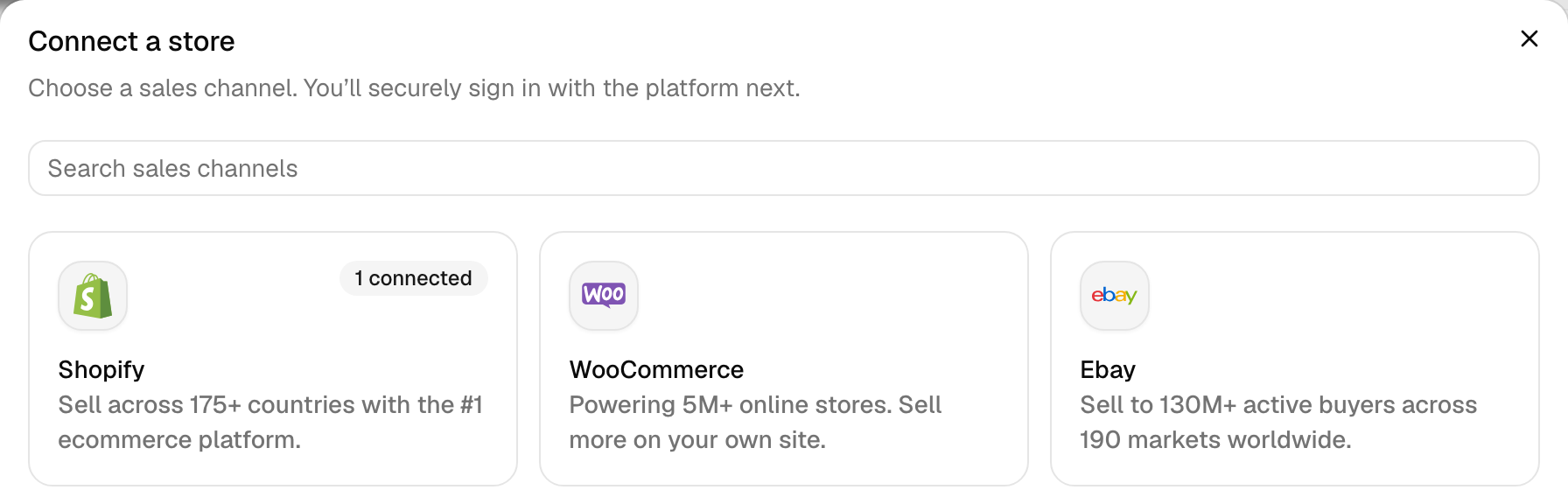
- Click the Ebay tile. There’s nothing to fill in.
- Sign in on eBay’s page with the account you sell from, and approve access. You’ll come back to QuickSync.
- Wait while we read the store. Its card says Connecting until we’re done.
- Fill in the store’s Review settings, below, and click Save changes.
During setup, the store shows Fetching store data while we read it, then a Review settings button. Later, you’ll find them under Manage on the eBay card.
Review settings
These are the defaults for every listing we create on eBay. Setup and Sync products wait until you’ve saved them once.
- Default category: the category we use when eBay can’t suggest one from a product’s title.
- Item condition ID: eBay’s number for the condition, such as 1000 for New. Every new listing gets it.
- Fulfillment policy, Return policy and Payment policy: your three policies from eBay. Each new listing uses all three.
- Item location: the address eBay shows buyers as where items ship from. If it says Address missing, fill in the Street address, City and ZIP or postal code. Then click Save address.
- Default package: a Package preset, such as Small parcel (8 × 6 × 4 in), and a Default weight (lb). Every new listing gets this size and weight. The product’s own doesn’t count.
After you connect
We read your site and currency, your listings, policies, inventory locations and categories, and the carriers eBay offers you. Orders start coming in once you turn on order syncing.
Connecting doesn’t change your listings. We may add one thing in eBay: an inventory location. If your account has none, we create one from your other store’s address. We can’t list without a ship-from address. If your other store is on Amazon, Square or Etsy, there’s no address to copy. Add one under Item location.
What syncs
| What | With eBay |
|---|---|
| Stock to eBay | Yes. A sale or restock in another store changes the eBay quantity. |
| Stock from eBay | Yes. An eBay sale lowers the count in your other stores. |
| Product details to eBay | Yes, from your main store: titles, descriptions, prices, photos, variants and item specifics. New products you add there go to eBay too. Pro and above. |
| eBay as the main store | Yes. We copy titles, descriptions, photos, variants, SKUs, prices and weights from your eBay listings. |
| Orders from eBay | Yes, into your packing store, with the buyer’s name, address and items. Pro and above. |
| eBay as the packing store | No. Pick another store under Order route on the Orders page. |
| Tracking back to eBay | Only when Shopify packs the order, and only if its carrier name matches one on eBay’s list. |
| How fast | We check eBay every 2 minutes for sales, stock changes and orders. A change we send to eBay goes out as soon as we have it. |
Each stock and order update shows in the sync activity table on Overview. It’s marked Syncing, Synced or Failed. For every other app’s timing, see How QuickSync works.
eBay rules
We’d rather stop a listing than send eBay a guess. A blocked product waits under Needs attention on the Products page. Its status names the fix, such as Add your eBay ship-from address.
| Rule | What happens |
|---|---|
| SKU | Up to 50 characters, with no semicolons or control characters. Spaces and symbols are fine. We never shorten a SKU, so a longer one stops the listing. |
| Title | We send the first 80 characters. |
| Description | We keep paragraphs, bold, lists and tables, and cut the text at 3,900 characters. An empty description goes up as the title. |
| Price | Your main store’s price as the same number in your eBay site’s currency, unless currency conversion is on (Ultra and above). The lowest price we send is 0.99. |
| Photos | Up to 24. Photos under 600 pixels on the long side drop out when bigger ones exist. A product with no photo gets a placeholder picture. |
| Video | One per listing, on Ultra and above. |
| Options | eBay accepts names up to 40 characters and values up to 50 on listings we create. An option called Brand, Type or Format becomes The Brand, The Type or The Format. |
| Listing format | Fixed price, Good ‘Til Cancelled. We don’t create auctions. |
| Category | eBay’s first suggestion for the product’s title, or your Default category. See eBay categories and item specifics. |
| Item specifics | Taken from facts in your product, never guessed. A missing required one stops the listing. |
| Condition | Your Item condition ID, on every new listing. If the category doesn’t allow it, the listing stops. We don’t swap in another. |
| Policies and package | The ones in Review settings, on every new listing, with no per-product choice. Missing policies show as eBay business policies required. |
| Stock | 0 to 100,000 per listing. A listing you made in eBay goes to 0 only if eBay’s out-of-stock option is on. |
| Ended listings | We can’t update a listing that has ended in eBay. Relist it there, then contact support to link the new one. If a listing we created ended at 0, we publish it again when stock comes back. |
| Locations | We read your eBay locations, but we write one quantity per SKU, not one per location. |
| Drafts | eBay has no draft mode in QuickSync. If Create as draft is on in the Product Syncing settings, we create eBay listings but don’t publish them. |
| Listing fees | We estimate $0.35 per new listing. Setup, Sync products and QuickFix ask you to accept them before a listing goes live. The switch on the Product Syncing card doesn’t ask, and neither does product syncing when it lists products you add later. eBay bills them, not QuickSync. |
| Cancelled orders | We mark the order cancelled in QuickSync, but that doesn’t reach its copy in your packing store right away, so cancel it there yourself. See Cancellations and refunds. |
Reconnect or switch account
Sometimes eBay stops accepting our sign-in. When that happens, we email you if email notifications are on, and the eBay card under Settings, Stores says Needs attention. If eBay keeps refusing it, we remove the store from QuickSync, with its products and orders.
- Open Settings, then Stores.
- On the eBay card, click Reconnect.
- Click the Ebay tile.
- Sign in to the same eBay account as before. Another account would become a second store.
We save the new sign-in and carry on syncing. The card can still say Needs attention afterwards. QuickFix may also keep asking you to reconnect eBay. If either happens, contact support and we’ll clear it.
Before you disconnect, know what it does. Disconnect sits in the three-dot menu on the eBay card. Once you confirm, we stop syncing the store. We also remove it from QuickSync, with its products and orders. Your eBay listings stay as they are. If you connect the account again later, it comes back as a new store, matched from scratch.
To switch eBay accounts, connect the new one as its own store. A plan covers 2 stores, and each extra store adds the plan price again.
Common questions
How fast does QuickSync sync eBay?
We check eBay every 2 minutes for new sales, stock changes and orders. An eBay sale reaches your other stores on the next check. Changes going the other way leave as soon as we have them, so a Shopify sale updates eBay once Shopify tells us. Still wrong a few minutes later? Open the product on the Products page to see the stock we hold for each store.
Why is a sold-out item still for sale on eBay?
Usually because eBay’s out-of-stock option is off. Without it, eBay refuses a quantity of 0 on listings you created there. The listing stays live at its old count. In eBay’s Selling preferences, under Multi-quantity listings, turn on “Listings stay active when you’re out of stock”. We retry the refused 0 every few minutes, so it goes through once that’s on. An ended listing can’t take updates at all, so relist it and contact support.
Why don’t my products show up on eBay after syncing?
Open the Products page and look under Needs attention, where each product’s status names what stopped it. On eBay, the usual causes are business policies not picked in Review settings, an item location with no address, a missing item specific, and eBay’s monthly listing limit, which we email you about. If Create as draft is on in the Product Syncing settings, we create eBay listings without publishing them. Turn it off, then sync the product again.
Can I keep different prices or titles on eBay?
Prices, yes. Turn on Price adjustment in the eBay store’s General settings (Ultra and above). It adds a percentage or a fixed amount to your main store’s price. Titles, no. With product syncing on, the next change to a product in your main store sends its title to eBay again. To leave eBay’s titles and prices alone, keep stock syncing on and product syncing off.
Does QuickSync send tracking numbers to eBay?
Only when Shopify is your packing store. When you ship an eBay order in Shopify, we send its tracking number to eBay. The carrier’s name has to match one on eBay’s list for your account, ignoring capitals. If eBay doesn’t list that carrier, the order’s timeline in QuickSync says so. Pack in WooCommerce, Square or any other store, and tracking never reaches eBay.
How much does eBay charge per listing?
We estimate eBay’s fee at $0.35 for each new listing. Before setup or Sync products lists anything, we show the total, and you tick “I accept these estimated listing fees”. QuickFix asks once per eBay store. The fee goes on your eBay bill, not your QuickSync one. The real amount can differ from our estimate. QuickSync charges only your plan, whatever you list.
Next step
Before your first listing, set up your eBay business policies. Your site’s policy page is in eBay business policy links. If a listing stops on its category or an item specific, read eBay categories and item specifics. Every other status is in What each product status means.









