QuickSync installs on your Wix site through Wix’s own install page. Wix then reports every change to us through webhooks, so nothing waits on a timer. Stock syncs both ways. Product details flow into Wix from your main store, or out of Wix if it’s the main store. Wix orders go to the store you pack from, and Wix can’t be that packing store itself.
Below: what to set up in Wix first, the two ways to connect, what syncs, Wix’s limits including its 40-character SKUs, billing through Wix, and what removing the app does.
Before you start
- Wix Stores is on the site. Without it, there’s no catalogue to sync. QuickSync says Wix Stores isn’t installed. Add it from your Wix dashboard.
- You’re the site owner. Only the owner can open QuickSync from the Wix dashboard, so install it while signed in to Wix as the owner.
- SKUs fit in 40 characters. That’s Wix’s limit, and we match products by SKU. Shorten longer codes in your main store before you sync.
- Track inventory is on. If a product only says In stock or Out of stock, there’s no count for us to sync.
- Your plan. Stock syncing works on every plan. Product and order syncing need Pro or above. Product videos need Ultra or above.
Connect Wix
From QuickSync
- Open Settings, then the Stores tab, and click Add a store. During setup, Connect another store opens the same window.
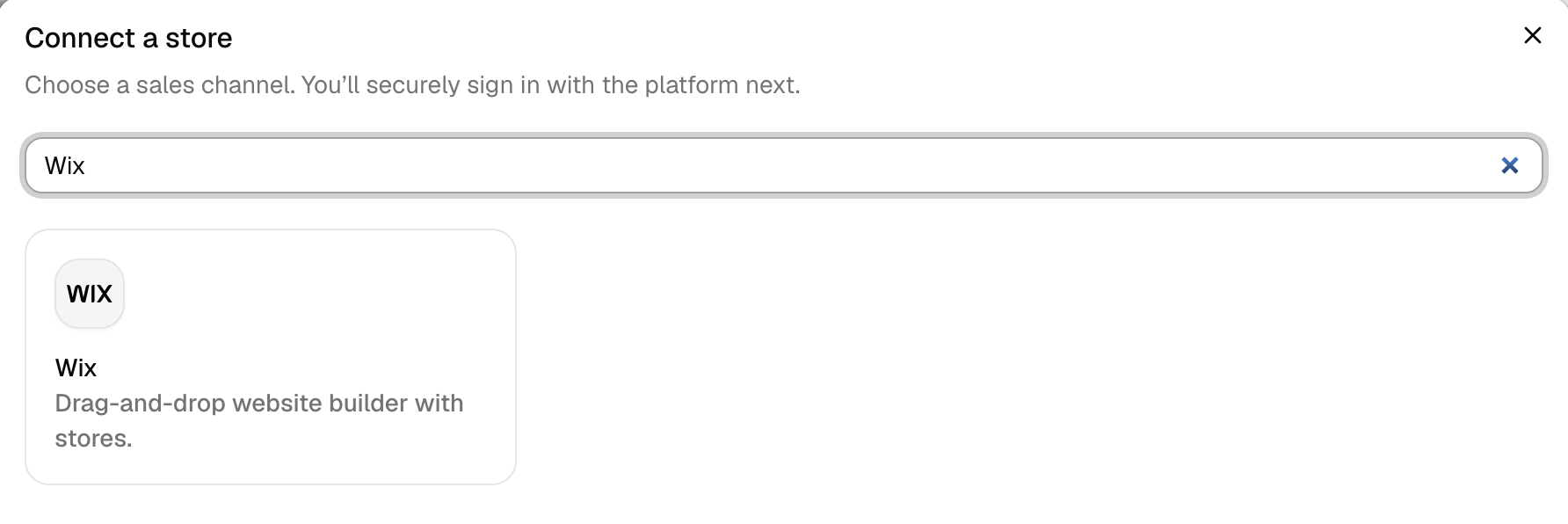
- In Connect a store, click Wix. There’s no address to type: we send you straight to Wix.
- Sign in to Wix if it asks, pick the site with your store, and approve the install.
- Wix sends you back to QuickSync. The store’s card says Connecting while we read your site, then Connected.
From the Wix App Market
- Install the QuickSync app on your site from the Wix App Market.
- Open it from your Wix dashboard and click Open QuickSync. QuickSync opens in a new tab.
- The first time, that adds the site to the QuickSync account you’re signed in to. If you aren’t signed in, it creates a new account. Later, the same button signs you in.
Wix bills an account you create this way. See Billing below.
Either way, we then read your site’s details, warehouses, categories and every product, hidden ones included. Nothing changes in Wix until you start syncing. We don’t copy past orders either.
If it won’t connect
| What you see | What to do |
|---|---|
| We couldn’t verify this Wix installation | Start again from Add a store. |
| We couldn’t verify your Wix site | The link from Wix expires after an hour. Open QuickSync from your Wix dashboard again. |
| Sign in to QuickSync to manage this site’s syncing | Someone other than the site owner opened the app. Ask the owner, or sign in to QuickSync with your own login. |
| You’re signed in to a different QuickSync account | Sign out of QuickSync in this browser, then open the app from Wix again. |
| This Wix store is already connected with an account | The site belongs to another QuickSync account. Sign in to that one. |
What syncs
| What | Wix |
|---|---|
| Stock to and from Wix | Yes, both ways, for products with Track inventory on |
| Product details into Wix | Yes, for physical products, from your main store. Pro and above |
| Wix as the main store | Yes |
| Orders from Wix | Yes. Pro and above |
| Wix as the packing store | No |
| Tracking into Wix orders | Only from a Square or WooCommerce packing store, for FedEx, UPS, USPS, DHL, Canada Post or Hermes |
| How fast | As it happens, through Wix webhooks. No timer |
Warehouses. Sites on Wix’s newer catalogue, called V3, can hold stock in several warehouses. We read each one. We never connect a new warehouse ourselves: pair it with a location in your other store under Settings, Connect locations. Sites still on the older catalogue have one location.
Stock. Wix takes counts from 0 to 99,999. We won’t send less than 0. Wix gets 0, or 1 if the product keeps selling when out of stock in Shopify, so it stays buyable.
Products. With product syncing on, we write titles, descriptions, prices, compare-at prices, cost, weight, options, images and whether each product shows. On Wix’s older catalogue, a product has one discount, so every variant gets the first variant’s markdown. Your first tag becomes the product’s ribbon. We don’t touch Wix categories or other tags. If Wix isn’t your main store, we replace edits made in Wix the next time that product changes in your main store.
Orders. Wix sends us each new order and every change to it. When you or a buyer cancel a Wix order, we mark it cancelled in QuickSync, but that doesn’t reach its copy in your packing store right away. Cancel that one yourself. Cancellations and refunds has the rule for every store.
Tracking. We send Wix tracking for six carriers only, and only as one shipment for the whole order. Shopify reports each package on its own, so tracking never reaches Wix when Shopify packs. Square and WooCommerce packing stores send whole orders, and we offer those only on accounts created at quicksync.pro or billed through Clover. If you installed QuickSync from the Wix App Market, mark Wix orders fulfilled in Wix yourself.
Wix rules
| What | Rule |
|---|---|
| SKU | Up to 40 characters, and unique on the site |
| Title | Up to 80 characters. We trim a longer title at the last whole word |
| Description | Up to 8,000 characters, or 16,000 on the V3 catalogue |
| Options | Up to 6 option groups per product, each name up to 50 characters |
| Media | Up to 50 images and videos per product, with 1 video on Ultra and above |
| Products per site | Wix allows up to 50,000 |
| Drafts | Create as draft doesn’t apply to Wix. A new product shows if it’s active in your main store, and stays hidden if not |
| Digital products | We don’t send their details to Wix, because the download file can’t move across. Create them in Wix with the same SKU |
When Wix refuses a product, its status on the Products page says why: SKU already used on Wix, Variants have the same options, Variants are missing option values, Too many options for Wix, No fixed price in source store or No stock at the location connected to Wix. Wix rejected this product means Wix gave a reason we don’t recognise yet. Support can see Wix’s exact message.
SKUs on Wix
- Long SKUs get cut. When we create a product in Wix, a longer SKU becomes its first 40 characters. That code no longer matches your other stores, so the new listing doesn’t link and its stock doesn’t sync. Keep SKUs to 40 characters or fewer.
- We won’t write a longer one. We refuse any SKU change over 40 characters before it reaches Wix. The old SKU doesn’t change.
- SKUs we create are short and never duplicate. When we add a missing SKU to a Wix product, through Create missing SKUs in setup, Auto SKU creation or QuickFix, it’s the first 10 characters of a Wix ID for that variant. If another product or variant on the site already uses that code, we skip it. The product then stays under Needs attention as No SKU found. Add a SKU by hand.
Billing
- Installed from the Wix App Market. Wix bills you. You start with 14 days of Pro features for up to 2,500 items. Then you’re on the Free plan, which syncs stock for up to 100 items, until you pick Lite, Pro, Ultra or Ultra+. Plans you choose in QuickSync are monthly, through Wix’s checkout, and Wix’s listing sets the price. Wix doesn’t let you downgrade an app plan. To cancel, use Premium Subscriptions in your Wix account. Removing the app doesn’t cancel it.
- Signed up on quicksync.pro. You keep paying QuickSync directly. Adding Wix doesn’t move your bill to Wix.
Reconnect or switch site
If Wix stops letting us in, the store’s card under Settings, Stores says Needs attention and shows Reconnect. Click it and pick Wix. Wix’s install page opens again. We refresh the same store and keep its products and settings. If the card still says Needs attention afterwards, contact support.
Switch to another site. One Wix site belongs to one QuickSync account. Disconnect the old site, then connect the new one. You can connect more than one Wix site to an account.
Disconnect. Disconnecting stops all syncing for that site. Open the three-dot menu on the store’s card, click Disconnect, then Disconnect store. The app stays installed on your Wix site until you remove it there.
Before you remove the app from Wix. Removing QuickSync from your Wix site disconnects that store. If you installed QuickSync from the Wix App Market, Wix is the store your account started from. Then removing the app deletes your whole QuickSync account: every store, product, order and login. That’s also why such a store has no Disconnect.
Common questions
Why does QuickSync say Wix rejected my product?
Wix refused the listing, and the product’s status names the reason when we know it: SKU already used on Wix, Variants have the same options, Variants are missing option values, Too many options for Wix, No fixed price in source store, or No stock at the location connected to Wix. Fix that cause and sync the product again. Wix rejected this product means Wix gave a reason we don’t recognise yet. Support can see Wix’s exact message.
Does QuickSync support multiple Wix warehouses?
Yes, on Wix sites that use the V3 catalogue, which can hold stock in several warehouses. We read every warehouse, but we don’t connect a new one on our own. Pair each warehouse with a location in your other store under Settings, Connect locations. Stock then syncs between the pairs. Sites still on Wix’s older catalogue have a single stock location.
Can Wix be my packing store?
No. Wix sends its orders to QuickSync, but we don’t create orders in Wix. So it can’t be your packing store. Pick Shopify, Clover (not Clover EU) or Lightspeed instead, or WooCommerce or Square if you created your account at quicksync.pro or pay through Clover. Wix orders then arrive in that store with the customer’s address and the items, ready to pack.
How does QuickSync billing work on Wix?
If you installed QuickSync from the Wix App Market, Wix bills you. A new account gets 14 days of Pro features for up to 2,500 items. Then it moves to the Free plan, which syncs stock for up to 100 items, until you choose Lite, Pro, Ultra or Ultra+. You pay monthly through Wix’s checkout and cancel in Wix. Accounts created at quicksync.pro keep paying QuickSync after adding Wix.
What is the SKU limit on Wix?
Wix allows 40 characters per SKU, and each SKU on a site has to be unique. When we create a product in Wix, we cut a longer SKU to 40, and that listing doesn’t link, so shorten long codes first. We refuse any SKU change over 40. A SKU we create on Wix is the first 10 characters of a Wix ID for that variant. If another product or variant already uses that code, we skip it.
Will removing QuickSync from Wix delete my account?
Only if Wix is the store your account started from, which is the case when you installed QuickSync from the Wix App Market. Then removing the app deletes the whole account: every store, product, order and login. If you signed up at quicksync.pro, removing the app only disconnects that Wix store. To stop syncing one Wix site on such an account, use Disconnect under Settings, Stores.
Next step
Once Wix shows Connected, Set up your first sync walks through each setup screen. For which store should send product details, read Choose your main store.










